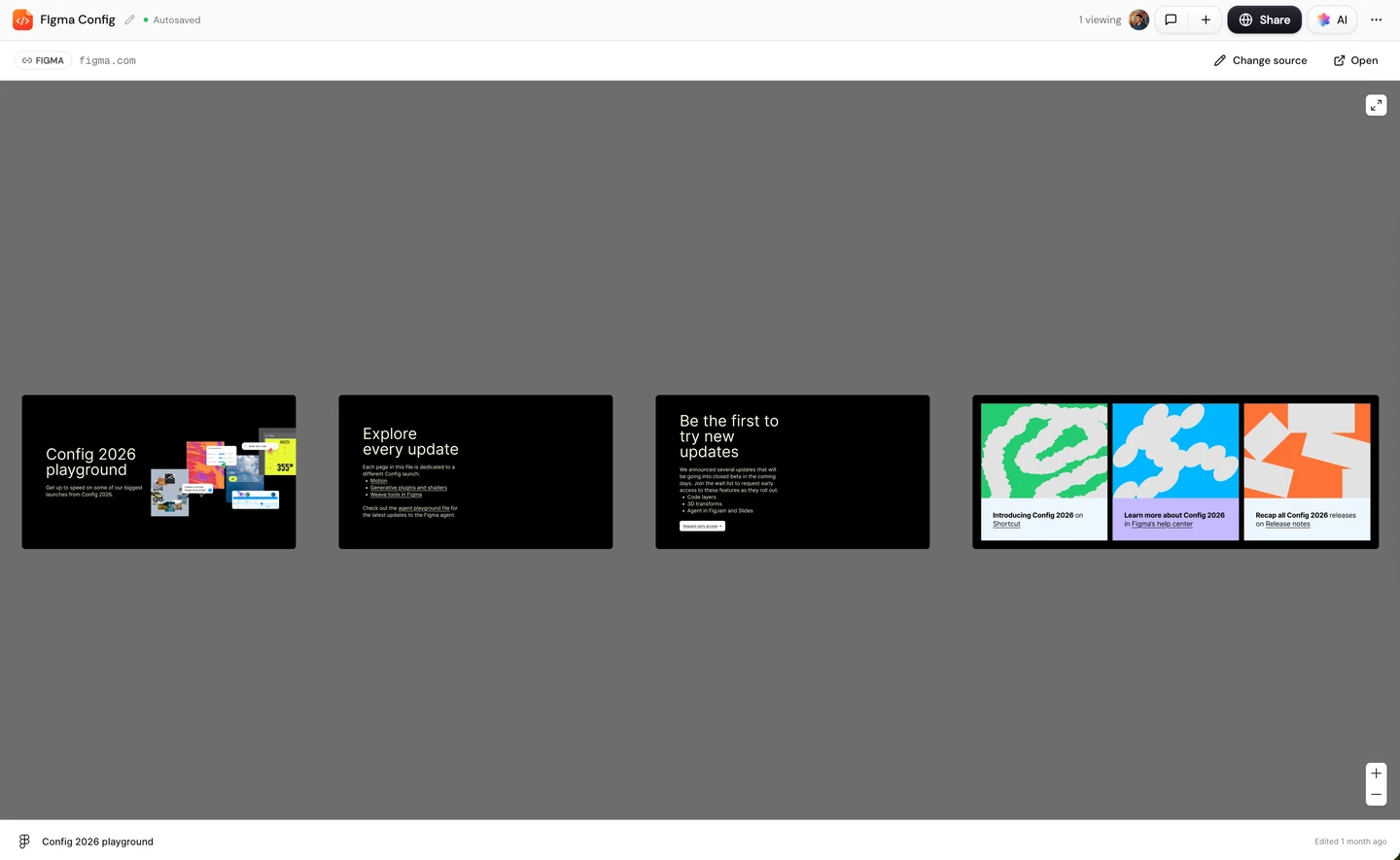
 Q3 Retention Proposal
Drop in whatever you have
Prompts, PDFs, Word, PowerPoint and Excel files, images, audio recordings and links. Docsiv reads them all and writes one document.

 AI Document CreationTurn notes and briefs into polished documentsClient PortalBranded client workspaces on your domainProject ManagementRun every client engagement on one boardBrand Kits and preferenceLock fonts, colours, and tone per clientDocument AnalyticsSee who opens, reads, and signsMedia LibraryOne asset store, filtered per client
Proposals, decks, reports, contracts, invoices and more, drafted from a prompt, your notes, a file or a call recording. Docsiv pulls in the client’s brand kit and your media library first, then lays out text and visuals together.
Building the cover from the bridge moodboard, then the slides.

Docsiv asks what it needs, shows you the plan, and only then writes.
Type what you need, or drop in a brief, a call recording, files and links.
Docsiv asks only what it needs: which client, visual or written, and the look.
Check the outline, colours and fonts. Change anything before a word is written.
It opens in the right editor. Change any block by hand or ask the AI Editor.
Before it writes a word, Docsiv pulls in the client’s brand kit, your media library, and the documents you’ve already made for them. You review every draft before it goes out.
Prompts, PDFs, Word, PowerPoint and Excel files, images, audio recordings and links. Docsiv reads them all and writes one document.
The client’s logo, colours, fonts and tone, their images, and the last documents you made for them.
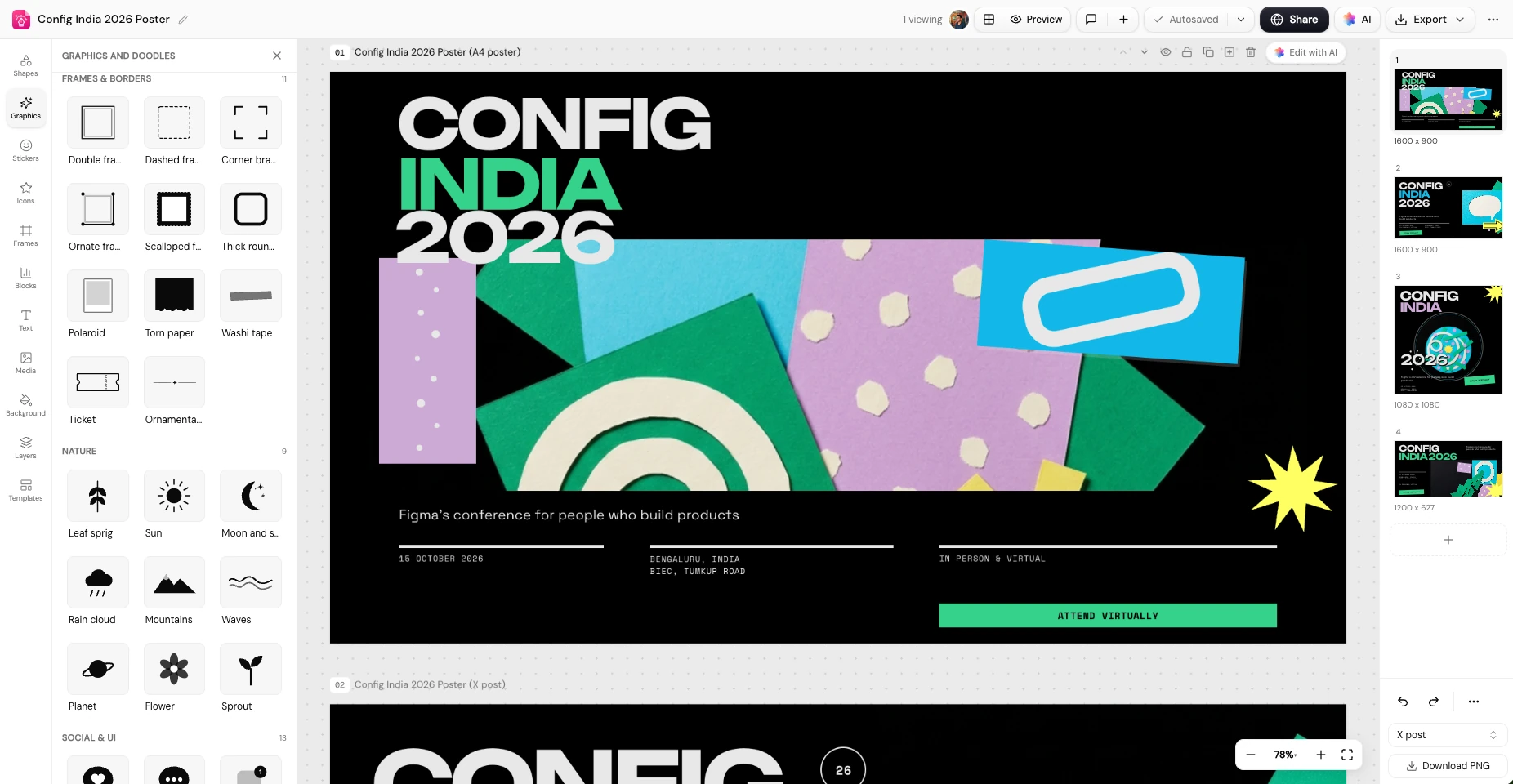
Docsiv generates cover art and visuals in the client’s colours, or places images from their media library.
Long documents generate in the background. Keep working, and Docsiv emails you the moment the draft is ready.
Docsiv drafts. You decide what changes and what goes out.
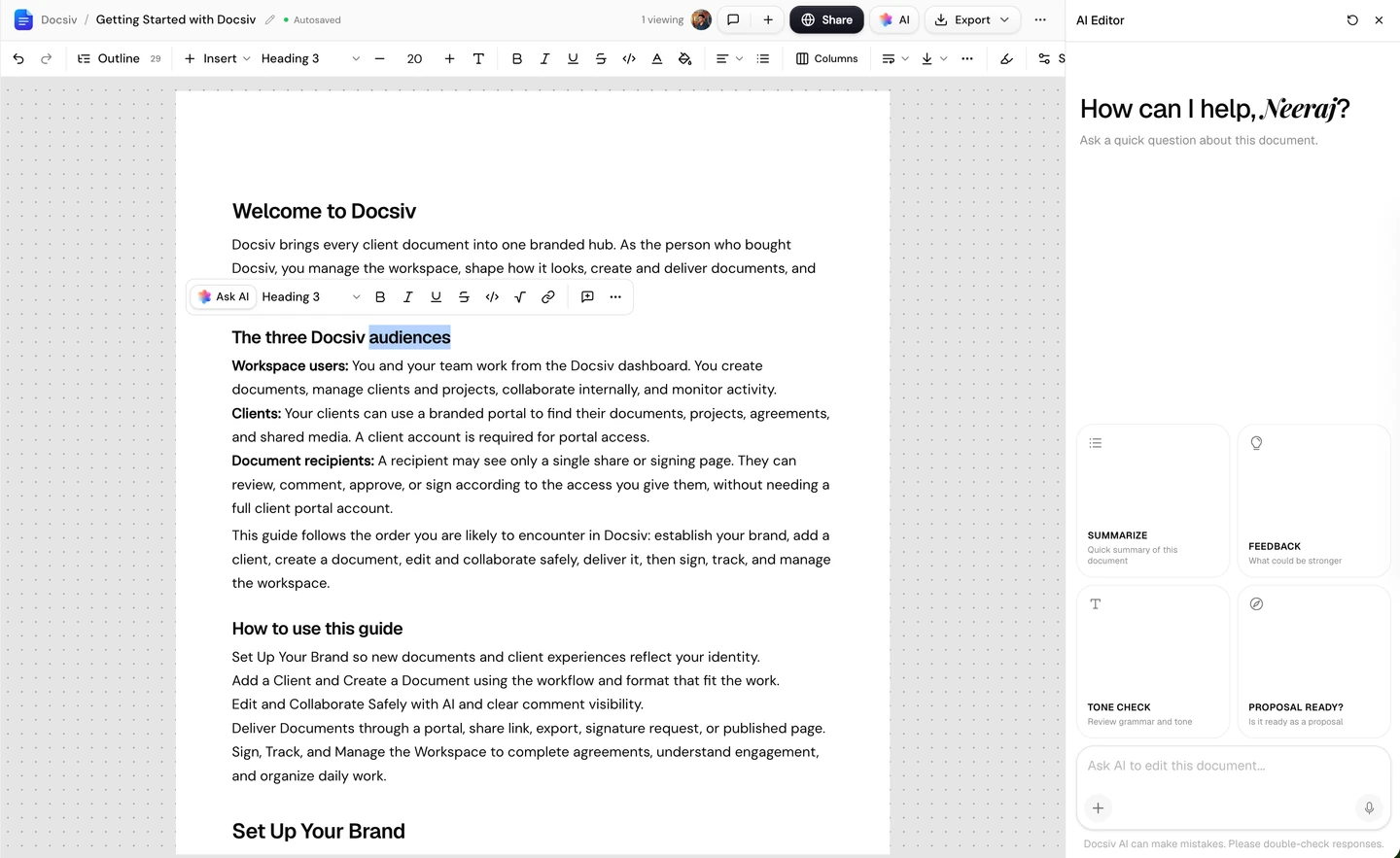
Select a section and tell the AI Editor what to change, or type over it yourself.
Drafts stay plain until you pick a brand. Choose your own kit or the client’s, and every page follows it.
Every draft is saved as a Draft. It reaches the client only when you share or send it.
Every draft opens in the editor built for it, not a chat reply you copy out. Rewrite, restyle, and rearrange anything, then send it from the same place.
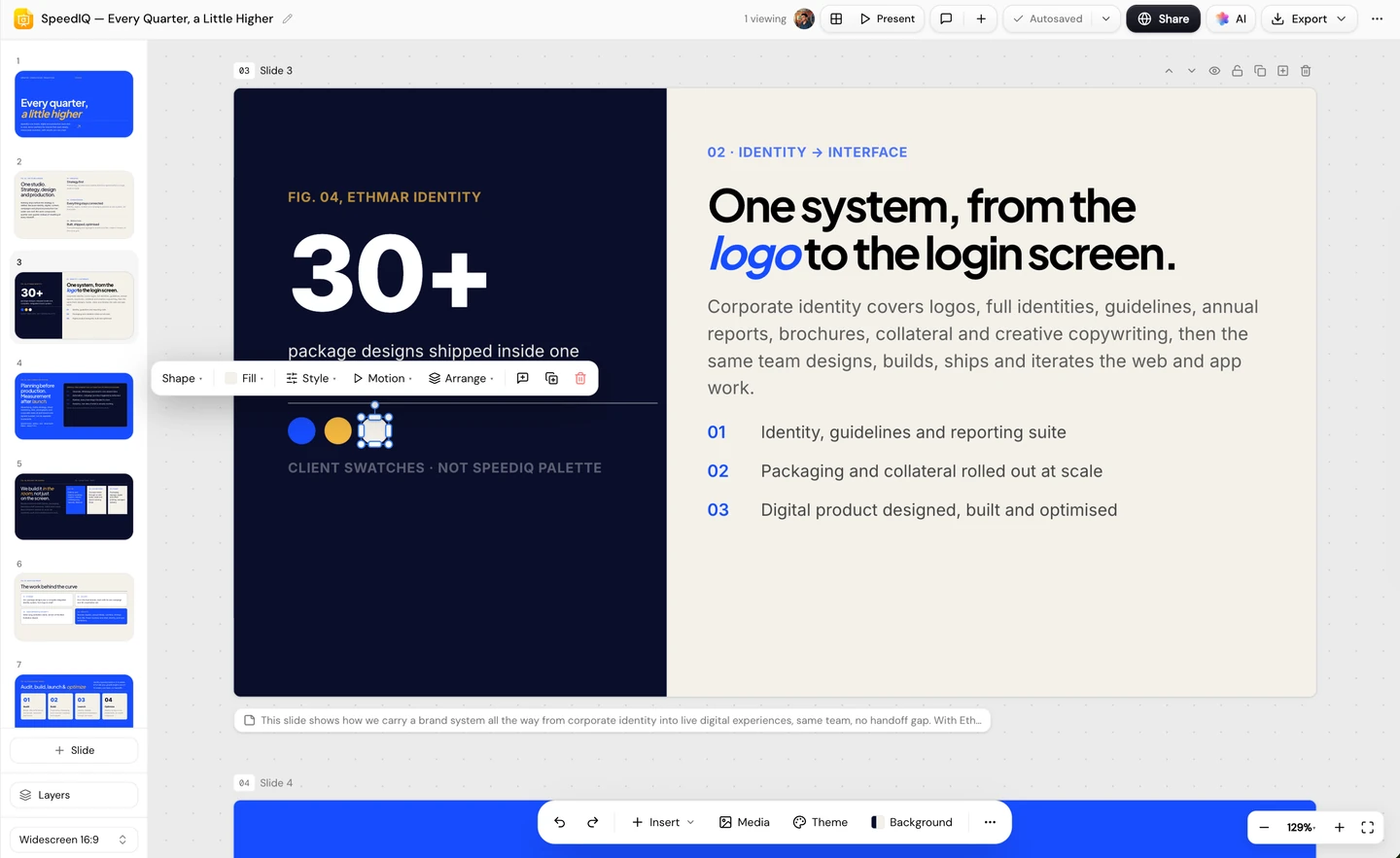
Docsiv lays out the pages. Move any block, swap images, restyle the theme, and export a real PowerPoint.
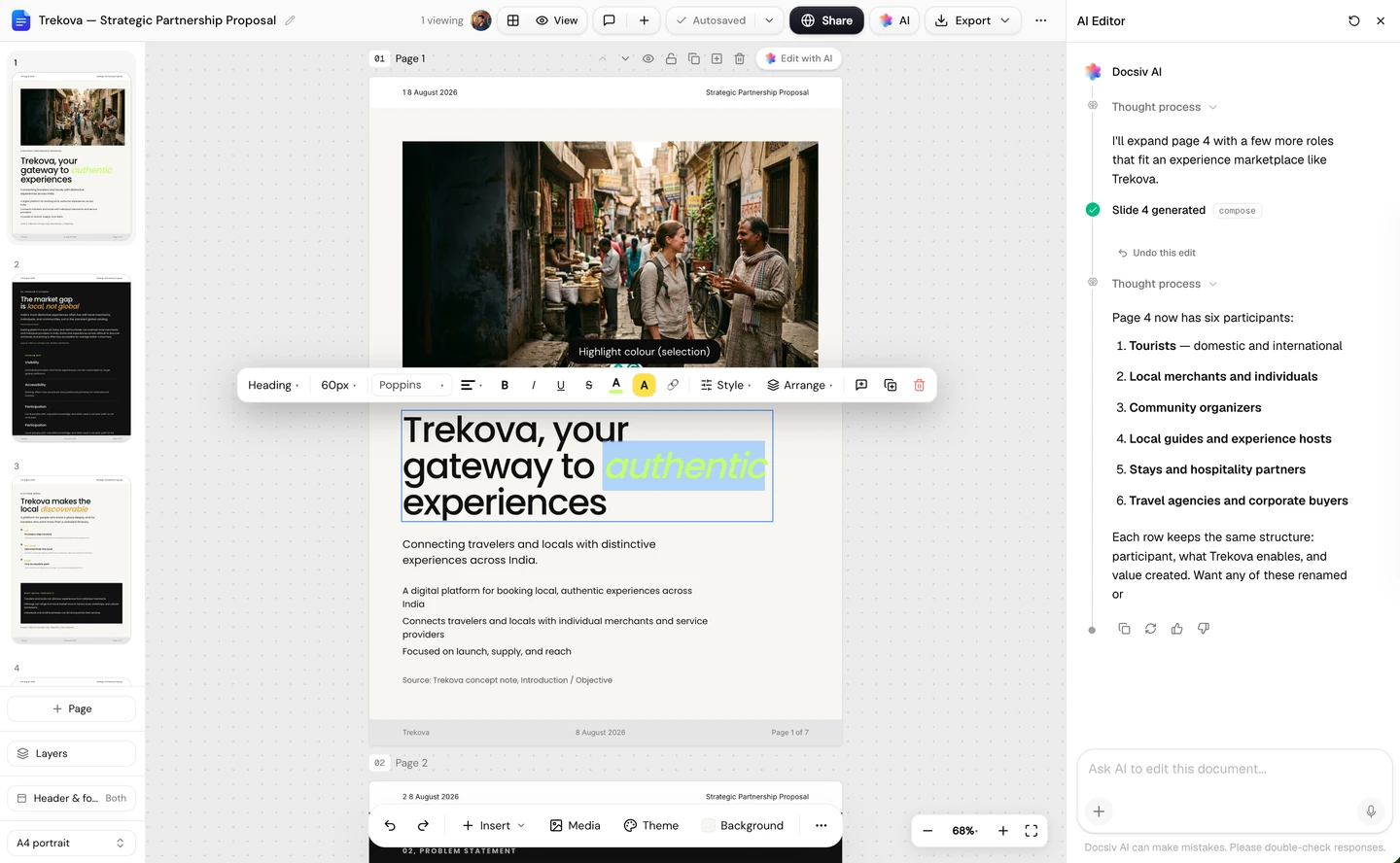
Docsiv lays out the pages. Move any block, swap images, restyle the theme, and export a real PowerPoint.
Twelve kinds of client work. Each one opens in the editor built for it.
 ProposalScope, timeline and pricing, with the signature block in place.
 ReportYour results written up with charts, KPIs and next steps.
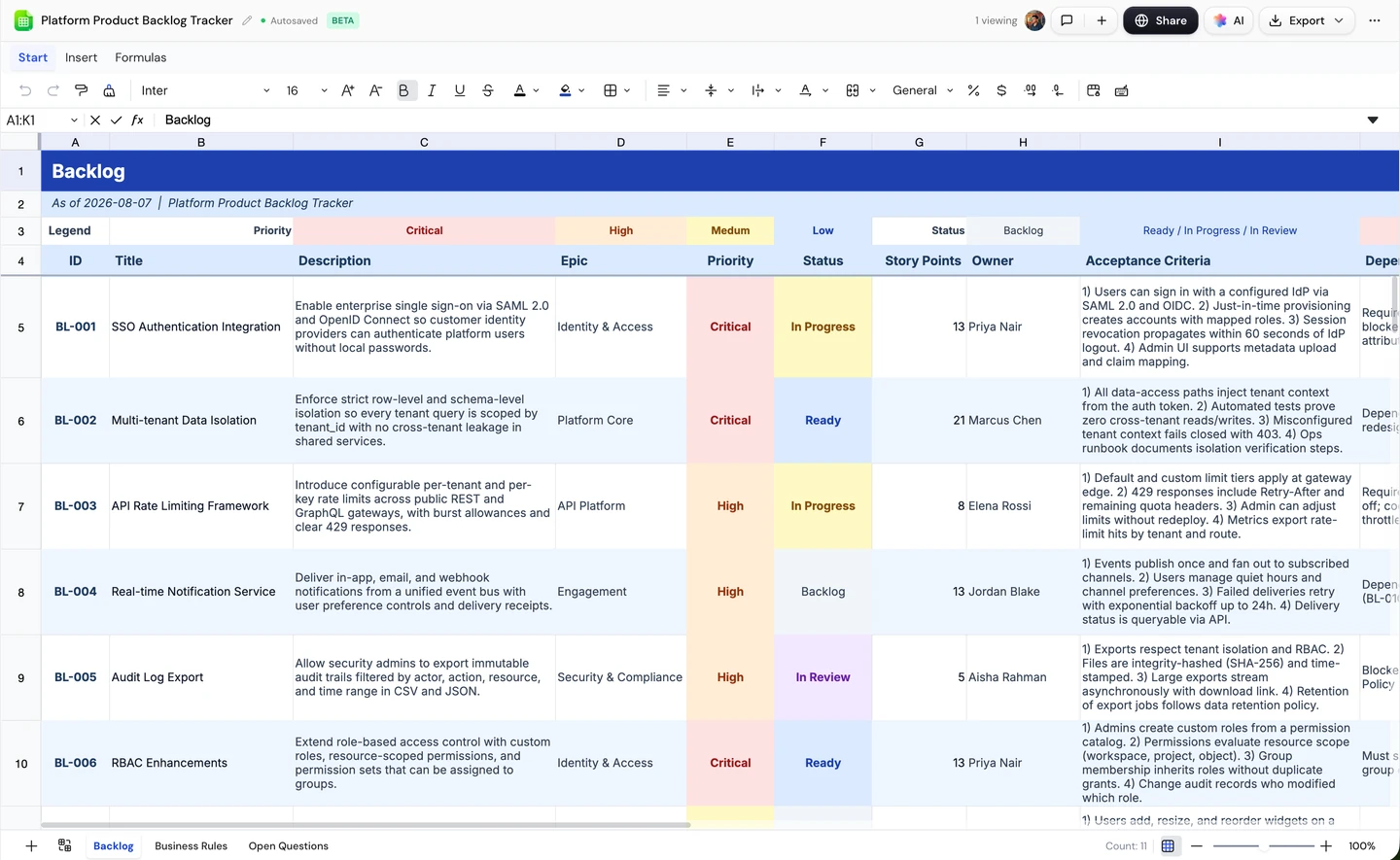
 SheetBetaBudgets, trackers and media plans with working formulas.
 ContractYour terms filled in for this client, ready to e-sign.
 DeckSlides in your brand that export as a real PowerPoint.
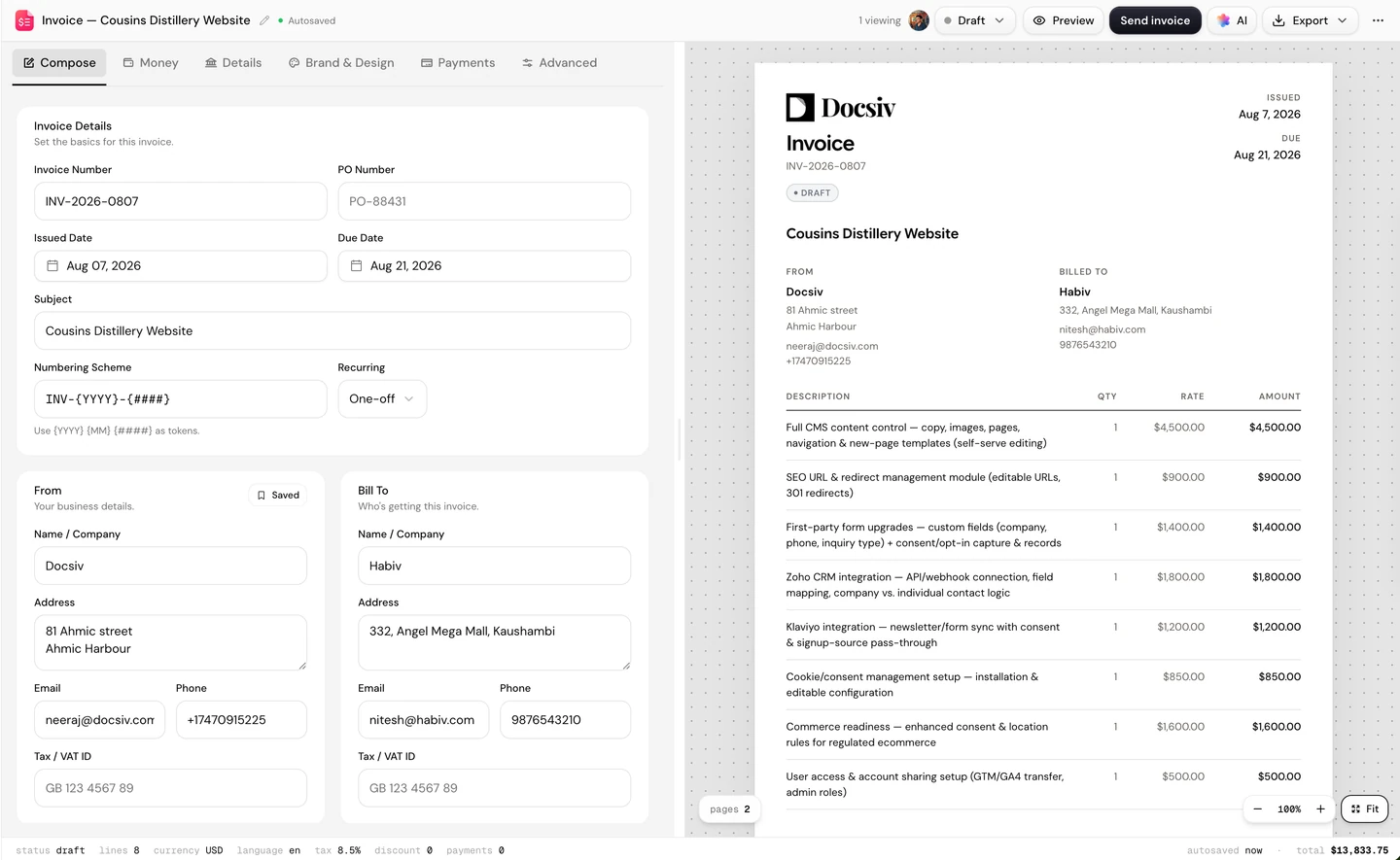
 InvoiceLine items from your scope, with tax and totals worked out.
 DocumentLong-form docs, playbooks and client memos.
 BriefShort, focused briefs that get everyone aligned.
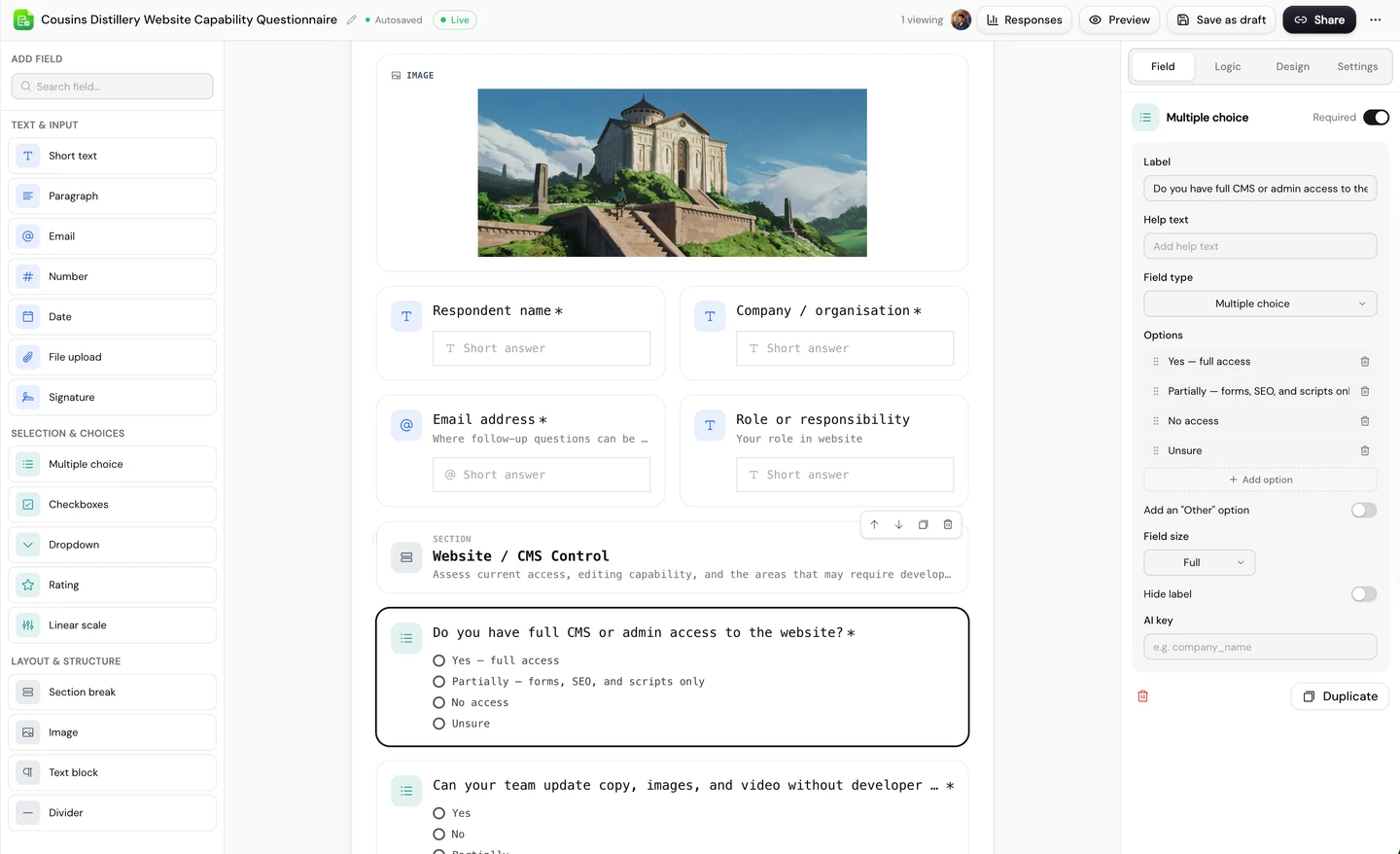
 FormBranded intake forms, with every response in one place.
 DesignPosts, stories, posters and cards, exported as PNG or PDF.
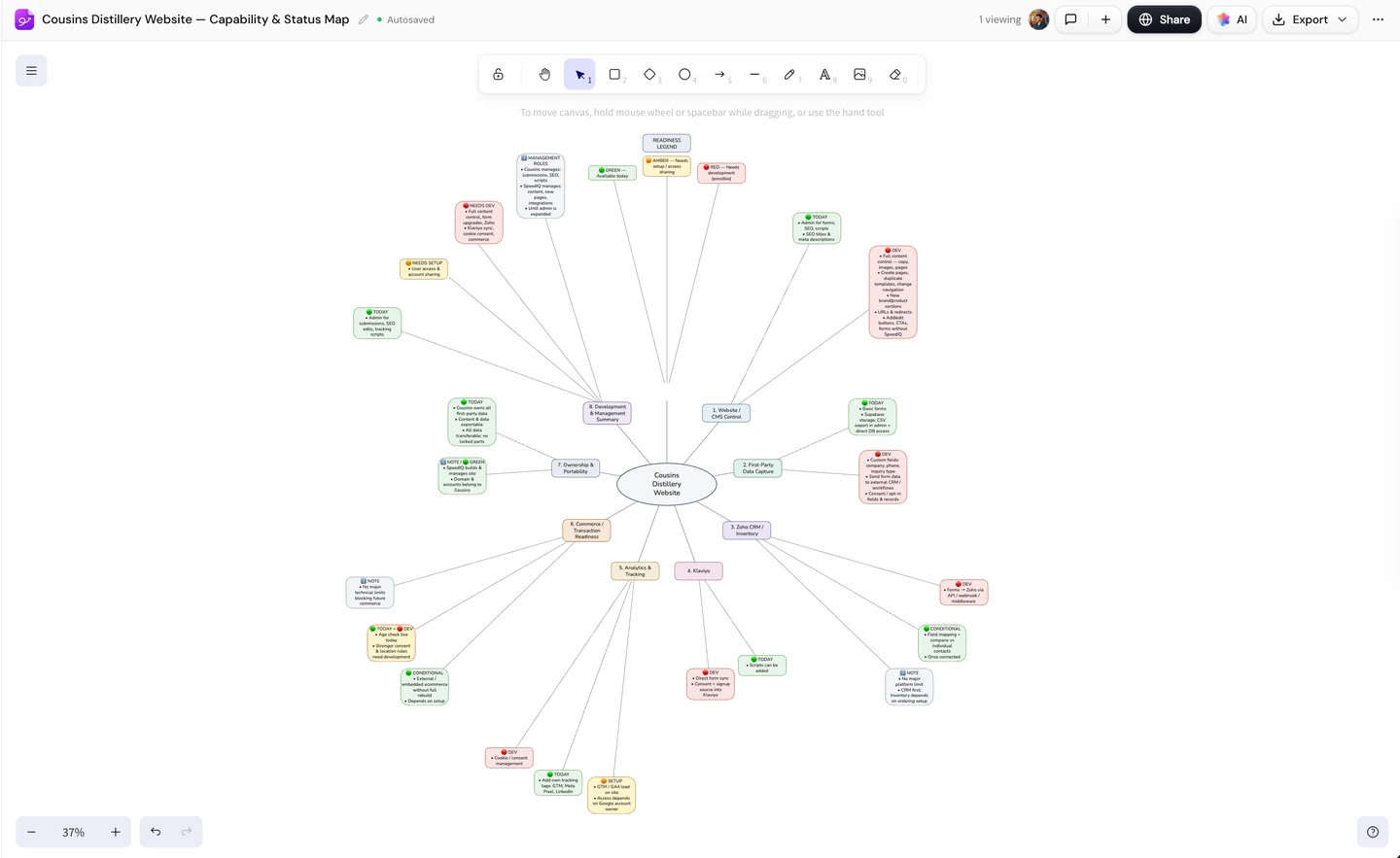
 WhiteboardBrainstorms, flows and diagrams on an endless canvas.
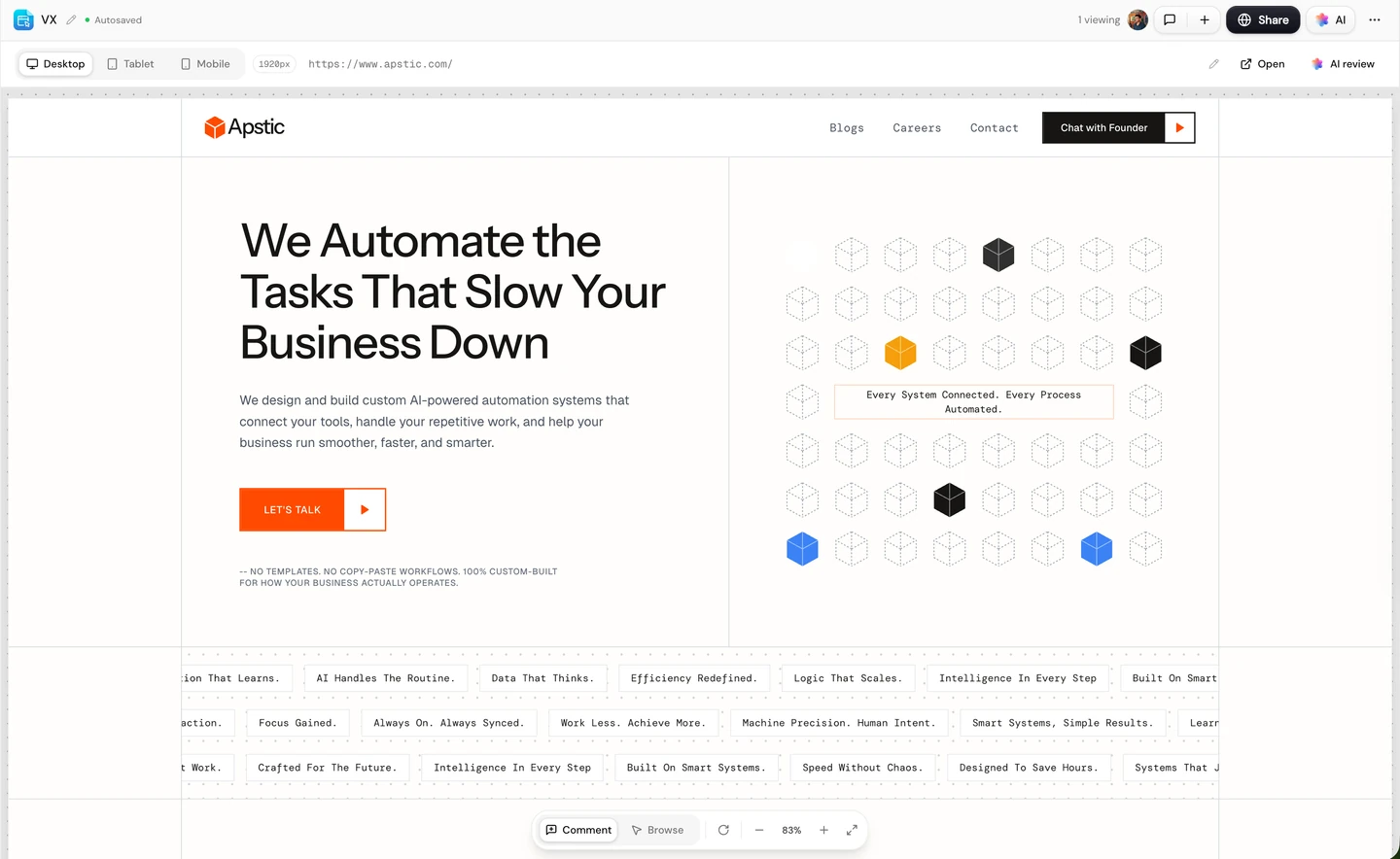
 Site ReviewNumbered pins and comments on a snapshot of any web page.
Drafting is the first step. Here’s what happens around it.
Draft proposals, decks and contracts from a prompt, then polish every block.