

Works with the tools you already use.
Docsiv opens the files you already have, exports to the formats your clients expect and connects to the services around your work. Here’s everything it works with today.
Connections that do the work.
The ones you’ll notice most: getting paid, your own domain and address, and video right in the document.
Get paid from the invoice
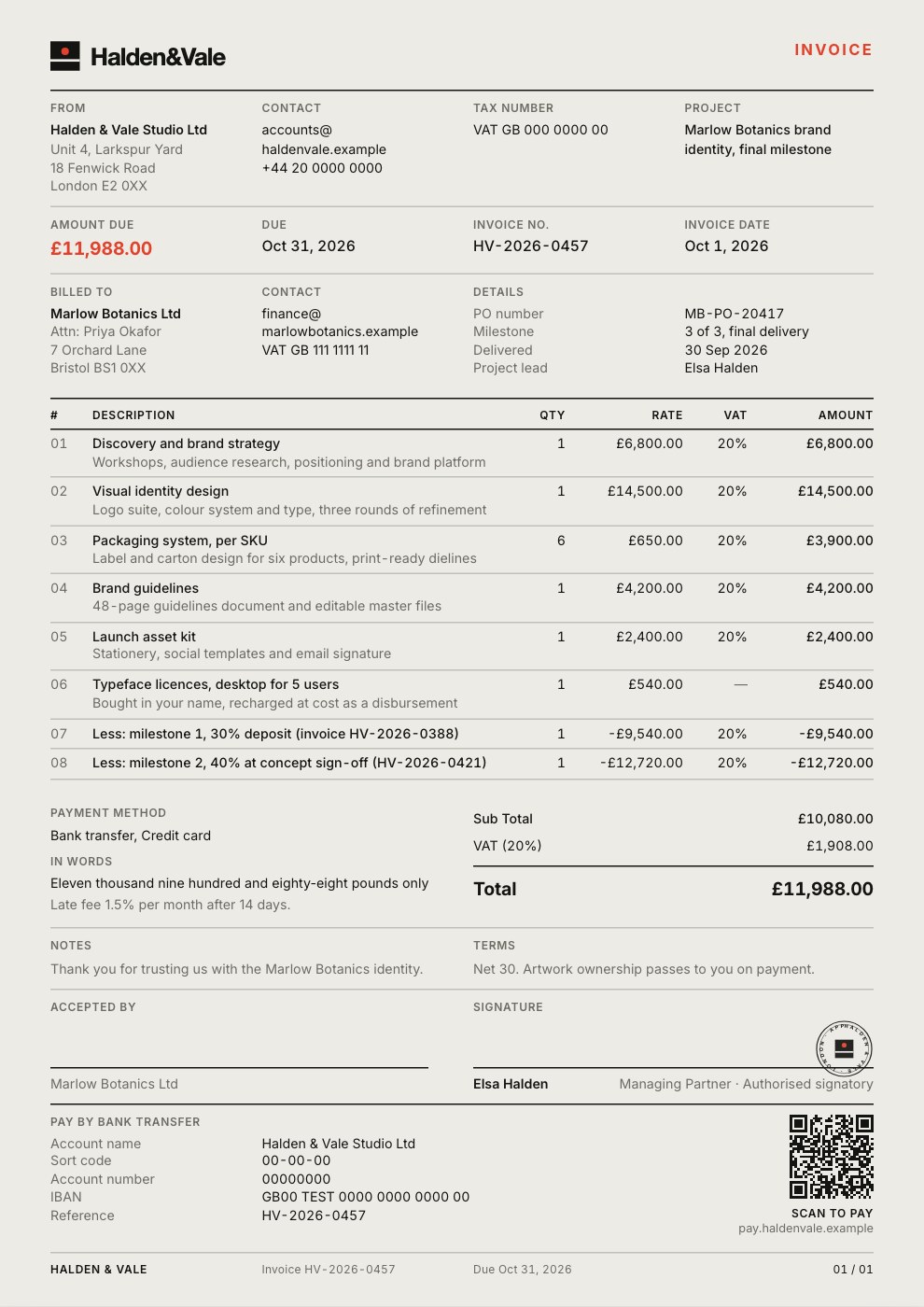
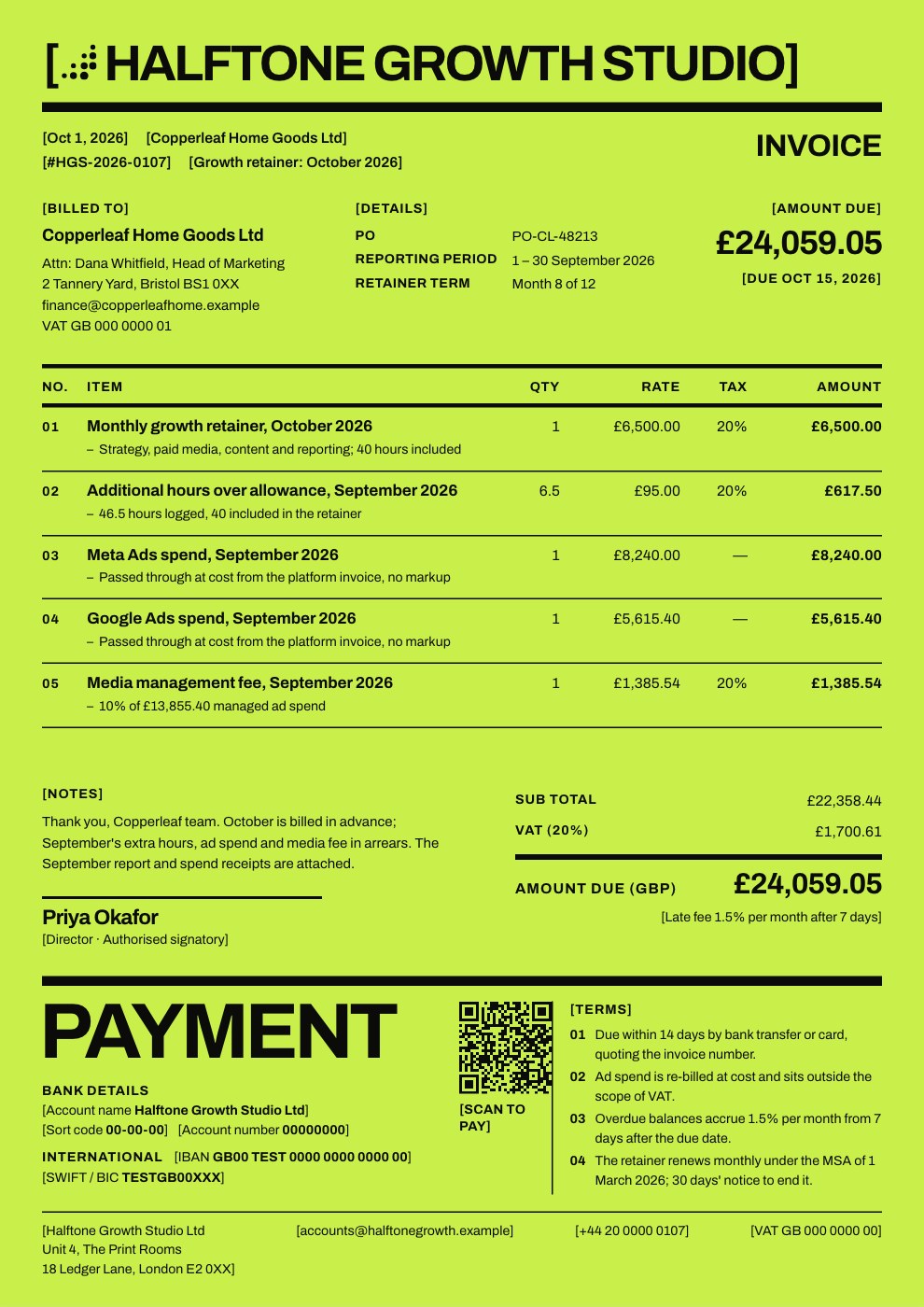
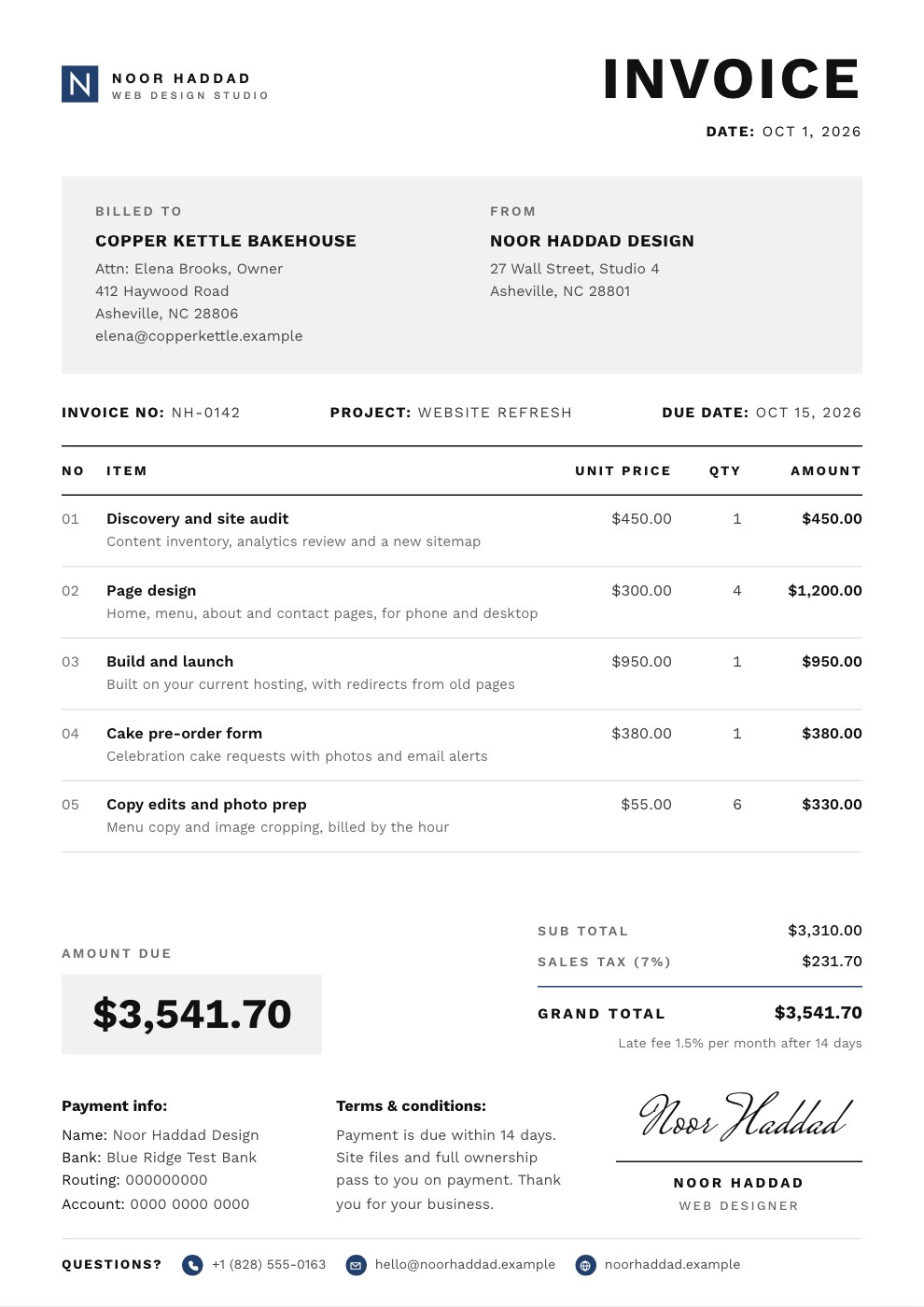
Paste a Stripe, PayPal or any checkout link and the invoice shows a Pay now button, with a QR code for printed copies.
Links on your own domain
Published pages, forms and signing pages open on docs.youragency.com, with the certificate handled for you. On Pro and Team.
Email from your own address
Signing requests and reminders go out from your domain once its records check out, with replies coming back to you. On Pro and Team.
Video inside the document
Drop a YouTube, Vimeo or Loom walkthrough into a proposal, report or deck, and it plays right on the page.

Everything it connects to.
The full list, grouped by what it’s for. Most work on every plan, including Free.
Sign in
Use the account you already have.
- GoogleSign in and sign up with your Google account.
- MicrosoftSign in and sign up with your Microsoft account.
In your documents
Media from the services you use.
- YouTubeVideo blocks in proposals, reports and decks, and embeds in Notes.
- VimeoShowreels and hosted video, played on the page.
- LoomWalkthroughs and screen recordings in a video block.
- XShow posts from X in your Notes pages.
- UnsplashSearch free stock photos from the image picker and drop them in.
Getting paid
Your payment provider, on the invoice.
- StripeAdd a Stripe Payment Link as the invoice’s Pay now button.
- PayPalOr a PayPal link, or any checkout link you already use.
Your brand
Delivery that looks like yours.
- Custom domainPro and TeamPoint docs.youragency.com at your published pages, forms and signing pages.
- Sending domainPro and TeamSend signing emails from your own address, set up with a few DNS records.
- Embed codePut a published page or form on any website that accepts embed code.
Docsiv AI
Research before it writes.
- Web researchAsk it to search the web, look up a company or read a page you link while it drafts.
- Leading AI modelsWriting, images and transcription use models from providers such as Anthropic, Google and OpenAI.
Open the files you already have.
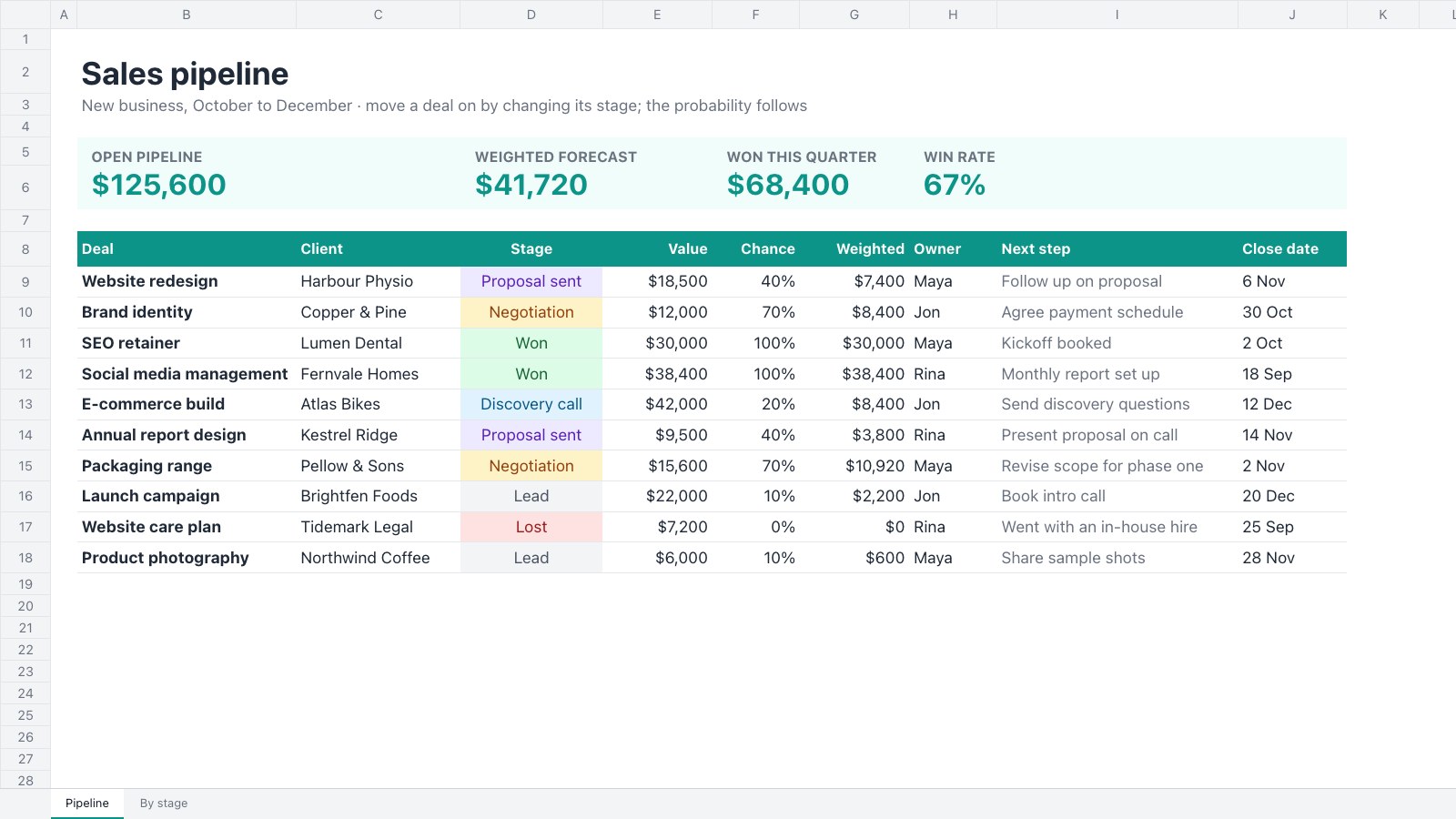
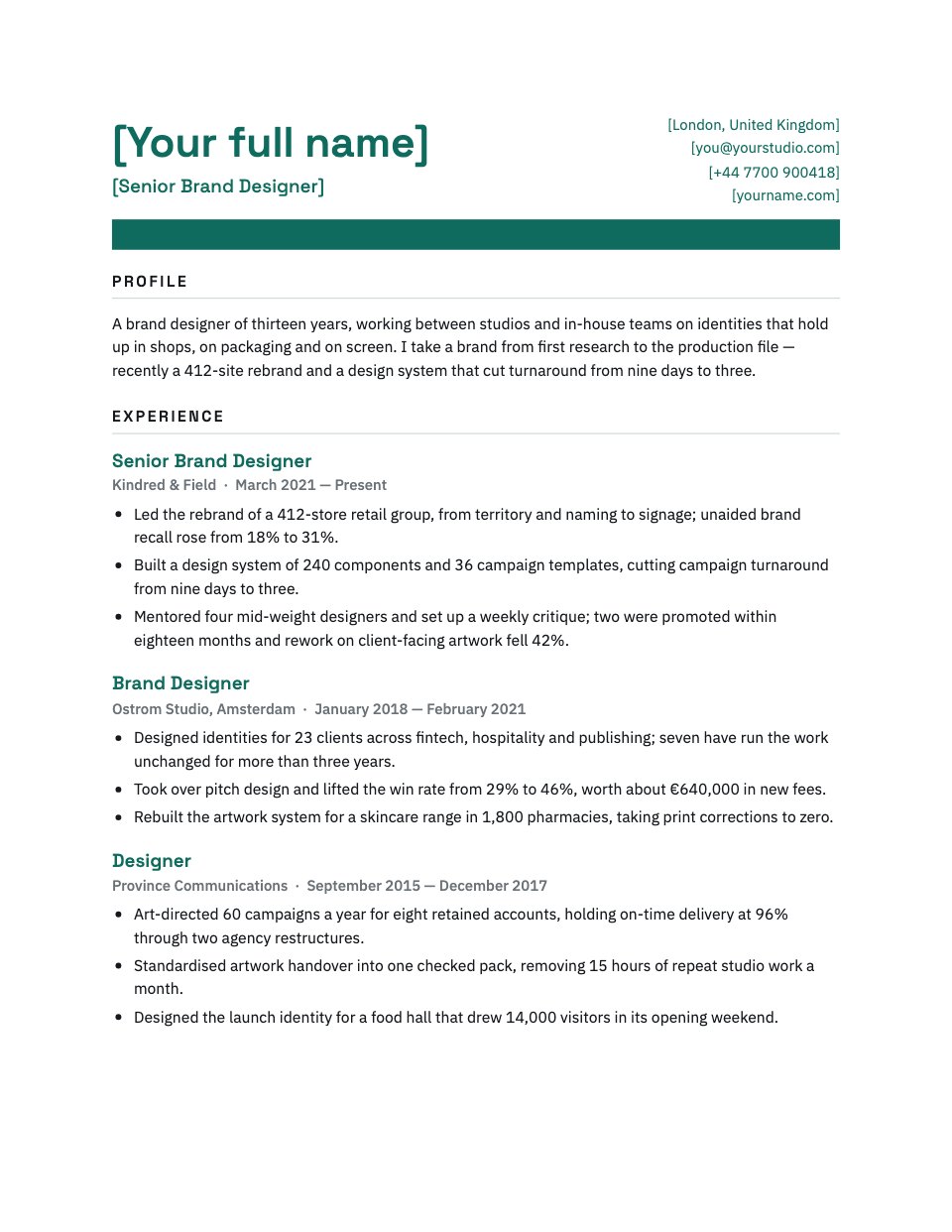
Drop an Office, Adobe or PDF file into Drive and it opens in the app made for it, ready to edit, not just to view.
- .docx.doc.odt.rtf.mdDocuments
- .pptxPresentations
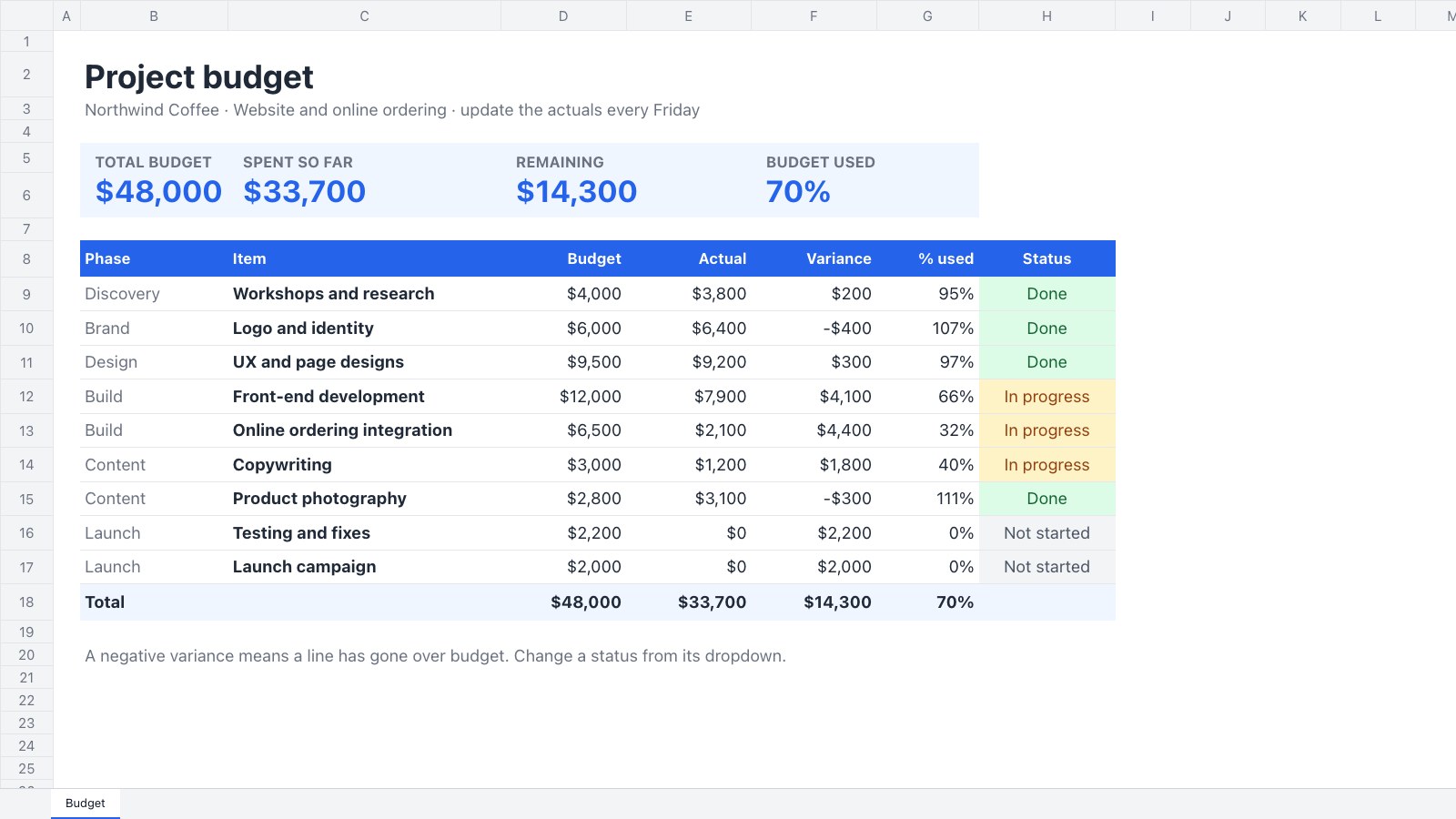
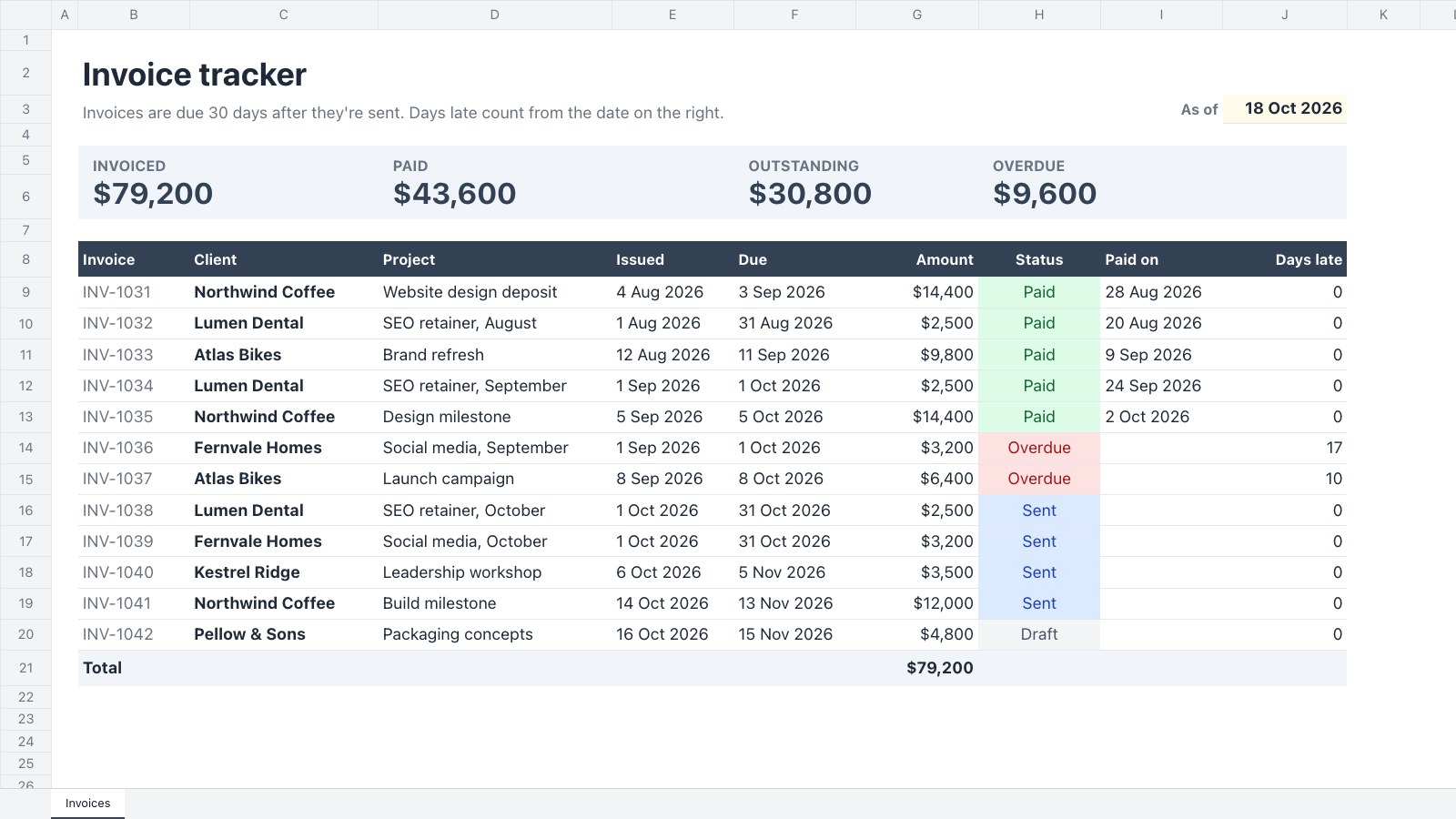
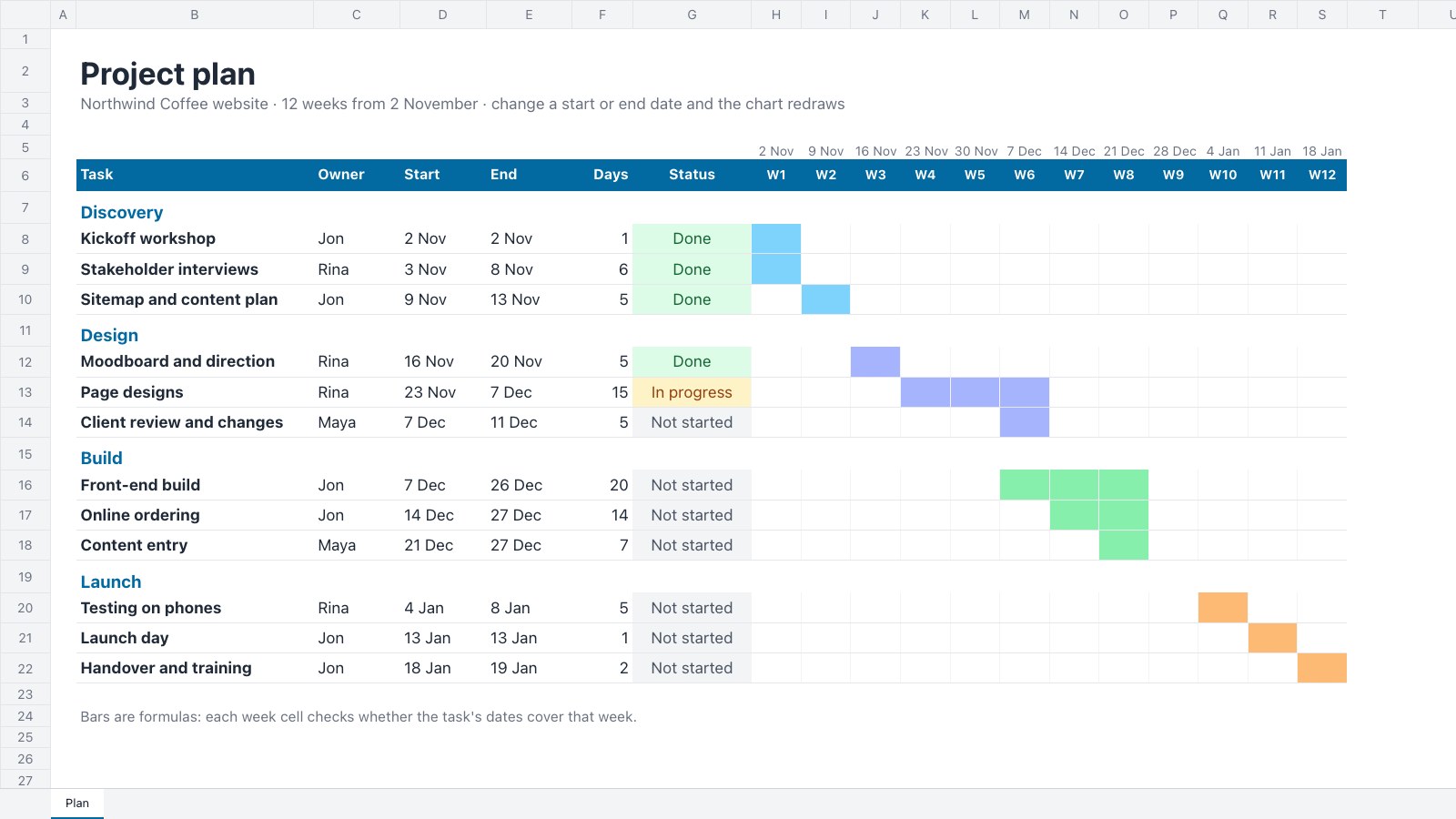
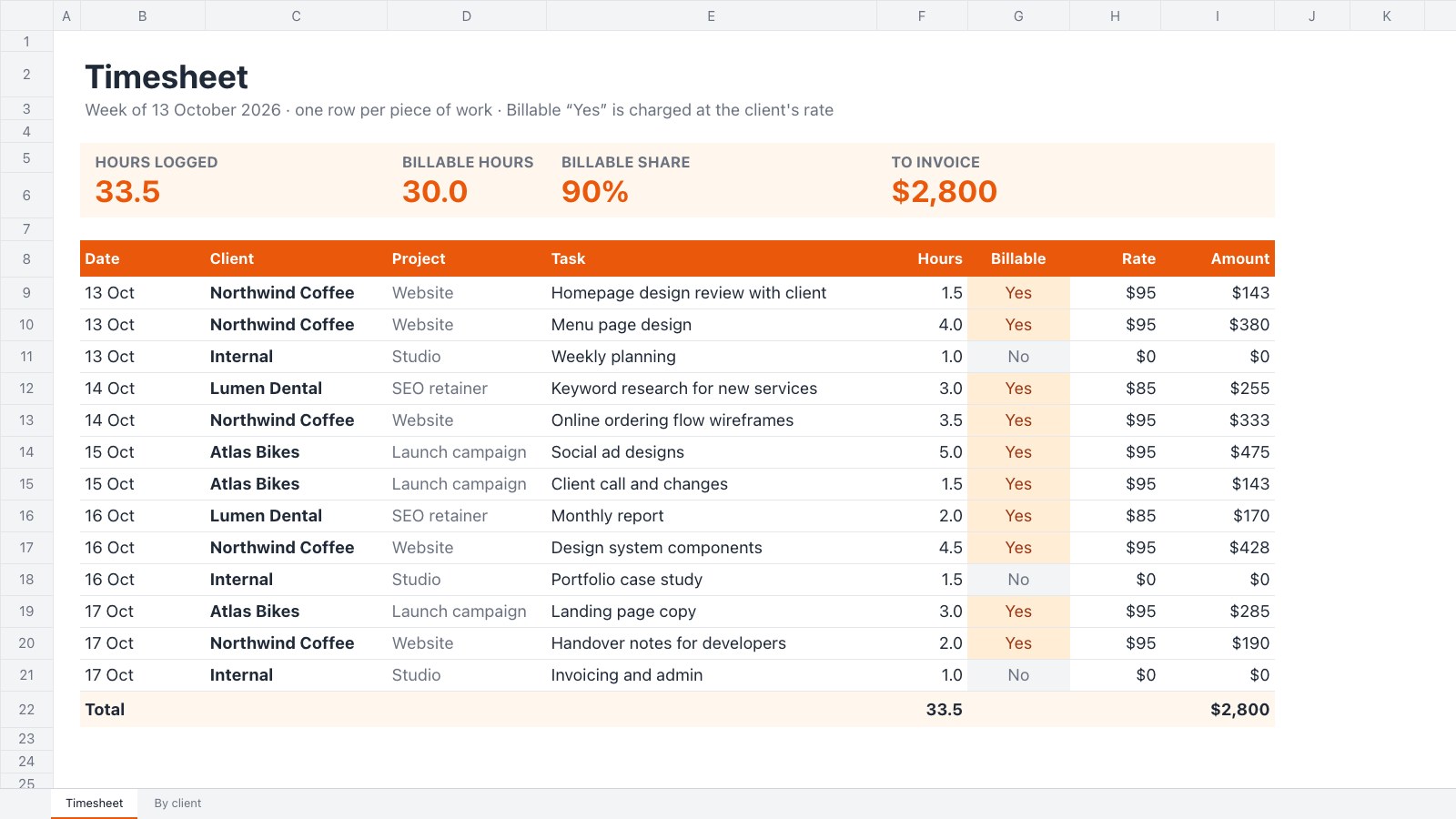
- .xlsx.csvSpreadsheets
- .pdfPDFs
- .psd.png.jpg.webp.tiffImages
- .ai.eps.svgVectors
- .idmlPage layout
- .figUI design
- .excalidrawWhiteboard
Export to standard formats.
Everything you make leaves as a file your client’s software already opens. No special viewer, and no format only we can read.
- PresentationsPPTXPDF
- DecksPPTXPDFHTML
- DocumentsDOCXPDFODTRTFMarkdown
- SpreadsheetsXLSXCSVPDF
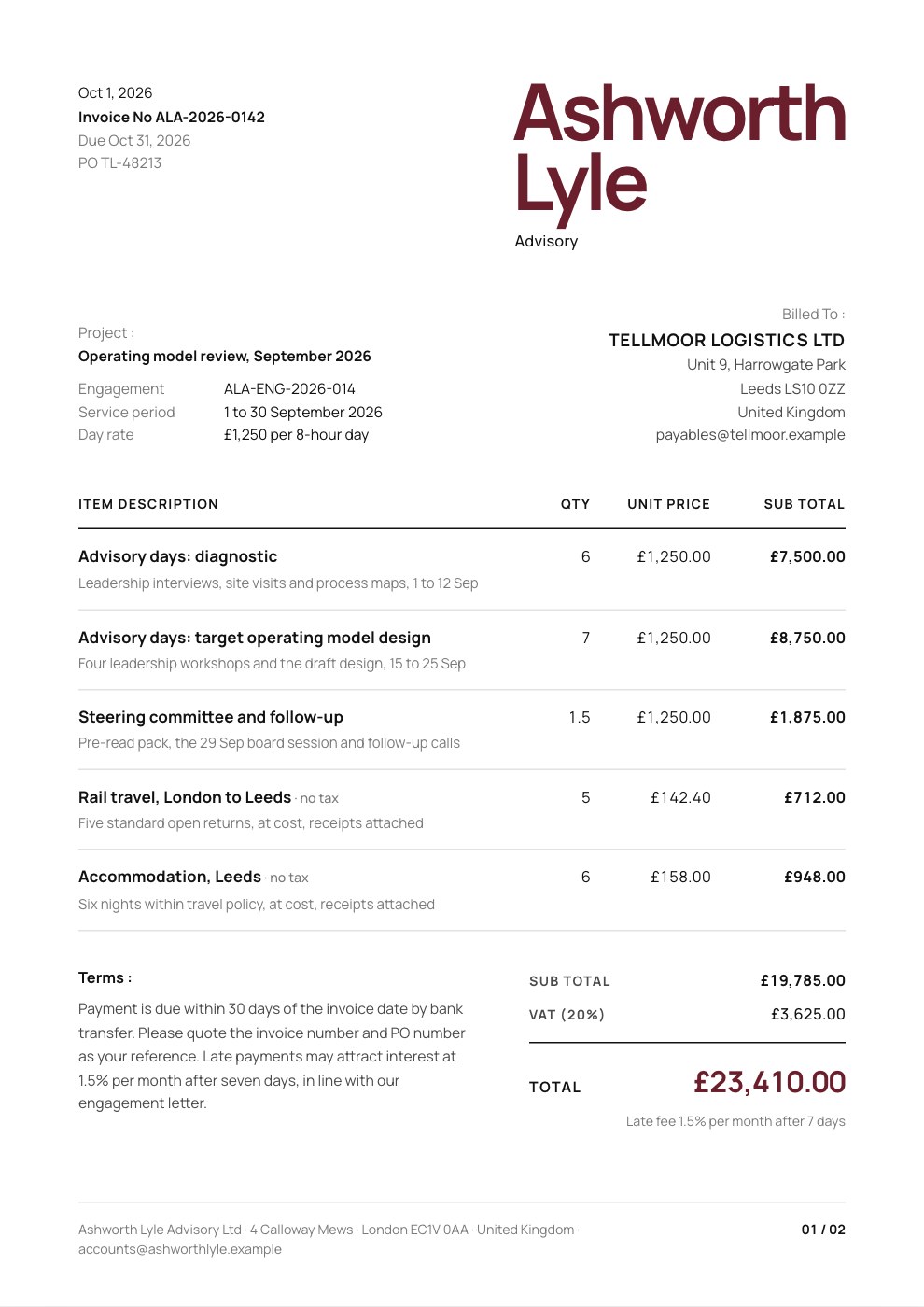
- Proposals and reportsPDFHTML
- DesignsPNGPDFHTML
- ImagesPSDPNGJPEG
- VectorsAISVGPDFPNG
- Page layoutIDMLPDFEPUB
- UI designPDFPNGSVGFIG
- NotesMarkdownWordPDF
- WhiteboardPNGSVG
- Form responsesCSV
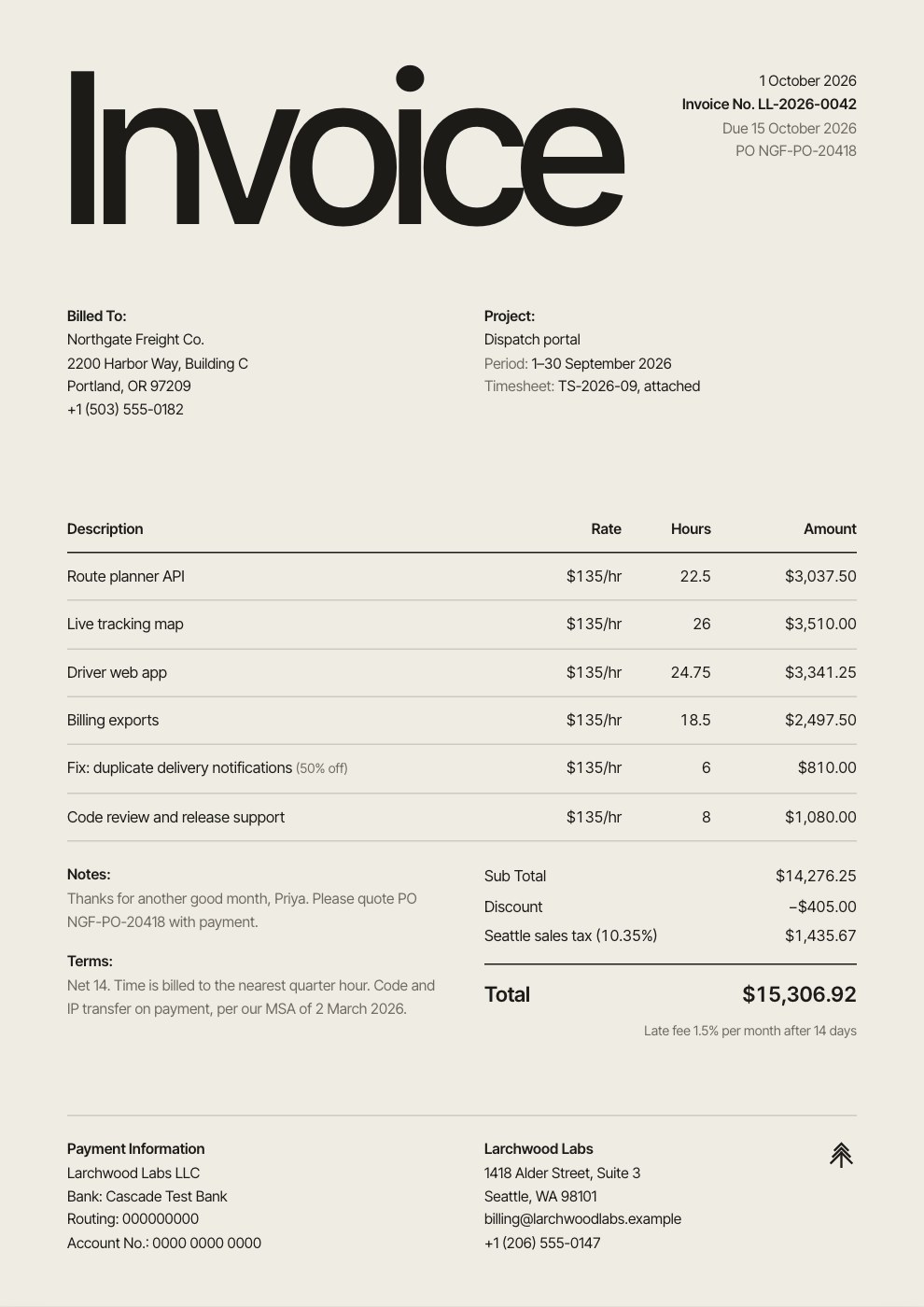
- InvoicesPDF
Integration questions.
Something else on your mind? Ask us in the chat, bottom right of the page.
Does Docsiv connect to Zapier, Slack or a CRM?
Not today. Docsiv keeps the work itself in one place: writing, design, sharing, signing and invoices. Files go in and out in standard formats, and published pages and forms can be embedded anywhere that accepts embed code.
Can I bring in files from Google Drive, OneDrive or Dropbox?
Download them and drop them into Drive in Docsiv. Word, PowerPoint, Excel, PDF, Photoshop, Illustrator and InDesign files open in the matching app, ready to edit.
Can I put a Docsiv page or form on my website?
Yes. Publish a file to the web and copy its embed code, or publish a form and embed it, then paste the code into Webflow, WordPress, Framer or any site builder that accepts embed code.
How do payment links on invoices work?
Paste a checkout link from Stripe, PayPal or any provider into the invoice. It shows as a Pay now button, with an optional QR code for printed copies. The payment itself happens with your provider; Docsiv never handles the money.
Which integrations need a paid plan?
Your own web domain and sending domain are on Pro and Team, and so is sending documents for signature. Signing in with Google or Microsoft, opening and exporting files, video, stock photos, payment links and embed codes work on every plan.
Which videos can I add to a proposal or report?
Paste a YouTube, Vimeo or Loom link, or a link to an .mp4 file, into a video block. In Notes you can also show posts from X.




































Bring your files, take your work anywhere
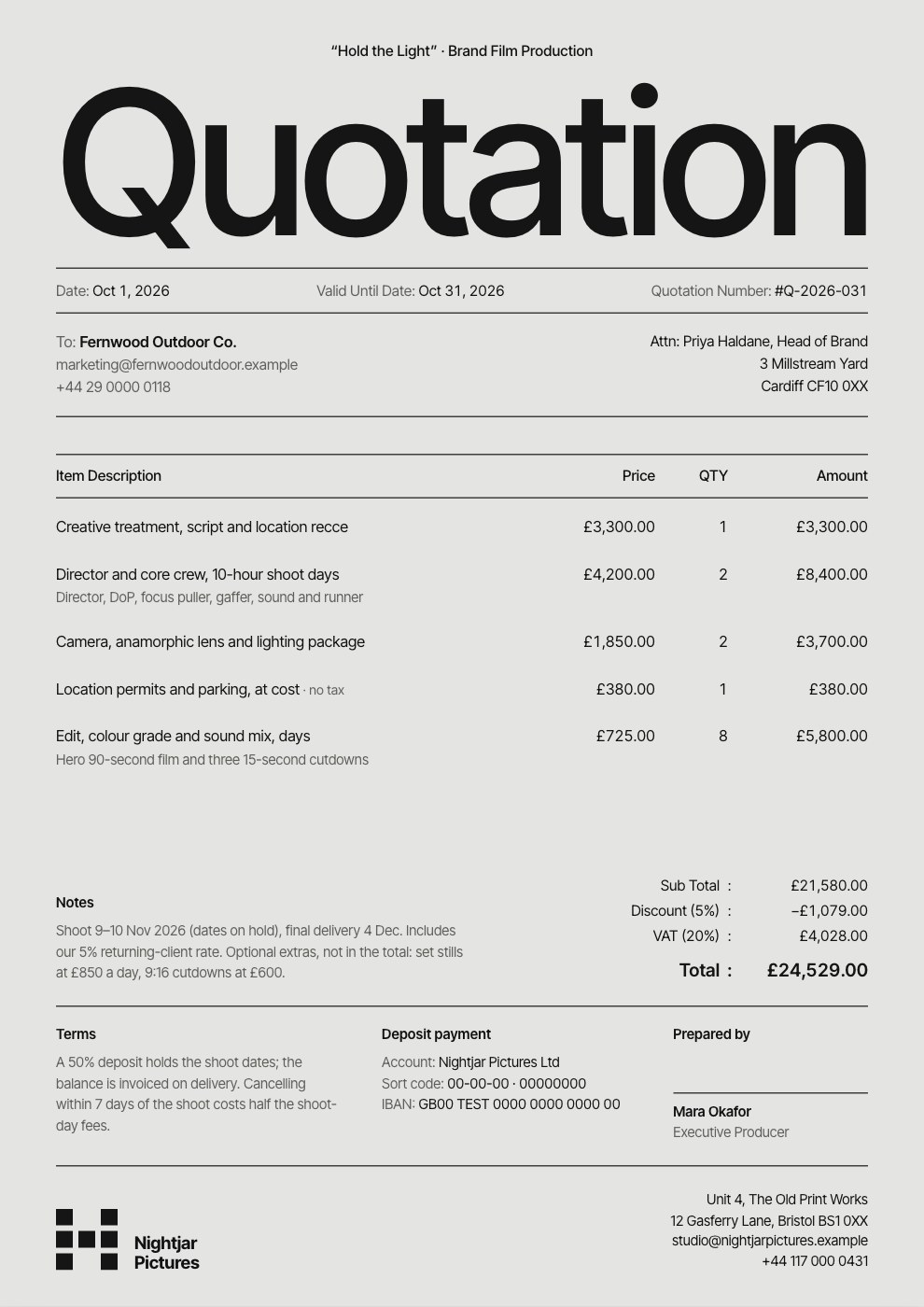
Open a Word, PowerPoint or PDF file, or describe what you need. Export it in the format your client uses.