

Sketch and plan on a free online whiteboard
An endless, hand-drawn canvas for flows, sitemaps and workshops. Sign up free, start drawing, and export when you’re done.

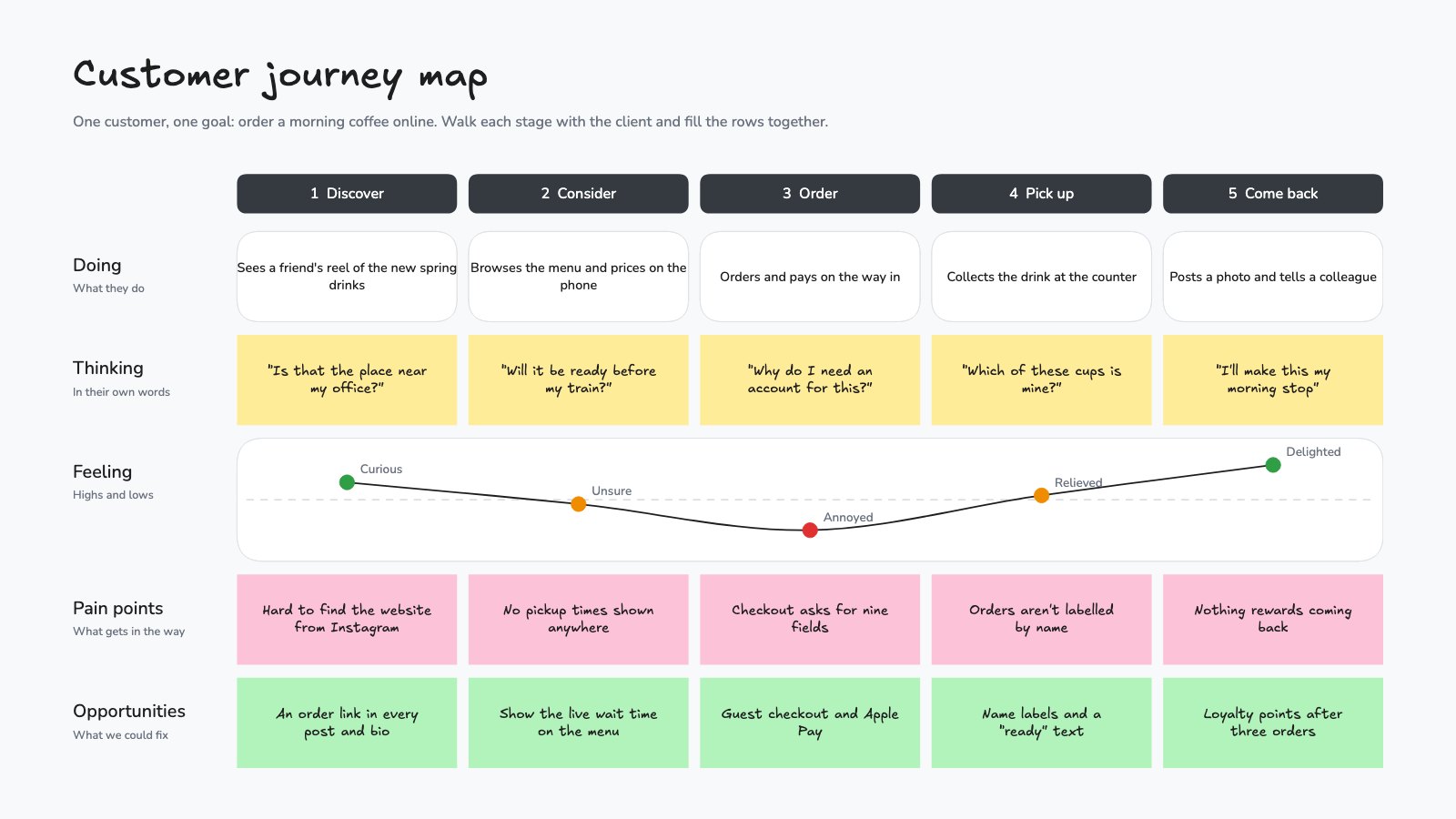
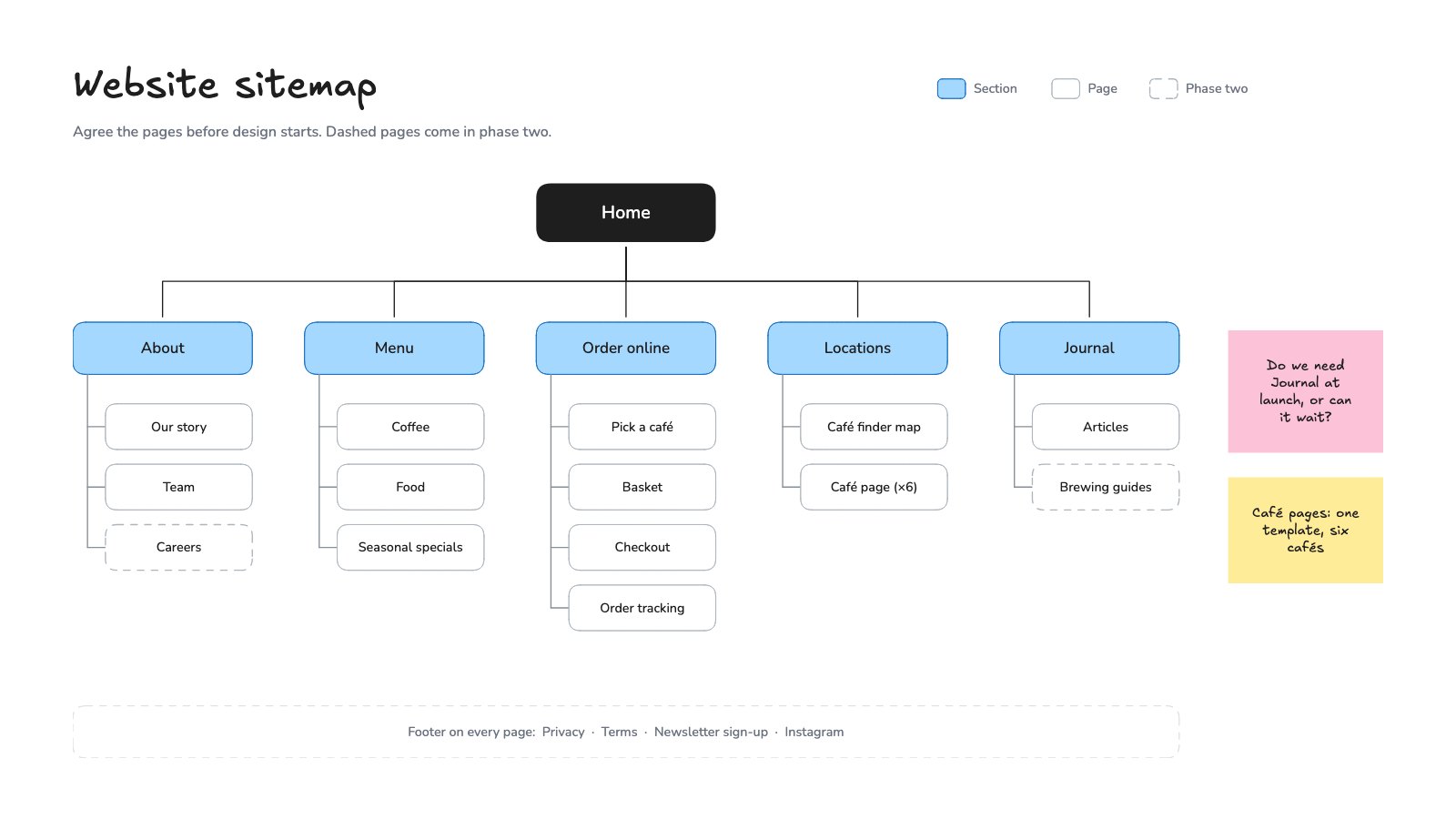
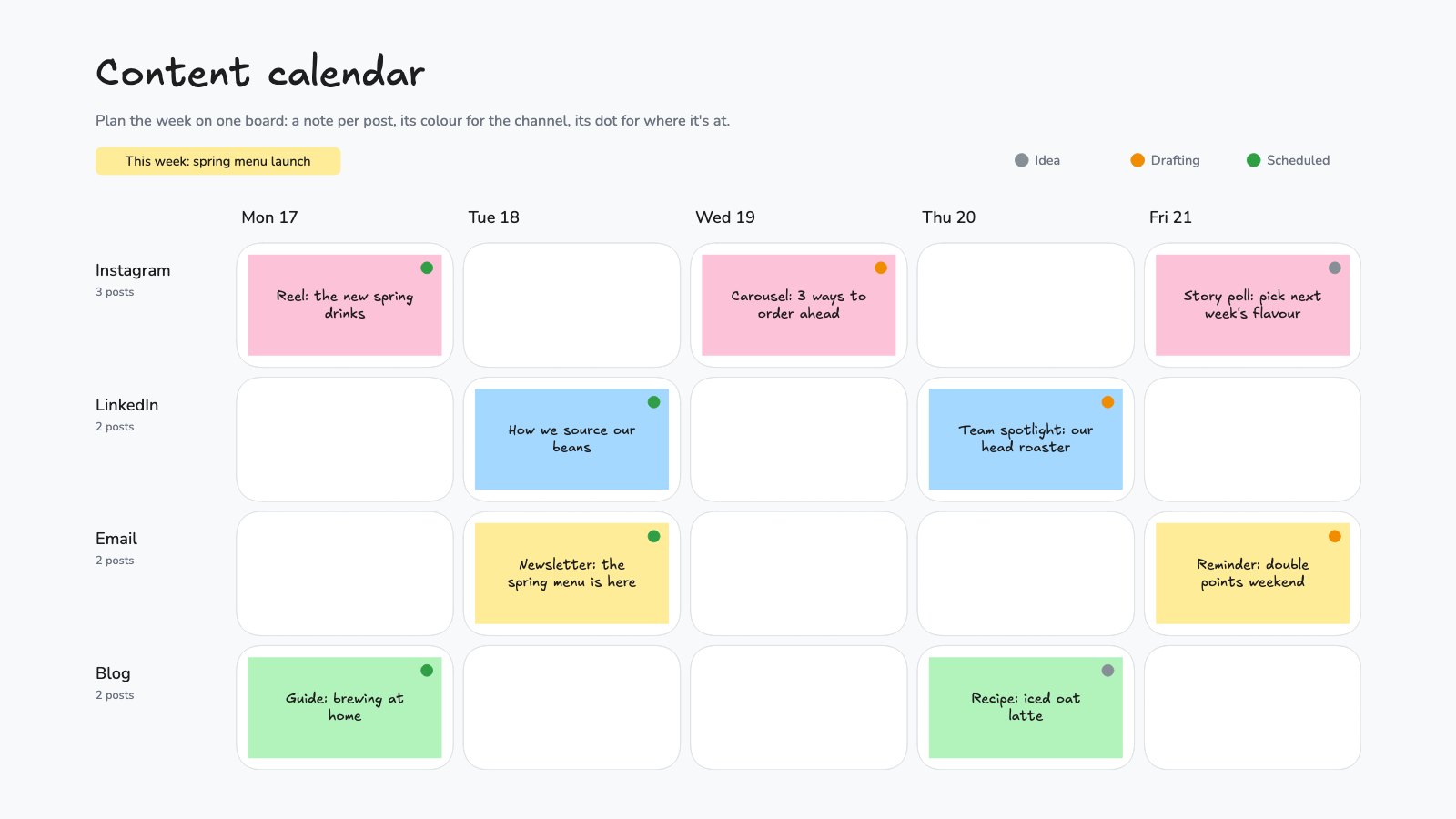
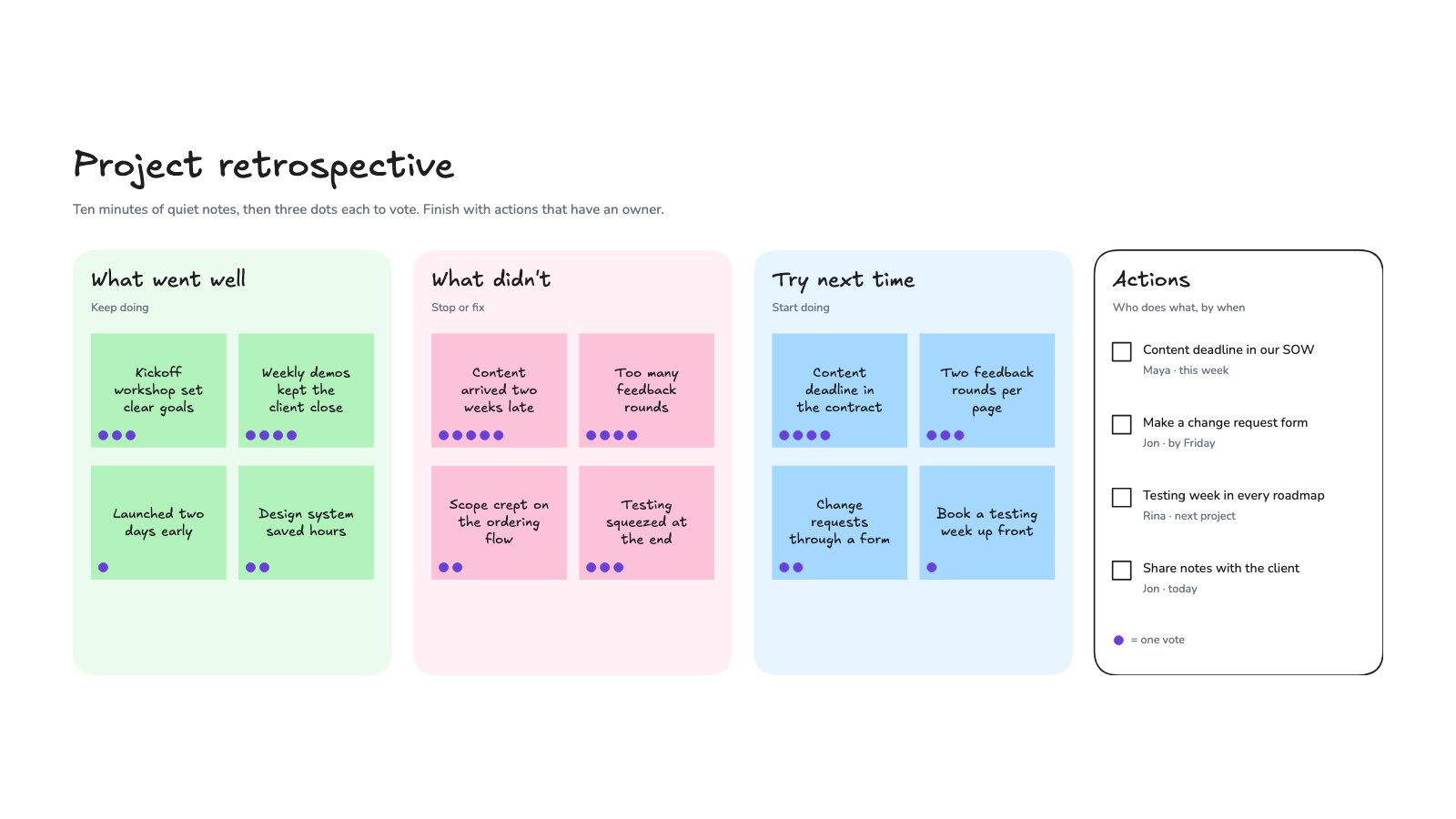
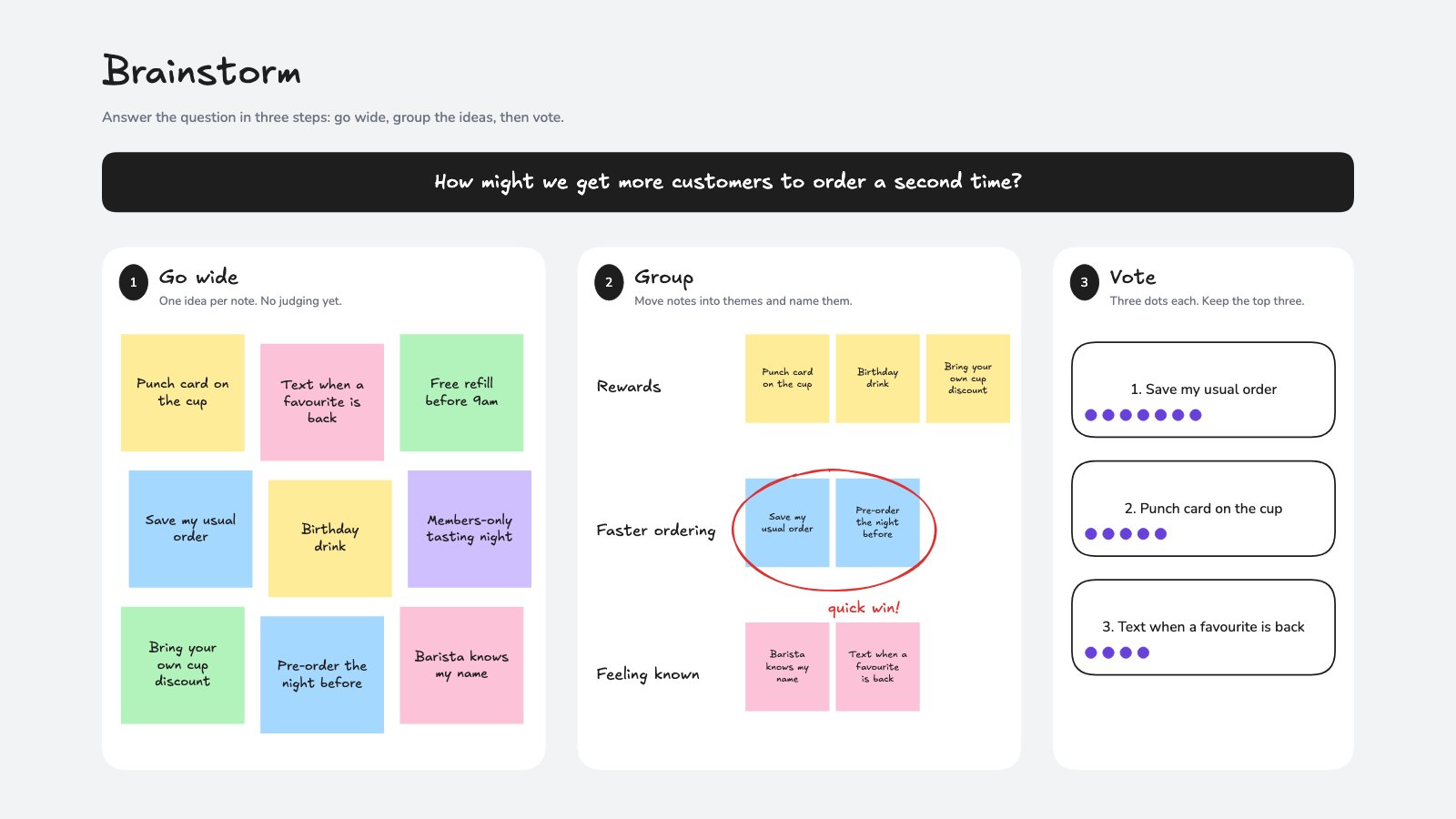
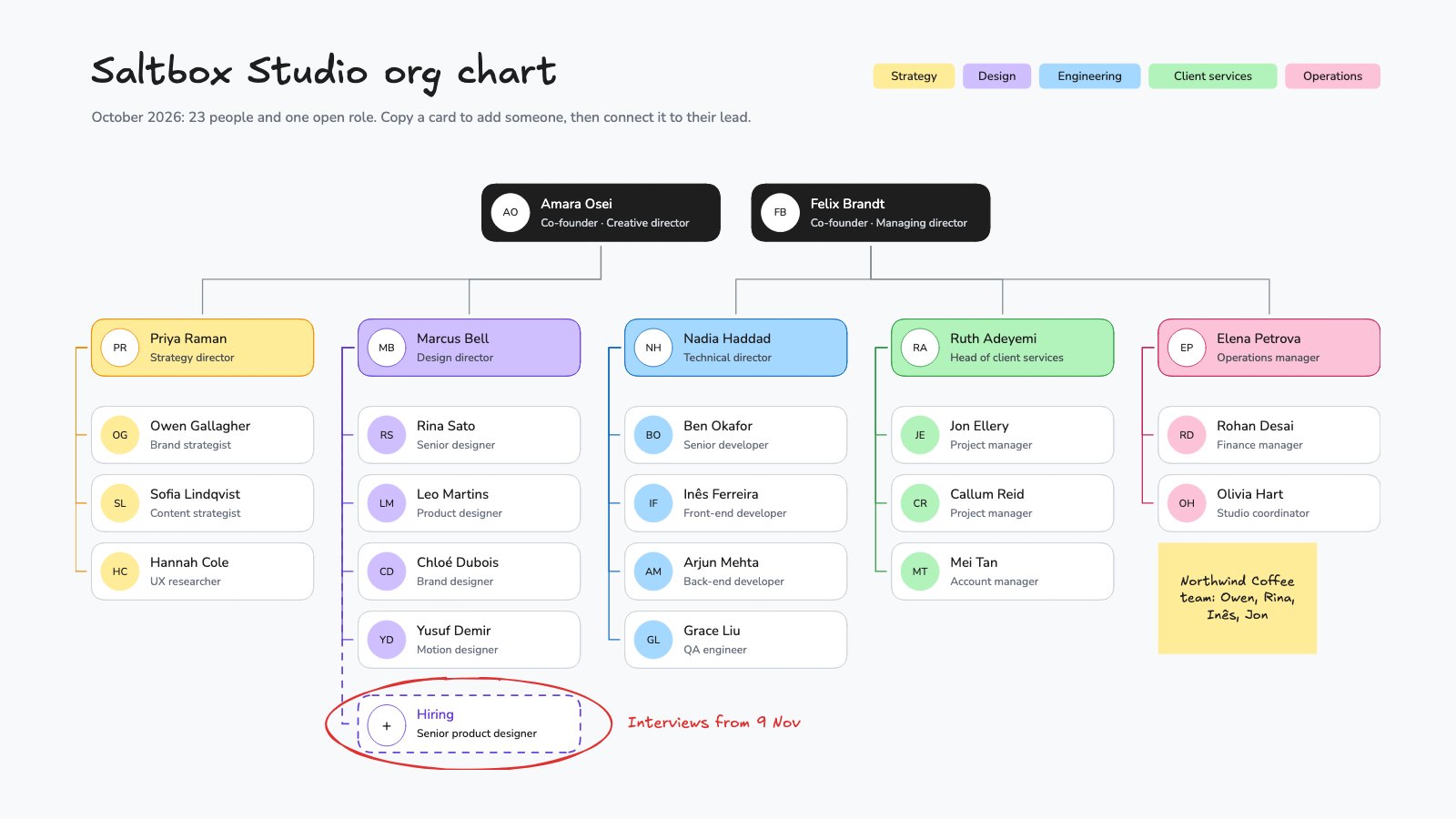
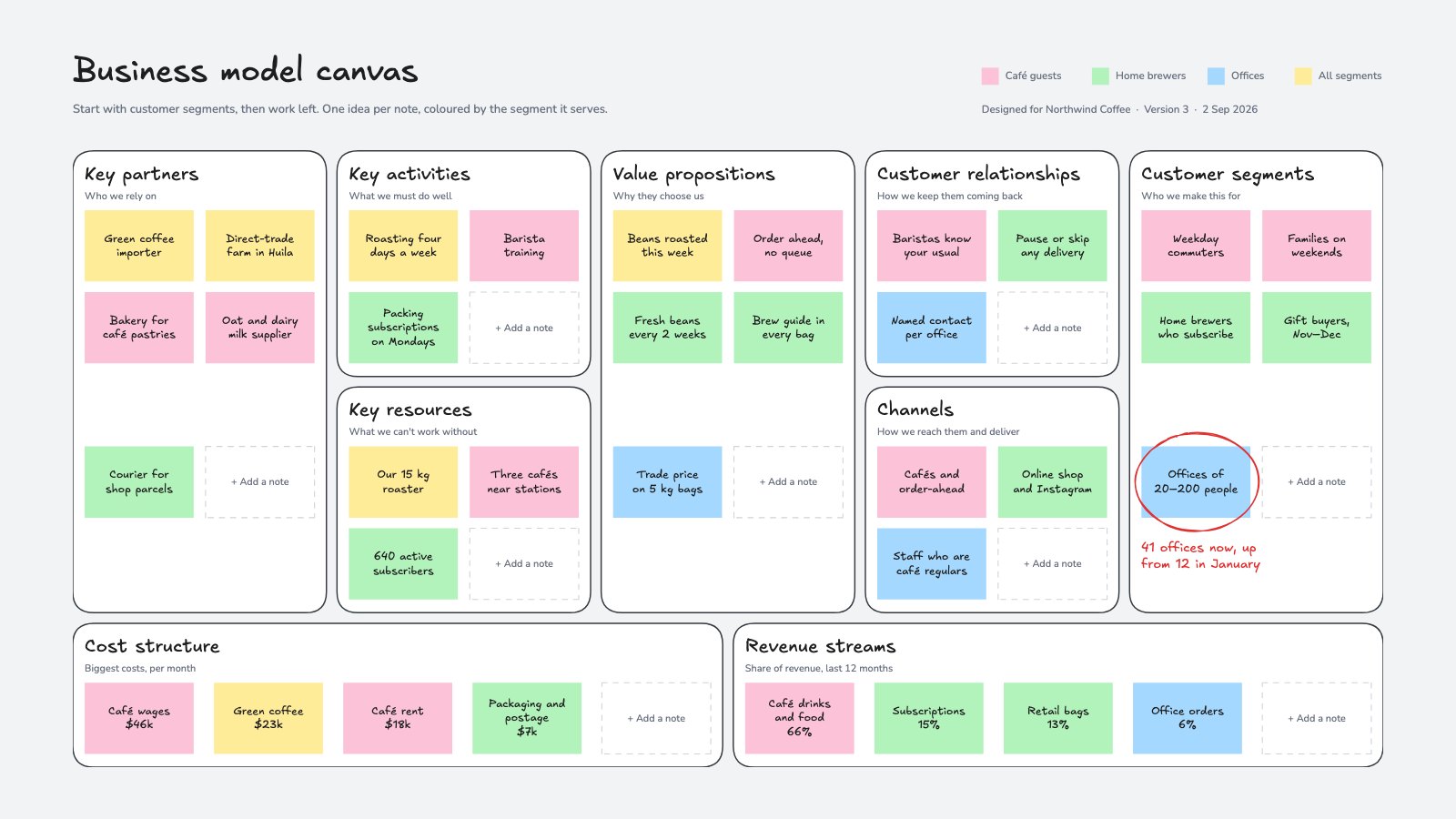
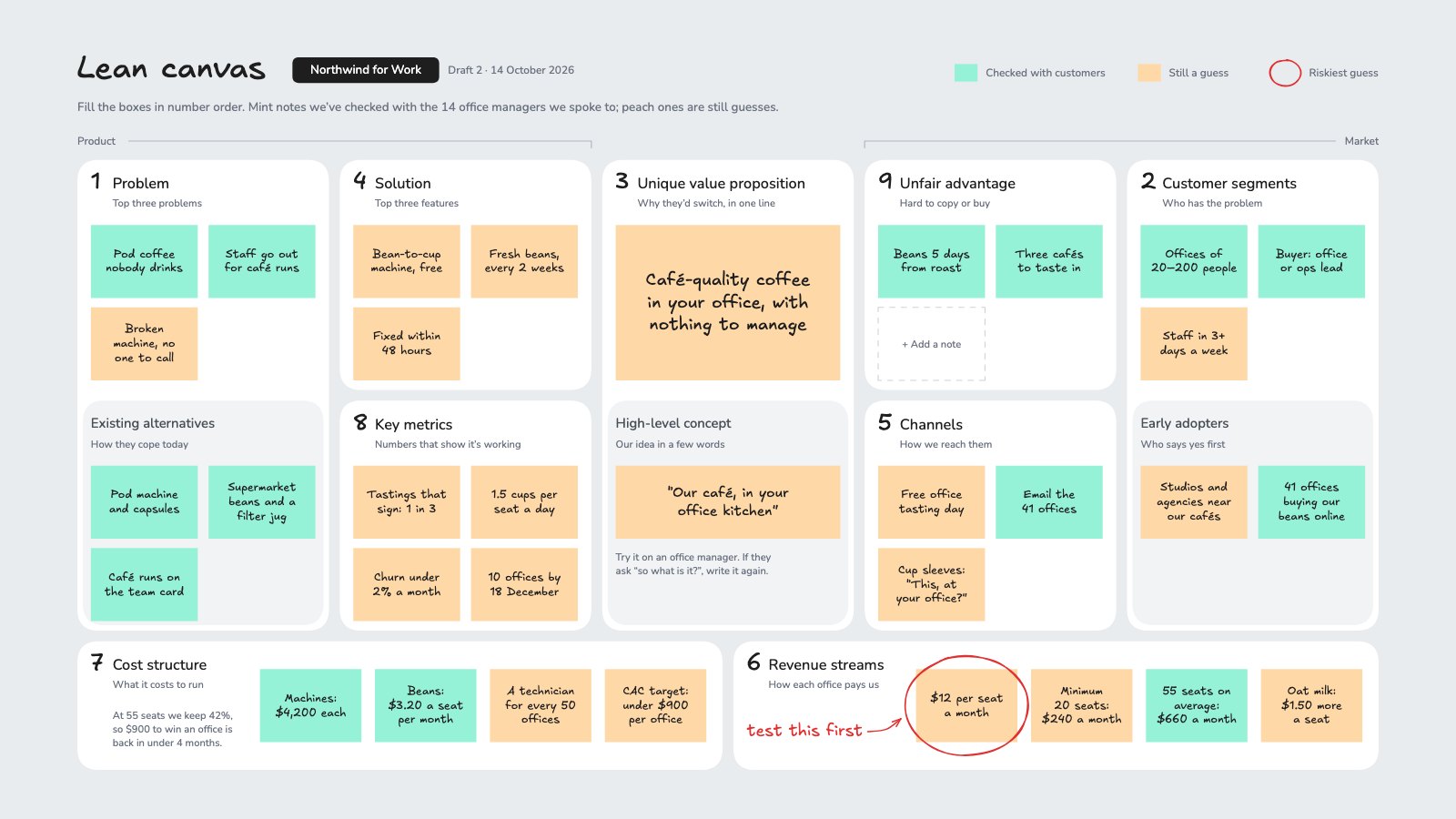
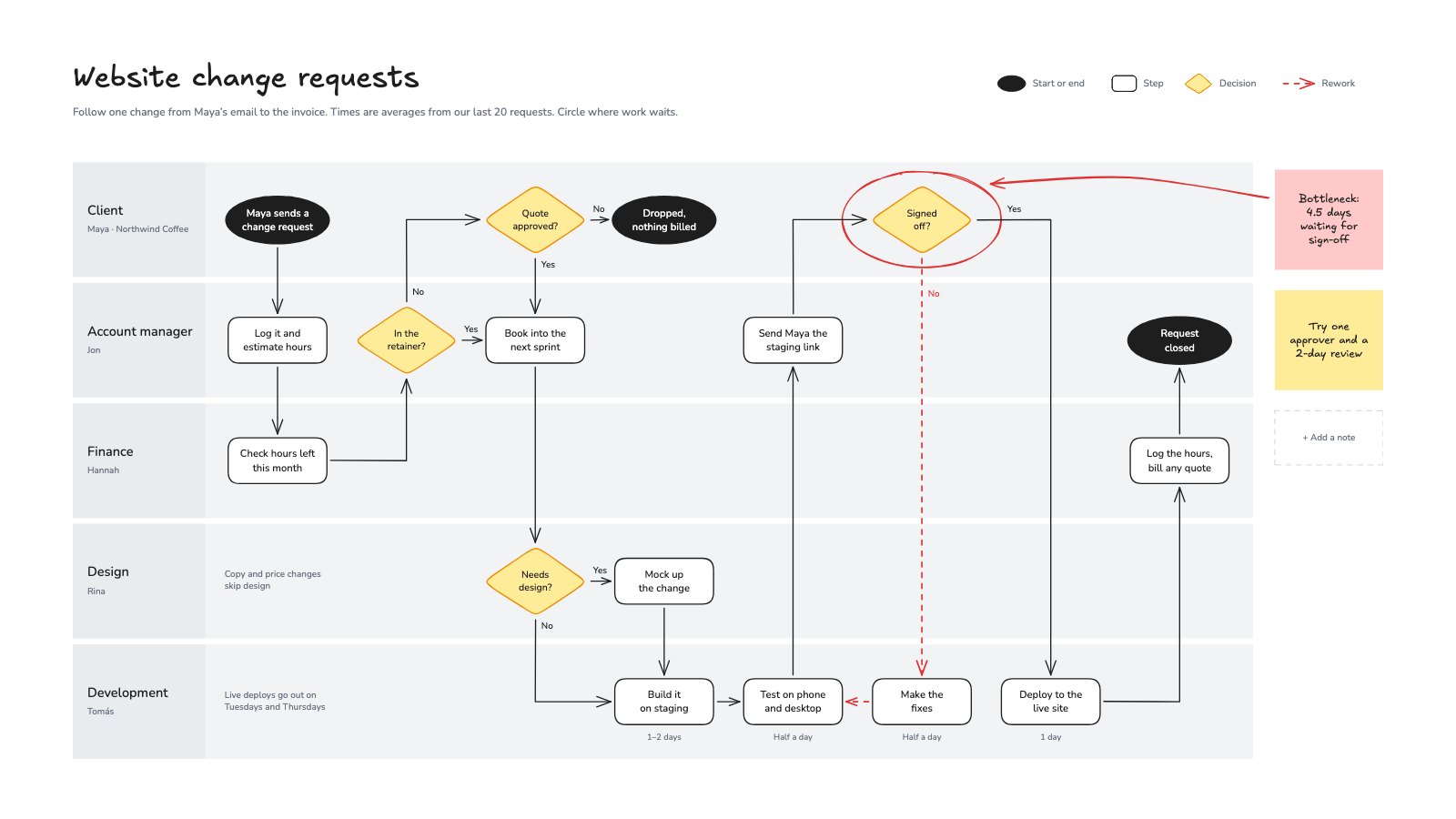
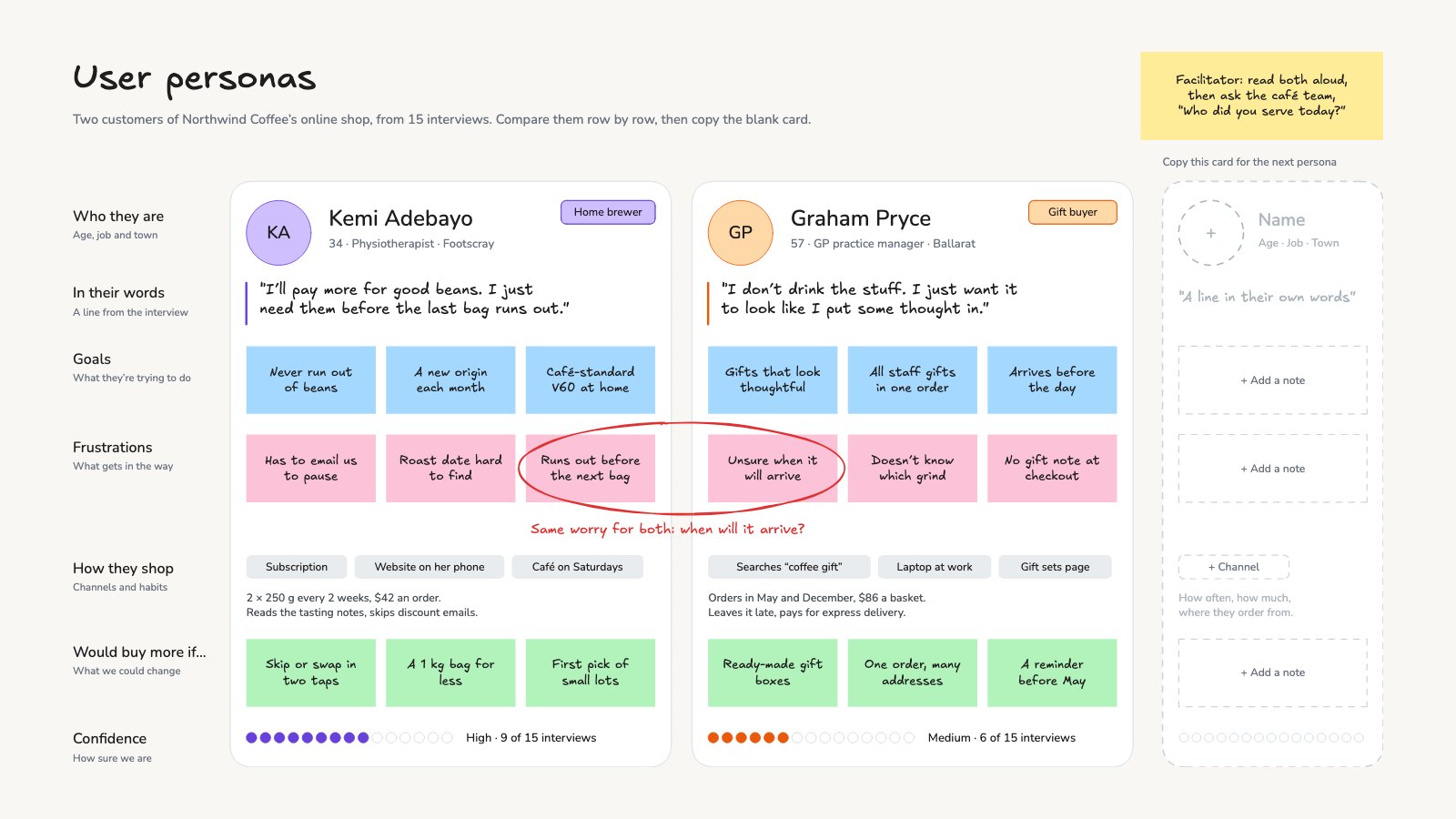
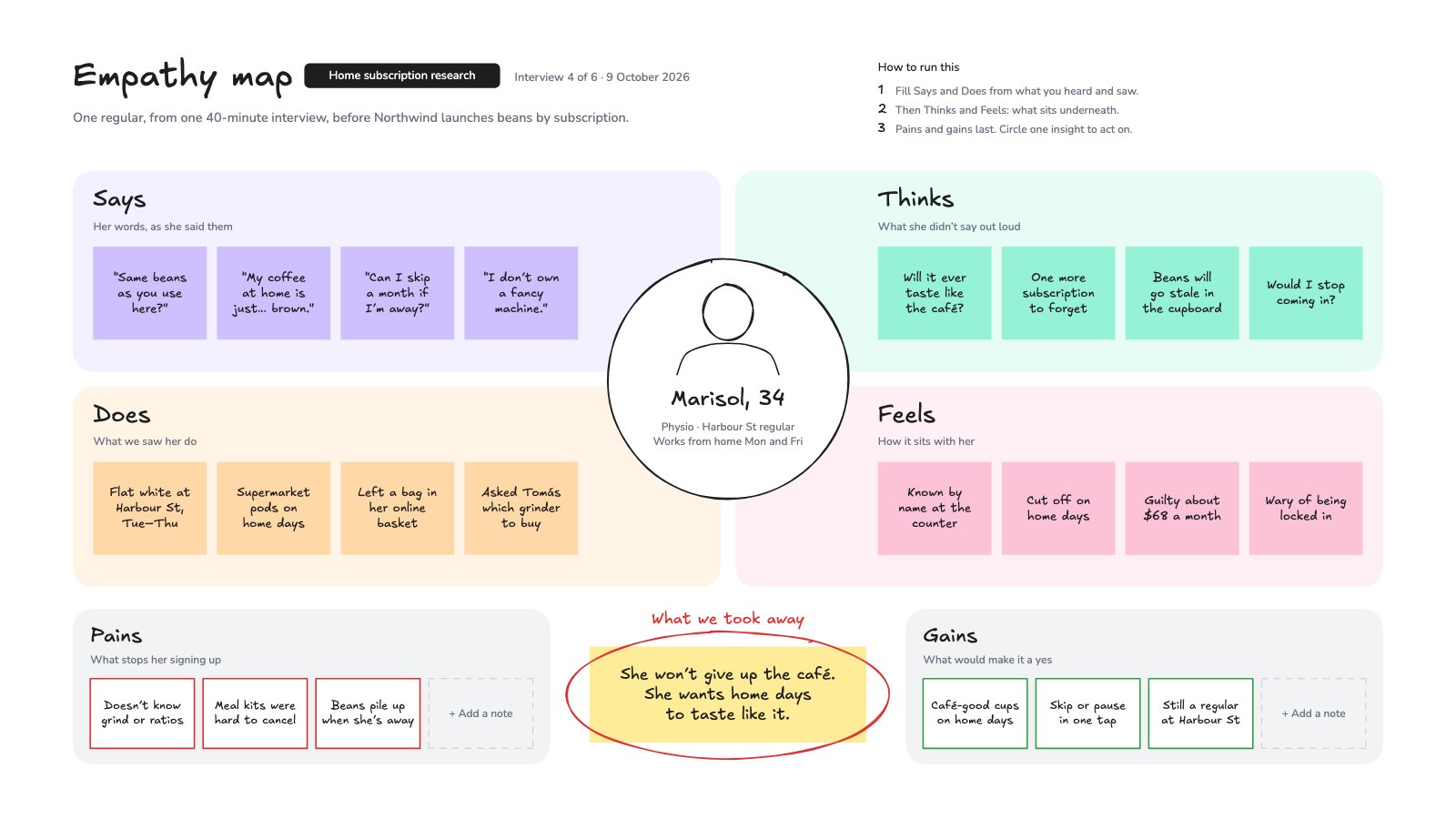
Everything for the rough version, on one endless canvas.
Shapes, arrows, text, freehand and images, with the hand-drawn look that keeps a board feeling like a sketch rather than a finished design.
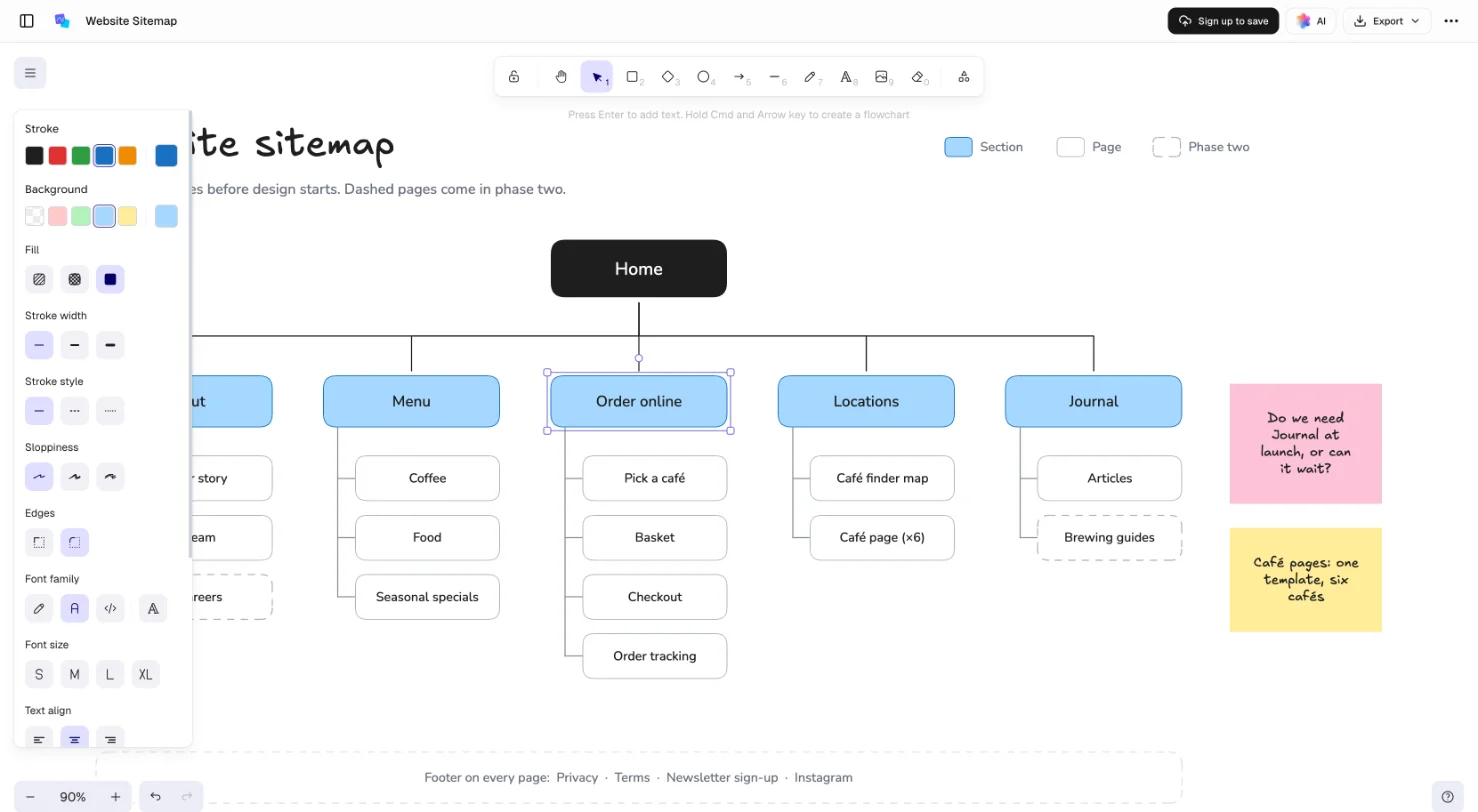
Drag sideways to look around the board
A key for every tool
R for a rectangle, A for an arrow, T for text, P to draw freehand. Hold Space and drag to move around.
Arrows that stay attached
Connect two shapes and the arrow follows when either one moves. Draw it sharp, curved or elbowed.
Sketchy or clean
Hand-drawn strokes and handwriting, or crisp lines and a plain font, shape by shape.
Frames for each part
Wrap a flow or a cluster of notes in a named frame, so a big board stays easy to find your way around.
Live, with your team
With a free account, everyone on the board shows up as a named cursor, and comments pin to the spot.
Describe it, and it’s drawn for you.
Docsiv AI draws on the board itself: ask for a flowchart, a mind map or your notes as stickies, then carry on by hand. The AI needs a free account, with credits included.
A flowchart from one sentence
Steps, decisions and the loop back, laid out and connected, with arrows that stay attached when you rearrange them.
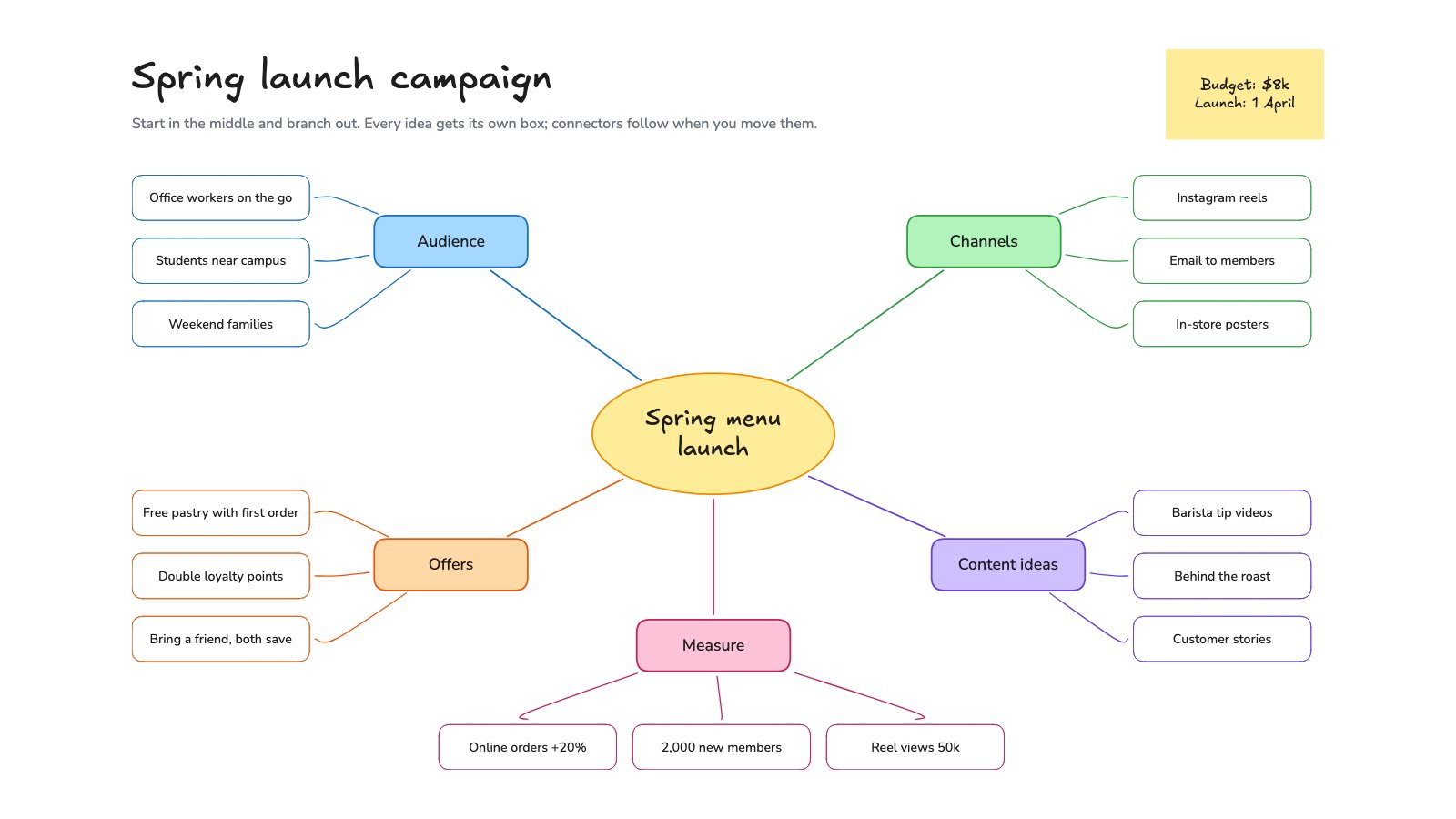
A mind map to open the session
The idea in the middle and the first branches around it, so the room starts by adding rather than staring at a blank board.
Your notes, sorted onto stickies
Paste the notes from a call and get one sticky per point, grouped by theme and ready to move around.
A board for every stage of a project.
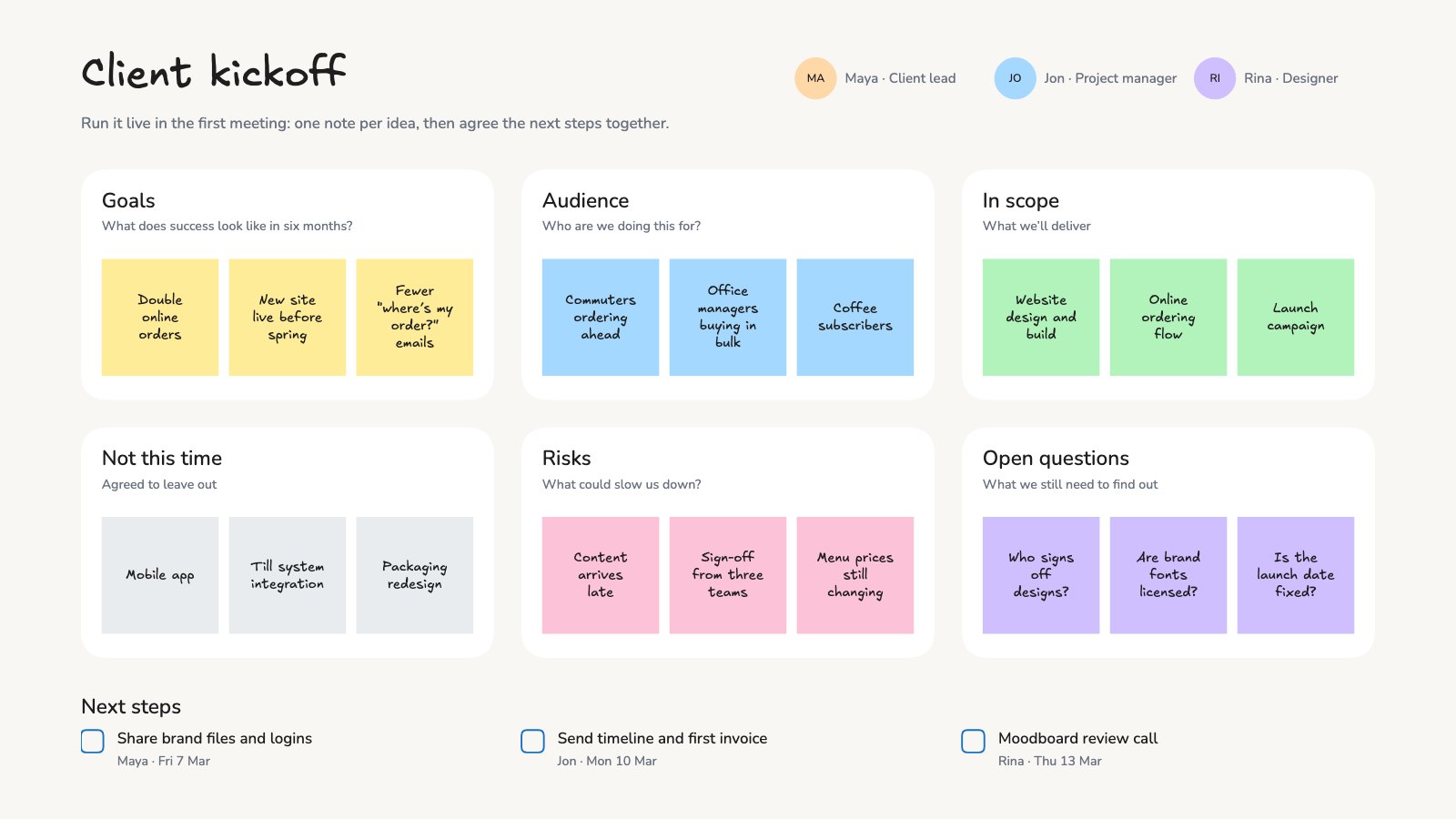
Boards made for real meetings, from the kickoff to the retro. Open one, swap in your own notes and run the session on it.
Kick off
The first meeting with a client or the team: what you’re after, what’s in and out, and what everyone thinks.
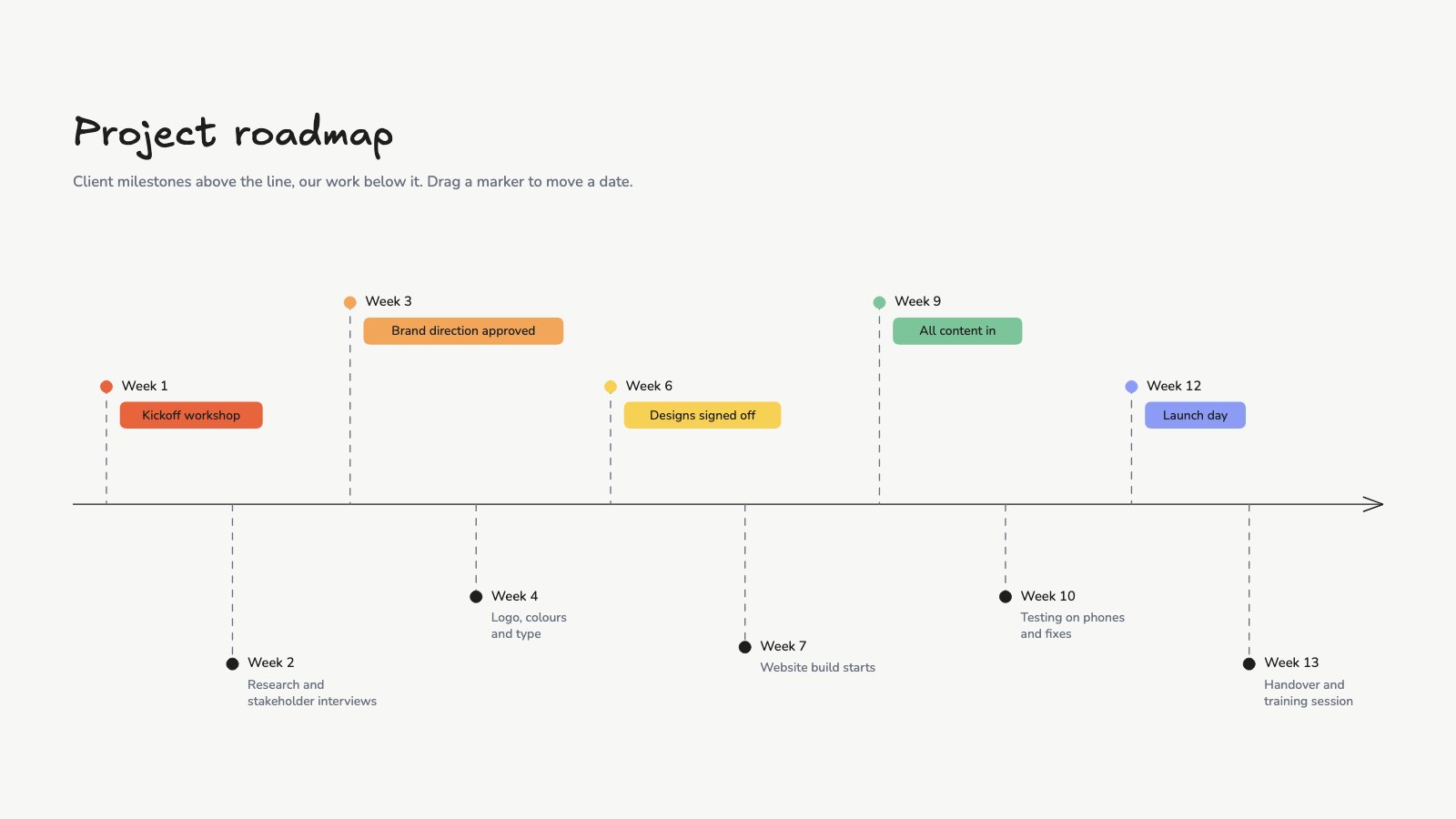
Map it out
The thinking before anyone designs or writes: pages, journeys and the shape of a campaign.
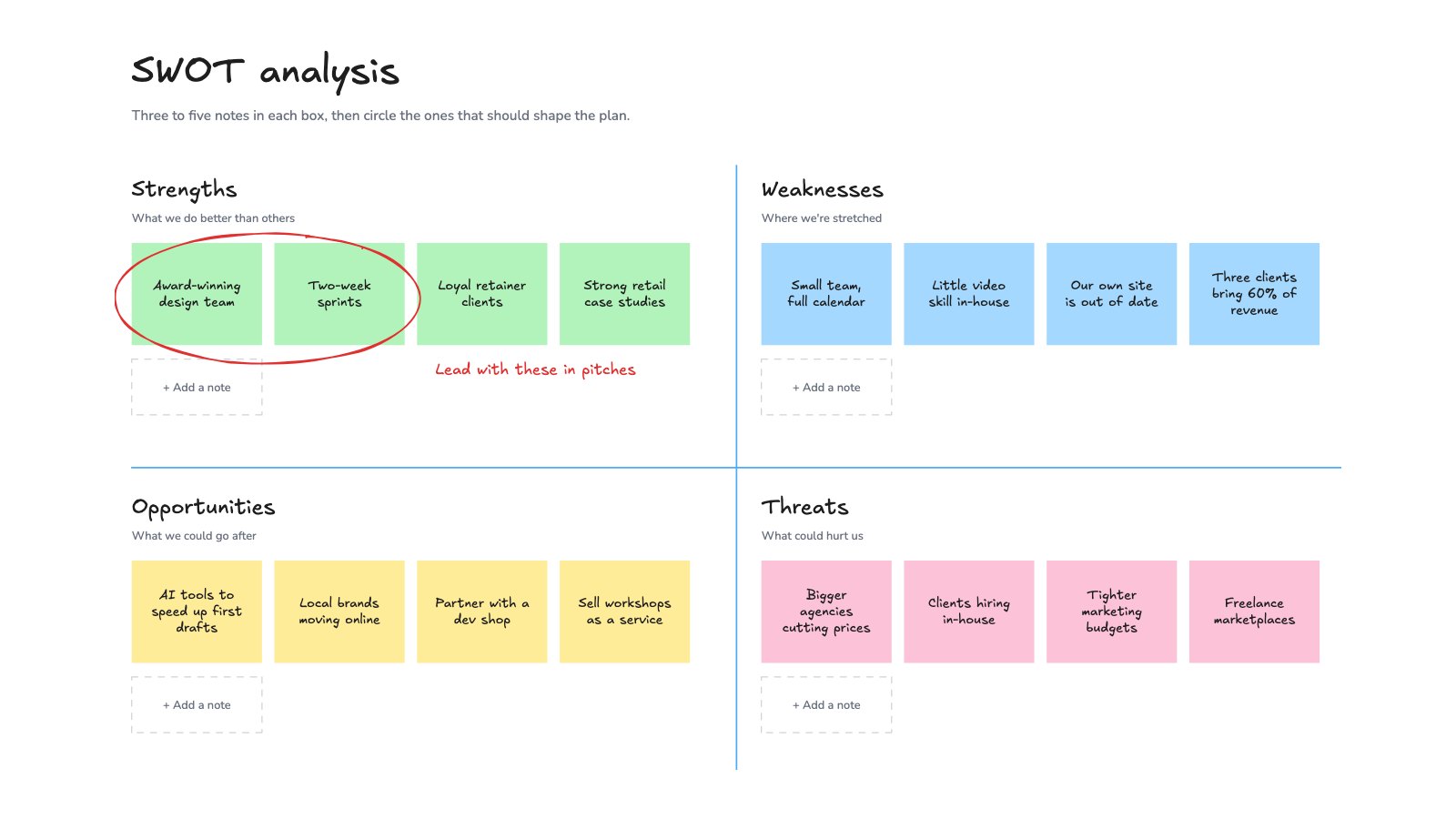
Run and review
Keep the work moving while it happens, then look back once it ships.
More boards in the gallery, or describe the session and let Docsiv AI set one up.
Explore all templatesCommon questions.
Something else on your mind? Ask us in the chat, bottom right of the page.
Is this online whiteboard free?
Yes. Drawing with every tool, starting from a board template and exporting are included on the Free plan, along with saving, sharing by link, live editing, comments and Docsiv AI with credits included.
Do I need to sign up to use it?
Yes, a free account. Sign up with Google, Microsoft or email and the board opens. It’s saved to your workspace, so you can come back to it, share it and export it as a PNG, an SVG or an Excalidraw file.
Can several people work on the same board?
Yes, with a free account. Save the board to your workspace and share it by link with view, comment or edit access. Everyone with it open sees each other’s cursors and changes as they happen, and can pin comments to the board.
What can I export?
A PNG image for slides, documents and tickets, an SVG vector that stays sharp in design tools and print, or an Excalidraw file of the board itself.
Is it Excalidraw?
Yes. The Whiteboard is Excalidraw, the open-source hand-drawn whiteboard, inside Docsiv. Boards are kept in your workspace Drive as ordinary .excalidraw files: they open on excalidraw.com, and .excalidraw files you already have open here.
Can Docsiv AI draw on the board?
Yes, with a free account. Ask for a flowchart, a mind map, a table or your notes as sticky notes and Docsiv AI draws them on the board, where you can move and change everything by hand. It also edits what’s already there and can pin comments.
Can I make it look neat rather than hand-drawn?
Yes. Each shape can be sketchy or clean, and text can be handwriting, a plain font or code, so the same board can go from rough notes to a tidy diagram.
Does it work on a tablet or phone?
Yes, it runs in a tablet or phone browser, and freehand drawing works with a finger or a stylus. A bigger screen is easier for large boards.
Ready to sketch it out?
Describe the flow, map or workshop you need and Docsiv AI draws a first version on the board, or open a blank canvas and start drawing.