

Proposal software for agencies
Draft a proposal from your call notes with Docsiv AI, set it in your brand, review it with your team, then share it, see when it’s read and get it signed. All in one workspace.
The Proposals app is free with an account, which saves, shares and includes Docsiv AI.
From the brief to the read receipt.
Four steps, one document. What each needs is marked: most of it is on the Free plan, and seeing who read it is on Pro and Team.
A first draft from your notes
Describe the client and the job, paste the brief or attach the call notes. Docsiv AI writes the proposal onto a template: their situation, your approach, a timeline and the fees, using your words where you gave them.
- Attach Word, PDF, CSV or Excel files, or paste text
- Ask for changes in plain words, such as “make it eight weeks”
- Uses AI credits: 500 a month on Free, 10,000 on Pro
Your team in the same document
Teammates edit with you live and pin comments to the exact spot on a page. Every save is kept in version history, so nobody’s change is lost before it goes out.
- Live editing, with everyone in the file shown
- Comments pinned to a page, with replies
- Version history: 7 days on Free, 30 on Pro, 90 on Team
A link, a PDF or a web page
Share a link with the client as a viewer or a commenter, download a PDF that looks exactly like the page, or publish the proposal as a web page anyone can open.
- View, comment and edit access for each person
- PDF and web page (HTML) exports
- Links on your own domain on Pro and Team (Settings › Domains)
Know when it’s being read
Analytics shows each shared proposal’s views, who opened it, how long they spent and how far they got, page by page, so you follow up while it’s fresh.
- Views from share links and published pages
- Time and reading depth for each page
- Views are counted on every plan; Pro and Team show them
A proposal for every service you sell.
Ten agency proposals, each written for its kind of work with the pages that kind needs: an audit for SEO, a sitemap for a website, a sample month for social. Keep the structure and put in your details.
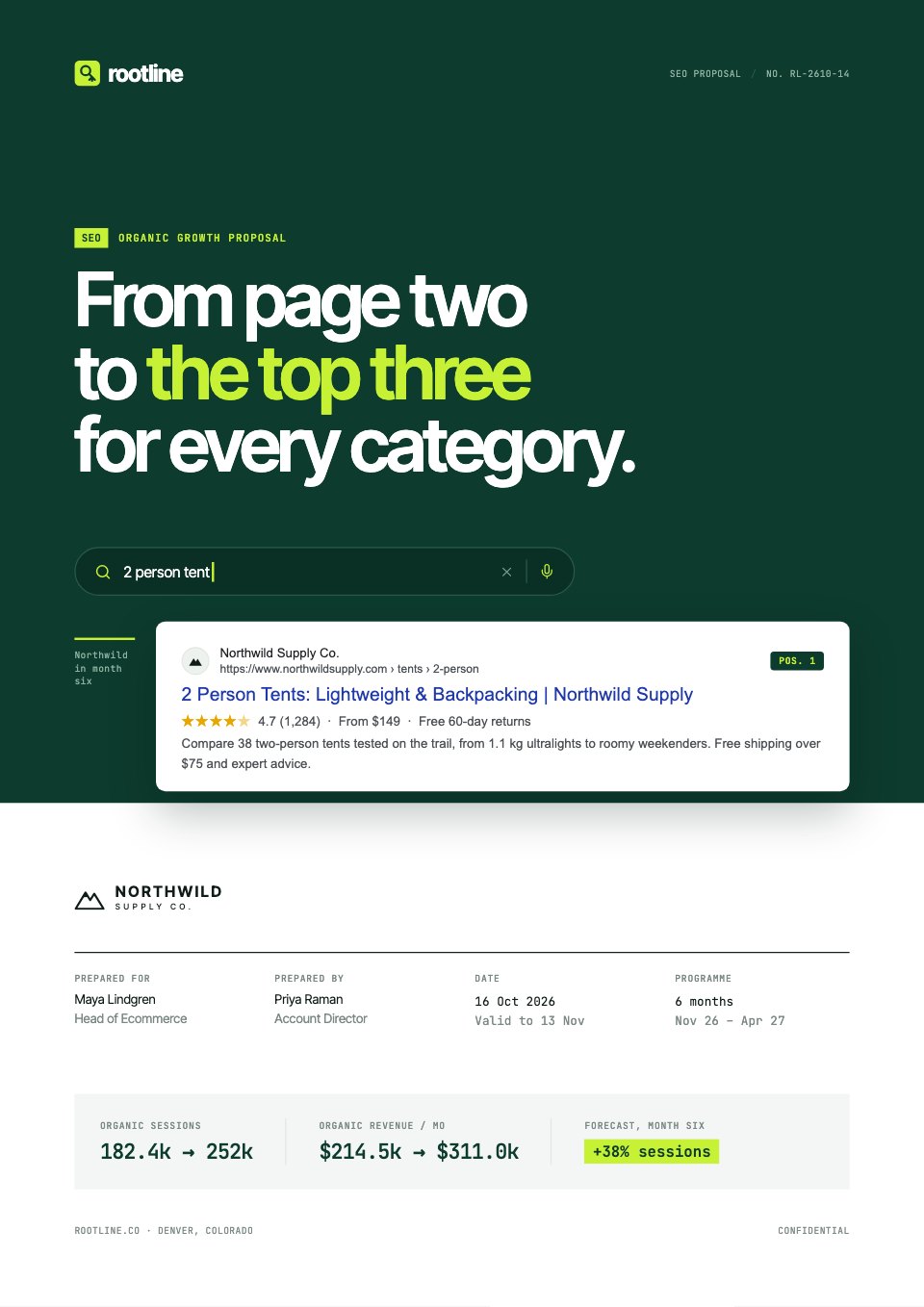 SEOSEO Proposal · 16 pages
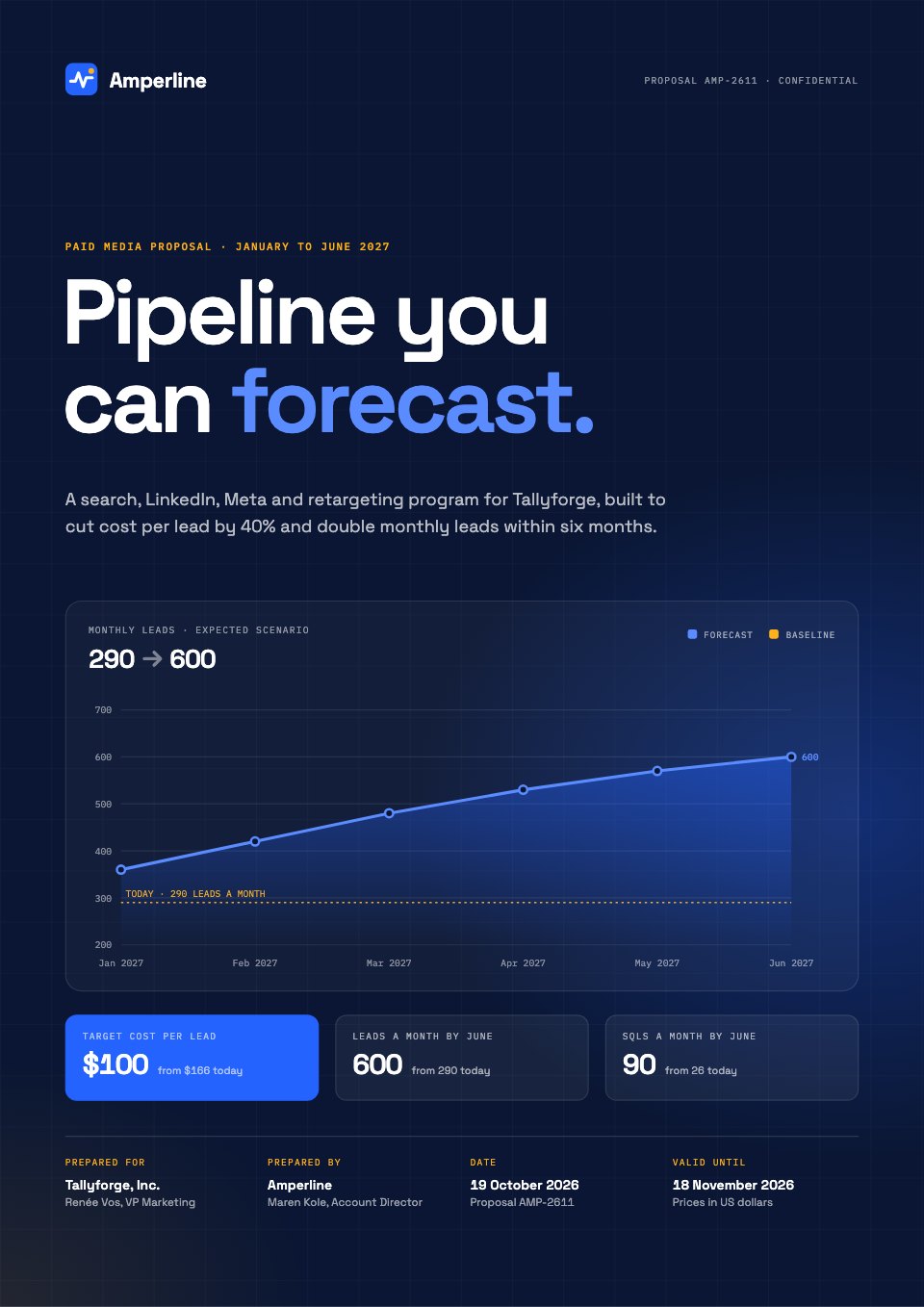 PPCPPC Proposal · 15 pages
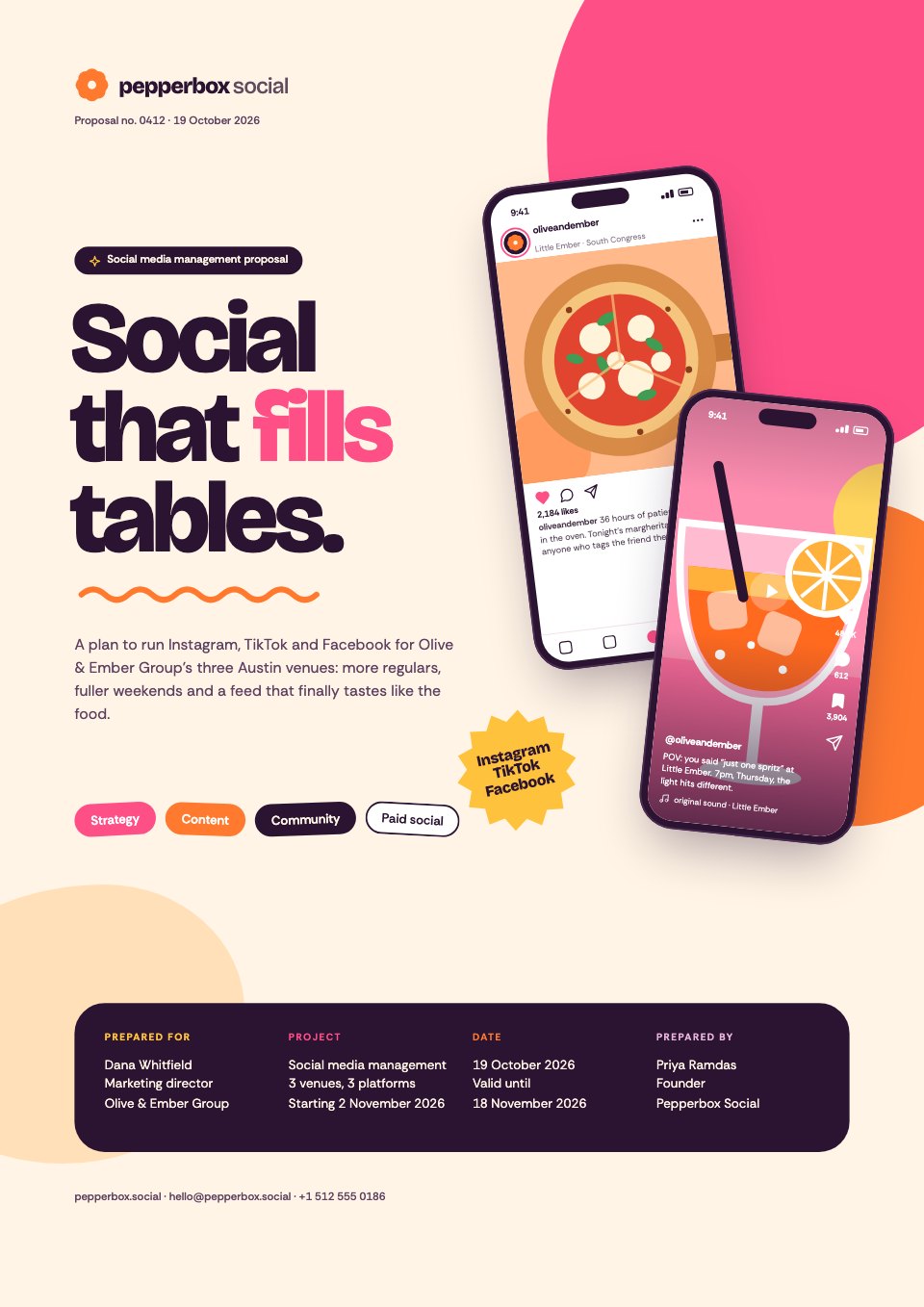 Social mediaSocial Media Proposal · 16 pages
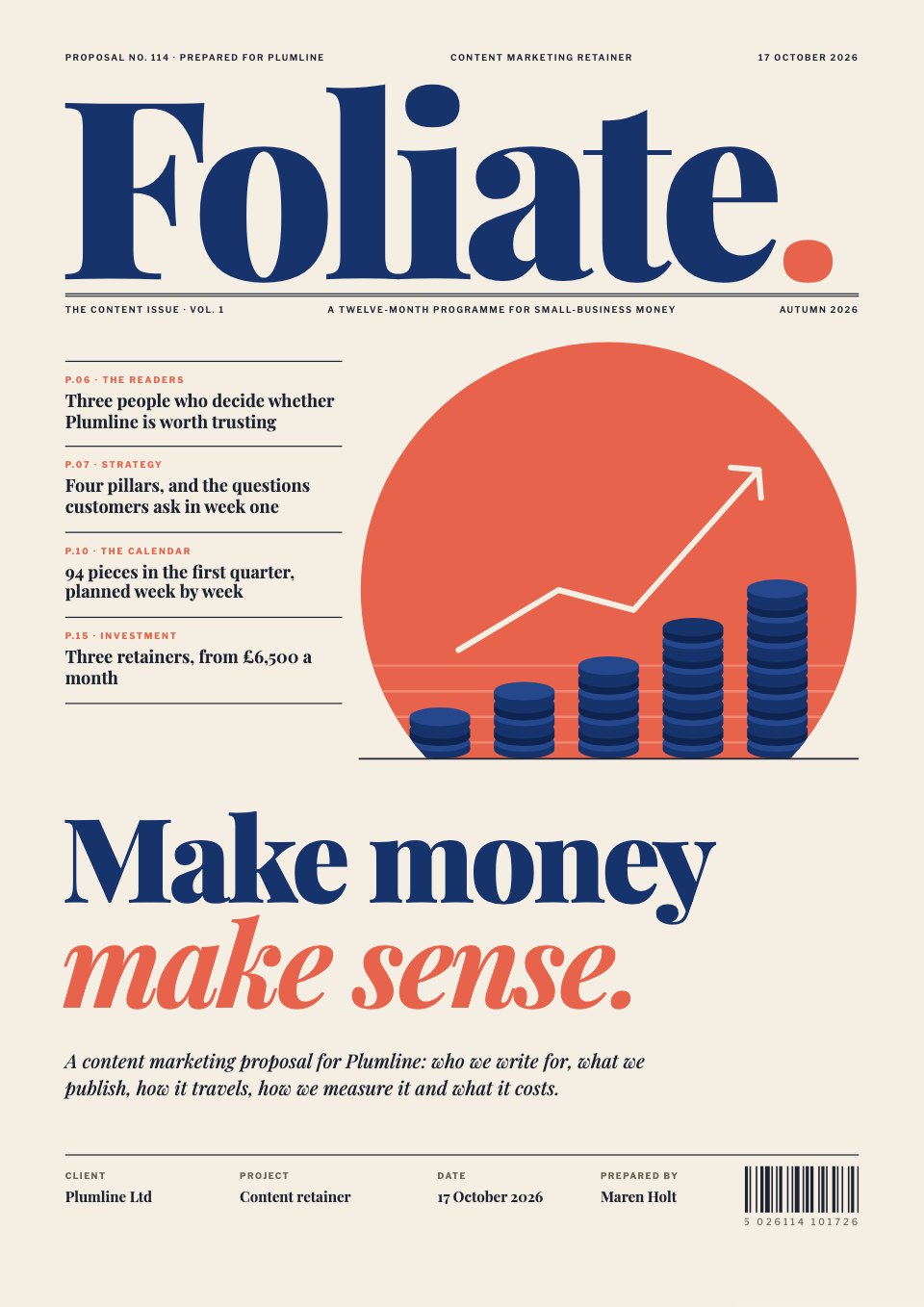 Content marketingContent Marketing Proposal · 17 pages
 WebsitesWebsite Proposal · 16 pages
 Brand identityBrand Identity Proposal · 15 pages
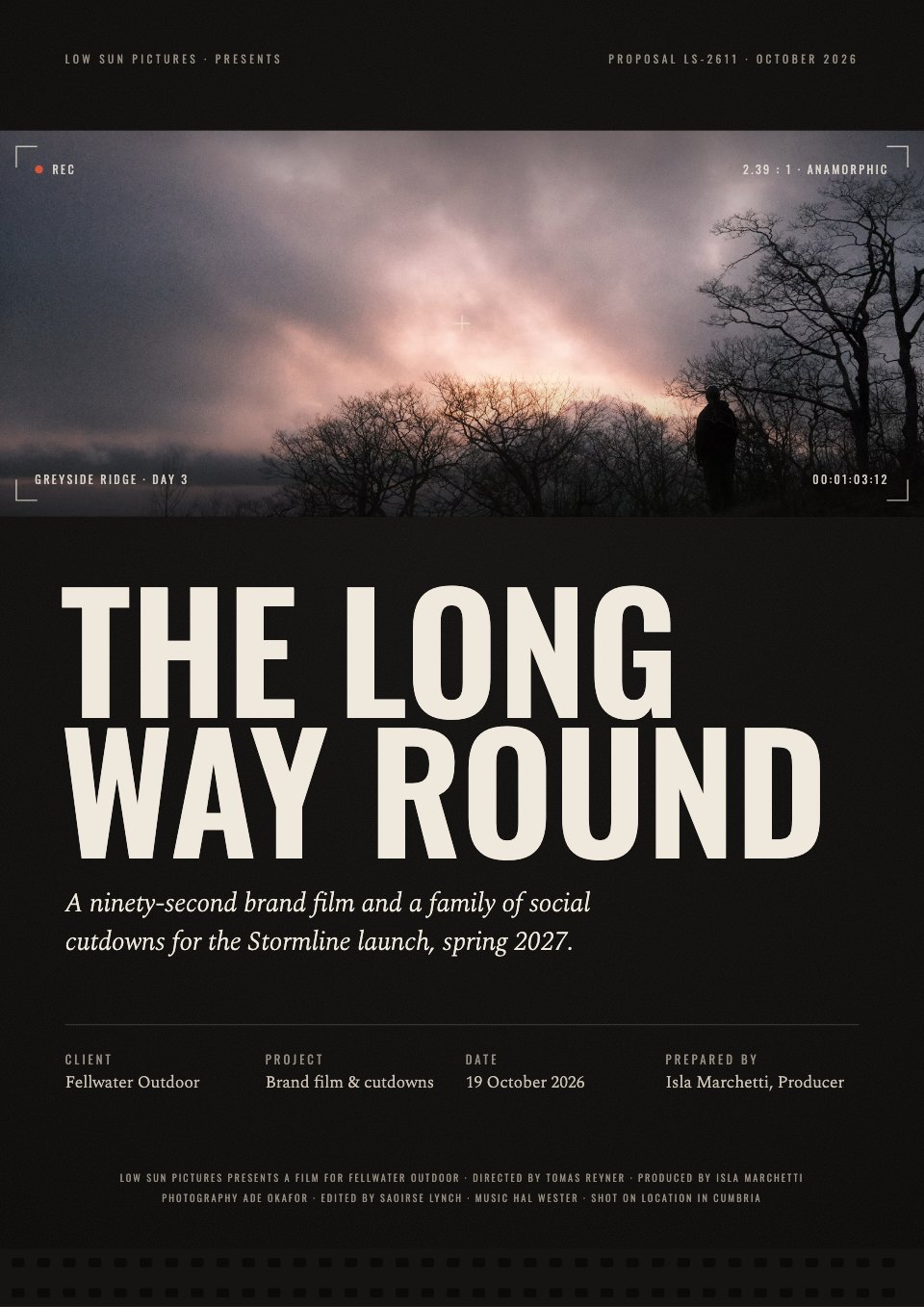 Video productionVideo Production Proposal · 20 pages
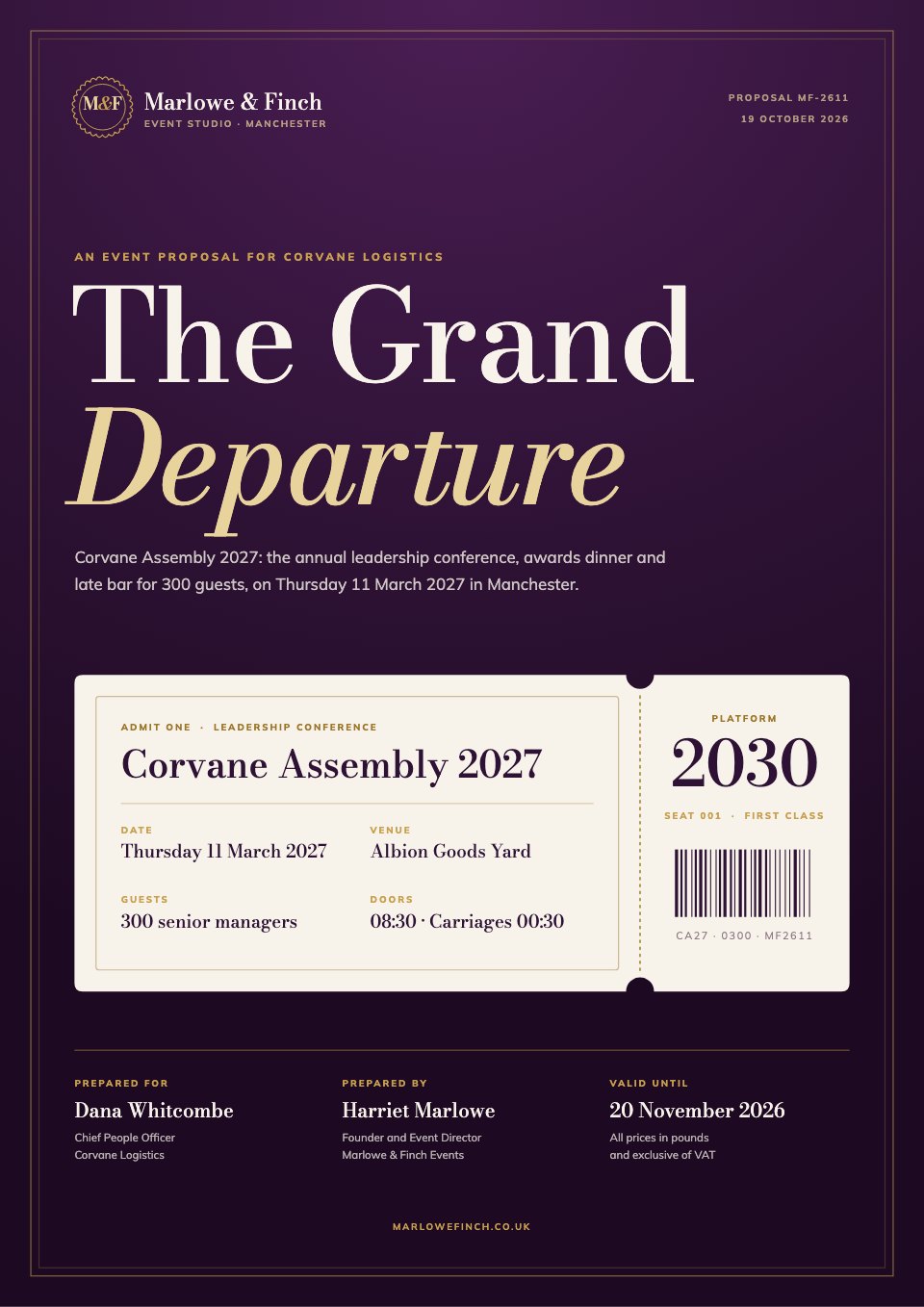 EventsEvent Proposal · 17 pages
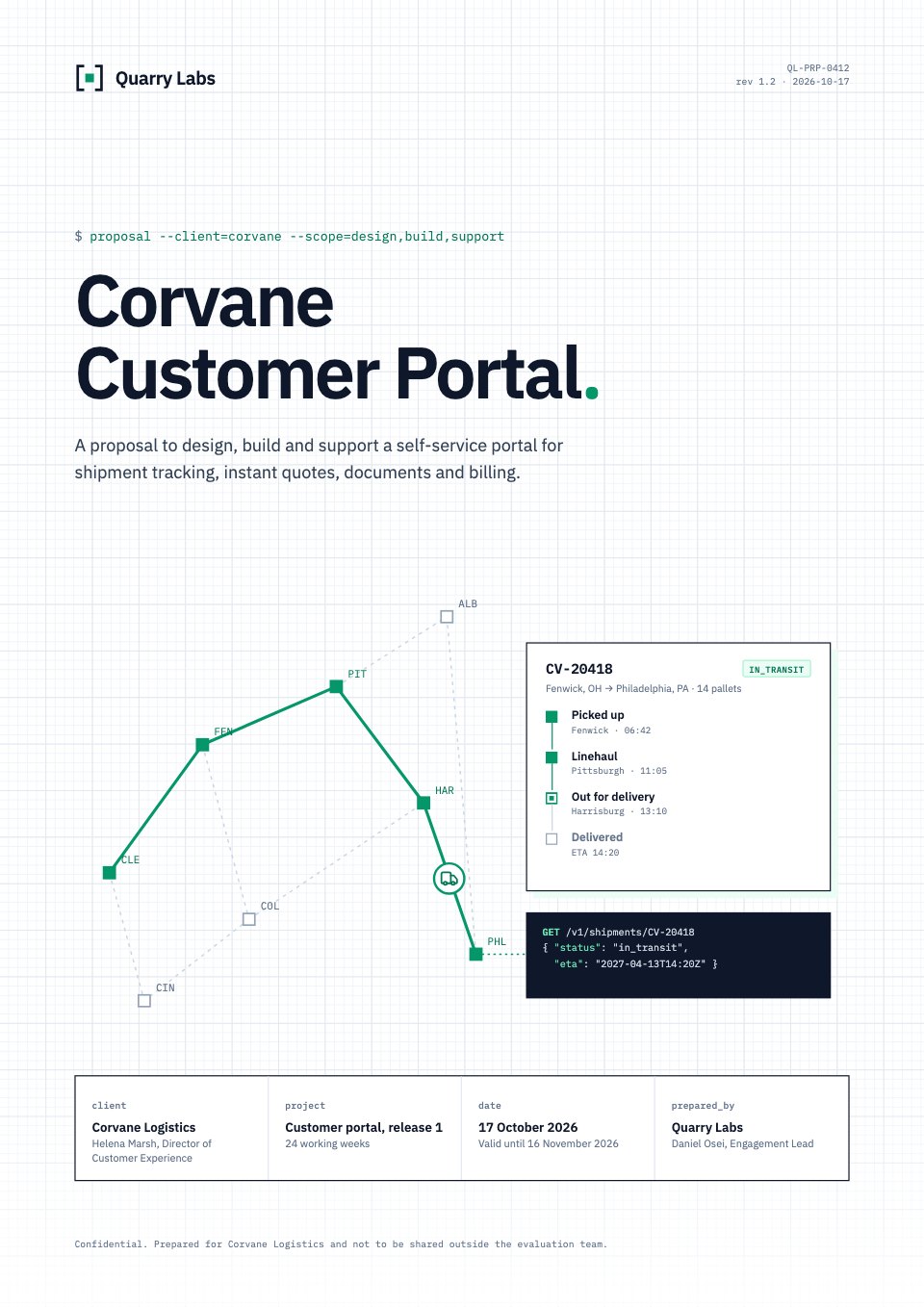 SoftwareSoftware Proposal · 17 pages
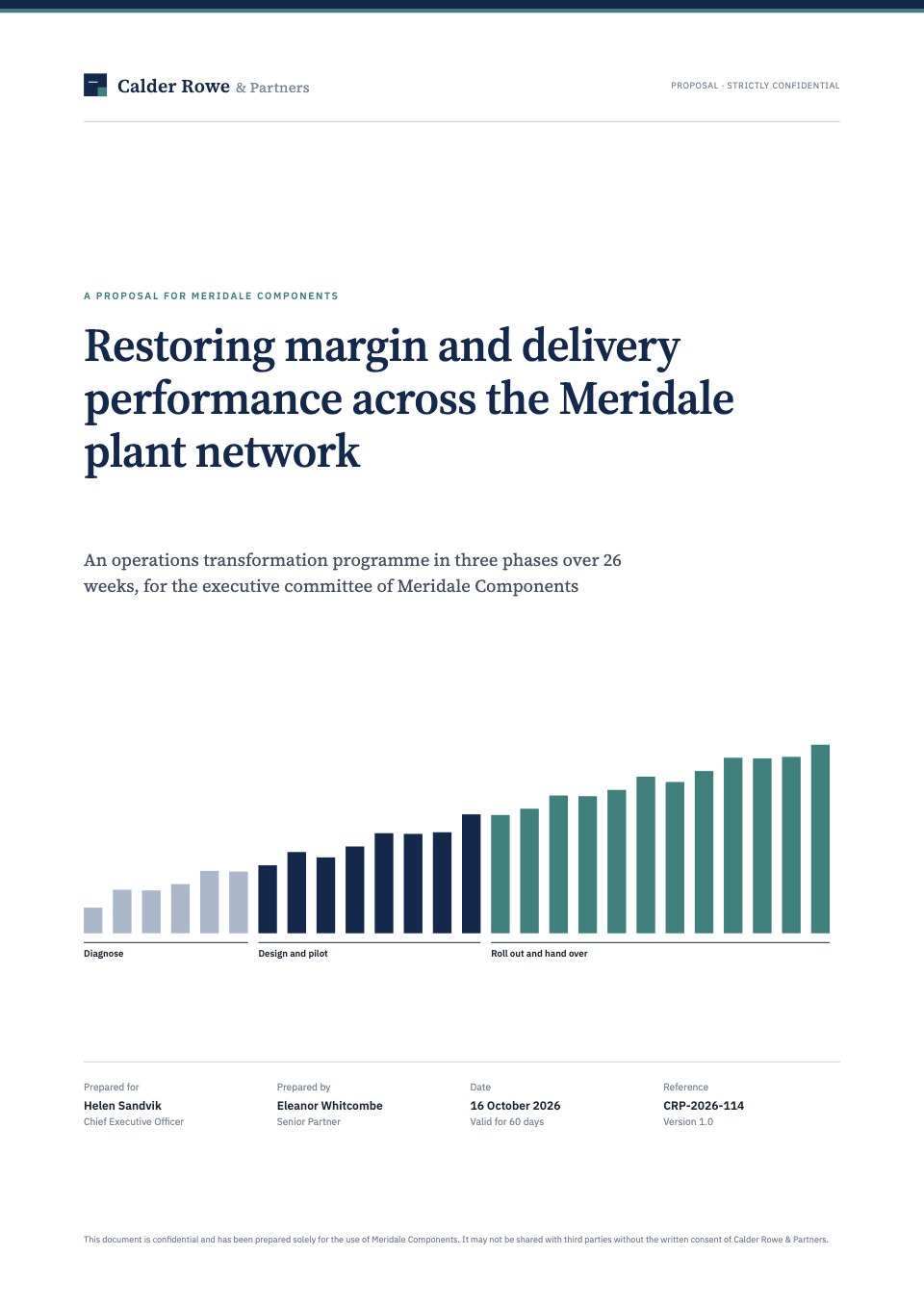 ConsultingConsulting Proposal · 16 pages
The paperwork after the yes
Agreements in the same style, ready to sign the same way.
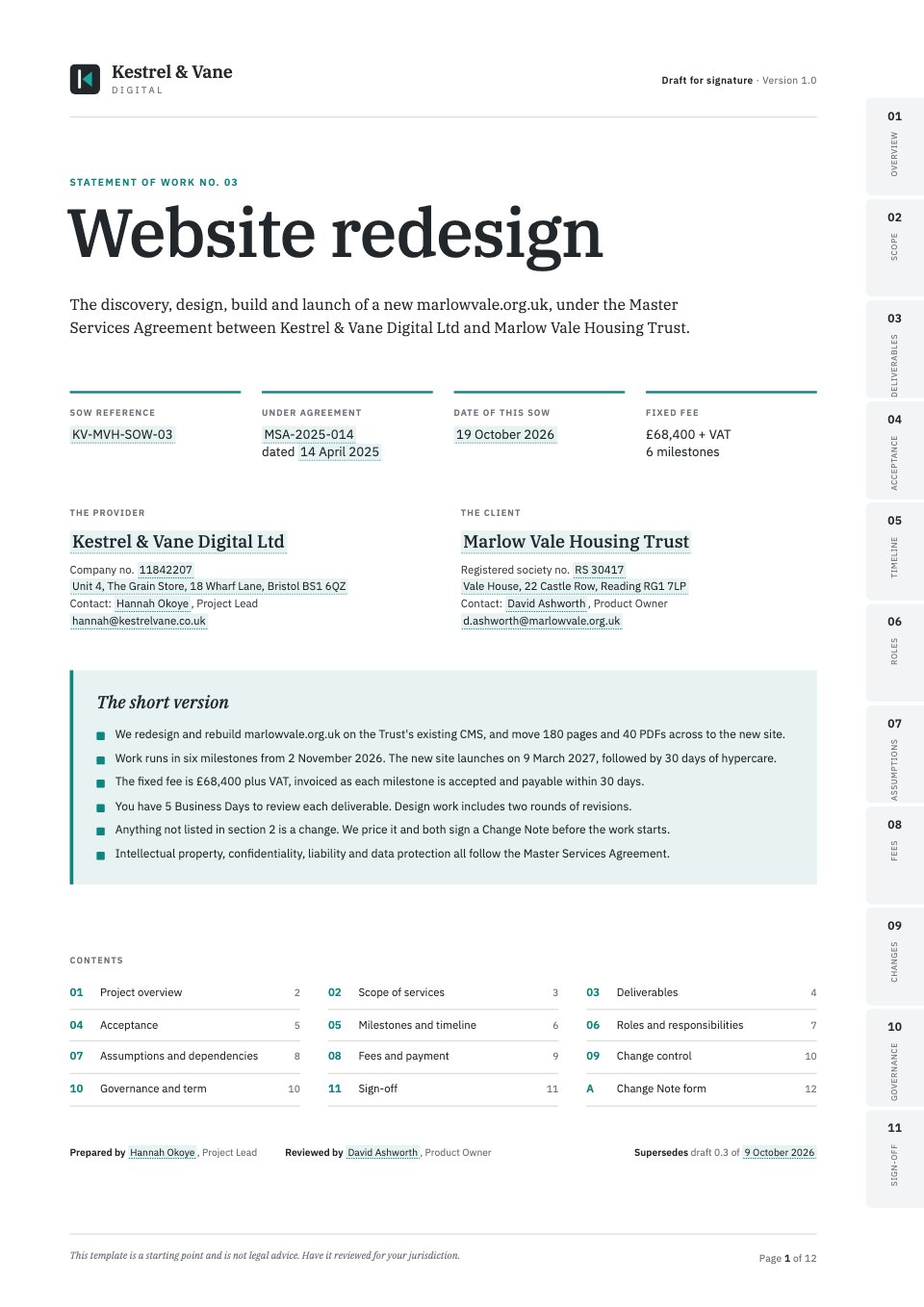 Statement of WorkScope, deliverables and acceptance for one project.
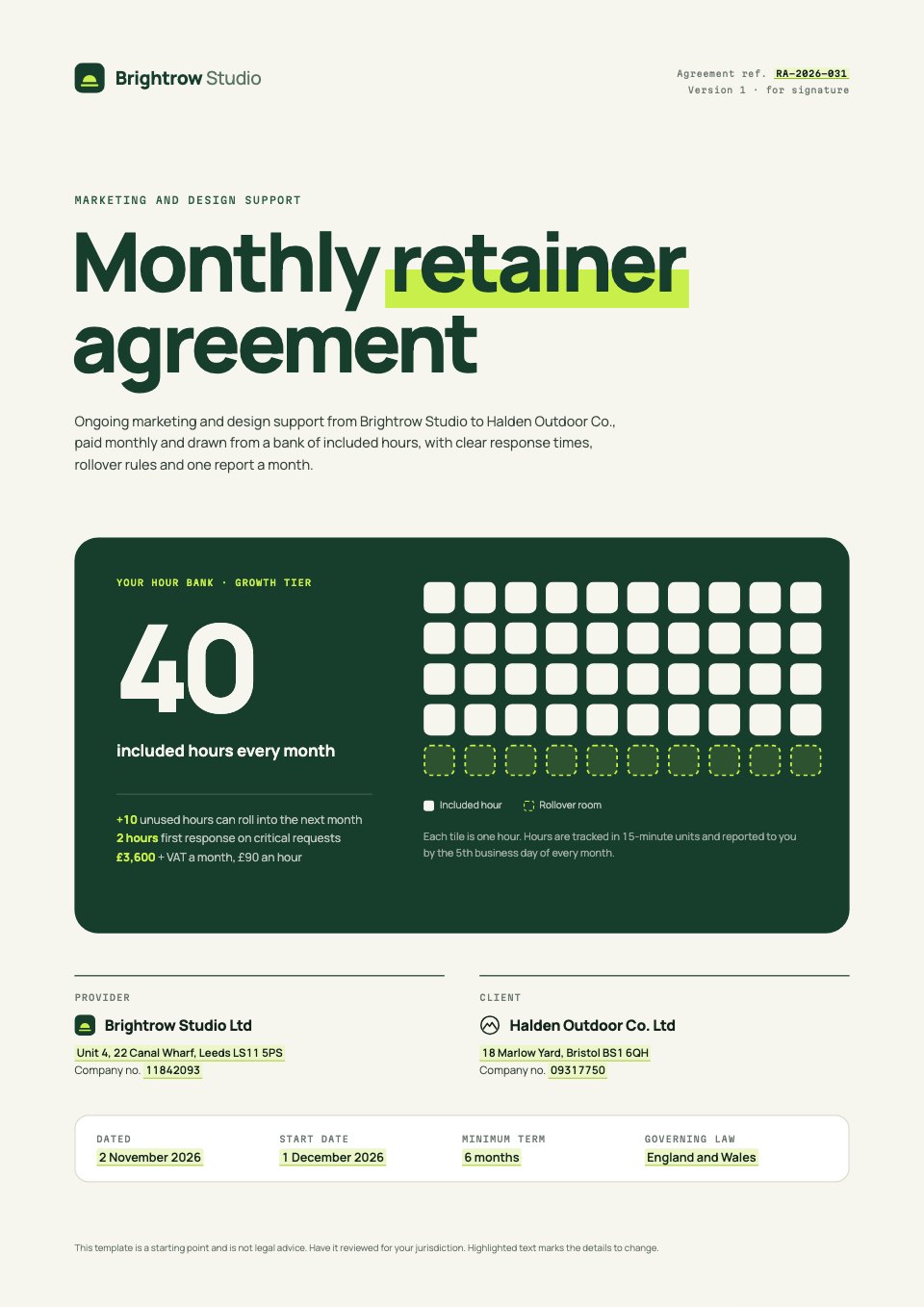 Retainer AgreementMonthly hours, rollover and notice for ongoing work.
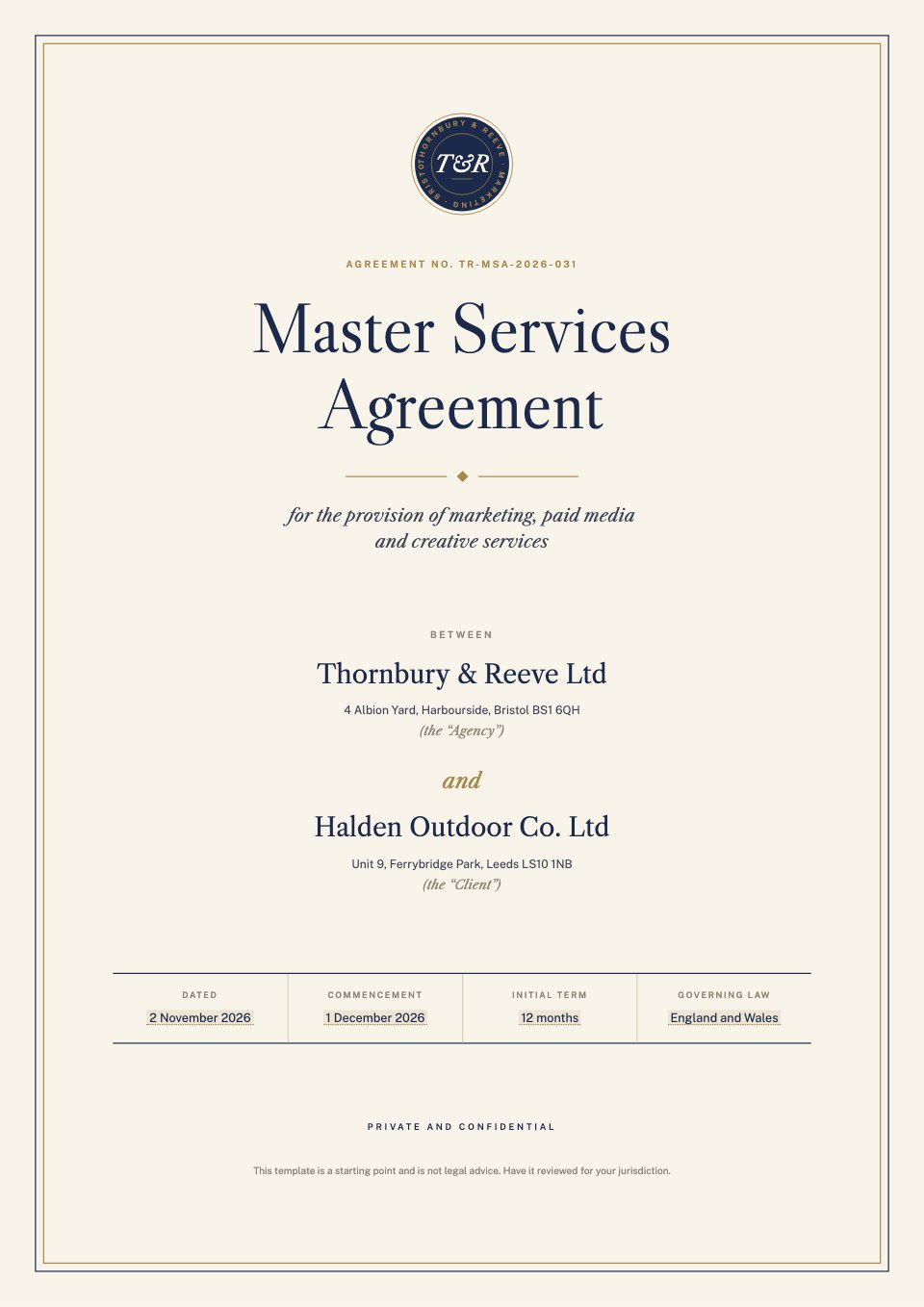 Service AgreementThe terms behind every project you run.
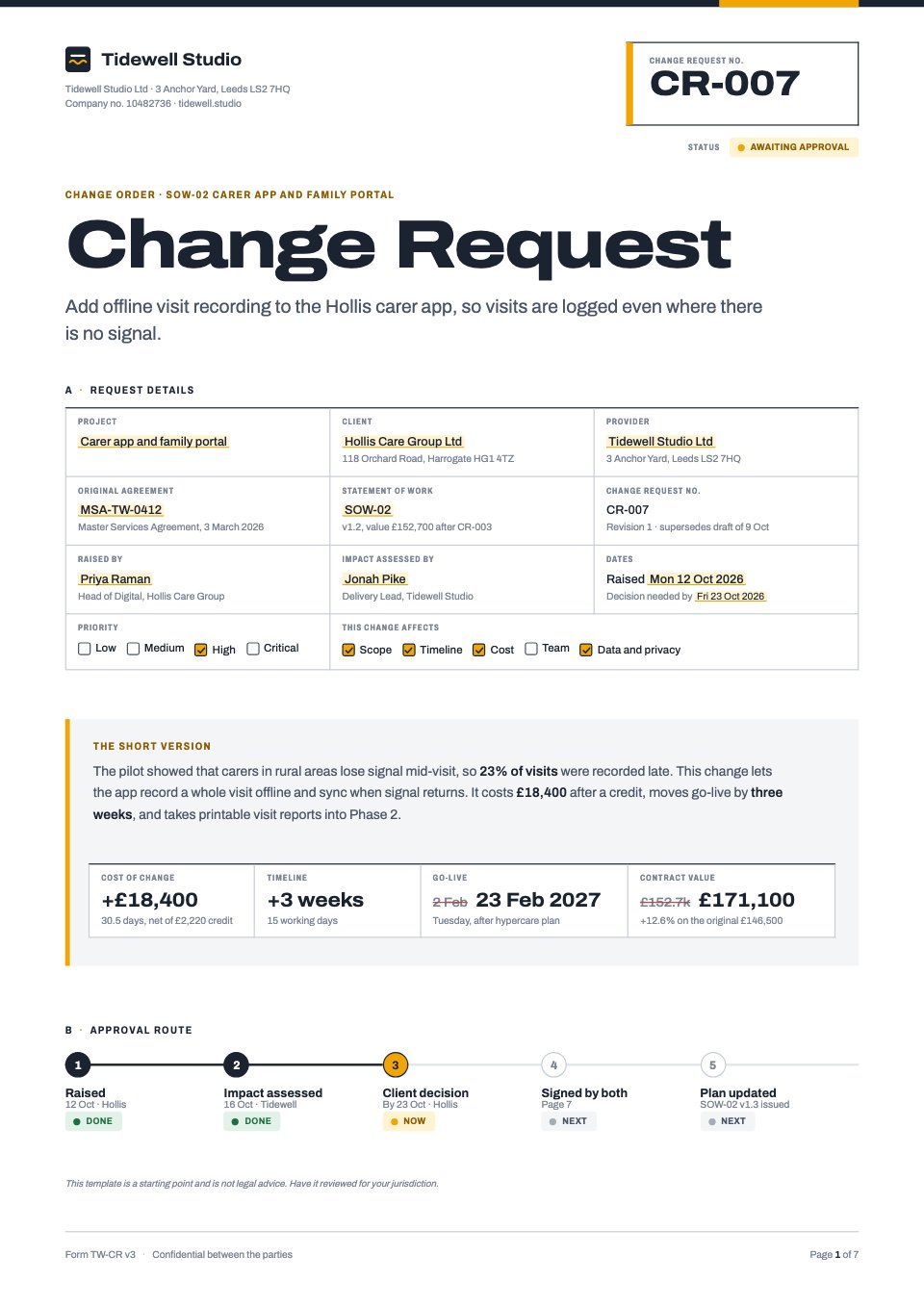 Change RequestNew scope, its cost and its effect on the dates.
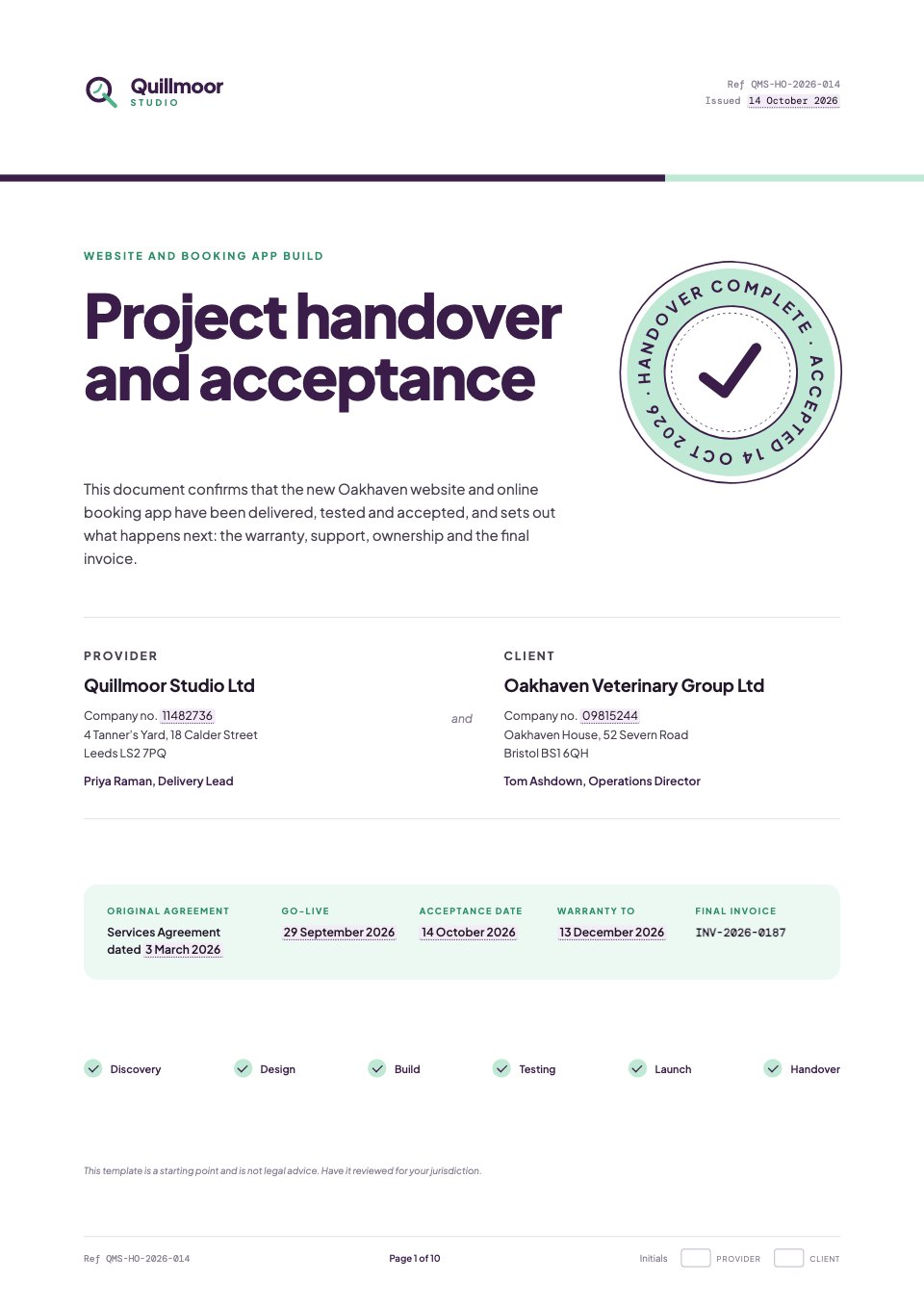 Project Handover and AcceptanceWhat was delivered, and the client’s sign-off.
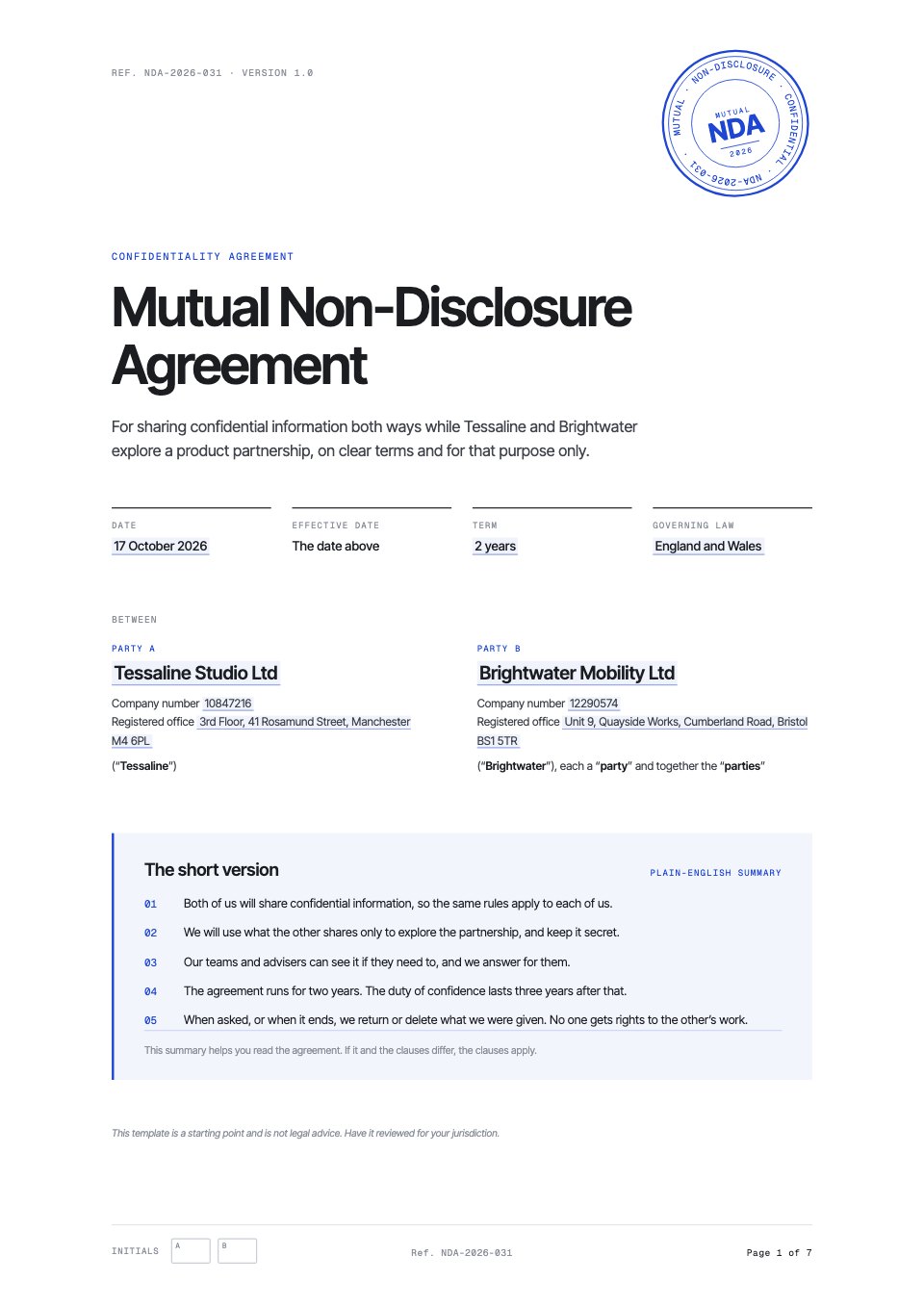 Mutual NDAA mutual NDA for before the brief is shared.
Or describe the job and let Docsiv AI choose the template and write the first draft.
Explore all templatesSigned on the page they just read.
No second tool and no re-uploaded PDF: the proposal’s own sign-off page becomes the signing page, and every request is tracked under Signatures.
- Fields on the pageSignature, name, date, text and tick boxes for each signer, placed where the client expects them.
- Order, or all at onceSigner 1 first and the next when they’ve signed, or everyone together.
- A code checkAsk signers to confirm a code sent to their email before they sign.
- Reminders that send themselvesUnsigned signers are reminded up to three times, and you can nudge anyone from Signatures.
- A record that holds upEveryone gets the signed PDF and a certificate of completion with the audit trail.
Sending for signature is on Pro, with 40 requests a month, and Team, with no limit. Placing the fields works on every plan. See pricing
In their own words.
What agencies and teams say after moving their client work into Docsiv.
The Boost GroupApsticVirtual XcellenceRecruit Hunt
“Proposals used to take a day across four tools. Now we send them branded from one place, and clients sign the same afternoon.”
“Our decks, proposals and reports live in one place now. The team works on the same files instead of passing versions around, and AI gets us to a first draft fast.”
“We replaced our proposal tool, our deck tool and our e-sign tool in one afternoon. Everything our clients see now goes out in our brand.”
RecruitHunt uses Docsiv for recruitment, staffing and AEC client work.
What it doesn’t do.
Proposal tools differ most in what surrounds the document. Here’s what Docsiv leaves to the tools you already use.
- No CRM or deal pipeline
Docsiv doesn’t track deals, stages or forecasts, and doesn’t sync with HubSpot or Salesforce.
Keep your CRM, and paste the deal notes into Docsiv AI when you draft. - No payment at signing
Clients can’t pay a deposit inside the proposal.
Send a deposit invoice from Invoices with your own Stripe or PayPal link. - No approval step before sending
There’s no manager sign-off gate: anyone who can edit a proposal can share it or send it.
Ask for a review in a comment before it goes out. - No follow-up emails for unread links
Automatic reminders are for signature requests. A shared link that goes unread doesn’t chase the client.
Check the proposal’s views on Pro or Team, then follow up yourself.
Comparing proposal software?
Side by side with the tools agencies ask us about, and the free proposal tools that come with a free account.
Compare
Free tools
Common questions.
Something else? Ask us in the chat, bottom right of the page, or see pricing.
What does proposal software do?
It’s where you write a proposal, make it look like your business, send it and get it accepted. Docsiv does that with Docsiv AI drafting, templates for agency services, share links, read analytics and e-signatures, in the same workspace as your decks, reports and invoices.
Is Docsiv’s proposal software free?
Yes. The Proposals app and its templates come with a free account, which saves your proposals to the workspace Drive, lets you share them by link and includes 500 Docsiv AI credits a month. Sending for e-signature and seeing who read a proposal are on Pro ($20 a month) and Team ($60 a month for up to five people).
Can Docsiv AI write a proposal for me?
Yes. Describe the client, the work and your fees, or attach the brief and your call notes, and it writes the whole proposal onto a template: situation, approach, timeline and investment. Read it through and change anything before you send it. AI drafting uses credits: 500 a month on Free, 10,000 on Pro and 35,000 shared on Team.
How do e-signatures work?
Place signature, name and date fields for each signer on the proposal’s sign-off page, then send it from the Sign panel. Each signer gets an email link and can be asked to confirm a code; unsigned signers are reminded automatically. When everyone has signed, each person gets the signed PDF and a certificate of completion. Pro includes 40 requests a month and Team has no limit.
Can I see when a client opens my proposal?
On Pro and Team, Analytics shows each shared proposal’s views, who opened it, for how long and how far they read, page by page. For proposals sent for signature, Signatures also shows when each signer opened it.
Can I export a proposal to PDF or Word?
Proposals export as a PDF, page for page, or as a web page (HTML), and can be published to the web. They don’t export to Word; if a client needs a .docx, write it in the Documents app, which exports DOCX.
Does it work for quotes and statements of work?
Yes. A proposal’s investment page works as a quote, and there are templates for a statement of work, a retainer agreement, a service agreement and change requests. For the invoice that follows, use the Invoices app.
Can my team work on the same proposal?
Yes. Everyone in your workspace can open and edit it, live, with comments pinned to the page and version history. Team includes up to five members; Free and Pro are for one.


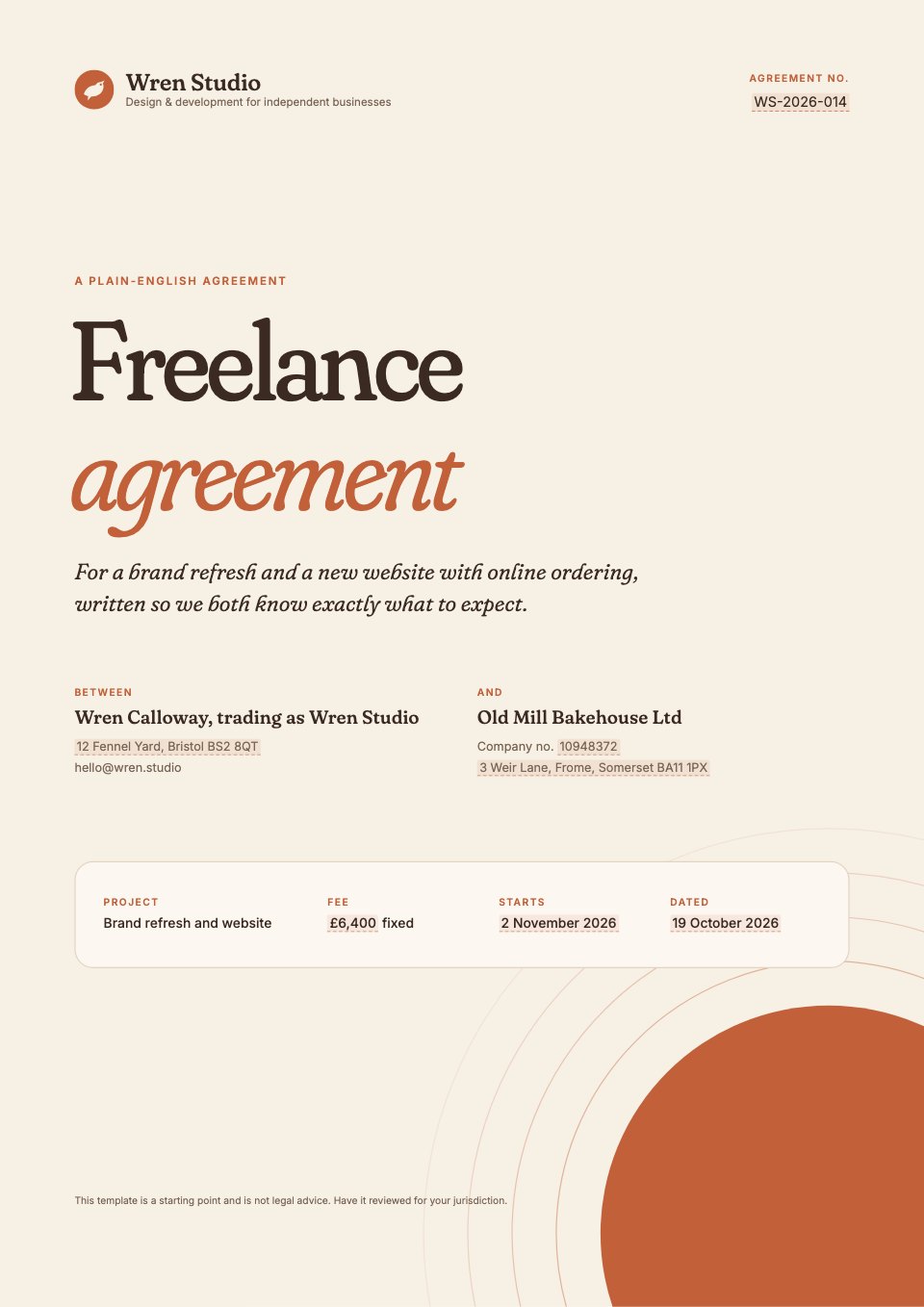
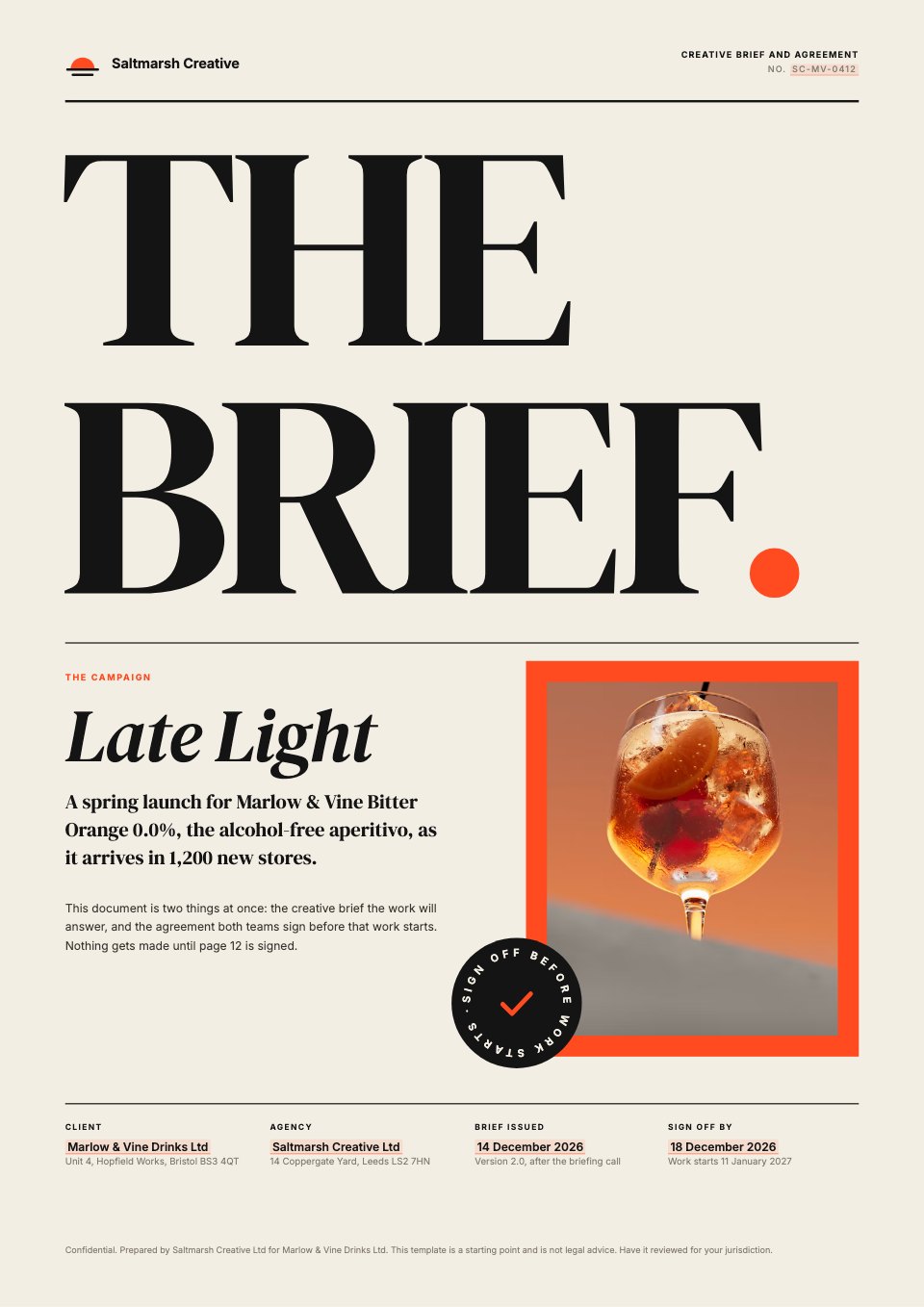
Write your next proposal here
Describe the client and the job, attach your notes, and get a designed first draft to edit, share and send for signature.