

Design social media posts with AI
Posts, carousels, Stories and thumbnails at each platform’s own size, in your brand and ready to download.


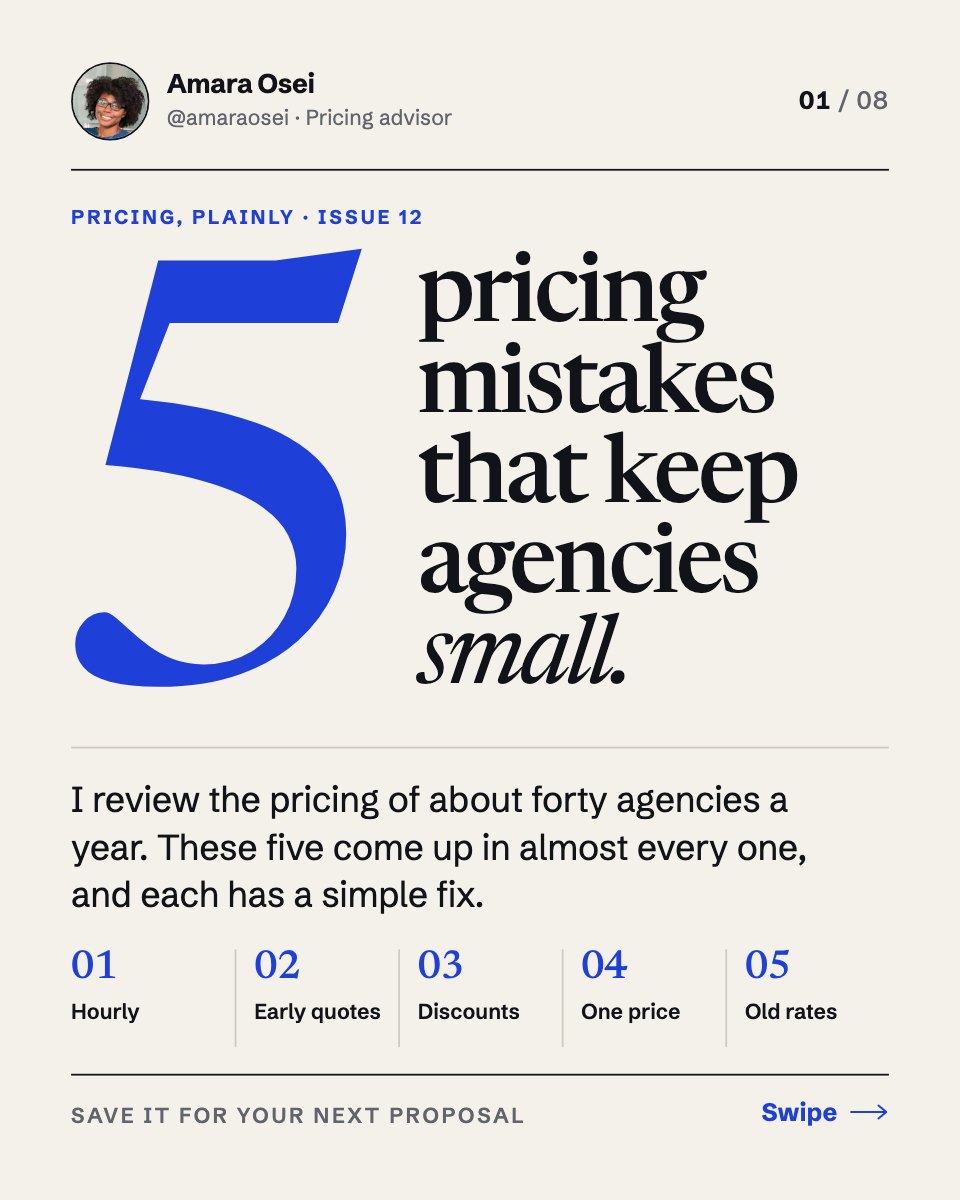
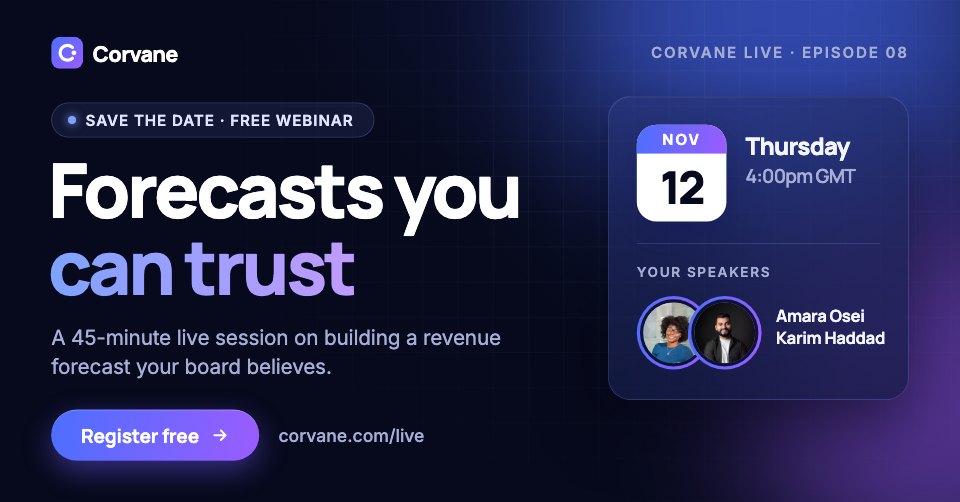
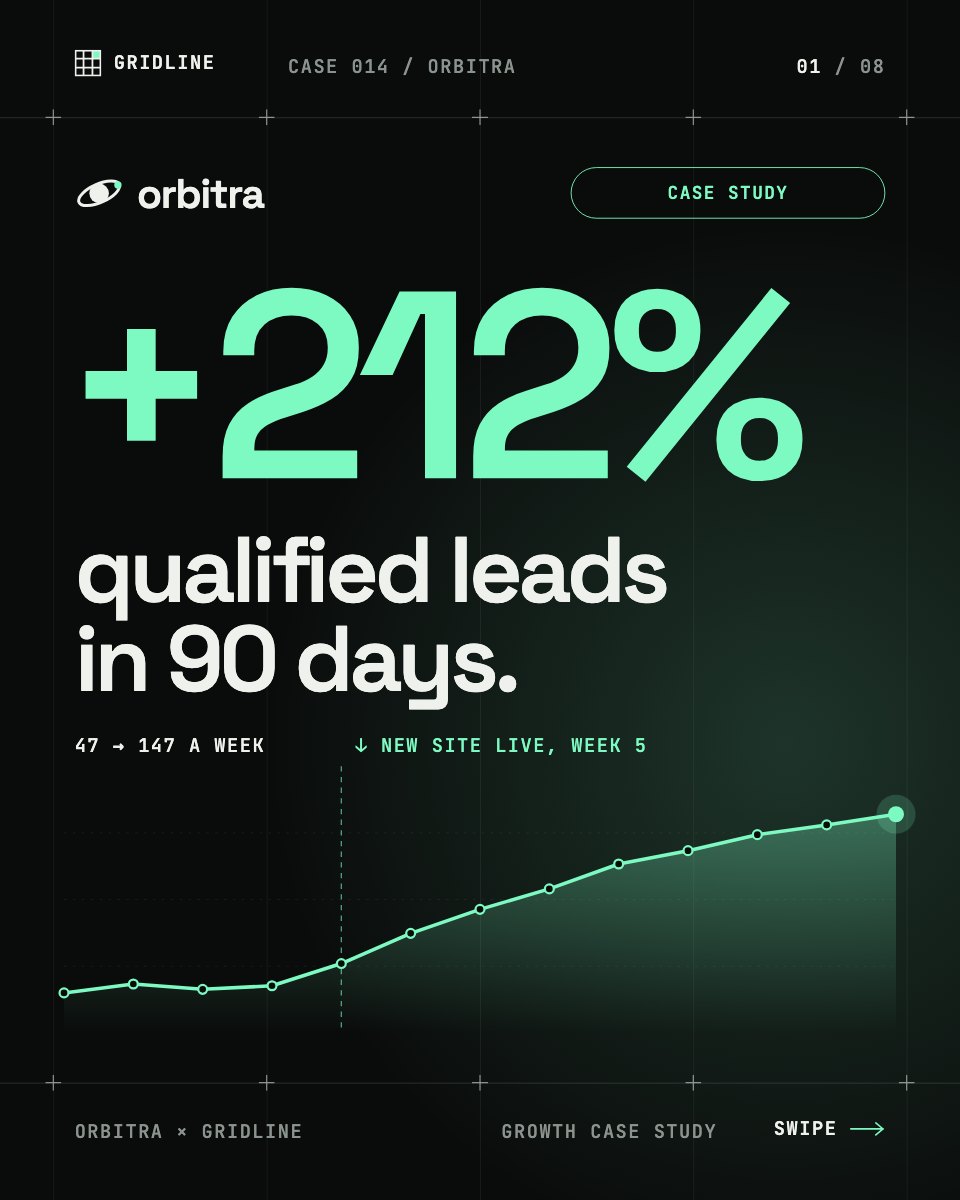
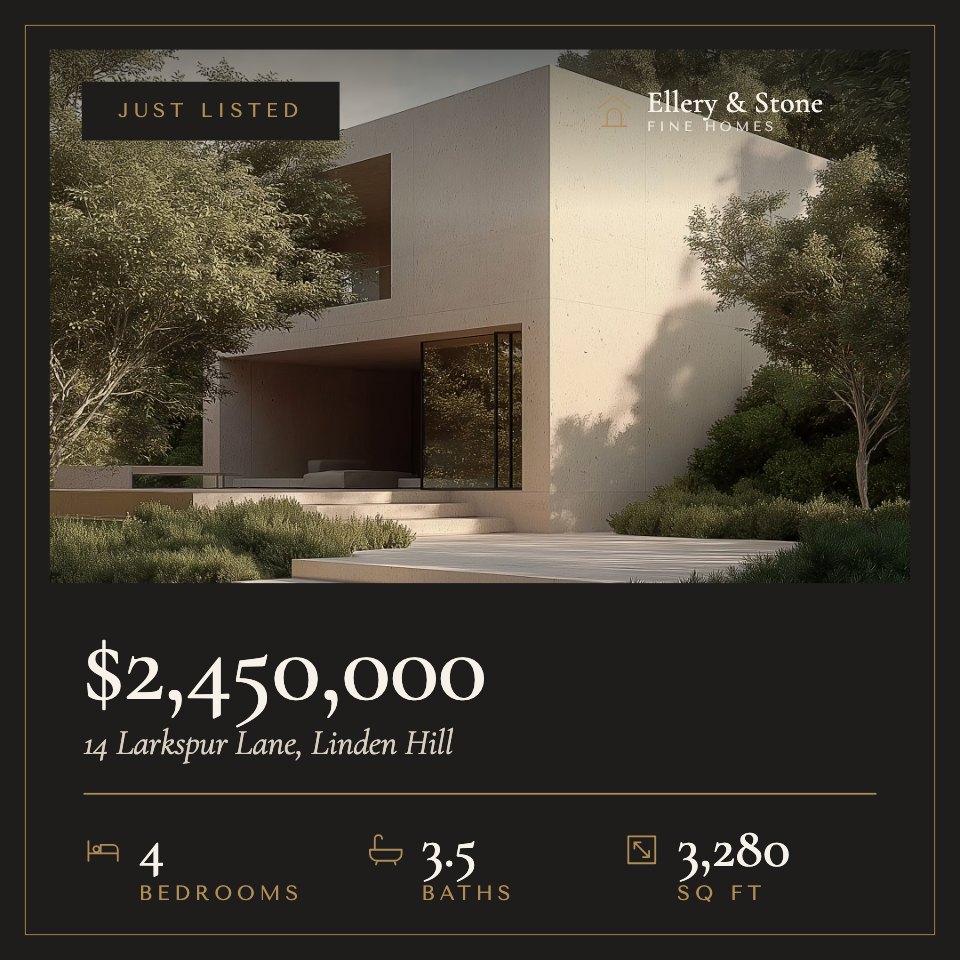
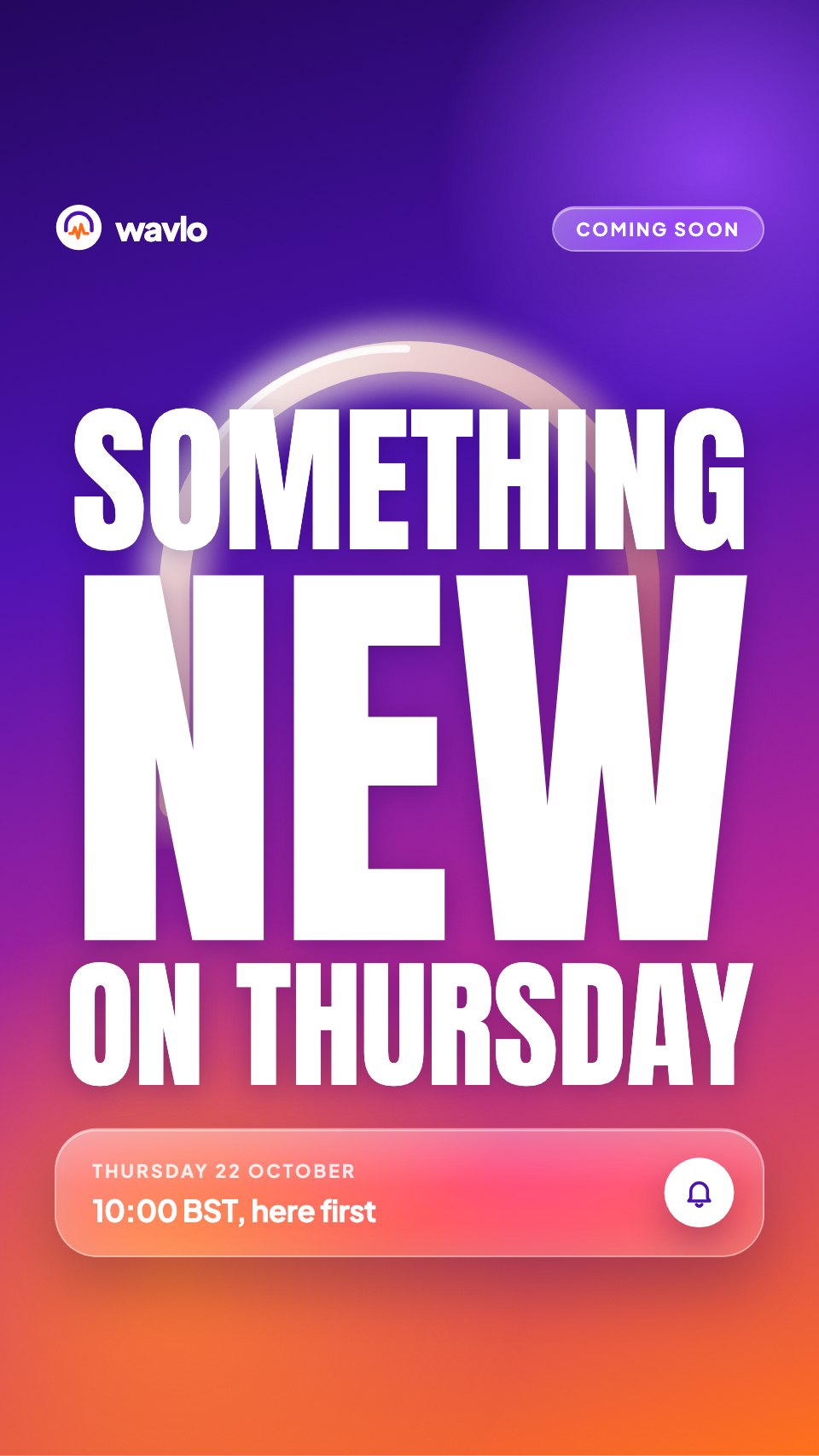
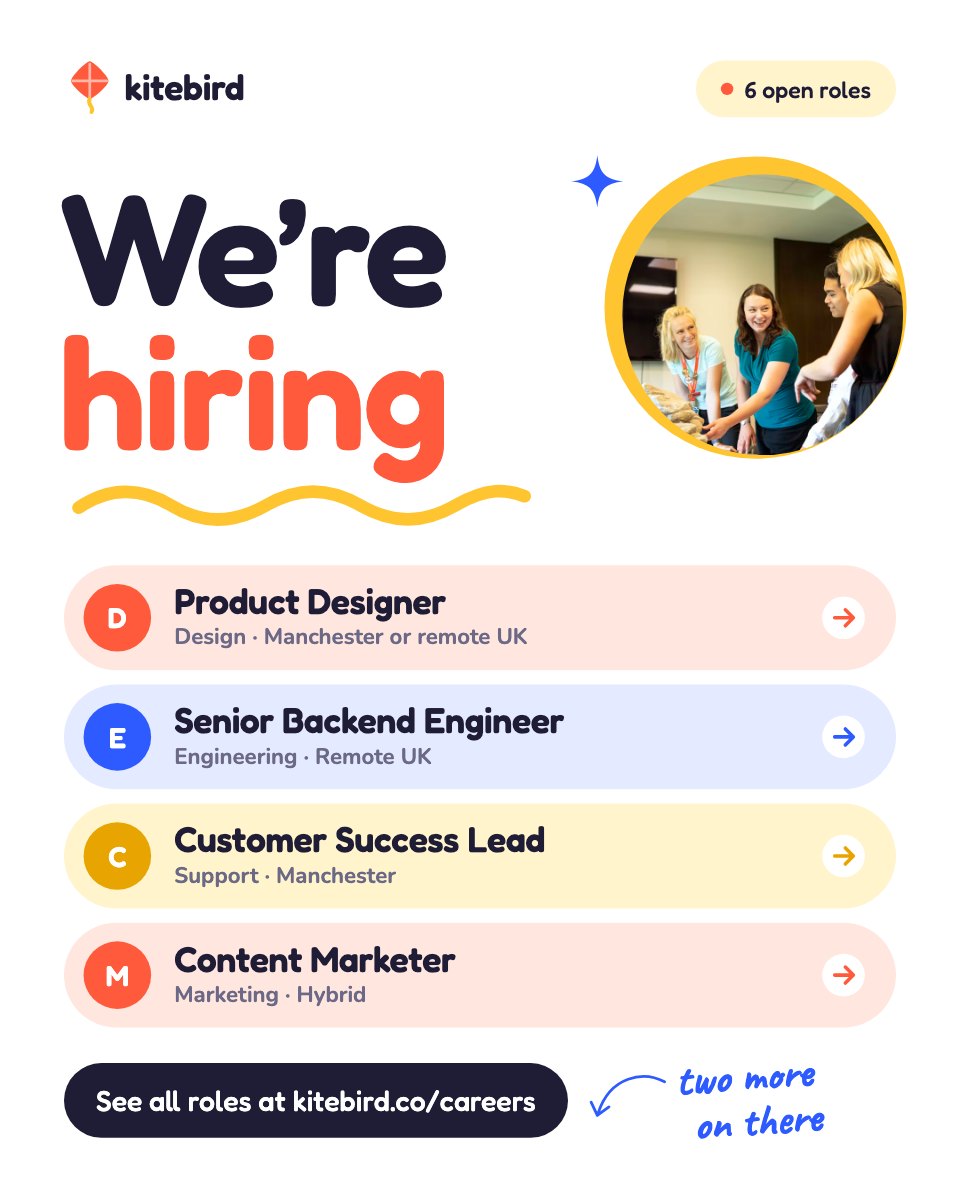
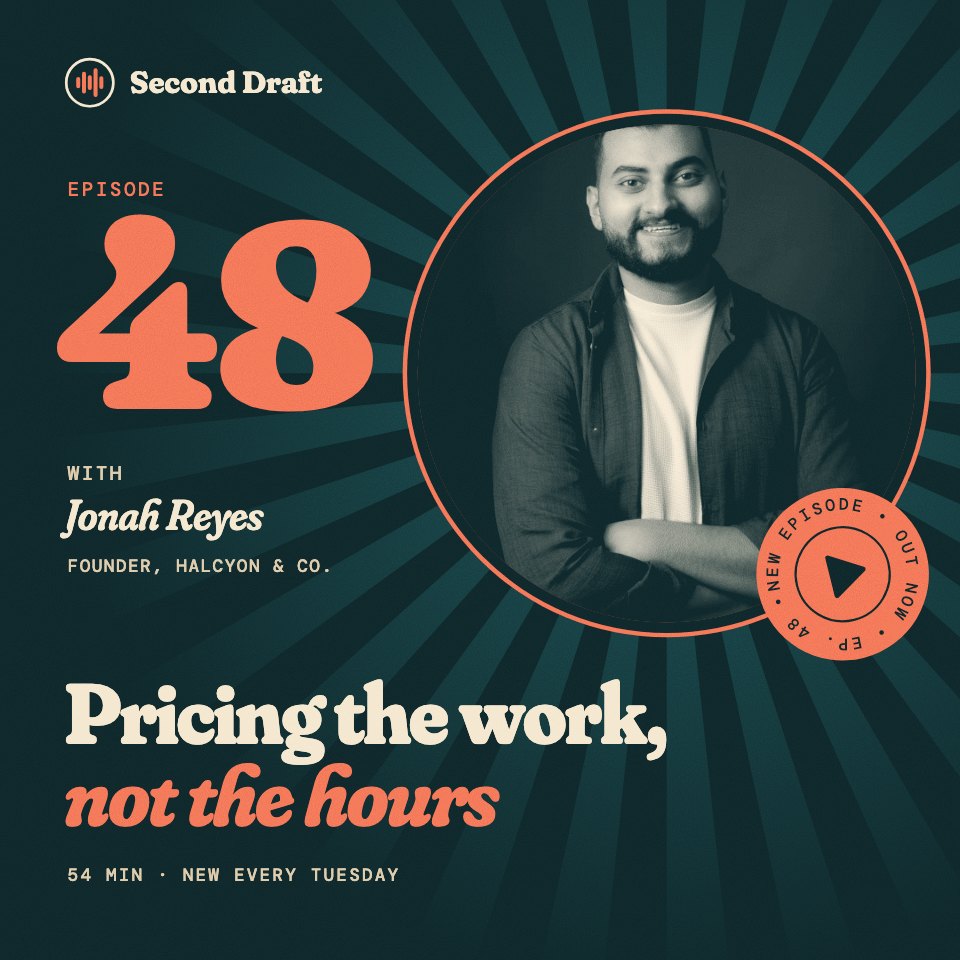
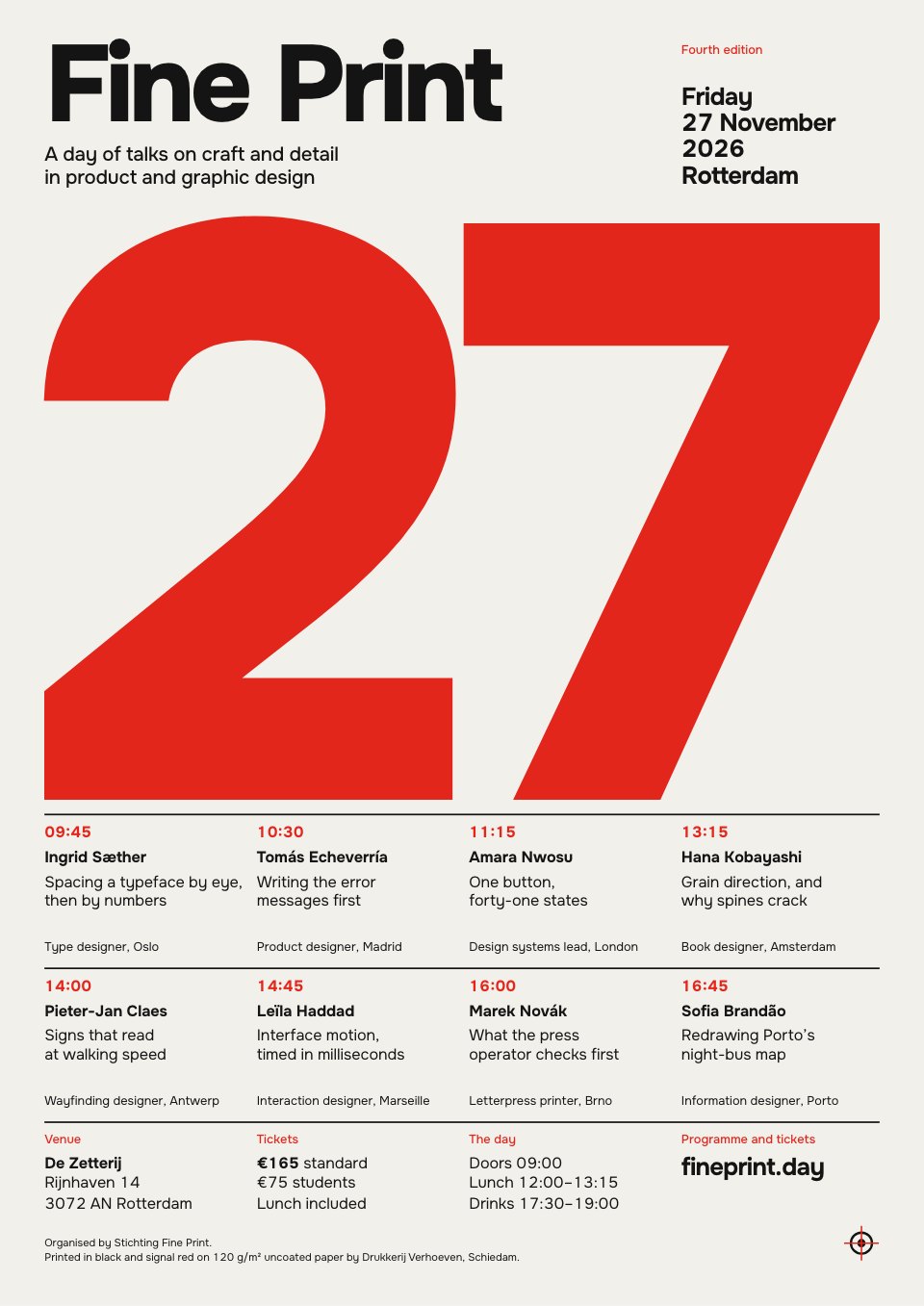
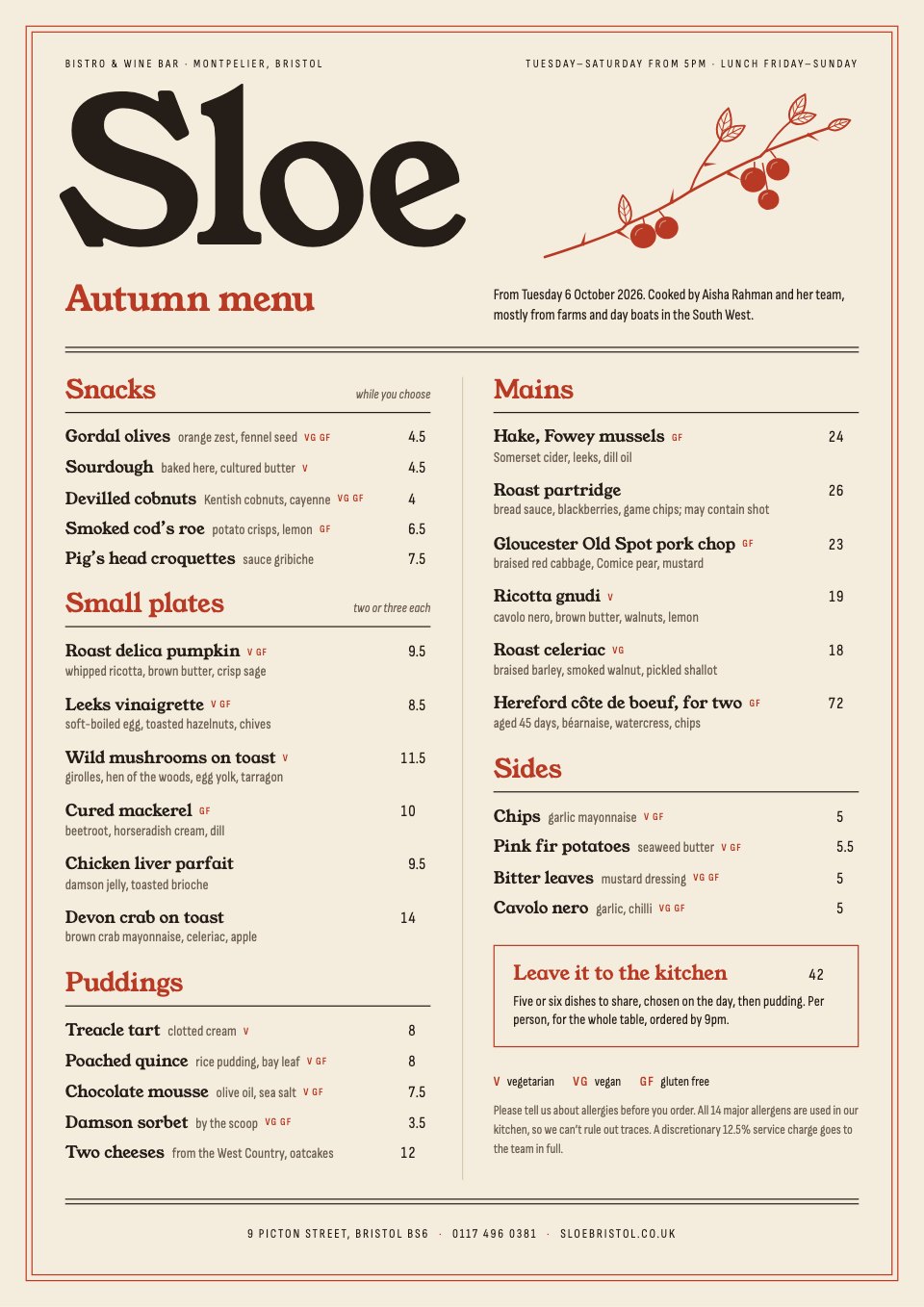
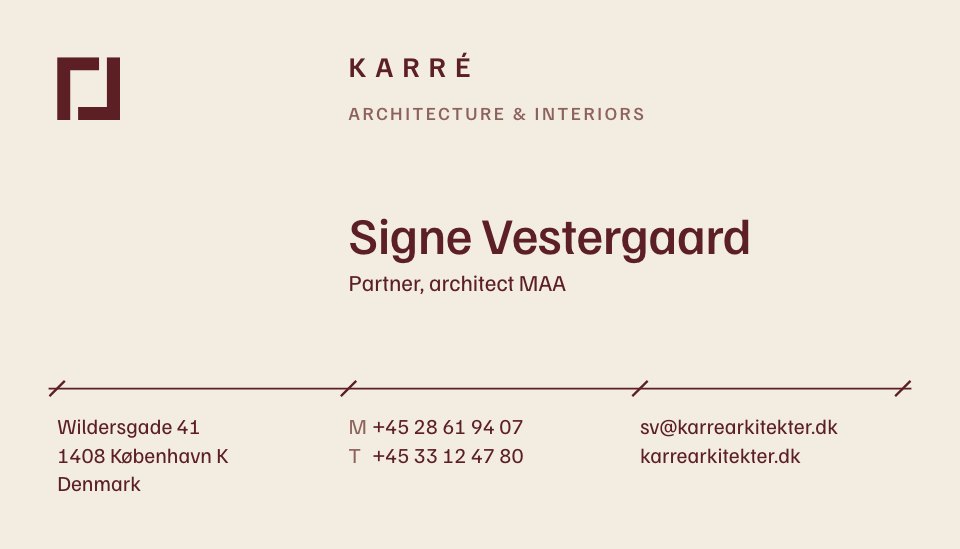
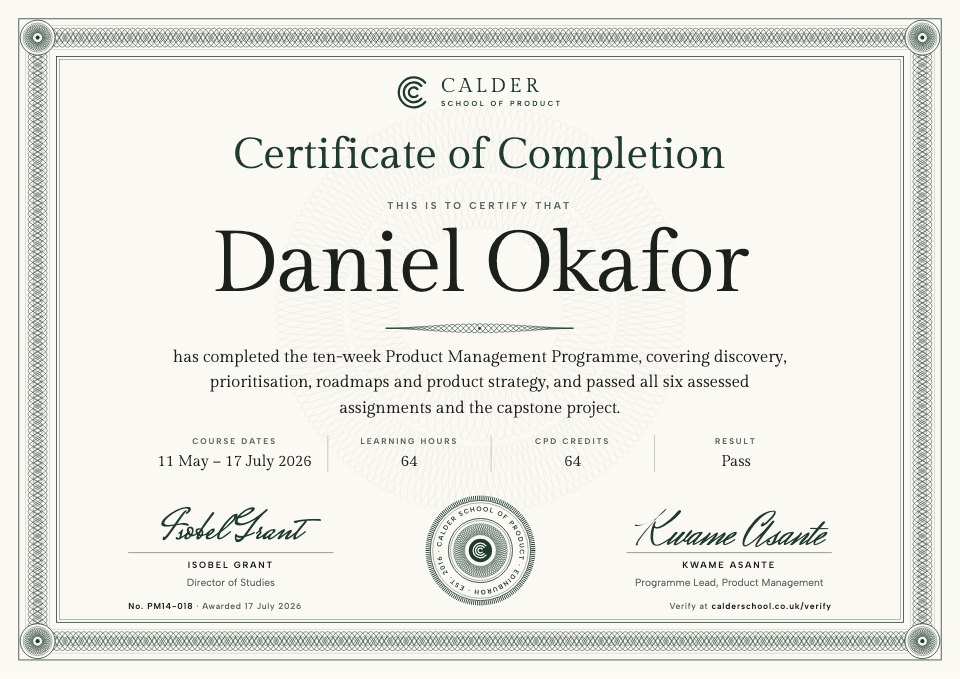
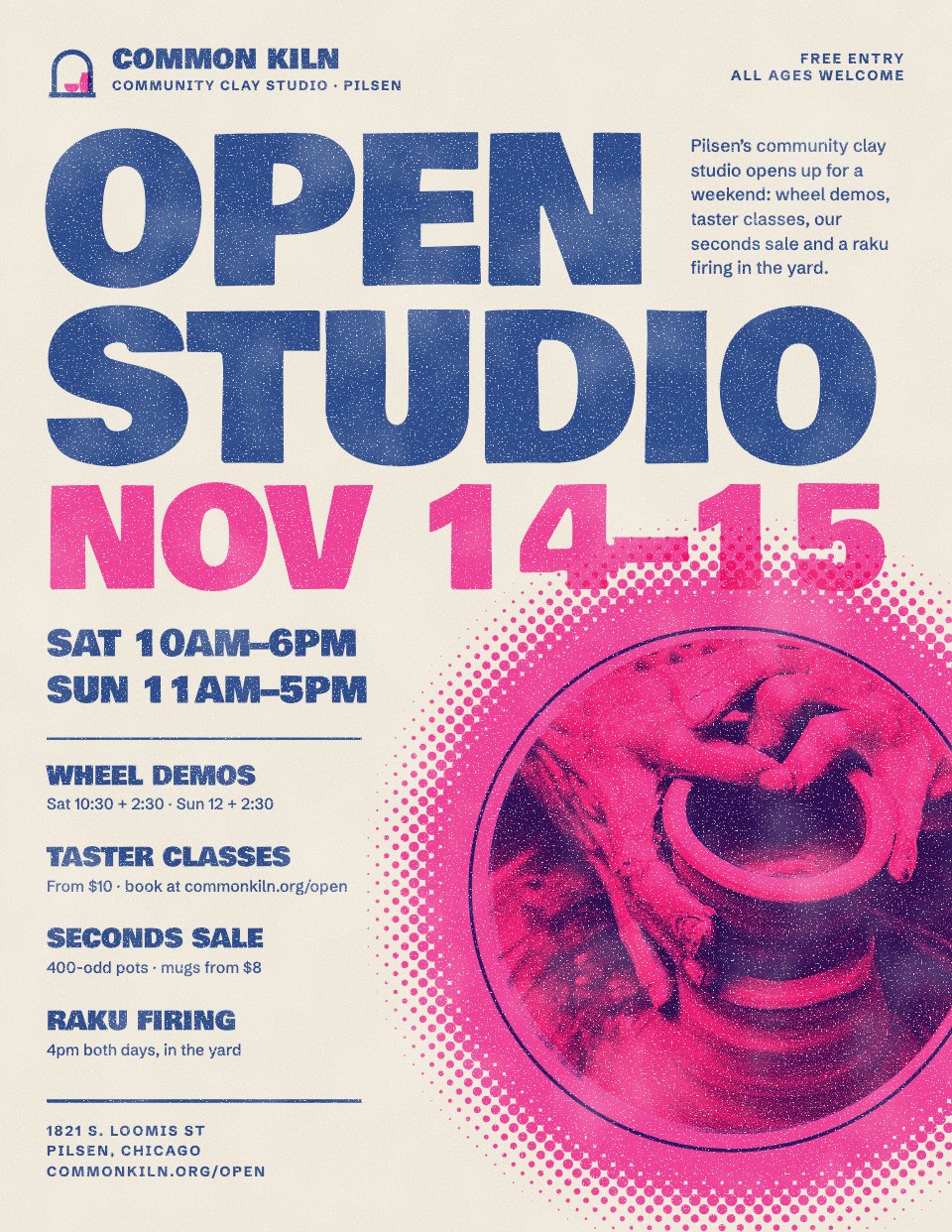
The right size for every platform.
Pick where the post is going and the artboard starts at that platform’s size. Here’s each one, with a template made for it.

Portrait posts fill more of the screen as people scroll, which is why most Instagram carousels use this size.
Also in the editor: X posts (1600 × 900), A4 and A3 posters, A5 and Letter flyers, business cards, or a custom width and height.
Explore all templatesHow to make a social media post with AI.
Four steps from an idea to a post you can upload. Docsiv AI needs a free account; designing and downloading don’t.
- Step 1
Say what it’s for
Describe the post, the platform and what you want people to do, or start from a template at the right size.
- Step 2
Get a designed draft
The AI lays out the artboards in one look: one for a single post, several for a carousel or a week of posts.
- Step 3
Make it yours
Rewrite the headline, swap the photos and set your colours and fonts in Theme, so every artboard changes together.
- Step 4
Download and post
Export each artboard as a PNG (several come as one .zip), or a PDF for a LinkedIn carousel or for sign-off.
A carousel is one story, slide by slide.
Every artboard in a design shares one size and one look, so a set holds together. Here’s the LinkedIn Carousel template, all eight slides.
- 1Hook
- 2Point 1
- 3Point 2
- 4Point 3
- 5Point 4
- 6Point 5
- 7Summary
- 8Ask
- Add the next slideDuplicate an artboard and change the words; the layout stays where it was.
- Leave one outHide an artboard and it’s skipped when you download.
- Download for each platformPNGs in a .zip for Instagram, or one PDF to post as a LinkedIn document.
- See the template
Your brand on every post.
A feed looks considered when every post shares its colours, type and logo. Set them once.
- Theme sets the lookChange a colour or font in Theme and every artboard follows.
- Your colours in every pickerYour brand kit’s colours sit at the top of every colour picker.
What a good post gets right.
The posts that work tend to follow the same few rules. Here they are on a thumbnail from the YouTube Thumbnails template.
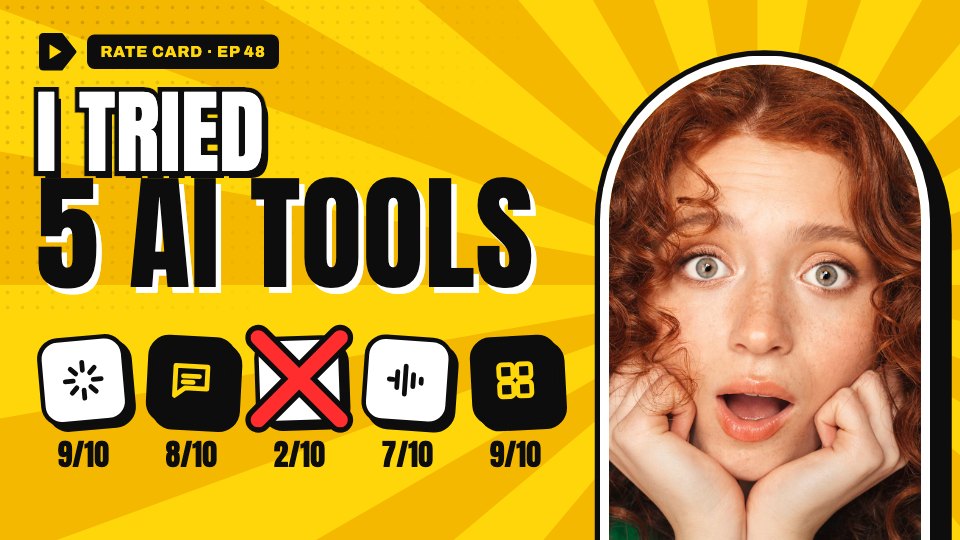
- A headline in a few wordsTwo to five words, big and high in contrast, so they read on a phone at thumbnail size.
- One focal pictureA face or a product, large and cropped close. One is stronger than three.
- One visual that backs it upA number, a chart or a row of icons that proves the headline at a glance.
- A label people recogniseYour logo or the series name in the same place every time, so the next one is known before it’s read.
- Clear of the platform’s buttonsThumbnails show the length bottom right; Stories cover the top and bottom. Keep words out of those parts.
In their own words.
What agencies and teams say after moving their client work into Docsiv.
The Boost GroupApsticVirtual XcellenceRecruit Hunt
“Proposals used to take a day across four tools. Now we send them branded from one place, and clients sign the same afternoon.”
“Our decks, proposals and reports live in one place now. The team works on the same files instead of passing versions around, and AI gets us to a first draft fast.”
“We replaced our proposal tool, our deck tool and our e-sign tool in one afternoon. Everything our clients see now goes out in our brand.”
RecruitHunt uses Docsiv for recruitment, staffing and AEC client work.
Common questions.
Something else on your mind? Ask us in the chat, bottom right of the page.
Is the social media post maker free?
Yes. Designing posts and downloading them as PNG, PDF or HTML are included on the Free plan, along with saving to your workspace Drive, sharing by link, Docsiv AI with credits included, and live editing with your team.
Which sizes can I make?
Instagram posts (1080 × 1080), Instagram portrait posts (1080 × 1350), Instagram Stories (1080 × 1920), Facebook posts (1200 × 630), LinkedIn posts (1200 × 627), X posts (1600 × 900), YouTube thumbnails (1280 × 720) and Pinterest pins (1000 × 1500), plus A4 and A3 posters, A5 and Letter flyers and business cards. You can also type in a custom width and height.
Can I make a carousel?
Yes. Add an artboard for each slide; every artboard in a design shares one size and one look. Download them as a .zip of PNGs for Instagram, or as one PDF to upload as a LinkedIn document post.
What quality are the downloads?
PNGs are made at twice the artboard size, so a 1080 × 1350 post downloads at 2160 × 2700 pixels and stays sharp on high-resolution screens. Several artboards come as one .zip, numbered in order. Hidden artboards are left out.
Can I use my brand colours, fonts and logo?
Yes. Change any colour, font or picture. A template’s colours and fonts live in Theme, so changing one there changes it on every artboard. Signed in, your brand kit’s colours sit in every colour picker.
Can I change a post’s size for another platform?
Yes. Pick a new size in the artboard settings and every artboard in the design takes it; you may need to move a few parts to fit the new shape. With a free account you can ask Docsiv AI to rework the layout for you.
Does Docsiv post or schedule for me?
No. Docsiv makes the graphics. Download them and post from each platform’s app, or add them to the scheduling tool you already use.
Ready to make your next post?
Describe the post and where it’s going, and Docsiv AI designs it at the right size. Or start from a template and download your PNGs, free.