

Edit PSD files online
Open a Photoshop file with its layers, change what you need and save it back as PSD, PNG or JPEG, right in your browser.
Every layer, right where you left it.
A PSD opens the way it was built, with its groups, type, masks and adjustments in a layers panel that works like Photoshop’s.
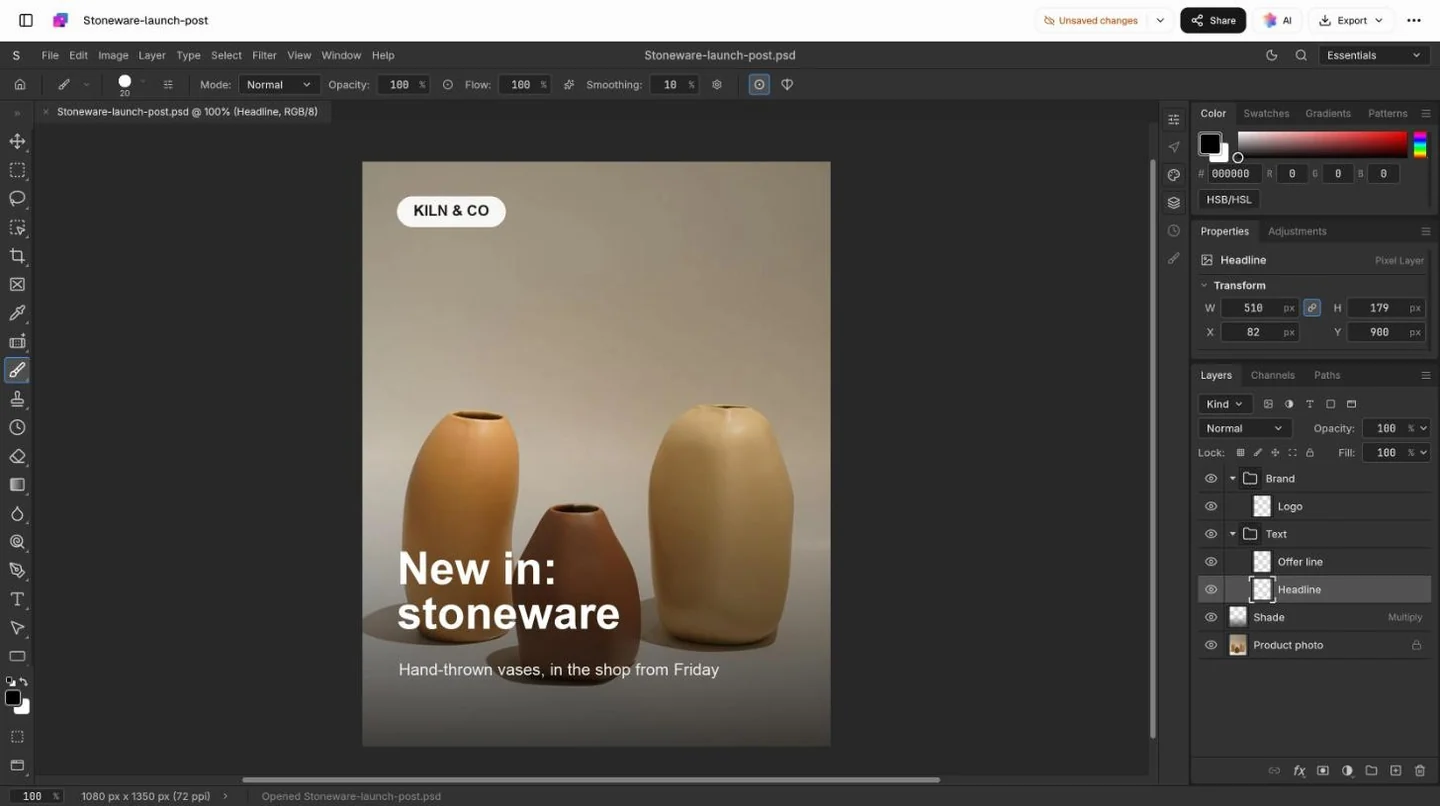
Small jobs, without a Photoshop seat.
Most PSDs that land in an inbox need one change, not a redesign.
Change the words
Type layers stay editable, so a new quote, price or date is a quick edit in the same font and spot.
Swap the photo
Paste a new photo into the frame; the type, badge and layout around it stay as they were.
Resize for each channel
Change the canvas for a feed post, a story or a video thumbnail, then export each size.
Ask AI for the change
Describe the edit in your own words and AI makes it on the layers, ready for you to check.

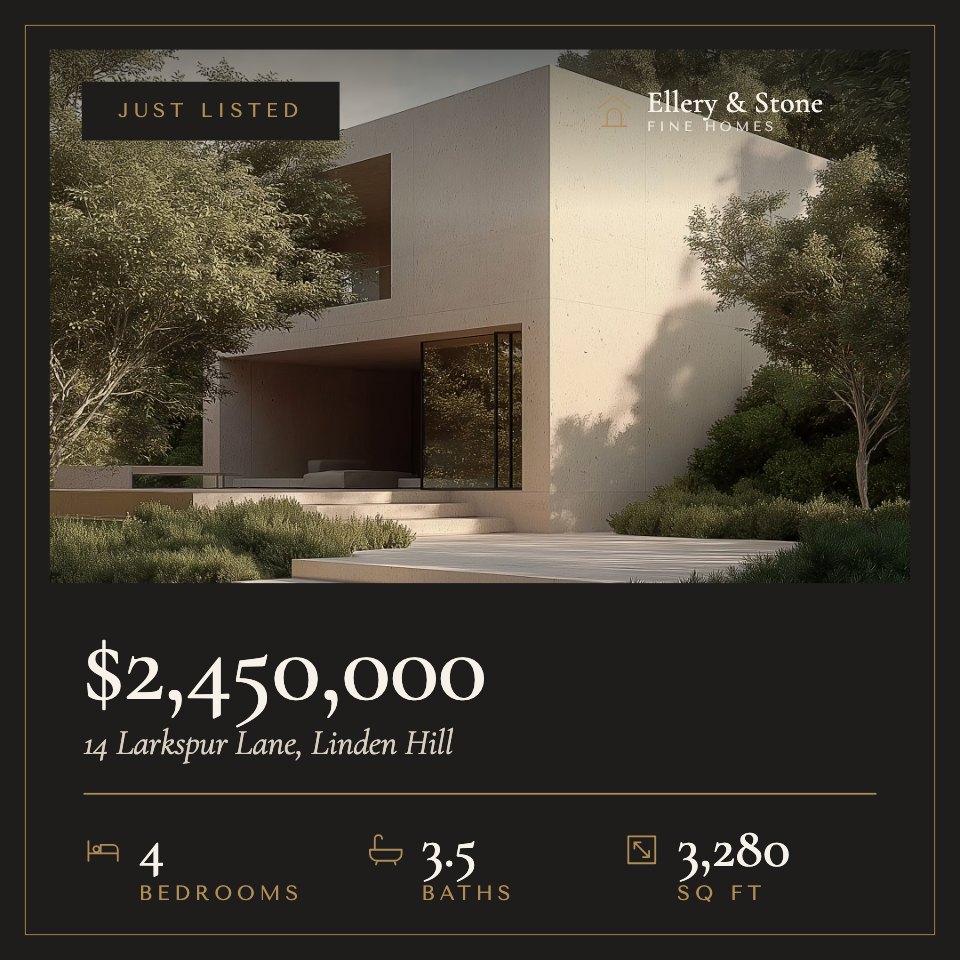
 front-garden.jpg
 street-view.jpg
 evening-light.jpg
 1080 × 1350
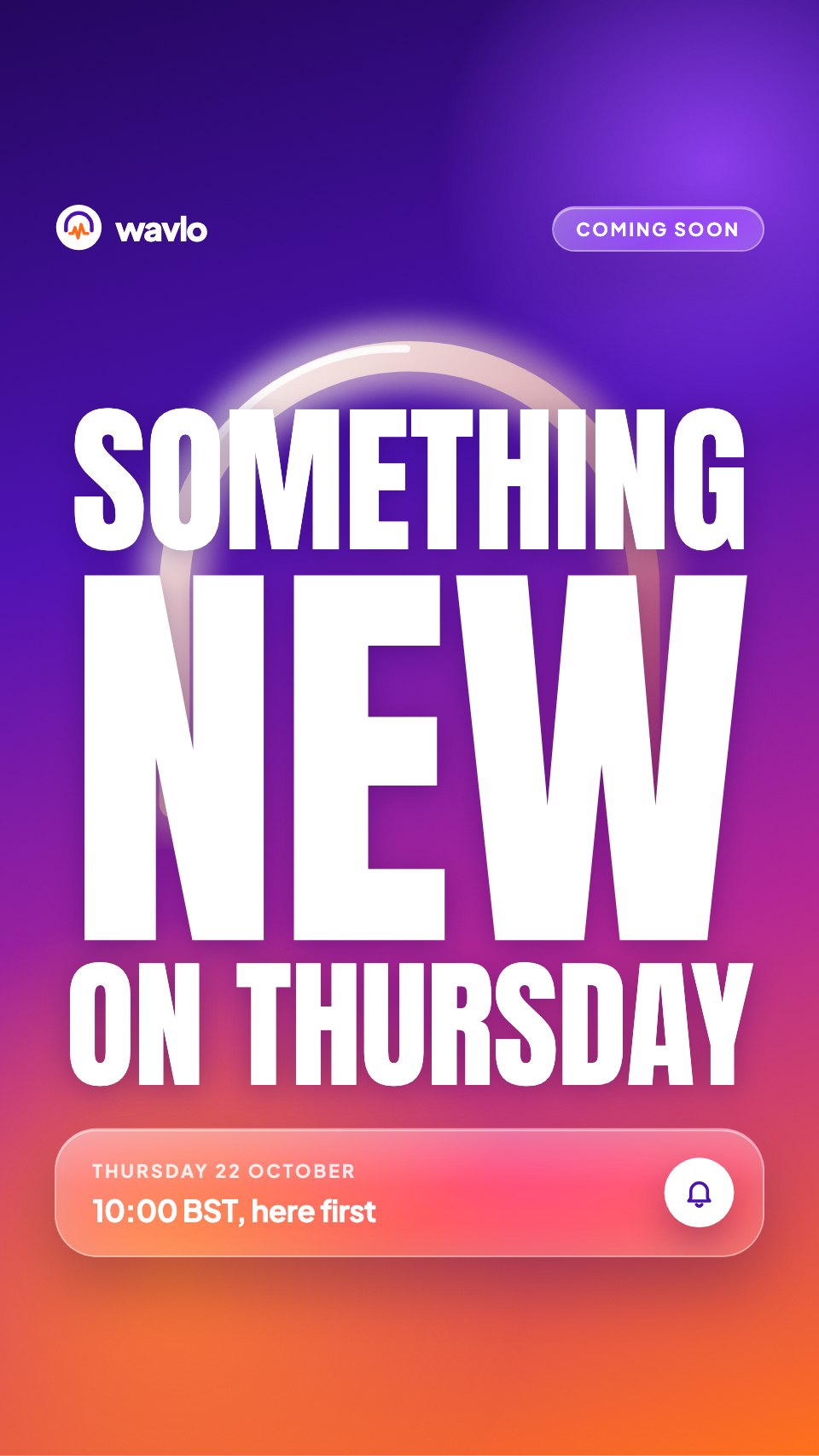 1080 × 1920
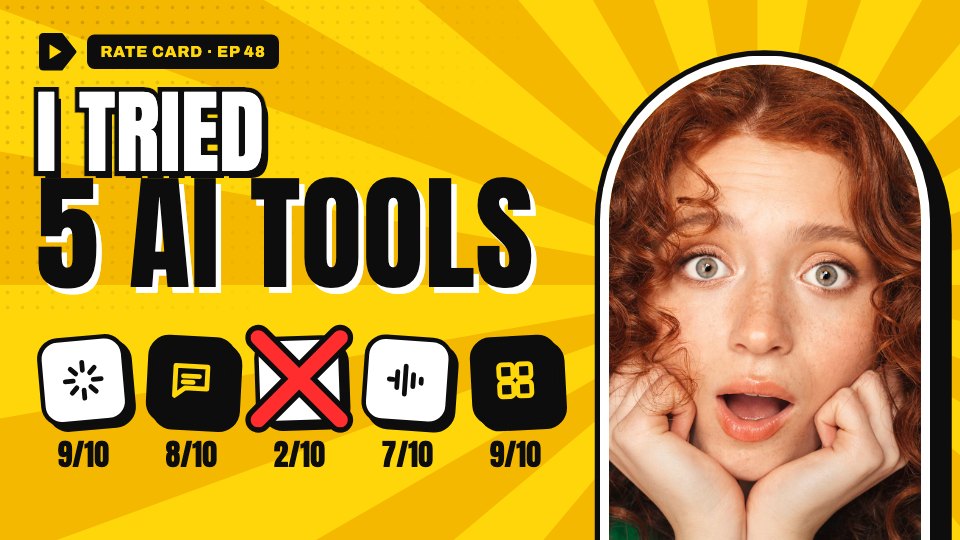 1280 × 720

Save it back, or send it on.
Keep the layers for the designer’s next round, or export a flat image for wherever it’s going.
PSD for the next round
Every layer, mask and text layer kept, for the designer to carry on here or in Photoshop.
PNG for sharp text
A flat image with crisp type and logos, and transparency wherever there’s no layer.
JPEG for photos and ads
The smallest file for photo-led posts and ads, where transparency doesn’t matter.


Opens Photoshop PSD files, and PNG, JPEG and WebP images.
Questions about PSD files.
Something else on your mind? Ask us in the chat, bottom right of the page.
Can I edit a PSD without Photoshop?
Yes. Open the .psd on this page and it comes in with its layers: show, hide and reorder them, edit text layers, adjust masks and adjustment layers, then save a PSD, PNG or JPEG.
Are my layers kept when I save?
Yes, when you save as PSD. Layers, groups, text, masks and adjustment layers stay as layers, so the designer can carry on in Photoshop. PNG and JPEG are flat images.
What carries over from Photoshop?
Pixel layers and groups keep their names, order, visibility and opacity. Type layers, layer and vector masks, adjustment layers and shape layers stay editable, and common blend modes match. Some layer styles and smart objects may be simplified, so keep the original and check anything you’re about to publish.
Will the fonts look the same?
Text layers stay editable. If a font in the file isn’t available in your browser, a close one is used instead, which can change line breaks, so check the type before you export.
Is my file uploaded?
It opens in your browser. When you save, it’s kept in your Docsiv workspace Drive, where only your workspace can open it until you share it.
Is it free?
Yes. Opening, editing and exporting are included on the Free plan, along with keeping your files in your workspace Drive, sharing them by link and Docsiv AI, with credits included, to make edits for you.
Can I open PNG, JPEG and WebP files too?
Yes. They open as a single layer you can crop, retouch, add adjustments to and export, or build on with new layers and save as a PSD.
Need a new design instead?
Describe the post, poster or banner and Docsiv AI lays it out in layers you can keep editing.