

Edit photos online
Crop, brighten, cut out and resize a photo in your browser, with layers you can change your mind about. Save it as JPEG, PNG or PSD.
The fixes most photos need.
A photo for a post, a page or a proposal rarely needs more than a few minutes’ work.
Crop and straighten
Level a tilted horizon and crop to the part that matters, for a square post or a wide banner.
Brighten with Curves
Lift the shadows on a Curves layer above the photo, so you can change it or hide it later.
Cut out the subject
Select it, mask out the background and export a PNG that sits on any slide or page.
Put words on it
Add a headline as a text layer, so the next version is a quick edit rather than a new photo.
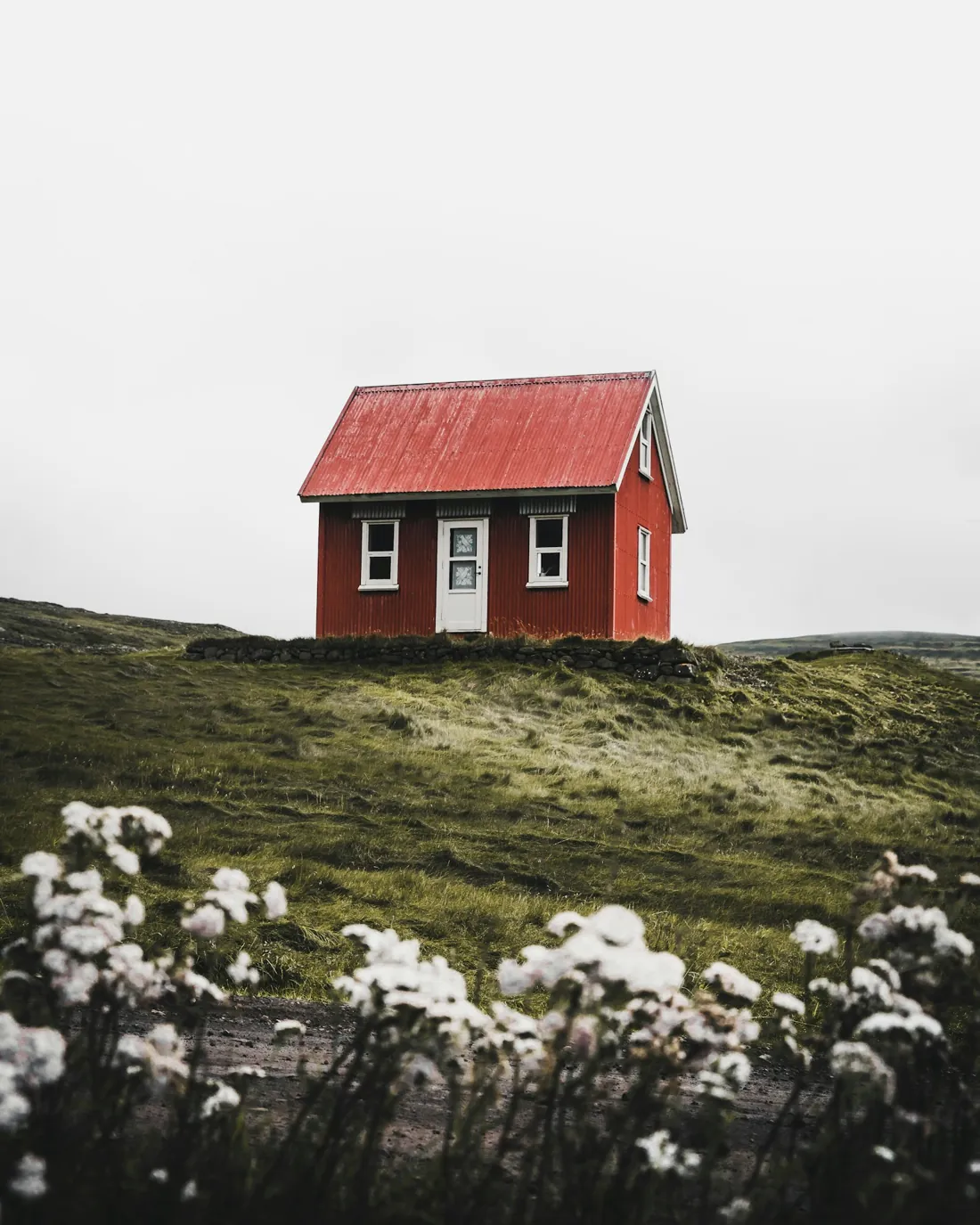
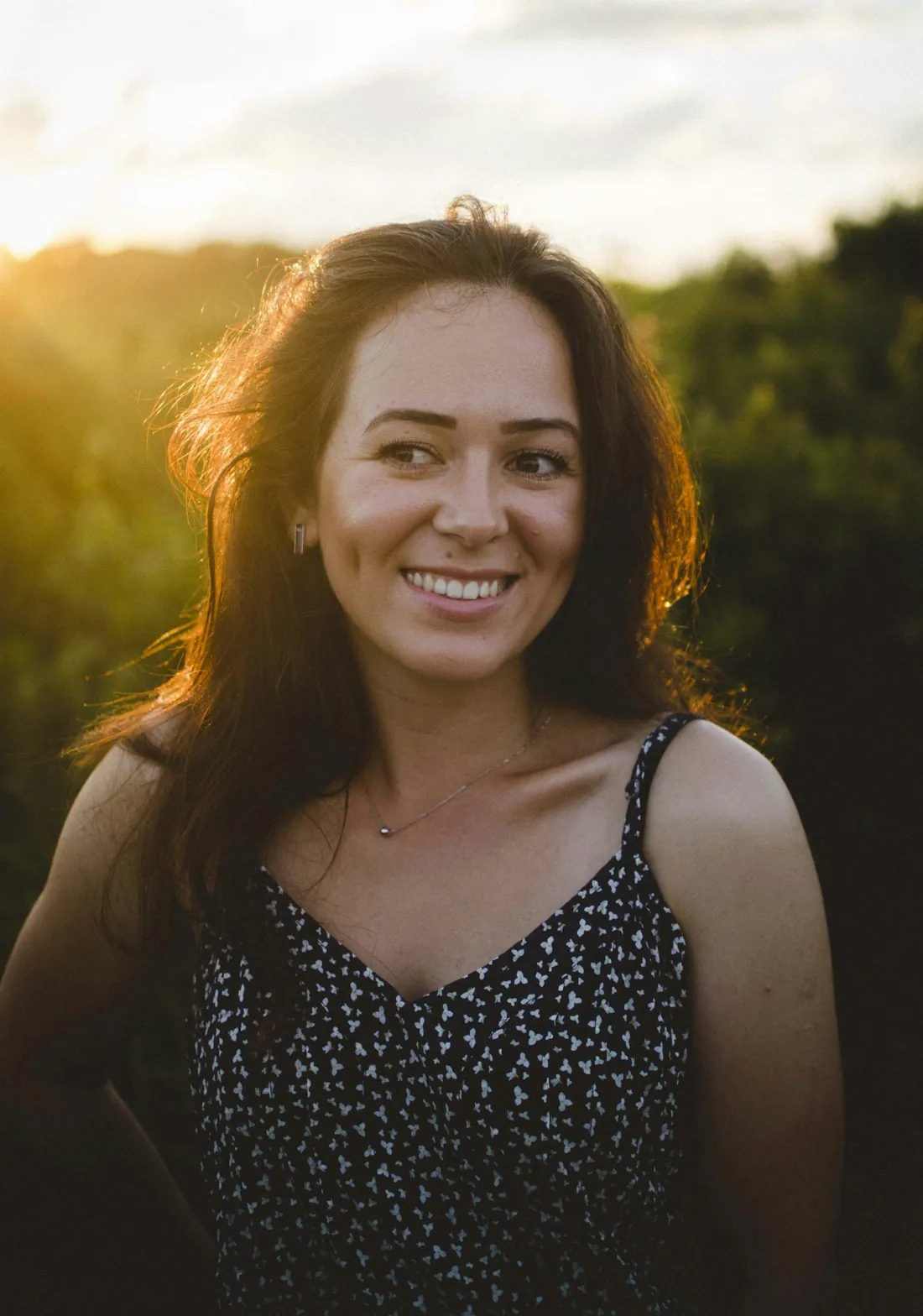
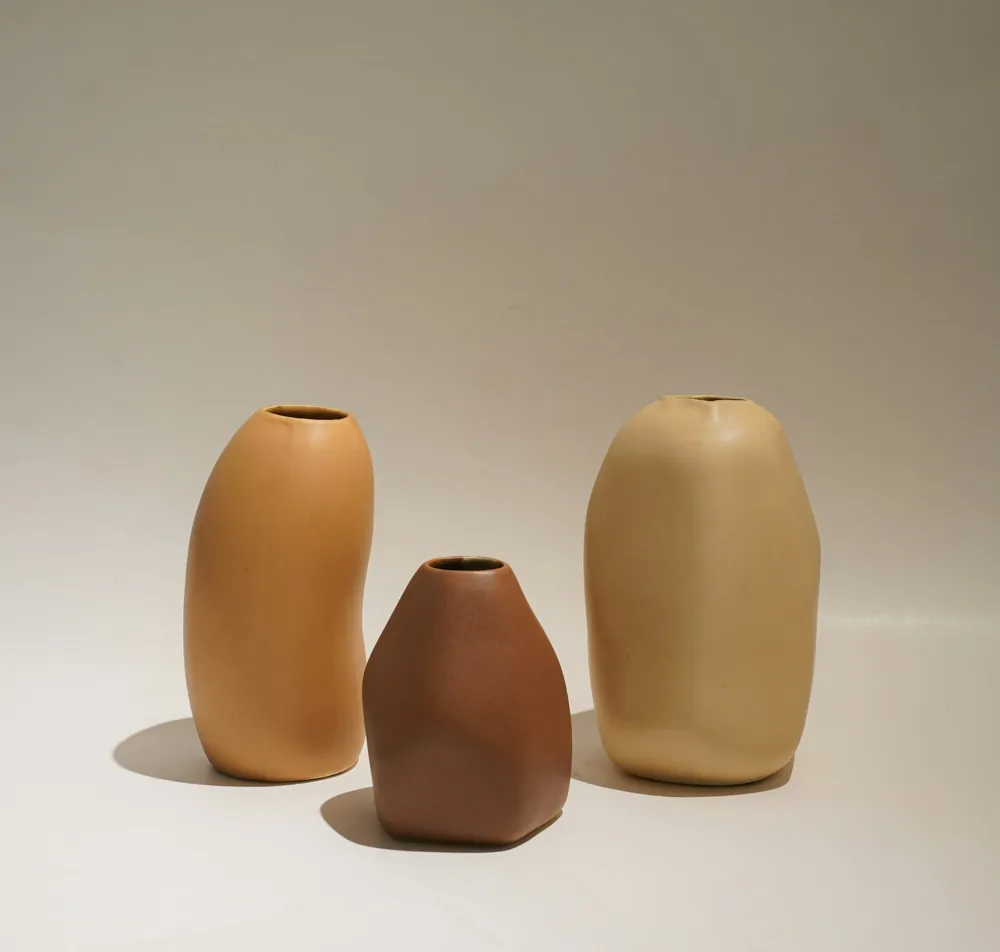
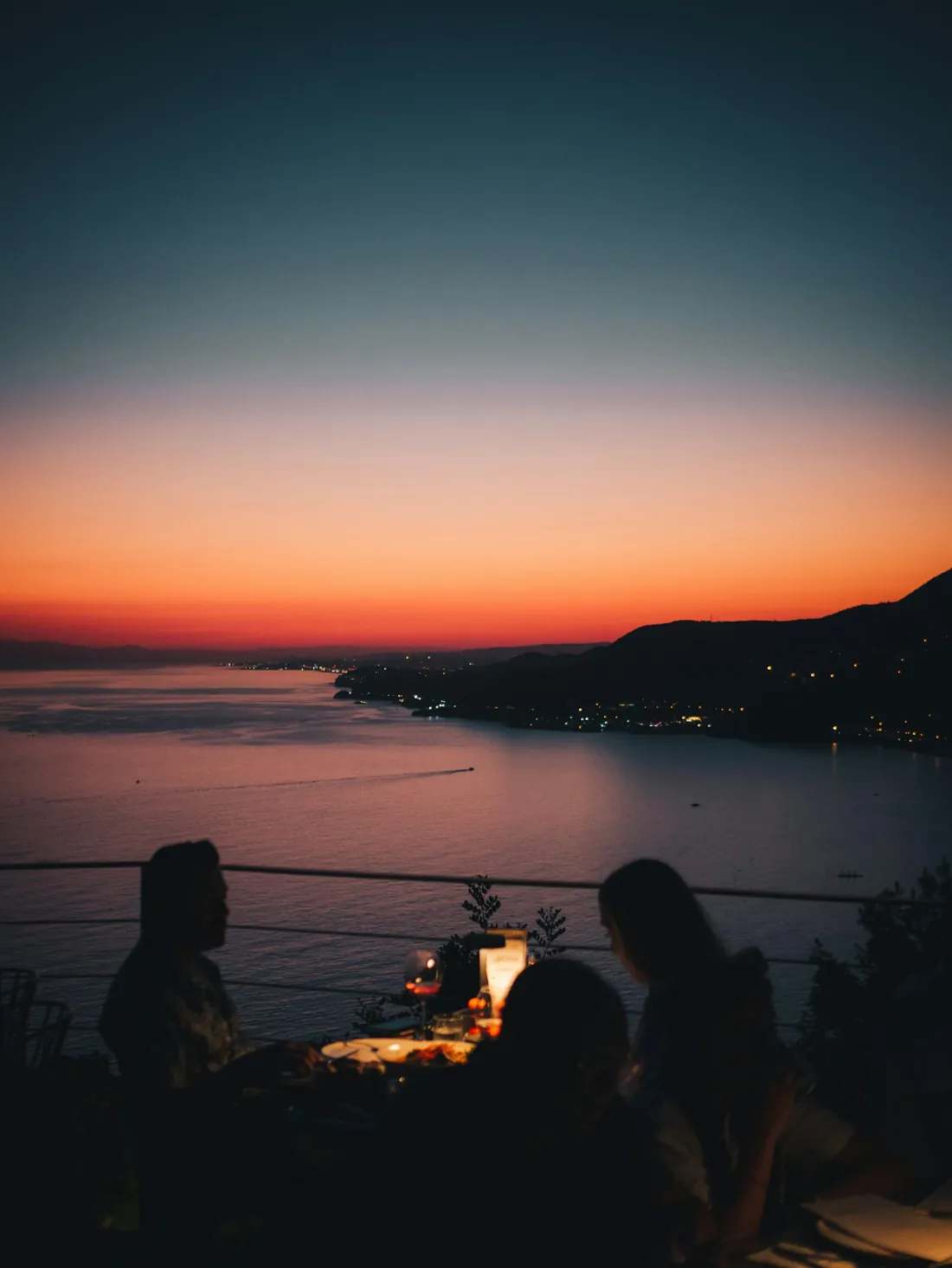
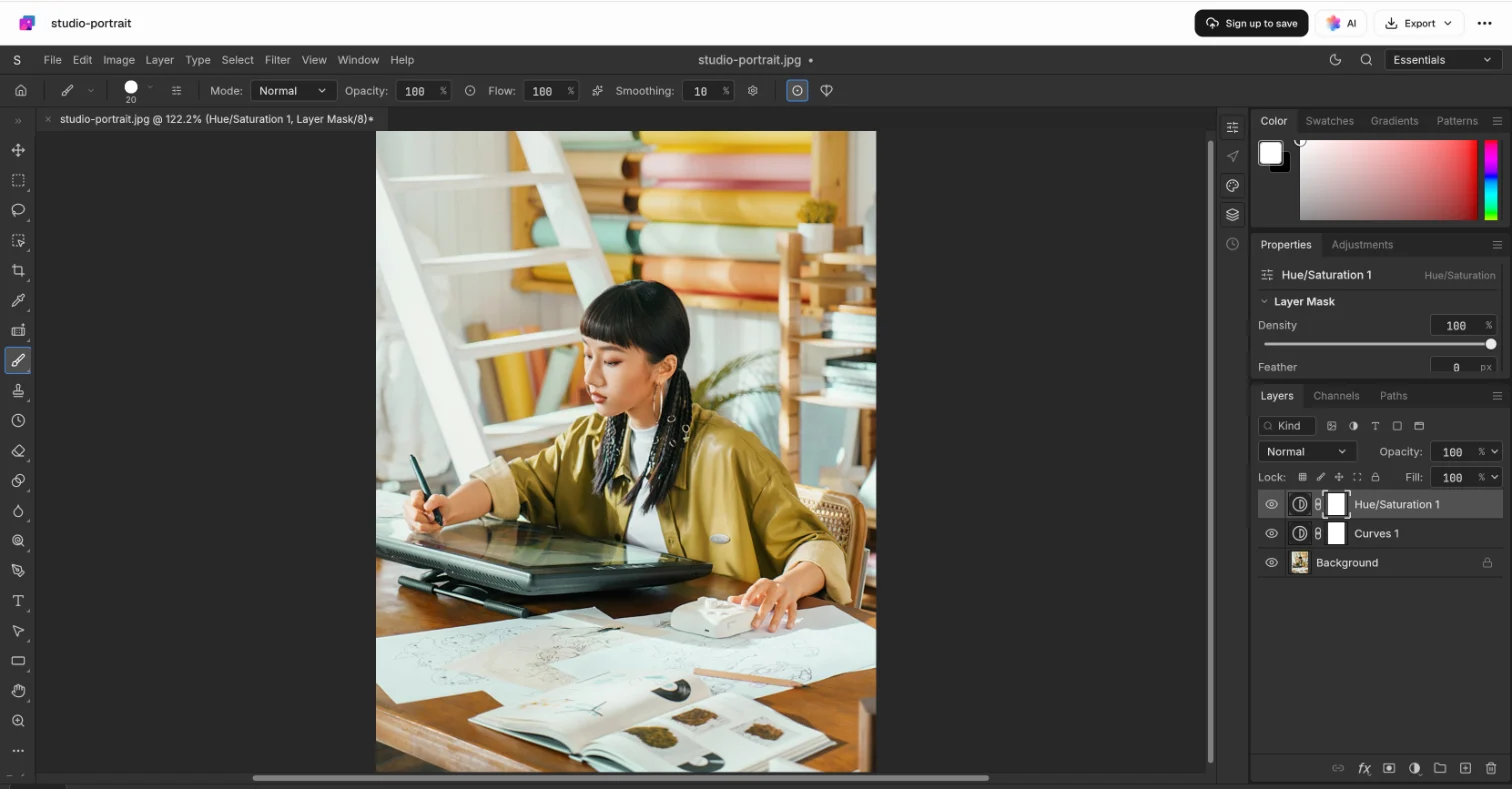
Changes you can take back.
Adjustments, masks and text sit on their own layers above the photo, so the original pixels stay as they were.
Save it for where it’s going.
Export a flat image to share it, or keep the layers to come back to it.
JPEG for sharing
For posts, websites and email, where a small file matters more than transparency.
PNG for cut-outs
Keeps the transparent background, for products, logos and images with text.
PSD to keep the layers
Every layer, mask and adjustment kept, to carry on here or in Photoshop.
Opens JPEG, PNG, WebP, GIF, BMP and TIFF photos, and layered PSD files.
Common questions.
Something else on your mind? Ask us in the chat, bottom right of the page.
Is the photo editor free?
Yes. Opening, editing and exporting are included on the Free plan, along with saving to your workspace Drive and sharing by link.
Which files can I open?
JPEG, PNG, WebP, GIF, BMP and TIFF photos, and layered Photoshop (PSD) files.
Is my photo uploaded?
It opens in your browser. When you save, it’s kept in your workspace Drive, where only your workspace can open it until you share it.
Can I undo an adjustment later?
Yes. Curves, Levels and Hue/Saturation can go on adjustment layers above the photo, so you can change or hide them at any time without touching the original pixels.
Can I cut out the subject?
Yes. Select it with the lasso or the selection tools, add a mask to hide the background, then export a PNG with a transparent background.
Which formats can I save?
JPEG for photos where a small file matters, PNG for cut-outs and images with text, and PSD to keep every layer for later.
Does it work like Photoshop?
The tools and the layers panel will feel familiar: selections, masks, adjustment layers, blend modes, text and crop. It runs in your browser, with nothing to install.
Need a post or a banner for it?
Describe the post, poster or banner and Docsiv AI lays it out in layers you can keep editing.