

Open Illustrator .ai files online
View and edit Adobe Illustrator files in your browser, then export the format you need. No Illustrator and no Adobe account.
Your Illustrator file, open in the browser.
The artwork opens as vectors in the Vectors app, ready to look over, change or export. No Illustrator and no plug-in.
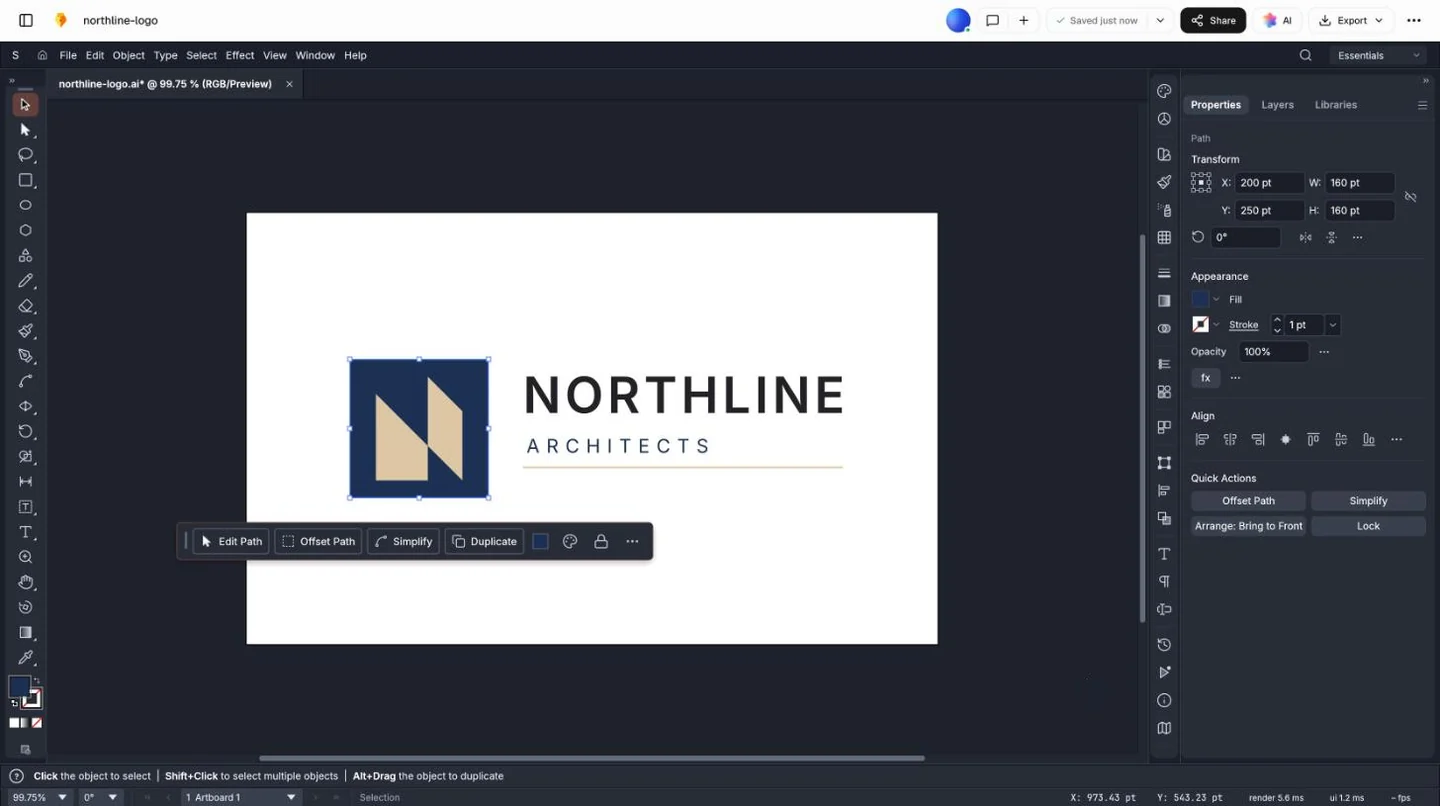
Open an .ai file in three steps.
Choose the file, look it over, then take away the format you need.
- Step 1
Choose your .ai file
Drop it in the box at the top of this page. It opens in the vector editor, in your browser.
- Step 2
Look it over
Zoom in and select shapes to see how the artwork is built, and check the colours before you use it.
- Step 3
Export, or edit first
Recolour, change text or delete what you don’t need, then download SVG, PDF, PNG or a new .ai.
Get everyone a file they can open.
Logo packs often arrive only as .ai, and not everyone on a project has Illustrator. Open it once, then export what each person needs.
An SVG for the developer
Sharp at every size on the website and in the app, and light to load.
A PNG for marketing
Opens in any slide, document or social profile. Export it at twice the size it’s shown.
A PDF for the printer
Keeps the vectors, so business cards, signs and banners print crisply.
A new .ai for the designer
Opens in Illustrator, so whoever works there can carry on with the artwork.
Common questions.
Something else on your mind? Ask us in the chat, bottom right of the page.
Can I open an .ai file without Illustrator?
Yes, if it was saved with PDF compatibility, Illustrator’s default for many years. Choose it in the box at the top of this page and it opens in the vector editor, in your browser.
Why won’t my .ai file open?
It was probably saved without “Create PDF Compatible File” (File › Save As › Illustrator Options), or comes from Illustrator 8 or earlier. Ask for it to be saved again with that box ticked, or for a PDF or an SVG.
What comes across from Illustrator?
Paths, shapes, colours, gradients, transparency, groups and clipping masks, all editable. Text saved as text stays editable; text turned into outlines comes in as shapes.
Will it look exactly as it does in Illustrator?
Most logos and illustrations do. Live effects such as shadows and warps arrive as they look rather than as effects you can adjust, and gradient meshes may be simplified. Illustrator’s own layer names aren’t kept, so artwork may arrive grouped.
Can I edit the file, or only view it?
Both. Recolour shapes, change text that was saved as text, reshape paths or delete what you don’t need, then export.
What can I convert an .ai file to?
SVG for a website or an app, PDF for a printer, PNG for slides, documents and social profiles, or a new .ai for someone who works in Illustrator.
Can it open EPS files too?
Yes, EPS artwork opens in the same editor. As with .ai files, complex PostScript may come in simplified.
Do I need an Adobe account?
No. You don’t need Illustrator, a Creative Cloud plan or an Adobe sign-in, just a free Docsiv account. The file is kept in your workspace Drive, where only your workspace can open it until you share it.
Need artwork you don’t have a file for?
Describe a logo, a badge or an icon and Docsiv AI draws it in the vector editor, ready to export as SVG, PDF, PNG or .ai.