

Create branded invoices for free
Add your work, your rates and your logo, choose one of twelve designs and download a PDF that’s ready to send.
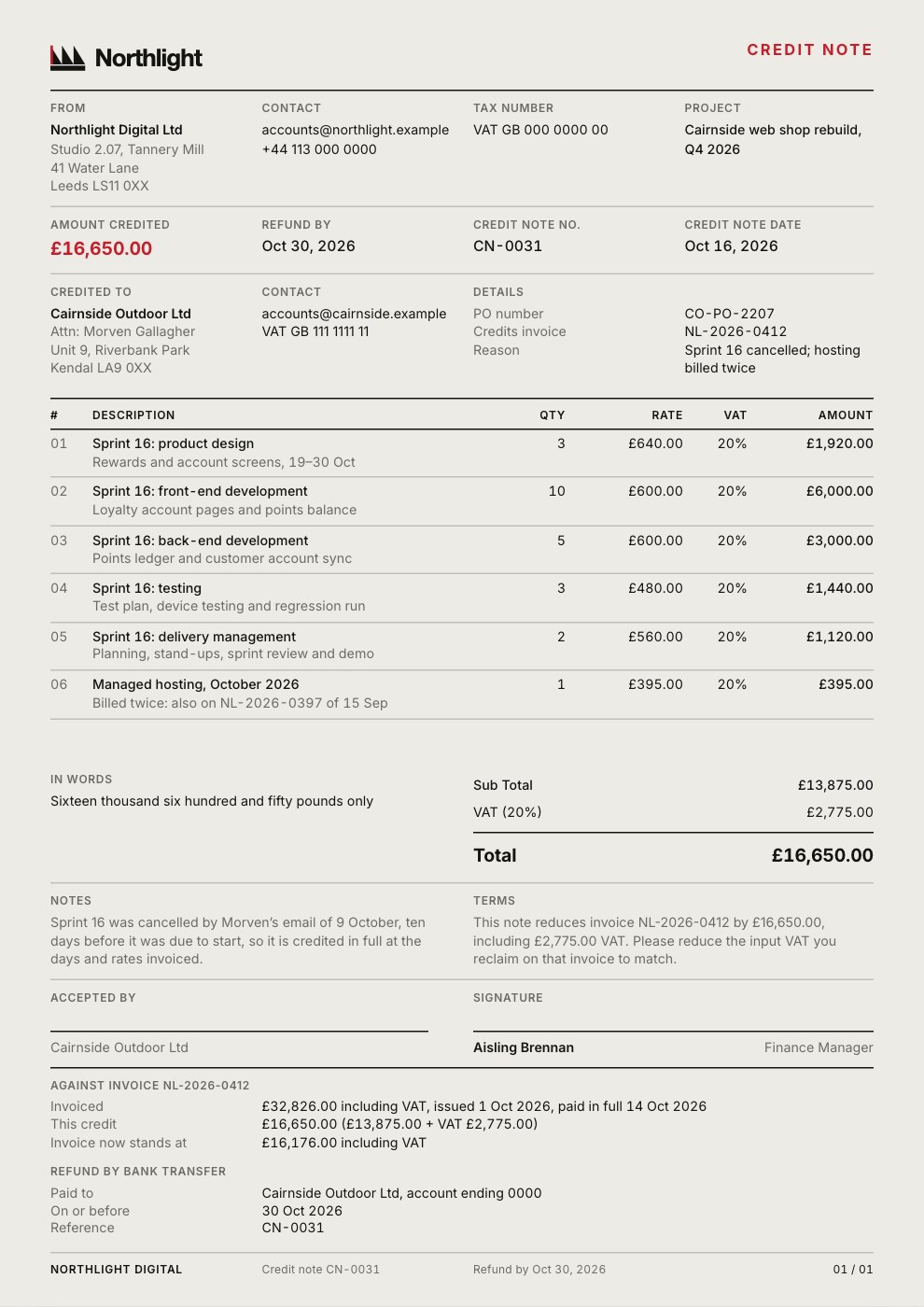
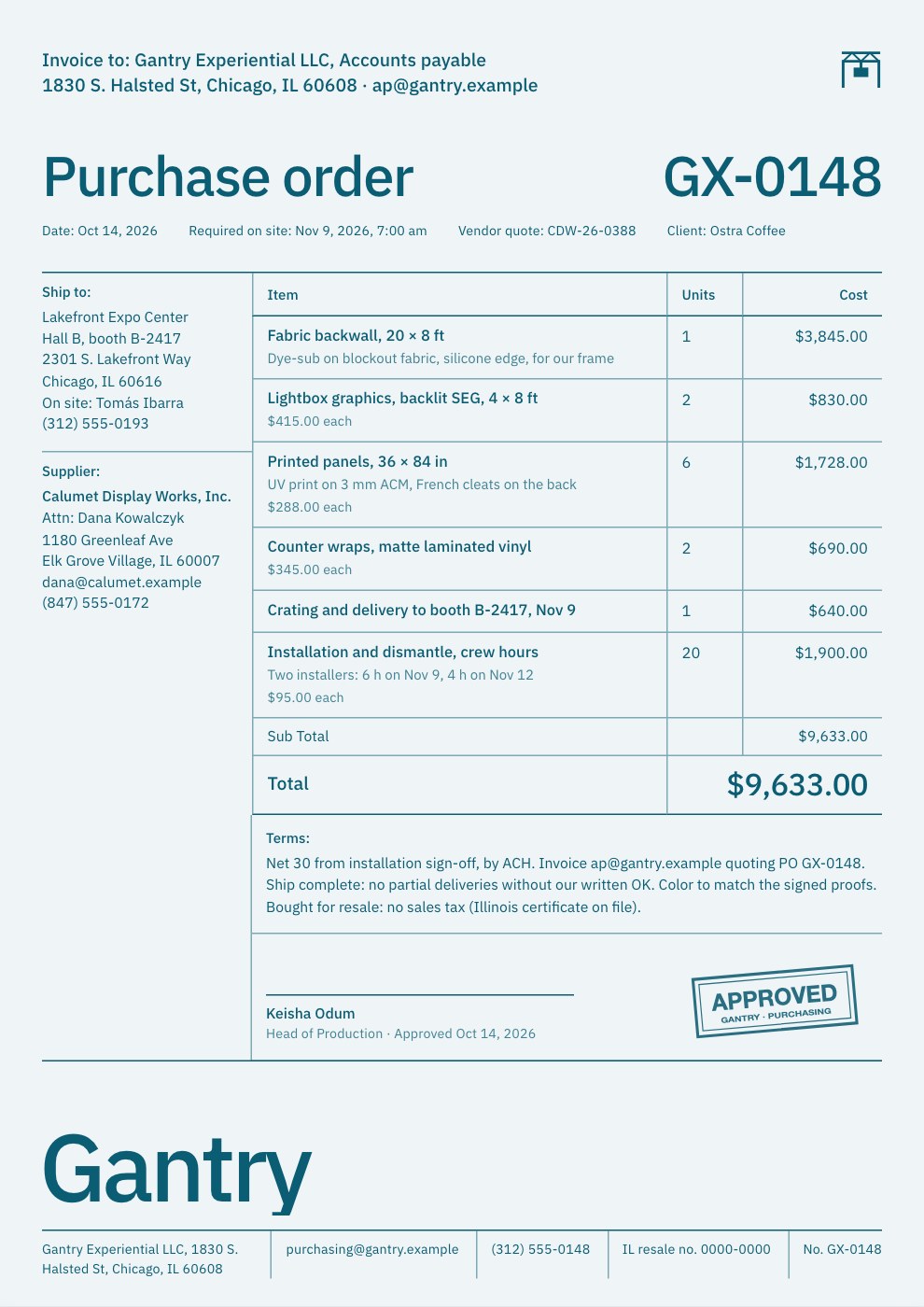
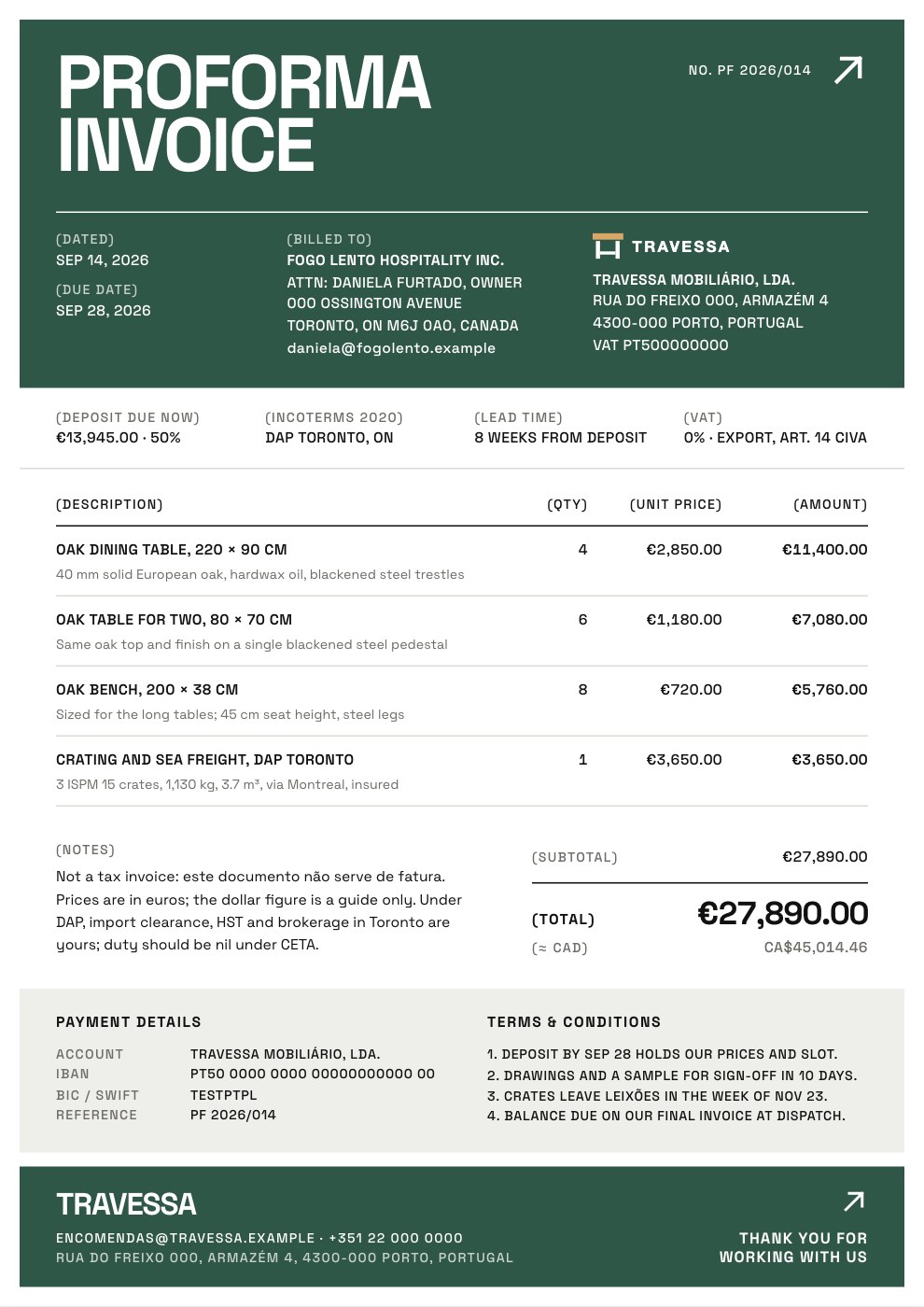
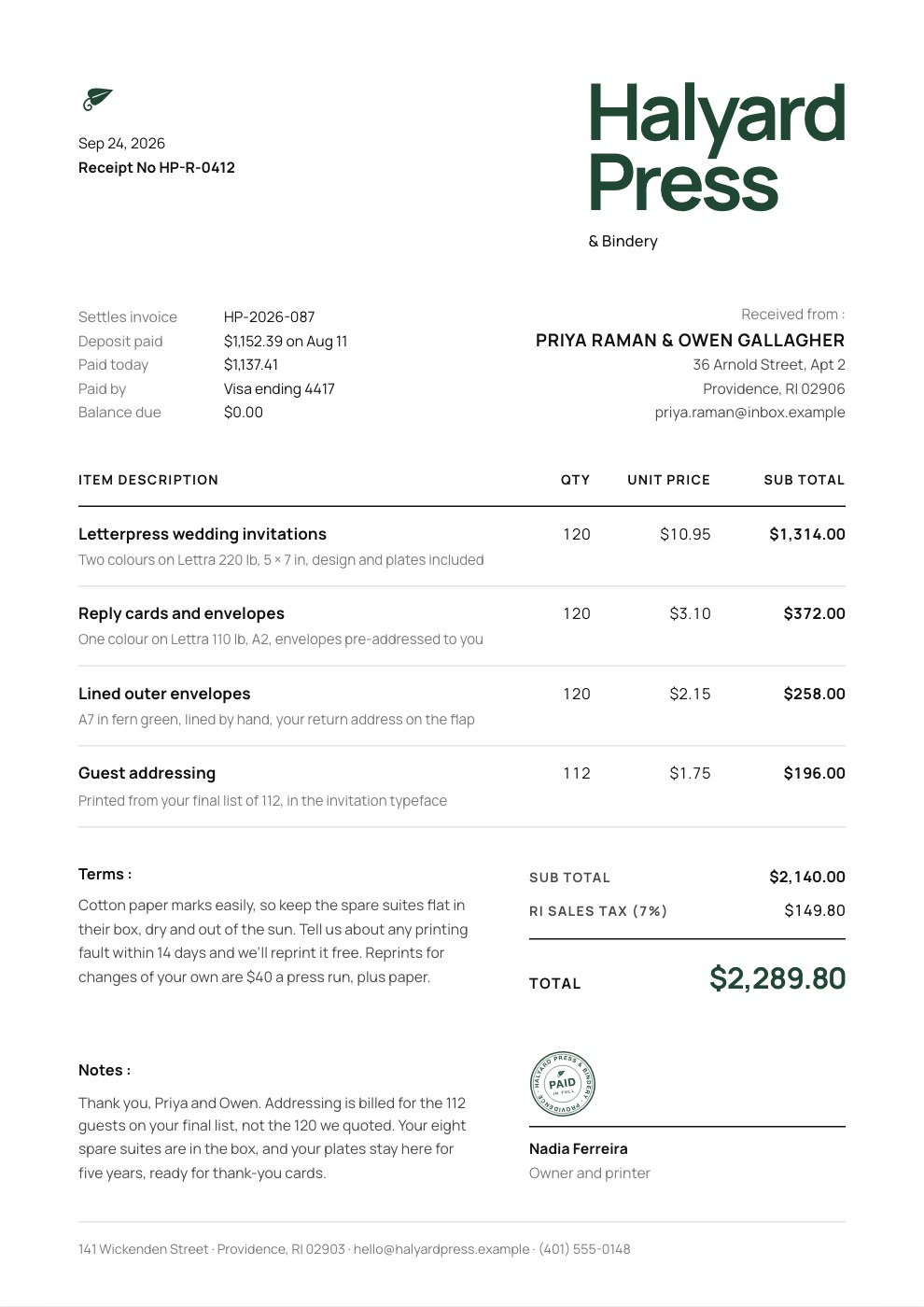
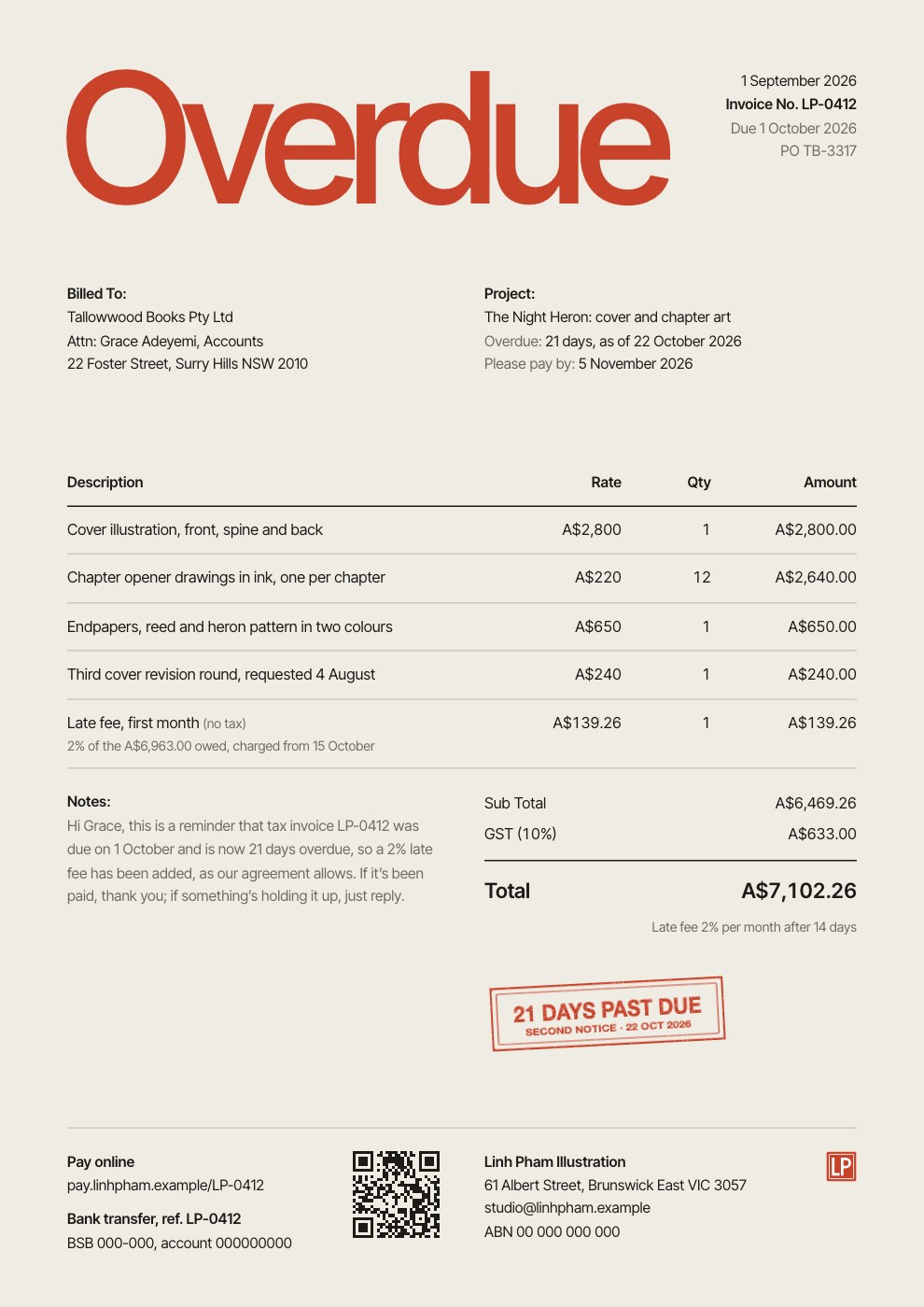
What goes on an invoice.
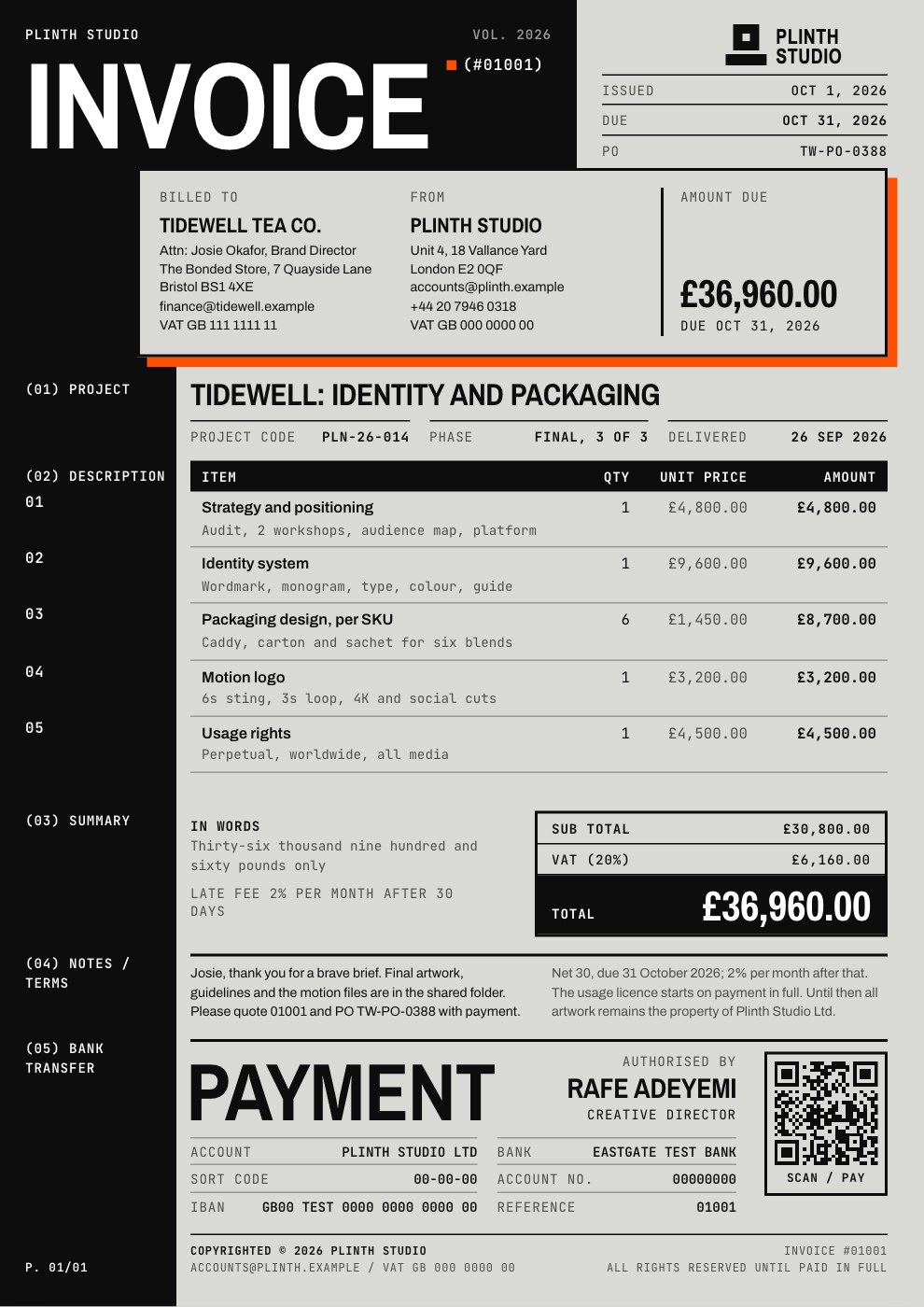
Eight parts make an invoice easy to approve and quick to pay. Here they are on a real template.
How to make an invoice in four steps.
Fill in the form and the invoice lays itself out beside it as you type. Making and downloading one is free with an account.
- Step 1
Add your details and your client’s
Your business goes in From, the client in Bill to. Set the invoice number, the issue date and when payment is due.
- Step 2
List the work
A line per deliverable or block of hours, with a quantity and a rate. Name the quantity column Hours or Days if that reads better.
- Step 3
Set tax, discounts and currency
One tax rate or one per line, tax-inclusive prices, a percentage or flat discount. The totals work themselves out.
- Step 4
Pick a design and download
Choose a design, add your logo and colour, then export the PDF exactly as it looks, or a PDF with selectable text.
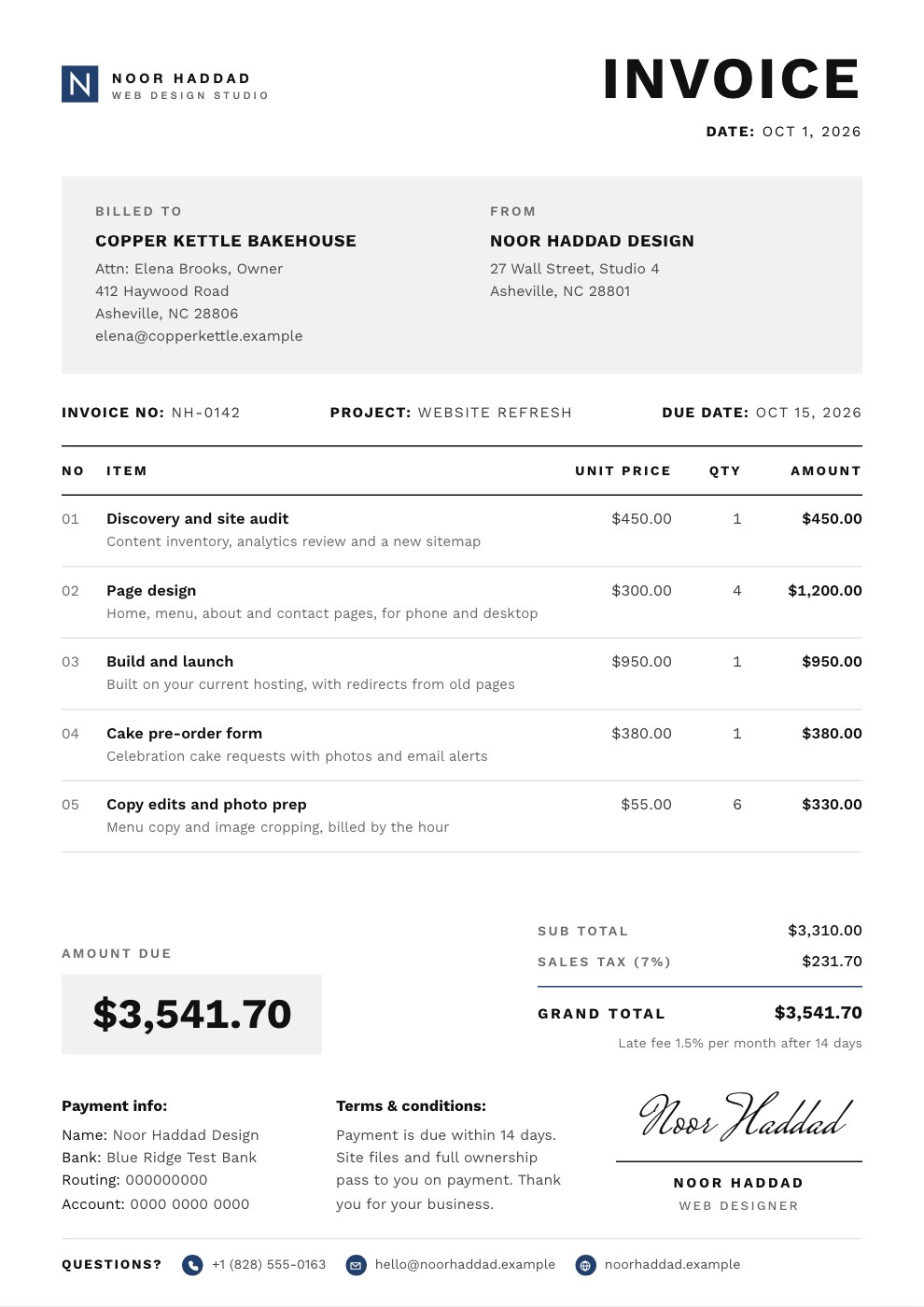
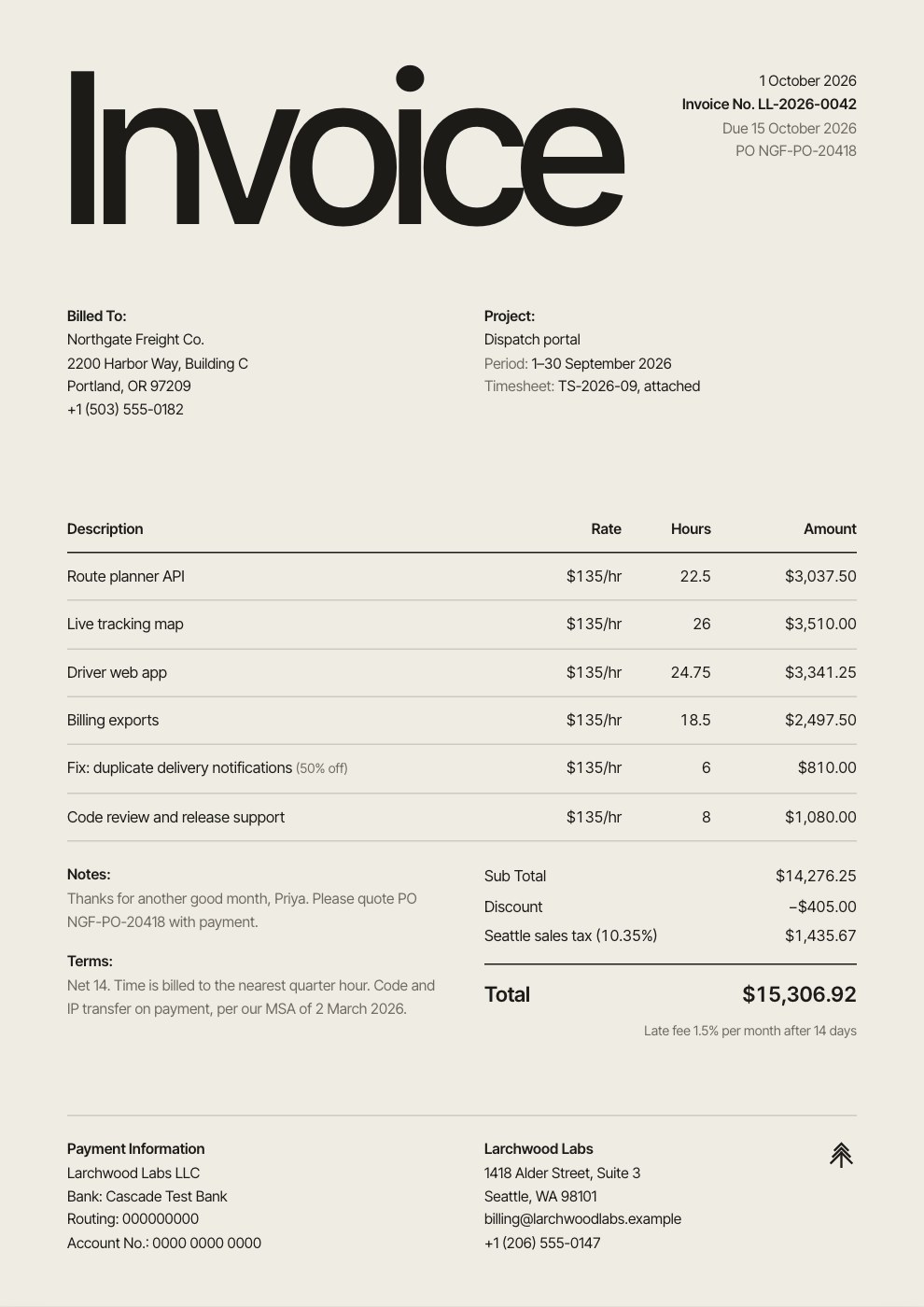
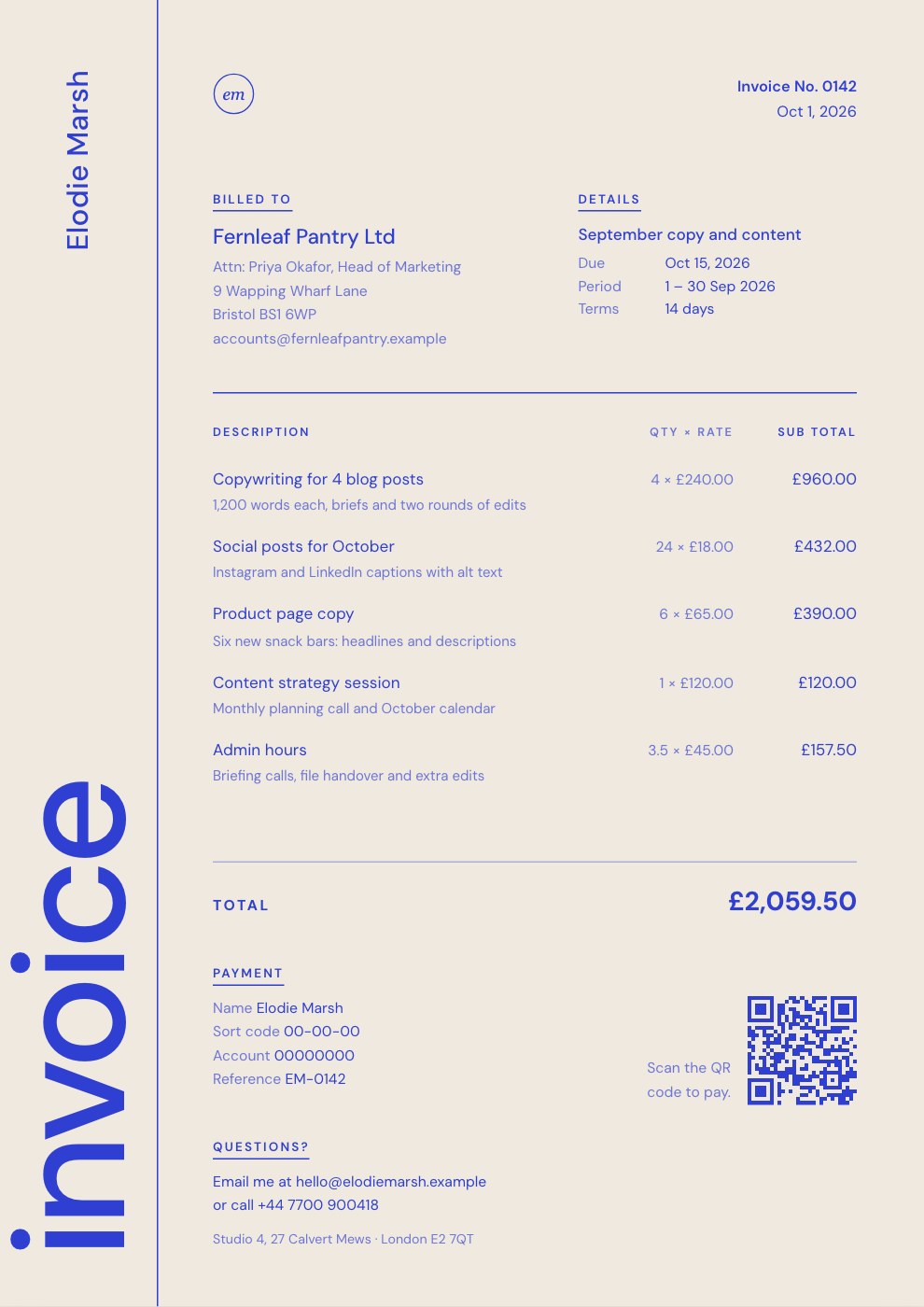
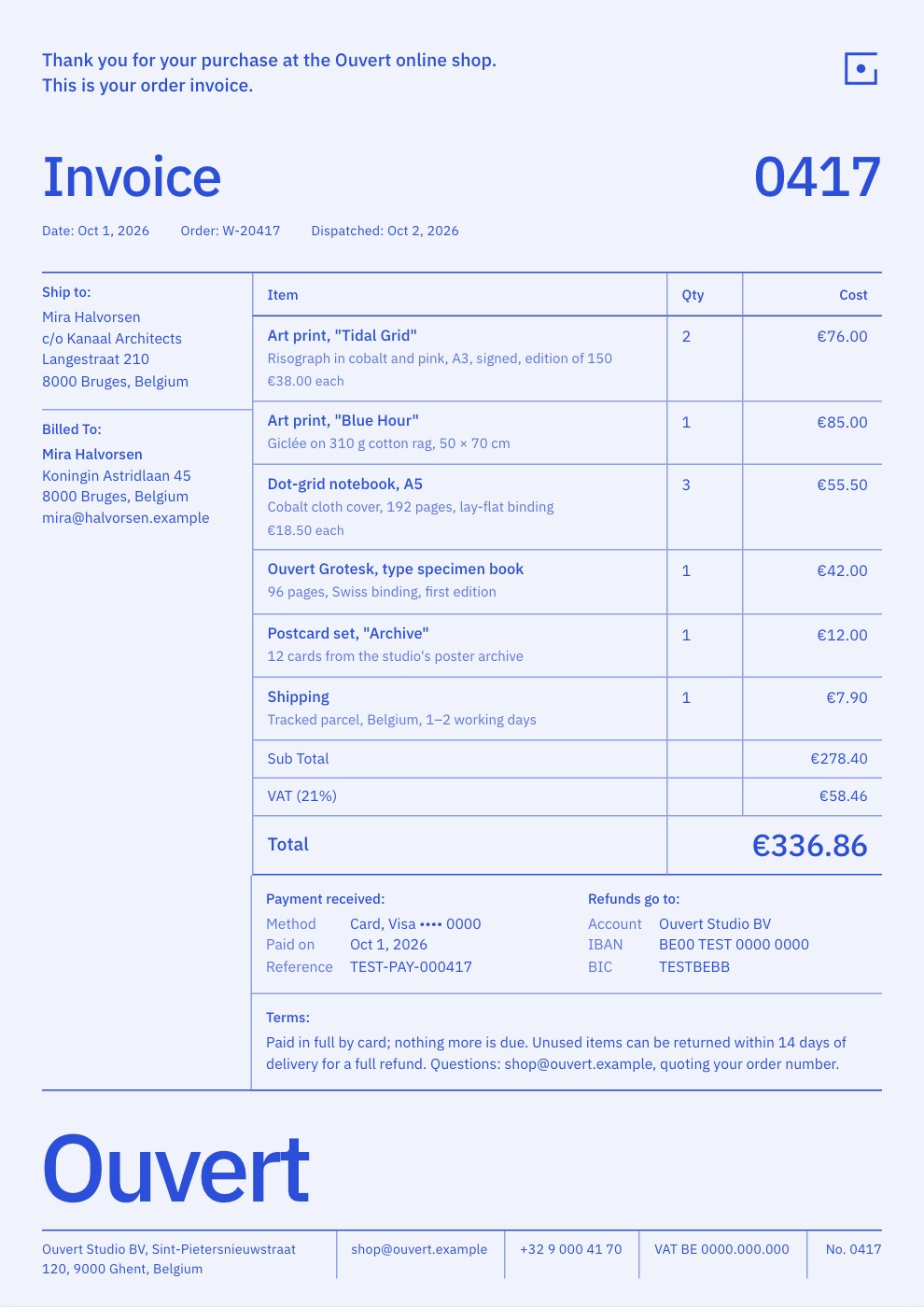
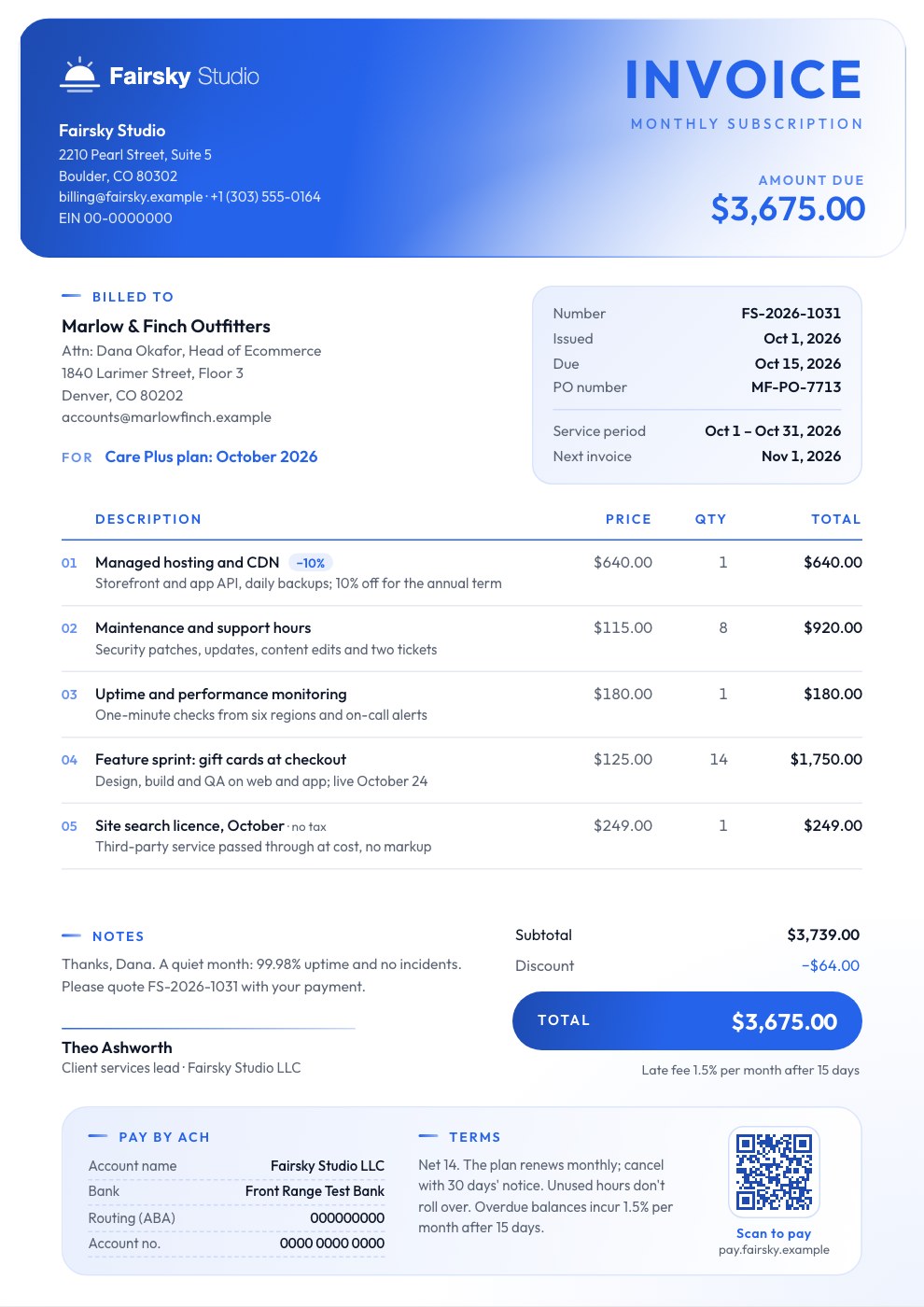
Twelve designs, one set of details.
Switching designs keeps everything you’ve typed, so try each one on your real invoice.
A grey header panel, a big total and a signed close.
Shown on the Simple Invoice template.
Use this template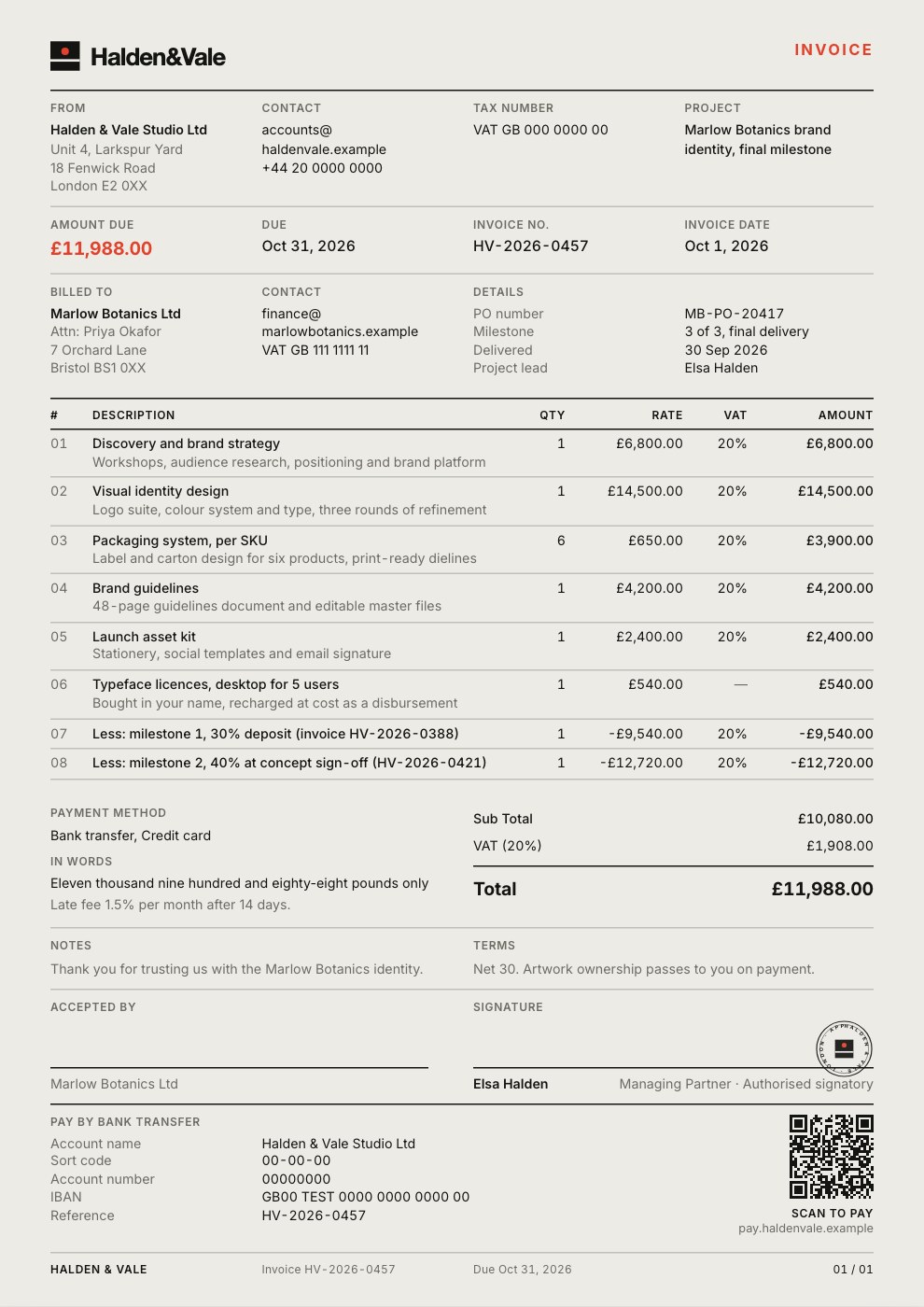
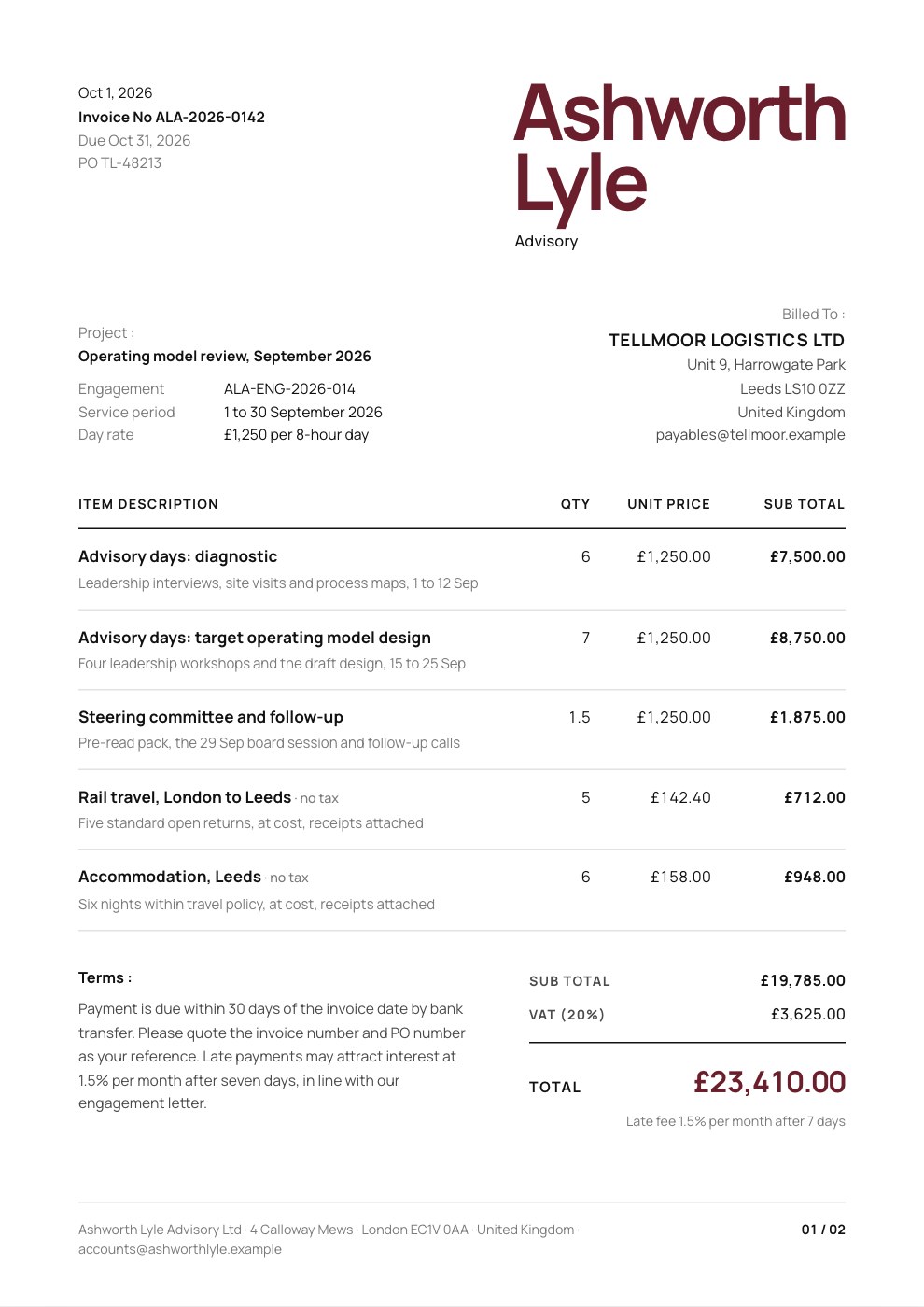
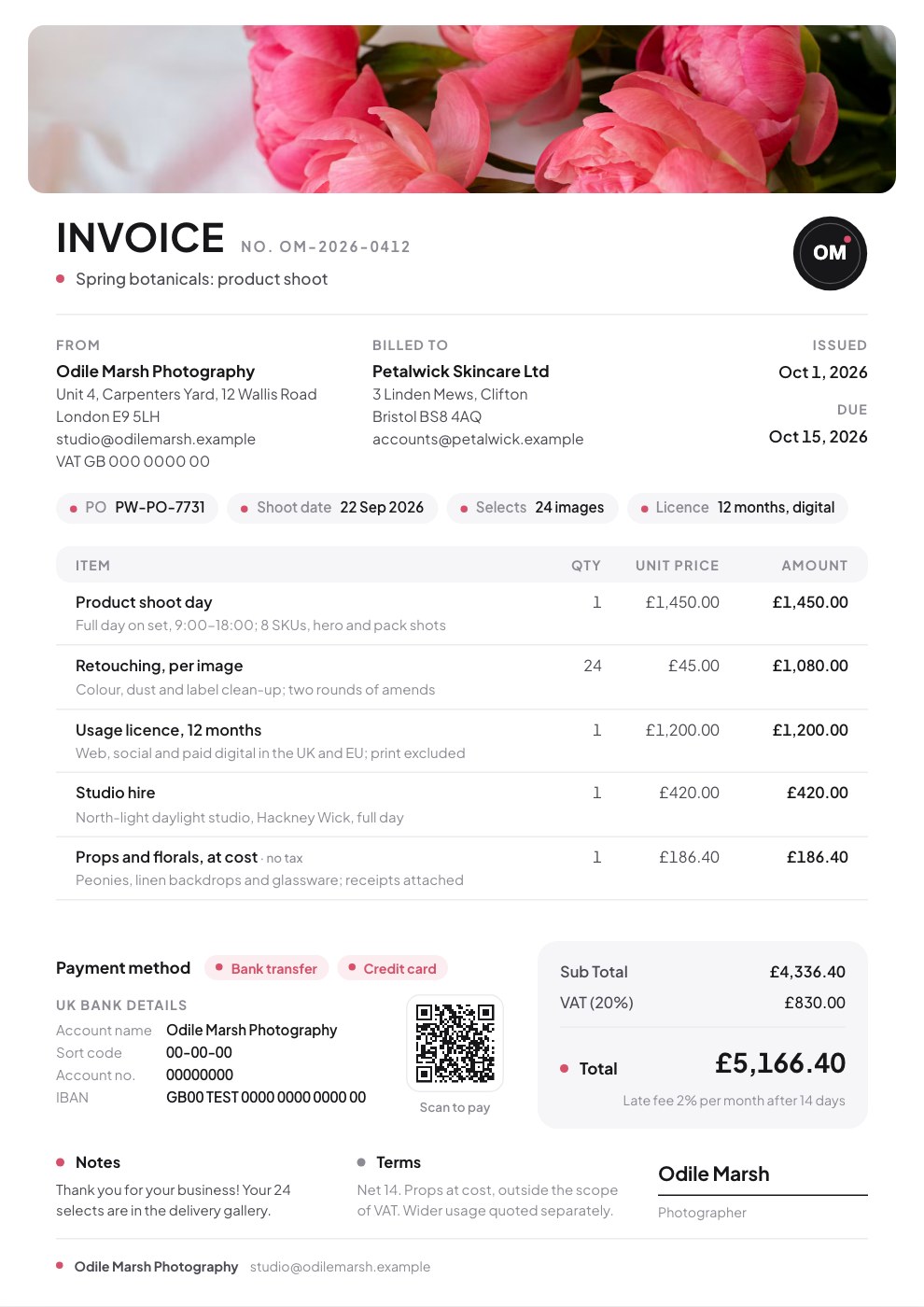
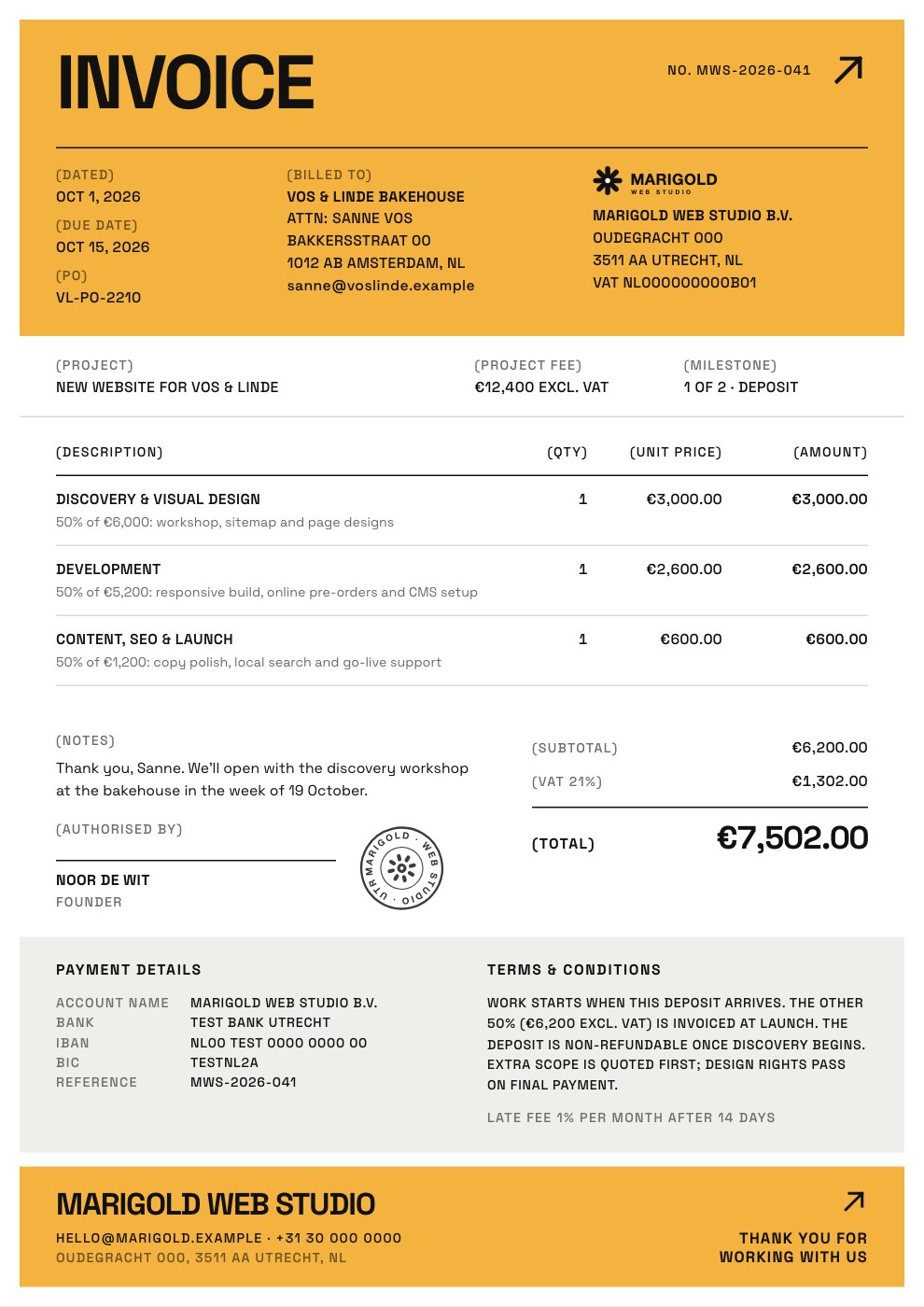
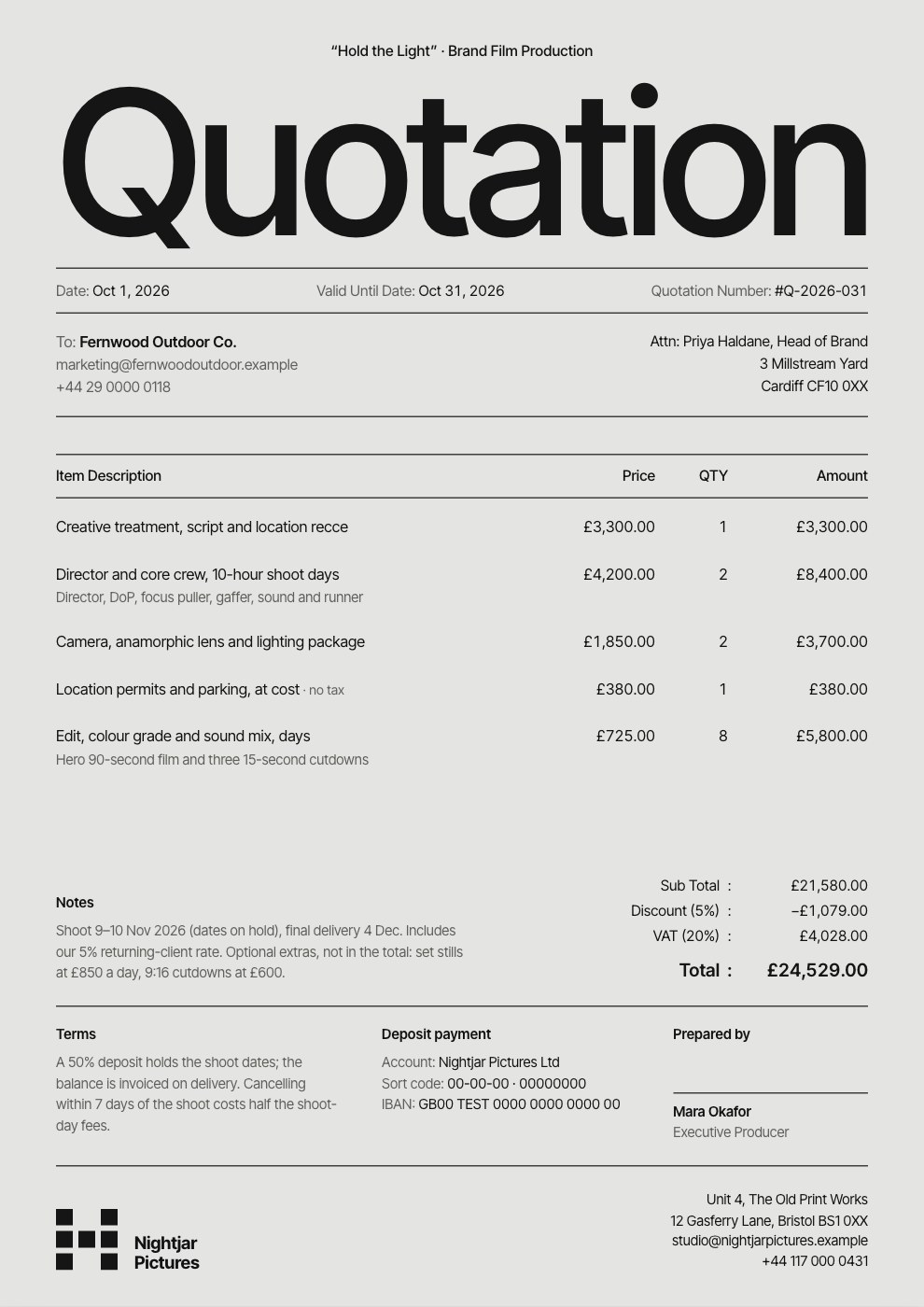
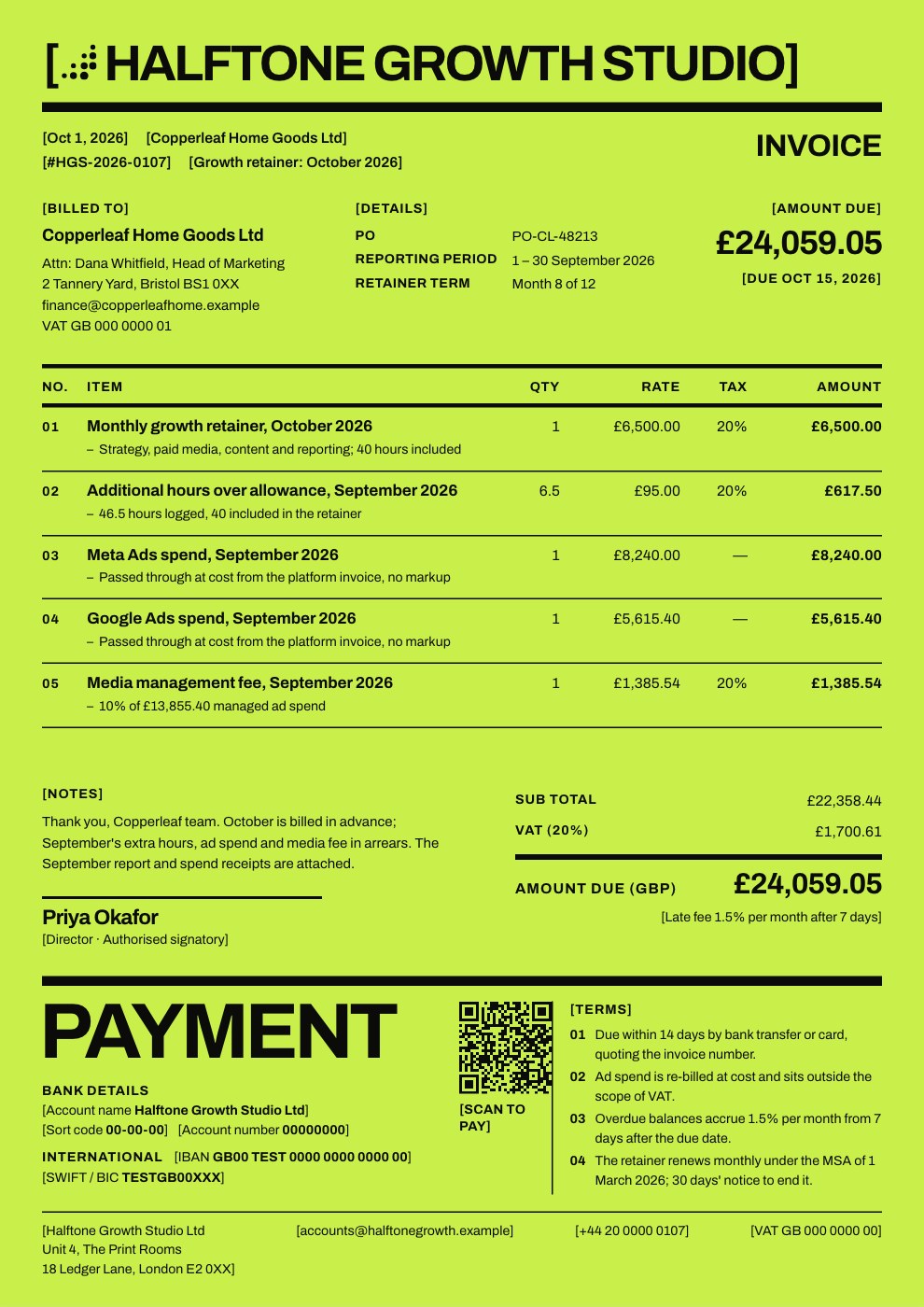
See every invoice template, or describe yours and let Docsiv AI draft it.
Explore all templatesThe details that help you get paid.
An invoice that looks like your business, bills in your client’s currency and tells them exactly how to pay gets settled sooner.
Your logo and your colour
Add your logo, pick an accent colour and a font, and every design picks them up.
Their currency, your tax
Bill in one of ten currencies, and show a second one beside the total with the exchange rate you used.
A Pay now button and a QR code
Paste a payment link from your provider, such as Stripe or PayPal. It prints as a button, and as a QR code where the design has room. Docsiv doesn’t handle the payment.
Six languages and a PAID stamp
Print the labels in English, Spanish, French, German, Hindi or Japanese, and stamp a watermark such as PAID or DRAFT across the page.
Common questions.
Something else on your mind? Ask us in the chat, bottom right of the page.
Is the invoice generator really free?
Yes. You can make as many invoices as you like, in any of the twelve designs, and download each one as a PDF on the Free plan. There’s no watermark unless you add one. Your free Docsiv account keeps your invoices in your workspace Drive, shares them by link and includes Docsiv AI.
What should an invoice include?
Your business name and contact details, your client’s name and address, a unique invoice number, the issue and due dates, a line for each piece of work with its quantity, rate and amount, the subtotal, any tax and the total due, and how to pay. Many countries also require your tax registration number when you charge VAT or GST, so check your local rules.
Does it handle VAT, GST and sales tax?
Yes. Set one tax rate for the whole invoice or a rate per line, mark prices as tax-inclusive if they are, and name the tax VAT, GST or anything else. You can print your tax registration under the totals. The generator doesn’t know your country’s rules, so check what your invoices must show.
Which currencies can I bill in?
US dollars, euros, pounds, Indian rupees, Japanese yen, Australian, Canadian and Singapore dollars, UAE dirhams and Swiss francs. You can also show a second currency beside the total with the exchange rate you used, for clients who pay in theirs.
Which payment terms should I use?
Due on receipt suits small one-off jobs; net 14 or net 30 gives the client that many days from the invoice date. For bigger work, take a deposit up front or bill by milestone (the Deposit and Project Invoice templates show both). Set a late fee in Money, after a grace period, and add the client’s PO number if they need one to pay.
Can clients pay from the invoice?
You can paste a payment link from your payment provider, such as a Stripe or PayPal link. It prints as a Pay now button, clickable in the PDF, and as a QR code in the designs with room for one. Docsiv doesn’t process the payment itself.
Can I make a quote, an estimate or a receipt?
Yes. Change the document title to Quotation, Estimate or Receipt and the headings follow, or start from the Quote / Estimate template, which has a valid-until date and deposit terms. For a longer pitch with scope and options, the proposal maker is a better fit.
What kind of PDF do I get?
Two kinds. The standard PDF is the invoice exactly as it looks on screen, with a clickable Pay now link; its text is part of the picture. The PDF with selectable text uses a plainer layout with real, searchable text, which some accounting tools prefer.
Ready to send your next invoice?
Describe the work and the rates and get an invoice drafted, or start from one of the twelve designs. Then download the PDF and send it.