

Free tools for documents, PDFs and files.
Each one is a real Docsiv editor on its own page. Sign up free to use it, and download what you make in a standard format.
Make something new, from a template or a brief.
Proposals, invoices, reports, decks, posts, forms and boards. Each tool opens on designed templates to make your own, or Docsiv AI can write the first draft from your notes.
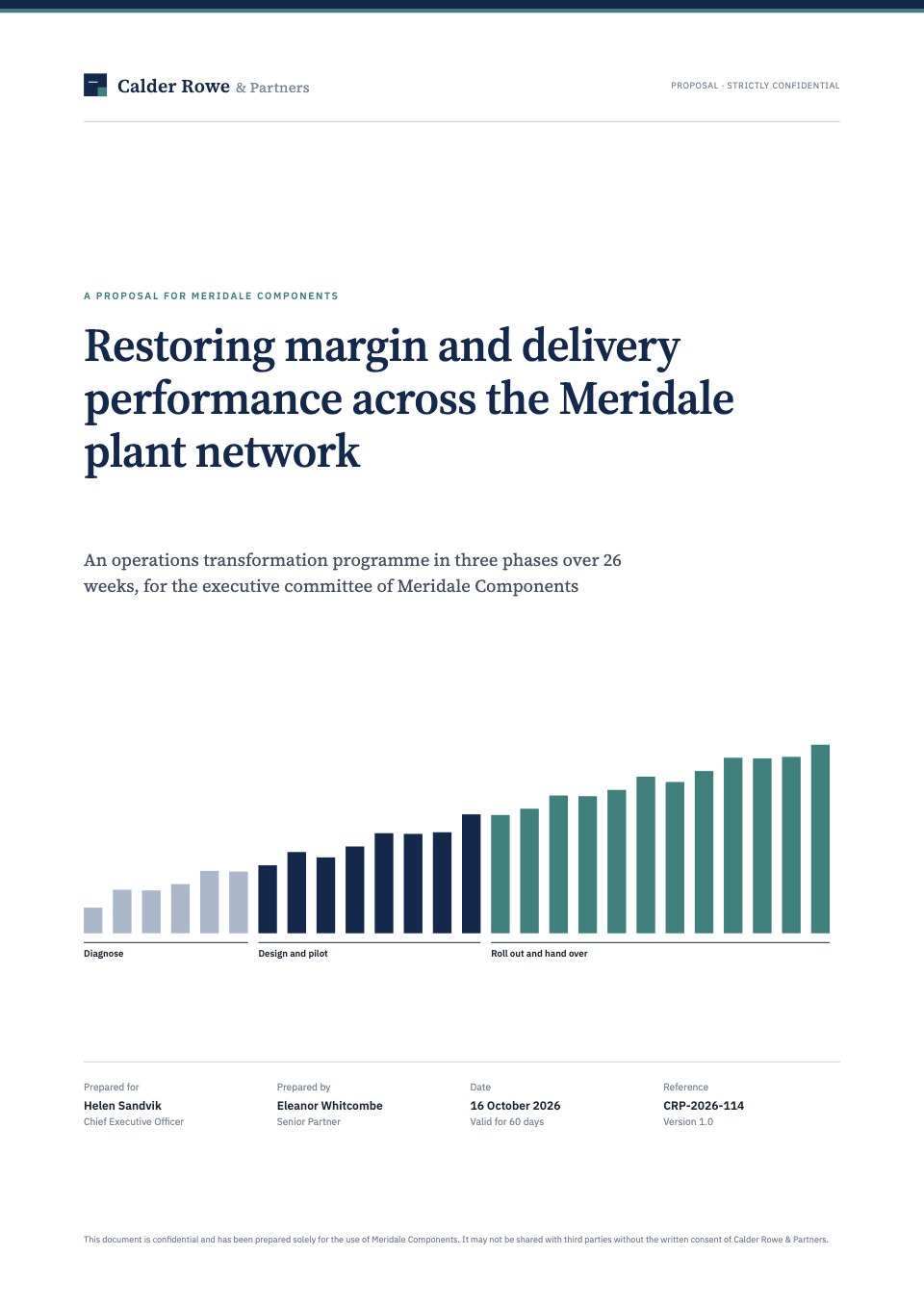
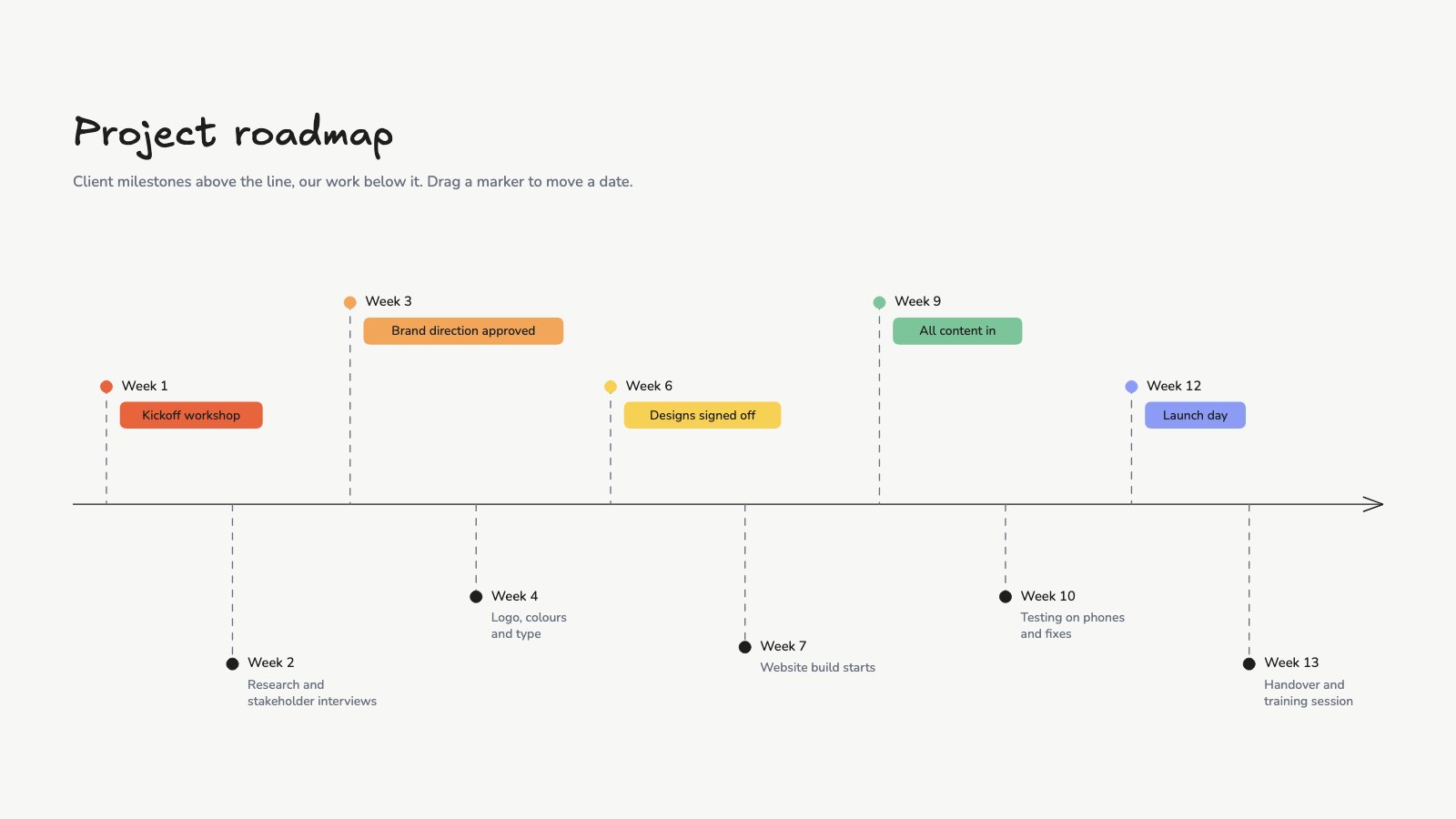
- Proposal makerScope, timeline and pricing on real pages, drafted from your brief.PDF · Web page
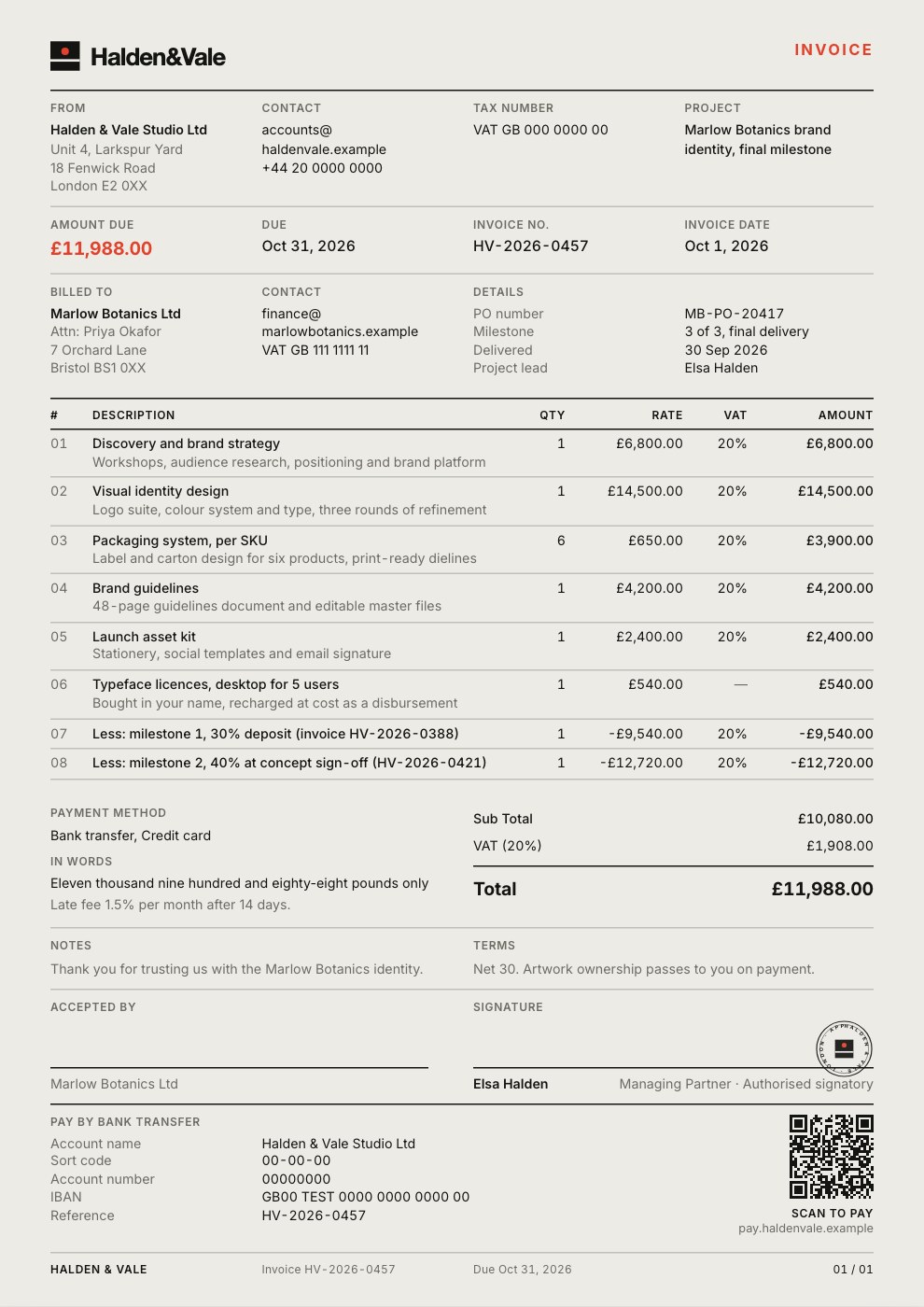
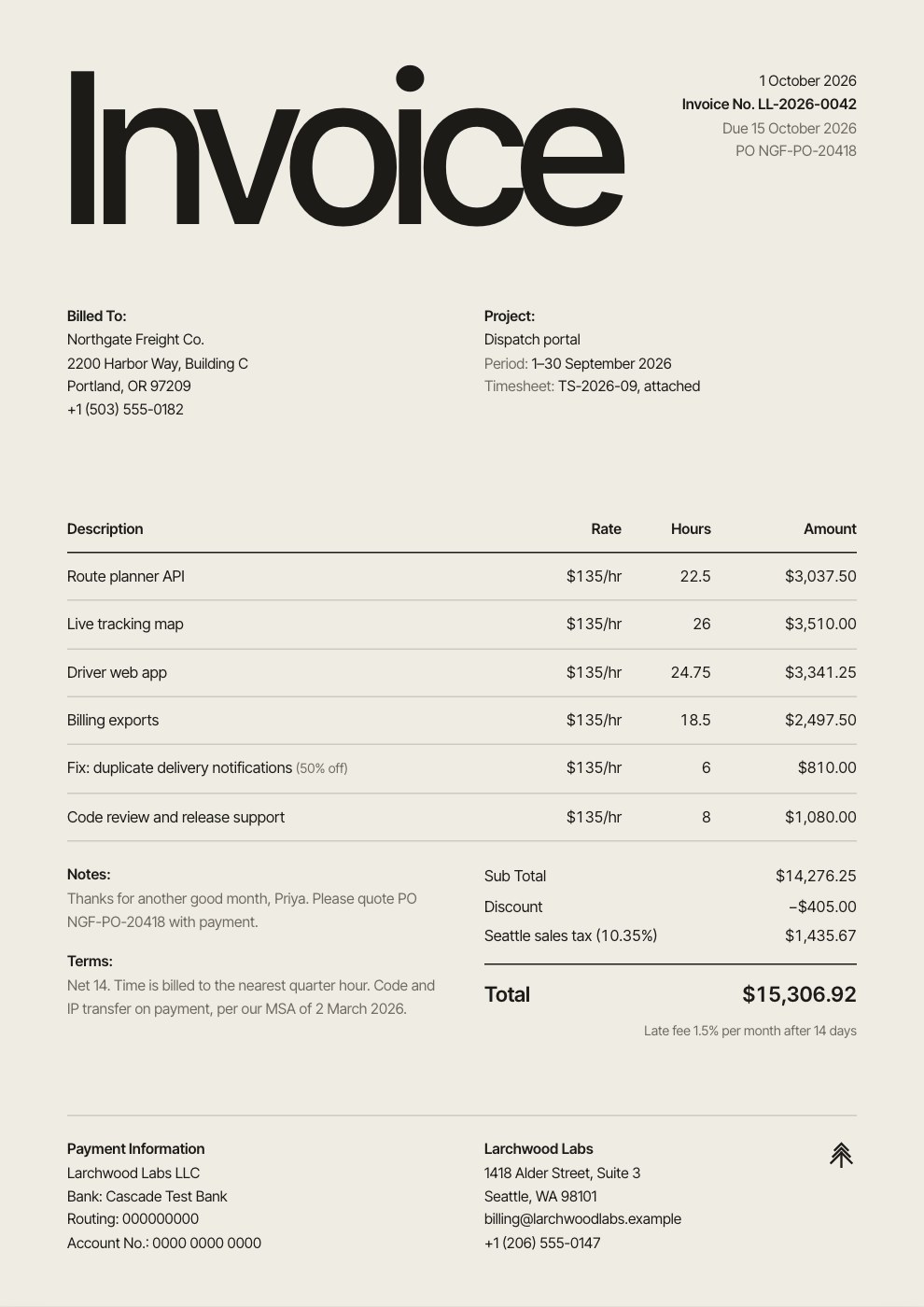
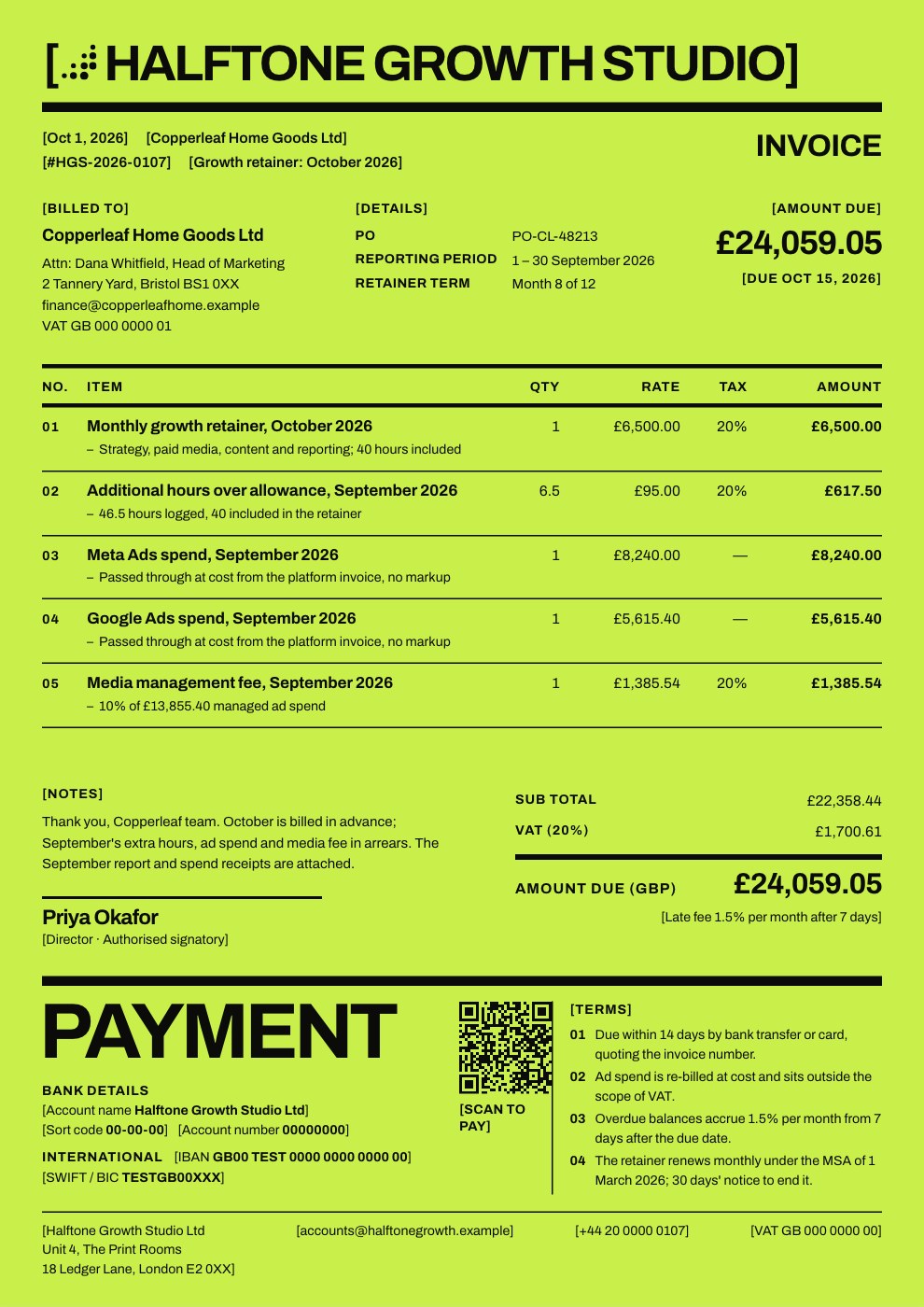
- Invoice generatorLine items, tax and your logo, in twelve invoice designs.PDF
- AI report generatorNotes and numbers turned into a designed report with charts.PDF · Web page
- AI presentation makerDesigned slides to present from the browser or take to PowerPoint.PowerPoint · PDF
- Pitch deck makerProblem, solution, traction and the ask, on designed slides.PowerPoint · PDF
- Social media post makerPosts, carousels, Stories and thumbnails at each platform’s size.PNG
- Form builderIntake forms, surveys and sign-ups in your colours, shared by link.Responses as CSV · Free account
- Google Forms alternativeYour fonts and colours, one question per screen, logic on any answer.Responses as CSV · Free account
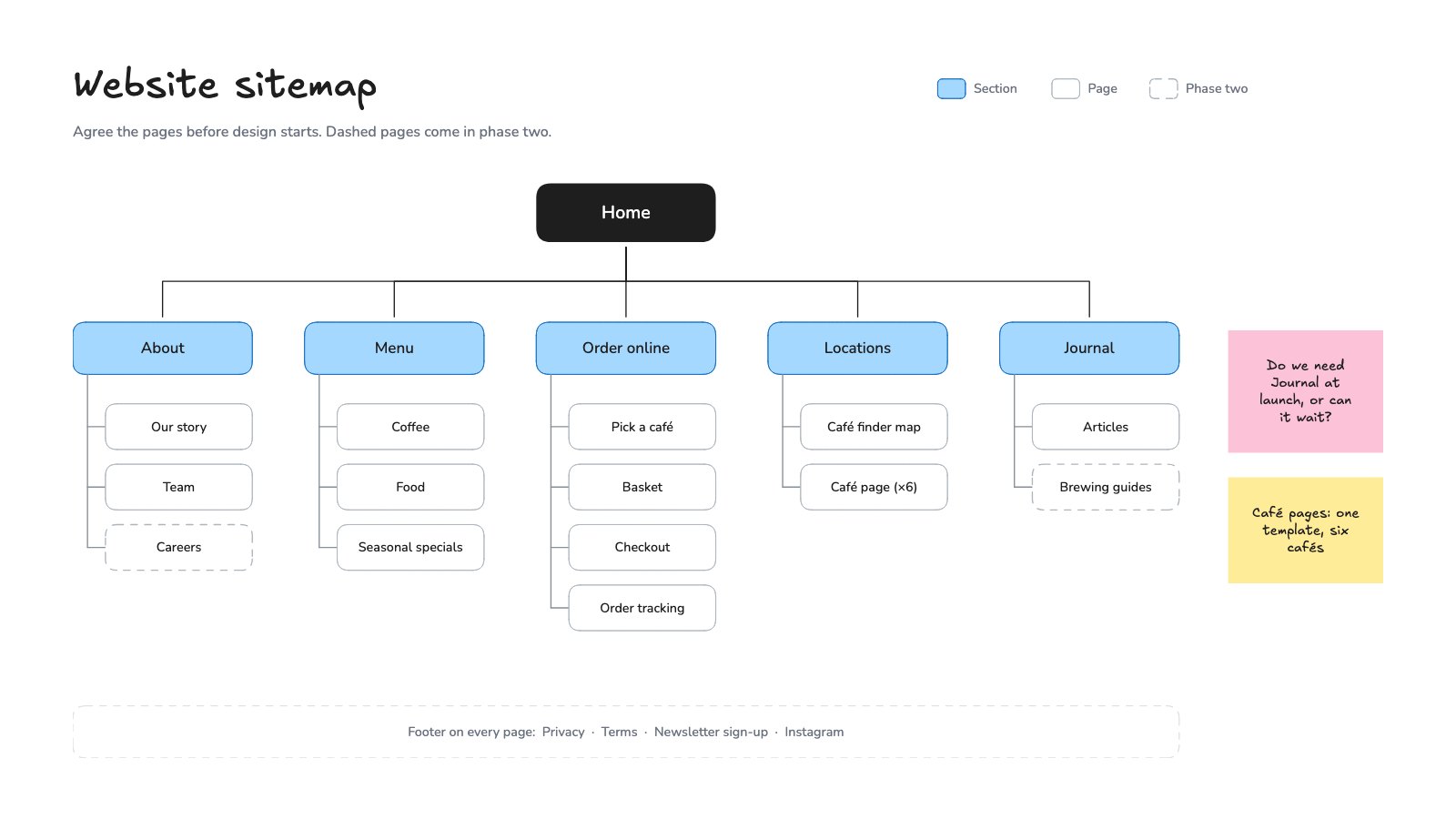
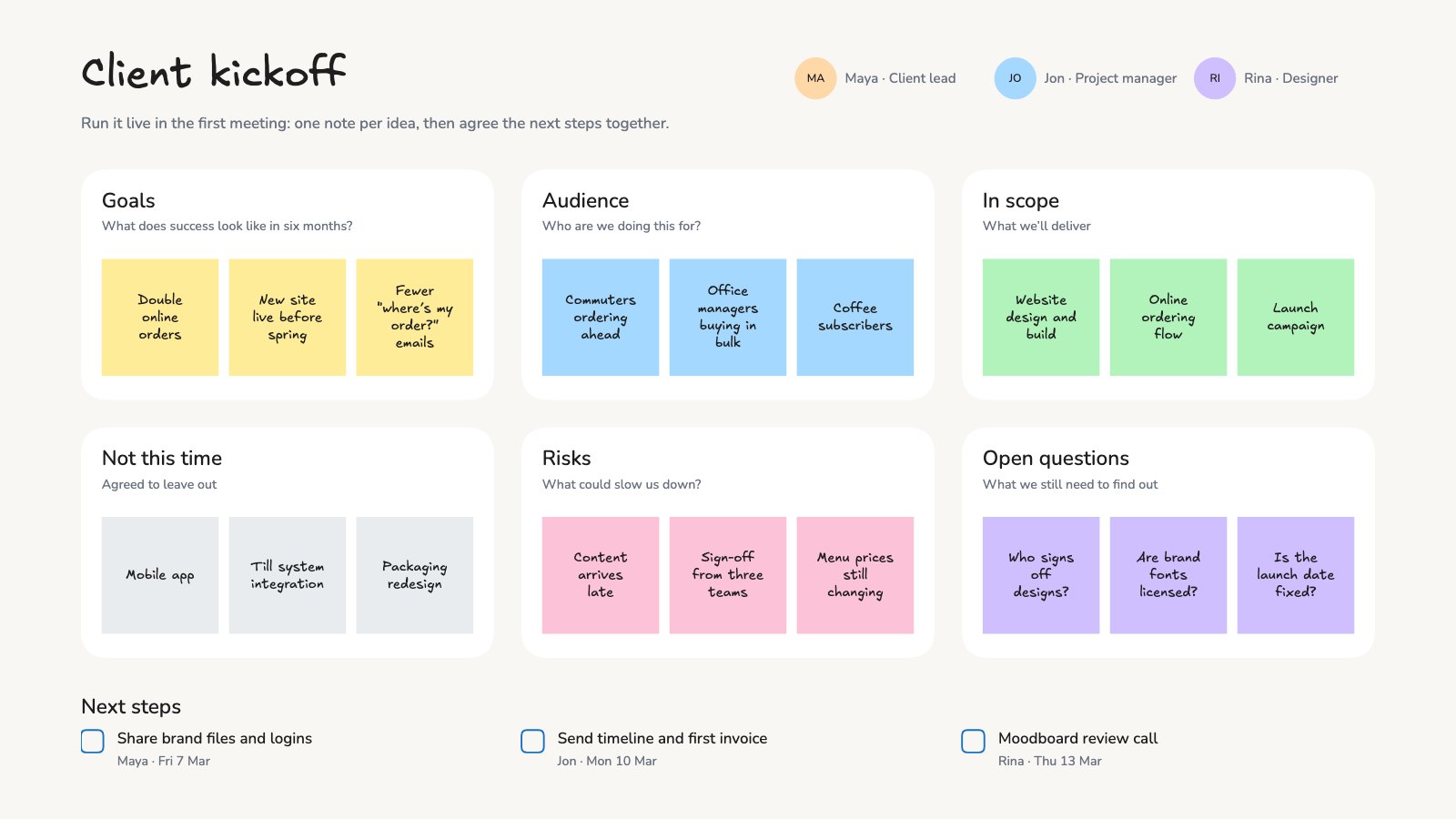
- Online whiteboardAn endless hand-drawn canvas for flows, sitemaps and workshops.PNG · SVG · Excalidraw
- Vector editorLogos, icons and illustrations, drawn by hand or by AI, as vectors.SVG · PDF · PNG · AI
- UI design toolApp and website screens with auto layout and components, linked into a prototype.PNG · SVG · PDF · Figma














Sign and edit PDFs, right in your browser.
Open the PDF you were sent and sign it, or fix it before it goes back. It opens in the editor in your browser.
Open files from other apps, no installs.
Word, PowerPoint, Excel, Photoshop, Illustrator and InDesign files, opened in a full editor in your browser. Change what you need and save back to the format it came in.
- Word editorStyles, tables, comments and tracked changes, saved back to Word.Opens .docx, .doc, .odt, .rtf, .md, .txt, .html
- PowerPoint editorChange slides and notes, present full screen, save back to PowerPoint.Opens .pptx
- Excel editorCells, formulas, filters and charts, saved back to Excel or CSV.Opens .xlsx, .csv
- Photo editorCrop, adjust, cut out and resize a photo, then save JPEG, PNG or PSD.Opens .jpg, .jpeg, .png, .webp, .gif, .bmp, .tif, .tiff, .psd
- Lightroom alternativeRate, develop and sync a whole set of photos, with curves, masks and presets.
- PSD editorPhotoshop files with their layers, saved back to PSD, PNG or JPEG.Opens .psd, .png, .jpg, .jpeg, .webp
- SVG editorReshape paths, recolour shapes and change text, all as vectors.Opens .svg
- AI file viewerSee and edit Illustrator artwork, then export SVG, PDF, PNG or .ai.Opens .ai, .eps
- IDML viewerPage through InDesign spreads, edit the copy, export PDF or IDML.Opens .idml
Common questions.
Each tool’s page answers questions about that tool. Something else on your mind? Ask us in the chat, bottom right of the page.
Are these tools really free?
Yes. Each one opens a real Docsiv editor on its page, and making, editing and downloading cost nothing. There’s no trial to start and no card to enter.
Do I need an account?
Yes, a free one. Sign up with Google, Microsoft or email and every tool opens, with your work saved to your Docsiv workspace Drive. The Free plan includes every app and 500 AI credits a month.
Are my files uploaded?
A PDF, Word file or Photoshop file you open is read in your browser. When you save it, it’s kept in your Docsiv workspace Drive, where only your workspace can open it until you share it.
What can I download?
Standard formats, depending on the tool: PDF, Word, PowerPoint, Excel, CSV, PNG, SVG, Photoshop, Illustrator and IDML. Files you open from another app can be saved back to the format they came in.
Where does Docsiv AI come in?
On the tools that make something, the box at the top of each page sends your request to Docsiv AI, which writes the first draft in the editor. The AI needs a free account, which comes with AI credits.
Can I send a document for someone else to sign?
Sign a PDF lets you sign a document yourself for free. Sending documents out for other people to sign is part of Docsiv’s paid plans.






























Not sure which tool you need?
Describe the document and Docsiv AI writes the first draft in the editor that suits it. It takes a free account, with AI credits included.