

Edit Excel files online
Open an .xlsx or a CSV, work with formulas, filters and charts, and download it as Excel again. No Excel needed.
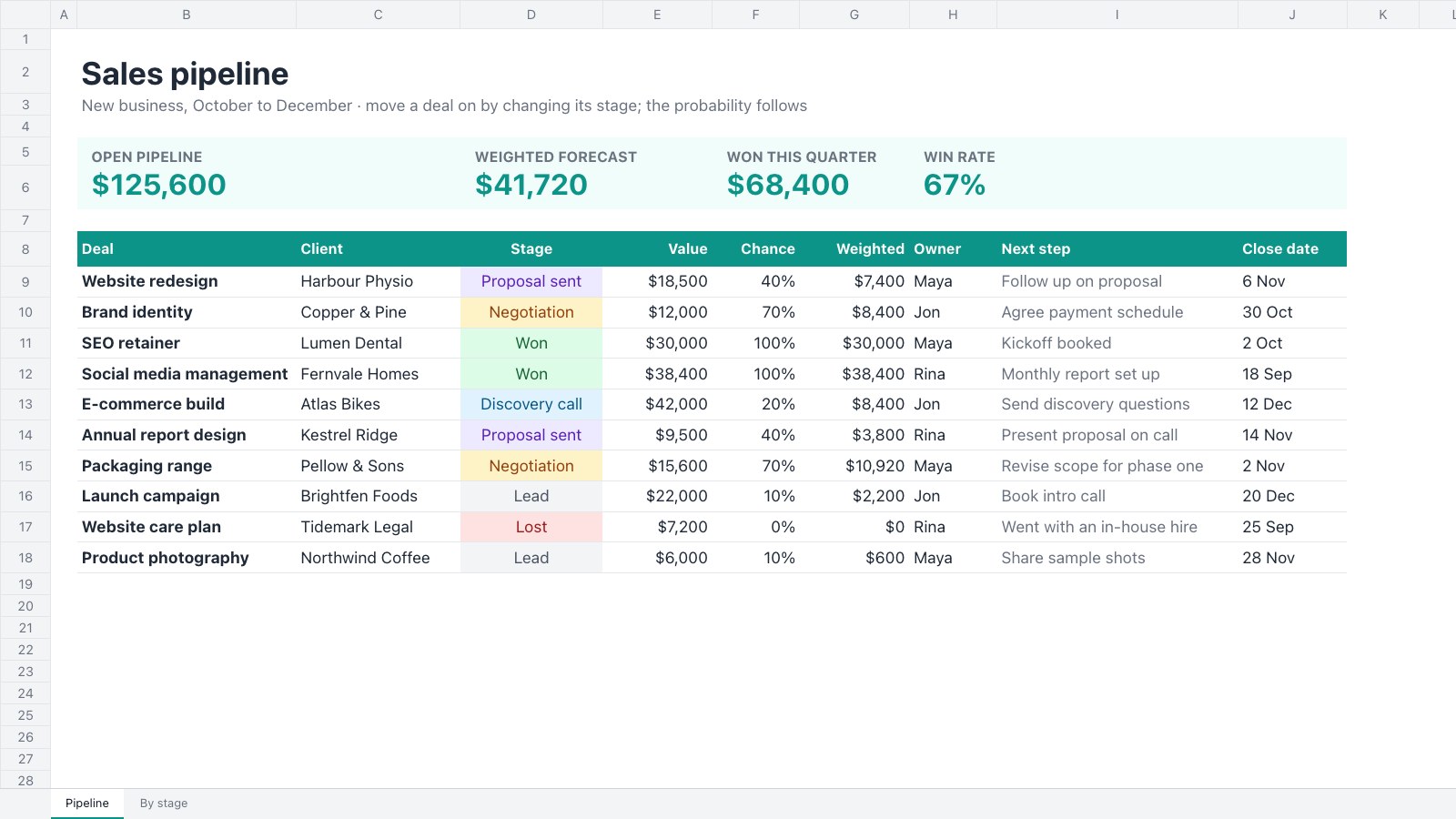
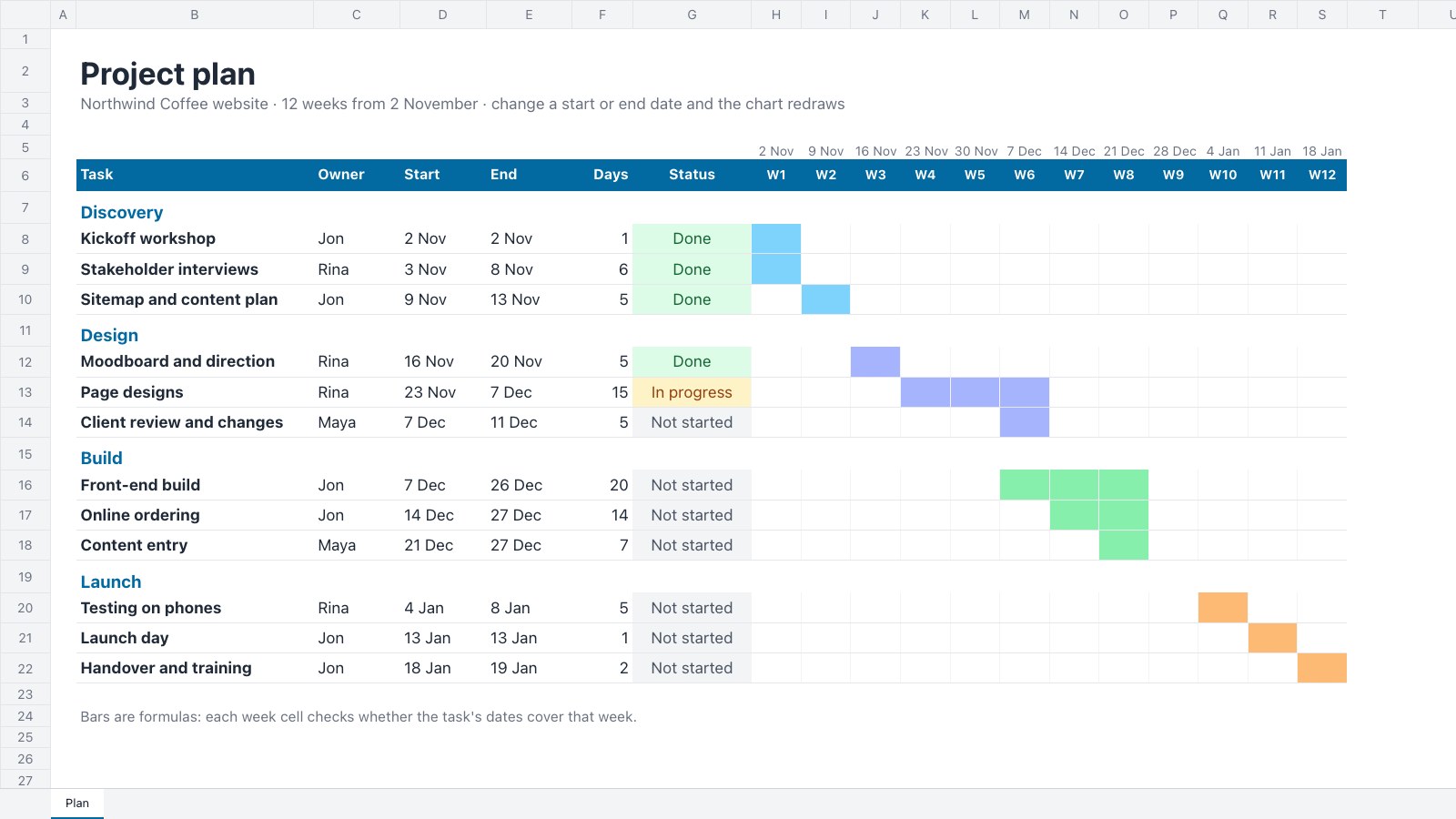
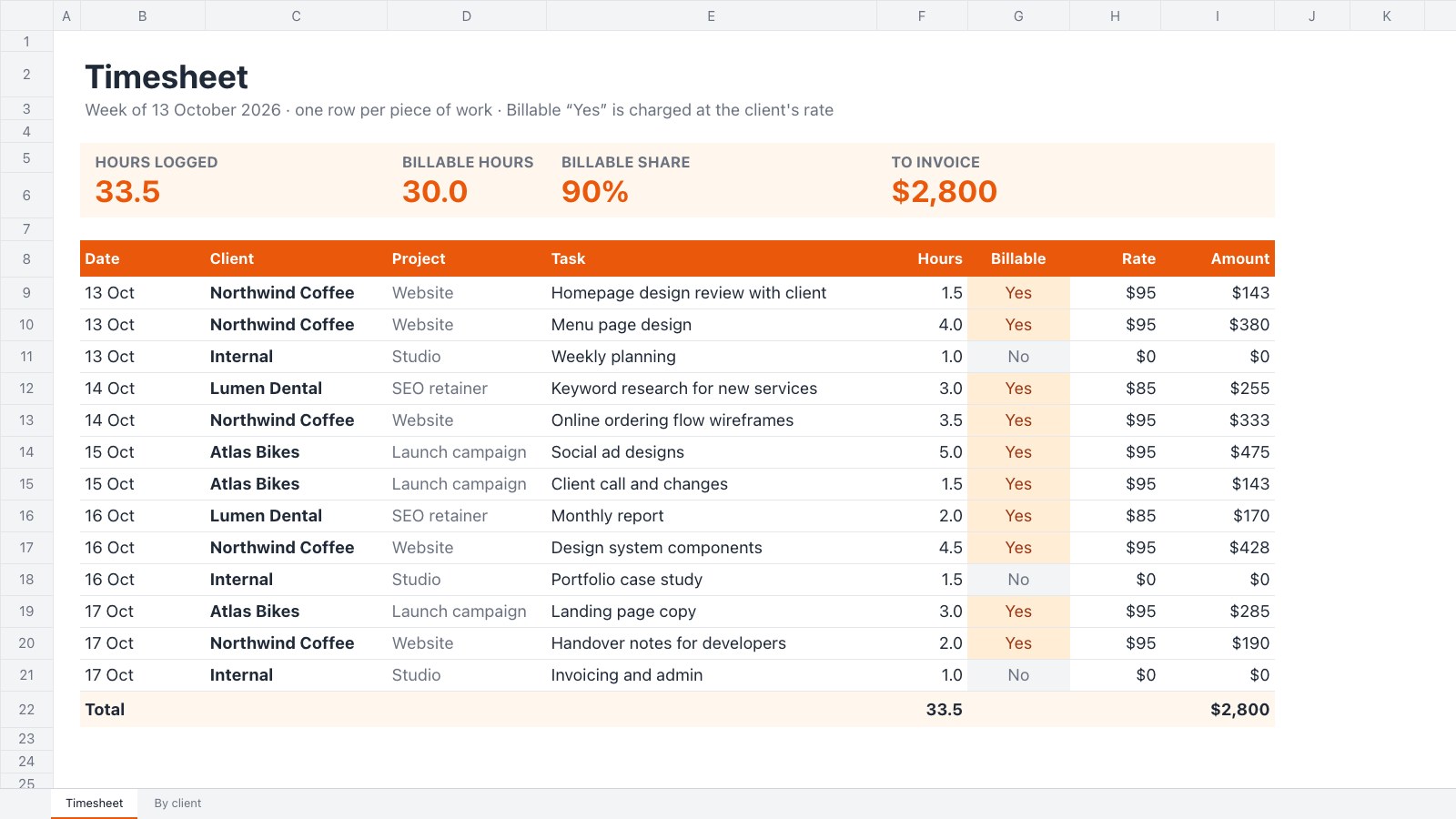
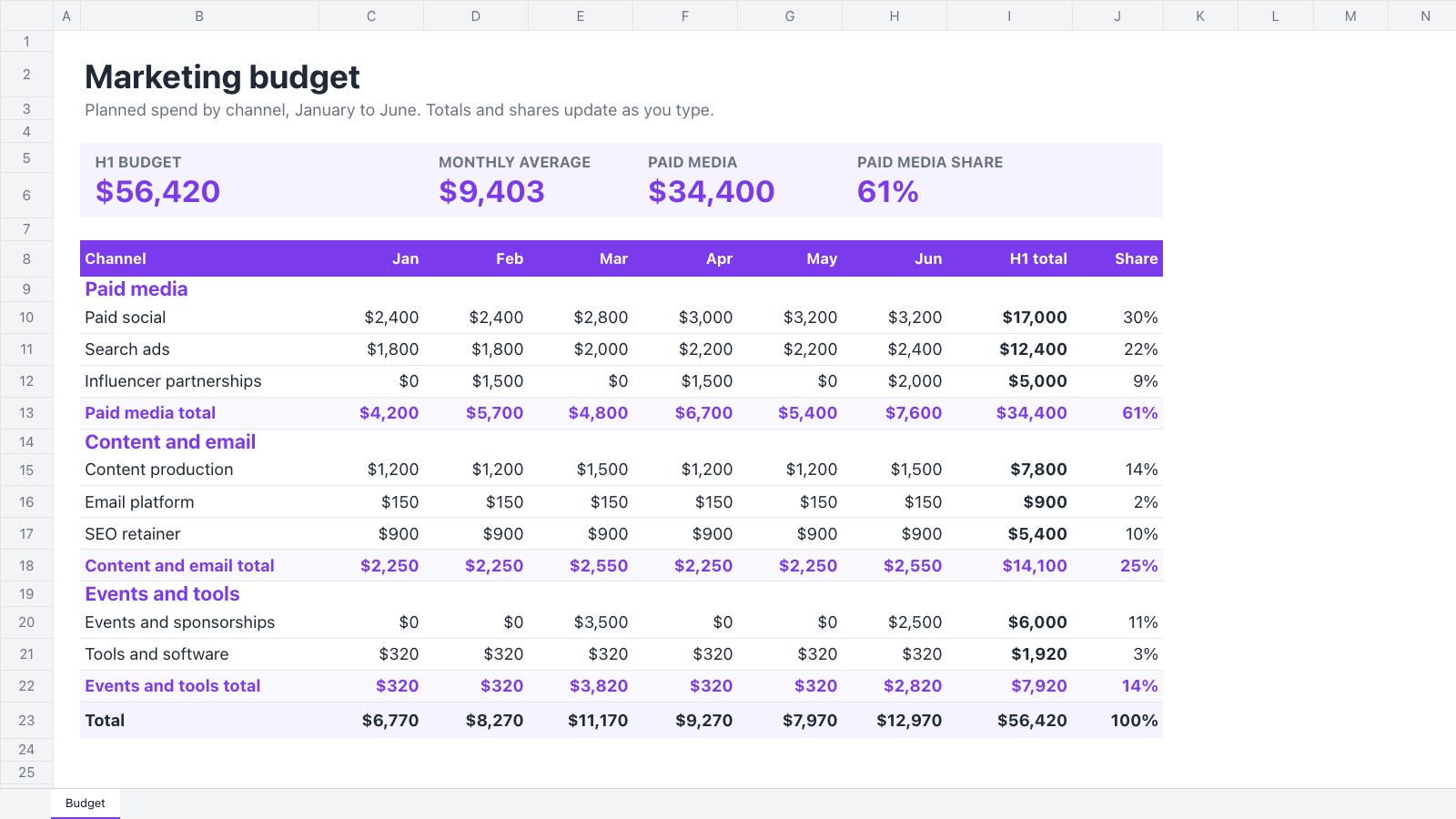
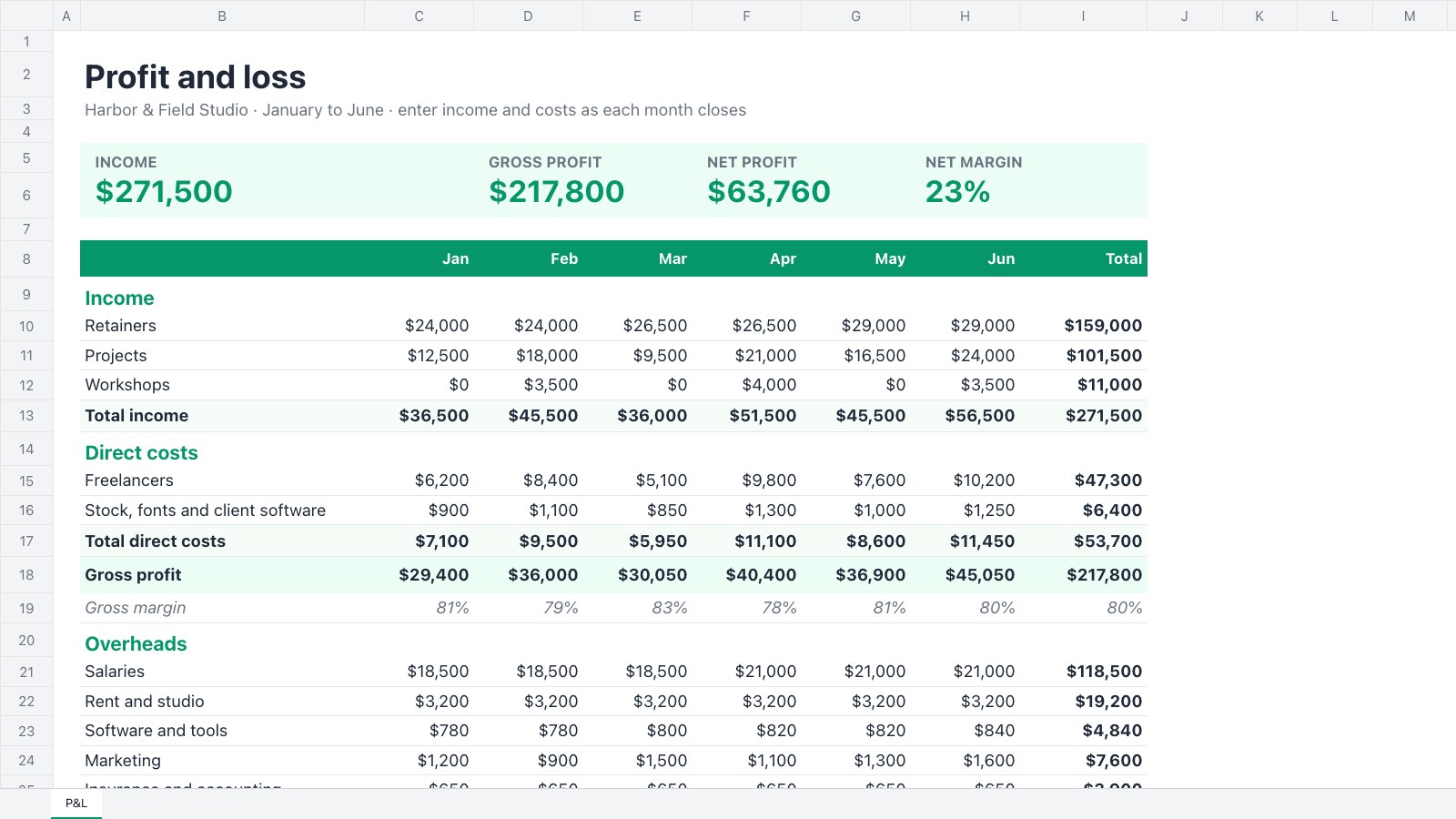
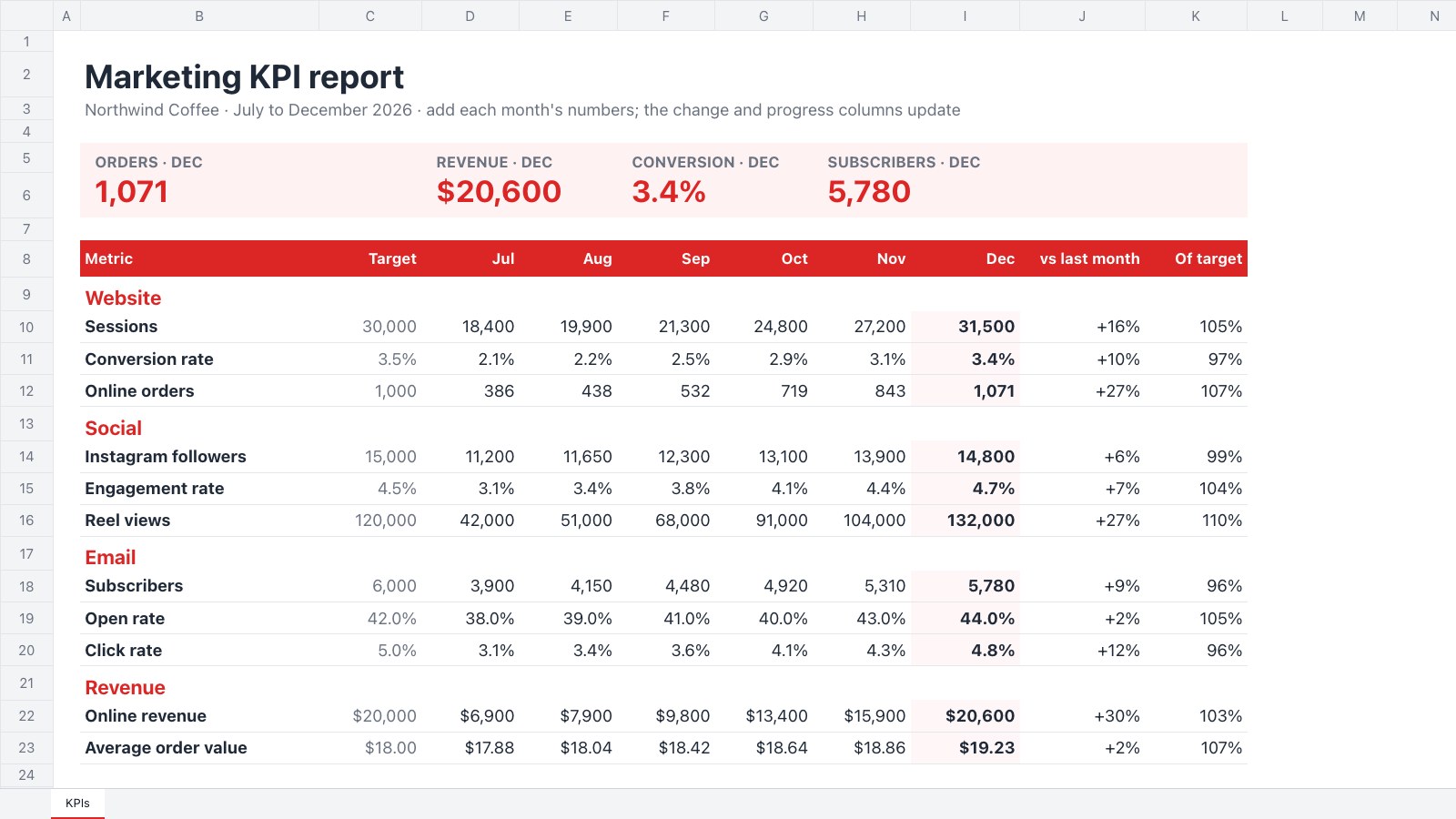
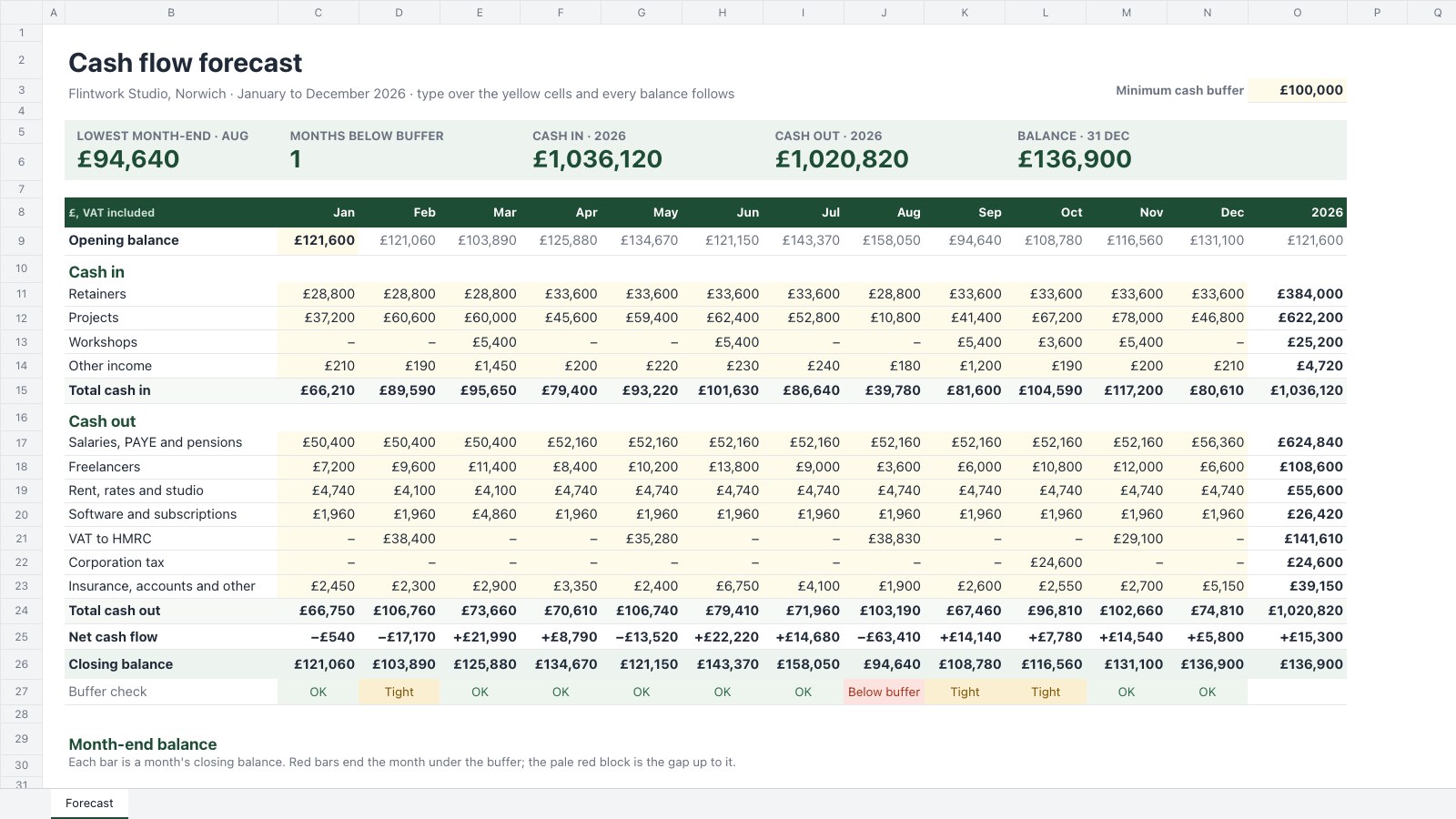
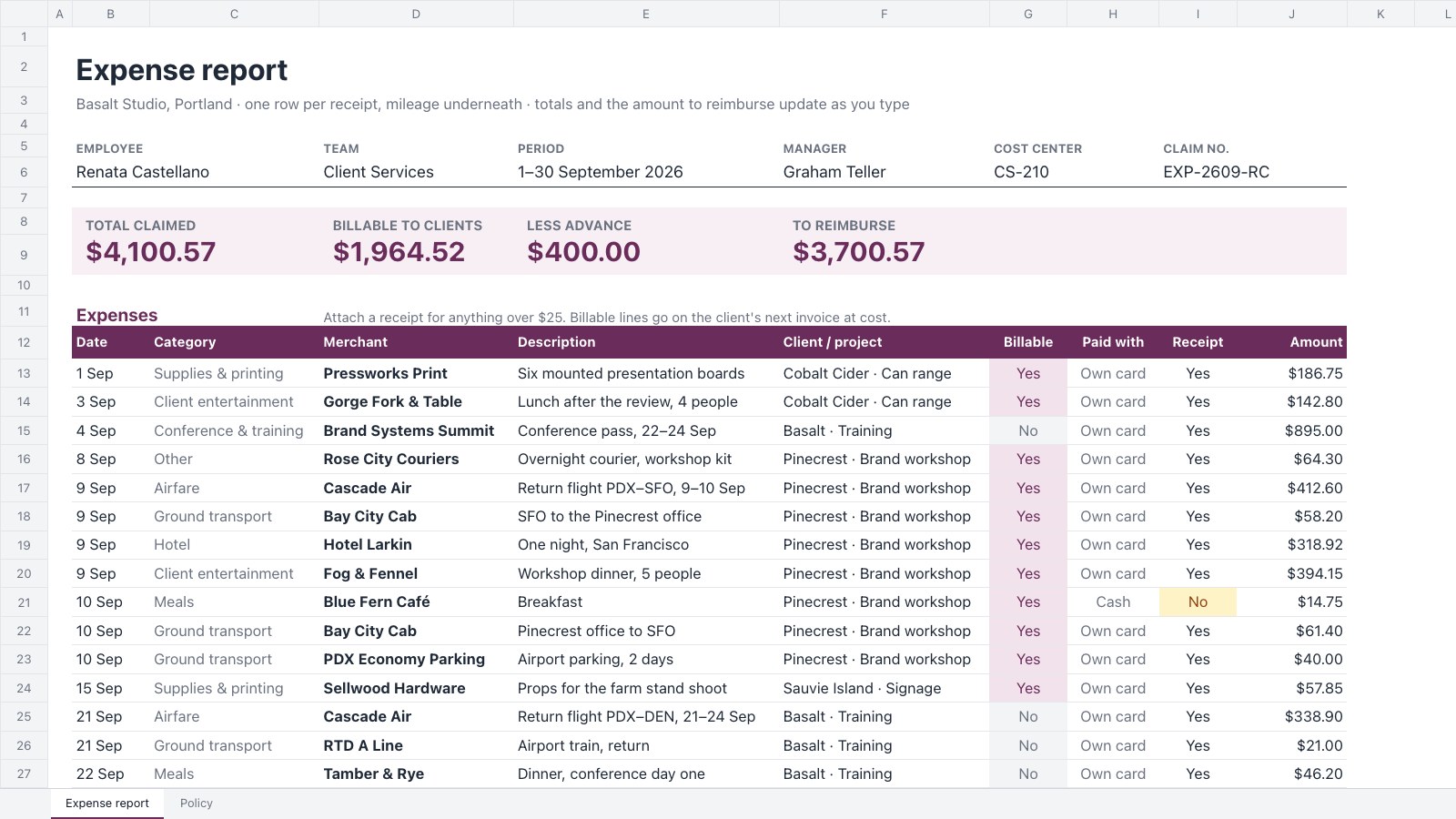
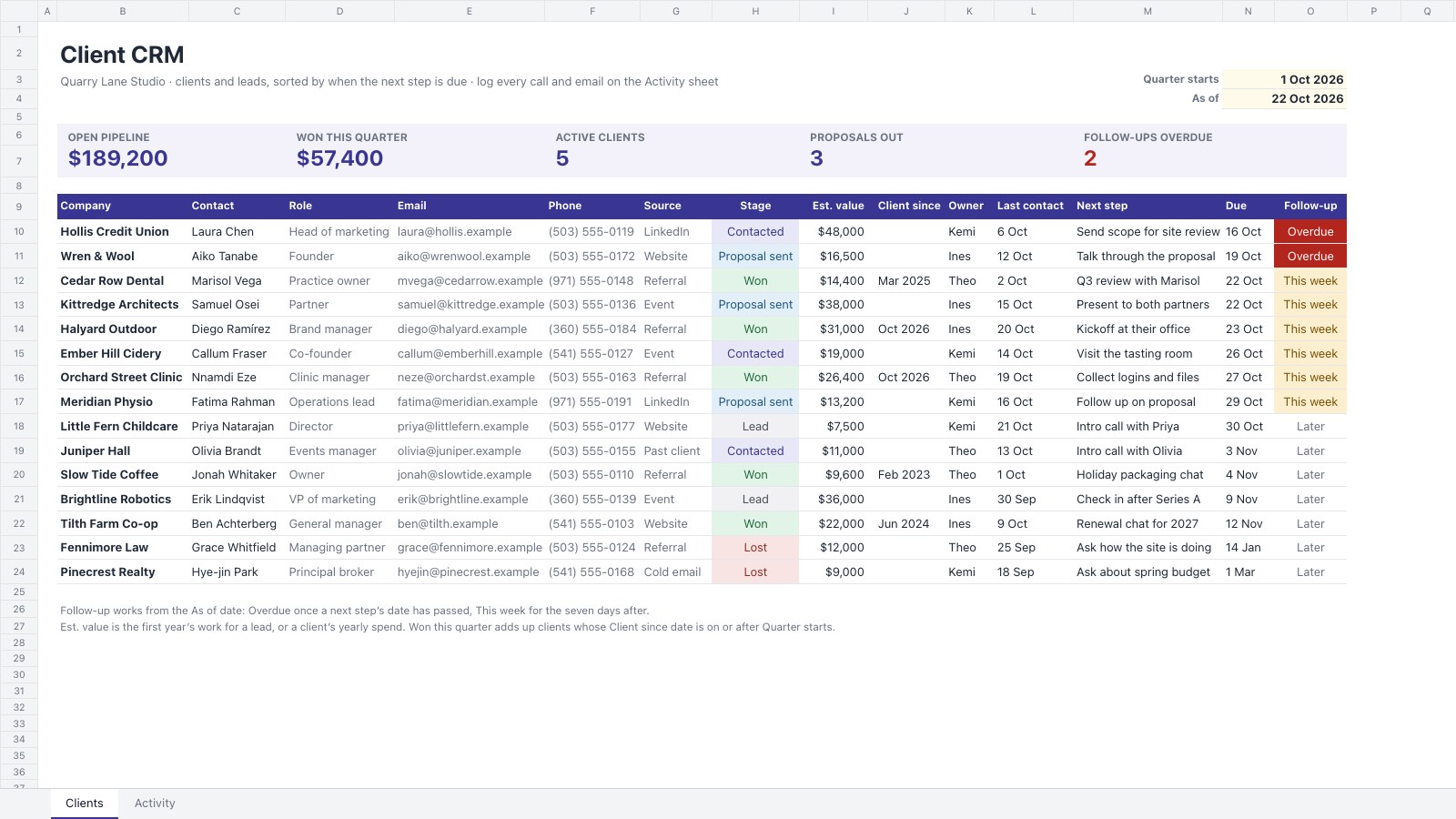
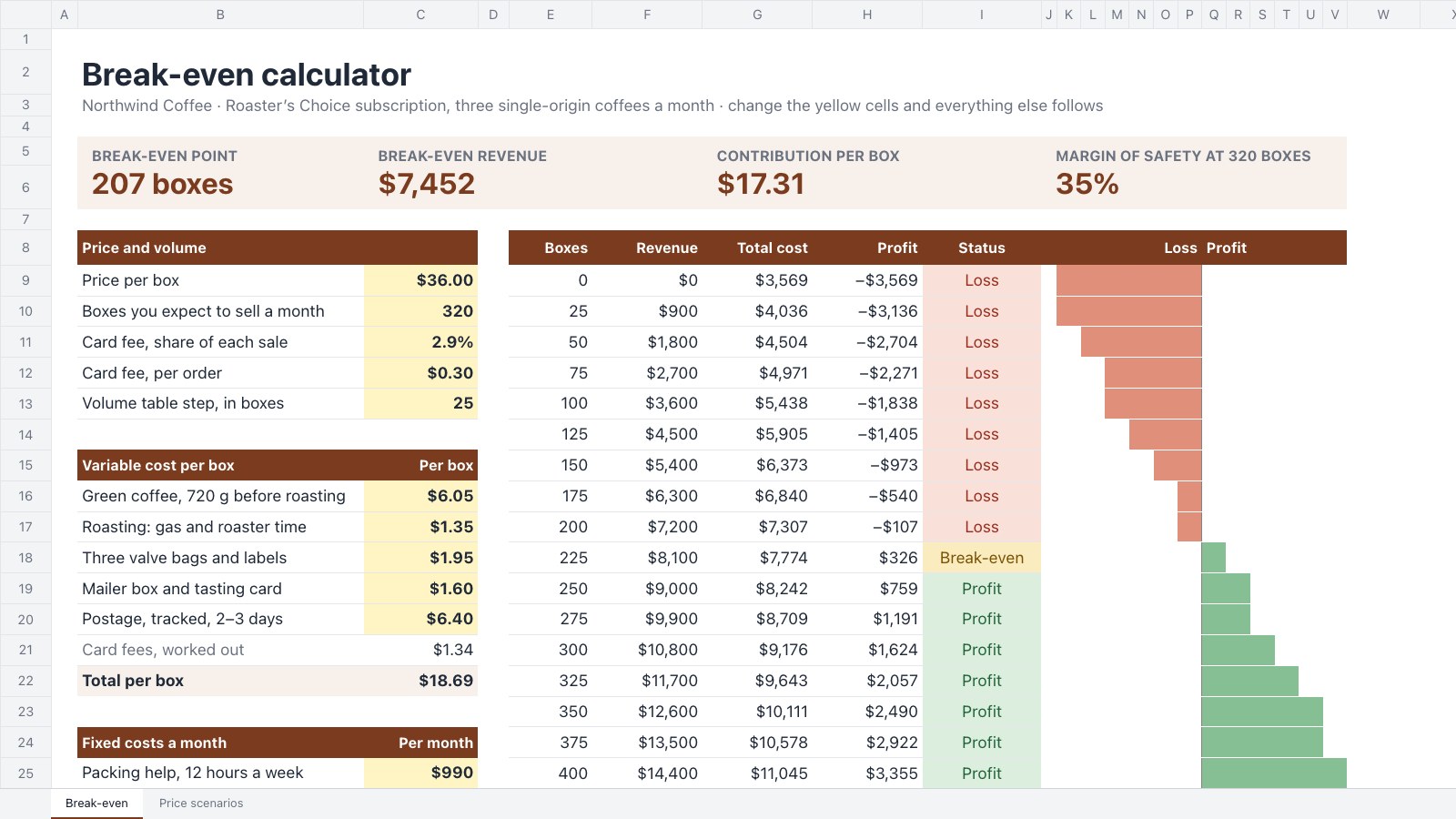
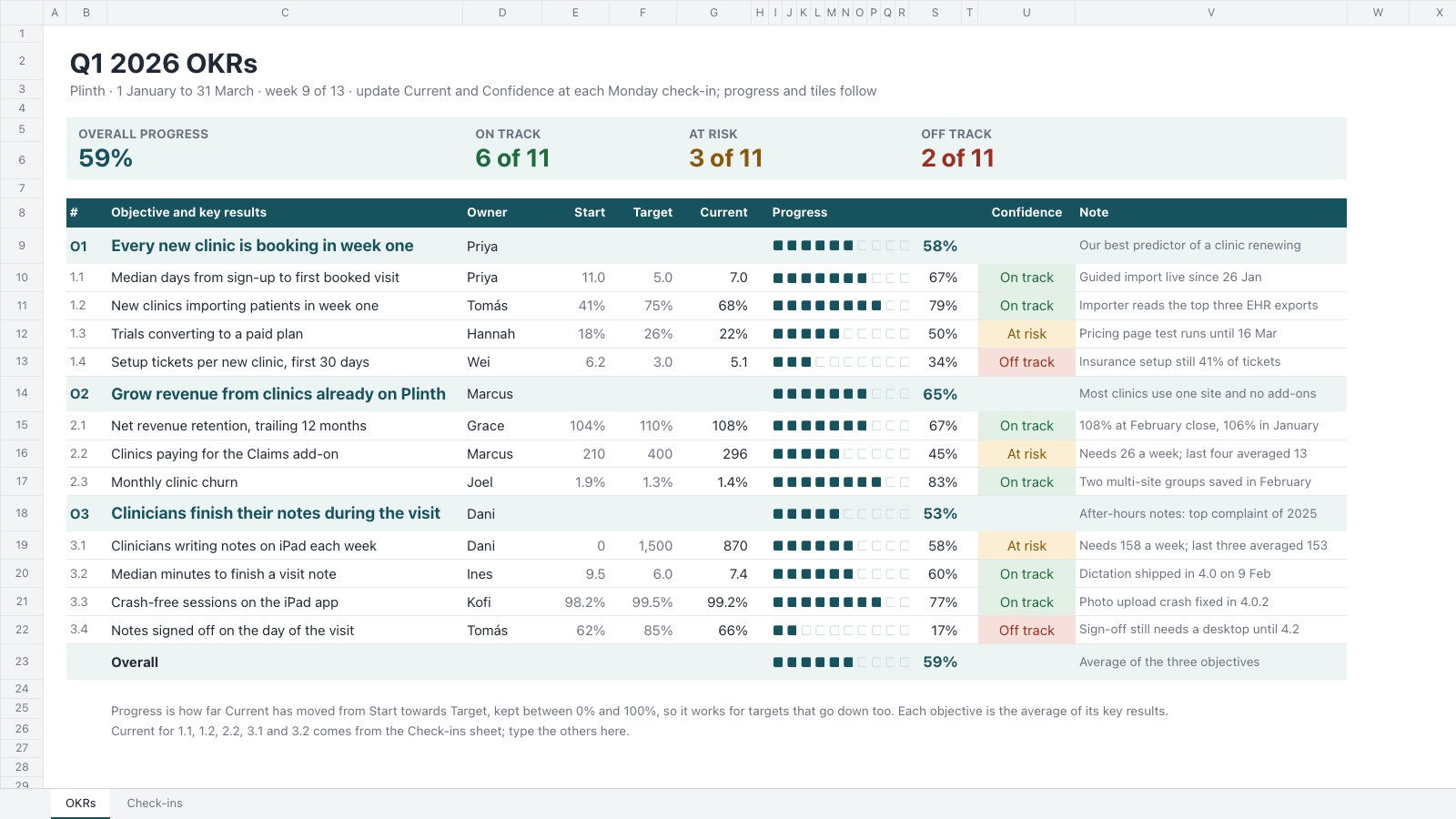
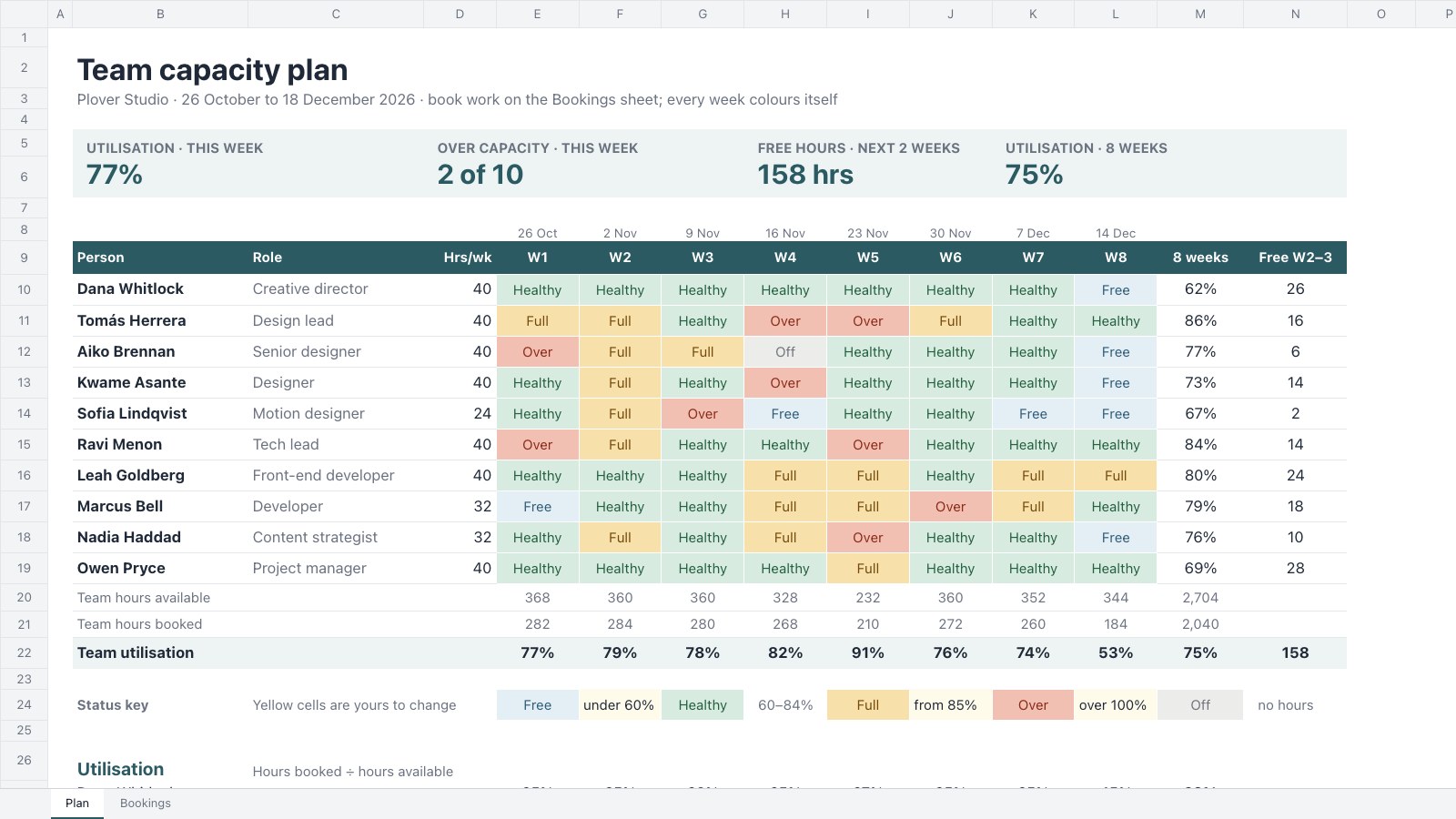
Formulas that work the way Excel’s do.
More than 500 of Excel’s worksheet functions recalculate as you type. Pick one and see it work on a real project budget.
=SUMIFS(D2:D10, A2:A10, "Build")| A | B | C | D | E | F | |
|---|---|---|---|---|---|---|
| 1 | Phase | Item | Budget | Actual | Status | Result |
| 2 | Discovery | Workshops and research | $4,000 | $3,800 | Done | $10,000 |
| 3 | Brand | Logo and identity | $6,000 | $6,400 | Done | |
| 4 | Design | UX and page designs | $9,500 | $9,200 | Done | |
| 5 | Build | Front-end development | $12,000 | $7,900 | In progress | |
| 6 | Build | Online ordering integration | $6,500 | $2,100 | In progress | |
| 7 | Content | Copywriting | $3,000 | $1,200 | In progress | |
| 8 | Content | Product photography | $2,800 | $3,100 | Done | |
| 9 | Launch | Testing and fixes | $2,200 | $0 | Not started | |
| 10 | Launch | Launch campaign | $2,000 | $0 | Not started |
SUMIFSWhat the Build phase has spent so far.
Also there: VLOOKUP, INDEX and MATCH, TEXTJOIN, NETWORKDAYS, PMT, SORT, LET, LAMBDA and hundreds more, with dynamic arrays that spill like Excel’s.
Your workbook, the way it was built.
Here’s a project budget just opened in the Spreadsheets editor. The parts that make it work came with it.
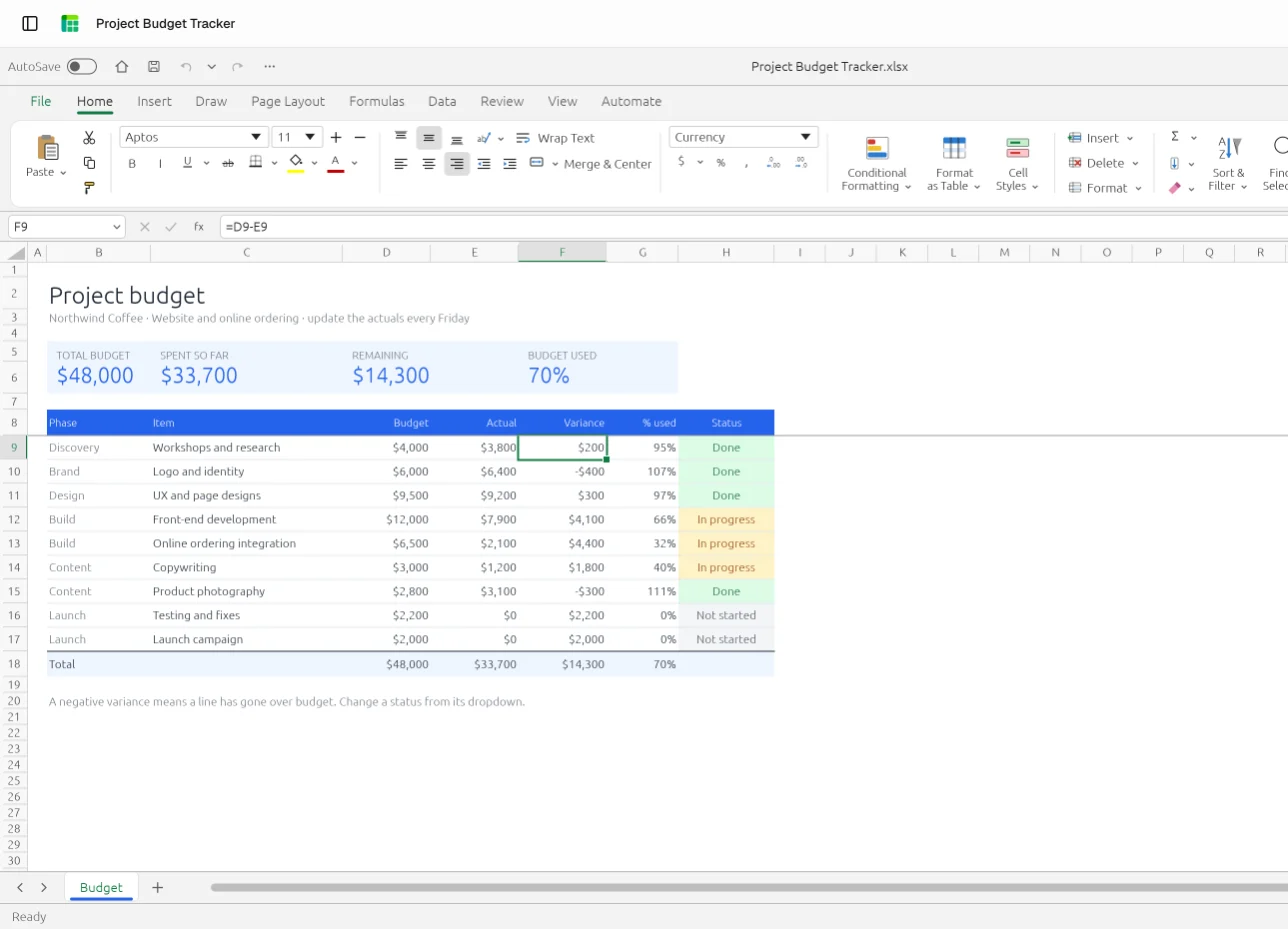
Formulas that recalculate
Change an actual and the variance, the totals and the % used update, as they do in Excel.
Formats that stay put
Currency, percentages and dates keep their number formats, so $48,000 still reads as money.
Dropdowns and colour rules
A status picked from its list still colours the cell, green when the line is done.
The Home tab you know
Conditional formatting, tables, cell styles, sort and filter, where Excel keeps them.
A CSV in, a proper workbook out.
Open the export from your ad platform or CRM, give it headers, number formats and a filter, and save it as an .xlsx your client can read.
date,campaign,channel,clicks,cost
2026-09-01,Autumn menu,Search,1204,312.5
2026-09-01,Autumn menu,Social,860,148
2026-09-02,Loyalty app,Search,977,265.25
2026-09-02,Loyalty app,Email,412,0
2026-09-03,Autumn menu,Social,1033,171.8
| Date | Campaign | Channel | Clicks | Cost |
|---|---|---|---|---|
| 1 Sept | Autumn menu | Search | 1,204 | $312.50 |
| 1 Sept | Autumn menu | Social | 860 | $148.00 |
| 2 Sept | Loyalty app | Search | 977 | $265.25 |
| 2 Sept | Loyalty app | 412 | $0.00 | |
| 3 Sept | Autumn menu | Social | 1,033 | $171.80 |
| Total | 4,486 | $897.55 |
- Commas, tabs or semicolonsThe separator is worked out for you when the file opens.
- Text in any common encodingUTF-8 and older Windows exports both read correctly.
- Saved as a workbookExport an .xlsx and the formatting and totals go with it.
Or start from a sheet that already works.
Formulas, dropdowns and formatting already in place. Open one, put your numbers in and download it as .xlsx.
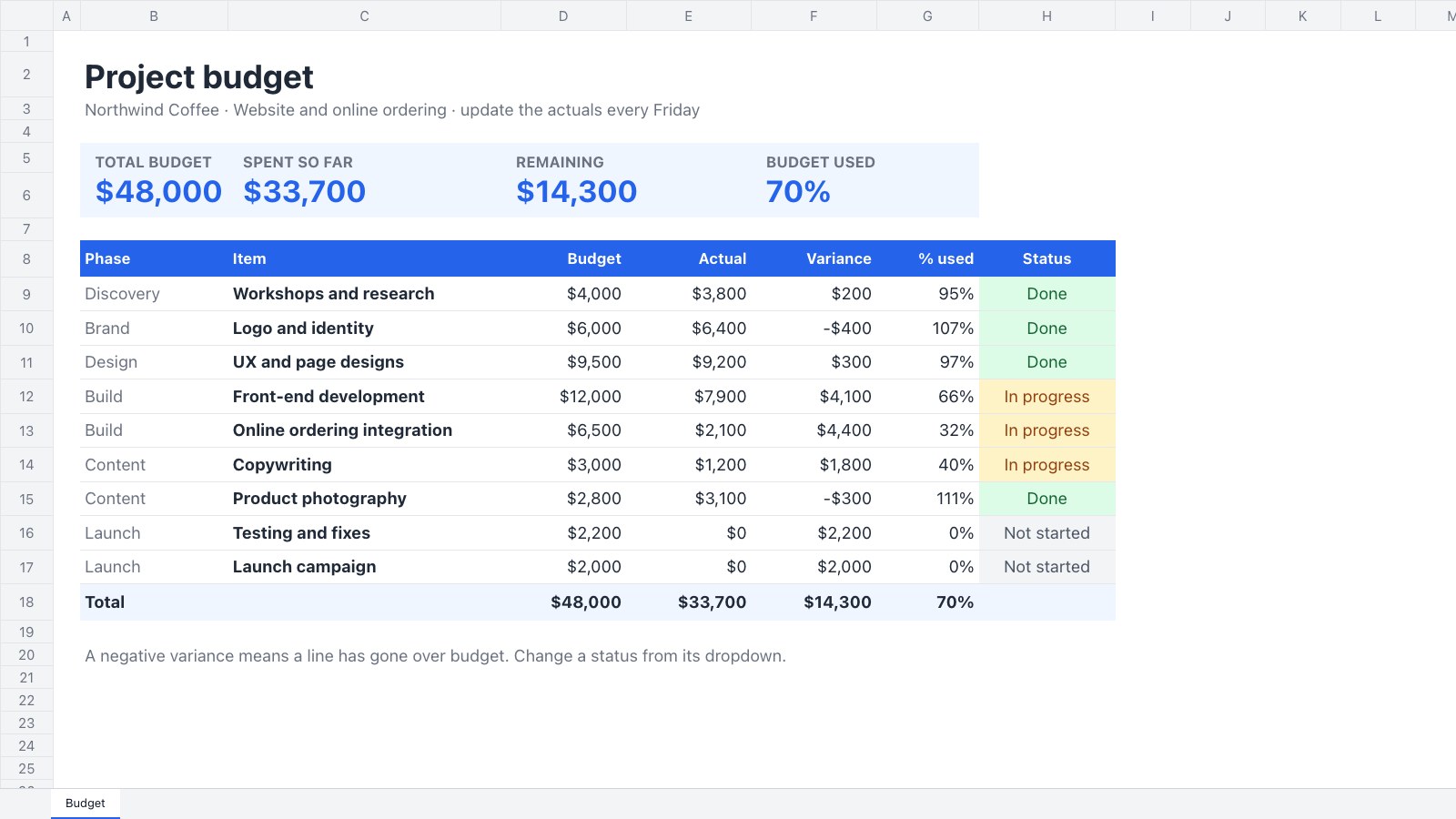 Project budgetsBudget against actual spend by phase, with variance and a status for every line.Project Budget Tracker
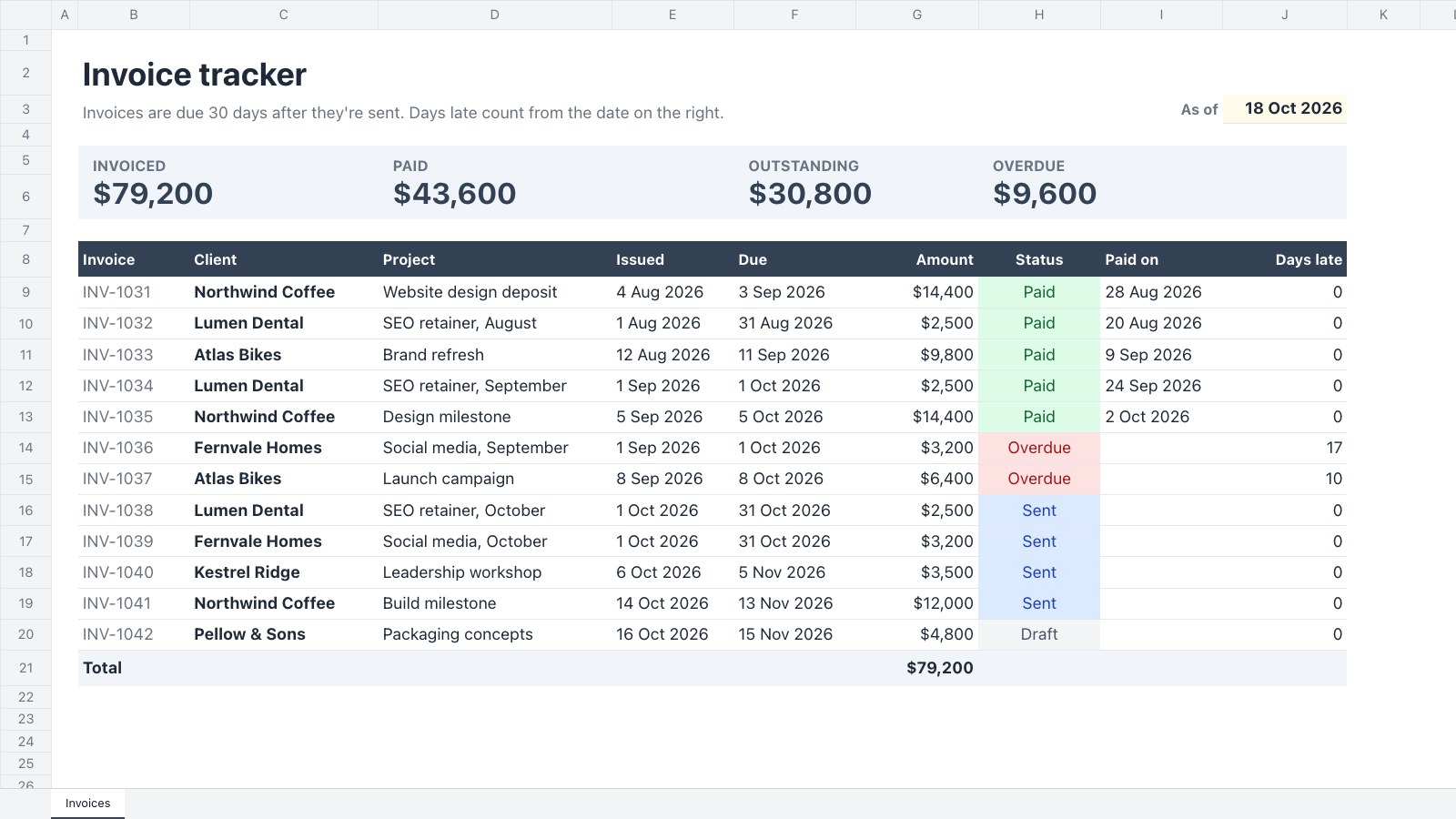 Invoice trackingDue dates, what’s paid, what’s outstanding and how late each invoice is.Invoice Tracker
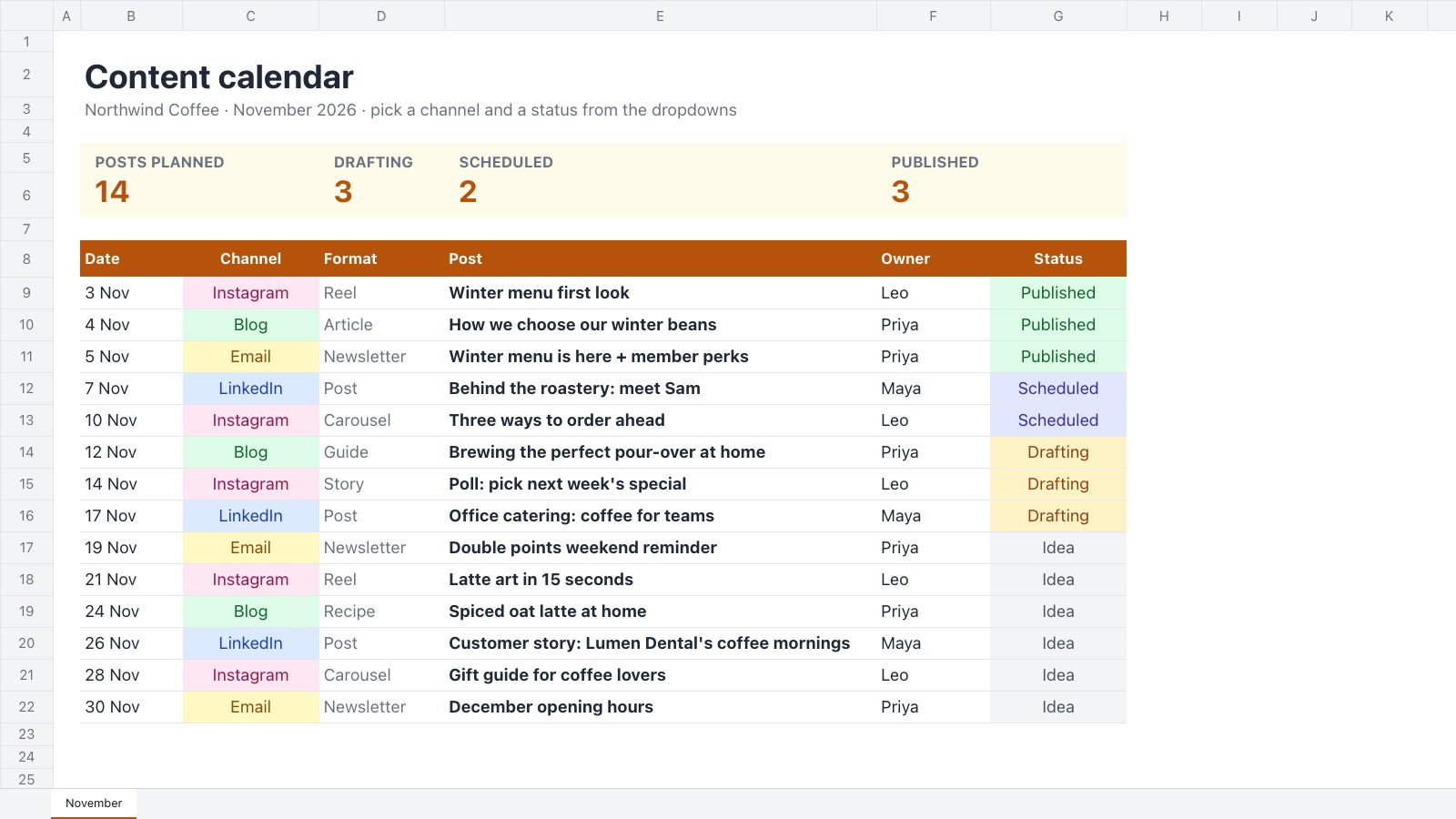 Content calendarsA month of posts by date, channel, owner and status.Content Calendar
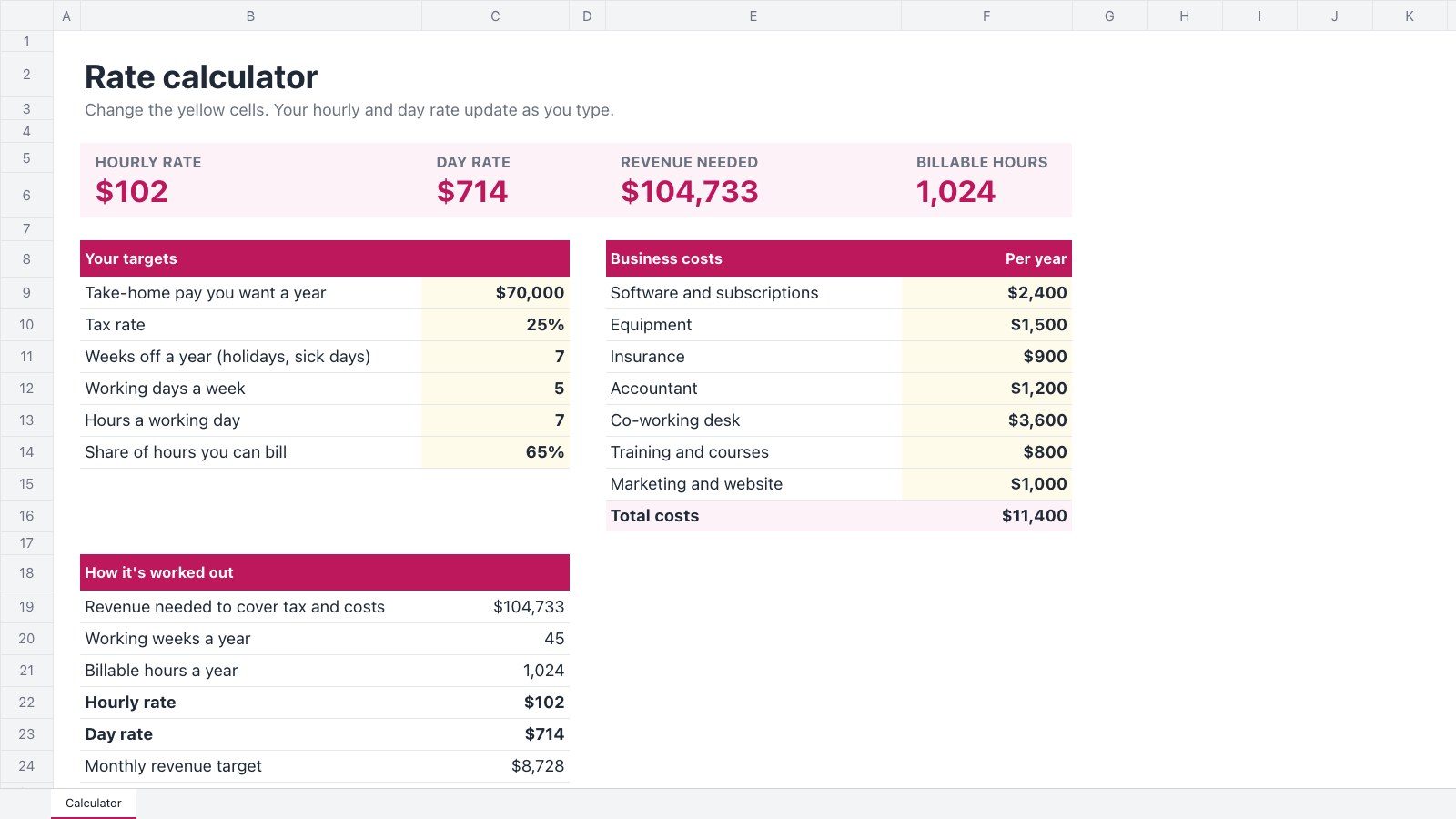 Day ratesThe hourly and day rate you need from your take-home target.Freelance Rate Calculator
Find the right starting point, or describe yours and let Docsiv AI draft it.
Explore all templatesCommon questions.
Something else on your mind? Ask us in the chat, bottom right of the page.
Is it free to edit an Excel file here?
Yes. Opening, editing and exporting are included on the Free plan, along with keeping the workbook in your workspace, sharing it and building it with Docsiv AI.
Where is my spreadsheet kept?
In your Docsiv workspace’s Drive, once you open it with your free account. Only your workspace can open it until you share it.
Do my formulas still work?
Yes. More than 500 of Excel’s worksheet functions are there, from SUM and VLOOKUP to XLOOKUP, FILTER, UNIQUE, LET and LAMBDA, and they recalculate as you edit. Formulas that point at other workbooks show their last calculated values.
What comes with the workbook?
Every sheet in order, formulas and number formats, conditional formatting, dropdowns and validation, comments and notes, tables and filters, frozen panes, merged cells, PivotTables, pictures and sparklines. Common charts come through linked to their data, though detailed chart styling can be simplified.
What stays behind?
Macros don’t run in the browser, and slicers, timelines and form controls aren’t kept when you save. Links to other workbooks show their last values. Remove a workbook’s password in Excel before you open it here.
Can I open an old .xls file?
Not yet. Save it as .xlsx in Excel or Google Sheets first, then open that.
Can I open a CSV and save it as Excel?
Yes. Open the CSV, tidy and format it, and export an .xlsx. Going the other way, a CSV keeps only the values of the first sheet, so save as .xlsx when the formulas and formatting matter.
Can I start a new spreadsheet?
Yes. Choose Start blank for an empty workbook, or start from one of the spreadsheet templates, then export it to .xlsx, CSV or PDF.
Need a sheet that isn’t built yet?
Describe it and Docsiv AI builds the workbook, formulas and all, ready to download as an .xlsx.