

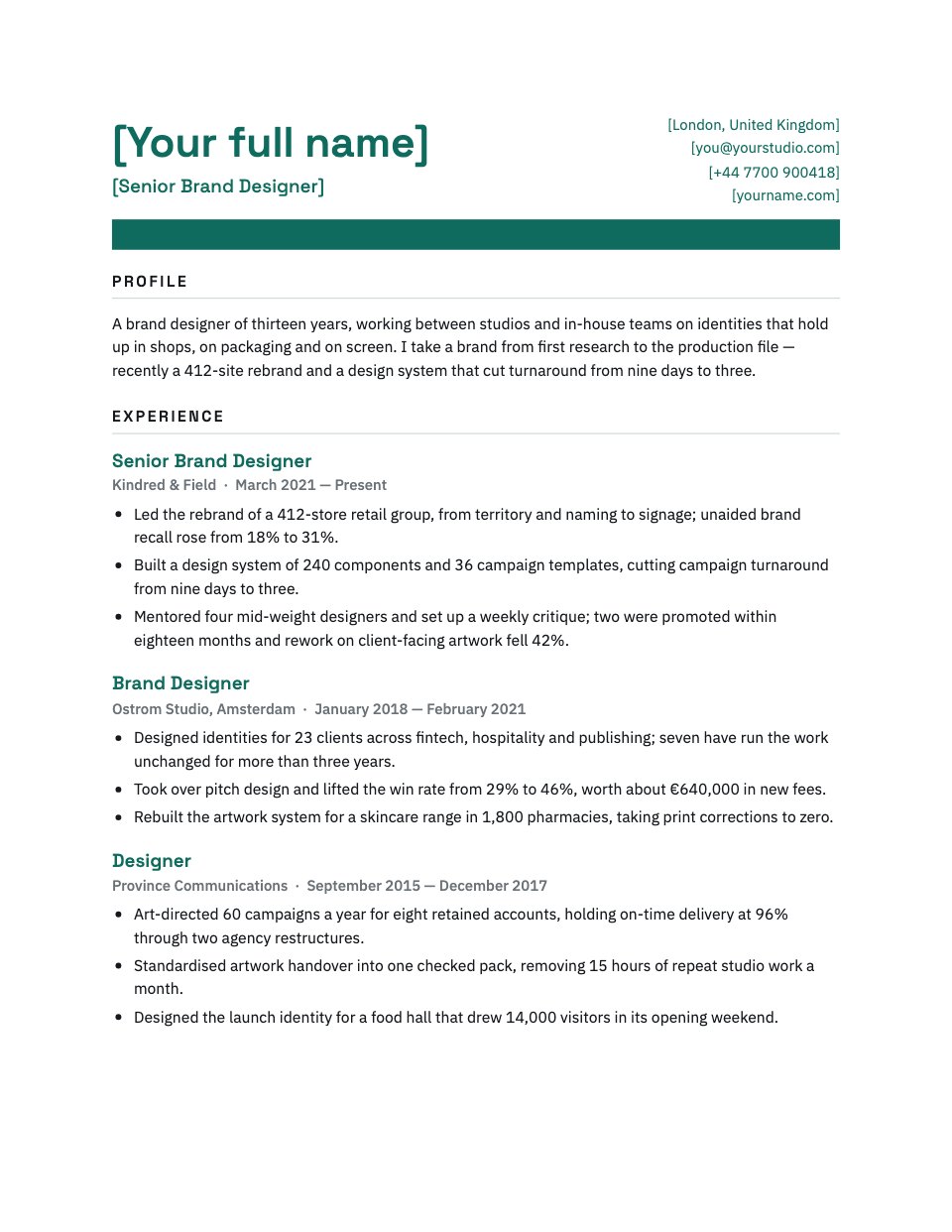



A cover both sides recognise
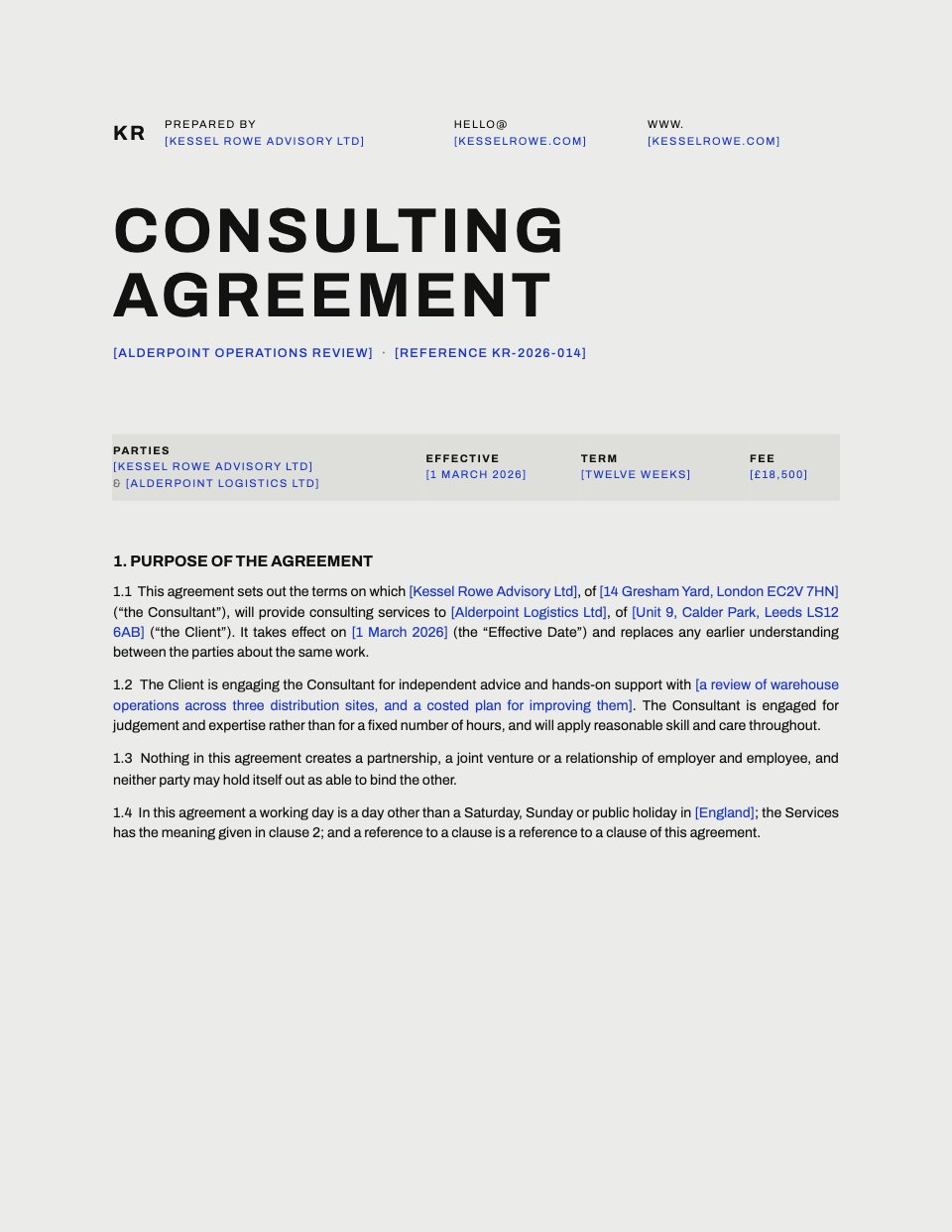
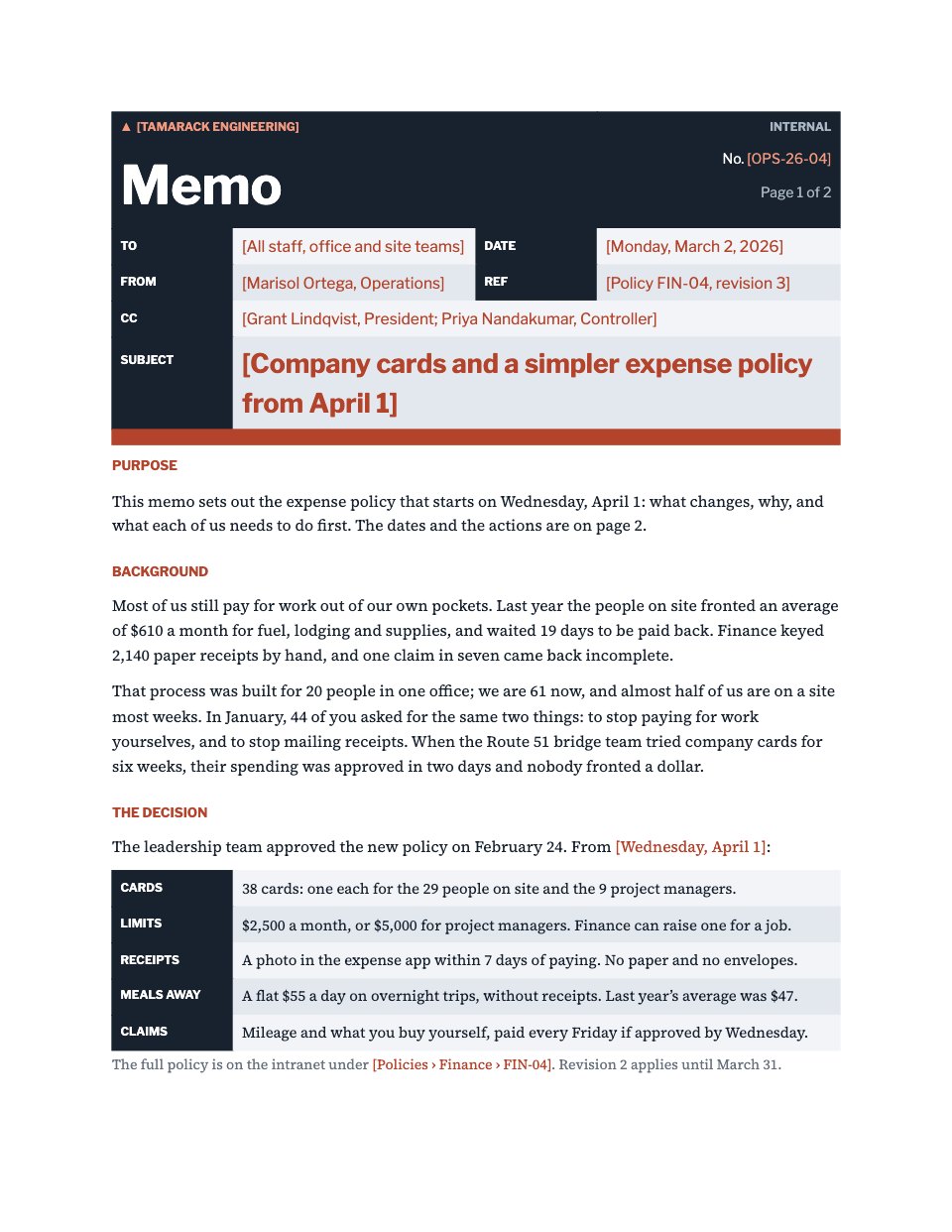
The agreement’s name and both parties up front, so the file is easy to find in anyone’s inbox.

Open a Word document in your browser, edit it with the tools you know from Word, and save it back as a .docx or a PDF.
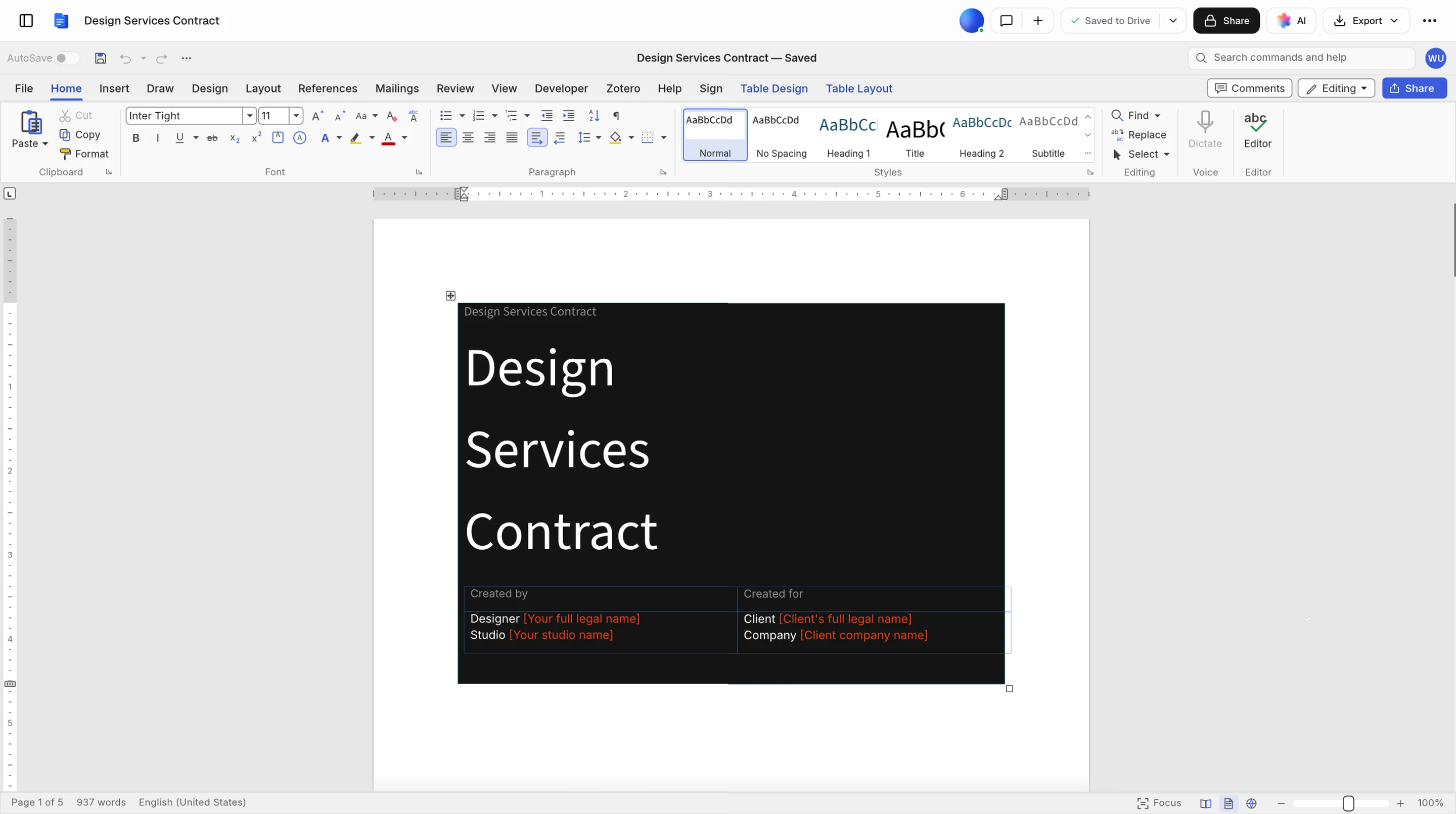
Here’s the Design Services Contract template open in the Documents editor: a proper Word document, ribbon and all.
A document that arrives as a .docx leaves as one, with the comments and tracked changes still in it.
Drop the file on this page or choose it, and it opens in the editor with your free account.
Every edit is marked and comments sit in the margin, to accept or reject one at a time.
Download a .docx that opens in Word without a second thought, or a PDF when it’s final.
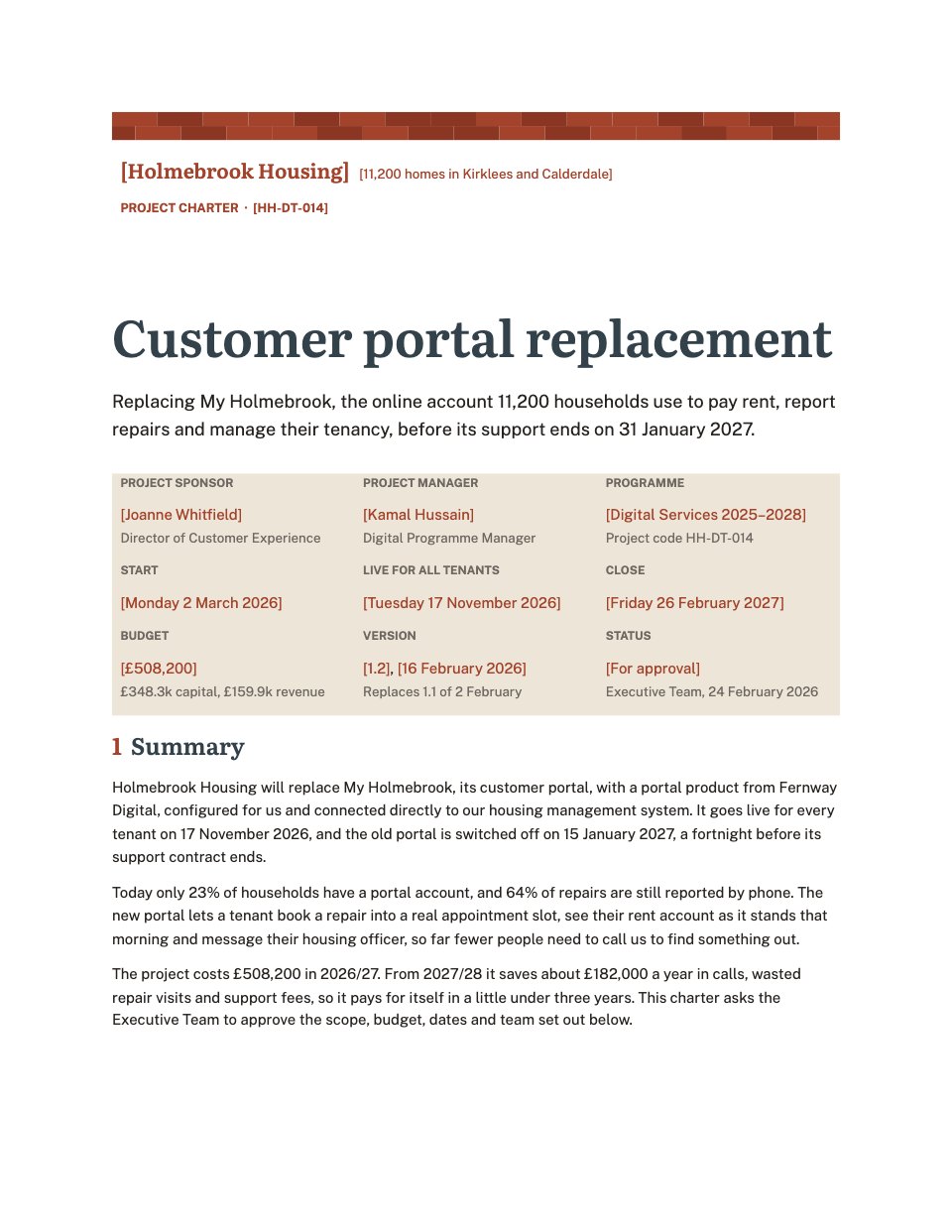
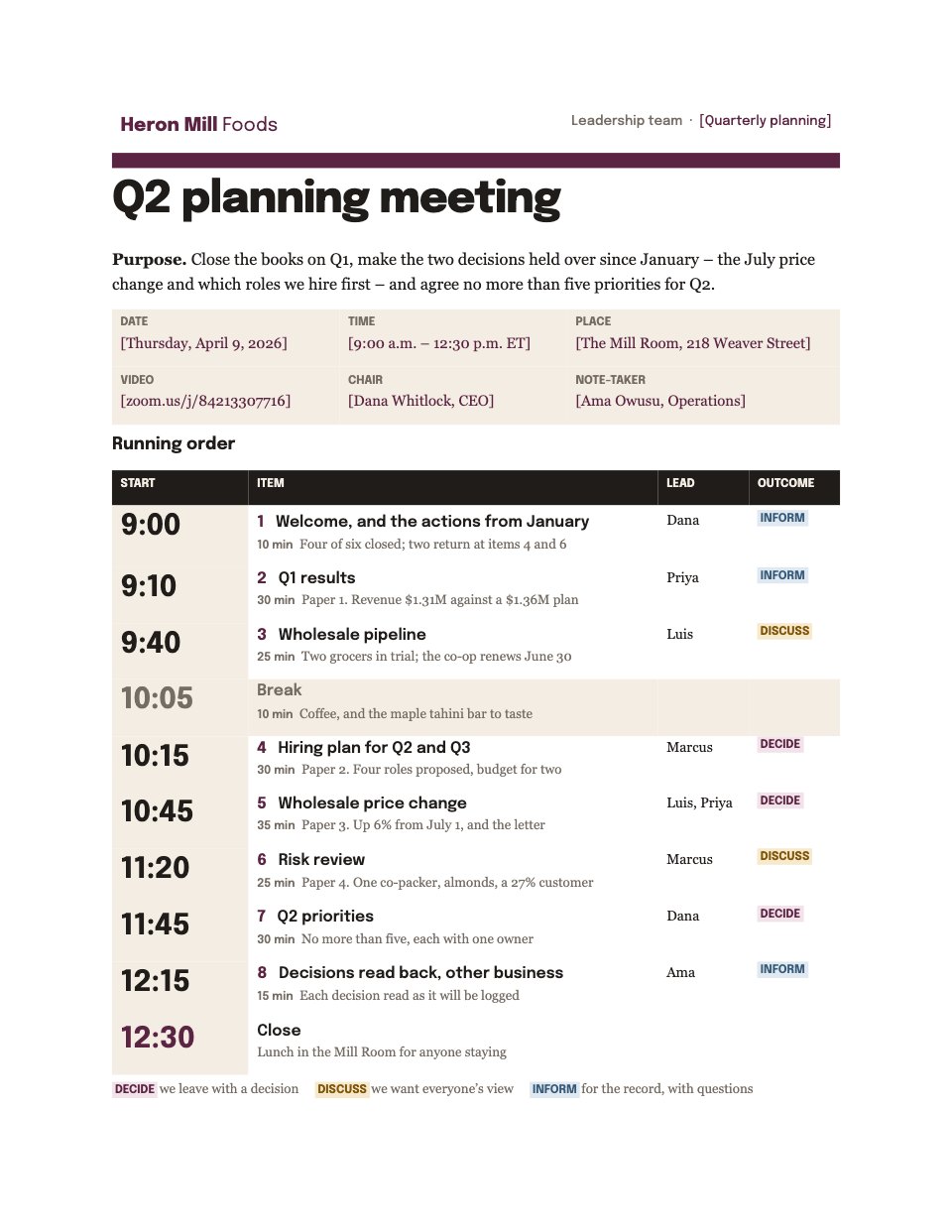
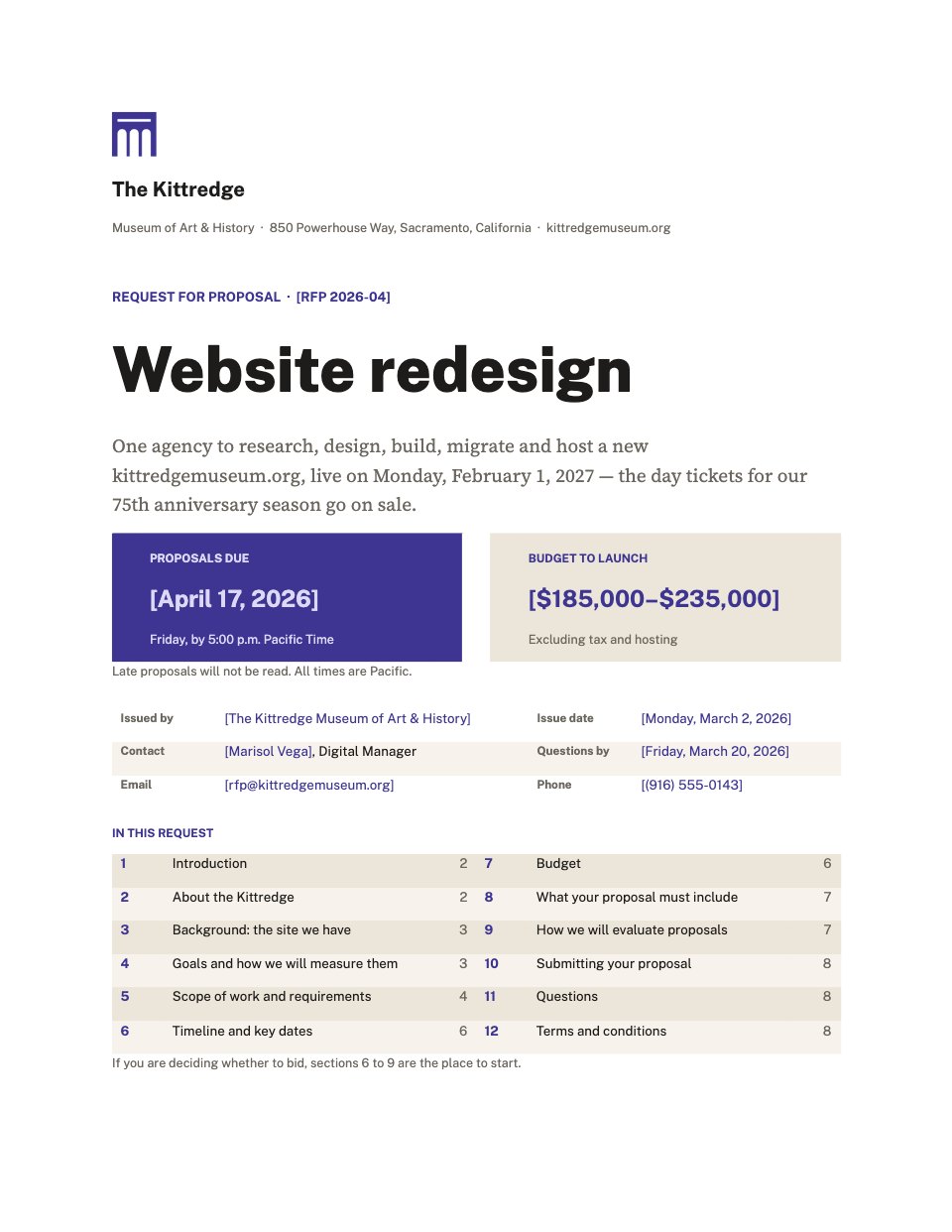
The Design Services Contract is a real Word document: flowing text and real tables, nothing pinned in place. Fill it in here and your client can redline it in Word.
The agreement’s name and both parties up front, so the file is easy to find in anyone’s inbox.
Numbered clauses are headings and paragraphs, not boxes, so a tracked change lands on the words it changes.
Rows and columns that stay a table in Word, ready for the client to adjust a line and send it back.
Open the copy they return and their comments and tracked changes are there to accept or reject, one at a time.
Export a PDF to sign, or on a paid plan send it from Docsiv for e-signature.
The agreement’s name and both parties up front, so the file is easy to find in anyone’s inbox.
Numbered clauses are headings and paragraphs, not boxes, so a tracked change lands on the words it changes.
Rows and columns that stay a table in Word, ready for the client to adjust a line and send it back.
Open the copy they return and their comments and tracked changes are there to accept or reject, one at a time.
Export a PDF to sign, or on a paid plan send it from Docsiv for e-signature.
Each one opens in the editor as a proper Word document and downloads as a .docx.
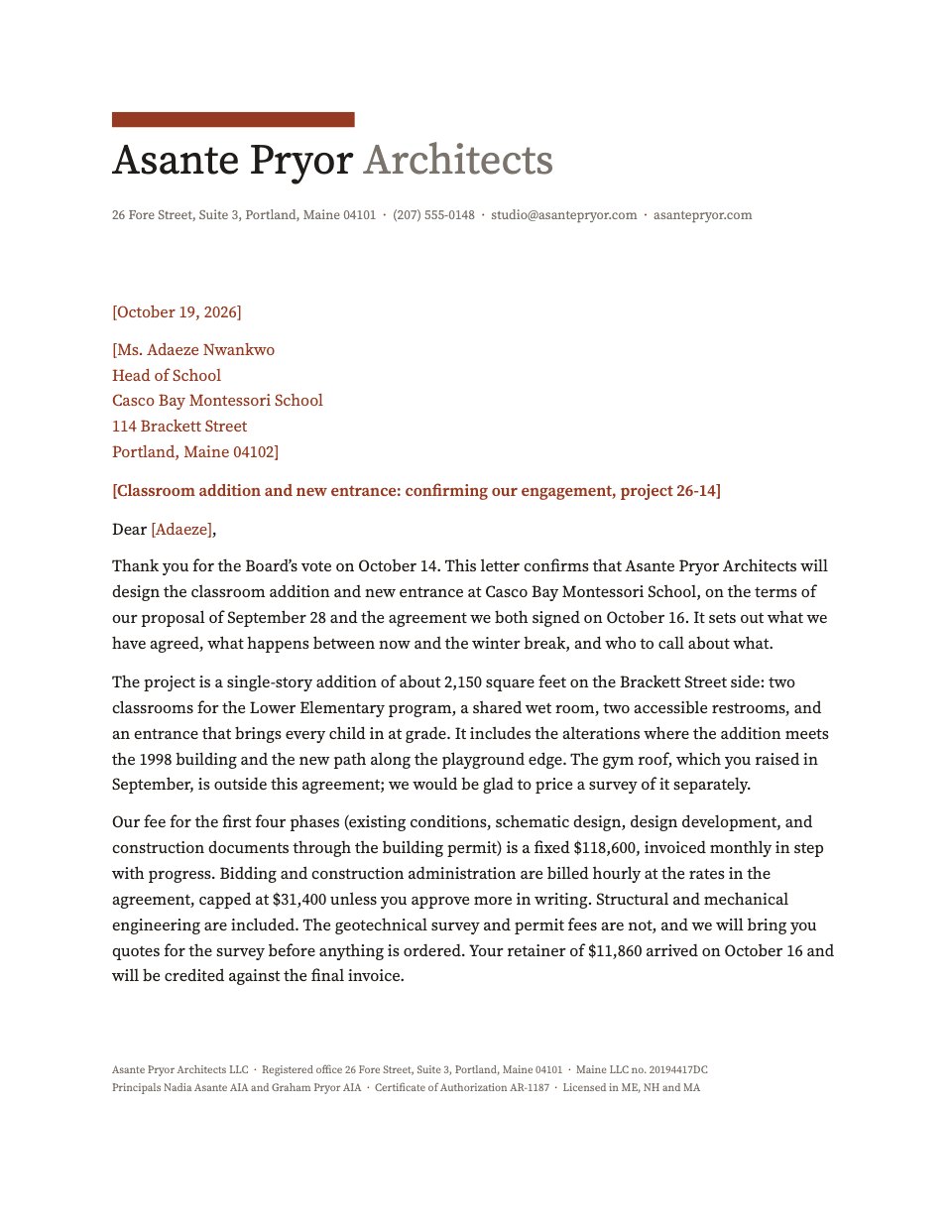
 Cover lettersA one-page letter on a letterhead, with openings to swap in.Cover Letter
 Meeting minutesAttendance, decisions called out and an actions table.Meeting Minutes
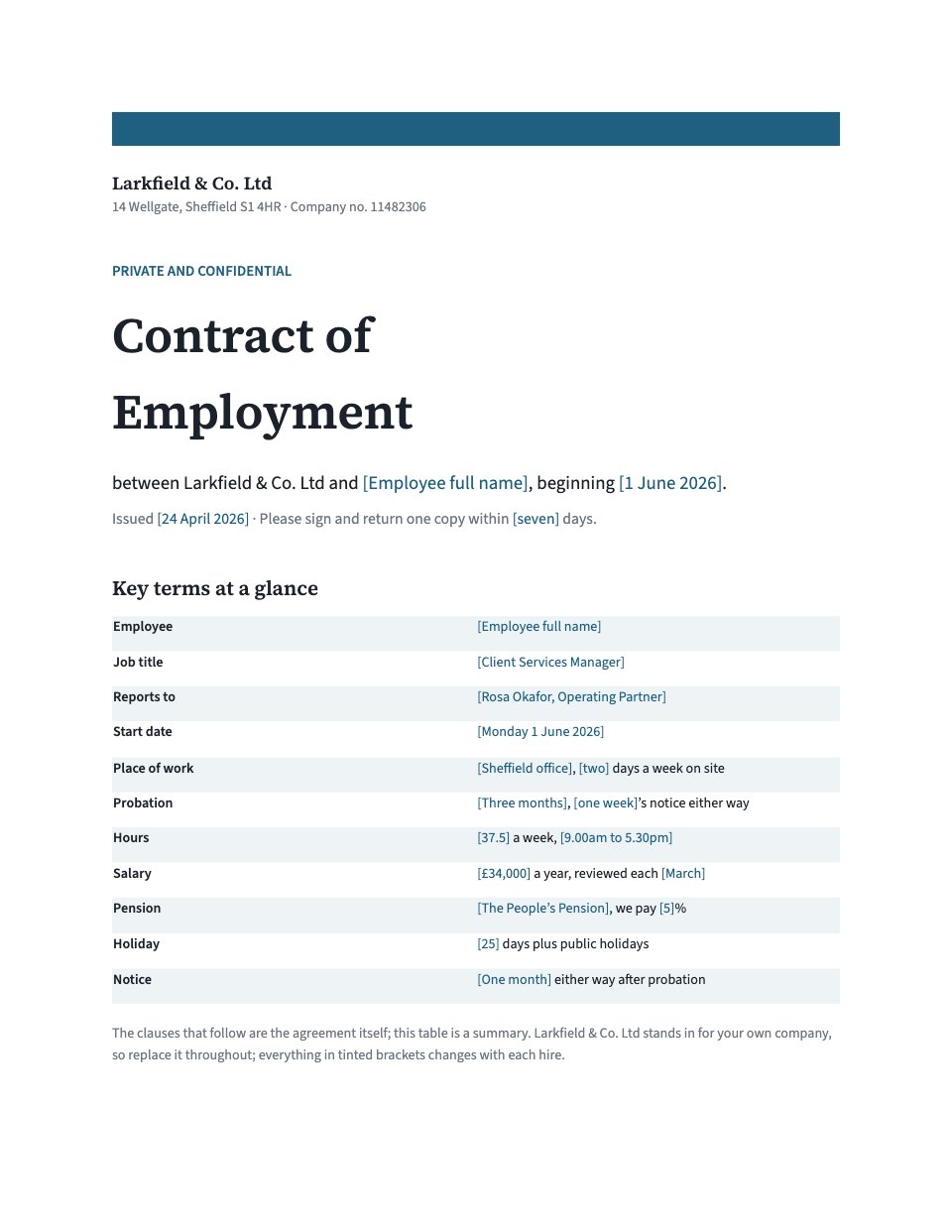 Employment contractsKey terms at a glance, then probation, pay, leave and notice.Employment Contract
 ProceduresNumbered steps with owners, timings and what to do when it goes wrong.Standard Operating Procedure
Find the right starting point, or describe yours and let Docsiv AI draft it.
Explore all templatesSomething else on your mind? Ask us in the chat, bottom right of the page.
Yes. Opening, editing and downloading are included on the Free plan, along with keeping the document in your workspace, sharing it and working on it with Docsiv AI.
In your Docsiv workspace’s Drive, once you open it with your free account. Only your workspace can open it until you share it.
Everyday documents come back as you sent them: your styles, headings, numbered lists, tables with merged cells, pictures and text wrapping, headers and footers, page numbers, footnotes, contents pages and equations. Very complex layouts can shift a little, so keep your original until you’ve checked the result.
Yes. Comments, and tracked insertions, deletions and formatting changes, open from a .docx and save back into it, to accept or reject one by one. Text moved with tracking on comes through as a deletion and an insertion.
Charts and SmartArt show as Word left them and save back untouched; edit what’s inside them in Word. Content controls keep their text but lose the fill-in box around it.
It opens Word .docx and .doc, OpenDocument .odt, RTF, HTML, Markdown and plain text. It saves as Word (.docx), PDF, OpenDocument, RTF, a web page, Markdown or plain text. An old .doc saves as a .docx.
Not yet. Remove the password in Word, open the copy here, and add the password back in Word if you need it.
Documents has a Sign tab for placing signature fields. Sending a document out for e-signature is part of Docsiv’s paid plans; on the Free plan, export a PDF and sign it with the free PDF signing tool.
Describe it and Docsiv AI writes it as a Word document you can edit here and download as a .docx.