

Invoice software for agencies
Bill retainers, deposits and milestones from the same workspace as the proposal your client signed. Branded invoices with your payment link, in your client’s currency, ready as a PDF or a link.
The Invoices app is free with an account, which saves and shares your invoices.
Bill the way agencies bill.
Retainers, deposits, milestones and day rates each need a different invoice. Each of these templates is written for one of them, with sample lines you replace with yours.
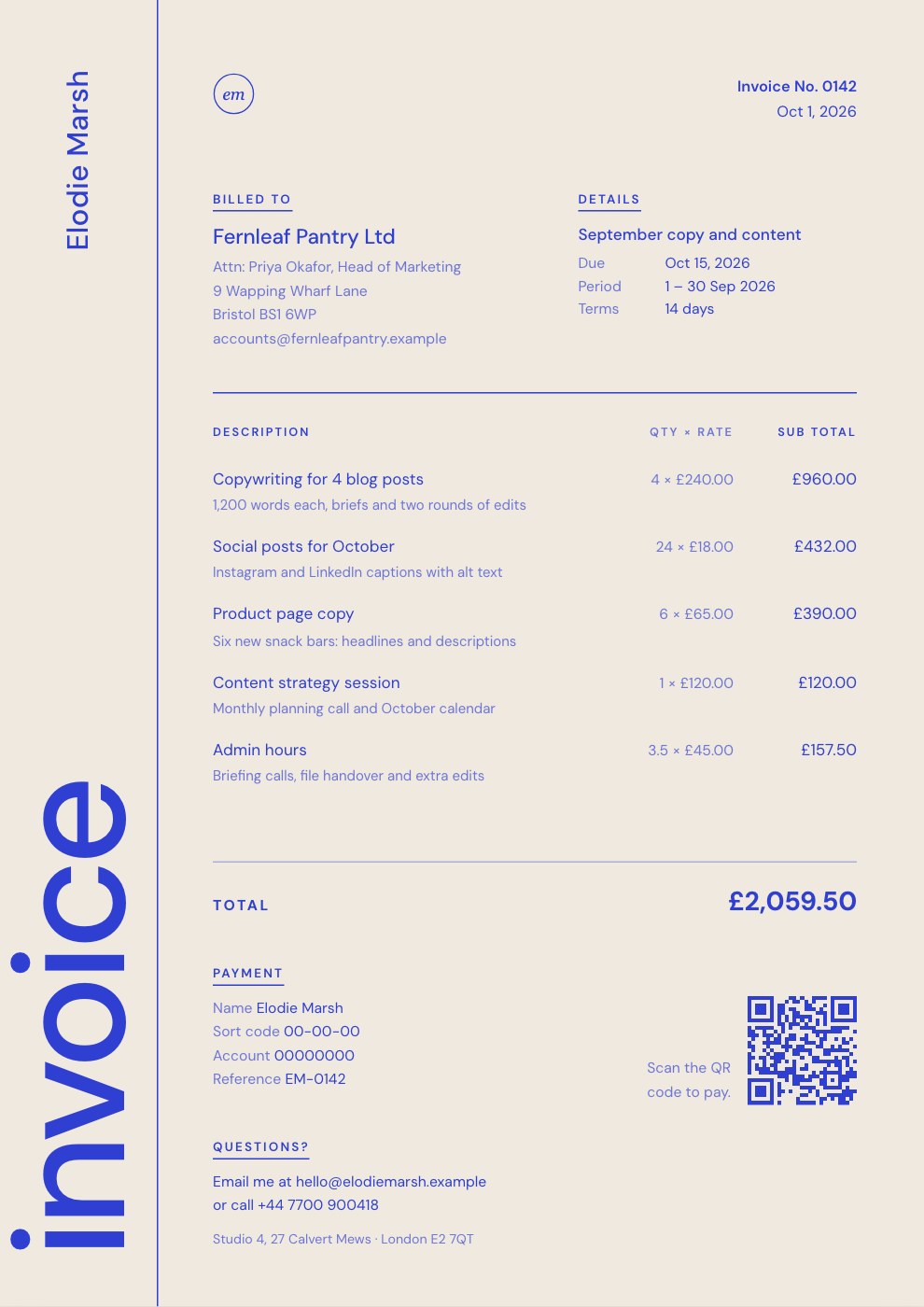
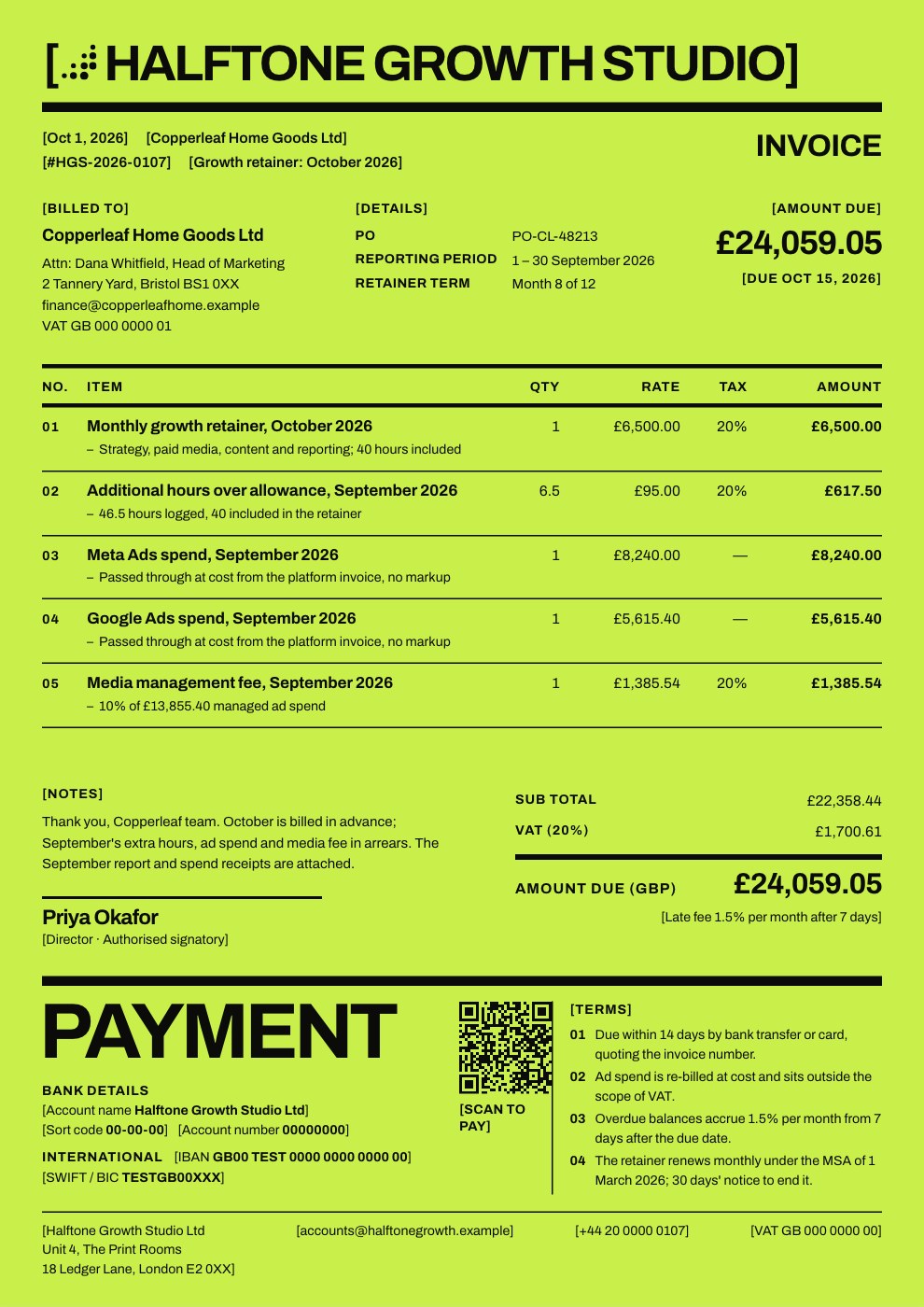 Monthly retainersThe month’s fee in advance, last month’s extra hours and ad spend passed through at cost, with VAT on your fees only.Retainer Invoice
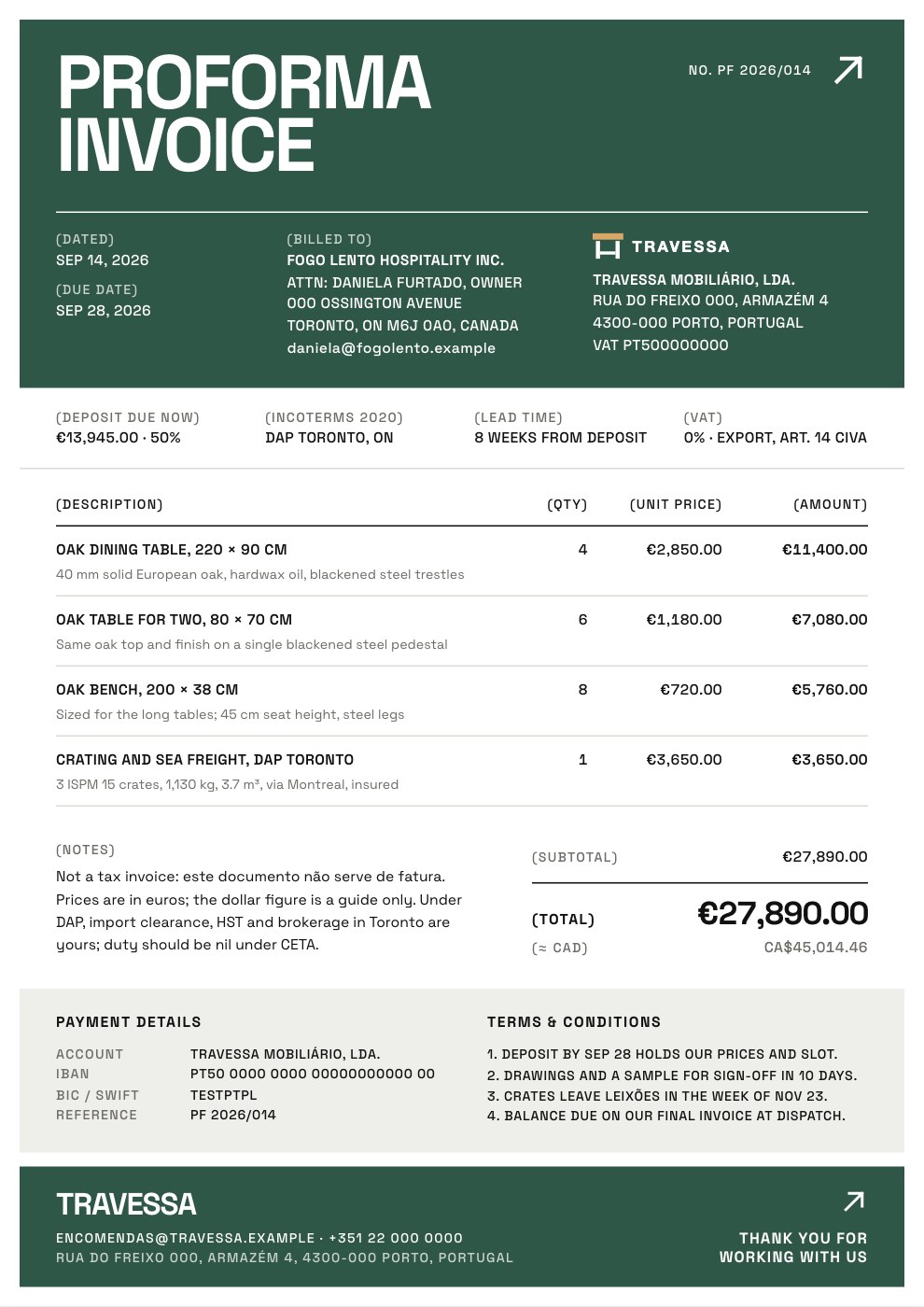
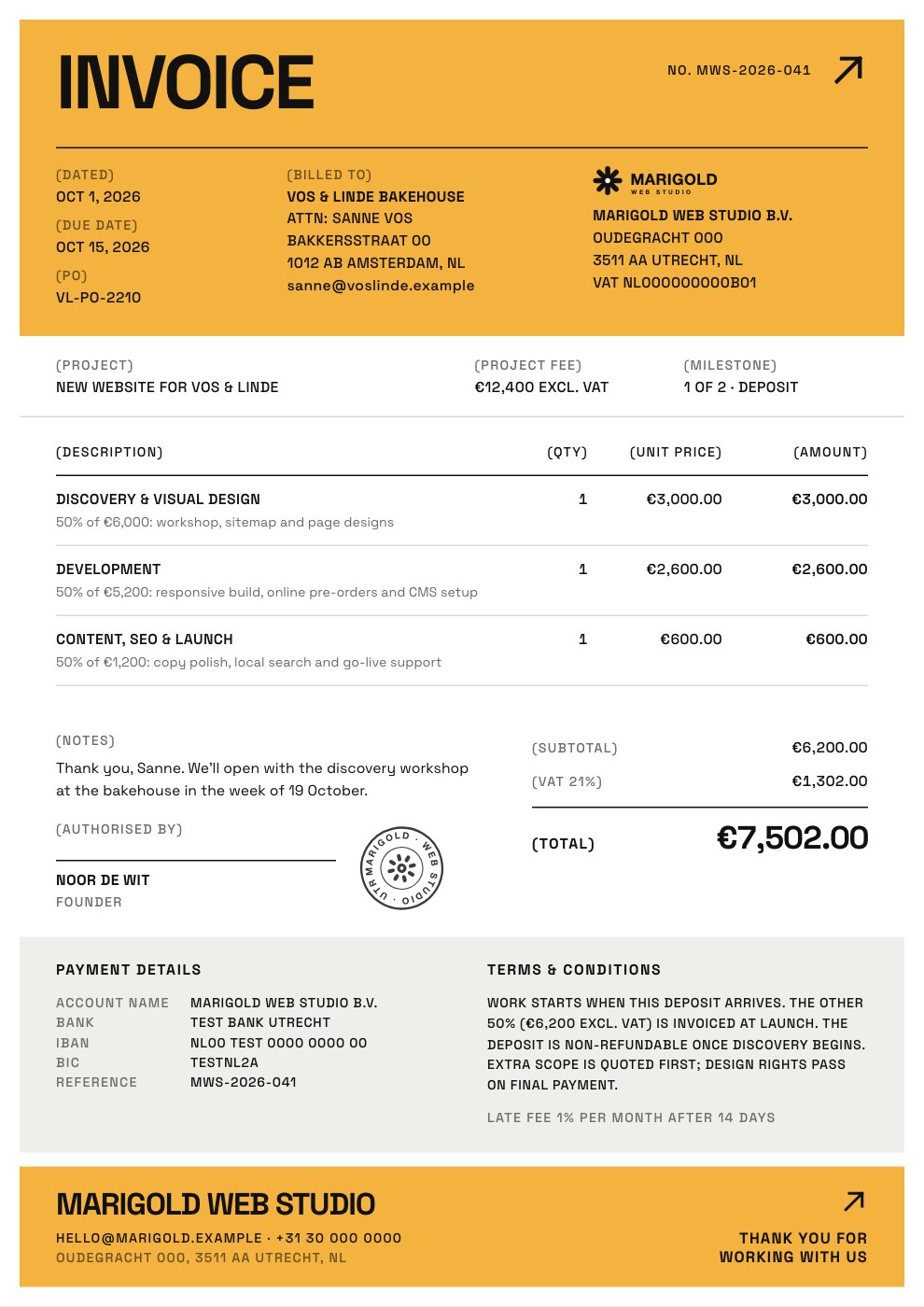 DepositsHalf of each phase before work starts, so the client is committed and your first weeks are covered.Deposit Invoice
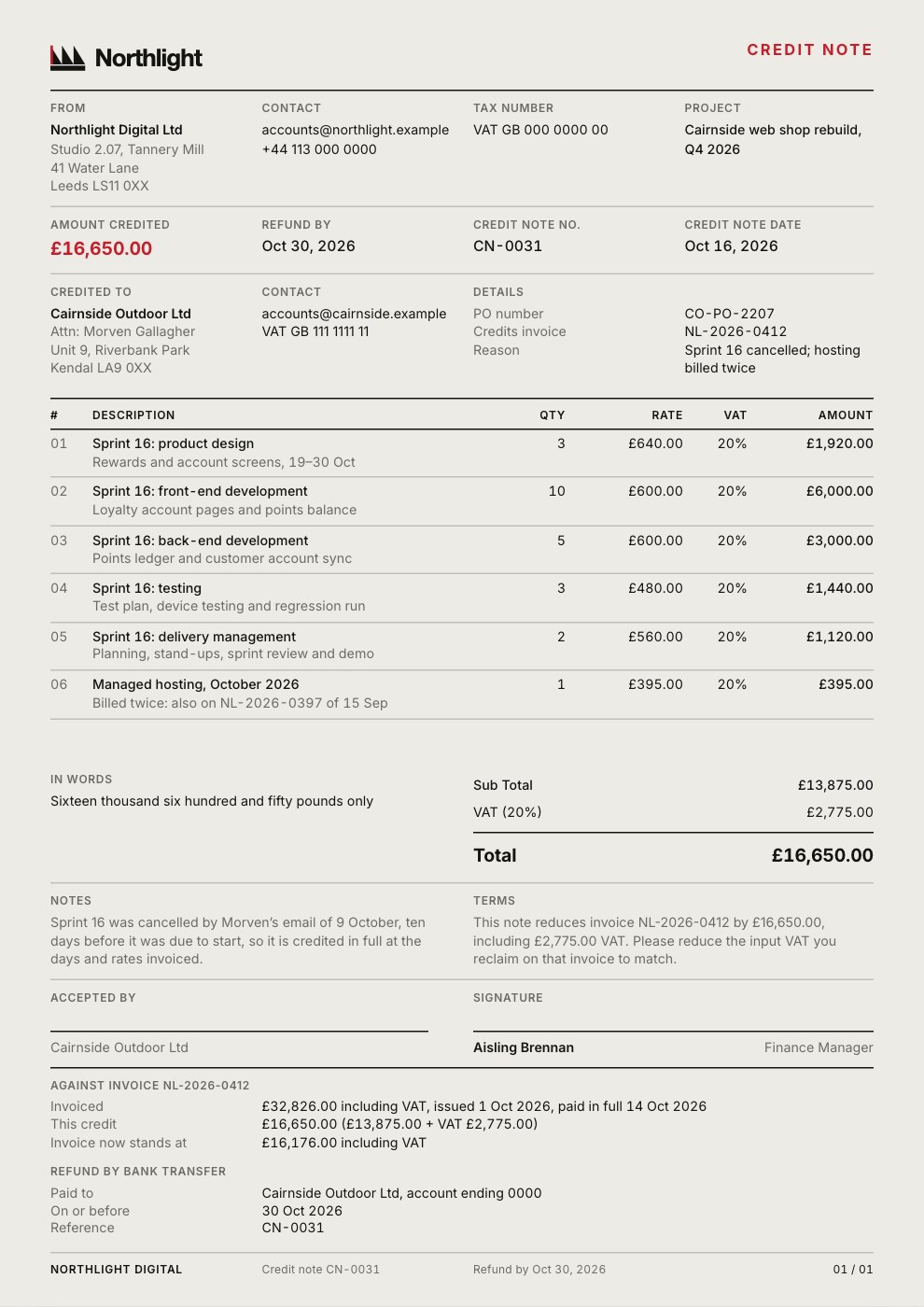
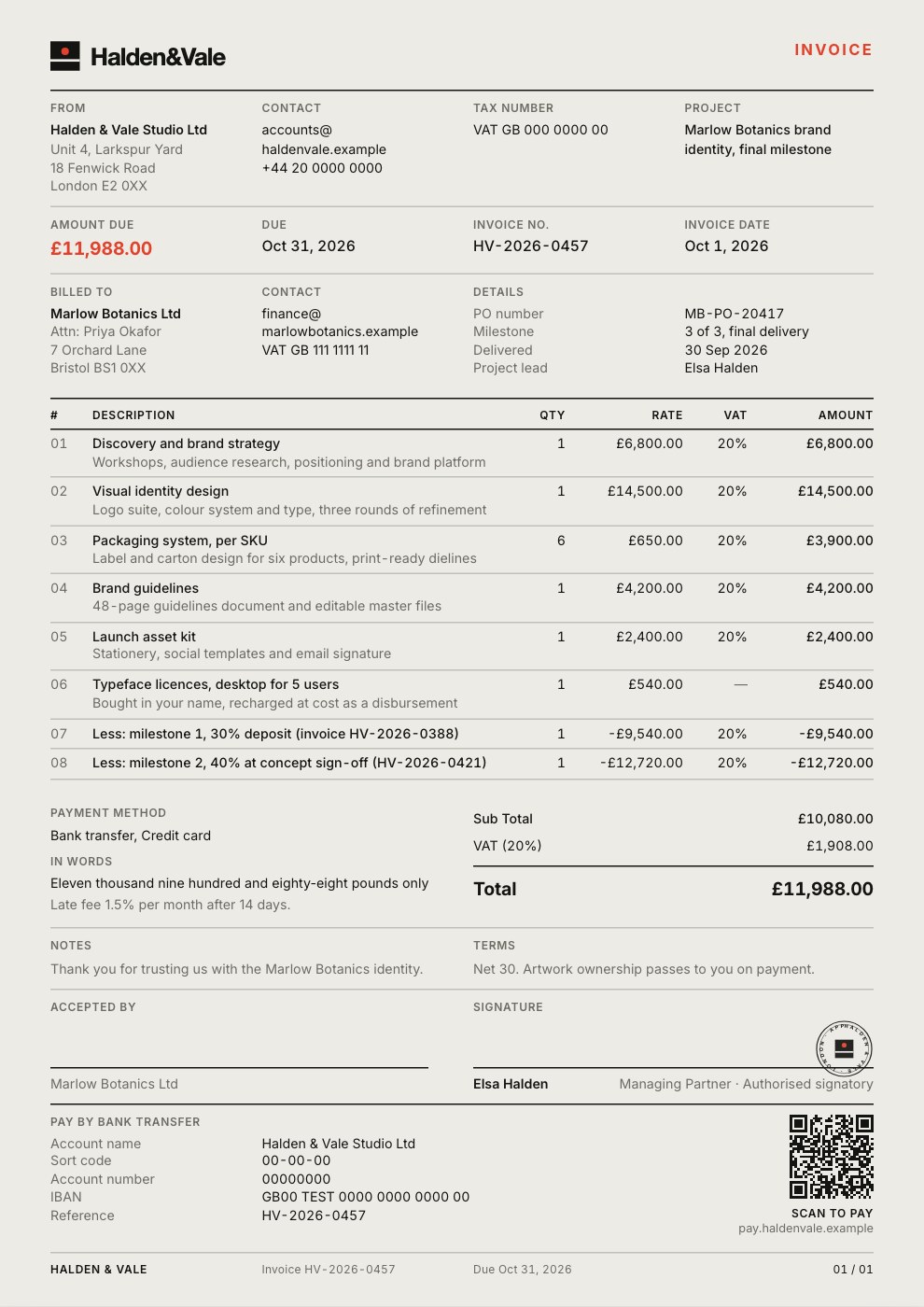 MilestonesThe final milestone with the earlier ones credited back, so only the balance is due.Project Invoice
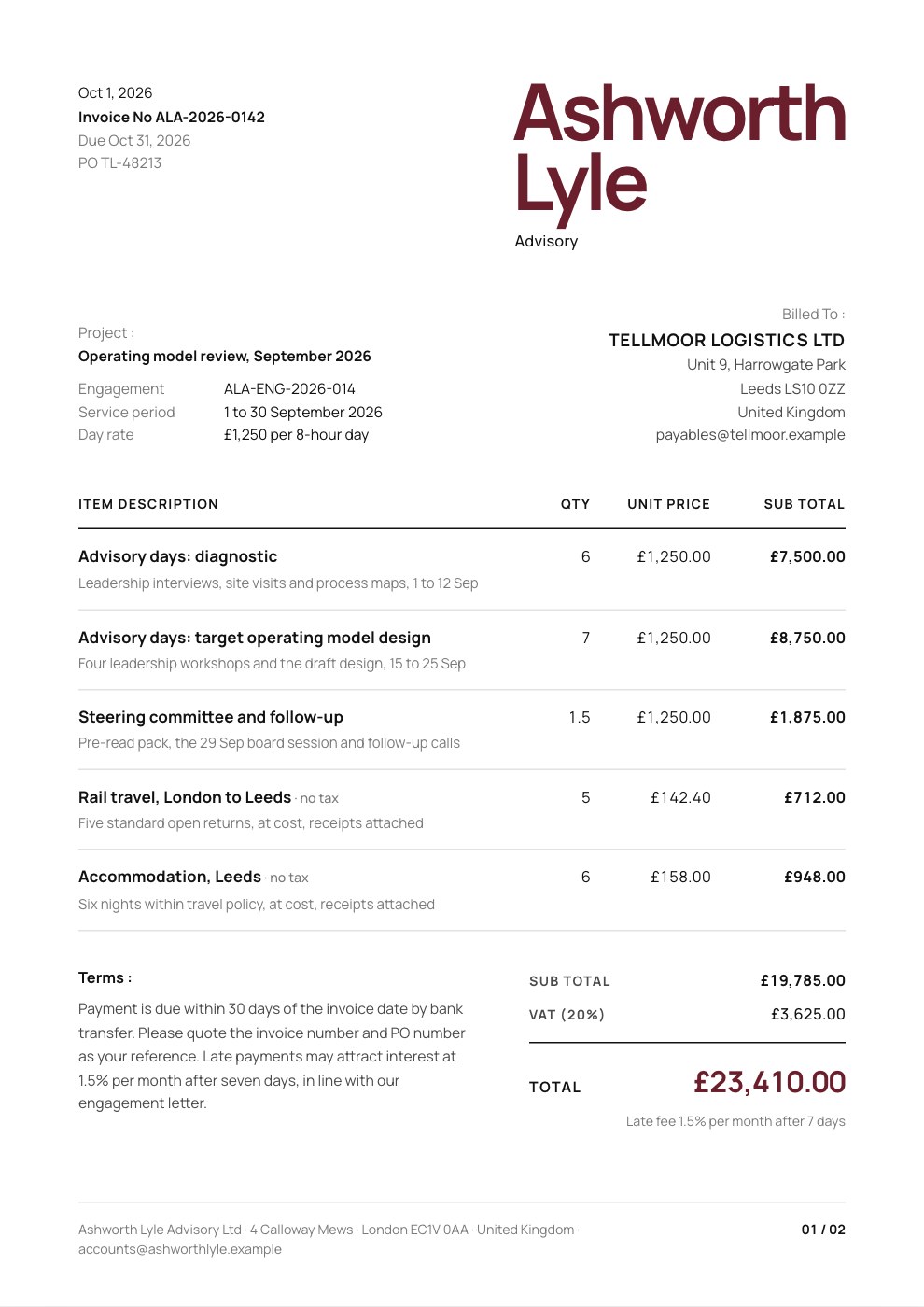 Day ratesAdvisory days at a day rate, travel at cost, a PO number and the service period.Consulting Invoice
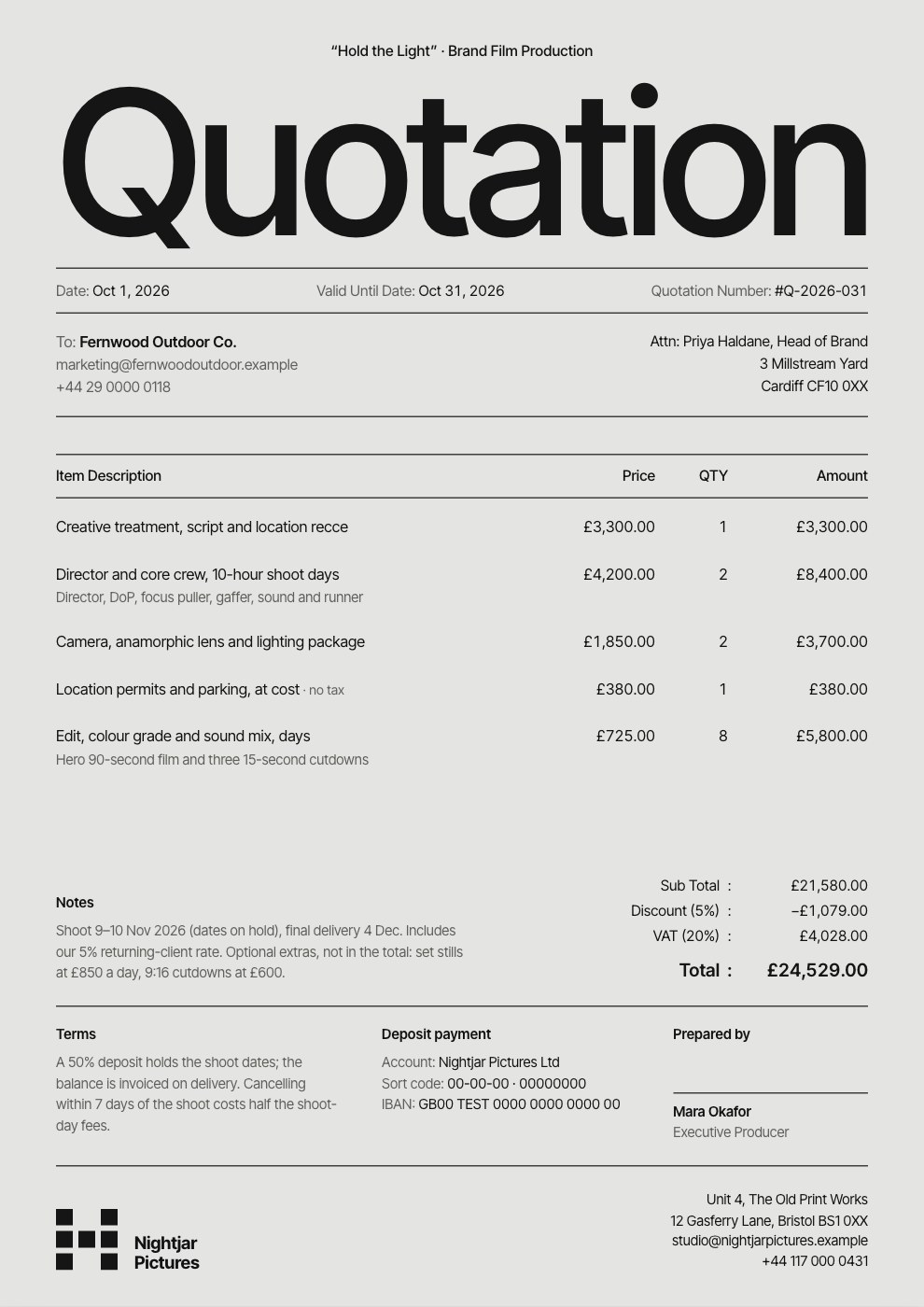 Quotes before the workDay rates line by line, a valid-until date, optional extras and deposit terms.Quote / Estimate
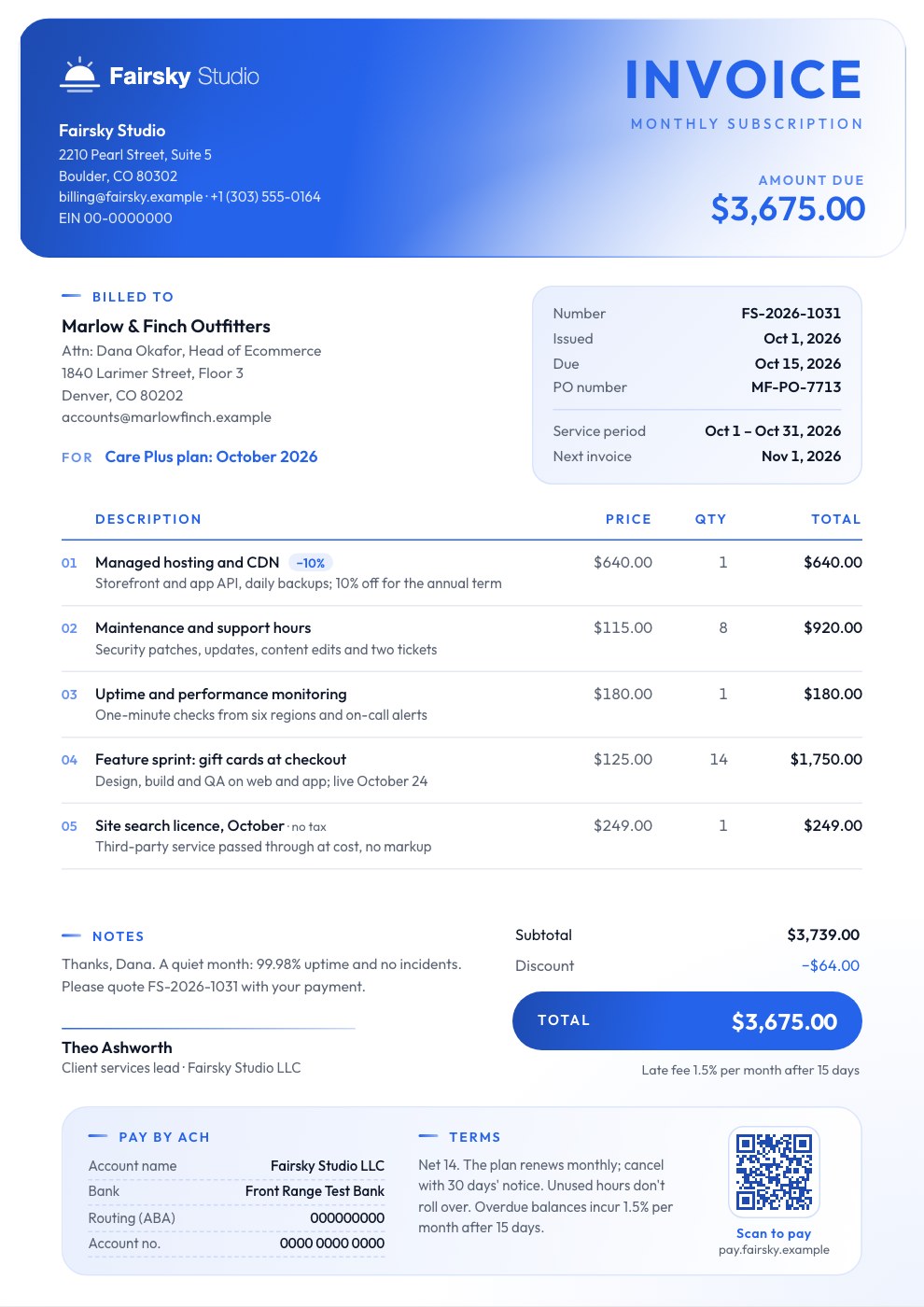 Care plansHosting, support hours and monitoring for the month, with the next invoice date.Subscription Invoice
Twelve invoice designs in all, and every one takes your logo, colour and font.
Explore all templatesNext to the proposal it came from.
Keep each client’s proposal, agreement, reports and invoices in one Drive folder your whole team can open. Docsiv AI can read the signed proposal and fill in the invoice from its fees.
- Folders per client, shared with your workspace
- The fees and terms taken from what was signed
- Every invoice a file with its own history
The details accounts teams ask for.
Invoices that bounce come back for the same few reasons. Each of these is a field in the Invoices app, and the totals work themselves out.
- Your logo, colour and font
Every design takes your brand, so a deposit and a retainer invoice look like the same agency.
- Their currency
USD, EUR, GBP, INR, JPY, AUD, CAD, AED, SGD or CHF, with a second currency and the rate you used if you like.
- Tax the way it’s charged
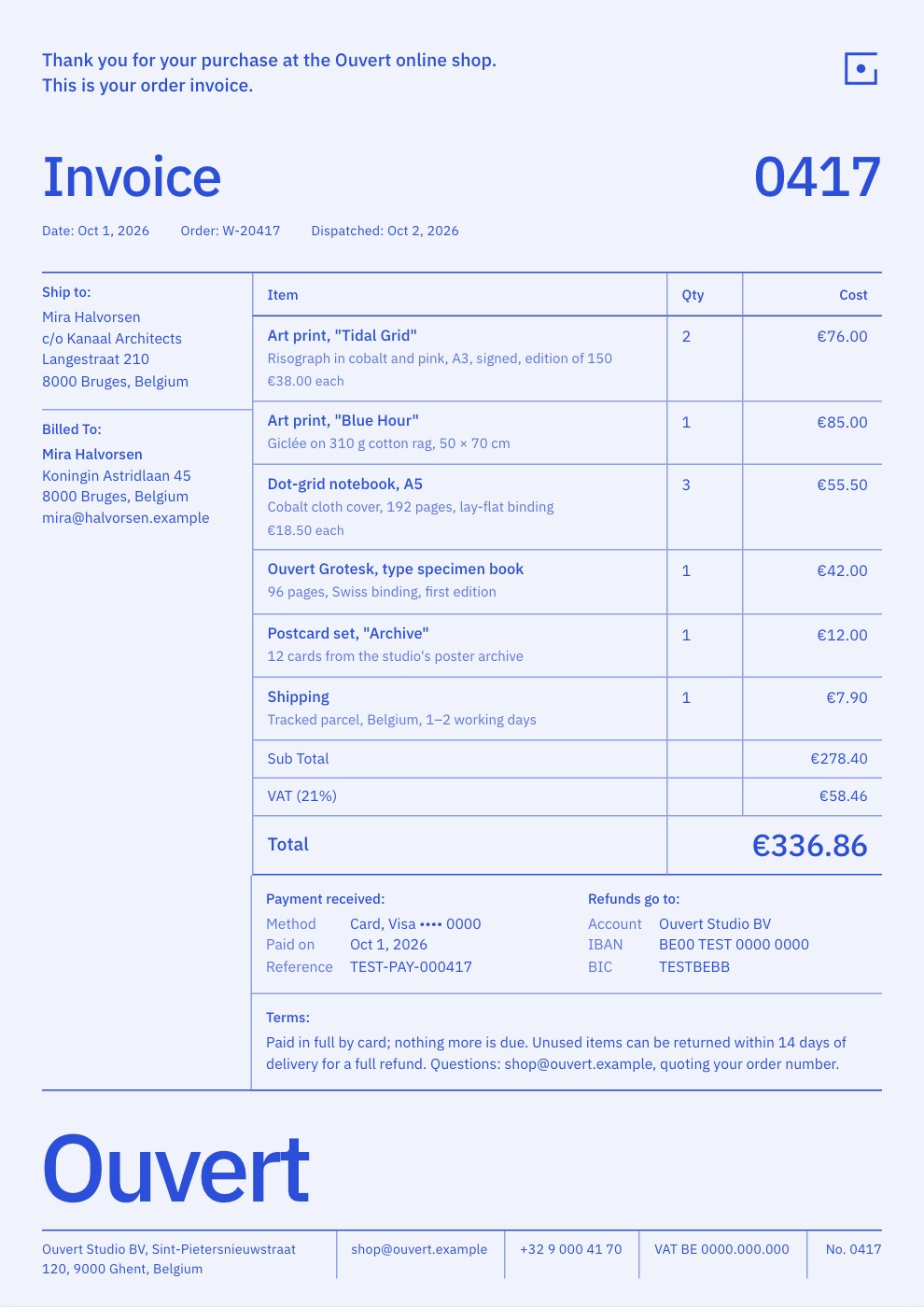
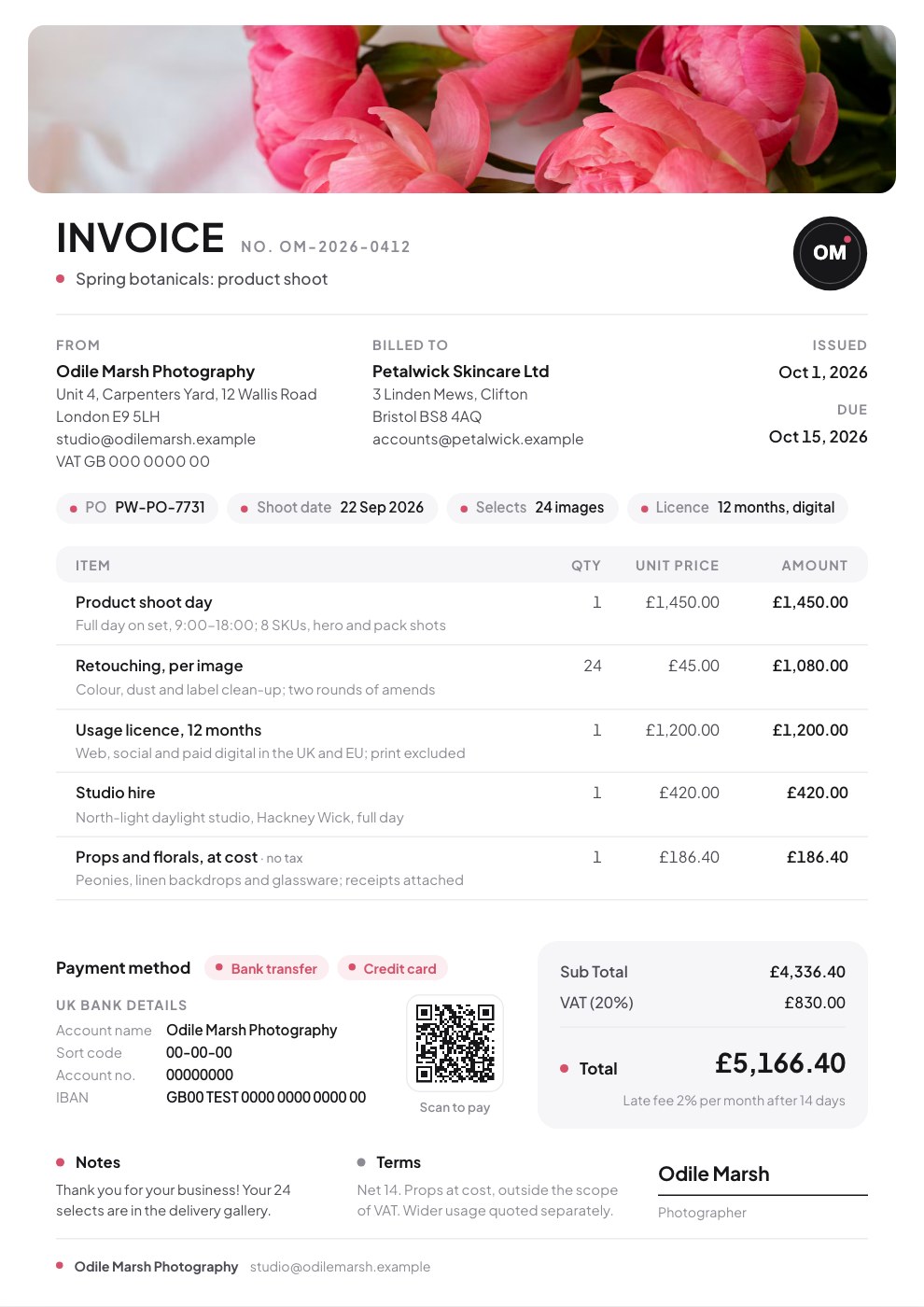
One rate for the invoice or one per line, inclusive prices, and items outside tax such as ad spend at cost.
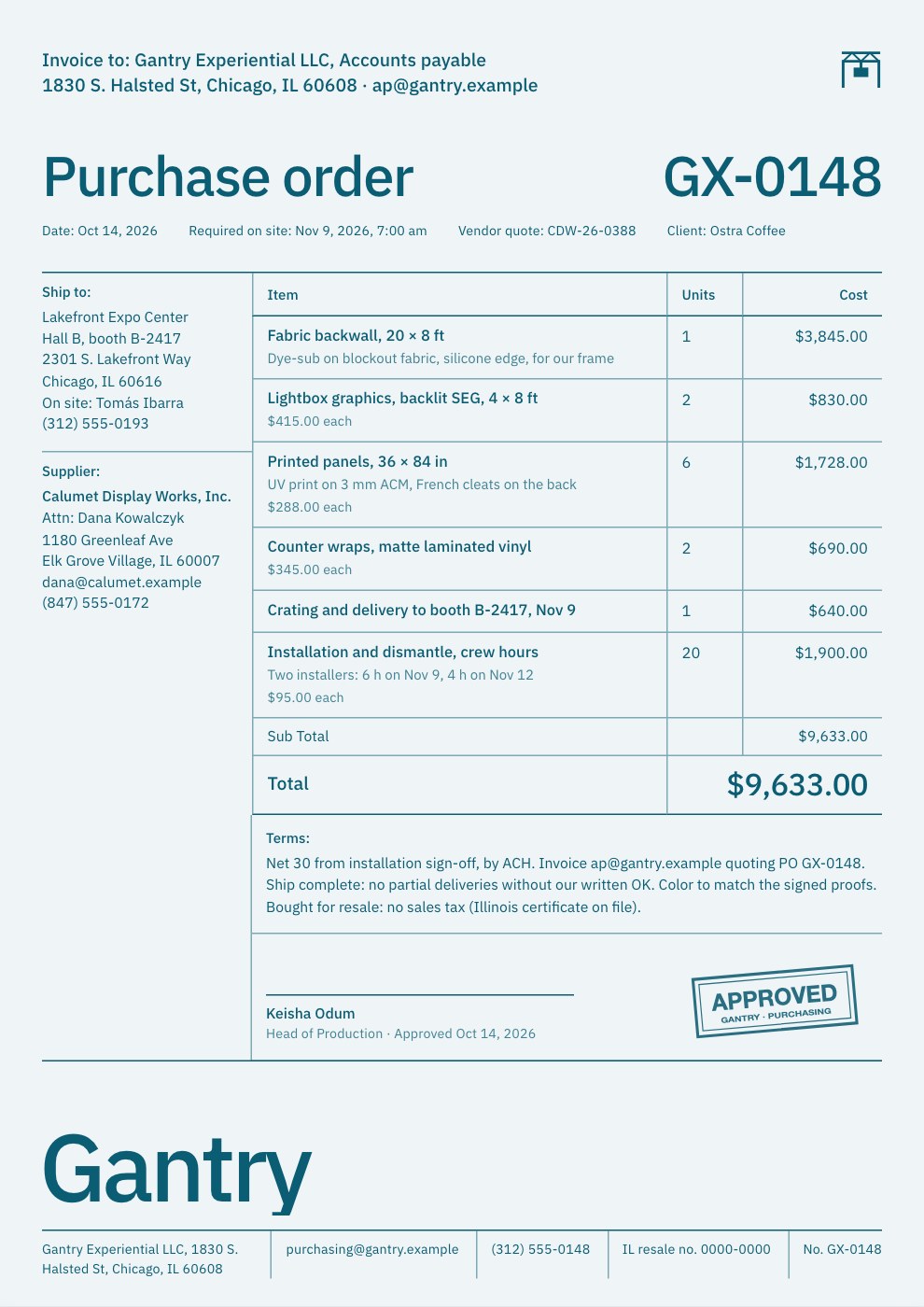
- PO numbers and terms
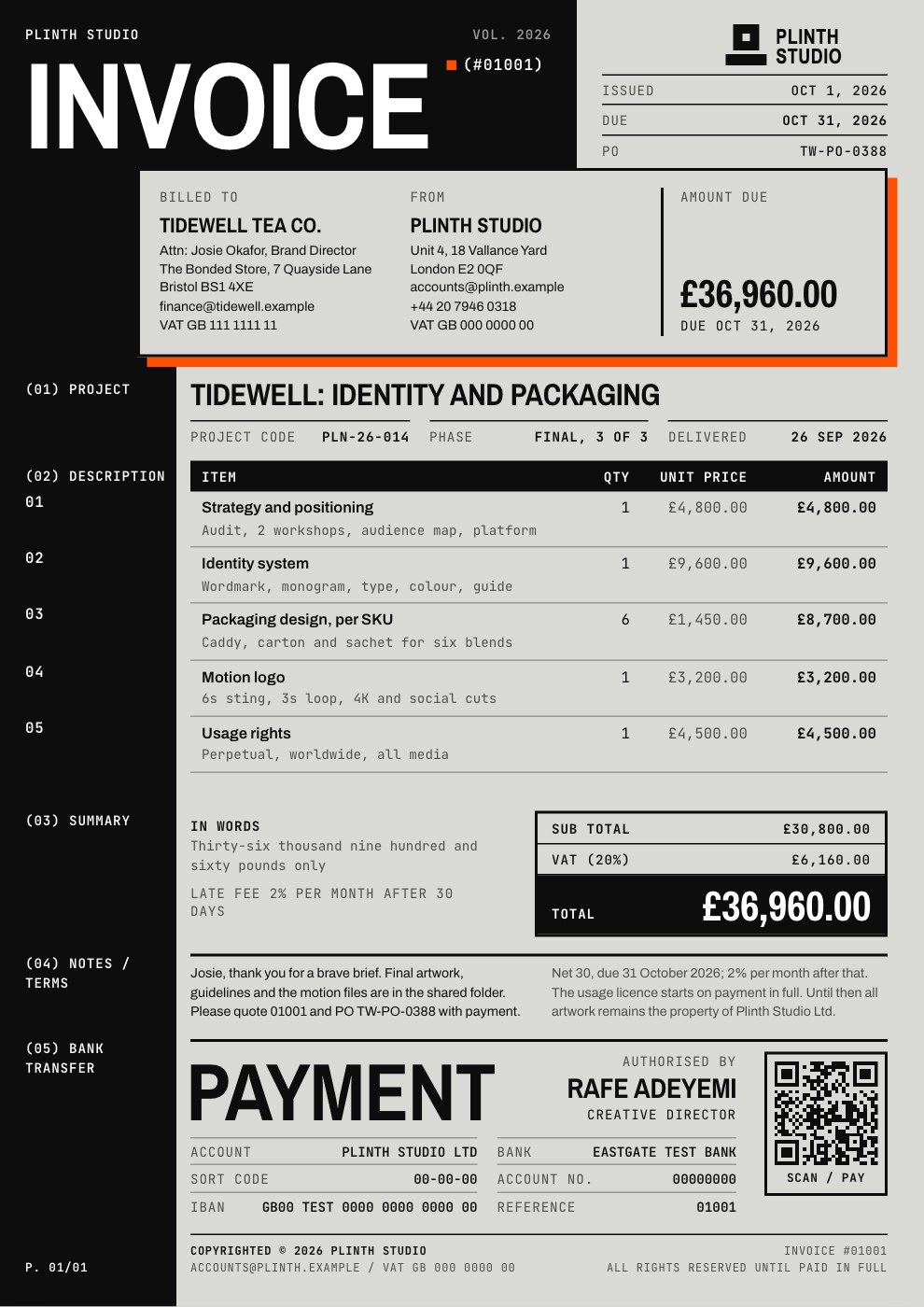
The client’s PO beside your invoice number, the due date and your terms, so it doesn’t bounce back from accounts.
- A Pay now button and QR code
Paste your own payment link and it prints as a button, and as a QR code where the design has room. Docsiv doesn’t take the payment.
- Late fees and discounts
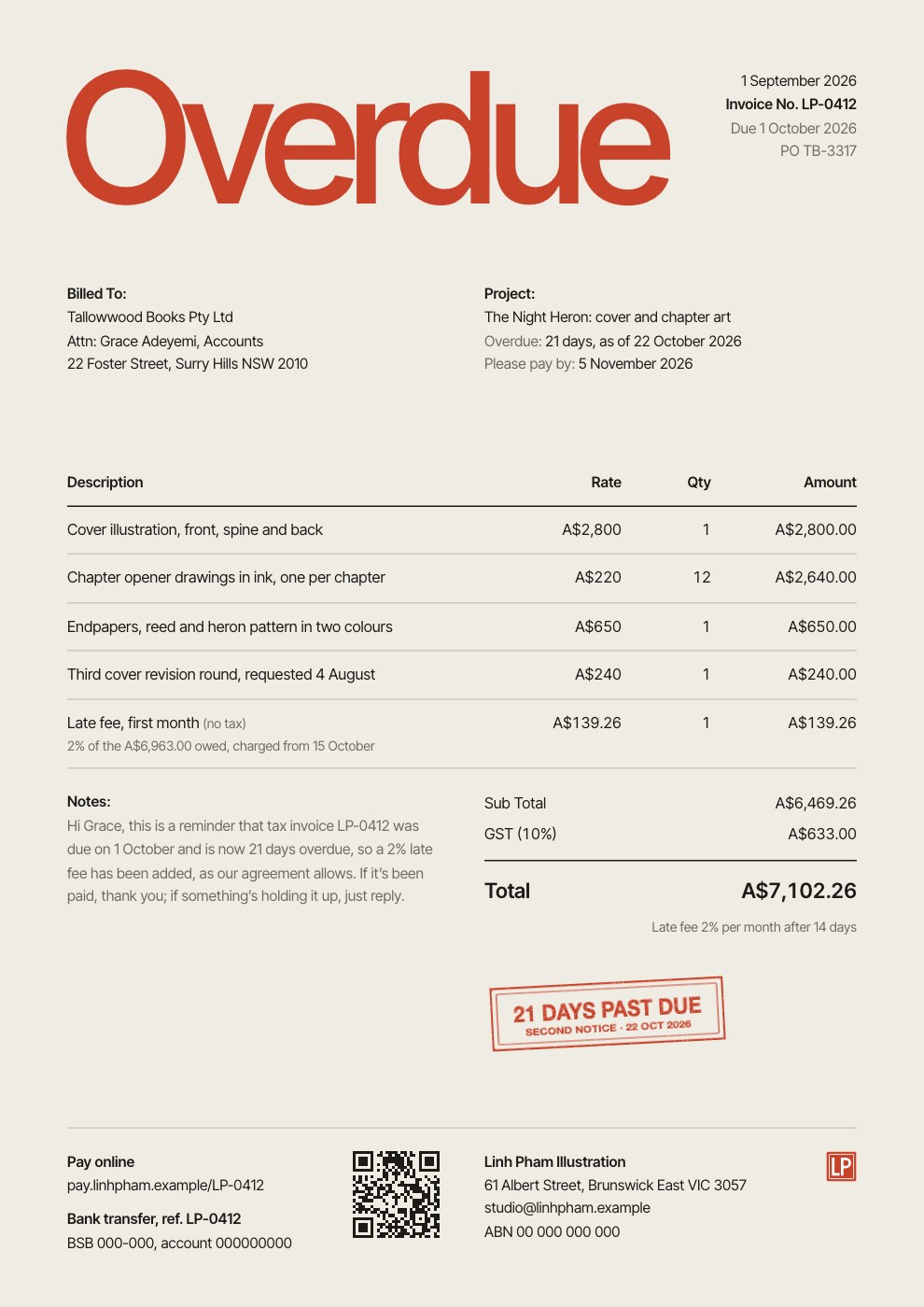
A late fee as a percentage or an amount after a grace period, and a percentage or flat discount.
- Six languages
Print the invoice’s labels in English, Spanish, French, German, Hindi or Japanese.
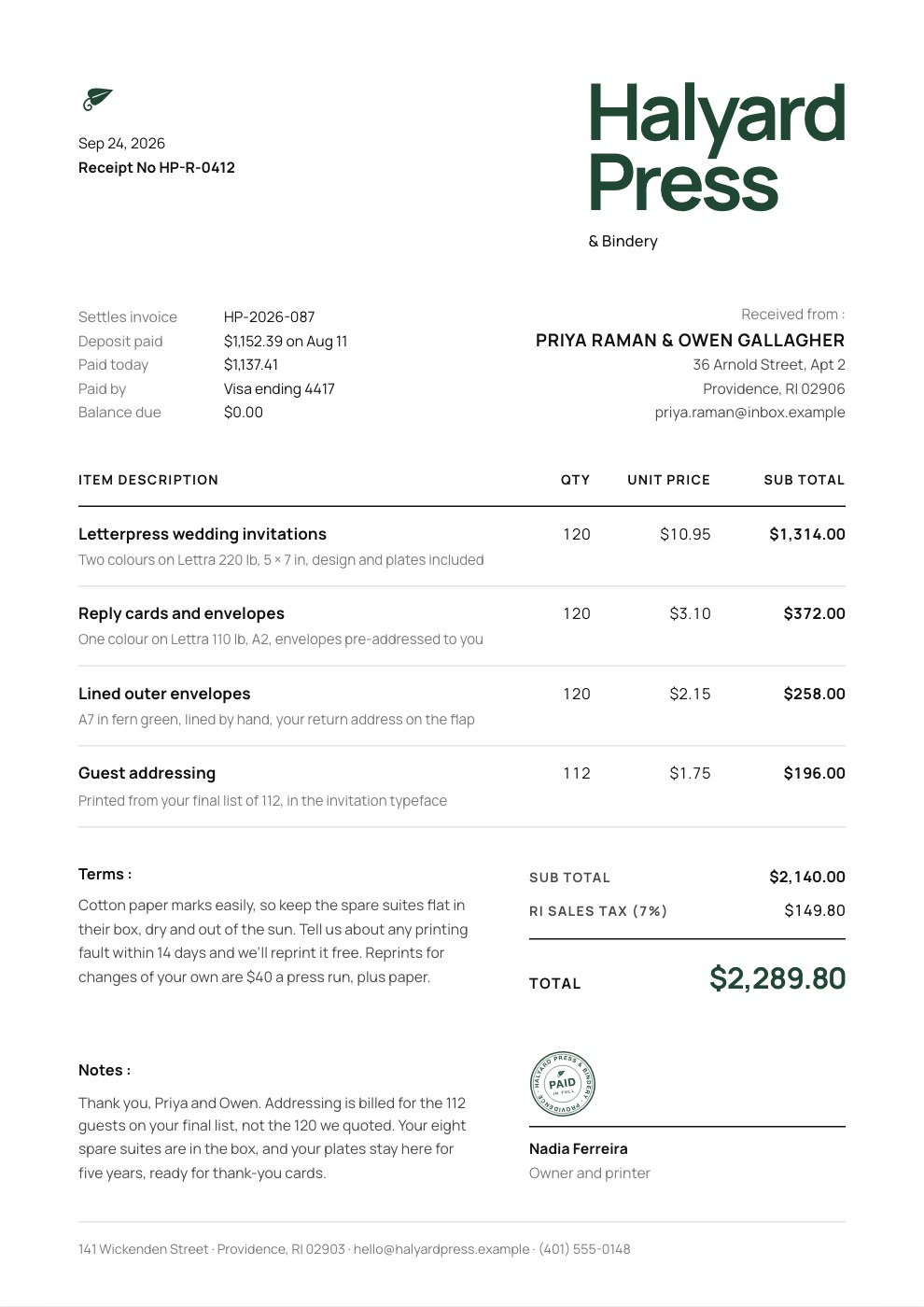
- PAID and DRAFT stamps
Mark an invoice paid and stamp it across the page, or send a draft for the client to check first.
From work done to paid.
Making, saving and downloading an invoice, sharing a link and Docsiv AI all come with a free account.
- Start from a template or a sentence
Open a template, or tell Docsiv AI what you’re billing and it fills in the lines, tax and terms.
Free account - Check the lines and the total
Edit anything in the form beside the invoice. Subtotal, tax, discount and total update as you type.
Free account - Send it your way
Download the PDF exactly as it looks, or one with selectable text for your accounting tool, and email it yourself. Or share a link: the client sees the invoice and can download it.
Free account - Mark it paid
When the money arrives, set the status to Paid and stamp it, and the paper trail stays in the client’s folder.
Free account
Where accounting software takes over.
Docsiv makes the invoice your client receives. Payments, bookkeeping and reminders stay with the tools built for them.
- No payment processing
Docsiv doesn’t take card or bank payments, or match them to invoices.
Add your Stripe, PayPal or bank details to every invoice. - No sending or reminders
Invoices aren’t emailed from Docsiv, and nothing chases an overdue one.
Send the PDF or a link yourself, and mark it paid when it lands. - No recurring billing
A retainer invoice isn’t generated for you each month.
Start from the Retainer Invoice template, or ask Docsiv AI. - No accounting sync or time tracking
Nothing flows to QuickBooks or Xero, and there’s no timer to bill hours from.
Keep your accounting and time tools, and attach the PDF there.
Comparing invoicing tools?
Side by side with the client-work tools agencies weigh up, and the free invoice tools that come with a free account.
Compare
Free tools
Common questions.
Something else? Ask us in the chat, bottom right of the page, or see pricing.
Is Docsiv’s invoice software free?
Yes. The Invoices app and its templates are on every plan, including Free. A free account makes and downloads invoices, saves them to the workspace Drive, lets you share them by link and adds Docsiv AI.
Can clients pay through Docsiv?
No. Paste a payment link from your own provider, such as a Stripe or PayPal checkout, and it prints as a Pay now button and a QR code; or add your bank details. Docsiv doesn’t take or record payments.
Does Docsiv email invoices or chase late payments?
No. Download the PDF and send it from your own email, or share a link where the client can view and download it. Keep an eye on what’s due yourself, and set the status to Paid when the money lands.
Can I send recurring invoices?
Not automatically. Start each month from the Retainer Invoice template, or ask Docsiv AI to fill one in, then change the month and any extras.
Which currencies and languages can I invoice in?
Ten currencies: US, Australian, Canadian and Singapore dollars, euros, pounds sterling, Indian rupees, Japanese yen, UAE dirhams and Swiss francs, with an optional second currency at the rate you set. Labels print in English, Spanish, French, German, Hindi or Japanese.
Can Docsiv AI make an invoice for me?
Yes. Tell it what you’re billing, such as “three days of design at $900 a day, 20% VAT, net 14”, and it fills in the lines, tax and terms. It can also read a proposal in your Drive and bill from its fees. AI uses credits: 500 a month on Free.
Does it connect to QuickBooks or Xero?
No. Export a PDF, or a PDF with selectable text, and attach it in your accounting software.
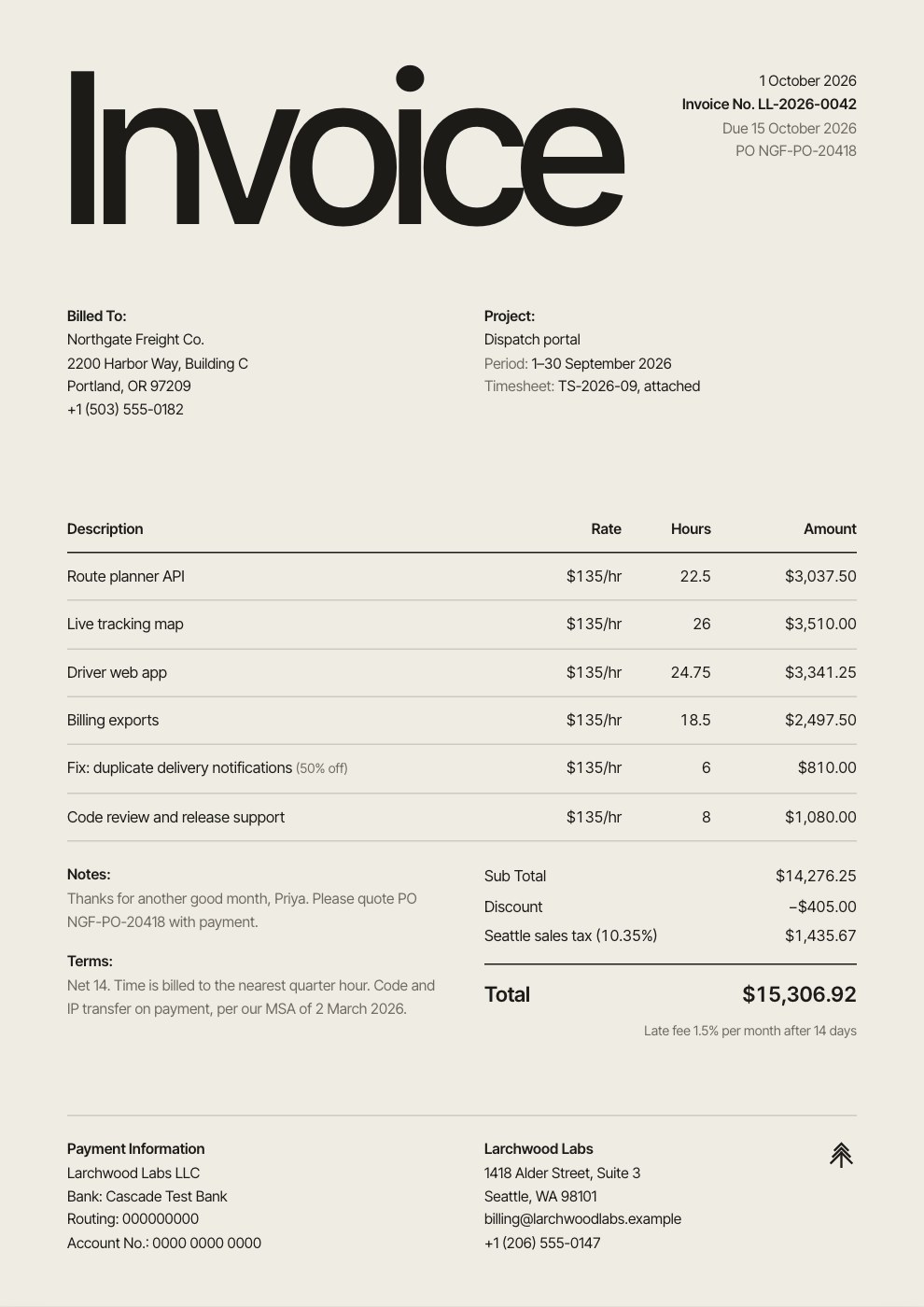
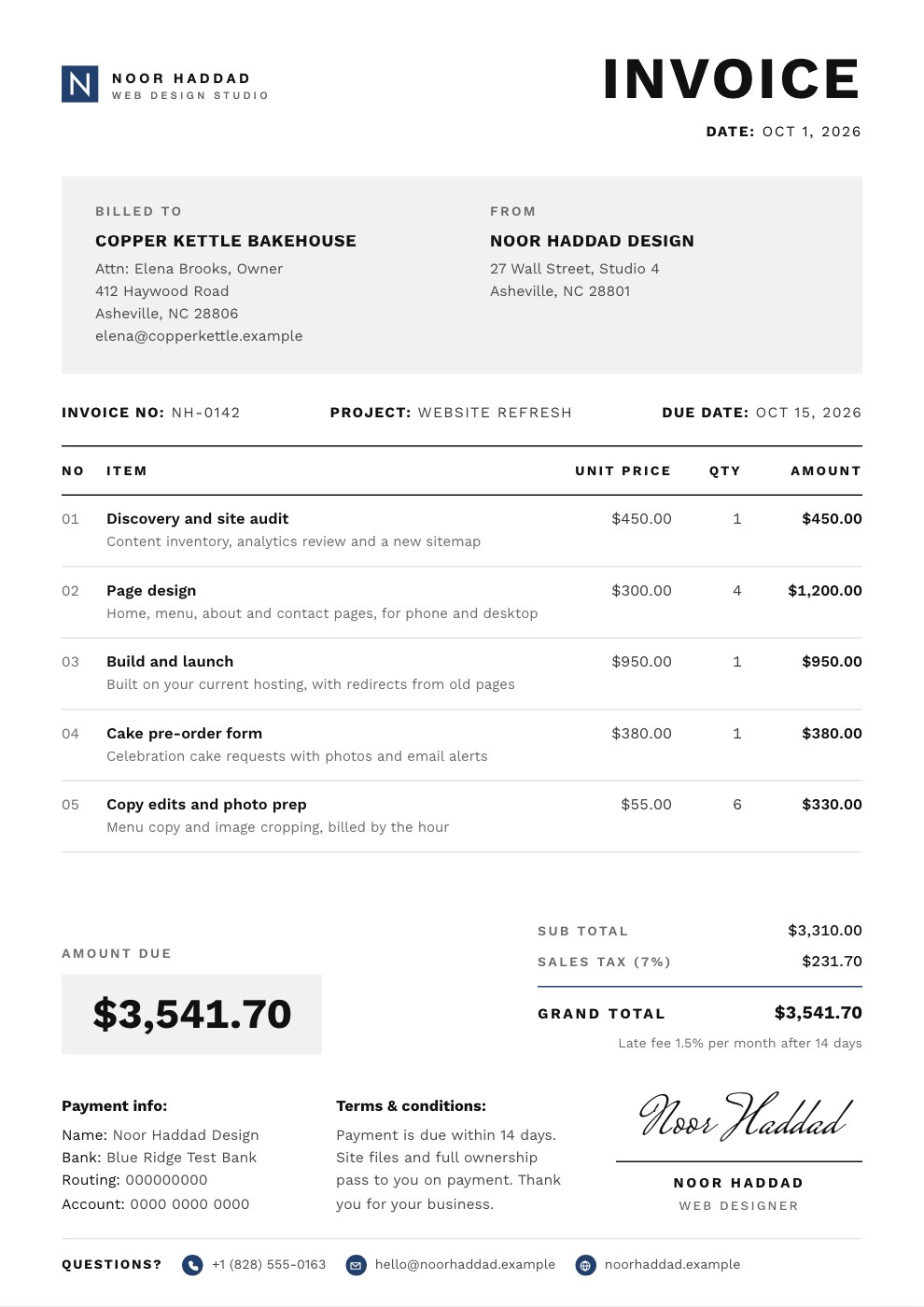
Make the invoice for this month’s work
Describe what you’re billing, or start from a template, and get a branded invoice with your payment details, ready to download.