

WCAG 2.2 for client deliverables: a practical agency checklist
Accessibility is a delivery skill, not a final polish pass. Use this practical WCAG 2.2 checklist for reports, proposals, presentations, forms, and shared pages.

On this page
An inaccessible client deliverable is not finished. It may be visually polished, factually correct, and still difficult or impossible for some people to read, navigate, or act on.
The Web Content Accessibility Guidelines (WCAG) 2.2 are written for web content, but their principles are useful whenever an agency creates a report, proposal, form, presentation, or shared client page. Accessibility is not a final coat of paint. It is part of whether the deliverable does its job.
Start with structure
Use a logical heading hierarchy and a reading order that makes sense when the visual styling disappears. A reader should be able to understand what a section is about from its heading and move through the document without guessing which text comes next.
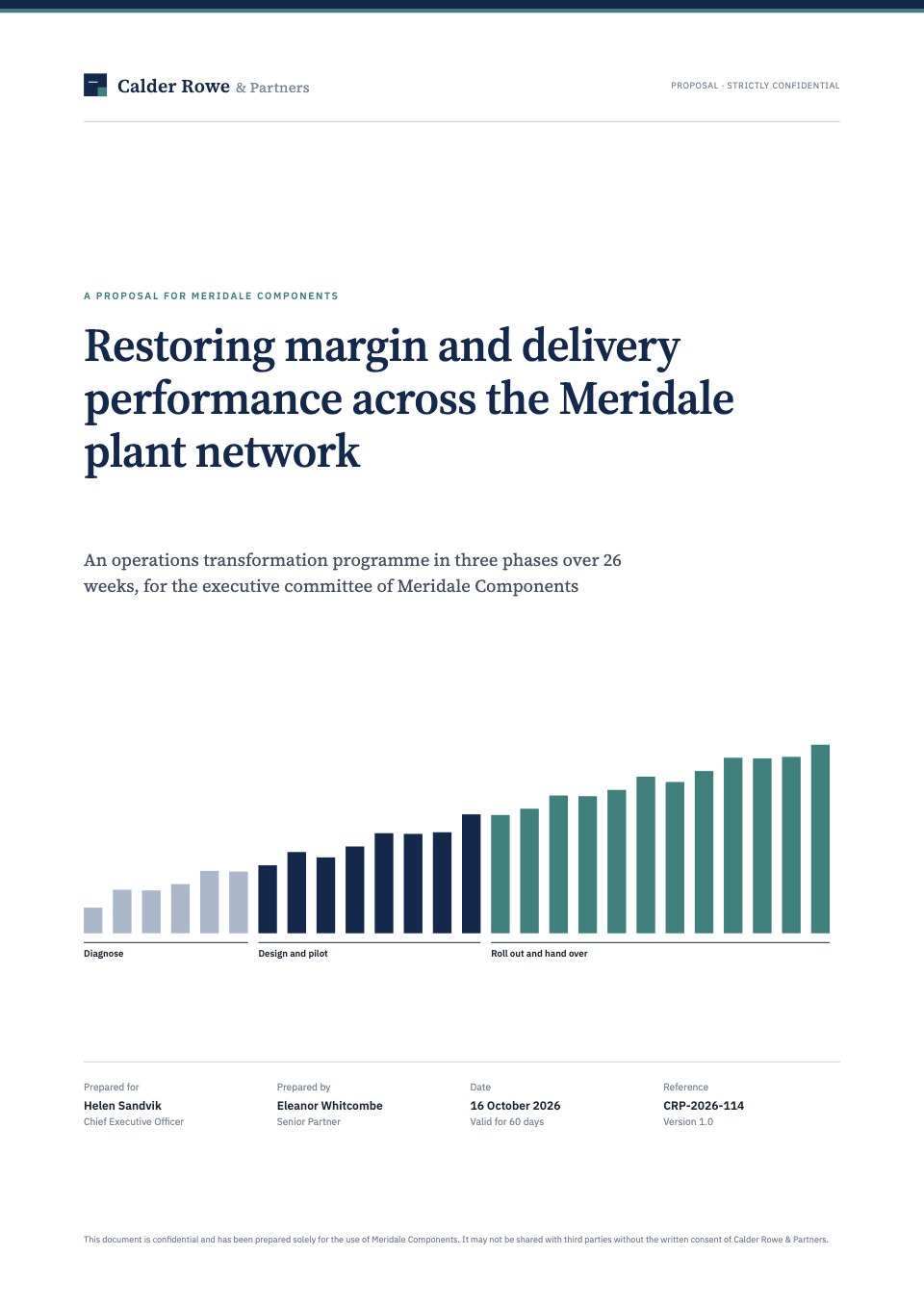
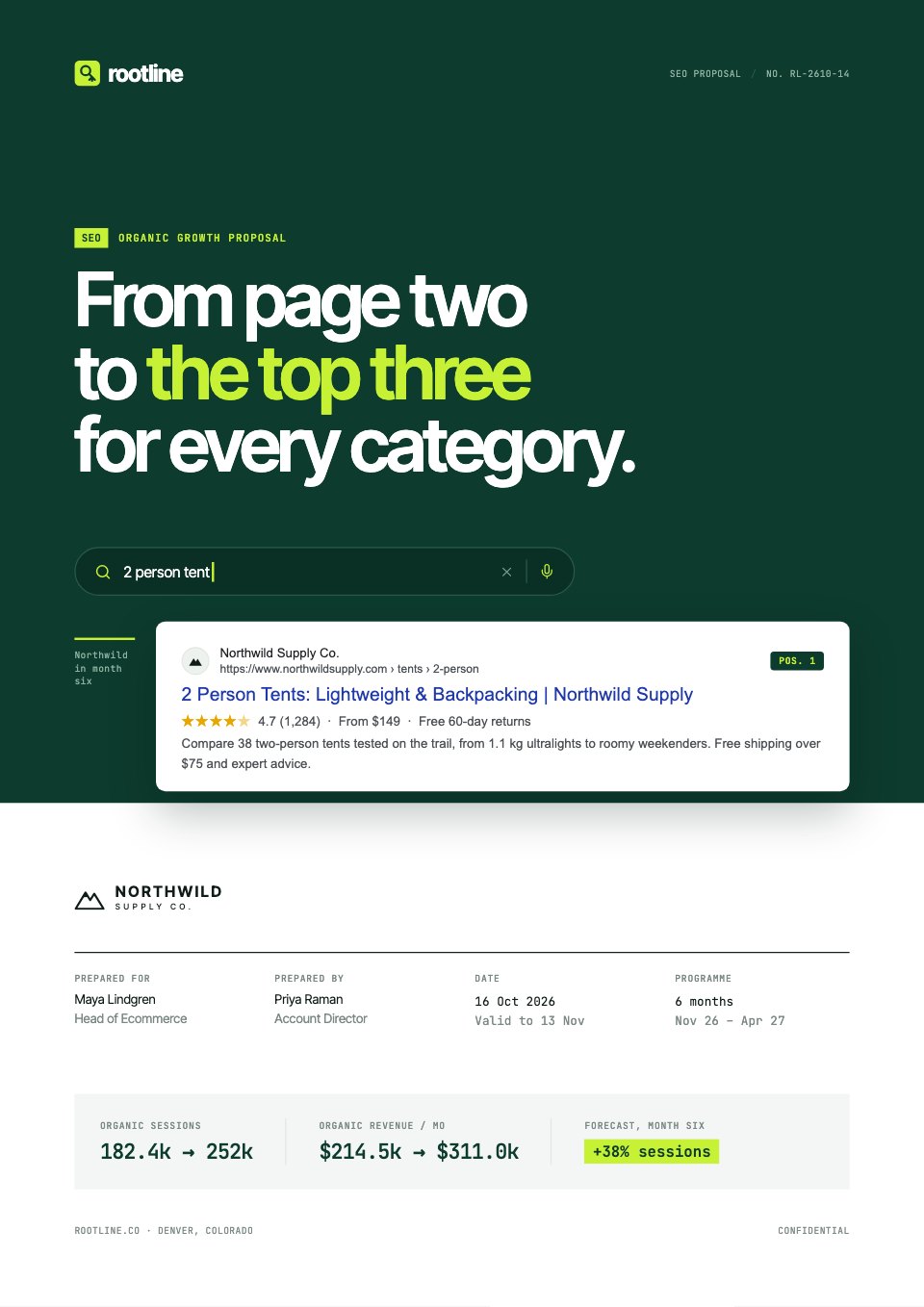
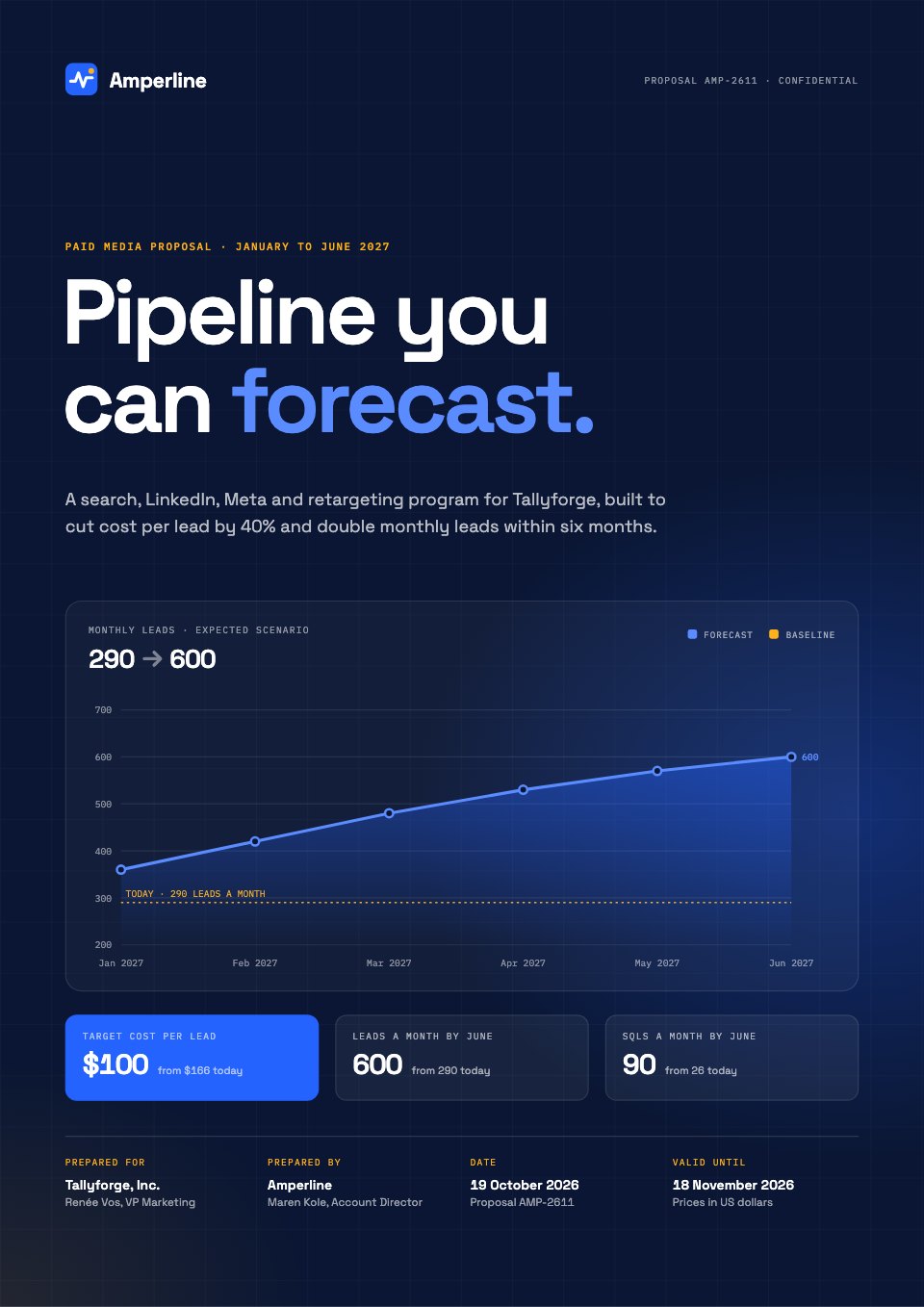
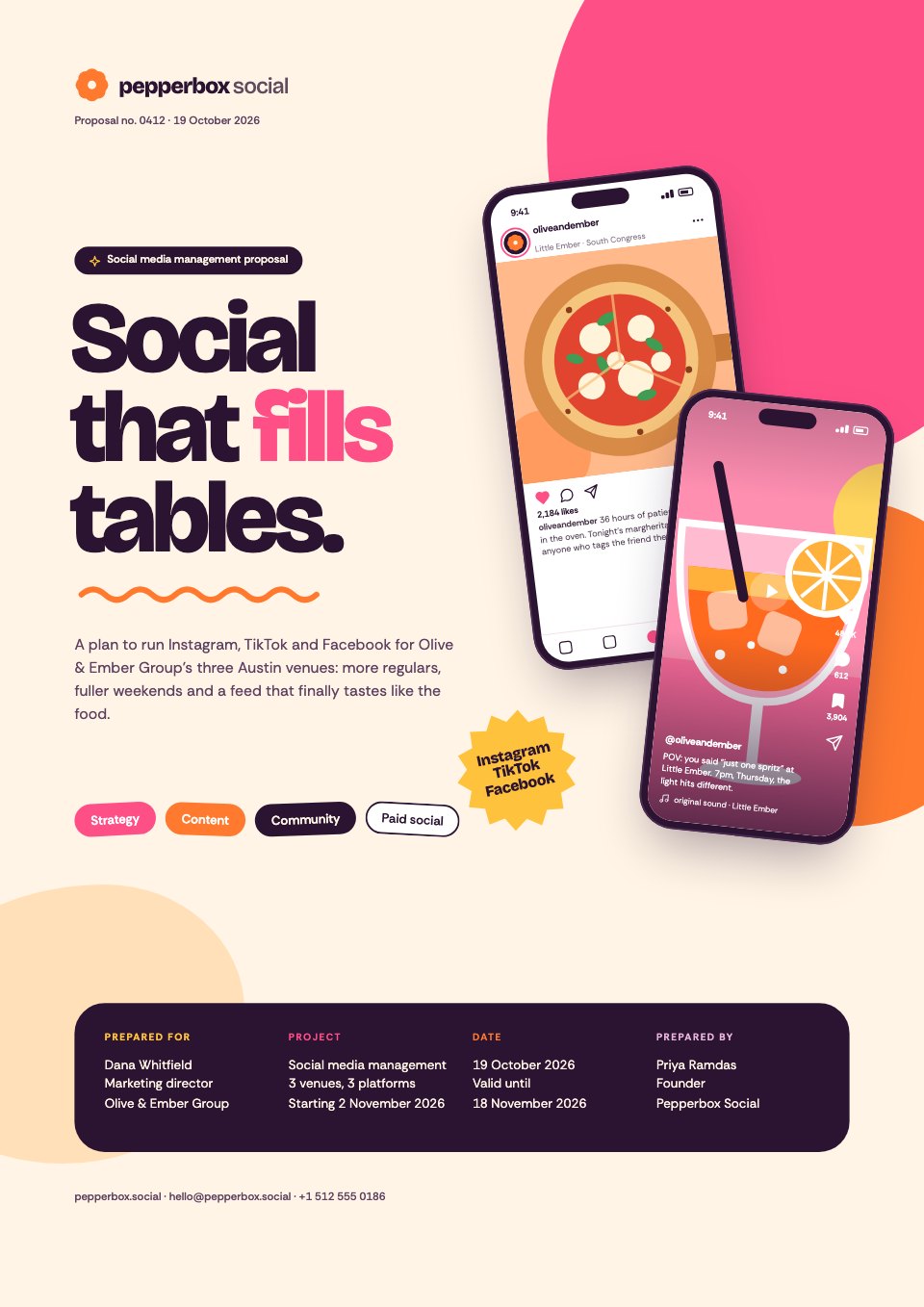
In a report, put the finding before the supporting detail. In a proposal, keep scope, assumptions, price, and next action easy to locate. In a presentation, make each slide’s point clear even if someone is navigating with a screen reader or receiving the deck as a PDF.
Do not make colour carry the meaning
If a chart uses red, amber, and green, add labels, values, patterns, or text. If a form shows an error in red, include an explanation next to the field. If the only difference between two options is colour, the choice is not available to everyone.
WCAG 2.2 includes a minimum contrast requirement for normal text and says colour should not be the only visual means of conveying information. Use a contrast checker, then inspect the actual file or page on the devices where the client’s audience will use it.
Make every important action operable
Test the deliverable without a mouse. Can a person reach every control, open every disclosure, move through form fields, and see where focus is? Do not put critical instructions inside a hover-only interaction or rely on dragging when there is no keyboard alternative.
For a shared page, keep focus visible and make link purpose clear from the link text. “Download the Q3 media plan” is more useful than “click here,” especially when a screen reader presents links as a list.
Give images and media a useful alternative
Write alternative text that conveys the purpose of an image, not a description of every pixel. A decorative flourish can be ignored. A chart should have a text summary of the trend or conclusion it communicates.
For recorded video, captions help people who are deaf or hard of hearing and people watching without sound. A transcript is useful when the content needs to be searched, quoted, or revisited.
Make forms explain themselves
Every field needs a visible label. Instructions should appear before the task, not only after an error. Error messages should say what went wrong and how to fix it. Avoid asking people to solve puzzles, remember a code from another page, or retype information you already have unless the security reason is clear.
Check zoom, mobile, and plain text
Increase text size and check that content remains usable. Test narrow screens and long names. Read a text-only or linearized version to find information that is trapped in a decorative layout.
WCAG 2.2 adds criteria including focus not being obscured, dragging movements, target size, consistent help, and accessible authentication. You do not need to memorize every criterion to improve a deliverable; you do need a way to test the real artifact.
Make accessibility part of the handoff
Add an accessibility note to the handoff: what was tested, what format was checked, what remains outside scope, and where the client should review content with their own users. Do not claim conformance unless the full page or artifact was evaluated against the relevant requirements.
The W3C recommends WCAG 2.2 as the current target, while also noting that no guideline covers every user need. That is a useful mindset for agencies: follow the standard, test with people, and keep improving the experience rather than treating a checklist as proof that the work is universally accessible.
Common questions.
Short answers to what people ask most about this topic.
Does WCAG 2.2 apply to PDFs and presentations?
WCAG is written for web content, so the exact conformance claim depends on the artifact and context. Its principles are still useful for reports, decks, forms, and shared pages. Check the client’s applicable requirements and test the actual format.
What are the first accessibility checks for an agency deliverable?
Check reading order and headings, text alternatives, contrast, keyboard access, visible focus, form labels, link purpose, captions or transcripts for media, and whether content remains usable when text is enlarged.
Is accessibility only a legal requirement?
No. Accessibility improves clarity and usability for people with disabilities and often for everyone else. Legal obligations vary by jurisdiction, client, sector, and artifact, so get specific advice where needed.
The client handoff index: one page that ends the project well
A good handoff is not a folder full of files. It is a small index that tells the client what changed, what is final, what they own, and what happens next.Secure client file sharing for agencies: a practical checklist
Secure client file sharing is about more than sending a private link. Compare client-specific access, permissions, version clarity, revocation, review actions, and retrieval before choosing a workflow.Client approval workflow for agencies: a practical system
A client approval process should make one decision easy, show the correct version, and leave a clear record. Here is a repeatable workflow for proposals, content, reports, websites, and other agency deliverables.



































Put this into practice
Describe what you’re working on and Docsiv AI drafts it in your brand, ready to edit, share and send.