Sign a document you’ve been sent
What signers see, how the email code works and where the signed copy goes.
On this page
You don’t need a Docsiv account to sign. Everything happens from the link in your email.
Sign
- Open the email and select the link. It’s private to you, so don’t forward it.
- If the sender asked Docsiv to confirm your email, enter the code Docsiv emails you.
- Agree to sign electronically.
- Go through your fields. Draw or type your signature and initials; your name, email and the date fill themselves in.
- Finish. Docsiv confirms you’ve signed your fields.
After everyone signs
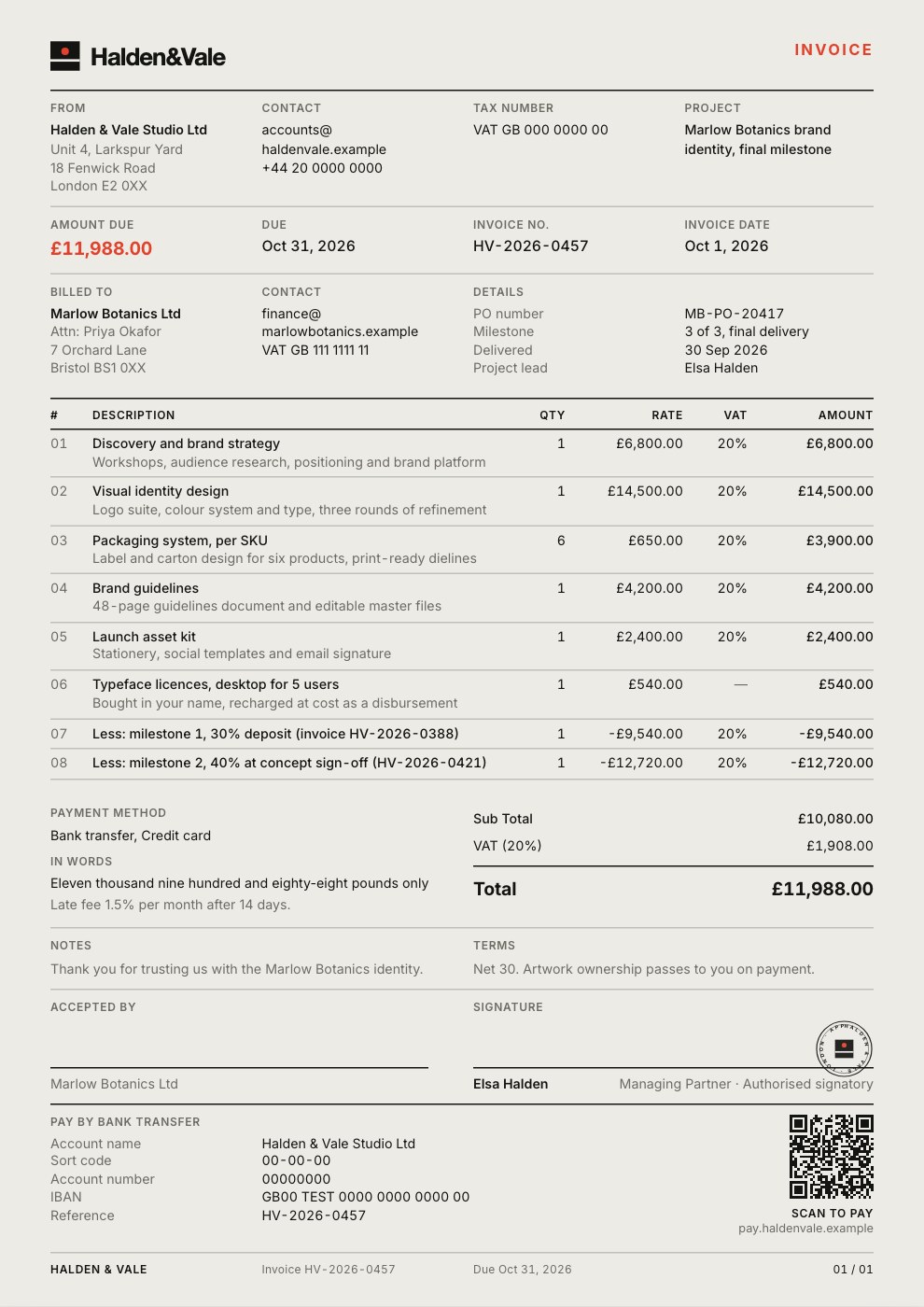
When the last person signs, everyone is emailed the signed PDF and a certificate of completion: who signed, when, and the checks made along the way.
Something wrong?
If the document isn’t right, decline it and tell the sender why. If your link has expired or stopped working, ask the sender for a new one: they can make one from Signatures.