

What’s inside the Business Card.
4 posts with real content in place. Rewrite them, reorder them, or add your own.
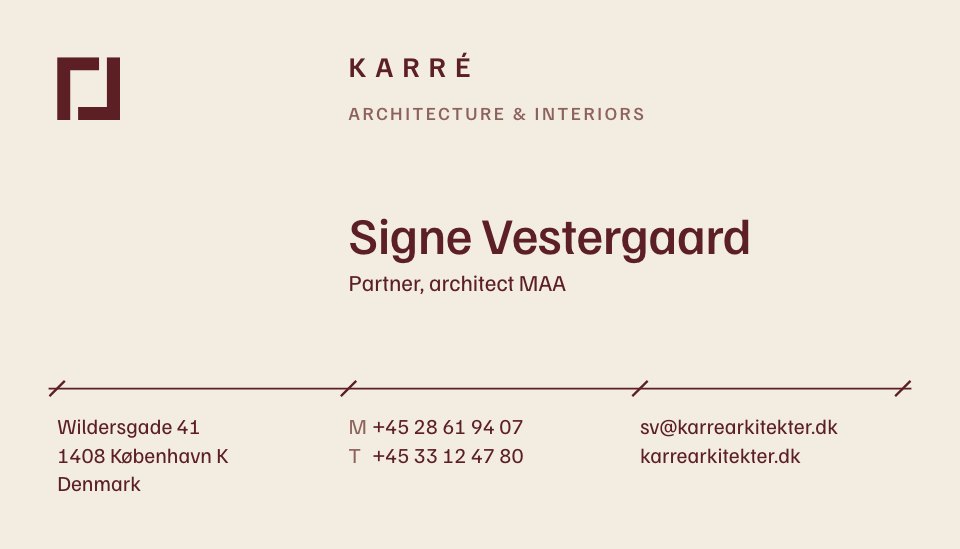
- 1Post 1The front for the first partner: the block mark, the practice, her name and title, and three columns of details under a dimension-line rule
- 2Post 2The back on oxblood: the mark in solid, set in a hairline street plan that runs off the card, with the wordmark and web address
- 3Post 3The front for the second partner, the same grid with his name, title and contacts
- 4Post 4A second back for the interiors side: a hairline herringbone oak floor, cleared round the solid mark
When to use it.
Business Card is a two-sided 3.5×2 in card for studios, practices and freelancers who want something quieter than the usual logo-and-gradient card. It comes set up for two people, each with a front that carries their name, title, phone numbers, email and address on a precise three-column grid, plus two backs to choose from: a solid colour field with the mark in a fine street plan, or a hairline herringbone floor. One deep oxblood ink on warm off-white stock gives it the feel of a letterpress card.
Made for
- Architects, designers and consultants
- Studios printing cards for a new hire
- Freelancers meeting clients in person
- Small businesses refreshing their print
Make it yours in four steps.
Open it in Designs and work through it, or let Docsiv AI do the first pass with your details.
- Step 1
Put your own mark in the top corner and on the back at the same sizes, and change the practice name and line under it.
- Step 2
Type each person's name, title, mobile and email on their front, keeping every line on the three columns.
- Step 3
Pick one back for everyone or give each person their own, and swap the oxblood for your brand colour if you like.
- Step 4
Duplicate a front for each new person, then export the front and back and send both to your printer.
Start from the Business Card now.
Questions about this template.
Something else on your mind? Ask us in the chat, bottom right of the page.
Is the Business Card template free?
Yes. Create a free account and it opens in Docsiv's Designs app, ready to edit and share. The Free plan includes every Docsiv app and 500 AI credits a month.
Can I change the colours, fonts and text?
Yes, all of it. The template uses Familjen Grotesk with #f2ece1, #5c1f24, #8e625c, and you can change any of them, rewrite every word and add or remove pages.
What can I export it as?
Designs in Docsiv offers: PNG, PDF and HTML exports. Once it's saved, you can also share it with a link.
Can Docsiv AI write the business card for me?
Yes. Tell Docsiv AI about the client or project and it can draft the content in this template's style, which you then review and edit. AI uses credits; the Free plan includes 500 a month.






Start your business card with Docsiv AI
Describe the client or the project and Docsiv AI writes a first draft of your business card for you to edit, share and send.