

What’s inside the Social Media Kit.
10 posts with real content in place. Rewrite them, reorder them, or add your own.
- 1Post 1A quote post on a blurred grey photo, with justified lime text and outlined pills
- 2Post 2An in-store event with a script brand name, two photos and the date at their corners
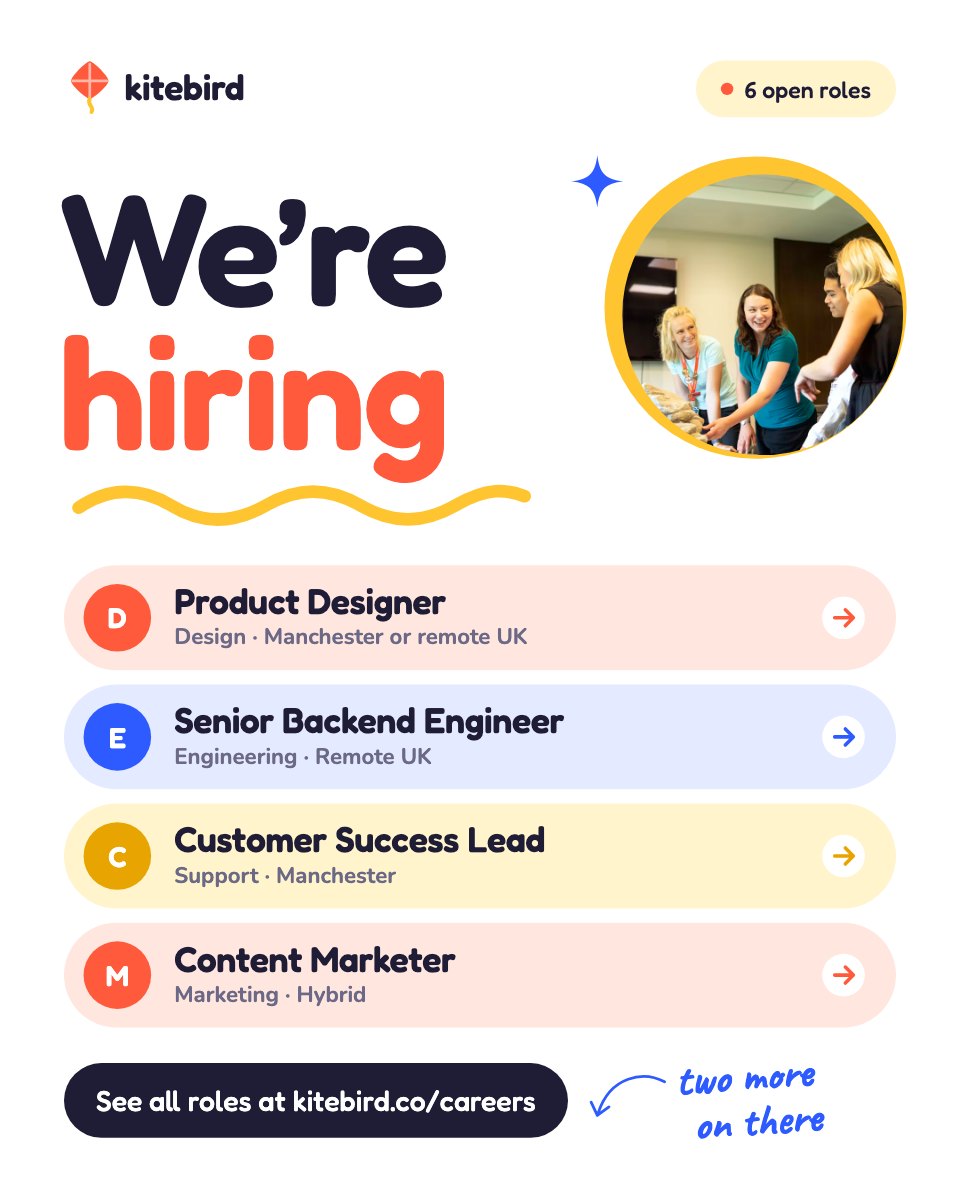
- 3Post 3A we're-hiring post on a cream grid, with a lime ellipse and role pills
- 4Post 4A gift guide on a full-bleed photo with lime doodles: sunglasses, a gift box and a tote
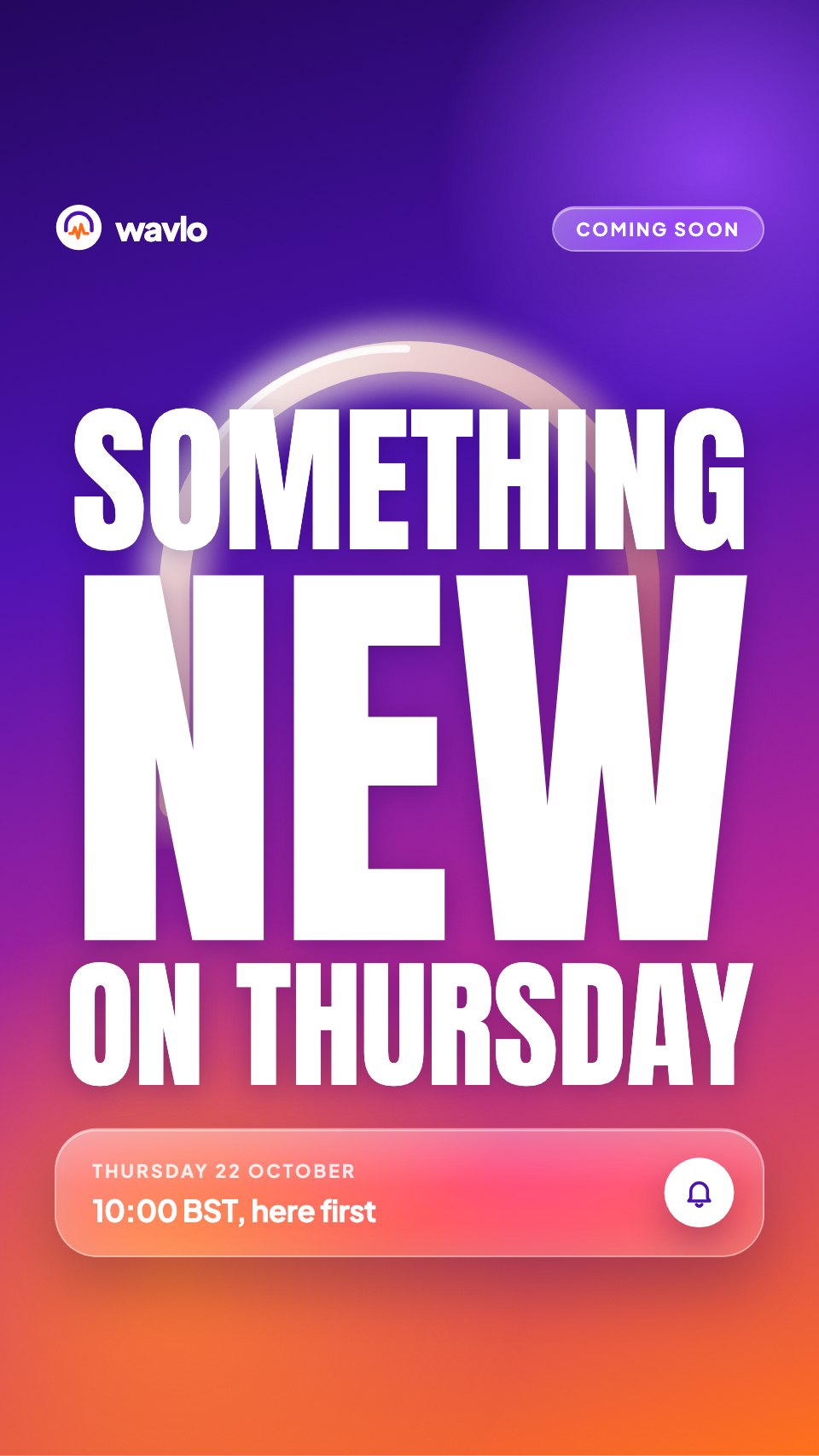
- 5Post 5A coming-soon launch on lime, with oval photo crops
- 6Post 6A store-wide sale with bold and script type, photos and dotted bars
- 7Post 7A new collection on black, with photos and a starting price
- 8Post 8A customer testimonial with a portrait, stars and a lime quote mark
- 9Post 9A team spotlight with a portrait and short questions
- 10Post 10A tips carousel cover on a grid, with a script promise and a swipe button
When to use it.
Social Media Kit is a set of 10 portrait Instagram posts that share one look, so your feed stays consistent from week to week. It covers the posts most businesses need: a quote, an event, a job opening, a gift guide, a launch teaser, a sale, a new collection, a customer review, a team spotlight and the cover of a tips carousel. Near-black, warm cream and acid lime, a bold grotesk paired with an elegant script and outlined pill labels give it a confident, editorial feel.
Made for
- Social media managers
- Brands announcing launches
- Event promoters
- Small businesses
Make it yours in four steps.
Open it in Designs and work through it, or let Docsiv AI do the first pass with your details.
- Step 1
Pick the posts you need and put in your shop or studio name, your handle and your details.
- Step 2
Replace the photos with your own products, people and space, keeping the oval and full-bleed crops.
- Step 3
Rewrite the headlines and pills for your offer, dates and role, and keep the script word short.
- Step 4
Export each post at 1080×1350 and schedule them across your feed.
Start from the Social Media Kit now.
Questions about this template.
Something else on your mind? Ask us in the chat, bottom right of the page.
Is the Social Media Kit template free?
Yes. Create a free account and it opens in Docsiv's Designs app, ready to edit and share. The Free plan includes every Docsiv app and 500 AI credits a month.
Can I change the colours, fonts and text?
Yes, all of it. The template uses Inter Tight and Pinyon Script with #161513, #f7ece0, #eef56a, #b9e27f, and you can change any of them, rewrite every word and add or remove pages.
What can I export it as?
Designs in Docsiv offers: PNG, PDF and HTML exports. Once it's saved, you can also share it with a link.
Can Docsiv AI write the Instagram post for me?
Yes. Tell Docsiv AI about the client or project and it can draft the content in this template's style, which you then review and edit. AI uses credits; the Free plan includes 500 a month.



Start your posts with Docsiv AI
Describe the client or the project and Docsiv AI writes a first draft of your Instagram post for you to edit, share and send.