

What’s inside the Hiring Posts.
7 posts with real content in place. Rewrite them, reorder them, or add your own.
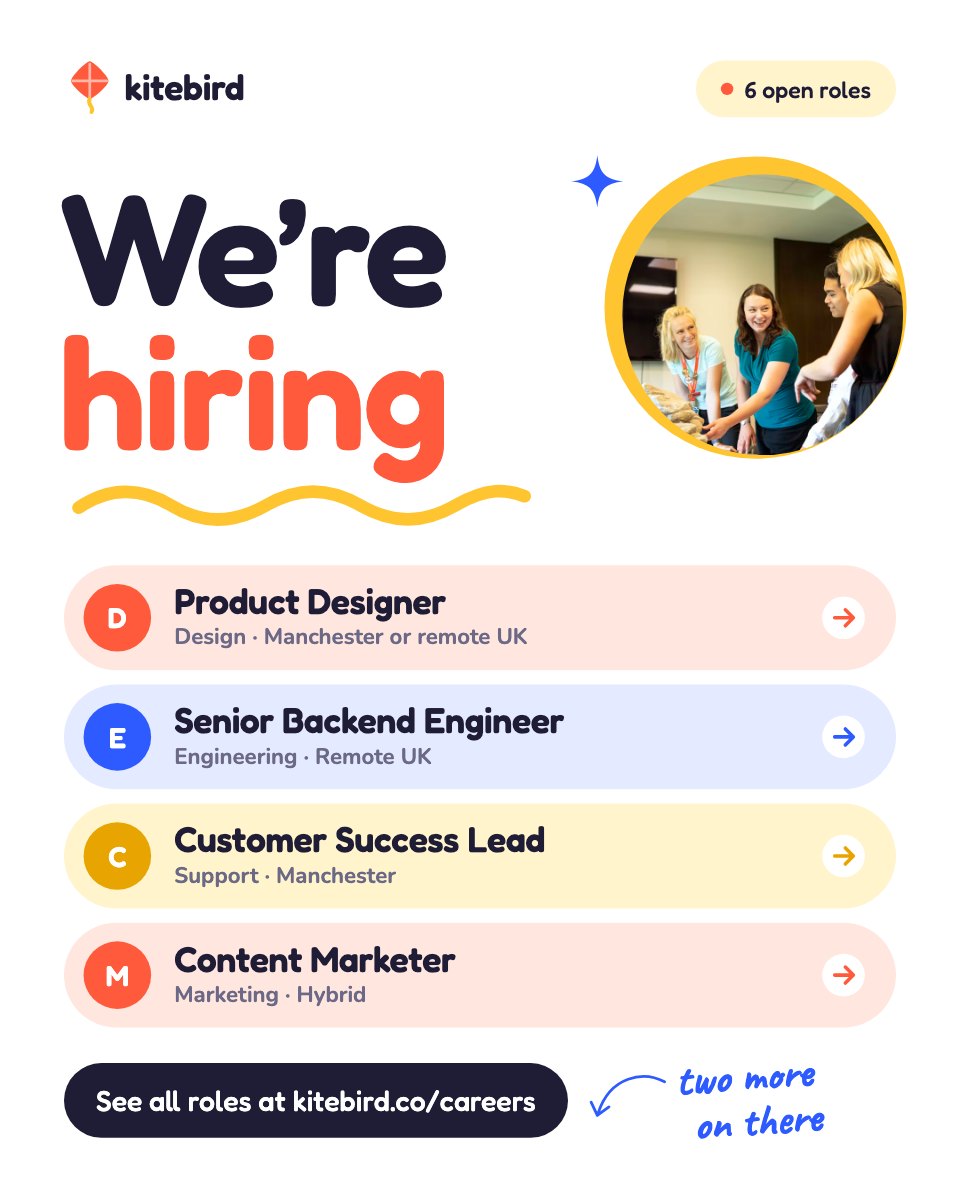
- 1Post 1A we're-hiring announcement with a round team photo and the open roles as coloured pills
- 2Post 2A single role on sunflower: title, salary band, location, three ticked reasons and an apply bar
- 3Post 3A team member spotlight with an arched portrait, a hand-drawn arrow and their quote
- 4Post 4Life at the company: four photos in round, arched and pill frames with hand-written captions
- 5Post 5A benefits grid of six rounded cards, each with a drawn icon
- 6Post 6Meet the team on cobalt: one group photo with names and arrows drawn on
- 7Post 7A referral bonus on tomato: the amount big, a round photo and three steps
When to use it.
Hiring Posts is a set of seven 4:5 posts for telling people you're growing and why they'd want to join: a we're-hiring announcement with your open roles, a single job with its salary band and location, a team member spotlight, a life-at-work collage, a benefits grid, a meet-the-team photo and a referral bonus. The look is warm and cheerful, with bright primary colours, rounded type and hand-drawn arrows and squiggles.
Made for
- Social media managers
- Brands announcing launches
- Event promoters
- Small businesses
Make it yours in four steps.
Open it in Designs and work through it, or let Docsiv AI do the first pass with your details.
- Step 1
Swap the logo, colours and links for your own company's.
- Step 2
List your open roles, then fill in the single-role post with the title, salary band, location and three reasons to apply.
- Step 3
Replace the photos with your own team, office and events, and update the names and captions.
- Step 4
Edit the benefits and referral amount, then export each post and schedule it.
Start from the Hiring Posts now.
Questions about this template.
Something else on your mind? Ask us in the chat, bottom right of the page.
Is the Hiring Posts template free?
Yes. Create a free account and it opens in Docsiv's Designs app, ready to edit and share. The Free plan includes every Docsiv app and 500 AI credits a month.
Can I change the colours, fonts and text?
Yes, all of it. The template uses Fredoka and Nunito and Caveat with #1f1d36, #ff5a3c, #ffc531, #2e5bff, #ffffff, and you can change any of them, rewrite every word and add or remove pages.
What can I export it as?
Designs in Docsiv offers: PNG, PDF and HTML exports. Once it's saved, you can also share it with a link.
Can Docsiv AI write the hiring post for me?
Yes. Tell Docsiv AI about the client or project and it can draft the content in this template's style, which you then review and edit. AI uses credits; the Free plan includes 500 a month.



Start your posts with Docsiv AI
Describe the client or the project and Docsiv AI writes a first draft of your hiring post for you to edit, share and send.