

What’s inside the Product Launch Stories.
7 posts with real content in place. Rewrite them, reorder them, or add your own.
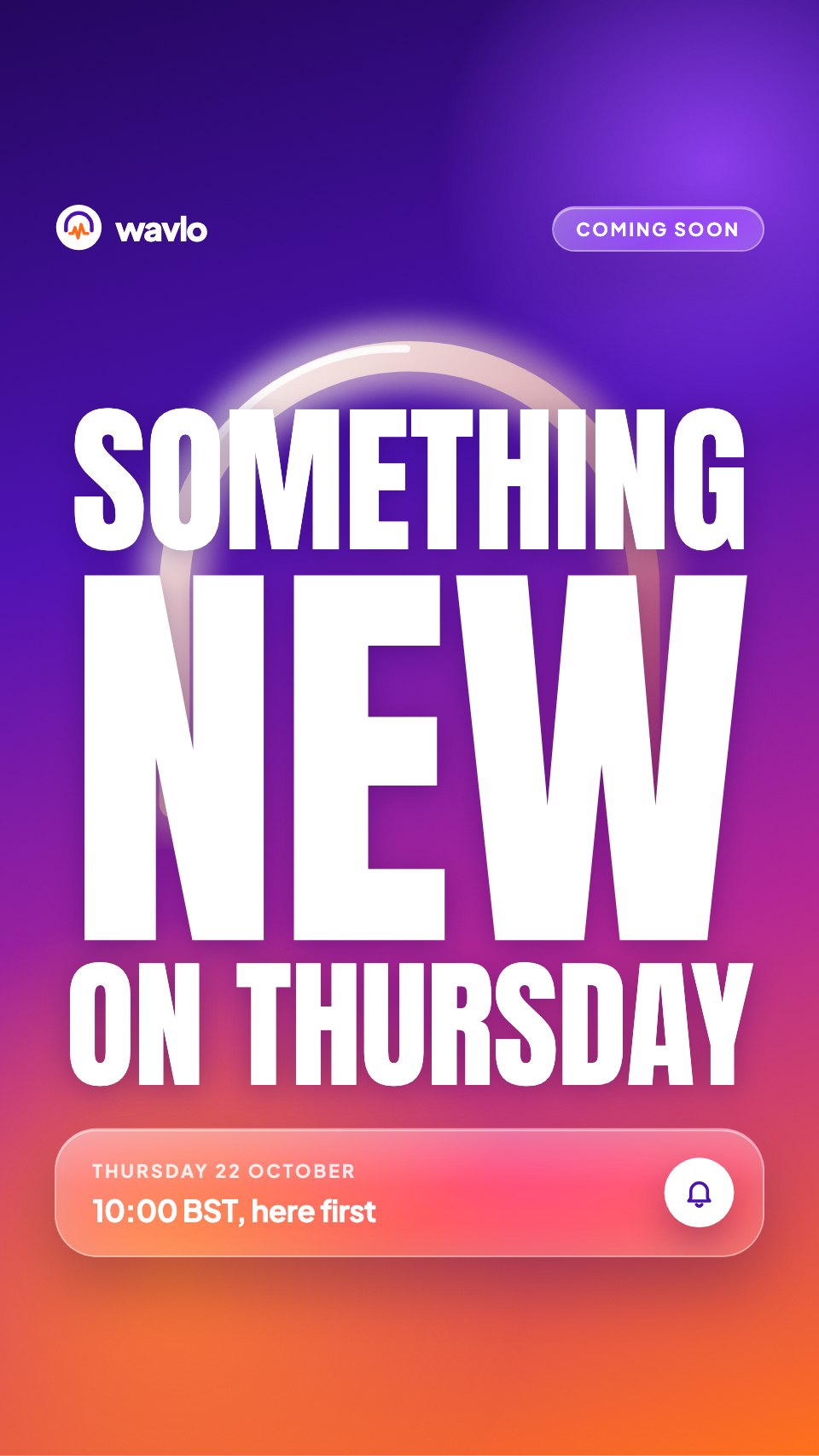
- 1Post 1A teaser on a violet-to-orange gradient: a glowing headband arc, huge condensed type and a glass reminder card
- 2Post 2A countdown with a giant outlined number and a glass sticker showing days, hours and minutes
- 3Post 3The reveal: a hero product photo on a glossy card, its name and price
- 4Post 4Feature one: a huge battery number with a drawn charge meter and a glass detail card
- 5Post 5Feature two: a glossy photo with a sound wave fading to silence and a noise stat
- 6Post 6Feature three: a lifestyle photo, comfort details and the three colours as swatches
- 7Post 7A shop-now story with the price, delivery promises, a sticker-style button and a link-in-bio nudge
When to use it.
Product Launch Stories is a set of seven 9:16 Stories that carry a launch from first hint to first sale. It opens with a teaser and a countdown, reveals the product with a hero photo and price, gives three features a story each, and closes with a shop-now story. Bold violet-to-orange gradients, huge condensed headlines and glassy panels make it stand out as people tap through, and every story keeps its words clear of the top and bottom safe zones.
Made for
- Social media managers
- Brands announcing launches
- Event promoters
- Small businesses
Make it yours in four steps.
Open it in Designs and work through it, or let Docsiv AI do the first pass with your details.
- Step 1
Change the brand name, logo, launch date and product name on the teaser and countdown stories.
- Step 2
Replace the hero and feature photos with your own product shots, and update the price.
- Step 3
Rewrite the three feature stories around your product's strongest number, benefit and details.
- Step 4
Export each story and add Instagram's countdown and link stickers when you post.
Start from the Product Launch Stories now.
Questions about this template.
Something else on your mind? Ask us in the chat, bottom right of the page.
Is the Product Launch Stories template free?
Yes. Create a free account and it opens in Docsiv's Designs app, ready to edit and share. The Free plan includes every Docsiv app and 500 AI credits a month.
Can I change the colours, fonts and text?
Yes, all of it. The template uses Anton and Plus Jakarta Sans with #4b12b0, #d42a7c, #ff6b1a, #1c0647, #ffffff, and you can change any of them, rewrite every word and add or remove pages.
What can I export it as?
Designs in Docsiv offers: PNG, PDF and HTML exports. Once it's saved, you can also share it with a link.
Can Docsiv AI write the Instagram story for me?
Yes. Tell Docsiv AI about the client or project and it can draft the content in this template's style, which you then review and edit. AI uses credits; the Free plan includes 500 a month.




Start your posts with Docsiv AI
Describe the client or the project and Docsiv AI writes a first draft of your Instagram story for you to edit, share and send.