

Docsiv vs Bonsai
Bonsai runs the business side of a freelance or agency practice: CRM, projects, time tracking, proposals, contracts, invoices, payments and scheduling. Docsiv focuses on the work you send: designed proposals, decks, reports and forms, drafted with AI, plus editors for the files clients send you.
Checked against each product’s own site
Two good tools. Pick the one that fits the work.
Bonsai is business management for freelancers and agencies: CRM, projects, time tracking, proposals, contracts and invoices. Where it’s the better choice comes first.
- You want CRM, projects, time tracking and invoicing in one tool
- You want to take card payments on invoices
- You want scheduling and automations
- Clients should sign in to one place for their files, invoices and messages
- Your proposals can be simple and the admin is the bigger job
- Proposals, decks and reports that look designed, from templates or Docsiv AI
- Monthly client reports and presentations, which Bonsai doesn’t make
- Editors for Word, Excel, PowerPoint, PDF and design files
- A free plan that includes every app
Docsiv and Bonsai, side by side.
Read on both products’ own sites on 18 October 2026. “Not listed” means their site doesn’t say, not that it can’t.
- Yes
- Partly
- No
- ?Not listed
| Docsiv | Bonsai | |
|---|---|---|
| Making the documents | ||
| AI drafting | Docsiv AI writes whole proposals, reports, decks and forms from a brief or attached files, then edits them with you. 500 credits a month on Free. | Connects your own AI assistant to Bonsai; AI writing of documents isn’t listed. |
| Designed proposals, decks and reports | Proposals, Decks and Reports apps, with designed templates. | Proposals and contracts on Essentials and up; no decks or reports. |
| Forms | Forms app with logic and typed signatures; responses download as CSV. Needs a free account. | Forms and questionnaires on Essentials and up. |
| Word, Excel and PowerPoint files | Professional editors open and export DOCX, XLSX, PPTX and PDF, plus PSD, AI and IDML files. | ?Not mentioned on their site. |
| Sending and getting paid | ||
| Contracts and e-signatures | On Pro (40 requests a month) and Team (unlimited), not Free. Signing order, email codes, reminders, a signed PDF and certificate. | Legally binding e-signatures on contracts, Essentials and up. |
| Invoices and payments | Branded invoices with your own payment link; it doesn’t take the payment. | Invoices and online payments, Essentials and up. |
| Running the business | ||
| CRM and pipeline | No CRM, deal pipeline or CRM sync. | CRM on every plan; a deals pipeline on Premium. |
| Time tracking and scheduling | No scheduling or time tracking. | Time tracking on every plan; scheduling from Essentials. |
| Automations | No workflow automation. | On Premium. |
| Integrations | No CRM, Zapier or storage connectors. | Zapier, Gmail, Slack, QuickBooks and Xero on Premium. |
| Free plan | Every app, 500 AI credits a month and 5 GB. No e-signature sending or analytics. | No free plan; a 7-day trial. |
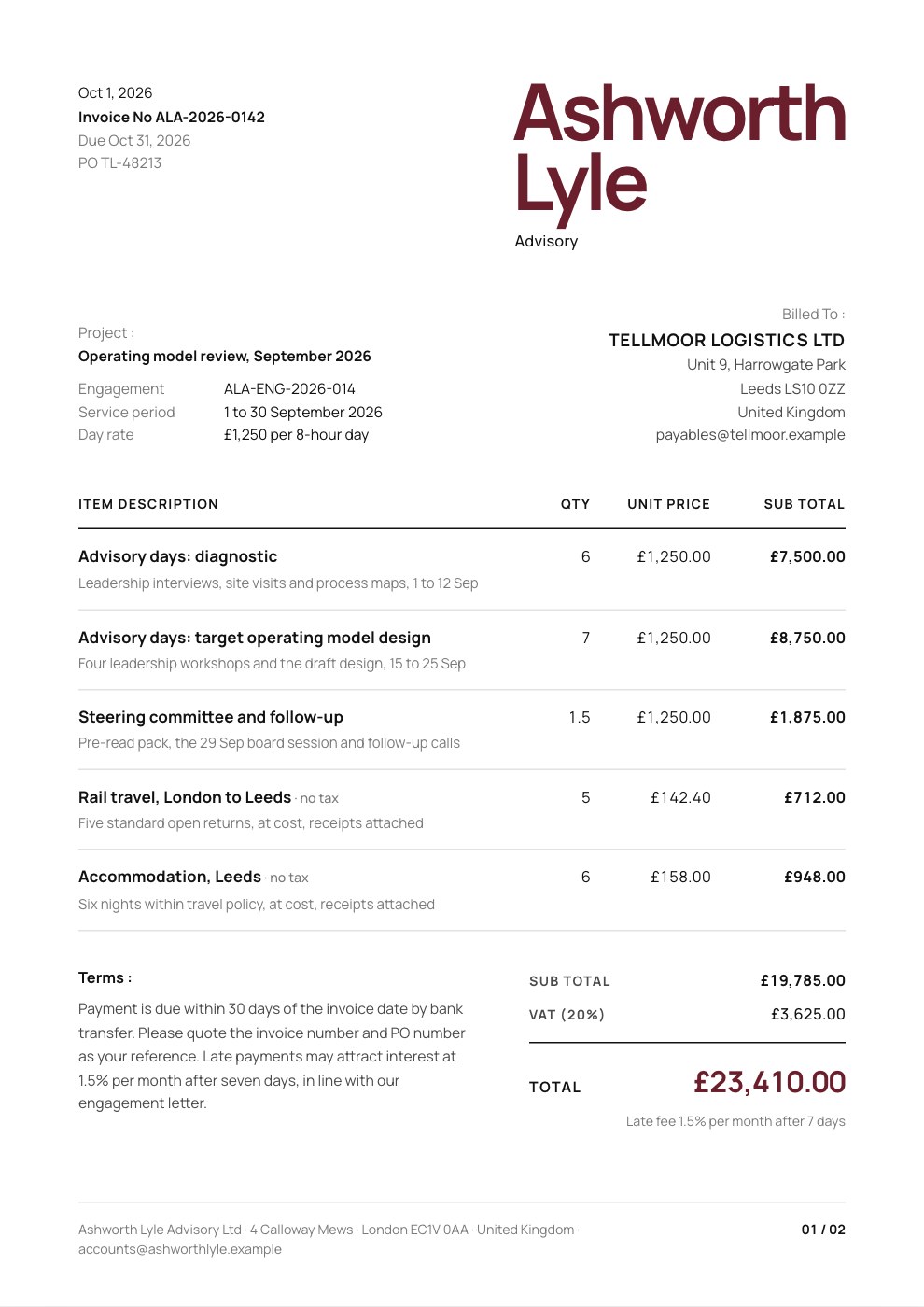
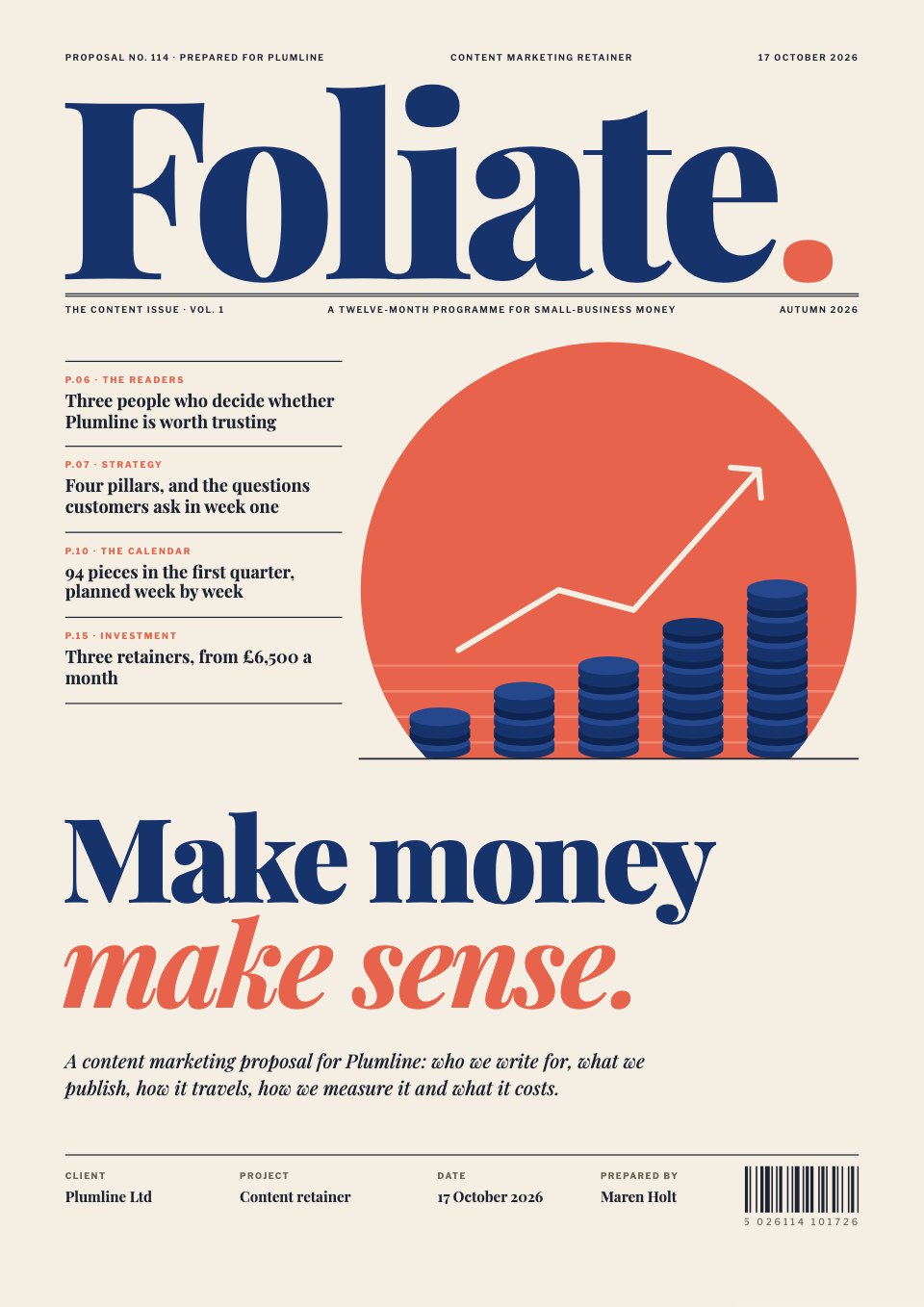
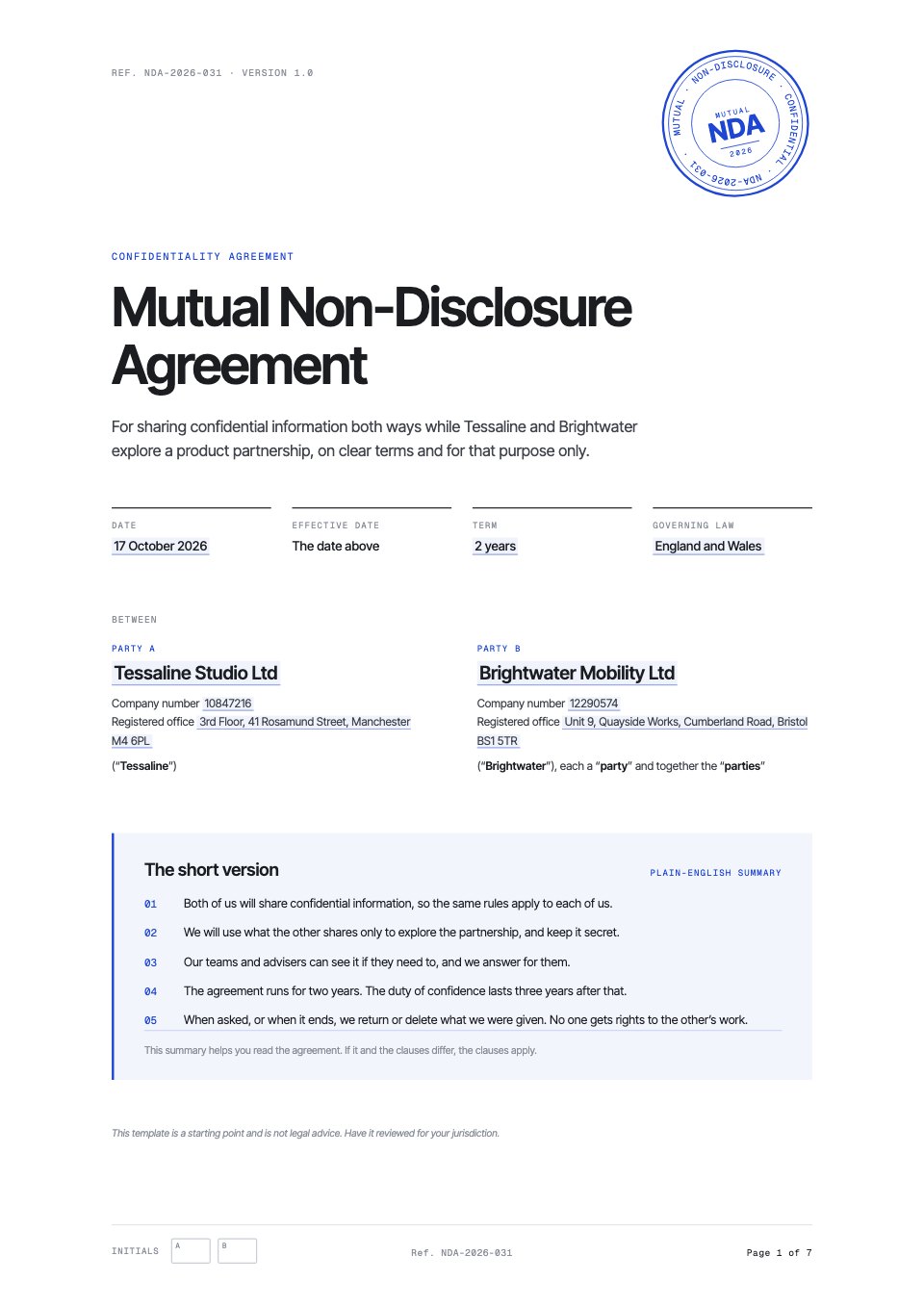
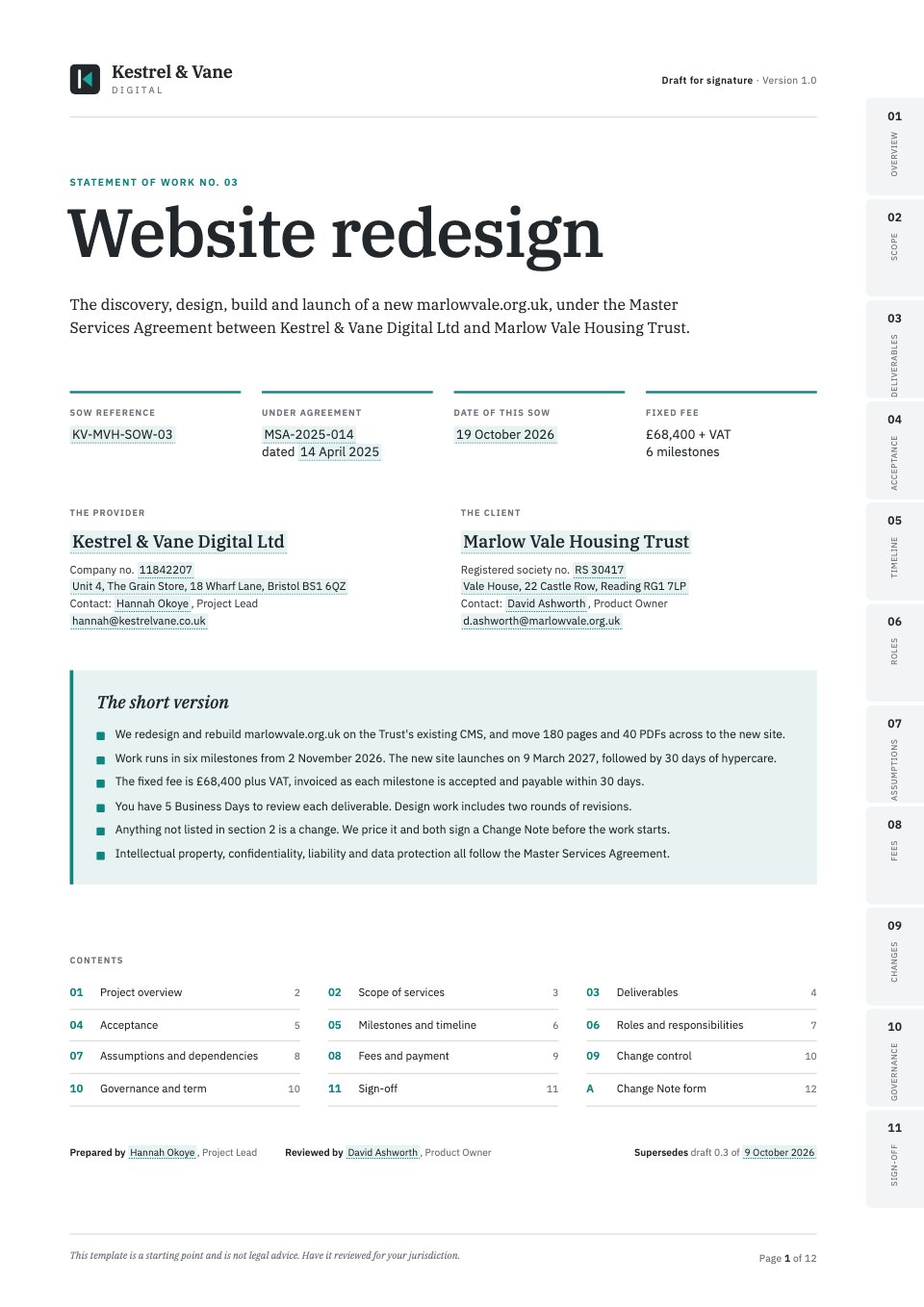
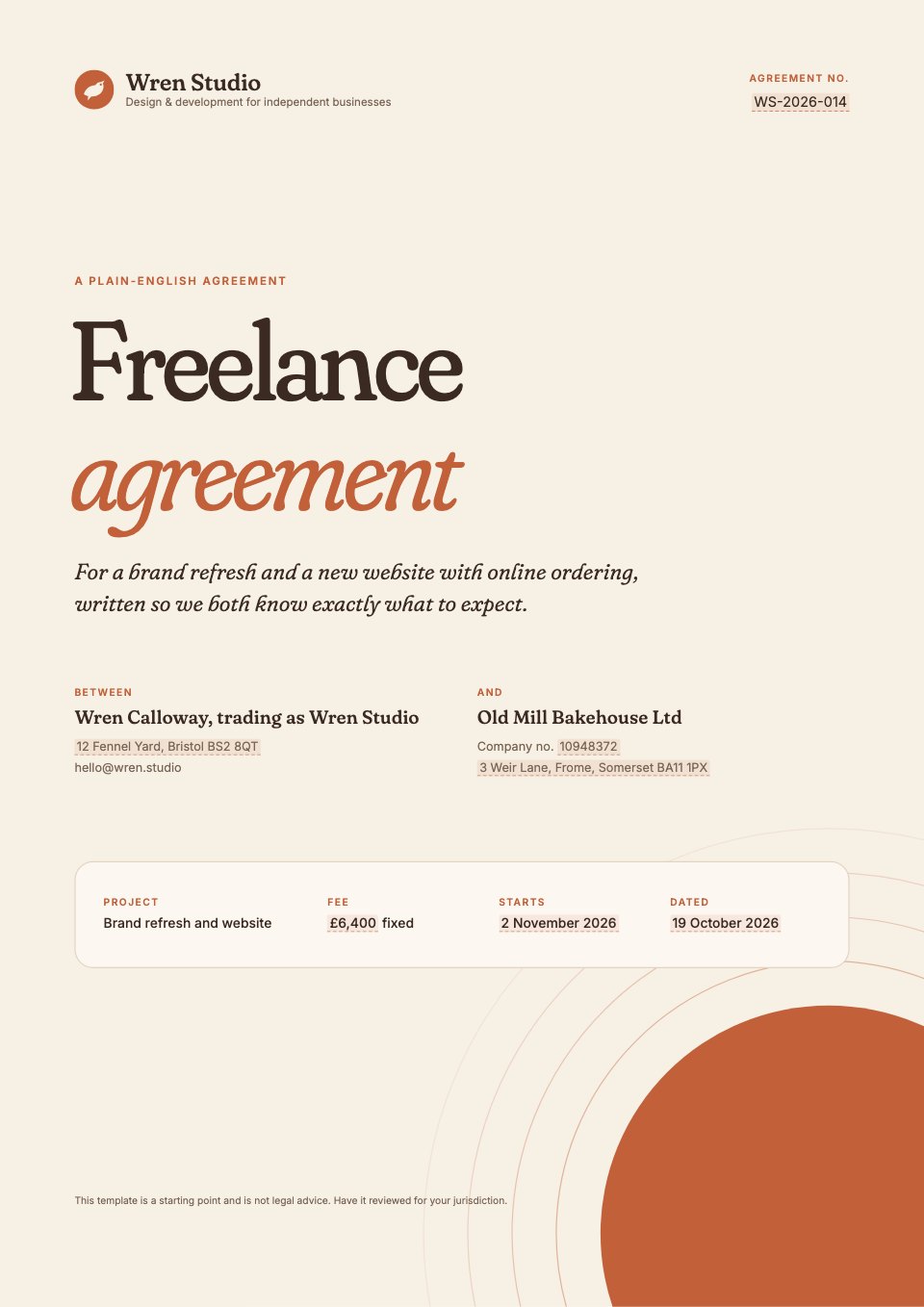
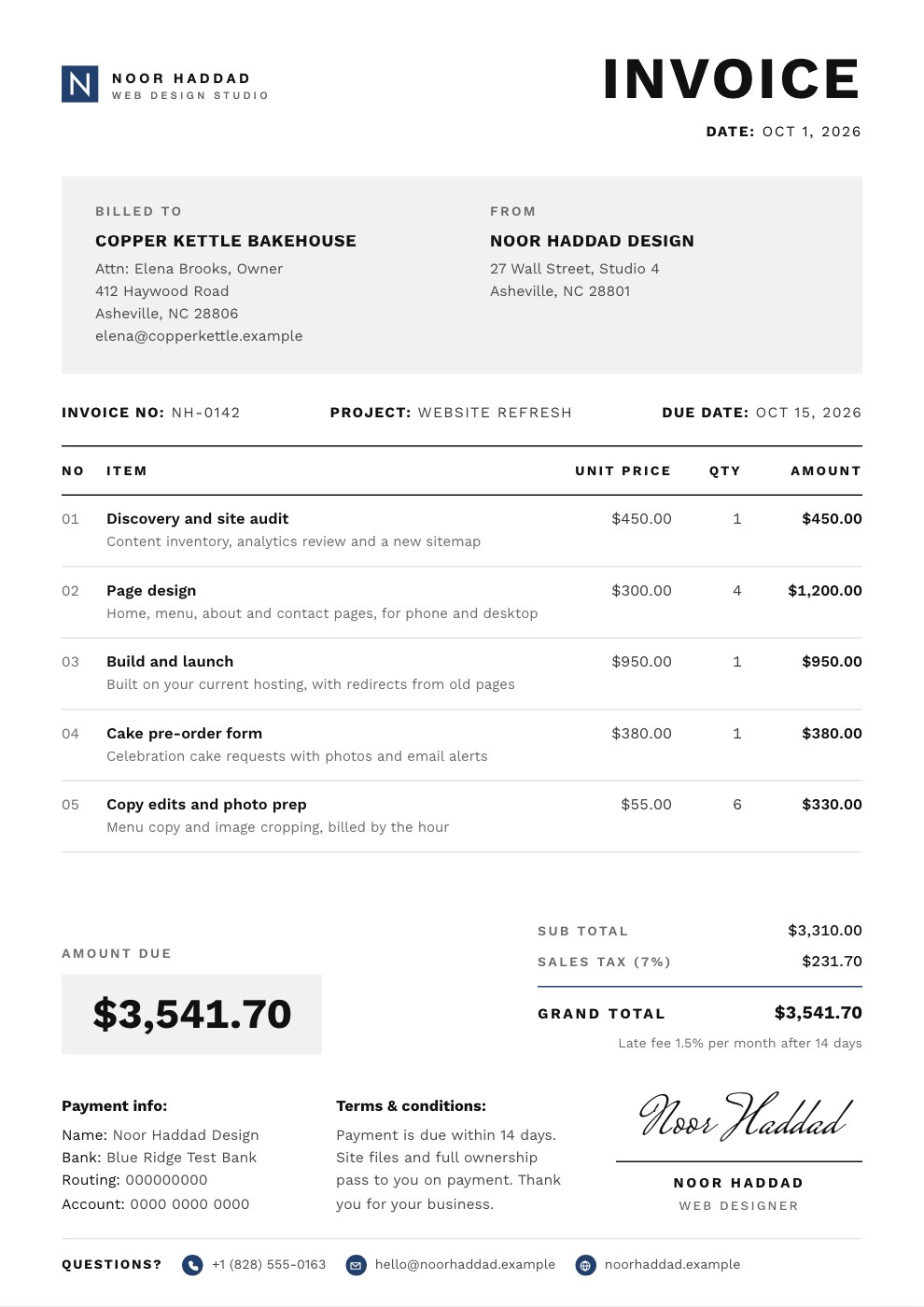
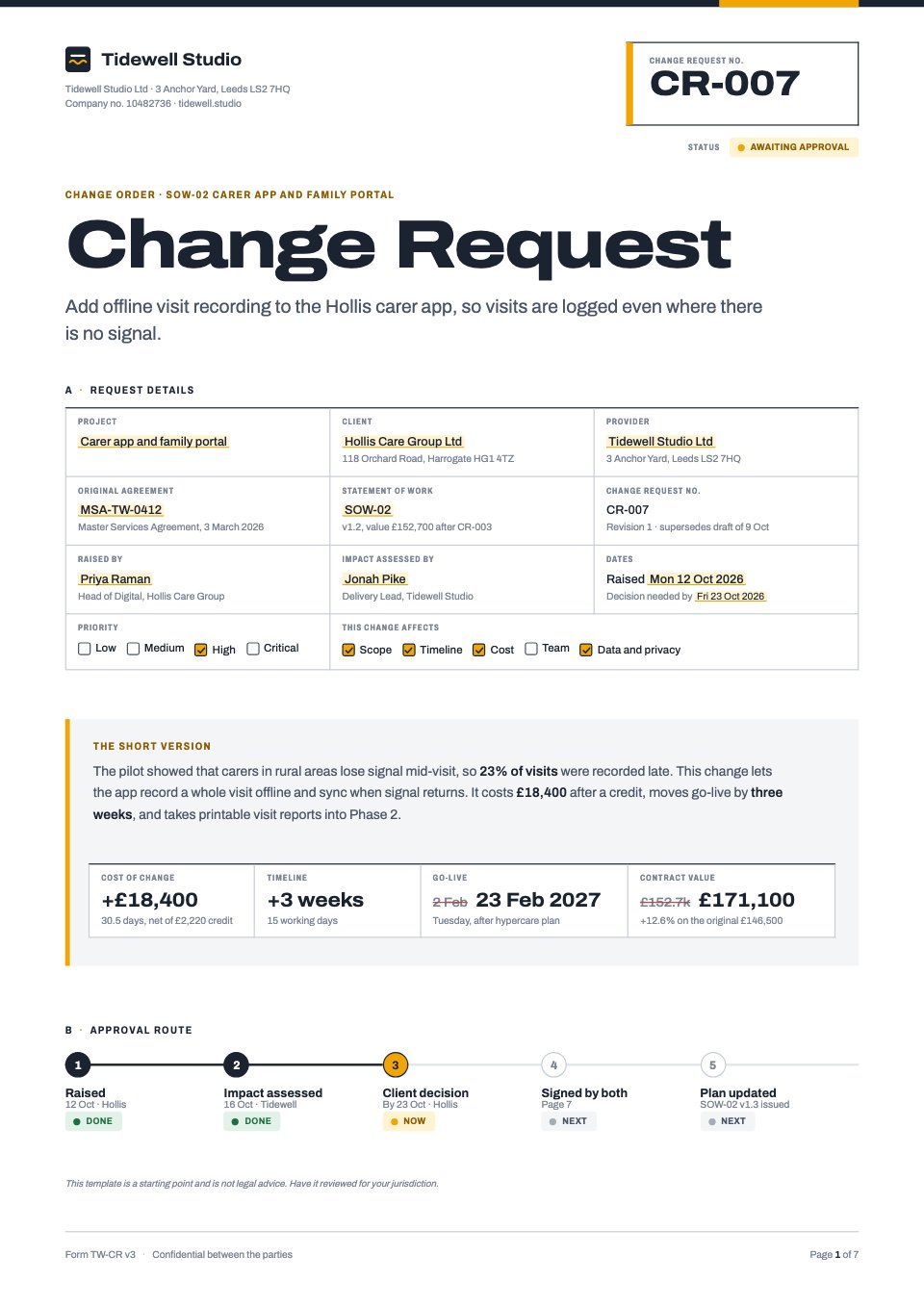
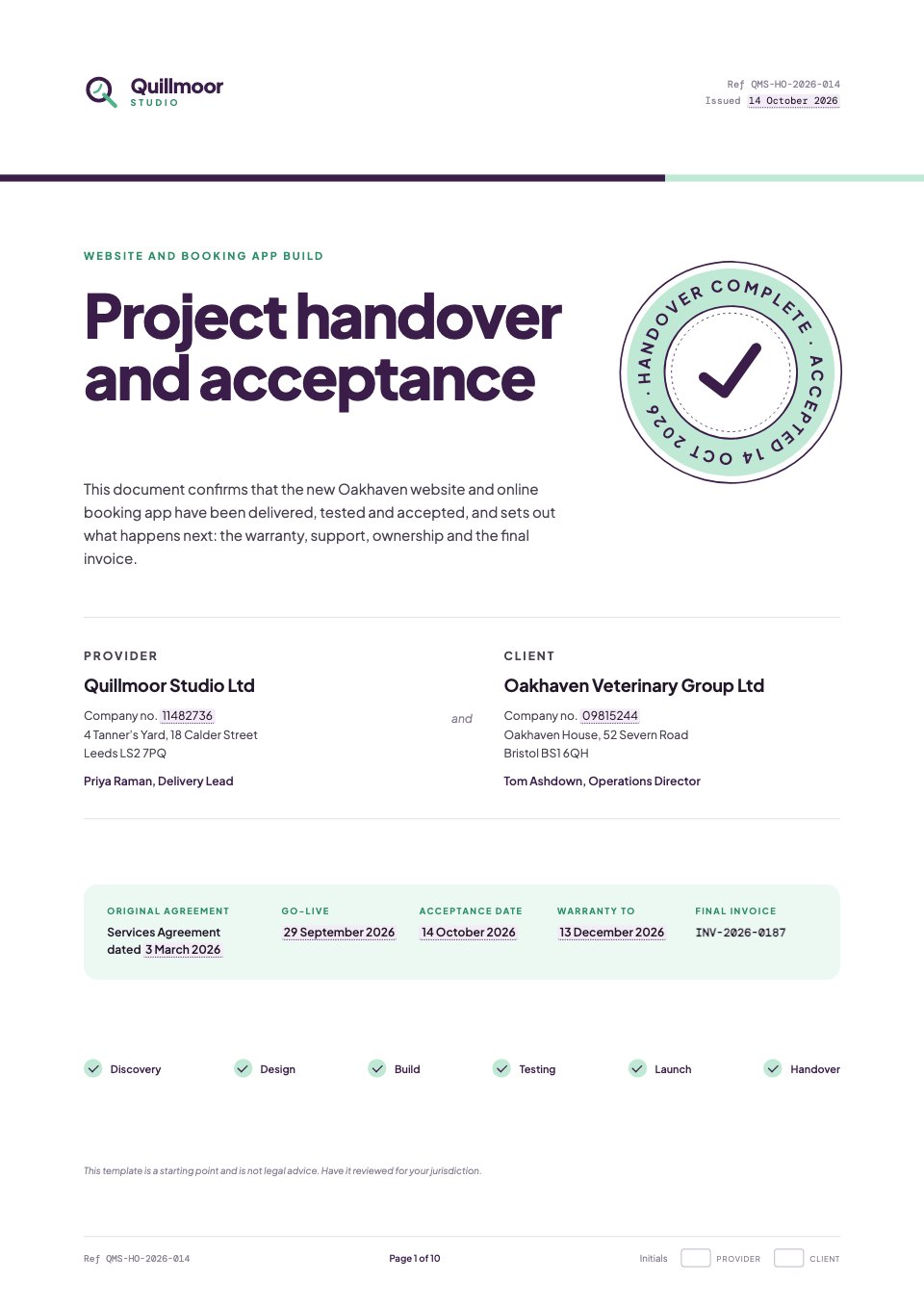
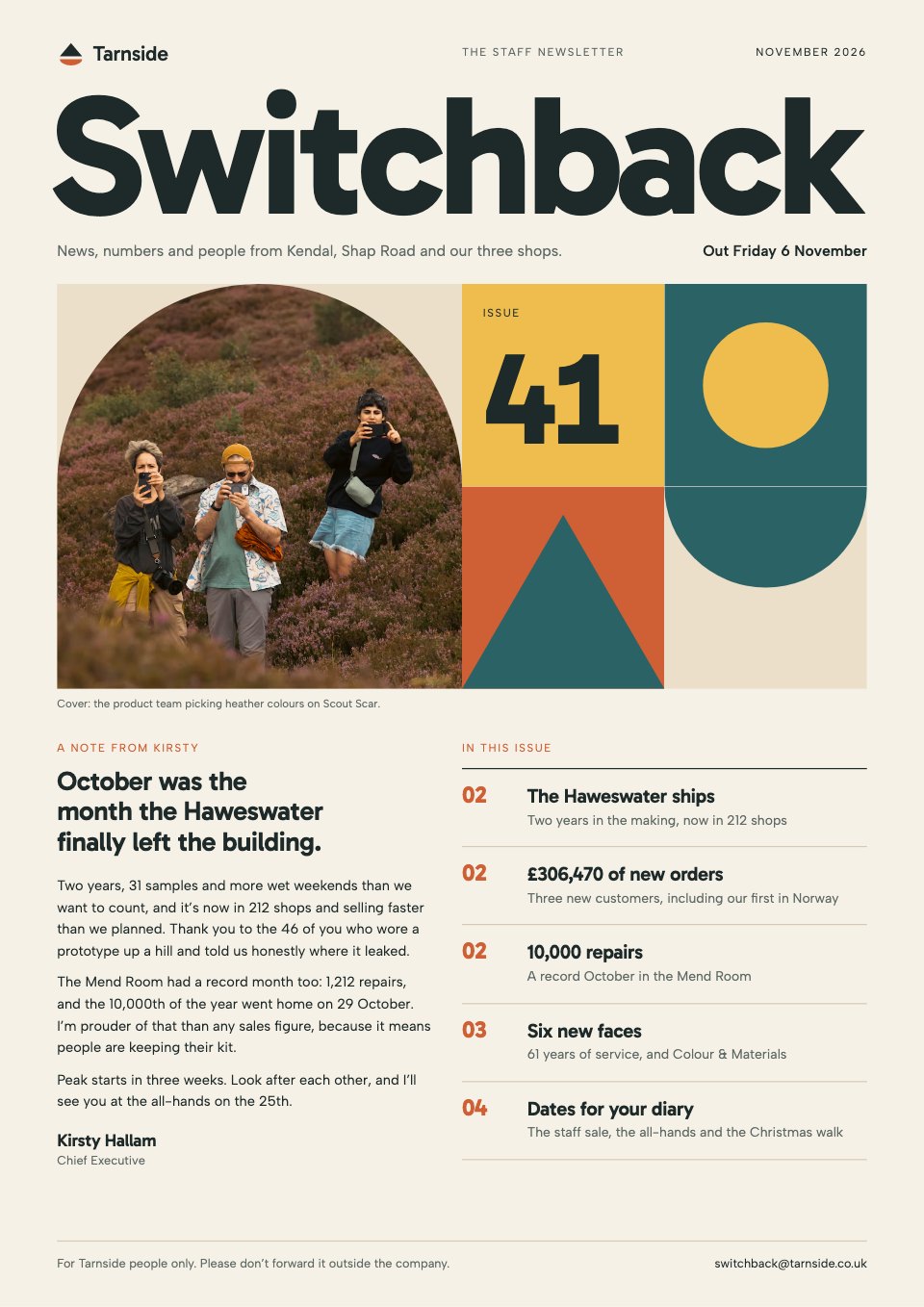
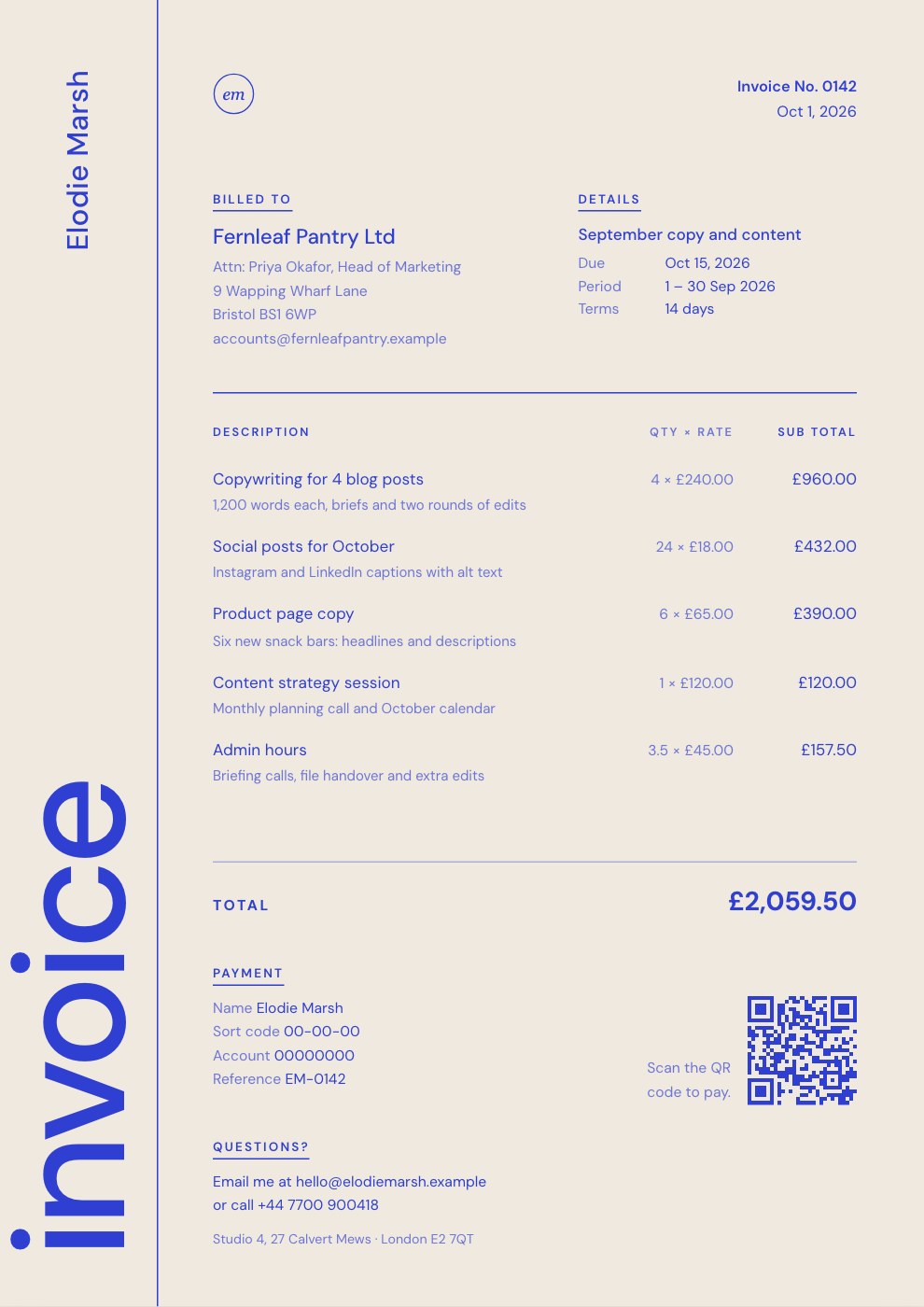
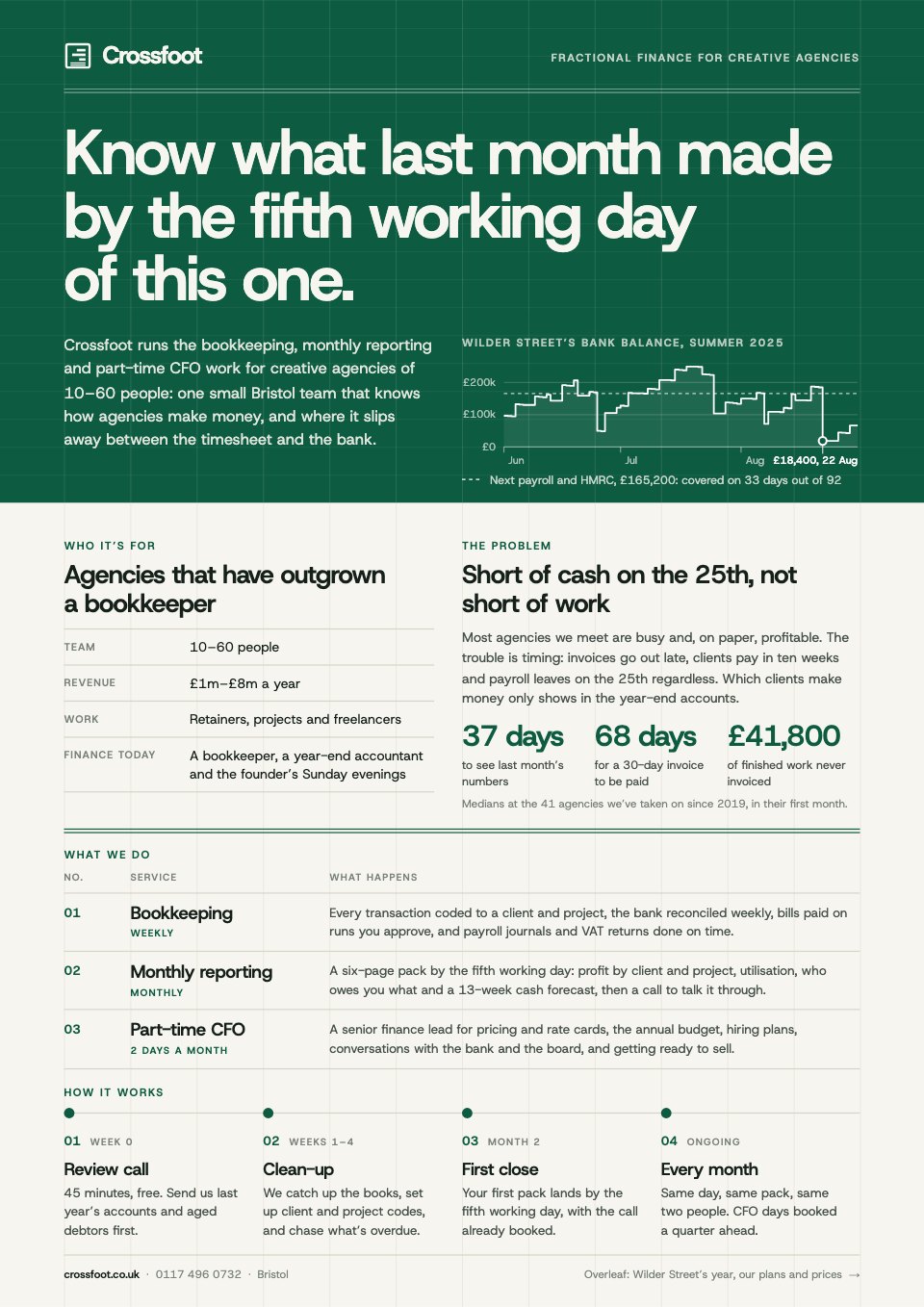
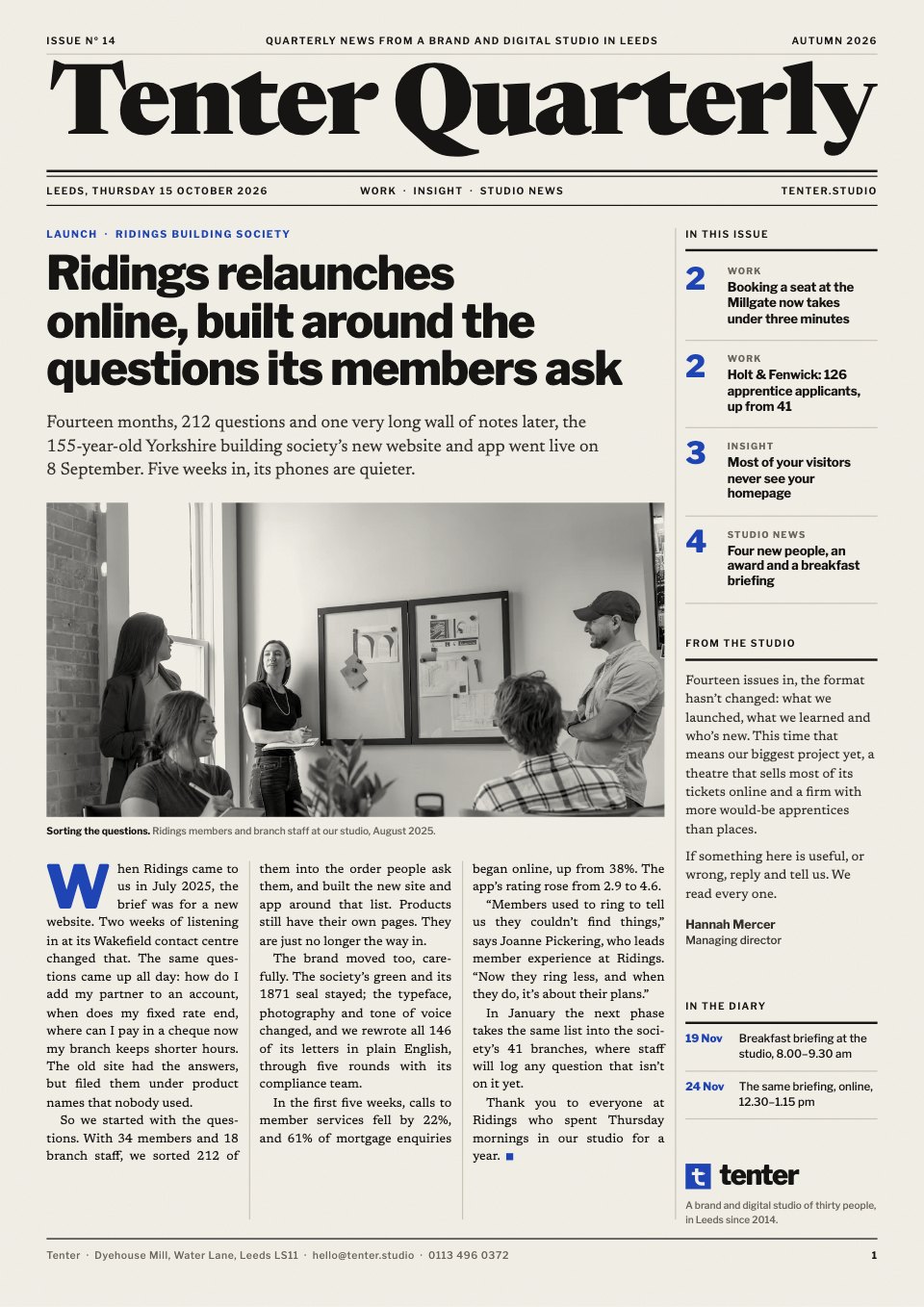
The whole client job, in one workspace.
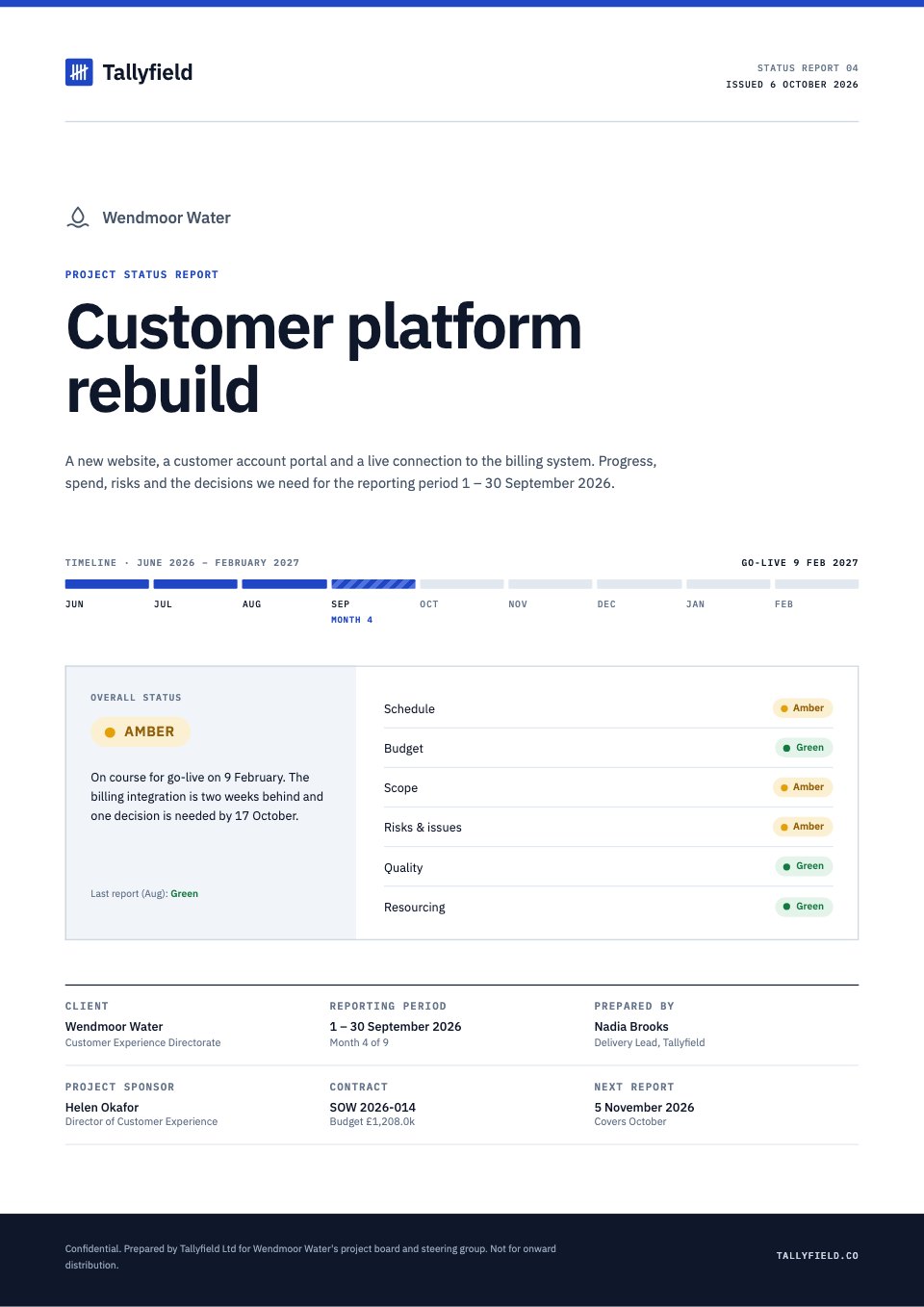
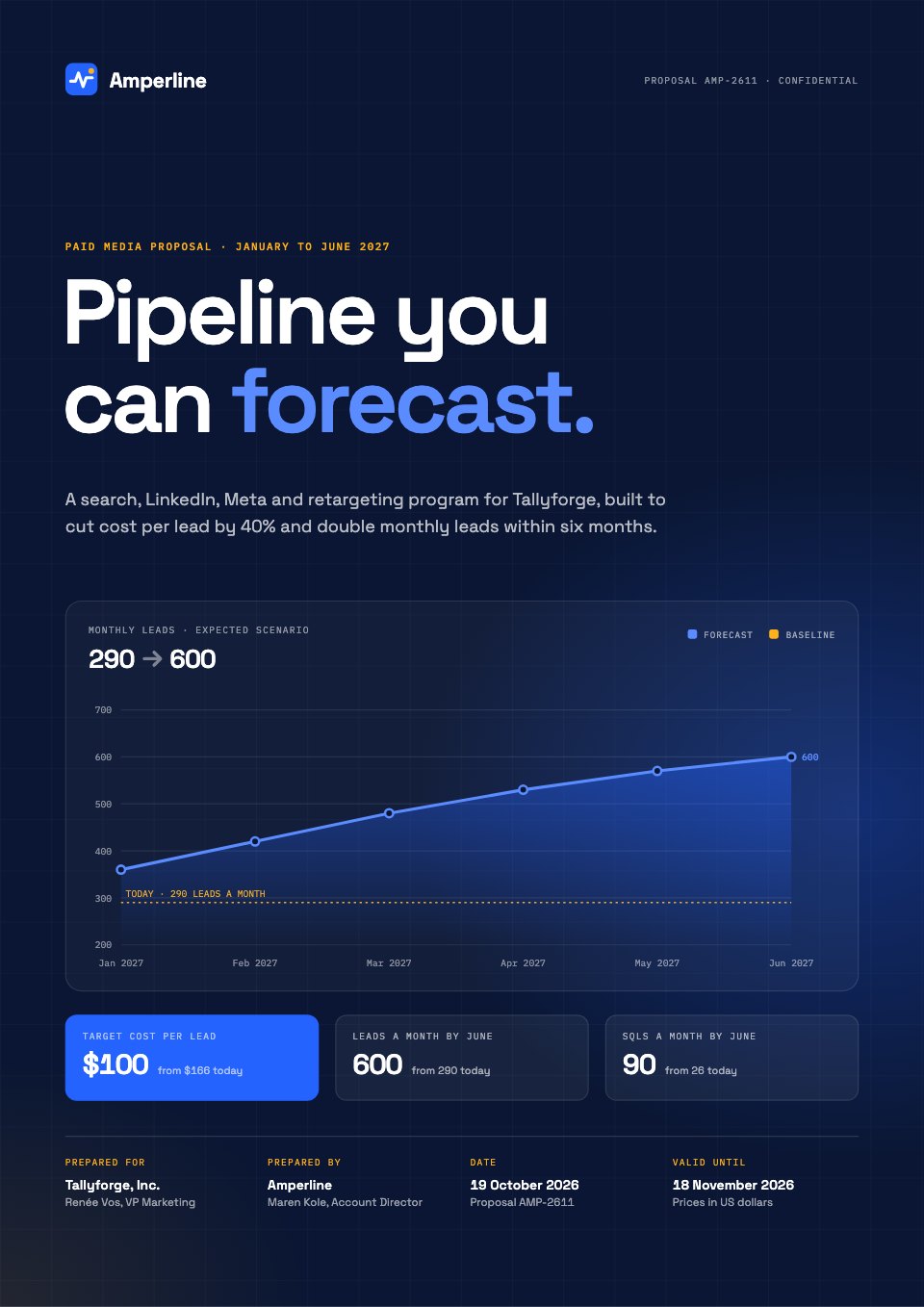
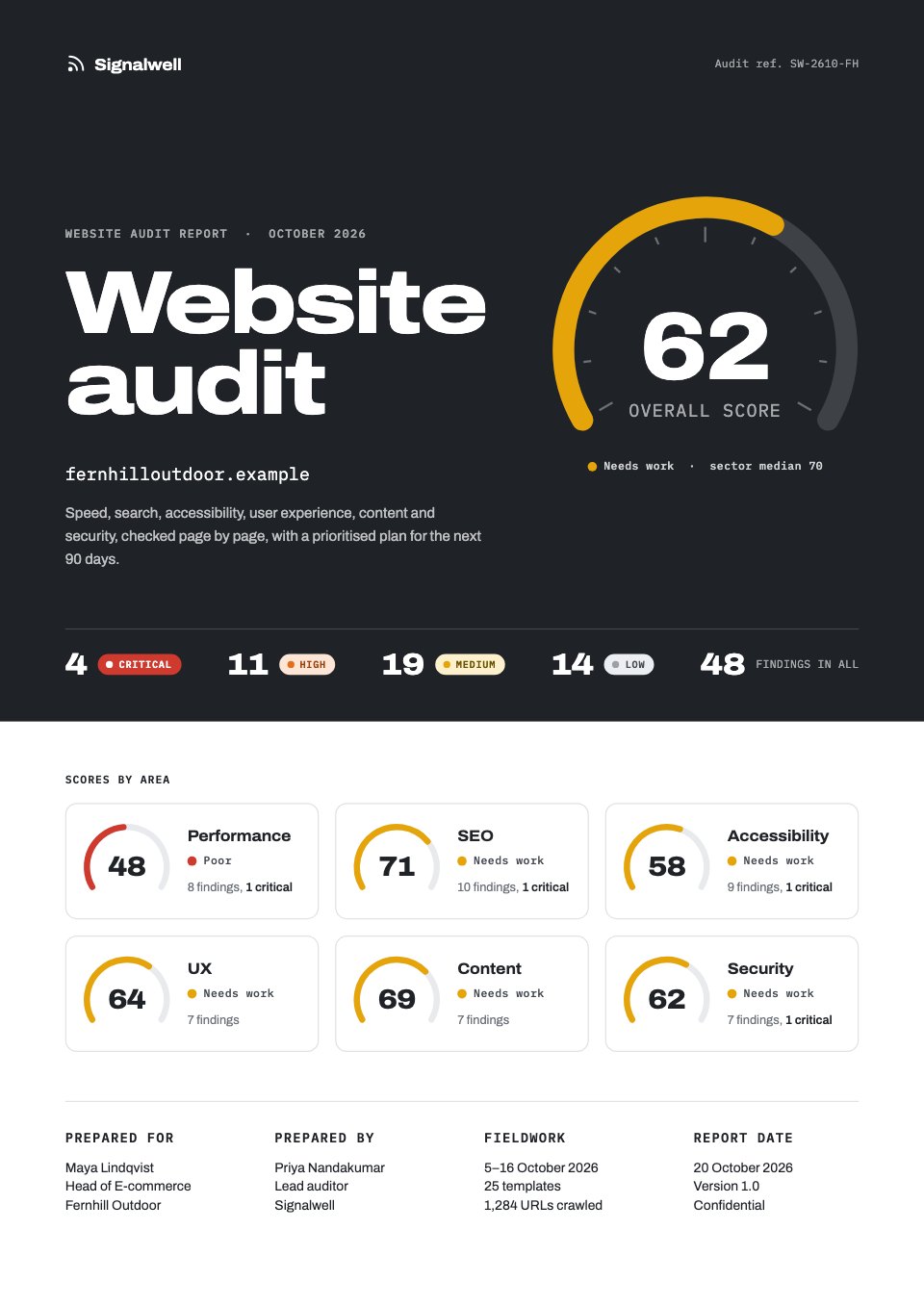
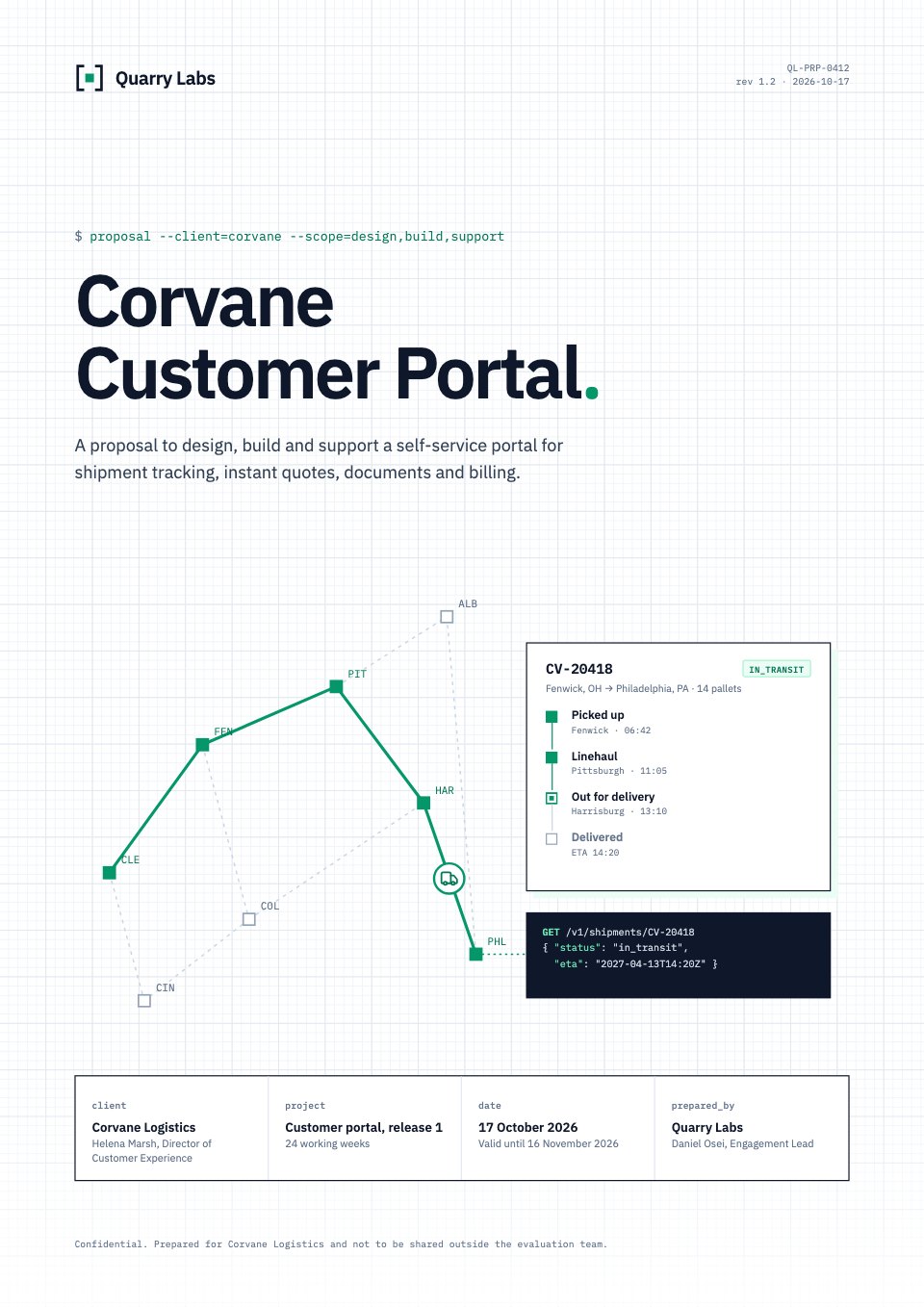
Bonsai covers three of these. Docsiv makes all six, from real templates or Docsiv AI, in one workspace.
 ProposalAlso in Bonsai
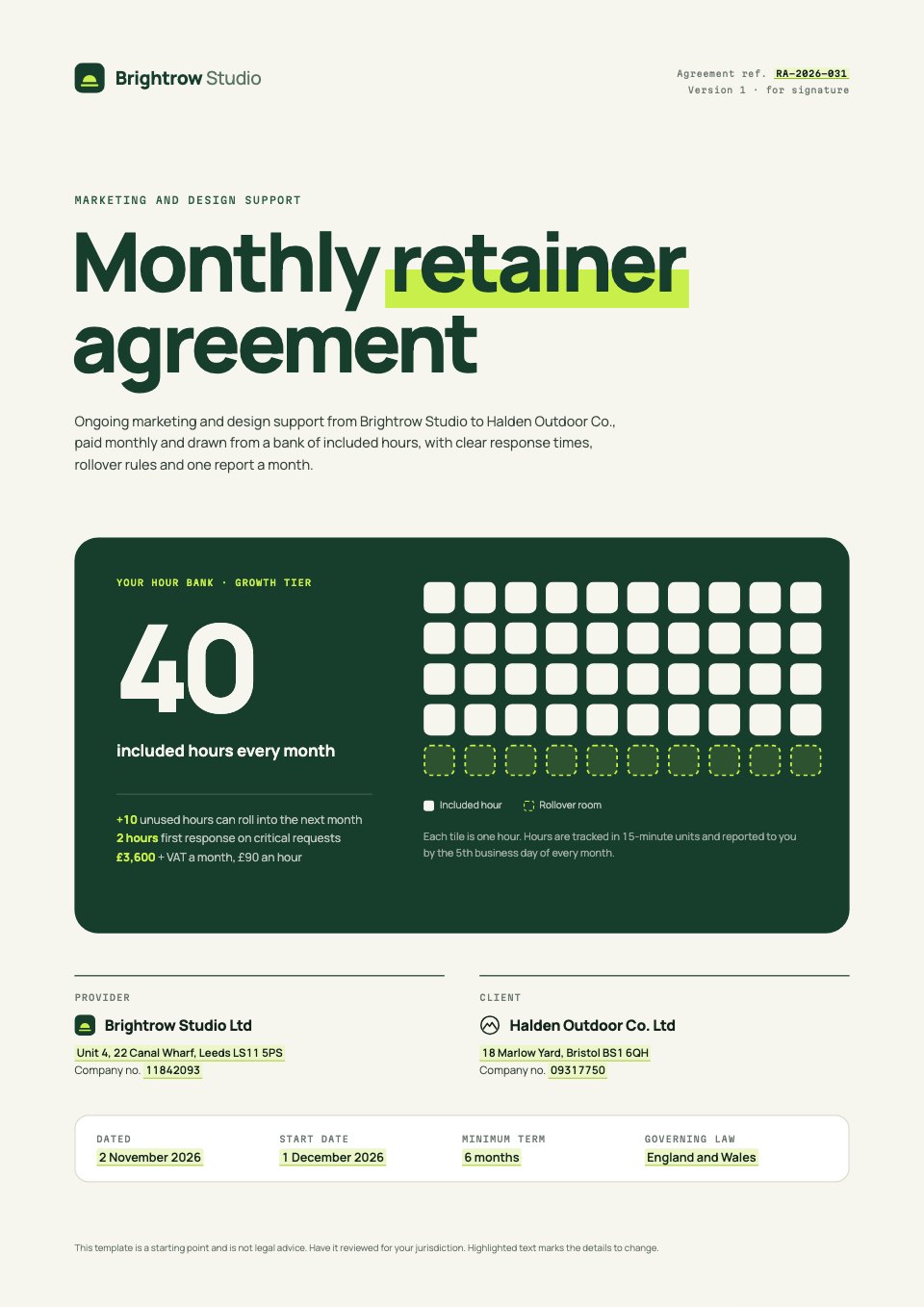 Retainer agreementAlso in Bonsai
 Credentials deckNot in Bonsai
 Monthly reportNot in Bonsai
 Creative briefNot in Bonsai
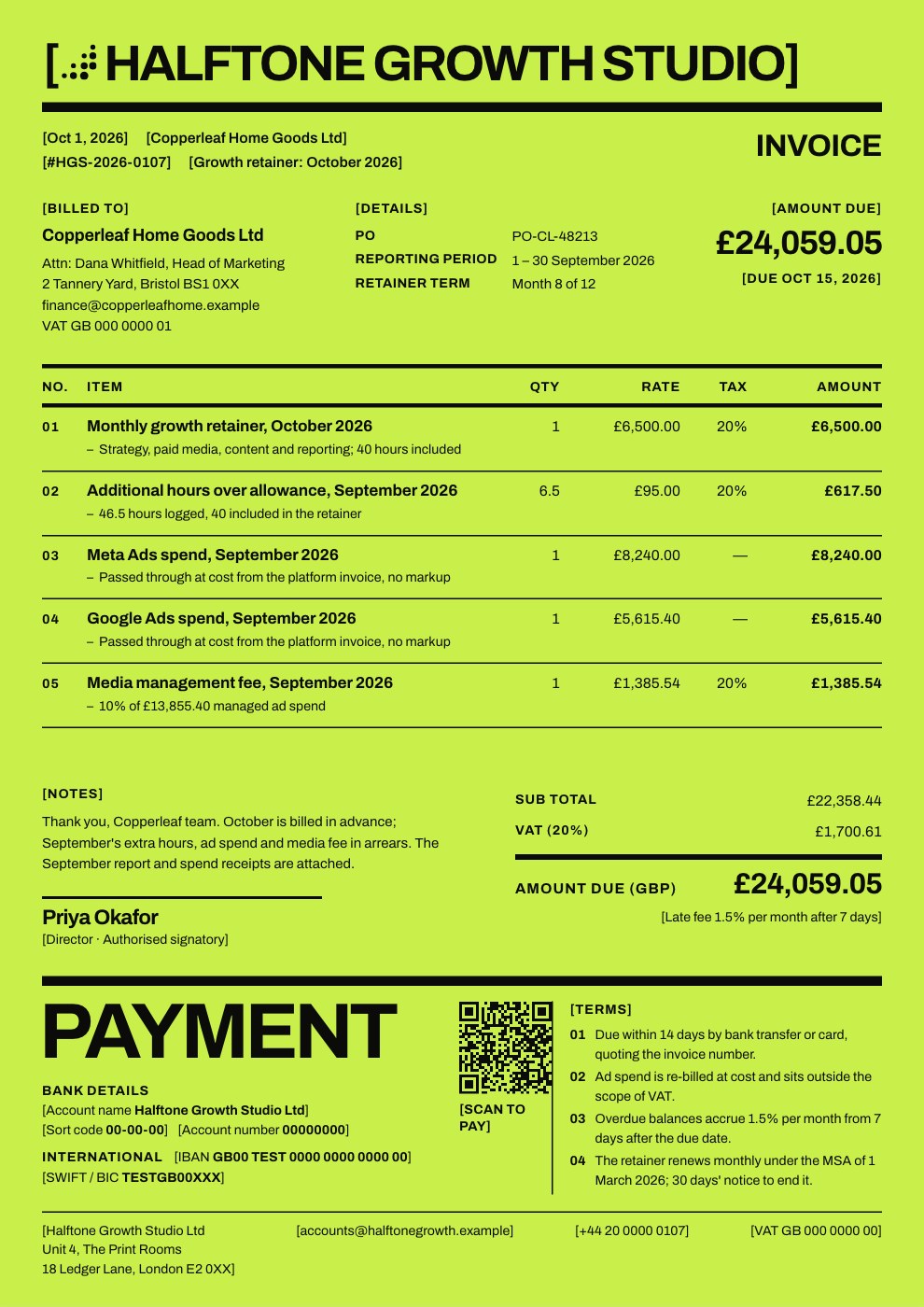 InvoiceAlso in Bonsai
What each costs.
In US dollars, from each company’s own pricing page. Docsiv is priced per workspace; most of the tools it’s compared with are priced per person.
- Free$0Every app, 500 AI credits a month, 1 member, 5 GB. No e-signature sending or analytics.
- Pro$20 a monthOr $192 a year. 10,000 AI credits a month, 1 member, 50 GB, 40 e-signature requests a month, analytics, your own domain.
- Team$60 a monthOr $576 a year, for up to 5 members. 35,000 shared AI credits a month, 100 GB, unlimited e-signature requests.
- Basic$9 a user a month, billed yearly$15 billed monthly.
- Essentials$19 a user a month, billed yearly$25 billed monthly. Proposals, contracts, invoices and payments.
- Premium$29 a user a month, billed yearly$39 billed monthly.
- Elite$49 a user a month, billed yearly$59 billed monthly. At least 3 users.
No free plan; a 7-day trial. Read on hellobonsai.com/pricing on 18 October 2026. Bonsai’s pricing page
Moving from Bonsai, one job at a time.
There’s no importer, and you don’t need one: start with the next piece of work rather than the archive.
- 1Bring what you have
Download your Bonsai documents as PDF or Word and open them in the PDFs or Documents app, or attach one to Docsiv AI and ask for a new version built from it.
- 2Set your brand once
Add your logo, colours and fonts as a brand kit. Templates and AI drafts pick them up, so the first document already looks like yours.
- 3Run both for a while
Keep Bonsai for time, payments and the pipeline, and make the proposals and reports here.
In their own words.
What agencies and teams say after moving their client work into Docsiv.
The Boost GroupApsticVirtual XcellenceRecruit Hunt
“Proposals used to take a day across four tools. Now we send them branded from one place, and clients sign the same afternoon.”
“Our decks, proposals and reports live in one place now. The team works on the same files instead of passing versions around, and AI gets us to a first draft fast.”
“We replaced our proposal tool, our deck tool and our e-sign tool in one afternoon. Everything our clients see now goes out in our brand.”
RecruitHunt uses Docsiv for recruitment, staffing and AEC client work.
Docsiv and Bonsai: common questions.
Something else on your mind? Ask us in the chat, bottom right of the page.
Can Docsiv replace Bonsai?
Not entirely. Docsiv has no CRM, time tracking, scheduling or payment processing. Many freelancers make their documents in Docsiv and keep a separate tool for the admin.
Does Docsiv do invoices like Bonsai?
Docsiv’s Invoices app makes branded PDF invoices that carry your own payment link and a QR code. It doesn’t take the payment or chase it for you.
Which is better for proposals?
If the proposal’s design and writing matter, Docsiv: designed templates, AI drafting and PDF export. If you want the proposal tied to a contract, an invoice and time tracking in one flow, Bonsai.
Keep comparing.
- Bonsai alternativesDocsiv and Dubsado, Proposify, PandaDoc, side by side.
- Docsiv vs DubsadoClient management for service businesses: forms, contracts, invoices, scheduling and automated workflows.
- Docsiv vs ProposifyProposal software with a content library, approvals, e-signatures and document insights.
- Docsiv vs PandaDocDocument automation and e-signature software for sales teams: proposals, quotes and contracts.


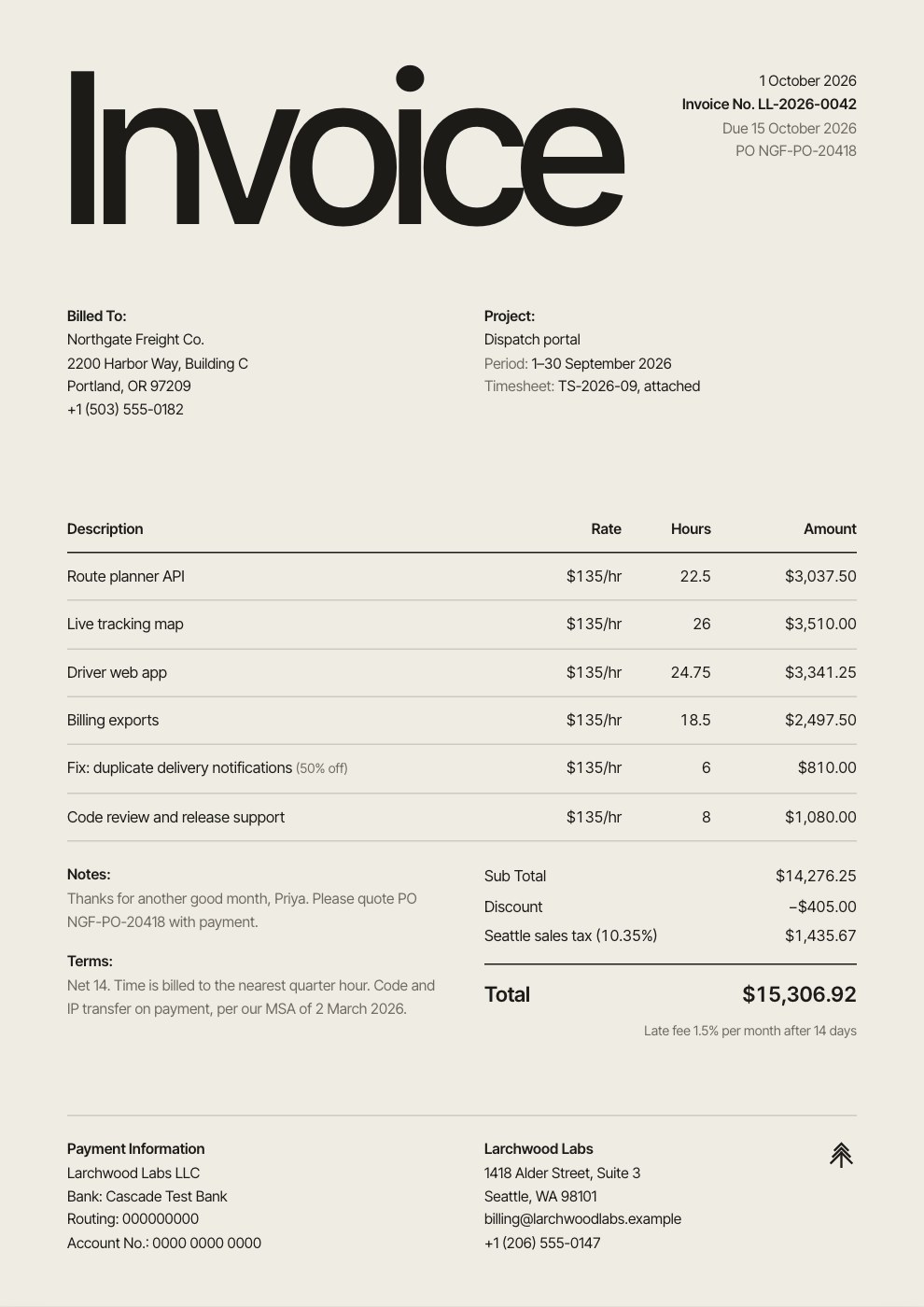






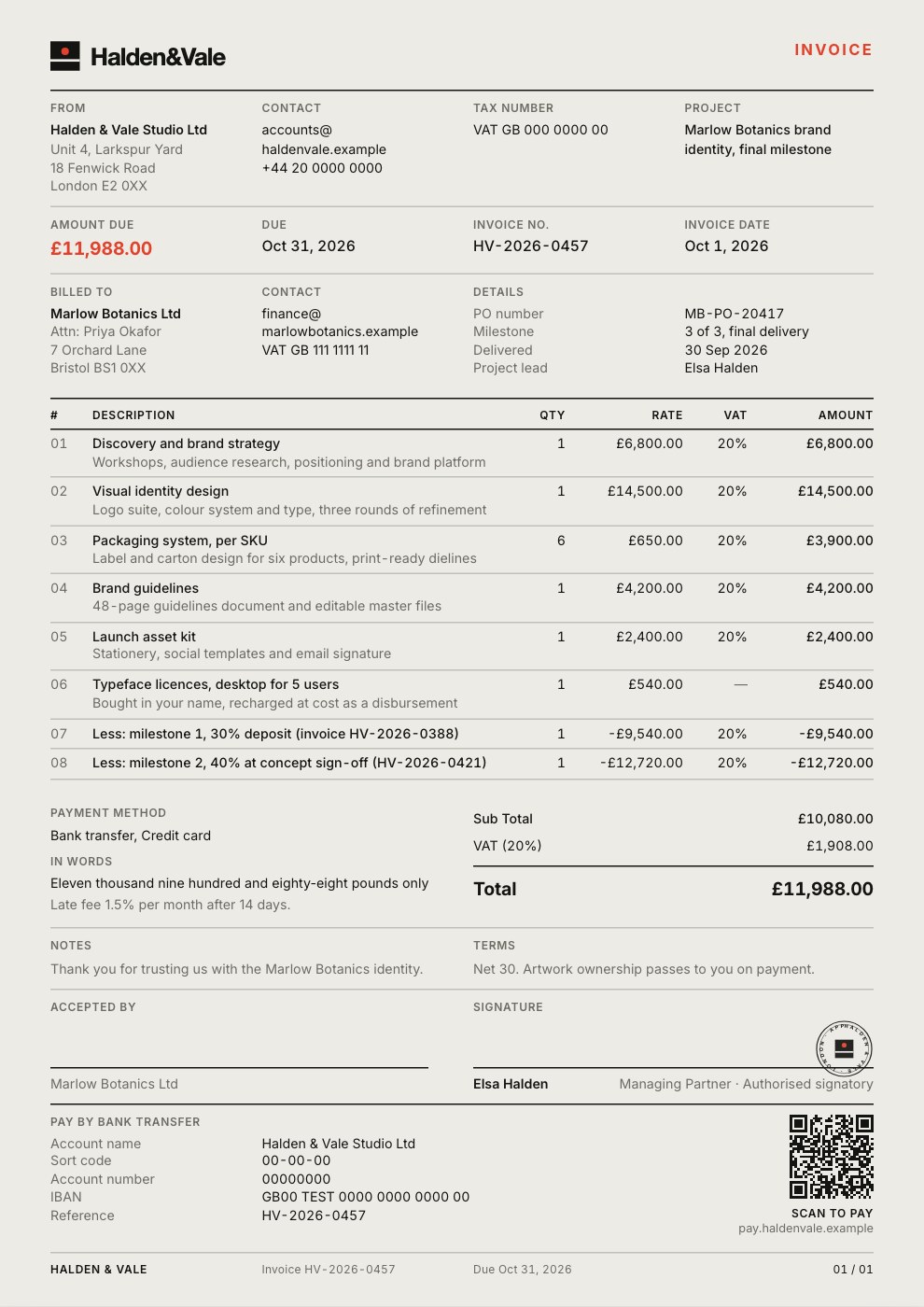







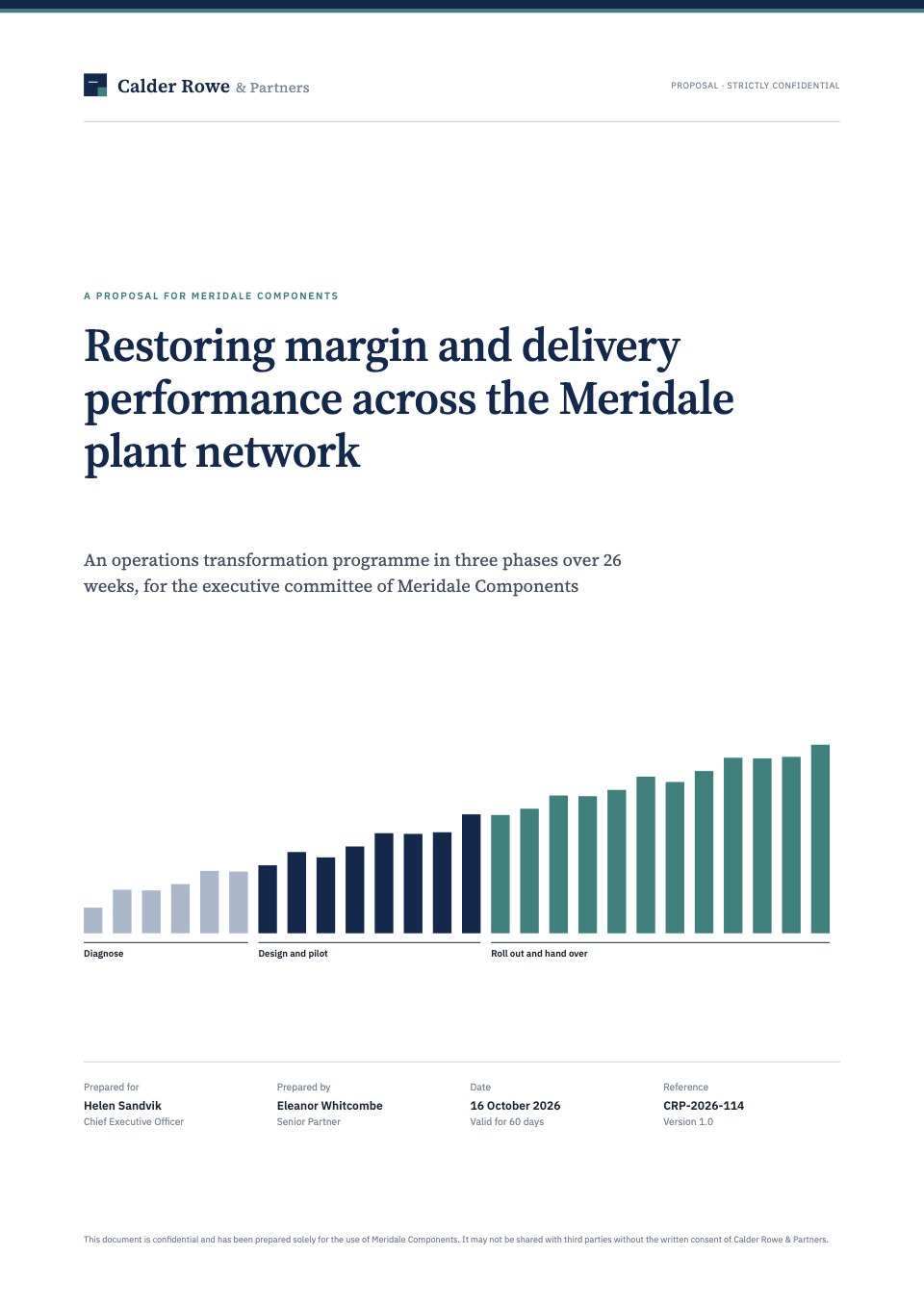
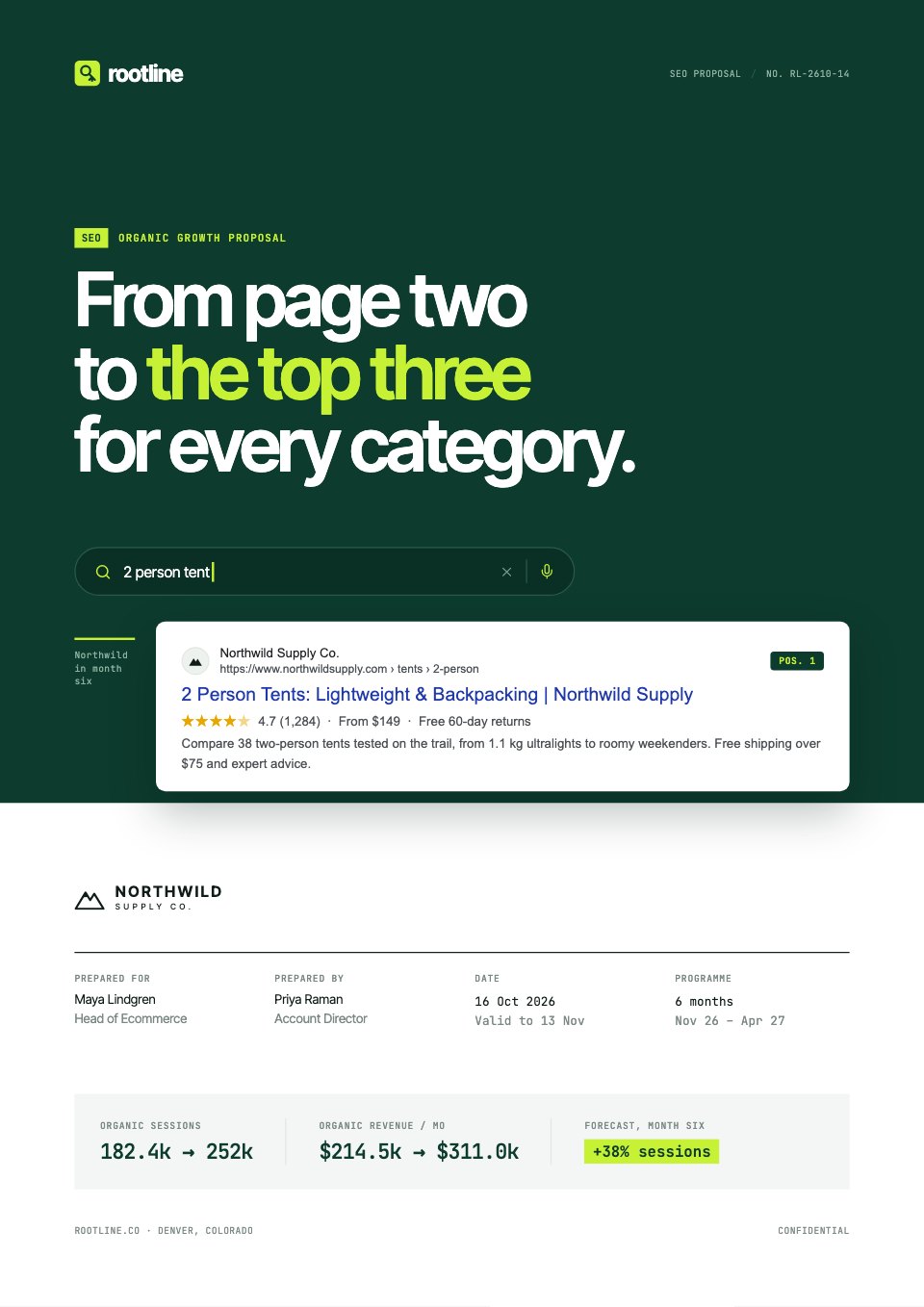
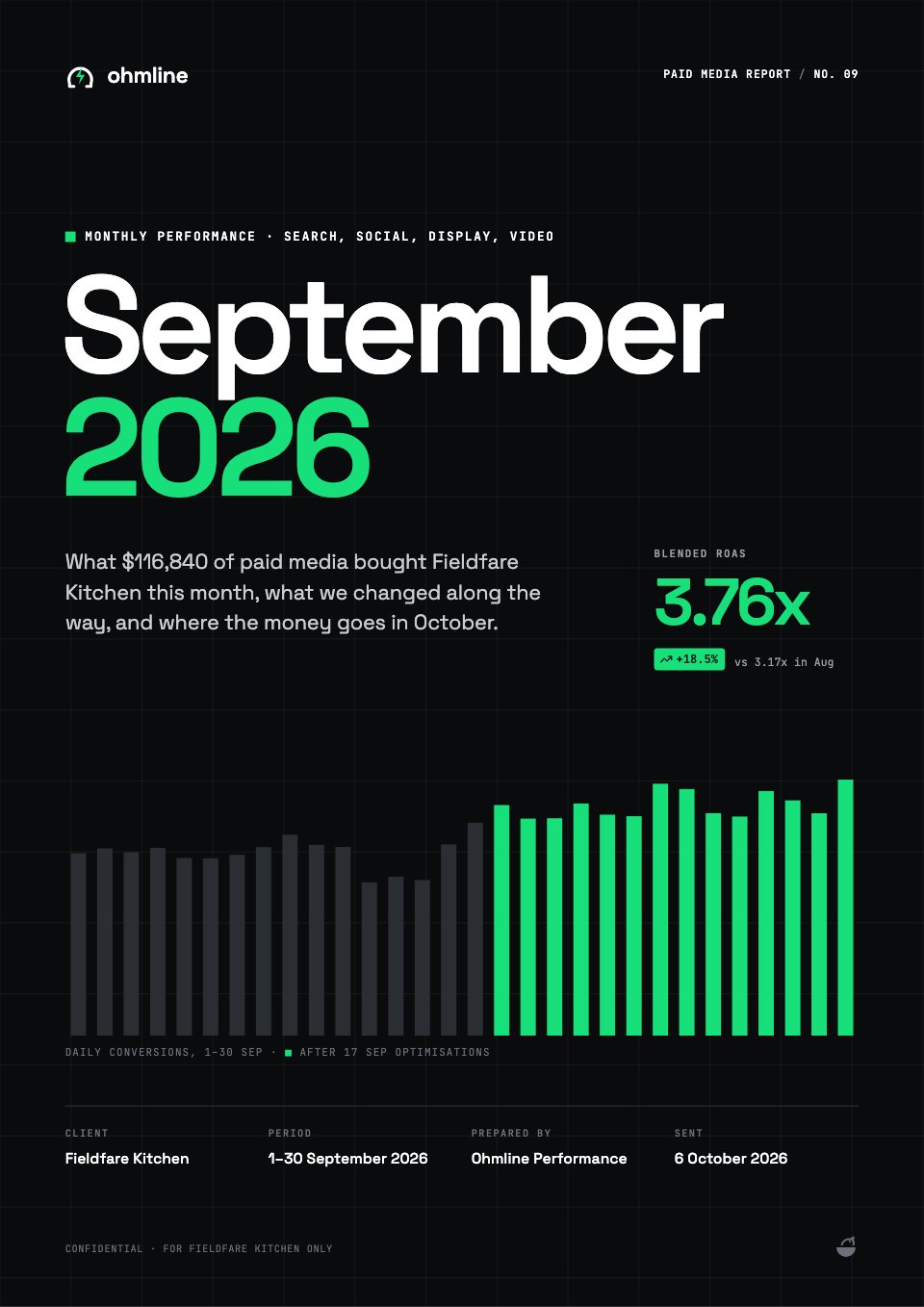
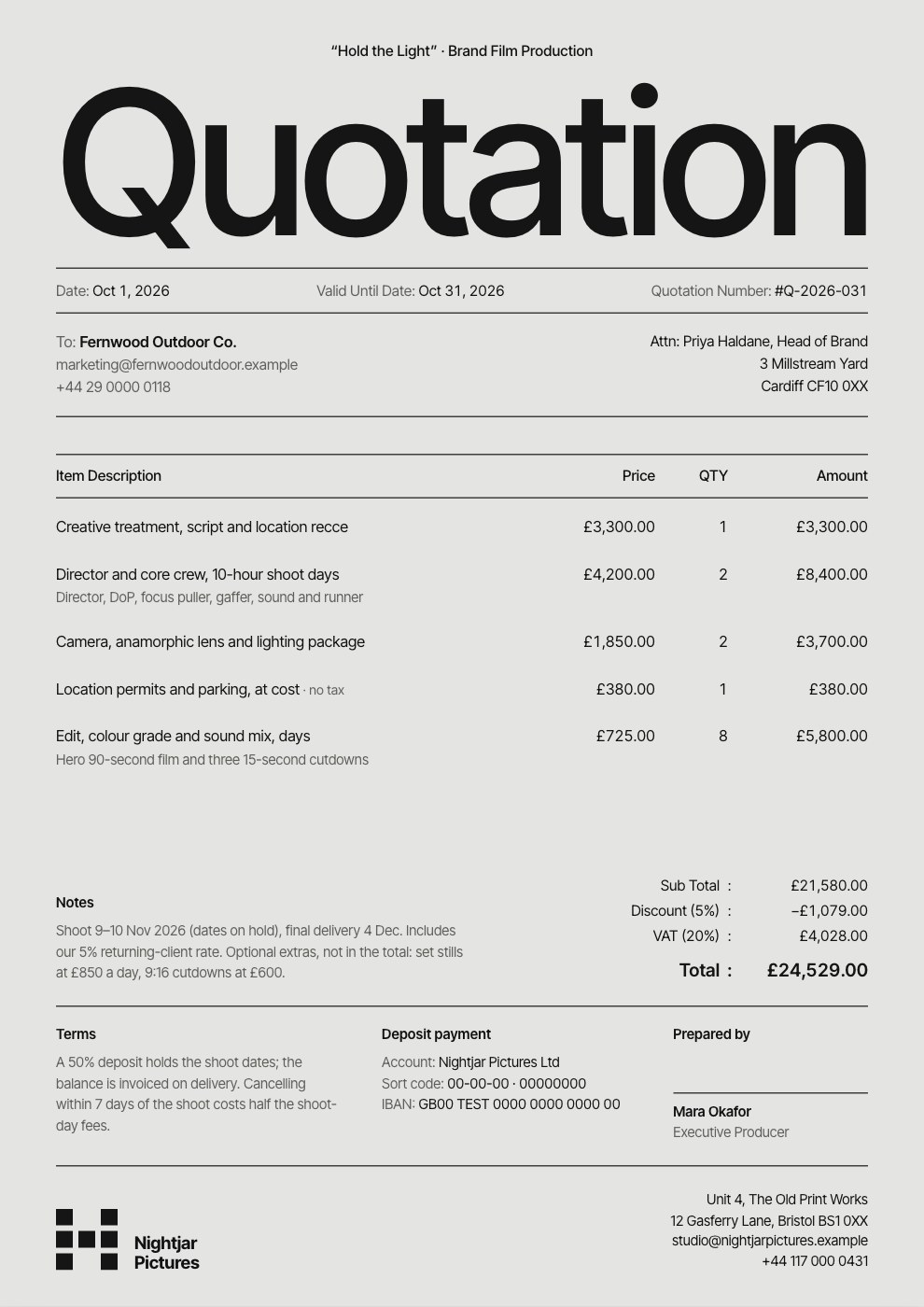





Put it to the test on real work
Describe the next thing you’d make in Bonsai. Docsiv AI drafts it in your brand, ready to edit, share or send for signature.