

Docsiv vs PandaDoc
PandaDoc is built for sales teams sending proposals, quotes and contracts at volume, with e-signatures, payments and CRM sync. Docsiv is built for agencies and freelancers who make the work itself: proposals, decks, reports, forms and invoices, drafted with AI in one workspace.
Checked against each product’s own site
Two good tools. Pick the one that fits the work.
PandaDoc is document automation and e-signature software for sales teams: proposals, quotes and contracts. Where it’s the better choice comes first.
- Your sales team sends quotes and contracts at volume and lives in a CRM
- You want clients to pay as they sign
- You need approval workflows, a product catalogue or CPQ
- You want e-signatures on a free plan
- Proposals sit beside the decks, reports, forms and invoices that follow them
- Docsiv AI writes the whole first draft from your notes, in your brand
- Team covers up to five people for $60 a month, rather than per seat
- The editors open the Word, Excel, PowerPoint and PDF files clients send you
Docsiv and PandaDoc, side by side.
Read on both products’ own sites on 18 October 2026. “Not listed” means their site doesn’t say, not that it can’t.
- Yes
- Partly
- No
- ?Not listed
| Docsiv | PandaDoc | |
|---|---|---|
| Making the documents | ||
| AI drafting | Docsiv AI writes whole proposals, reports, decks and forms from a brief or attached files, then edits them with you. 500 credits a month on Free. | An AI assistant, some of it in limited beta on Business and Enterprise (their help centre). |
| Proposals and quotes | Proposals app: designed templates, fee tables, sign-off pages, and PDF or web page exports. | Proposals, quotes and contracts, with pricing tables and a product catalogue on Business. |
| Decks and reports | Reports with charts, and decks you present or export as PPTX and PDF. | Built for sales documents, not slides or chart-led reports. |
| Word, Excel and PowerPoint files | Professional editors open and export DOCX, XLSX, PPTX and PDF, plus PSD, AI and IDML files. | Upload documents to send; not an editor for Office files. |
| Forms | Forms app with logic and typed signatures; responses download as CSV. Needs a free account. | Web forms, an optional extra on Business. |
| Sending and signing | ||
| E-signatures | On Pro (40 requests a month) and Team (unlimited), not Free. Signing order, email codes, reminders, a signed PDF and certificate. | On every plan, including Free (up to 5 documents a month). |
| See who read it | On Pro and Team: views, visitors, time spent and how far each view got, for share links and published pages. | Recipient analytics on Business. |
| Approval workflows | No approval step before sending; ask for a review in a comment. | On Business. |
| Payments | Doesn’t process payments. Put your Stripe or PayPal link on an invoice. | Collect payment on Business, through Stripe, PayPal, Square and others. |
| Around the work | ||
| CRM | No CRM, deal pipeline or CRM sync. | Integrations with Salesforce, HubSpot, Pipedrive and other CRMs. |
| Working together | Live editing, comments pinned to the page and version history, on every plan. | ?Not mentioned on their site. |
| Free plan | Every app, 500 AI credits a month and 5 GB. No e-signature sending or analytics. | Up to 5 documents a month, then $3 a document. |
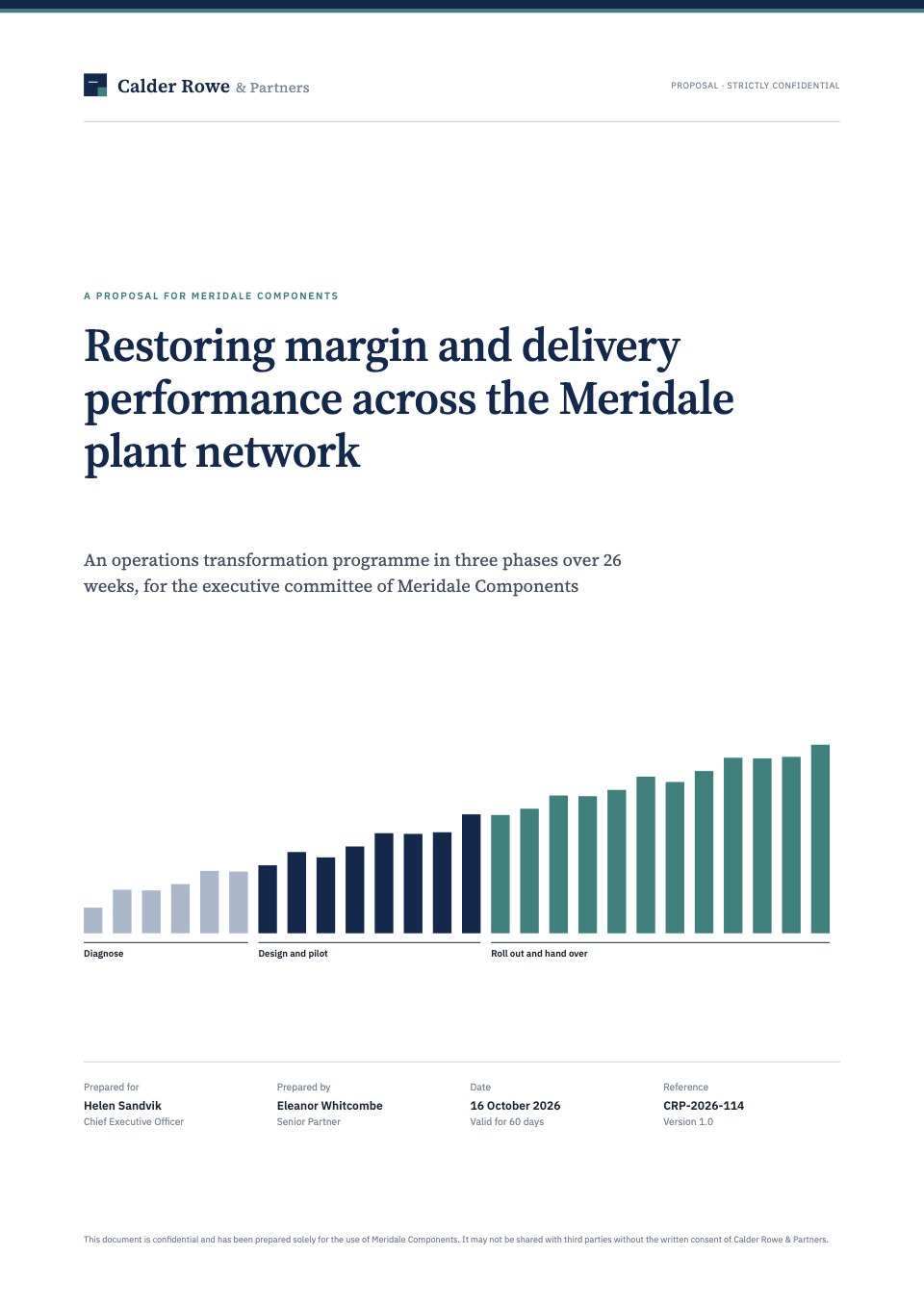
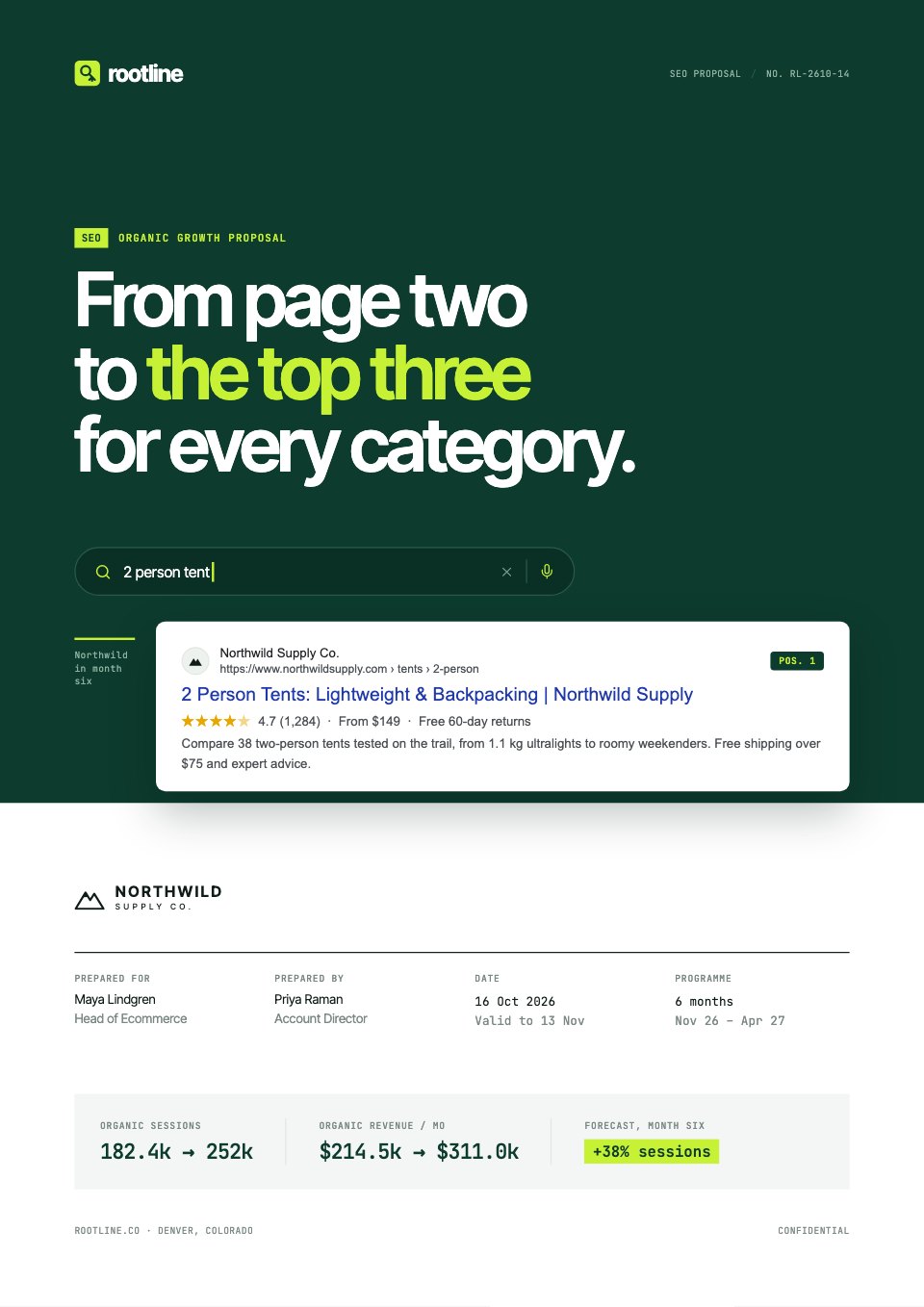
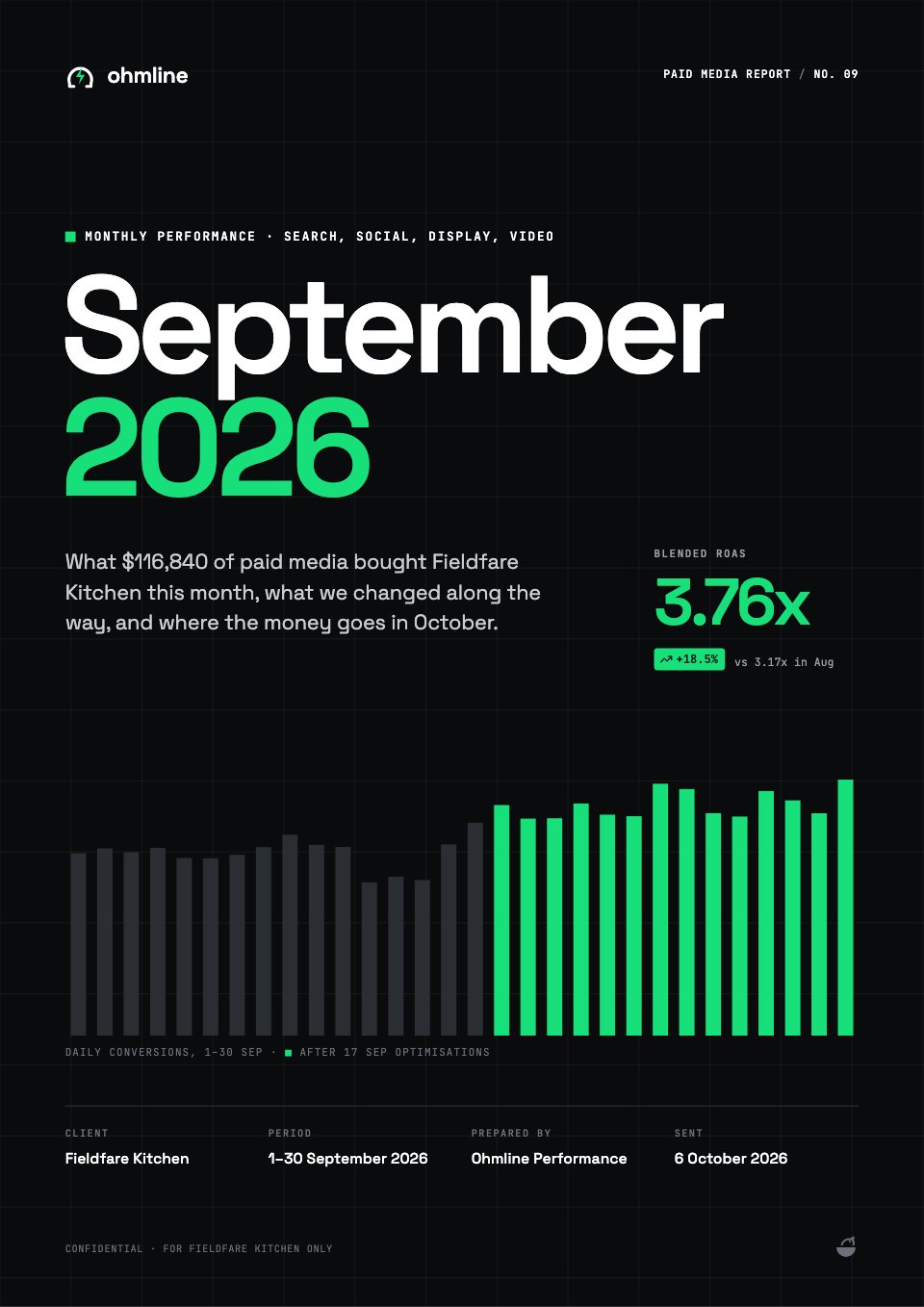
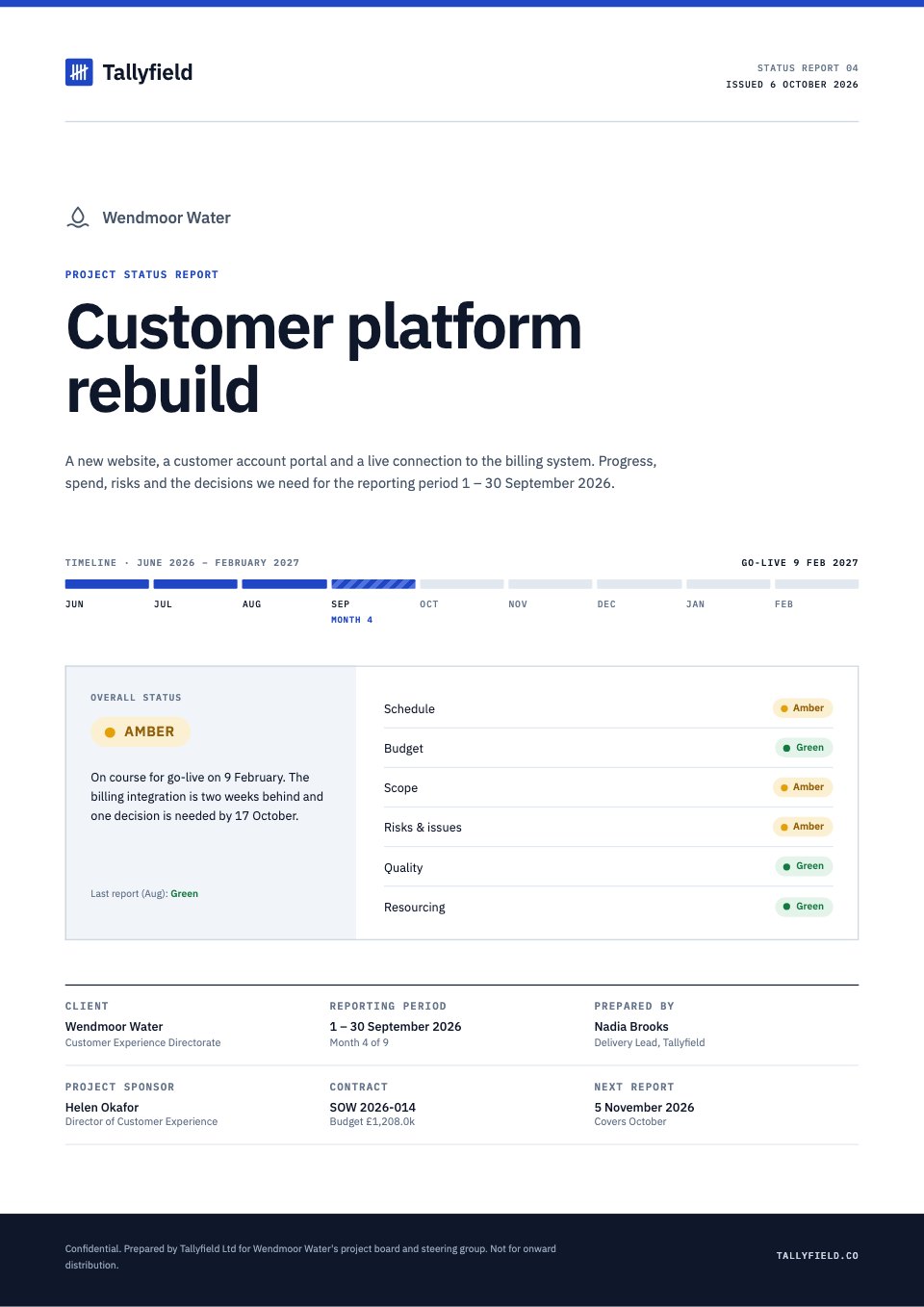
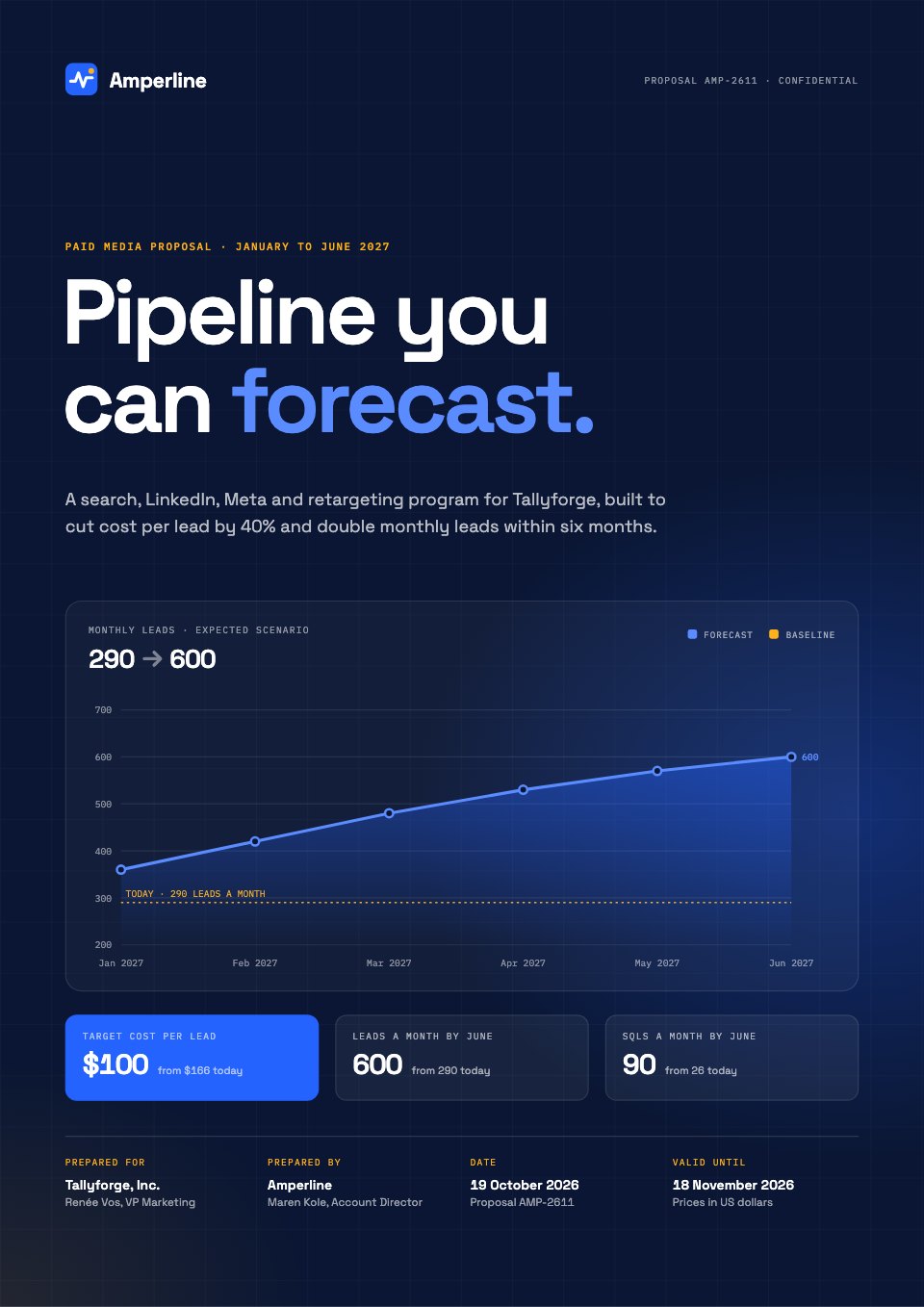
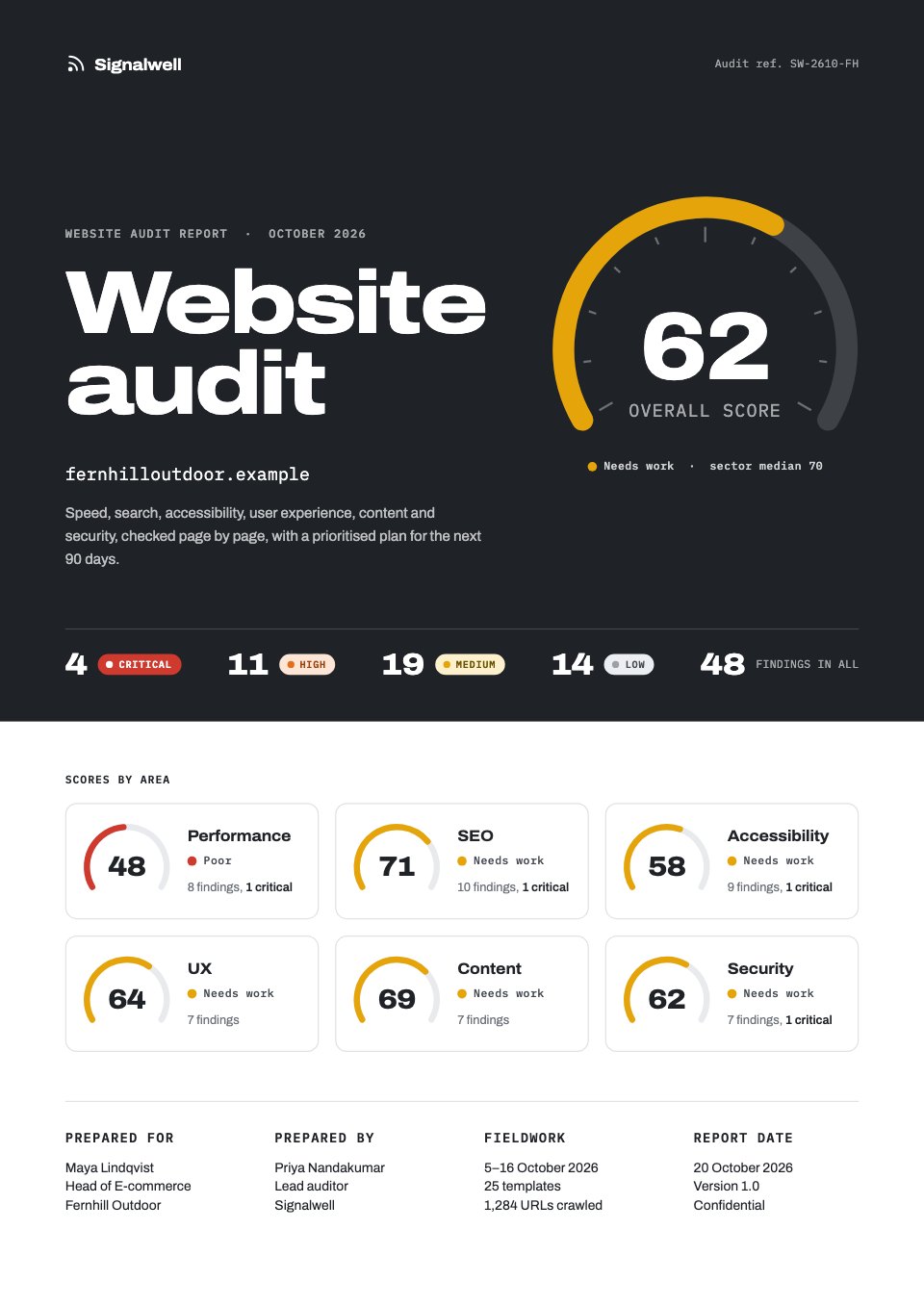
The whole client job, in one workspace.
PandaDoc covers two of these. Docsiv makes all six, from real templates or Docsiv AI, in one workspace.
 ProposalAlso in PandaDoc
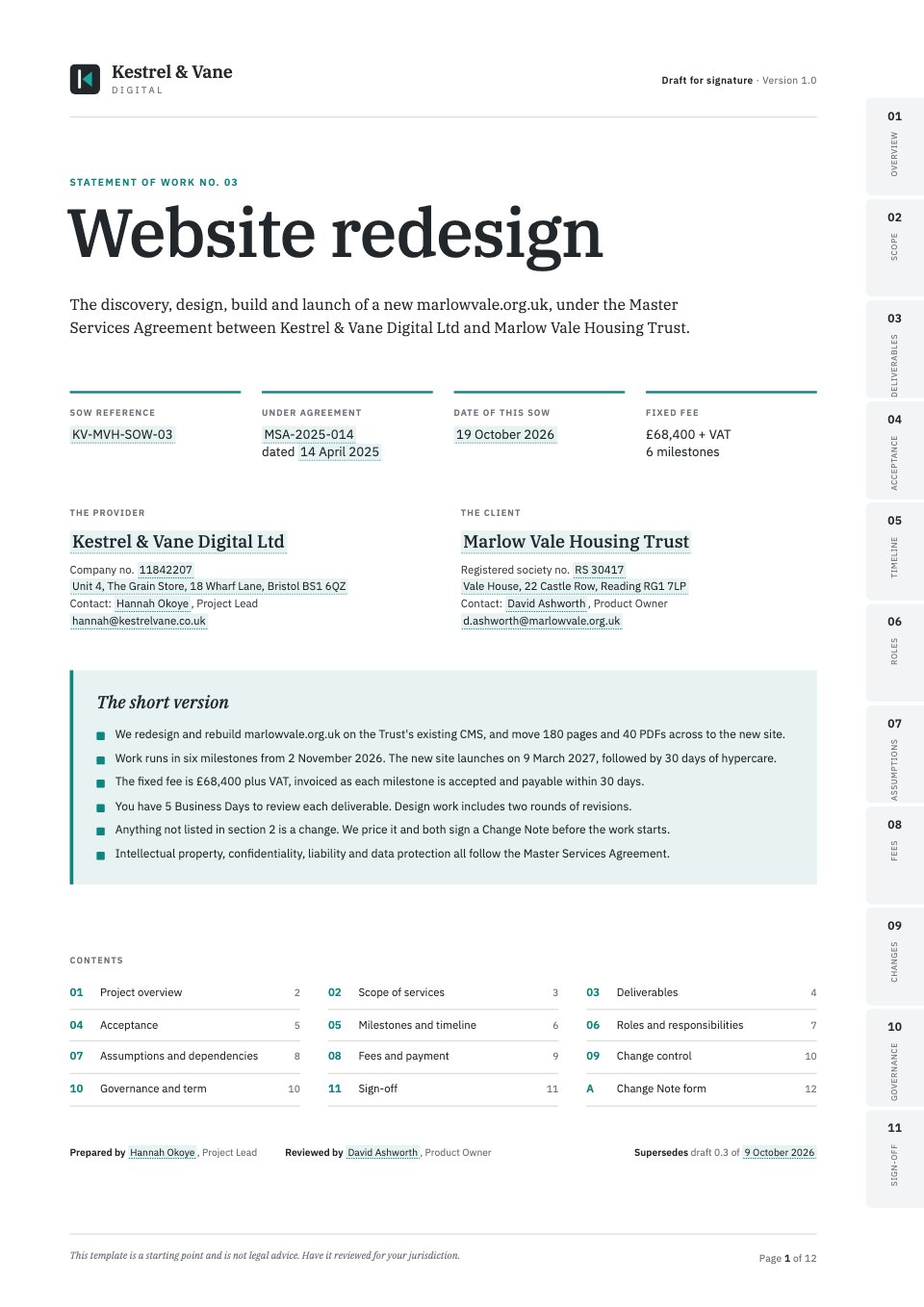 Statement of workAlso in PandaDoc
 Kickoff deckNot in PandaDoc
 Onboarding formNot in PandaDoc
 Monthly reportNot in PandaDoc
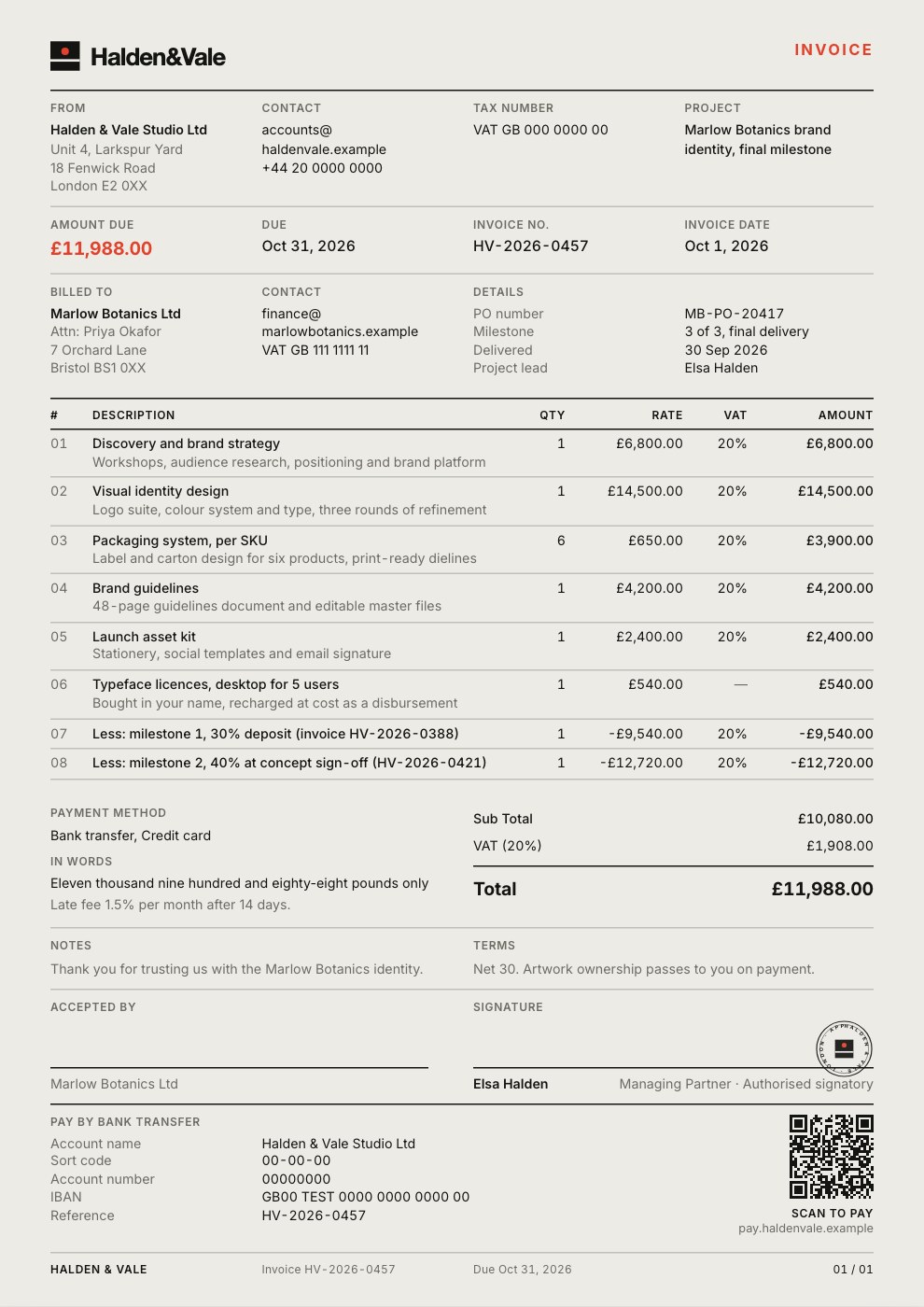 InvoiceNot in PandaDoc
What each costs.
In US dollars, from each company’s own pricing page. Docsiv is priced per workspace; most of the tools it’s compared with are priced per person.
- Free$0Every app, 500 AI credits a month, 1 member, 5 GB. No e-signature sending or analytics.
- Pro$20 a monthOr $192 a year. 10,000 AI credits a month, 1 member, 50 GB, 40 e-signature requests a month, analytics, your own domain.
- Team$60 a monthOr $576 a year, for up to 5 members. 35,000 shared AI credits a month, 100 GB, unlimited e-signature requests.
- Free$060 documents a year, up to 5 a month, with e-signatures.
- Starter$19 a seat a month, billed yearly$35 billed monthly.
- Business$49 a seat a month, billed yearly$65 billed monthly. Payments, CRM integrations, approvals and analytics.
- EnterpriseContact sales
PandaDoc’s pricing page showed a security check instead of prices when we tried it in October 2026, so these come from its own page as captured on 2 July 2026. A 14-day trial. Check their page before you decide. PandaDoc’s pricing page
Moving from PandaDoc, one job at a time.
There’s no importer, and you don’t need one: start with the next piece of work rather than the archive.
- 1Bring what you have
Download your PandaDoc documents as PDF or Word and open them in the PDFs or Documents app, or attach one to Docsiv AI and ask for a new version built from it.
- 2Set your brand once
Add your logo, colours and fonts as a brand kit. Templates and AI drafts pick them up, so the first document already looks like yours.
- 3Run both for a while
Keep PandaDoc for CRM-linked quotes while proposals, decks and reports move across.
In their own words.
What agencies and teams say after moving their client work into Docsiv.
The Boost GroupApsticVirtual XcellenceRecruit Hunt
“Proposals used to take a day across four tools. Now we send them branded from one place, and clients sign the same afternoon.”
“Our decks, proposals and reports live in one place now. The team works on the same files instead of passing versions around, and AI gets us to a first draft fast.”
“We replaced our proposal tool, our deck tool and our e-sign tool in one afternoon. Everything our clients see now goes out in our brand.”
RecruitHunt uses Docsiv for recruitment, staffing and AEC client work.
Docsiv and PandaDoc: common questions.
Something else on your mind? Ask us in the chat, bottom right of the page.
Is Docsiv a PandaDoc replacement?
For agencies and freelancers who mostly write and send proposals, decks and reports, often yes. If you rely on CRM sync, payment at signing or approval workflows, PandaDoc does those and Docsiv doesn’t.
Can clients sign proposals in Docsiv?
Yes, on Pro and Team. Place signature, name and date fields, then send: each signer gets an email link, can be asked for a code, and everyone gets the signed PDF and a certificate. Pro includes 40 requests a month and Team has no limit. Free doesn’t include sending for signature.
Does Docsiv connect to my CRM?
No. Docsiv has no CRM integrations. Paste the deal notes into Docsiv AI when you draft, and keep the CRM for the pipeline.
Which is cheaper?
It depends on the team. PandaDoc’s Free plan includes e-signatures for up to 5 documents a month, which Docsiv’s Free plan doesn’t. For a few people on paid features, Docsiv Team is $60 a month for up to five, while PandaDoc Business was $49 a seat a month billed yearly on its page in July 2026.
Keep comparing.
- PandaDoc alternativesDocsiv and Proposify, Qwilr, DocuSign, side by side.
- Docsiv vs ProposifyProposal software with a content library, approvals, e-signatures and document insights.
- Docsiv vs QwilrInteractive web-page proposals with quotes, e-signatures, payments and analytics.
- Docsiv vs DocuSignE-signature software with templates, audit trails, bulk send and enterprise integrations.







































Put it to the test on real work
Describe the next thing you’d make in PandaDoc. Docsiv AI drafts it in your brand, ready to edit, share or send for signature.