Create with Docsiv AI
Describe what you need, attach your material and let Docsiv AI make an editable first draft.
On this page
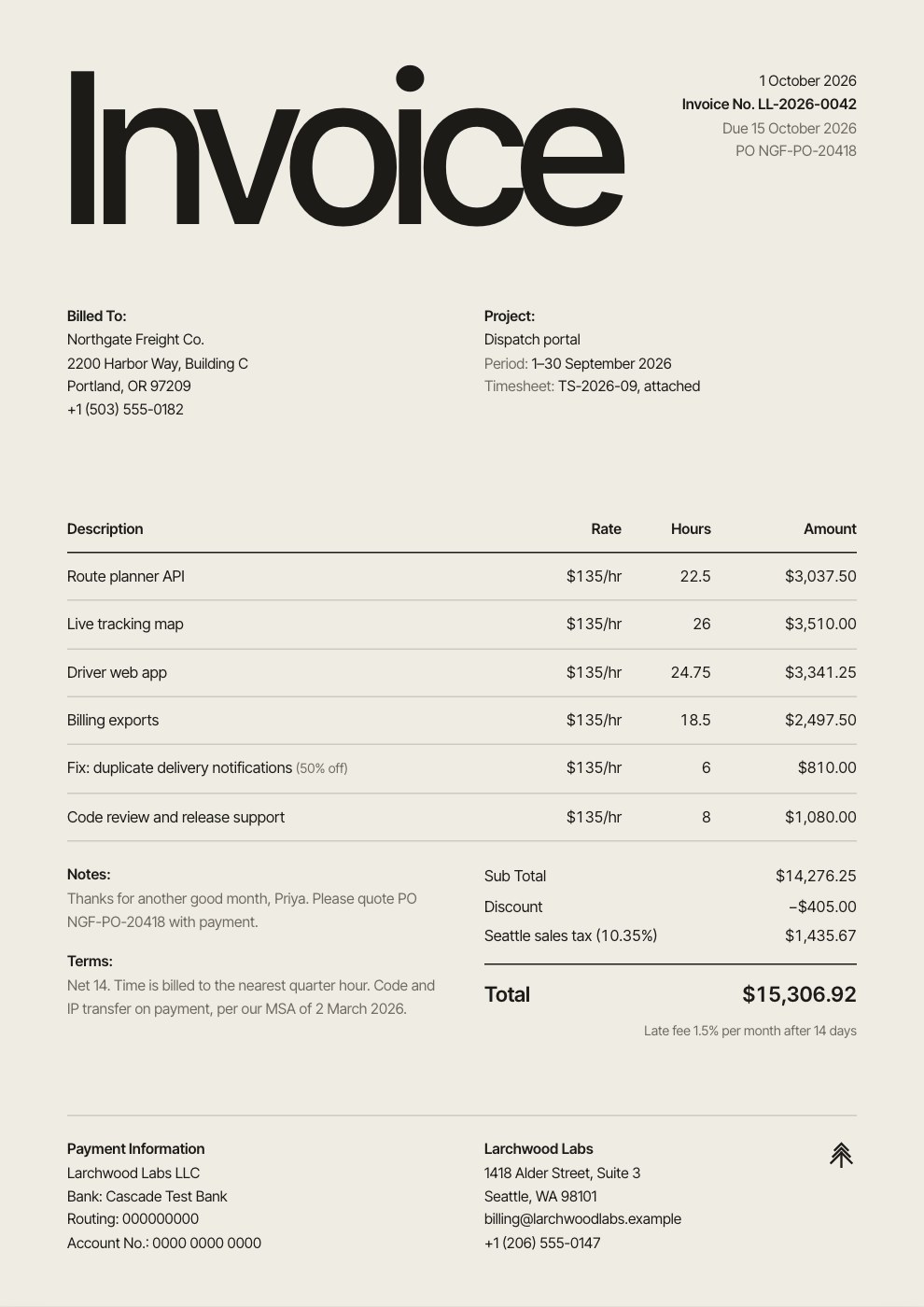
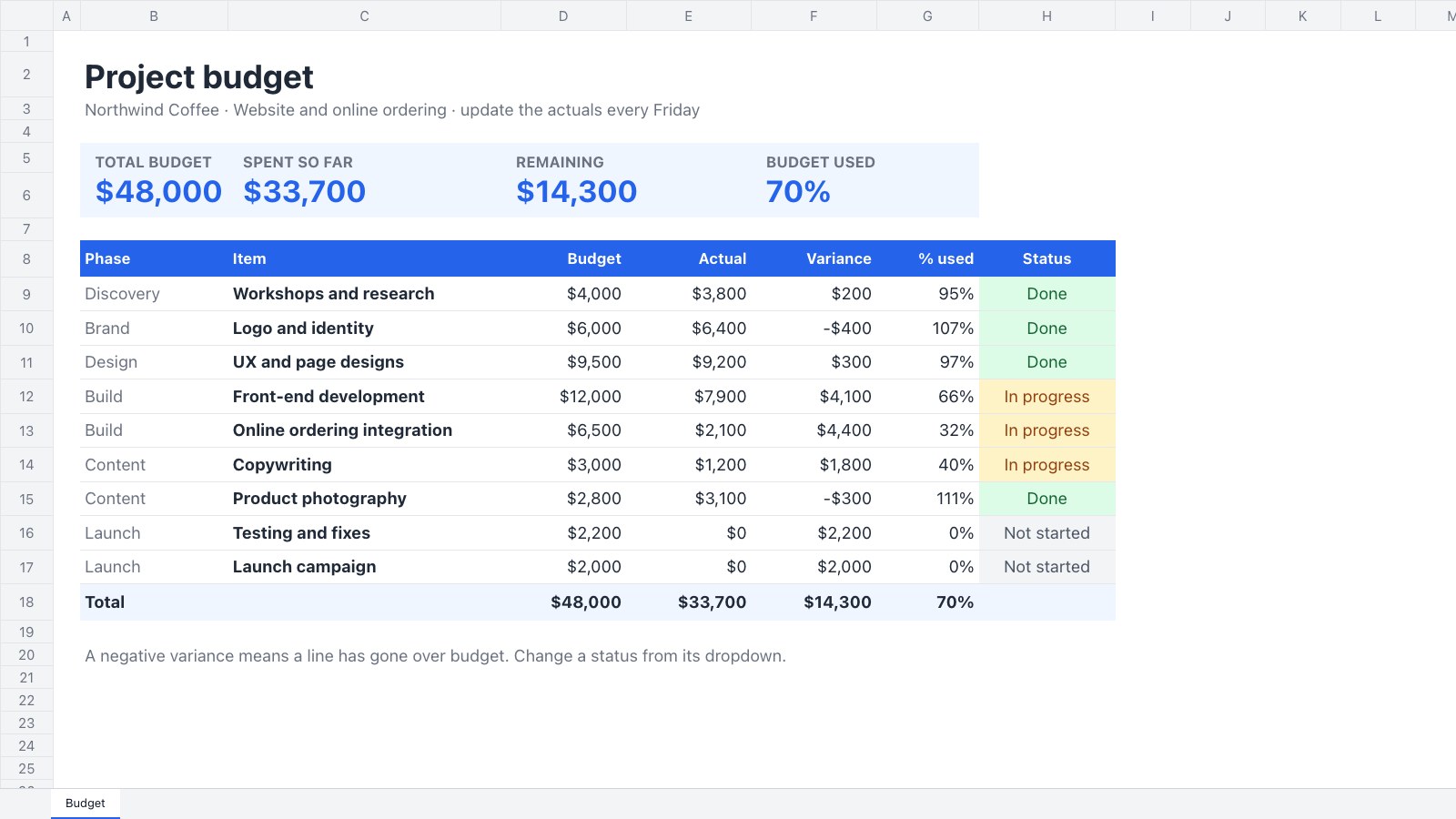
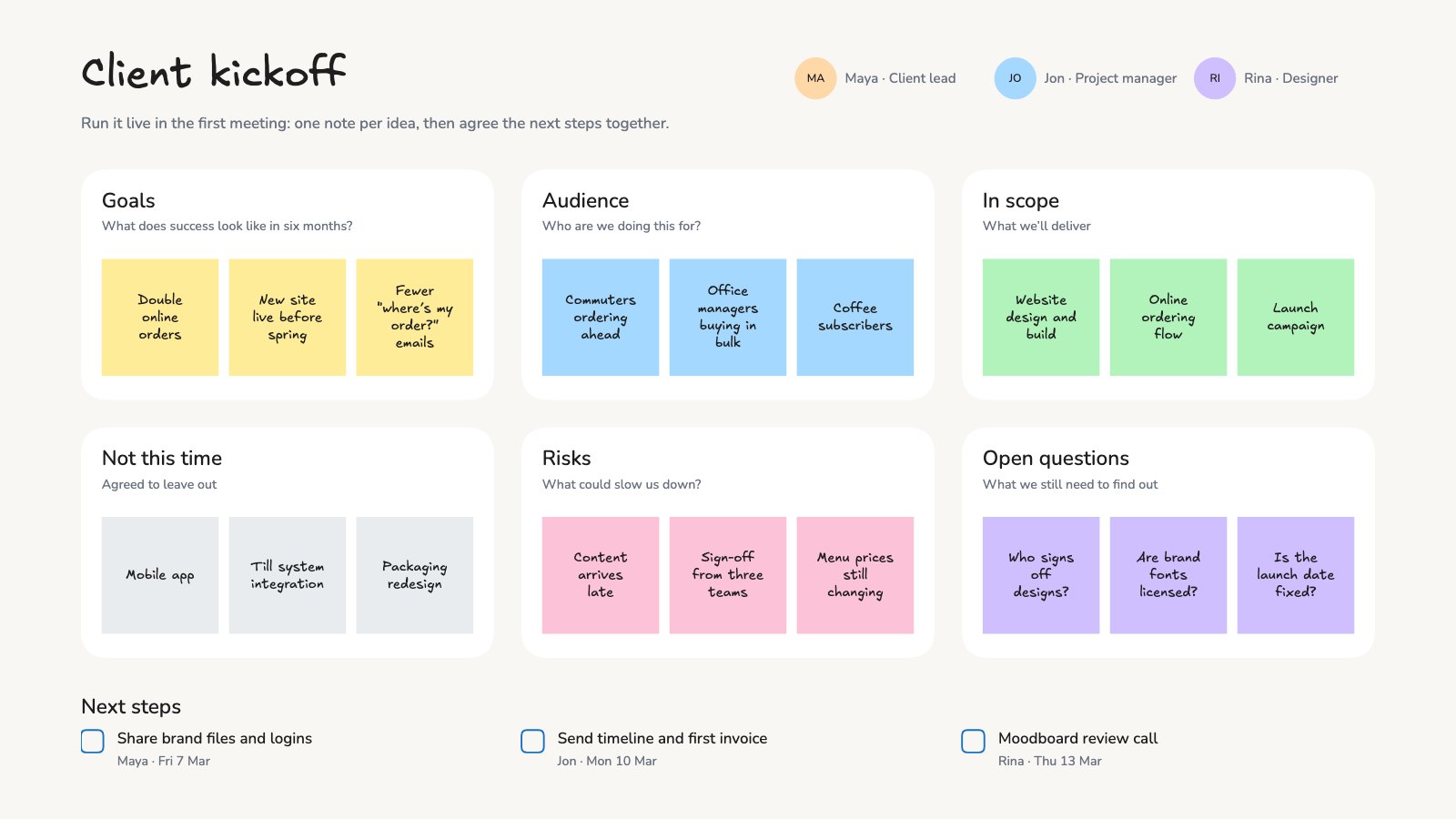
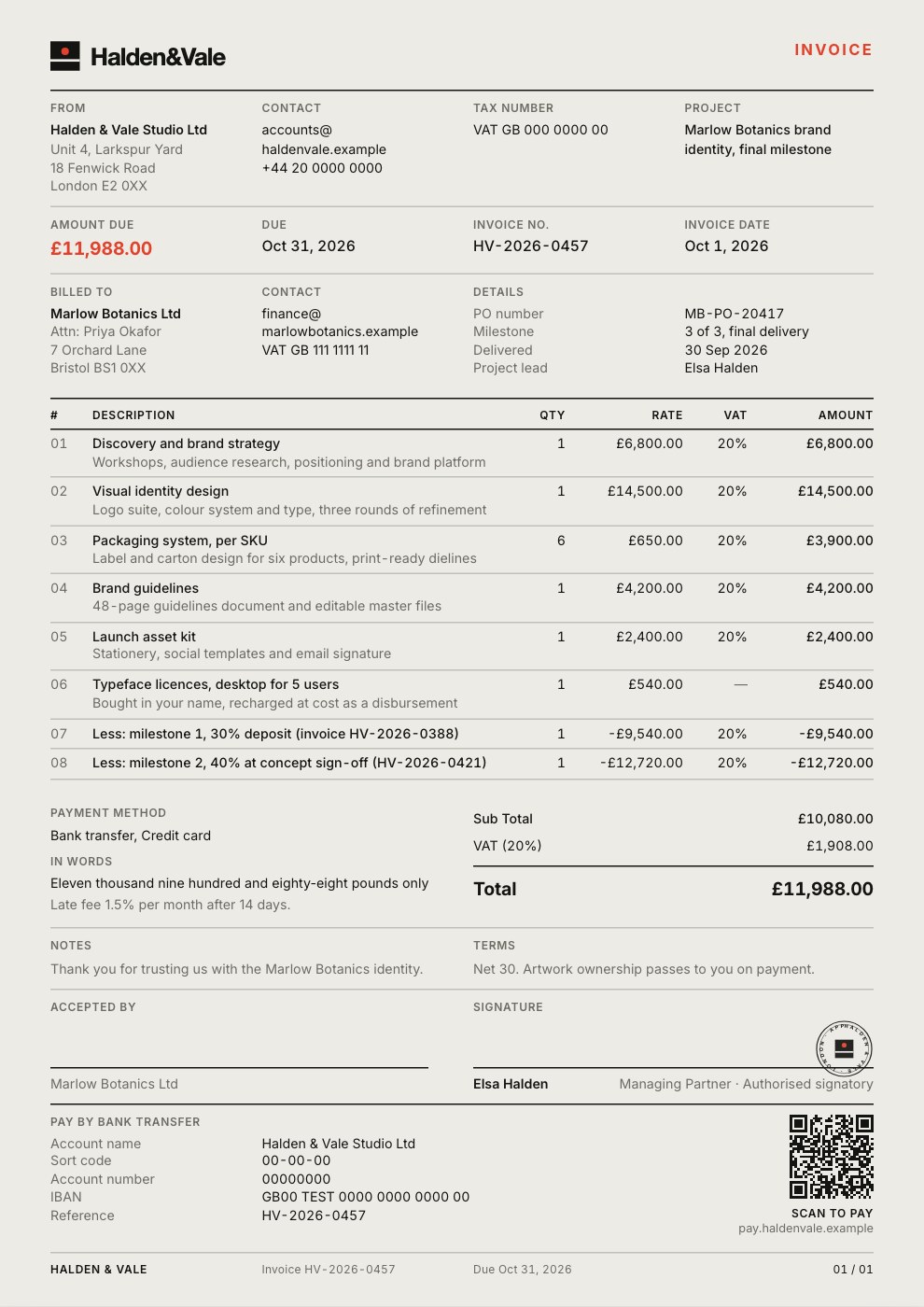
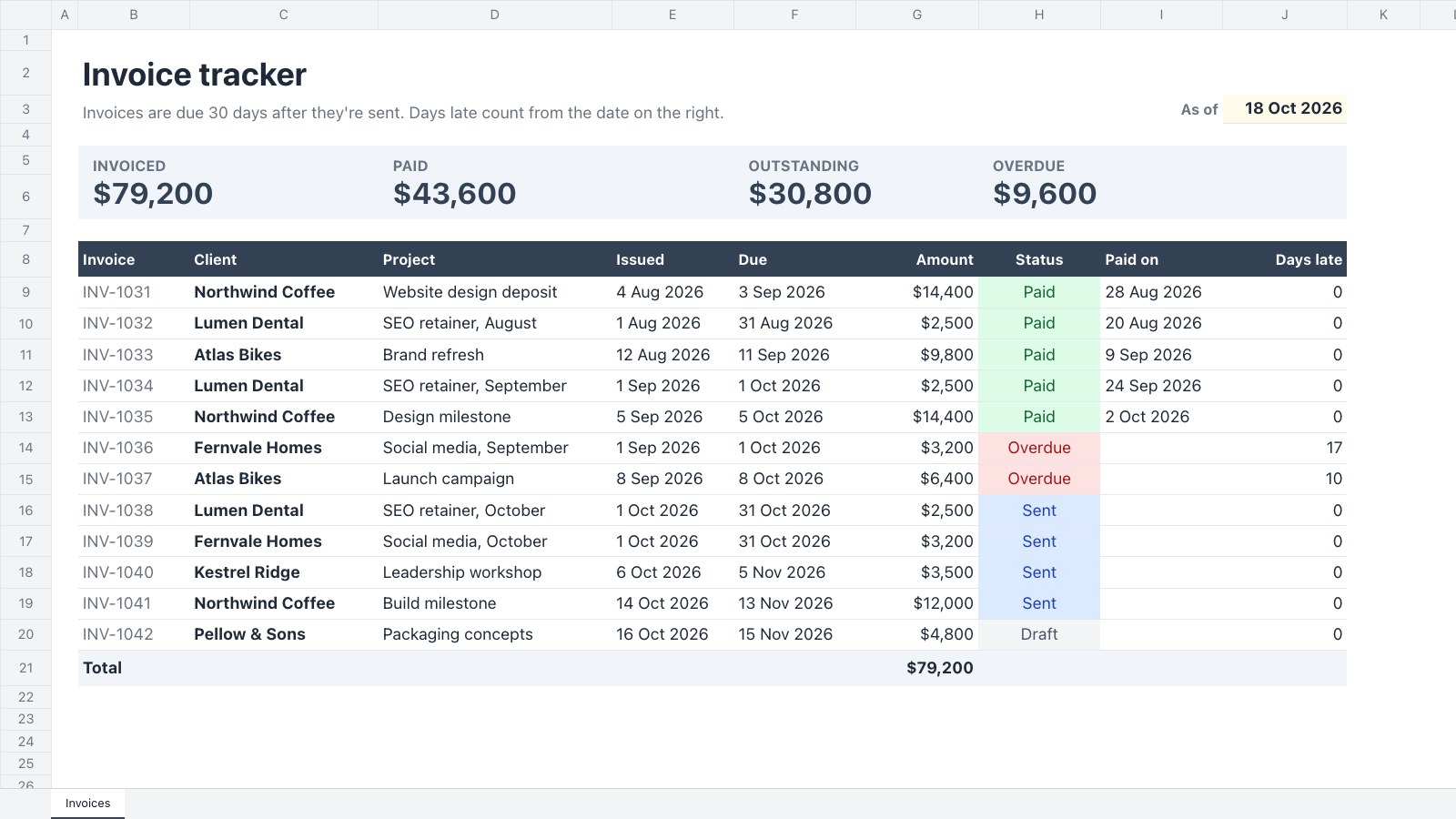
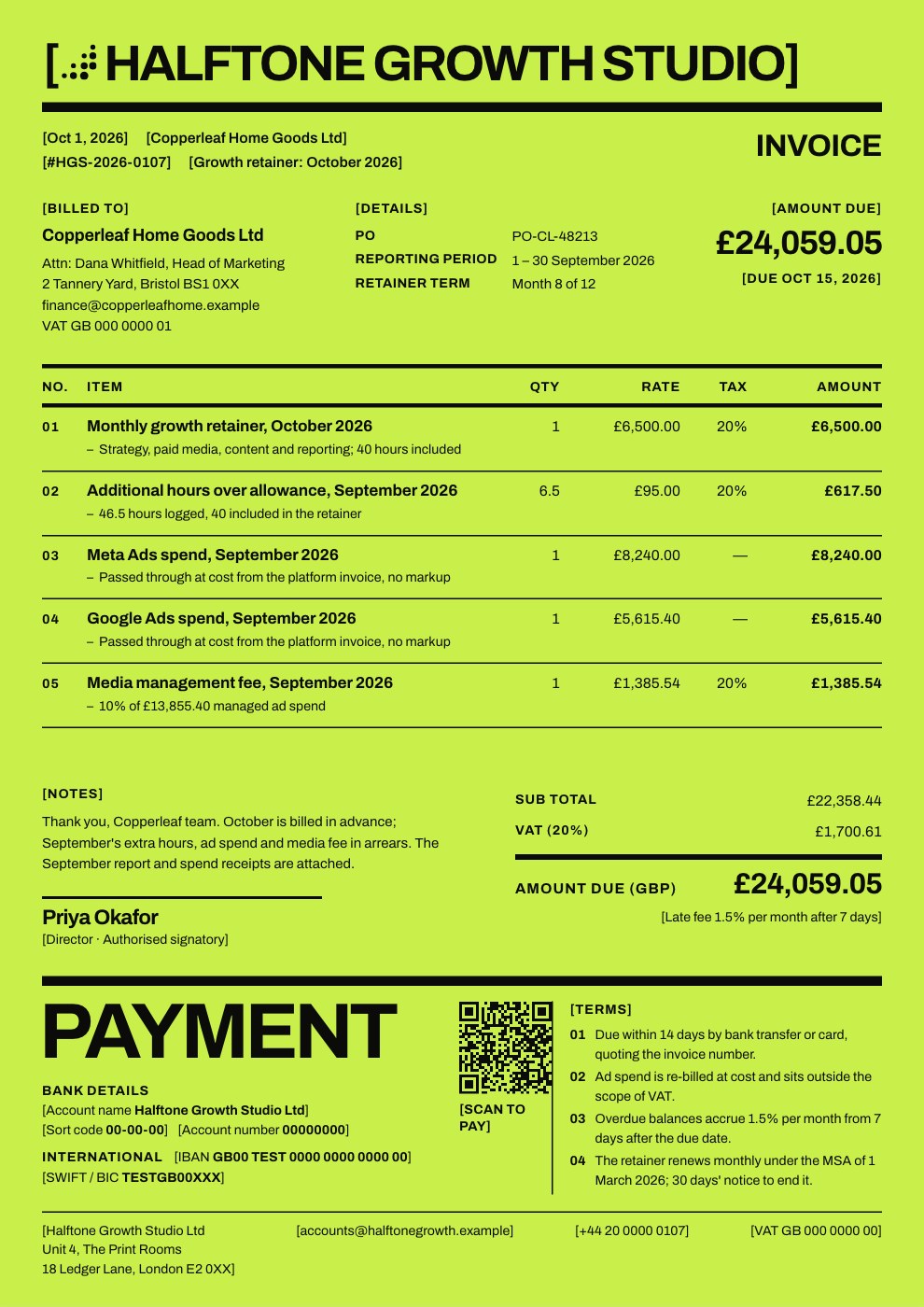
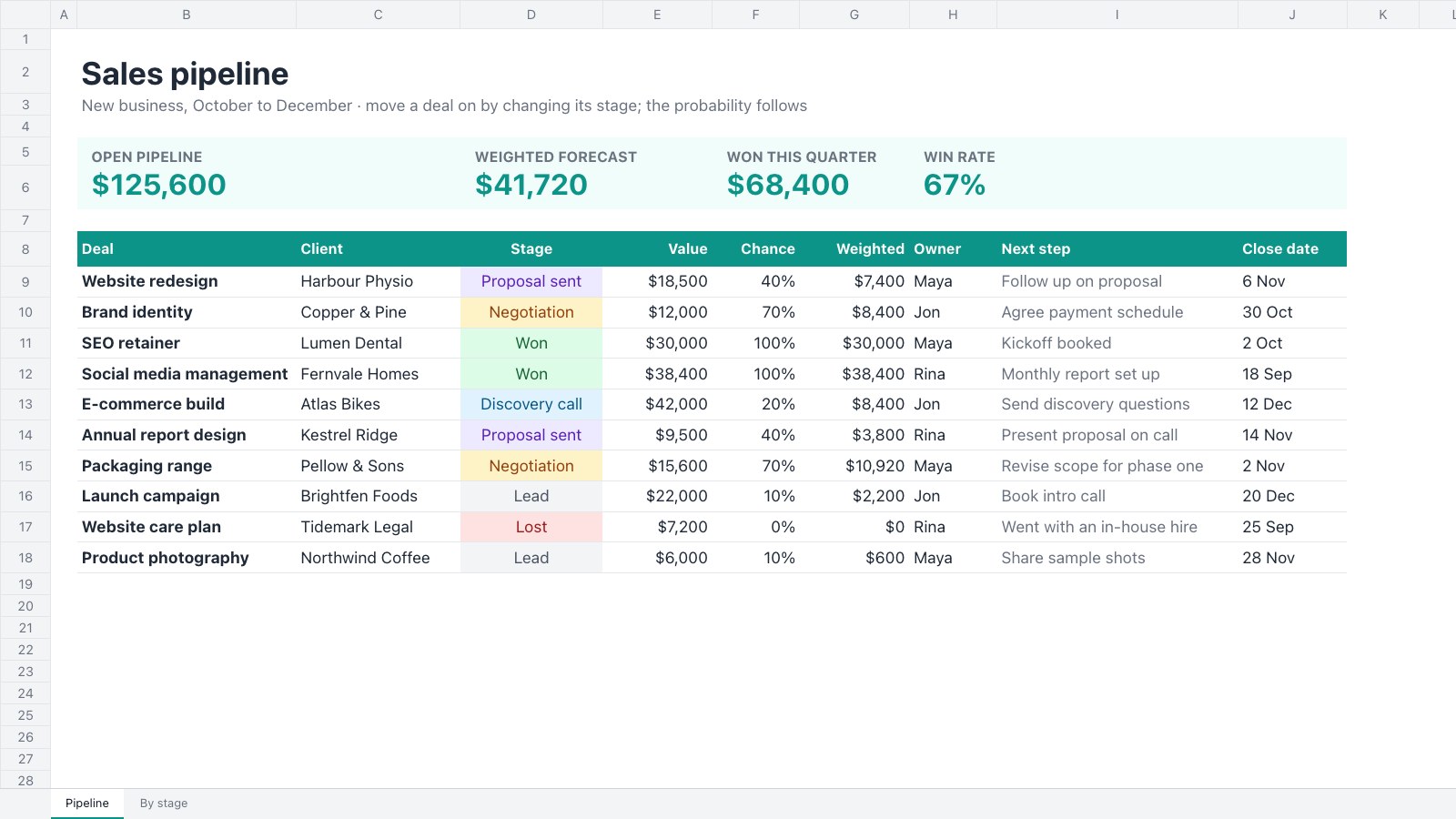
Docsiv AI makes real, editable files in the right app: proposals, decks, reports, invoices, forms, designs, spreadsheets and more.
Start a draft
- On Home, type what you need in the Docsiv AI box. Say who it’s for, what it should do and anything it must include.
- Add your material: select Attach files to upload images, documents, audio or video, or choose From Drive. You can also paste long text or a link.
- Choose how it works:
- Plan asks a few questions first, then shows a plan for you to approve.
- Instant makes it straight away, with no plan to review.
- Send. Docsiv AI opens the right app and builds the file in front of you.
- Keep going in the same chat (“make the pricing a table”, “shorter intro”), or edit the file yourself.
Everything Docsiv AI makes is saved to Drive, and every chat is kept in the sidebar under Chats.
Commands
Type / in the box for commands:
- Deep research: a cited report from many sources.
- Search the web: current facts, with sources.
- Create an image, Make a chart and Voiceover.
- Look up a brand: a company’s logo, colours and fonts, ready to save as a brand kit.
- Summarize: the key points of files or a link.
- Plan first: outline the steps and confirm before starting.
- Template: start from a Docsiv or workspace template.
Effort
Choose Standard for everyday work, or Ultra for maximum effort on complex work. Ultra and Deep research are included on paid plans.