Edit an open file with Docsiv AI
Ask Docsiv AI to change the file you’re working on, right beside it.
Every app has Docsiv AI in a panel beside your work. It sees the open file and changes it with you.
Open Docsiv AI in an app
- Open a file.
- Select AI in the top bar. The Docsiv AI panel opens on the right; drag its edge to resize it.
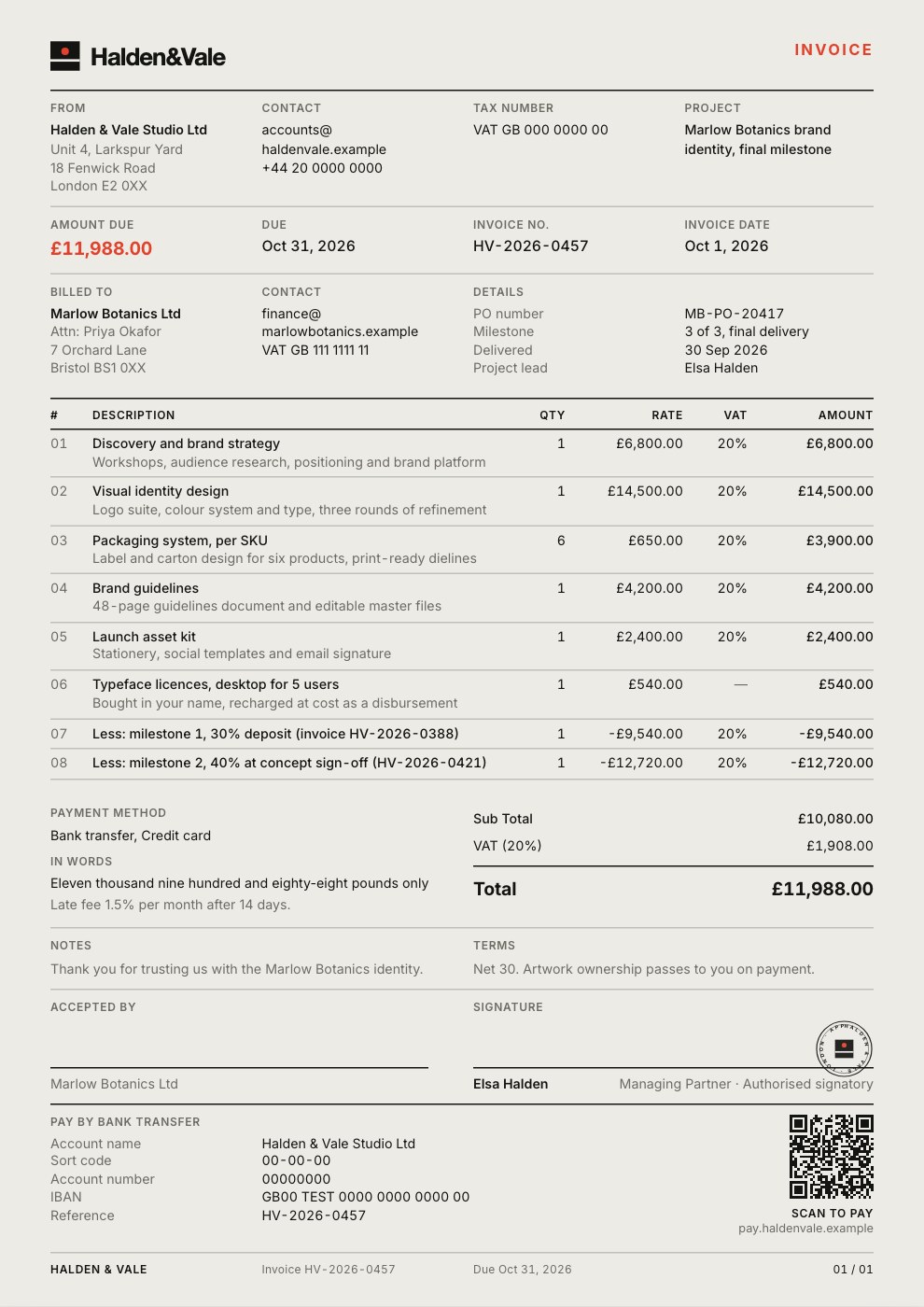
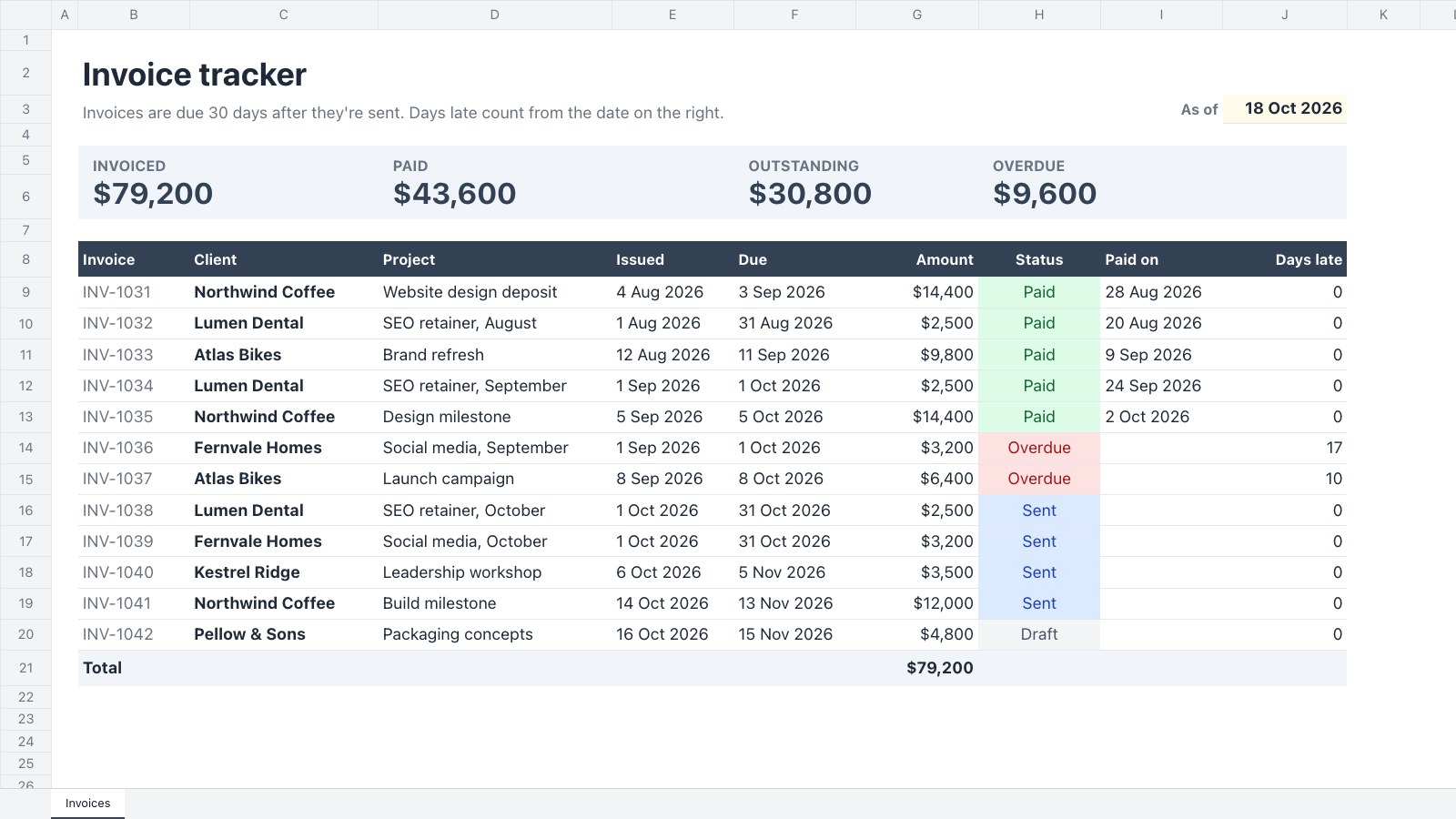
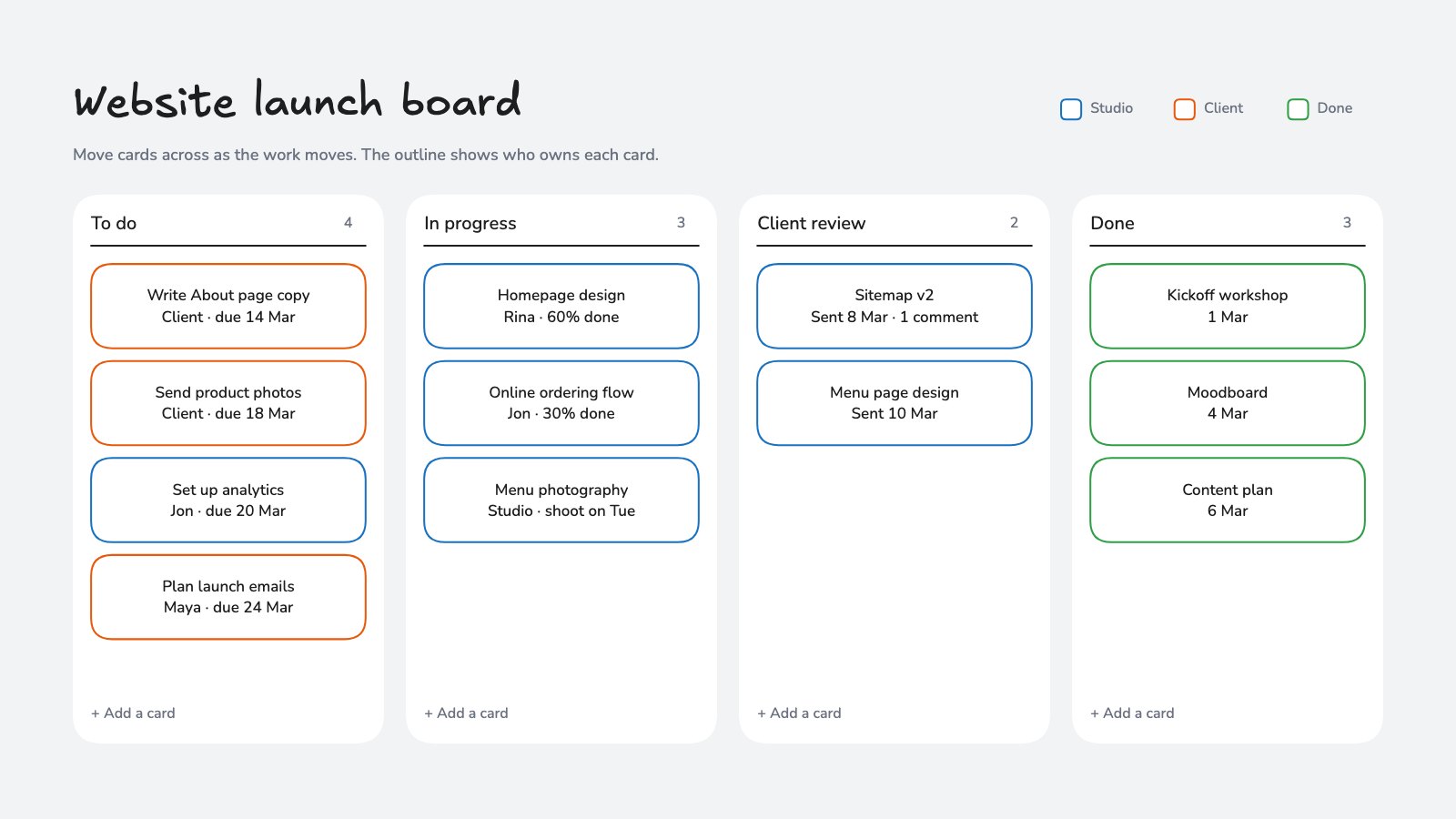
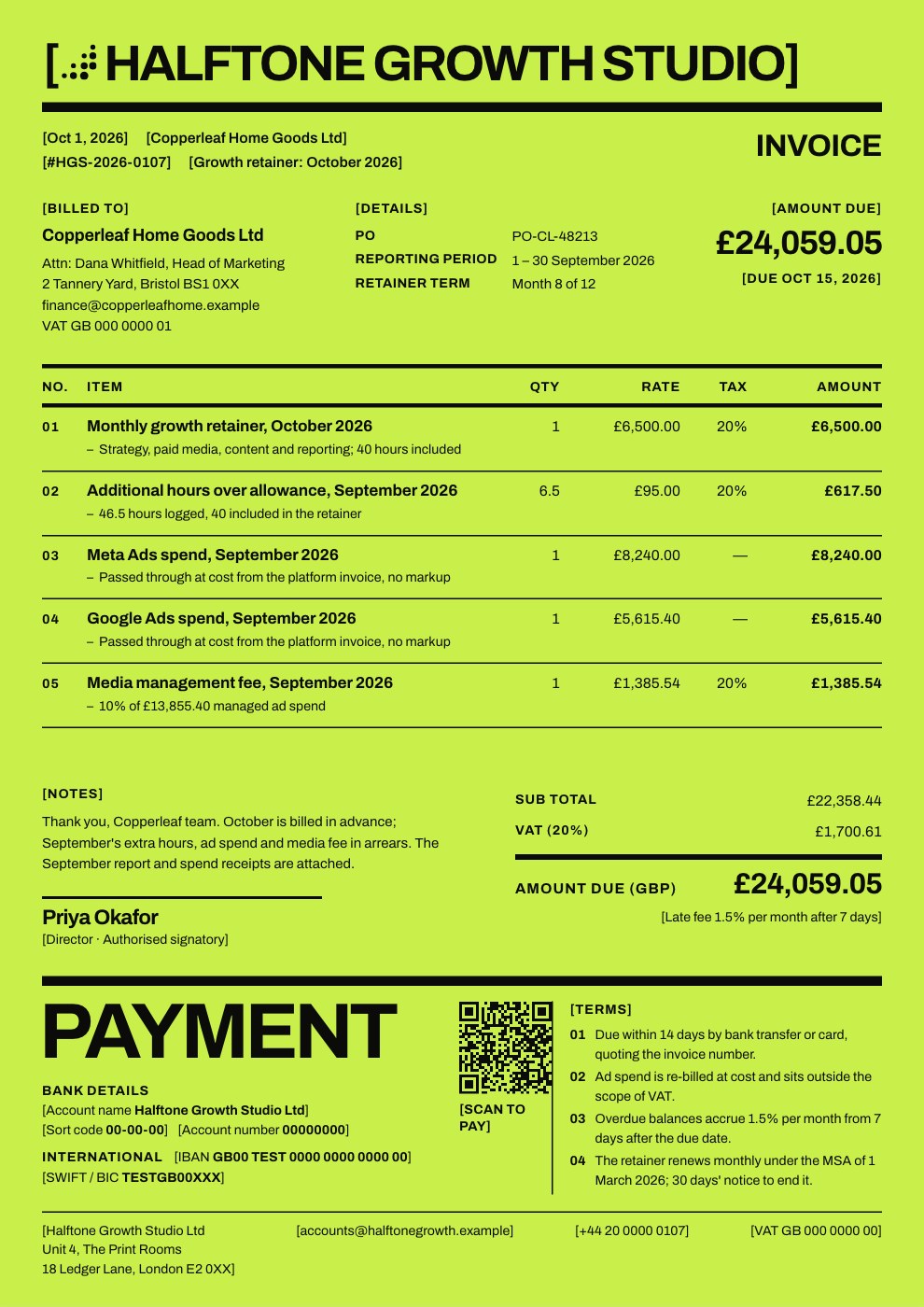
- Ask for a change: “add a slide comparing the three options”, “turn these notes into a timeline”, “make the colours match our brand kit”.
Docsiv AI edits the file in place, so you can carry on by hand at any point. Each change saves like your own edits, and earlier states stay in version history.
Carry on from Home
A chat started on Home continues in the app it opened. Pick it up later from Chats in the sidebar, or open it from the file’s project.
Good things to ask
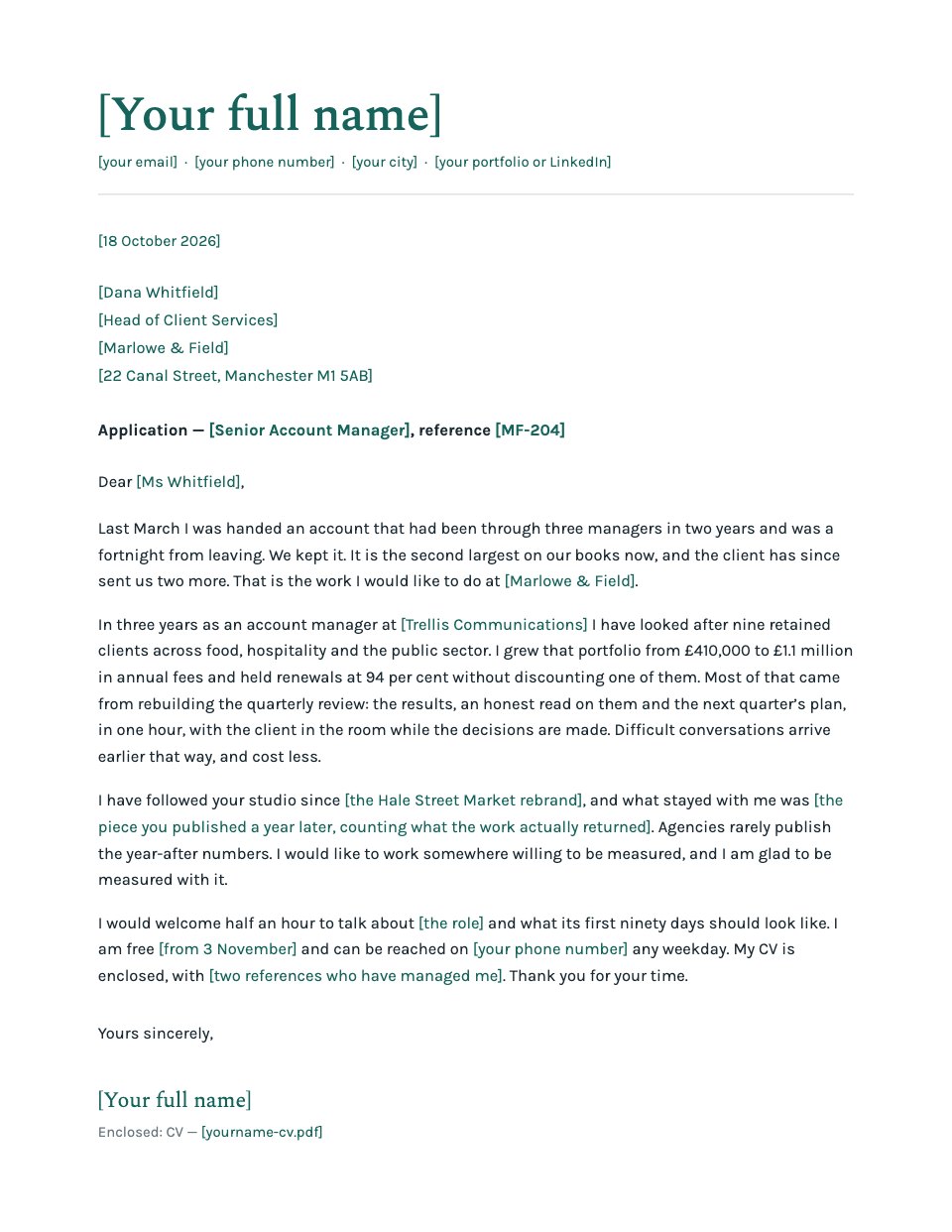
- Rewrite, shorten or translate a section.
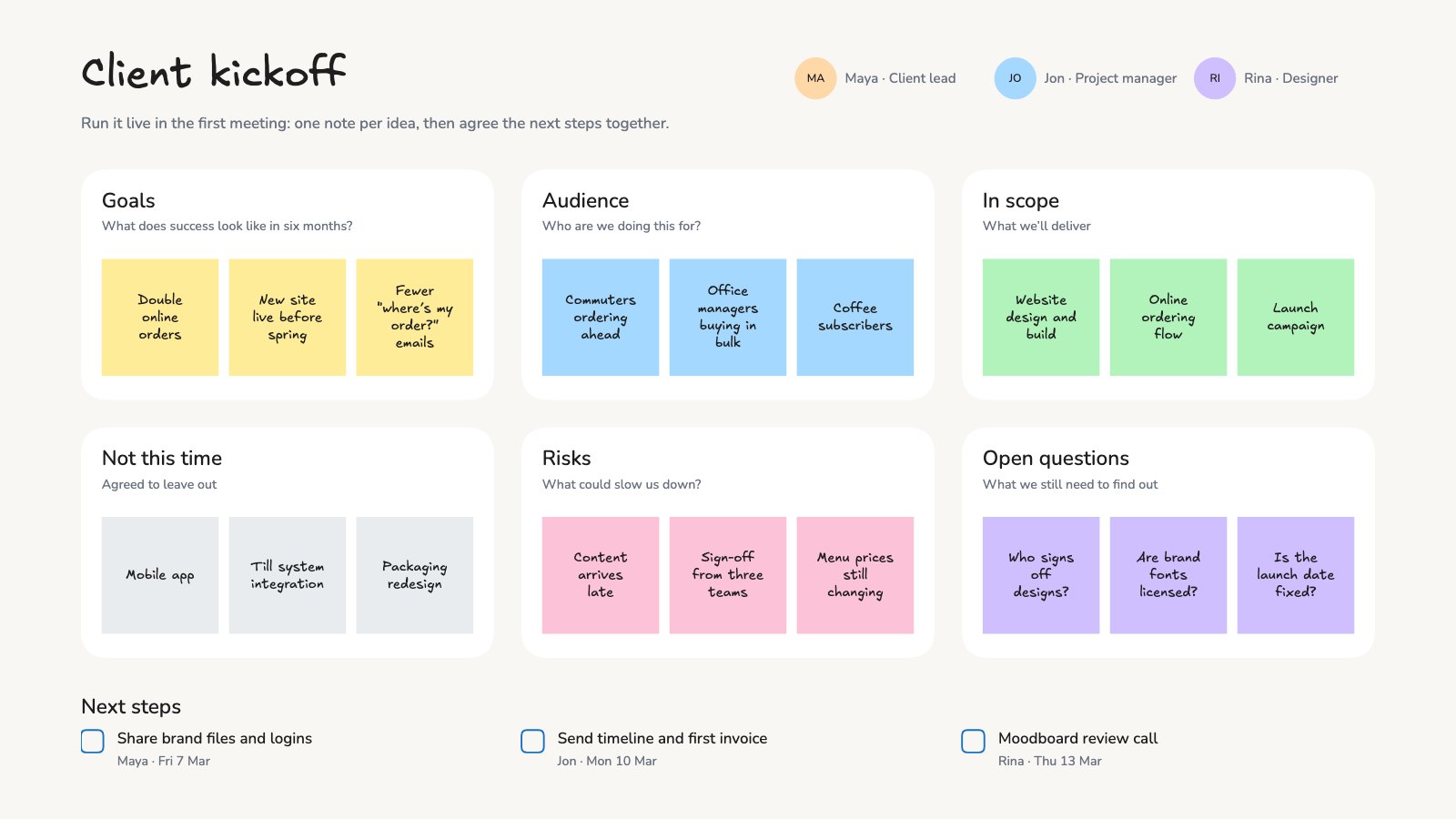
- Add pages, slides, charts, tables or images.
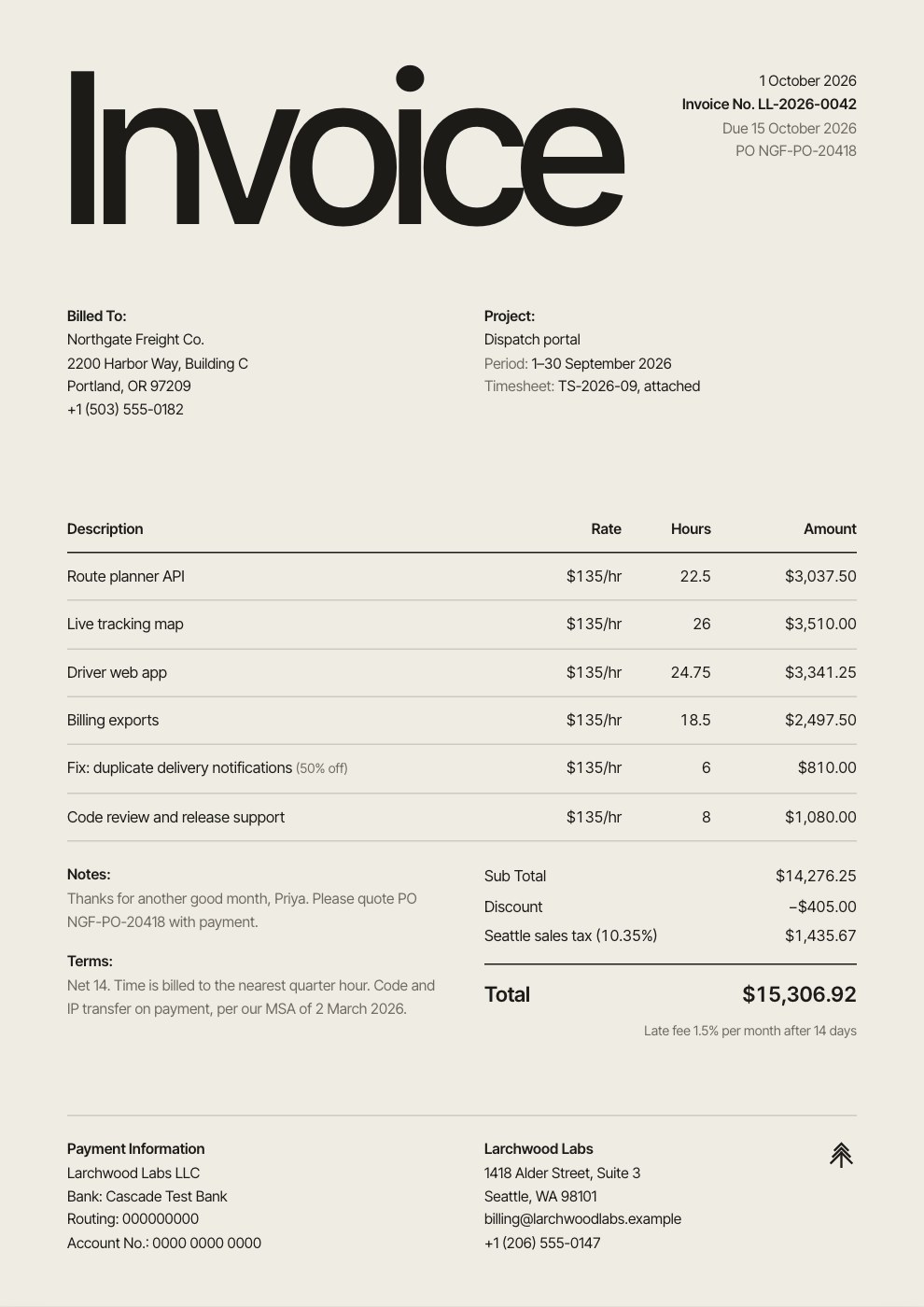
- Fill a template in from your notes.
- Apply a brand kit’s logo, colours and fonts.
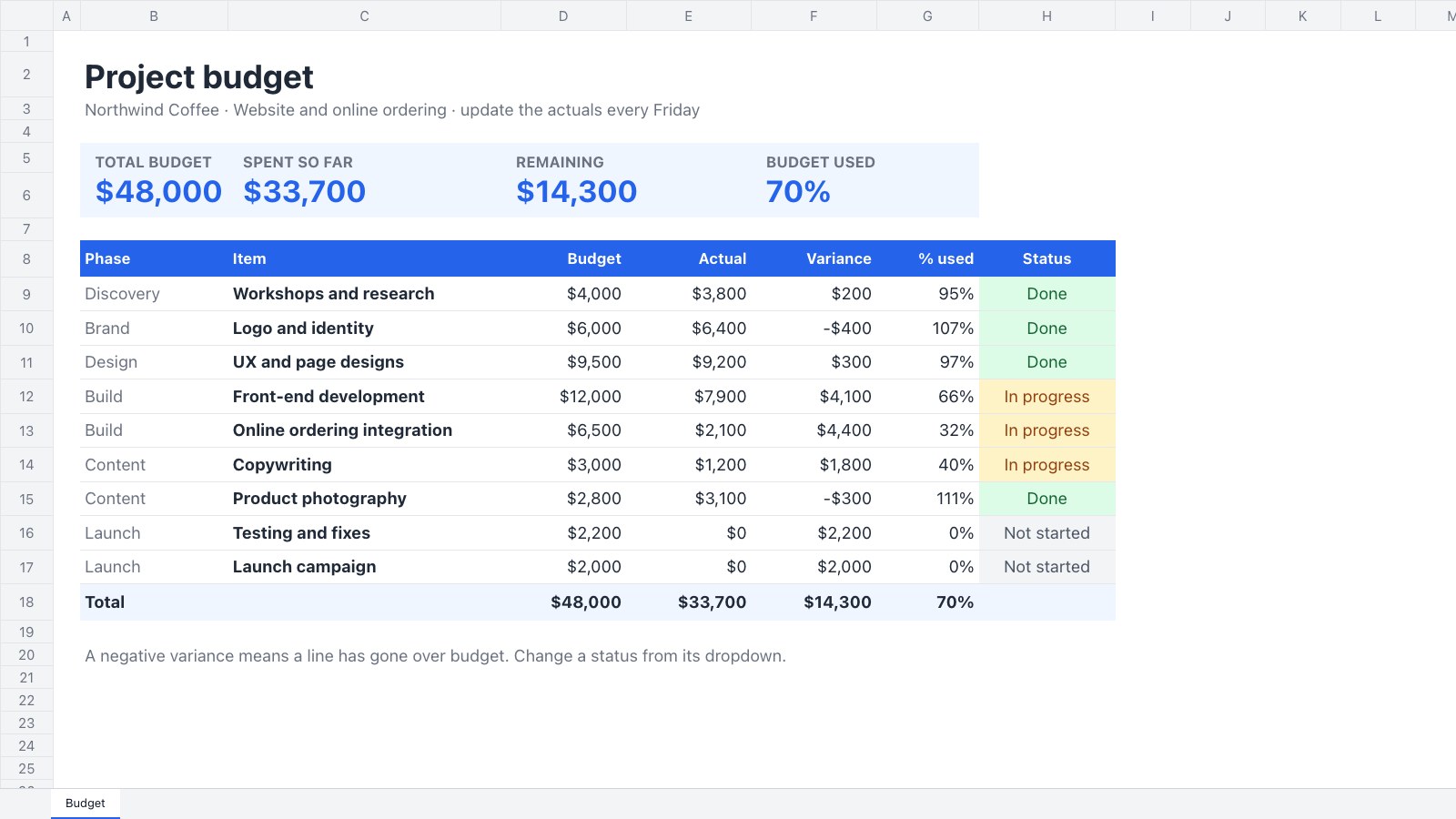
- Check a website in Site review, or tidy a spreadsheet.