

What’s inside the Editorial Magazine.
12 pages with real content in place. Rewrite them, reorder them, or add your own.
- 1Page 1A full-bleed landscape cover with the magazine title, issue and five highlights
- 2Page 2Contents with numbered sections, the studio mark and a short introduction
- 3Page 3Discover the studio: its story and beliefs in three serif columns
- 4Page 4A letter from the founders, with portraits, a pull quote and signatures
- 5Page 5A project story in typewriter text with a sliced photo and a huge rotated 05
- 6Page 6Craft and material: the tests every material passes and a typed materials list
- 7Page 7Building with the landscape: torn-paper typewriter blocks beside a full-height photo, with key numbers
- 8Page 8A project spread: a headline project with long-form text and a second project in a sidebar
- 9Page 9Projects of the year: a collage of five numbered photos with captions
- 10Page 10A day in the studio: an hour-by-hour typed timeline with photos and handwritten notes
- 11Page 11In conversation: a pull quote, a portrait and a two-column interview
- 12Page 12Credits: masthead, thanks, colophon and a QR code under a tall photo
When to use it.
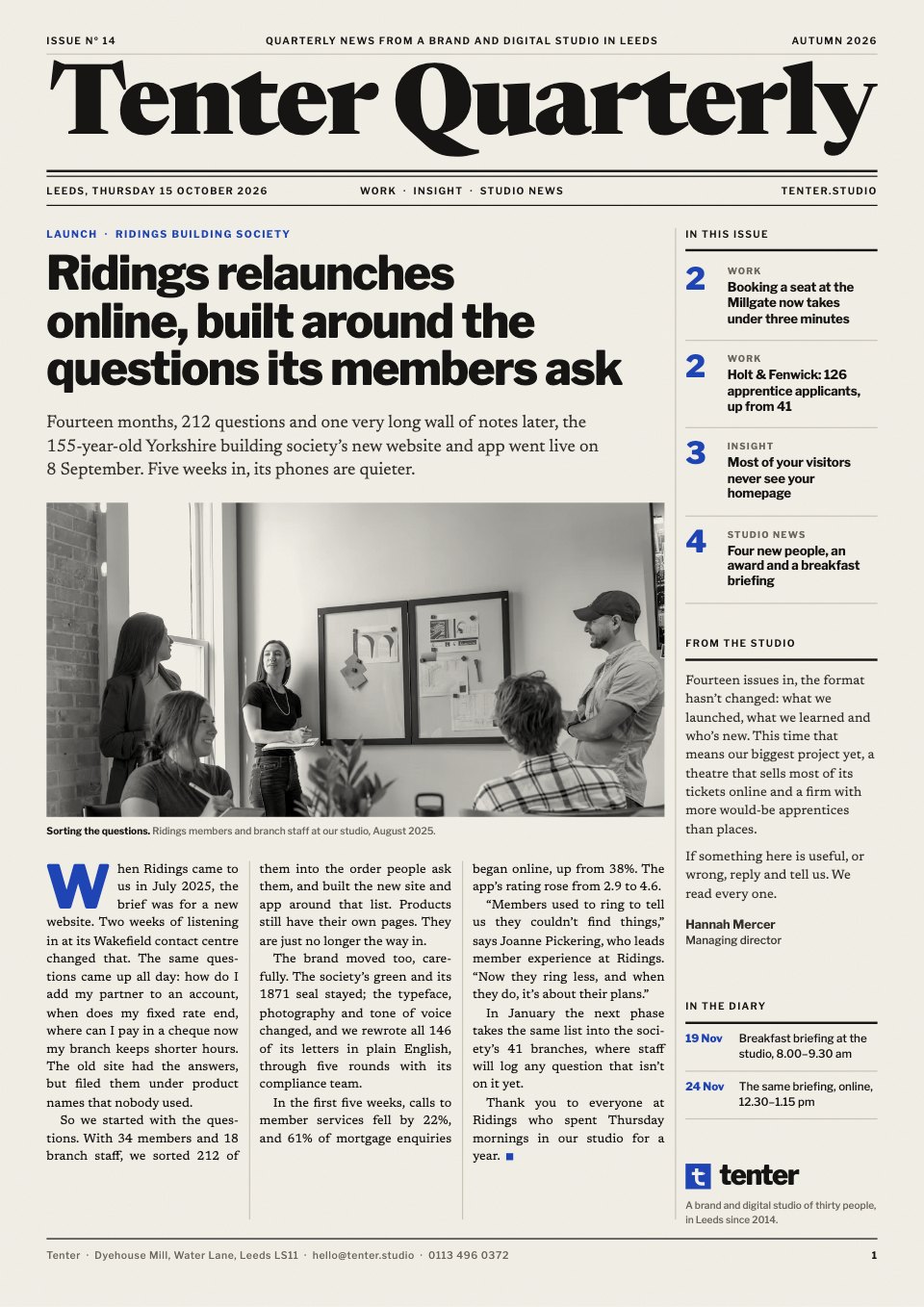
Editorial Magazine is a 12-page A4 template for a company, studio or client magazine. It has a full-bleed cover, a numbered contents page, long-form features in serif columns, a project story in typewriter text, a materials page, a projects collage, a day-in-the-life timeline, an interview and a credits page. Huge rotated page numbers, handwritten notes and overlapping photos give it the feel of a printed independent magazine, for an annual review, a culture magazine or a client publication.
Made for
- Architecture and design studios
- Agencies and creative teams
- Marketing and brand teams
- Companies publishing an annual review
Make it yours in four steps.
Open it in Reports and work through it, or let Docsiv AI do the first pass with your details.
- Step 1
Put your magazine name, issue and season on the cover, and swap the landscape for a photo of your own work.
- Step 2
Rewrite the contents page and the introduction so they describe your company and what's in this issue.
- Step 3
Replace the features, the project story and the interview with your own projects and people.
- Step 4
Finish with your masthead and thanks, replace the QR code with a real one, and export it as a PDF to print or share.
Start from the Editorial Magazine now.
Questions about this template.
Something else on your mind? Ask us in the chat, bottom right of the page.
Is the Editorial Magazine template free?
Yes. Create a free account and it opens in Docsiv's Reports app, ready to edit and share. The Free plan includes every Docsiv app and 500 AI credits a month.
Can I change the colours, fonts and text?
Yes, all of it. The template uses Source Serif 4 and Montserrat and Special Elite and Nothing You Could Do with #f0ede6, #151515, #dcd9d1, #6d6a64, and you can change any of them, rewrite every word and add or remove pages.
What can I export it as?
Reports in Docsiv offers: Report pages with charts, PDF and HTML exports. Once it's saved, you can also share it with a link.
Can Docsiv AI write the company magazine for me?
Yes. Tell Docsiv AI about the client or project and it can draft the content in this template's style, which you then review and edit. AI uses credits; the Free plan includes 500 a month.












Start your magazine with Docsiv AI
Describe the client or the project and Docsiv AI writes a first draft of your company magazine for you to edit, share and send.