

What’s inside the Annual Report.
14 pages with real content in place. Rewrite them, reorder them, or add your own.
- 1Page 1A poster-style cover with the report year as a giant number and a hero product photo
- 2Page 2Contents with big chapter numbers and one-line summaries
- 3Page 3A letter from the CEO with a portrait and signature
- 4Page 4The year in numbers: six headline figures and smaller facts
- 5Page 5Chapter 1 opener: products
- 6Page 6Products: a best-seller table, launches, retirements and two product photos
- 7Page 7Chapter 2 opener: people
- 8Page 8People: headline figures, headcount by site, training and a quote
- 9Page 9Chapter 3 opener: sustainability
- 10Page 10Sustainability: progress bars against 2030 targets and four key figures
- 11Page 11Chapter 4 opener: financial highlights
- 12Page 12Financial highlights: key figures table, five-year revenue chart and ratios
- 13Page 13Outlook: guidance for next year and three numbered priorities
- 14Page 14A back page with contact details and a closing photo
When to use it.
Annual Report is a 14-page A4 report built on a Swiss exhibition-poster grid: a heavy black title, a giant chapter number, a band of small captions and a large product photo on every chapter opener. It takes a company through its year in order, from a letter from the CEO and the year in numbers to products, people, sustainability and financial highlights, ending with the outlook. Content pages keep the same grid with bold key figures, small tables, progress bars against targets and a five-year revenue chart.
Made for
- Agencies reporting to clients
- Consultants and freelancers
- Founders updating a board
- Teams sharing results
Make it yours in four steps.
Open it in Reports and work through it, or let Docsiv AI do the first pass with your details.
- Step 1
Replace the company name, the report year and the cover photo with your own.
- Step 2
Write your CEO letter and update the six headline figures on the year-in-numbers page.
- Step 3
Fill each chapter with your own products, people, targets and financial table, and update the chart's values.
- Step 4
Set your priorities on the outlook page, add your contact details to the back page, and export as PDF to share.
Start from the Annual Report now.
Questions about this template.
Something else on your mind? Ask us in the chat, bottom right of the page.
Is the Annual Report template free?
Yes. Create a free account and it opens in Docsiv's Reports app, ready to edit and share. The Free plan includes every Docsiv app and 500 AI credits a month.
Can I change the colours, fonts and text?
Yes, all of it. The template uses Inter Tight with #e2e1dd, #121212, #33322f, #9e9c97, and you can change any of them, rewrite every word and add or remove pages.
What can I export it as?
Reports in Docsiv offers: Report pages with charts, PDF and HTML exports. Once it's saved, you can also share it with a link.
Can Docsiv AI write the annual report for me?
Yes. Tell Docsiv AI about the client or project and it can draft the content in this template's style, which you then review and edit. AI uses credits; the Free plan includes 500 a month.
Sales Report
PreviewQuarterly Business Review
PreviewResearch Report
PreviewSEO Report
PreviewMarketing Report
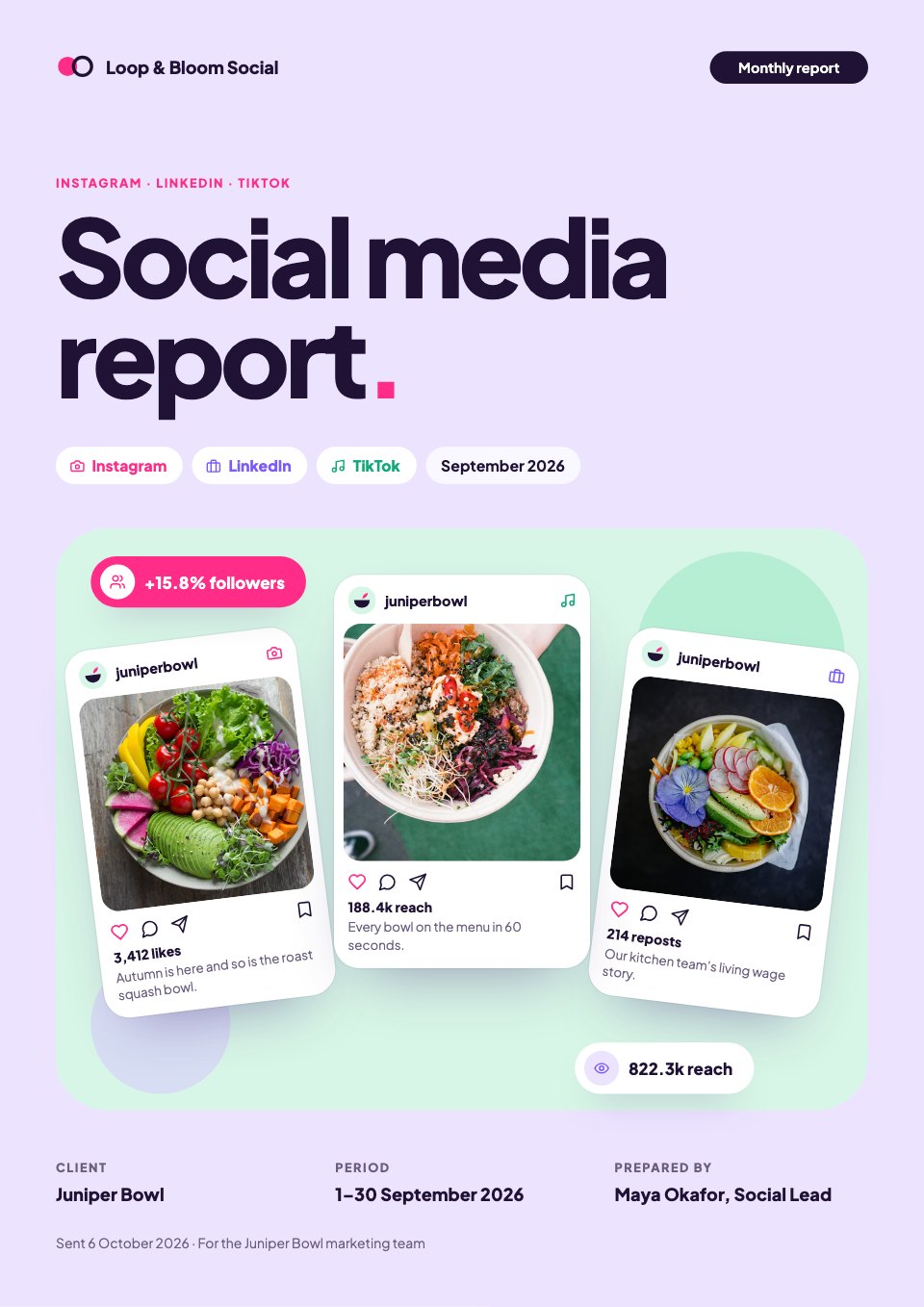
PreviewSocial Media Report
Preview





Starting from a description instead? Try the AI report generator.







Start your report with Docsiv AI
Describe the client or the project and Docsiv AI writes a first draft of your annual report for you to edit, share and send.