

What’s inside the Business Proposal.
8 slides with real content in place. Rewrite them, reorder them, or add your own.
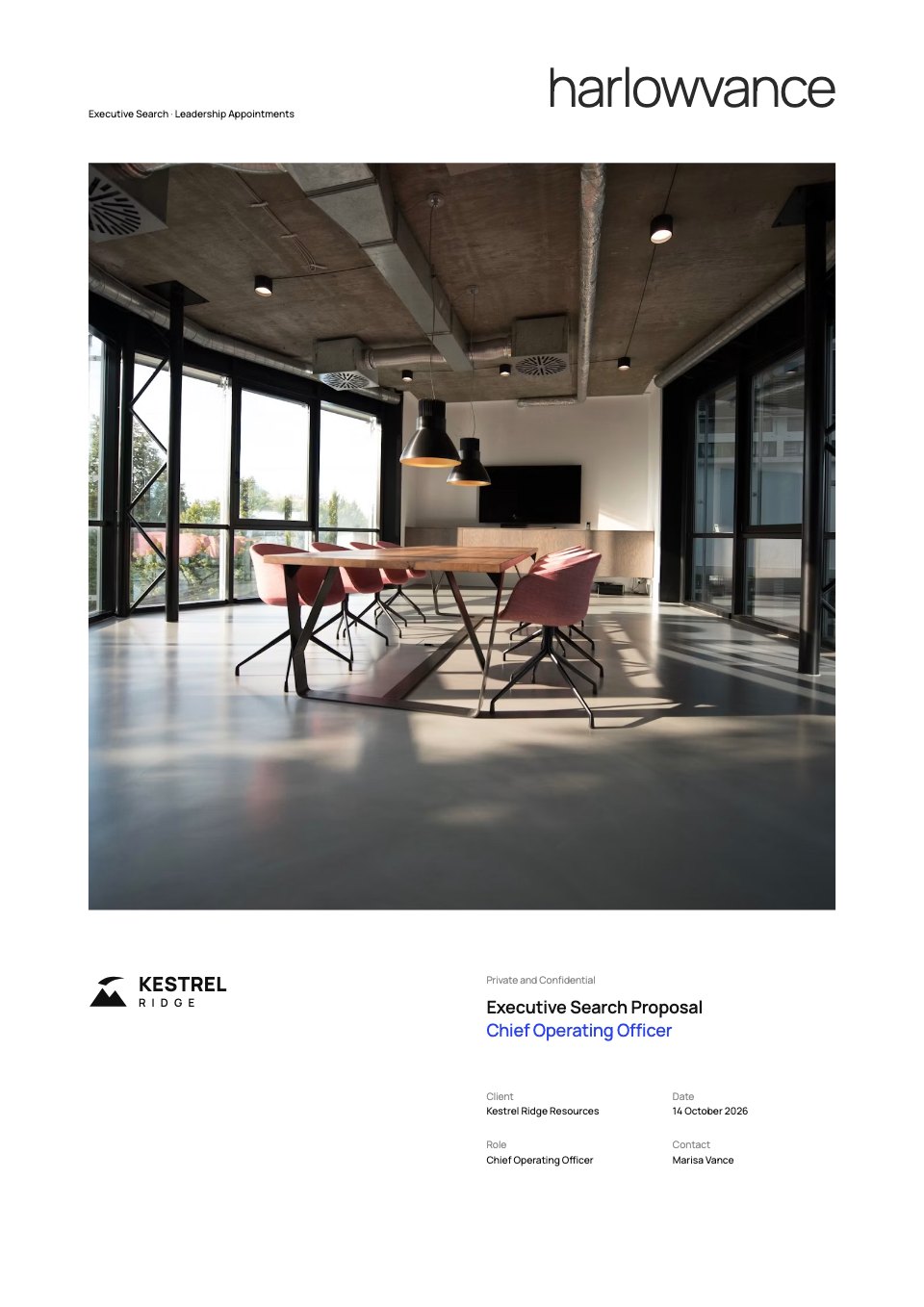
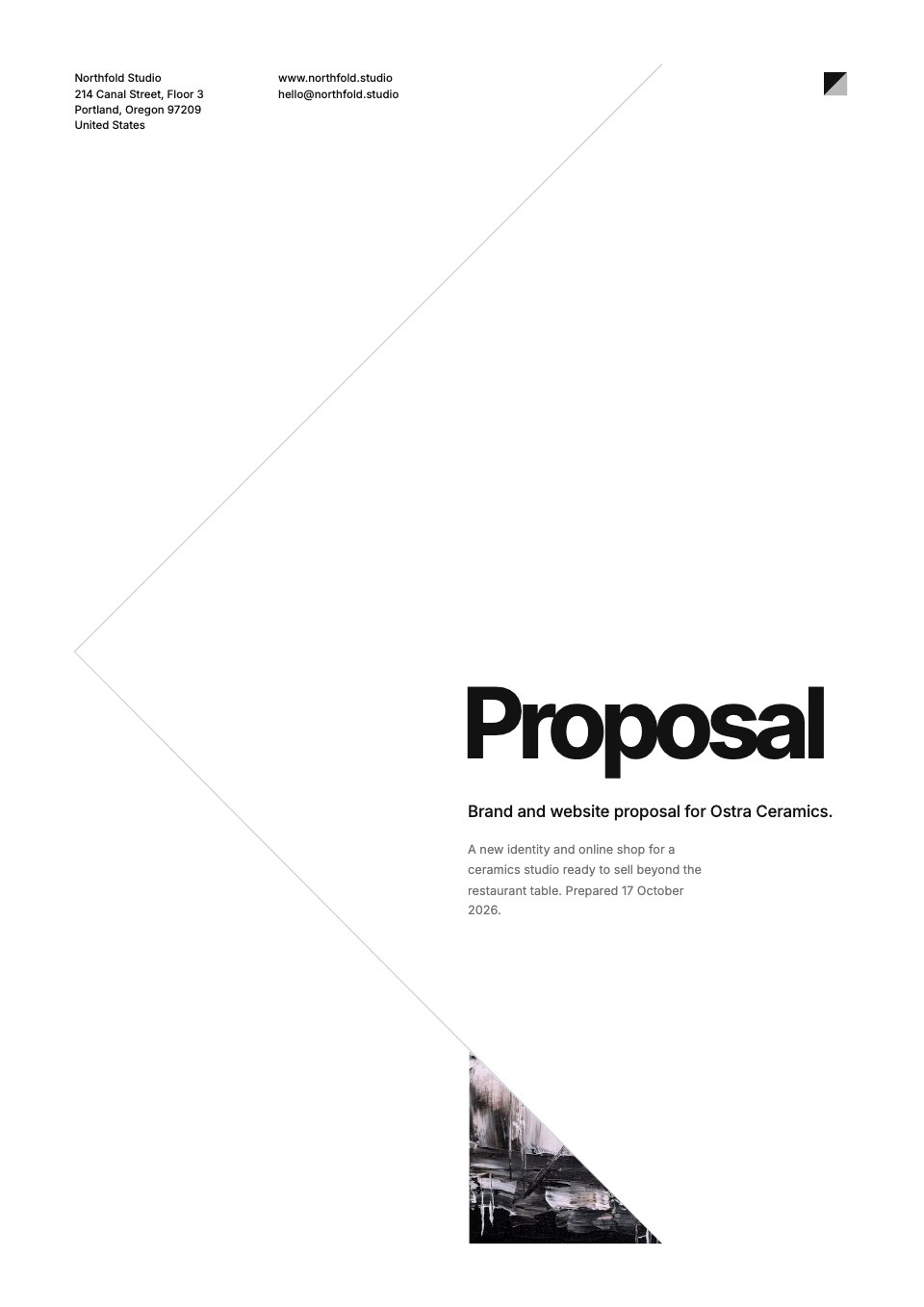
- 1Slide 1A cover with the proposal title, two headline numbers and a dark banner
- 2Slide 2The agenda: four timed parts as cards
- 3Slide 3Introducing our company
- 4Slide 4Executive summary: the key initiatives
- 5Slide 5Proposed solution: three initiatives
- 6Slide 6A vision backed by two clear goals
- 7Slide 7Market analysis: two challenges
- 8Slide 8Product overview, with a phone mockup and a feature count
When to use it.
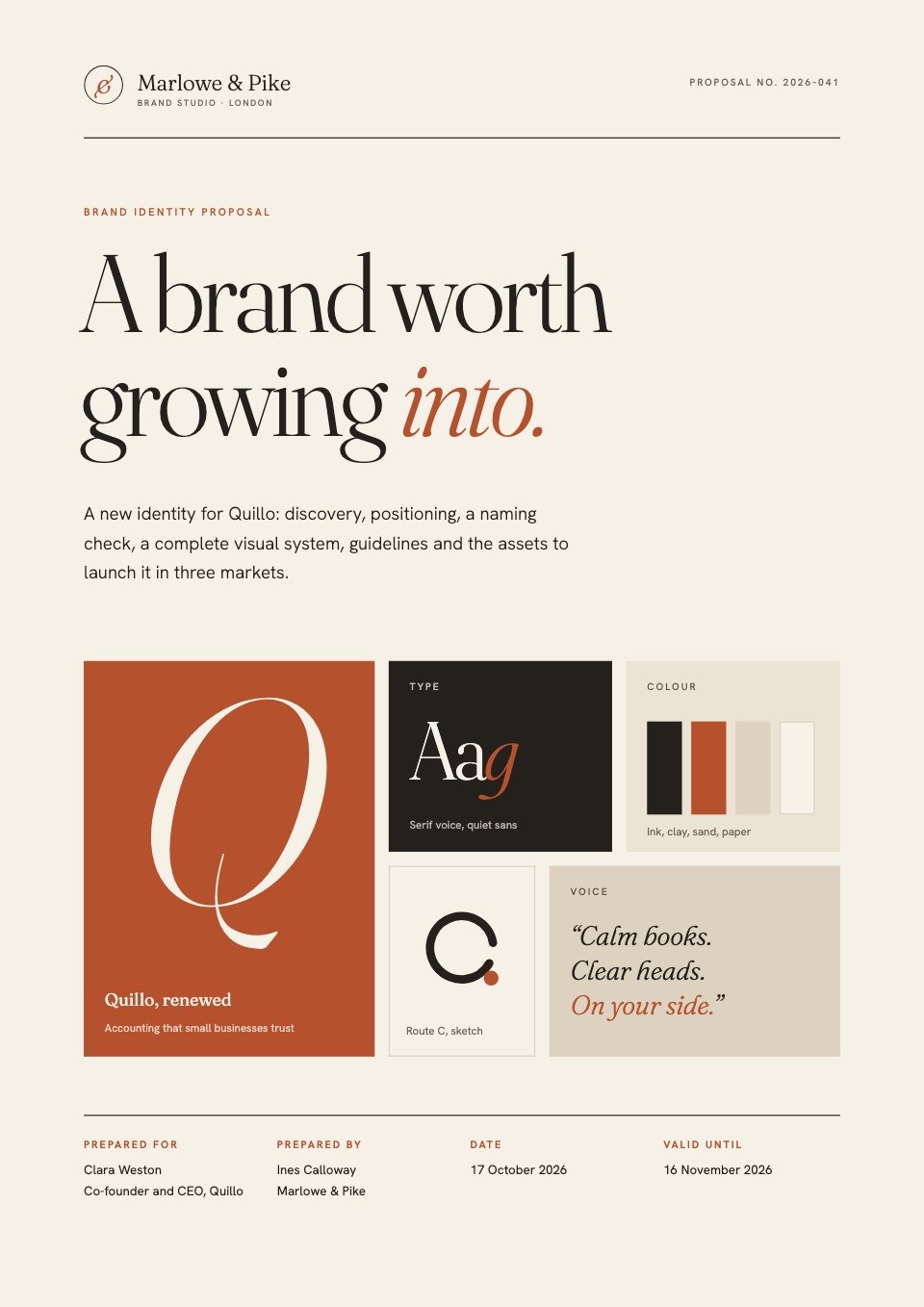
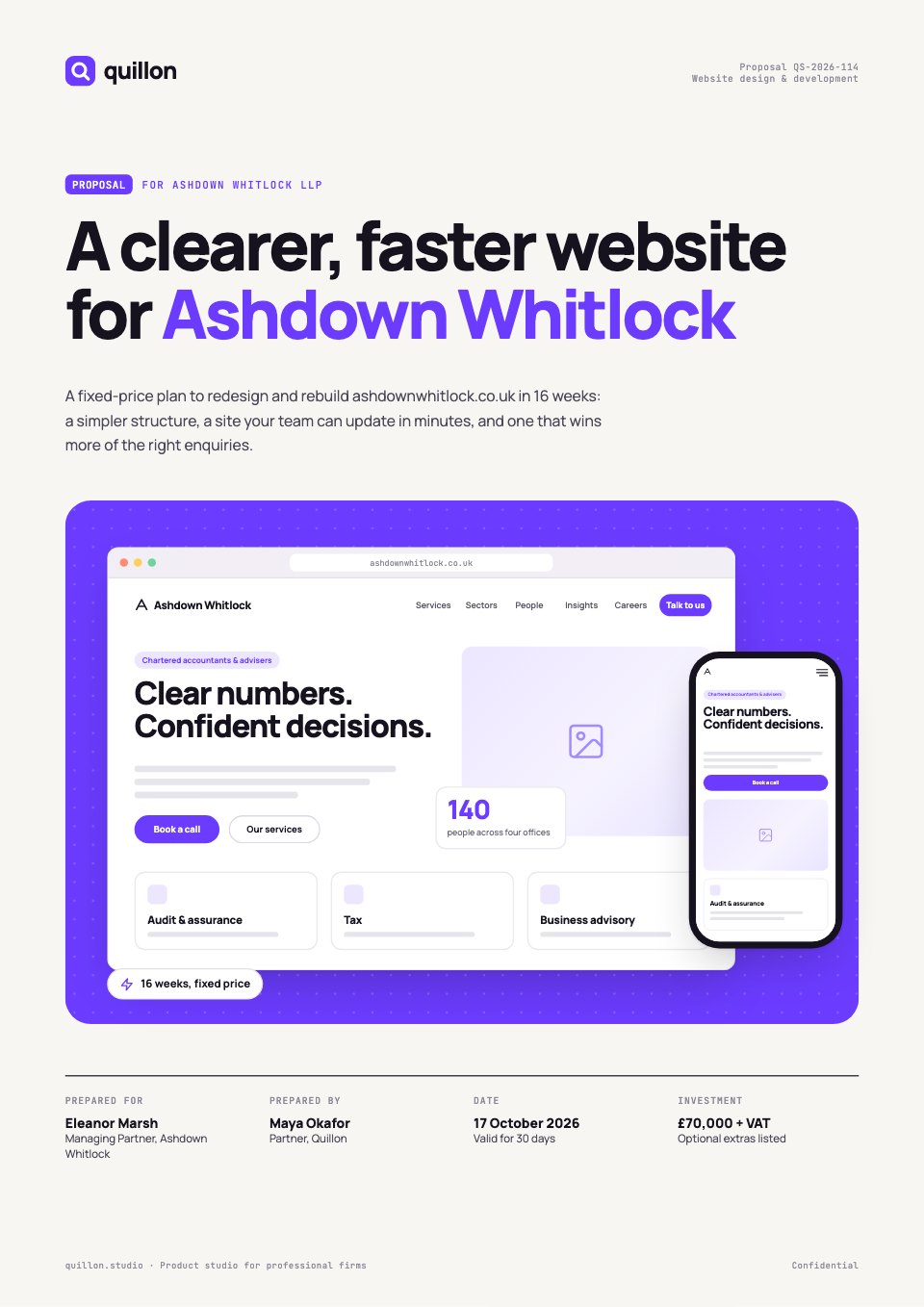
Business Proposal is an 8-slide deck for pitching a plan to a client, partner or leadership team. It opens with your headline numbers, then covers the agenda, who you are, an executive summary, the proposed solution, your goals, the market and the product. Big light headings, rounded black, grey and lemon-yellow cards and black-and-white abstract imagery make it look like a studio made it.
Made for
- Marketing, SEO and web agencies
- Freelancers and consultants
- Design and video studios
- Anyone quoting for client work
Make it yours in four steps.
Open it in Decks and work through it, or let Docsiv AI do the first pass with your details.
- Step 1
Replace ©COMPANY, the date and the headline numbers on the cover.
- Step 2
Set the agenda times and write your executive summary.
- Step 3
Fill in the solution, goals, market challenges and product, and swap the images for your own.
- Step 4
Present it from the browser, export it to PowerPoint or PDF, or share it with a link.
Start from the Business Proposal now.
Questions about this template.
Something else on your mind? Ask us in the chat, bottom right of the page.
Is the Business Proposal template free?
Yes. Create a free account and it opens in Docsiv's Decks app, ready to edit and share. The Free plan includes every Docsiv app and 500 AI credits a month.
Can I change the colours, fonts and text?
Yes, all of it. The template uses Urbanist with #f6f6f5, #111111, #f3ee1d, #e8e8e7, and you can change any of them, rewrite every word and add or remove slides.
What can I export it as?
Decks in Docsiv offers: Slides, PPTX, PDF and HTML exports. Once it's saved, you can also share it with a link.
Can Docsiv AI write the business proposal presentation for me?
Yes. Tell Docsiv AI about the client or project and it can draft the content in this template's style, which you then review and edit. AI uses credits; the Free plan includes 500 a month.



































Start your proposal with Docsiv AI
Describe the client or the project and Docsiv AI writes a first draft of your business proposal presentation for you to edit, share and send.