

What’s inside the Consulting Proposal.
16 pages with real content in place. Rewrite them, reorder them, or add your own.
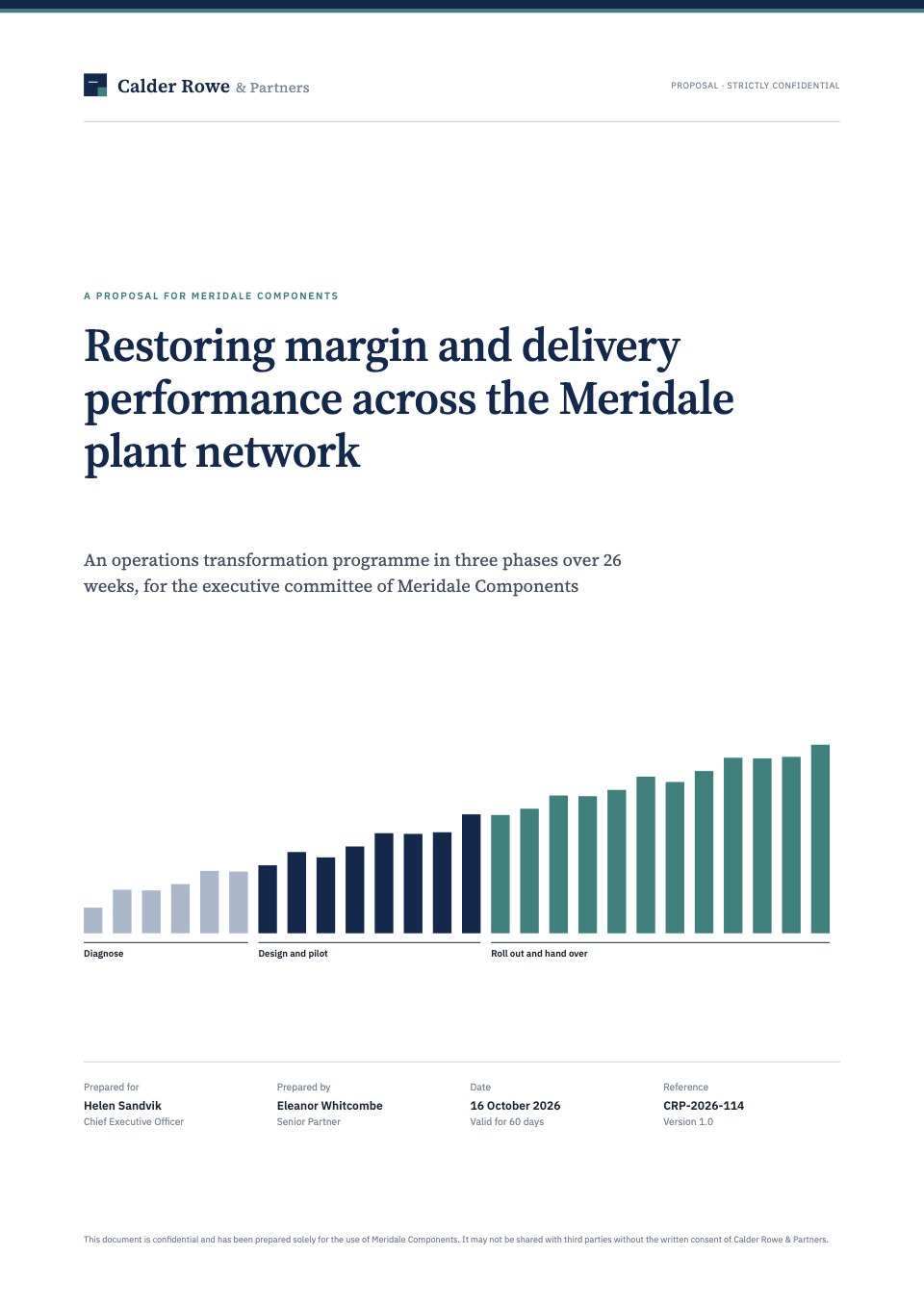
- 1Page 1A cover with the firm's mark, the project as one outcome, a 26-week phase motif and the proposal details
- 2Page 2A covering letter from the senior partner
- 3Page 3Contents, with numbered sections and a list of exhibits
- 4Page 4Executive summary: situation, complication and resolution, four headline targets and the decision needed
- 5Page 5Situation and complication: a margin line chart against peers, OTIF by plant and what the plant visits showed
- 6Page 6Key questions: an issue tree from the governing question to eight sub-questions
- 7Page 7Objectives and measures of success: a baseline and target table and an EBITDA bridge
- 8Page 8Our approach: three phases as chevrons, with activities, outputs and working principles
- 9Page 9Workplan: a 26-week Gantt chart and the steering committee dates and decisions
- 10Page 10Governance: the structure from steering committee to plant teams, and the meeting rhythm
- 11Page 11Our team: seven people with days on the engagement and short CVs
- 12Page 12Relevant experience: three comparable cases with before-and-after results
- 13Page 13Deliverables: eleven outputs by phase, with format and due week
- 14Page 14Professional fees: daily rates × days by role and phase, fees by phase and two fee options
- 15Page 15Assumptions and terms: scope, client commitments, benefits, confidentiality, IP and liability
- 16Page 16Next steps and acceptance: dated steps, a summary of what is agreed and signature lines
When to use it.
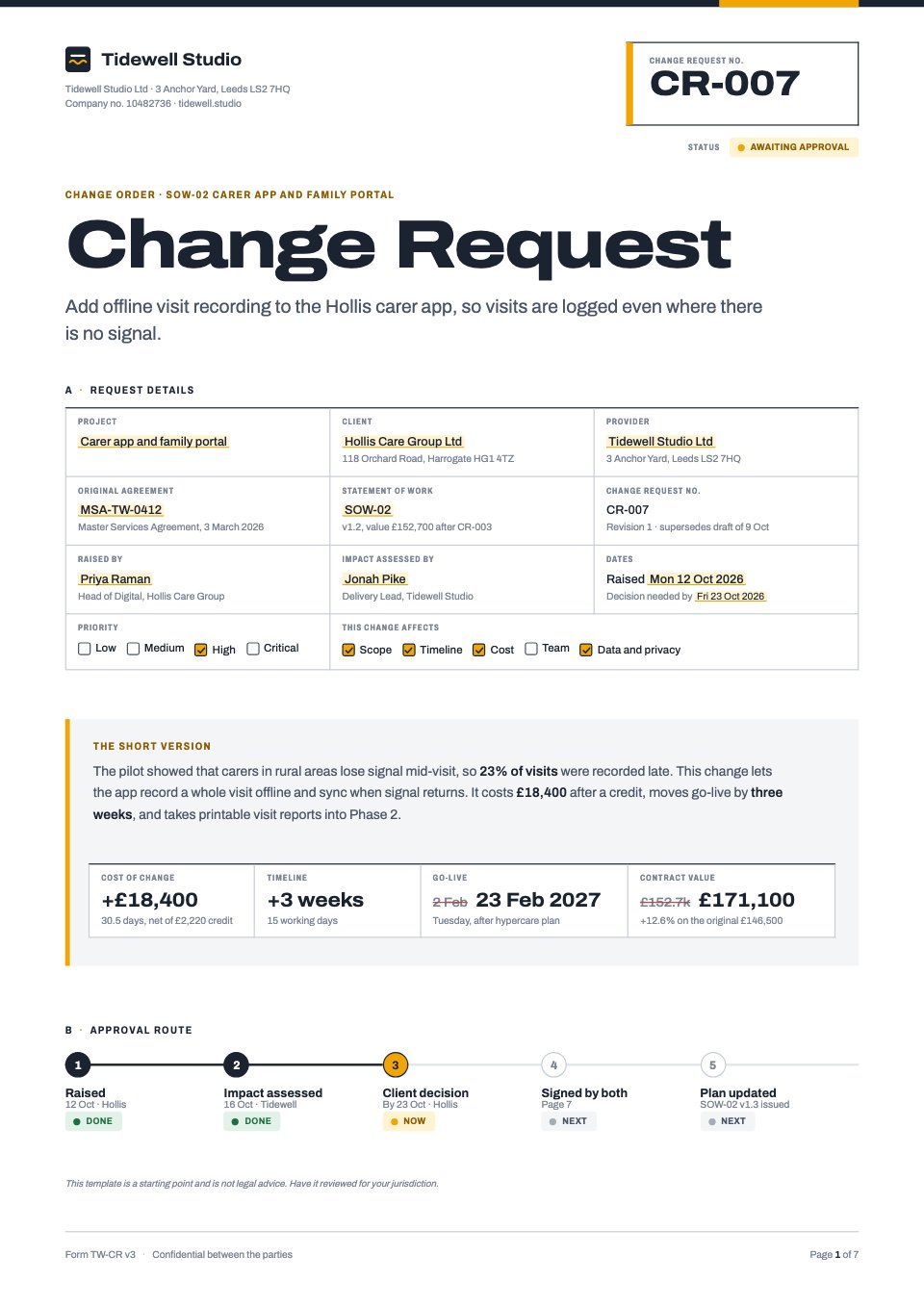
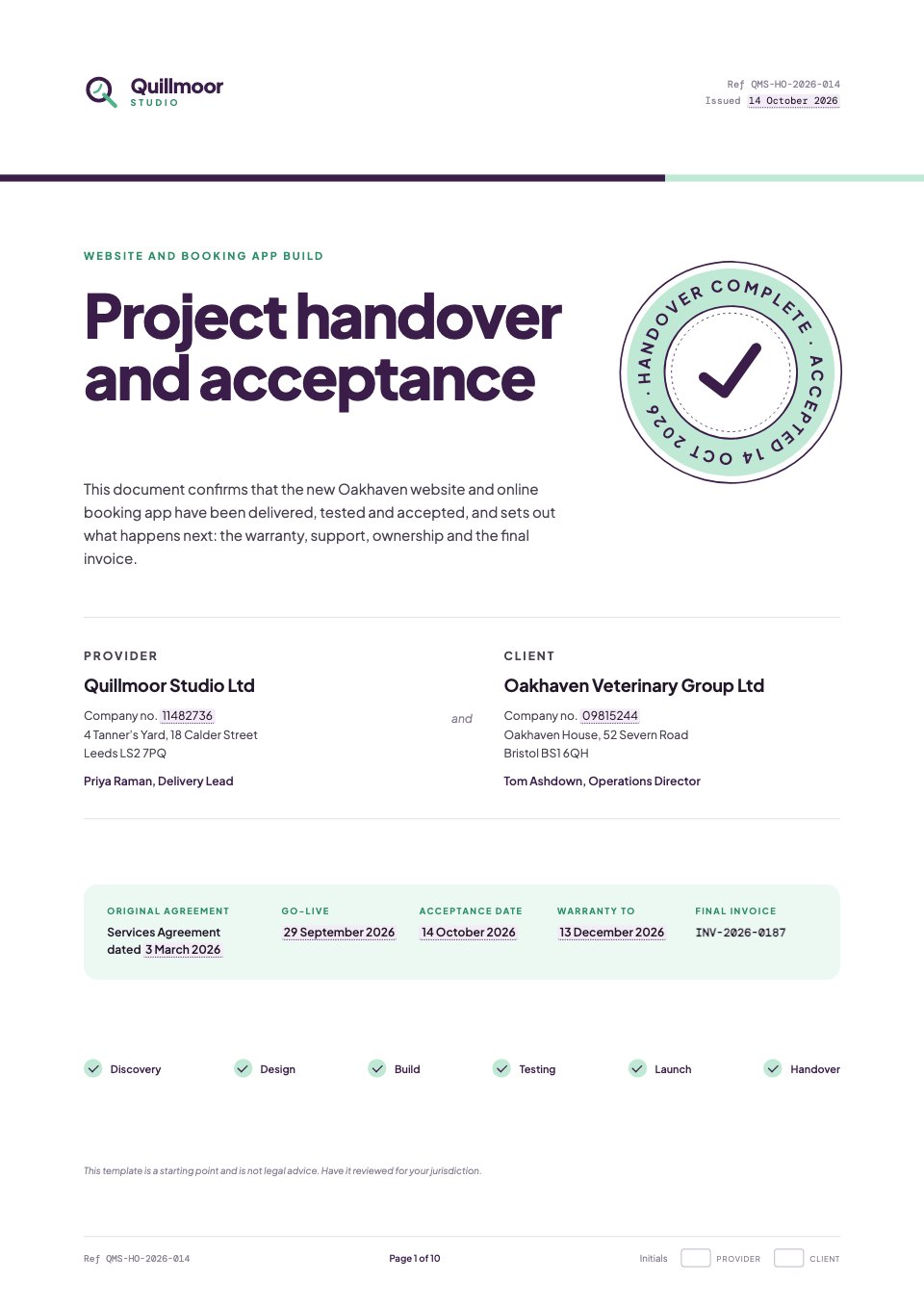
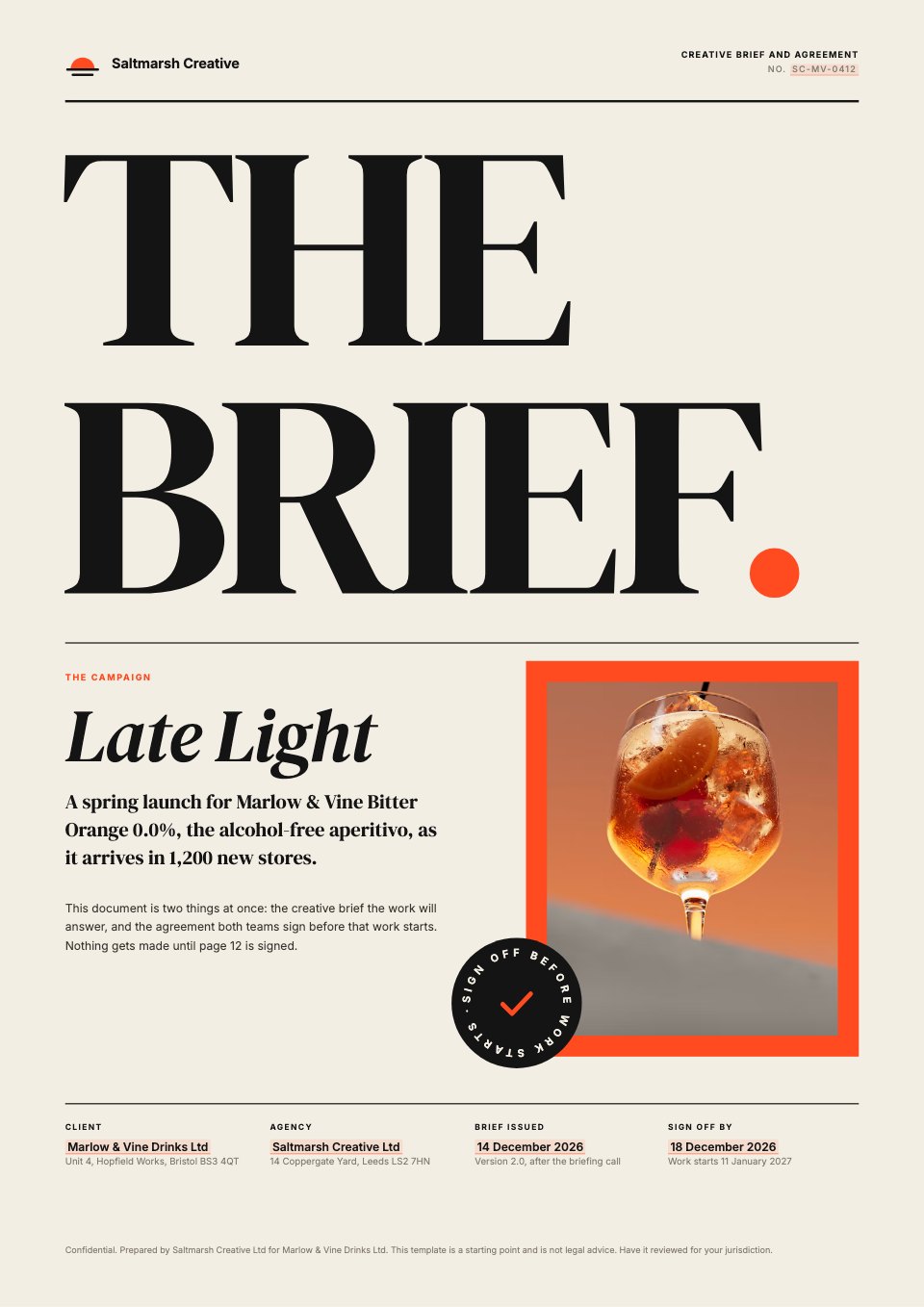
Consulting Proposal is a 16-page A4 proposal laid out like a strategy firm's own work, with an action title on every page and 12 numbered, sourced exhibits. It takes a client from situation and complication through an issue tree, objectives, a three-phase approach and a 26-week workplan to governance, team CVs and deliverables, with fees set out as daily rates times days by role and phase, a fixed-fee option and a shared-risk option. It closes with assumptions, key risks, terms and signature lines.
Made for
- Marketing, SEO and web agencies
- Freelancers and consultants
- Design and video studios
- Anyone quoting for client work
Make it yours in four steps.
Open it in Proposals and work through it, or let Docsiv AI do the first pass with your details.
- Step 1
Replace the firm, the client and the project on the cover and in the letter.
- Step 2
Rewrite the situation, the issue tree and the targets for your client's problem.
- Step 3
Set your team, day rates and days by phase, and check the totals on the fees page.
- Step 4
Adjust the workplan, terms and next steps, then send it as a link or PDF for signature.
Start from the Consulting Proposal now.
Questions about this template.
Something else on your mind? Ask us in the chat, bottom right of the page.
Is the Consulting Proposal template free?
Yes. Create a free account and it opens in Docsiv's Proposals app, ready to edit and share. The Free plan includes every Docsiv app and 500 AI credits a month.
Can I change the colours, fonts and text?
Yes, all of it. The template uses Source Serif 4 and IBM Plex Sans with #ffffff, #14284b, #3f7f7c, #a9b7c9, #465062, #eef3f3, and you can change any of them, rewrite every word and add or remove pages.
What can I export it as?
Proposals in Docsiv offers: Proposal pages, PDF and HTML exports. Once it's saved, you can also share it with a link.
Can Docsiv AI write the consulting proposal for me?
Yes. Tell Docsiv AI about the client or project and it can draft the content in this template's style, which you then review and edit. AI uses credits; the Free plan includes 500 a month.
Can my client sign it?
Yes, on the Pro and Team plans: send the proposal for e-signature from Docsiv and follow it under Signatures. E-signatures aren't included on the Free plan.
Executive Search Proposal
PreviewDesign Proposal
PreviewBrand Identity Proposal
PreviewWebsite Proposal
PreviewSEO Proposal
PreviewPPC Proposal
Preview




Starting from a description instead? Try the Proposal maker.

Start your proposal with Docsiv AI
Describe the client or the project and Docsiv AI writes a first draft of your consulting proposal for you to edit, share and send.