

What’s inside the SEO Report.
14 pages with real content in place. Rewrite them, reorder them, or add your own.
- 1Page 1A cover with the client, period and author over a teal panel with a 13-month sessions chart and three headline numbers
- 2Page 2Contents, a short note from the account lead and a key to the rank-change arrows
- 3Page 3Executive summary: four KPI cards with sparklines and month-on-month change, the month in brief, three takeaways and year-on-year growth
- 4Page 4Organic traffic: a 13-month sessions line chart, a device donut and sessions by landing page type
- 5Page 5Conversions: a visit-to-order funnel, conversion rate, order value, revenue per session and orders by category
- 6Page 6Keyword rankings: a position distribution chart over six months, ranking headlines and a breakdown by topic
- 7Page 7Keyword movers: the biggest gains and drops with volume, positions and rank-change arrows
- 8Page 8Top pages: the ten best organic landing pages with sessions, change, orders and conversion rate
- 9Page 9Technical health: Core Web Vitals gauges, the site health score, index coverage and crawl issues
- 10Page 10Backlinks: referring domains gained by month, totals and the most notable new links
- 11Page 11Content published: five new guides with keyword, position and sessions, plus next month's pipeline
- 12Page 12Wins, what didn't work and three insights
- 13Page 13Actions for next month on a four-week timeline, with targets and what we need from the client
- 14Page 14Methodology, glossary and the team's contact details
When to use it.
SEO Report is a 14-page monthly report that shows a client what their organic search achieved last month. It opens with a cover chart and four headline KPIs, then covers traffic, conversions, keyword rankings and movers, top pages, Core Web Vitals and crawl issues, backlinks and published content, closing with wins, insights, a four-week action plan and a glossary. Every chart is generated from a small data table, so the numbers stay consistent from page to page.
Made for
- Agencies reporting to clients
- Consultants and freelancers
- Founders updating a board
- Teams sharing results
Make it yours in four steps.
Open it in Reports and work through it, or let Docsiv AI do the first pass with your details.
- Step 1
Put your client's name, the reporting period and your agency on the cover.
- Step 2
Swap in your figures from your analytics, search console, rank tracker and backlink tool.
- Step 3
Rewrite the summary, wins and insights so they explain why the numbers moved.
- Step 4
Set next month's actions and targets, then share the report as a link or export it as a PDF.
Start from the SEO Report now.
Questions about this template.
Something else on your mind? Ask us in the chat, bottom right of the page.
Is the SEO Report template free?
Yes. Create a free account and it opens in Docsiv's Reports app, ready to edit and share. The Free plan includes every Docsiv app and 500 AI credits a month.
Can I change the colours, fonts and text?
Yes, all of it. The template uses DM Sans and DM Mono with #f6f4ee, #0e4d4b, #d4a23a, #15302f, #fffdf8, #b4573e, and you can change any of them, rewrite every word and add or remove pages.
What can I export it as?
Reports in Docsiv offers: Report pages with charts, PDF and HTML exports. Once it's saved, you can also share it with a link.
Can Docsiv AI write the monthly SEO report for me?
Yes. Tell Docsiv AI about the client or project and it can draft the content in this template's style, which you then review and edit. AI uses credits; the Free plan includes 500 a month.
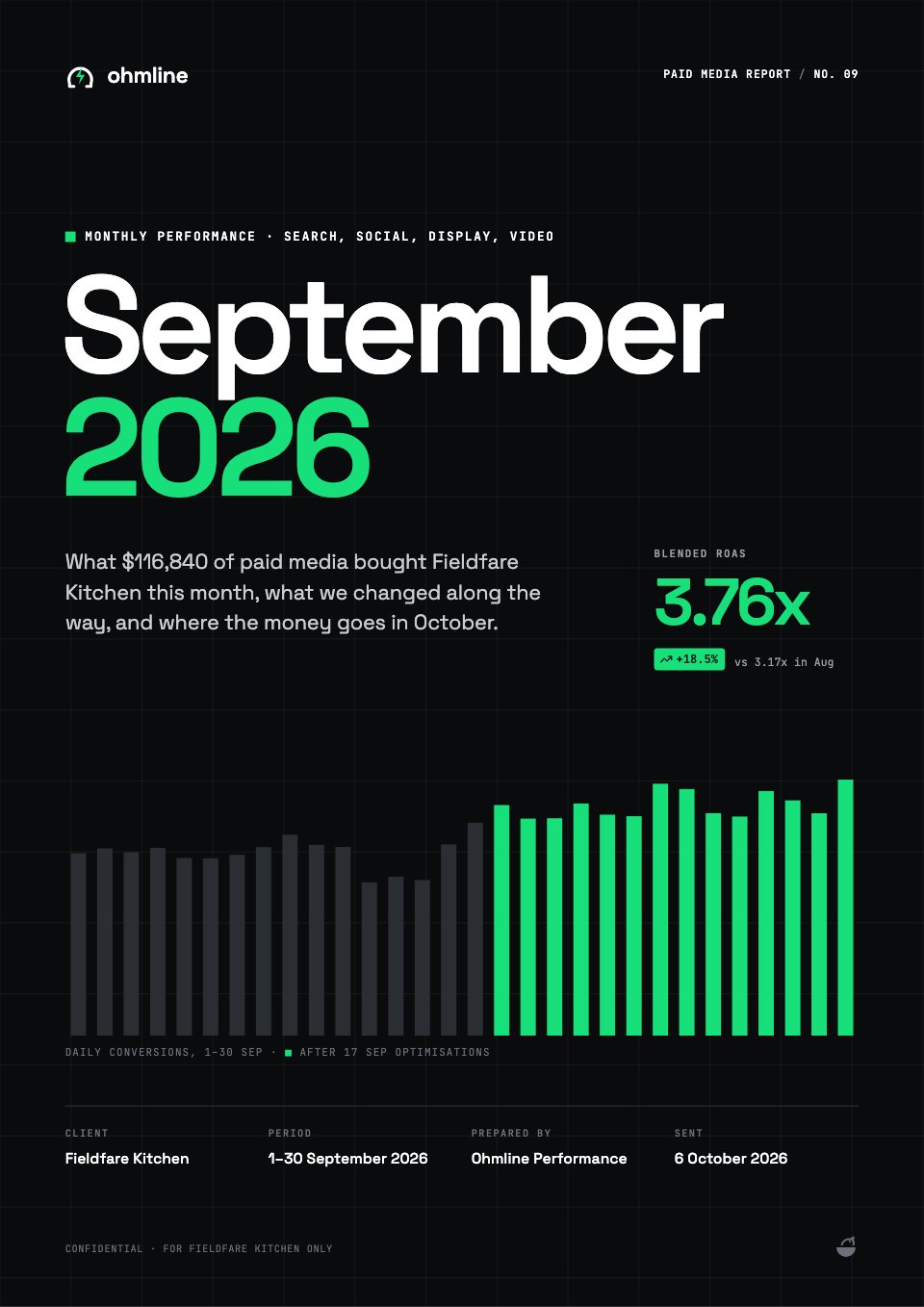
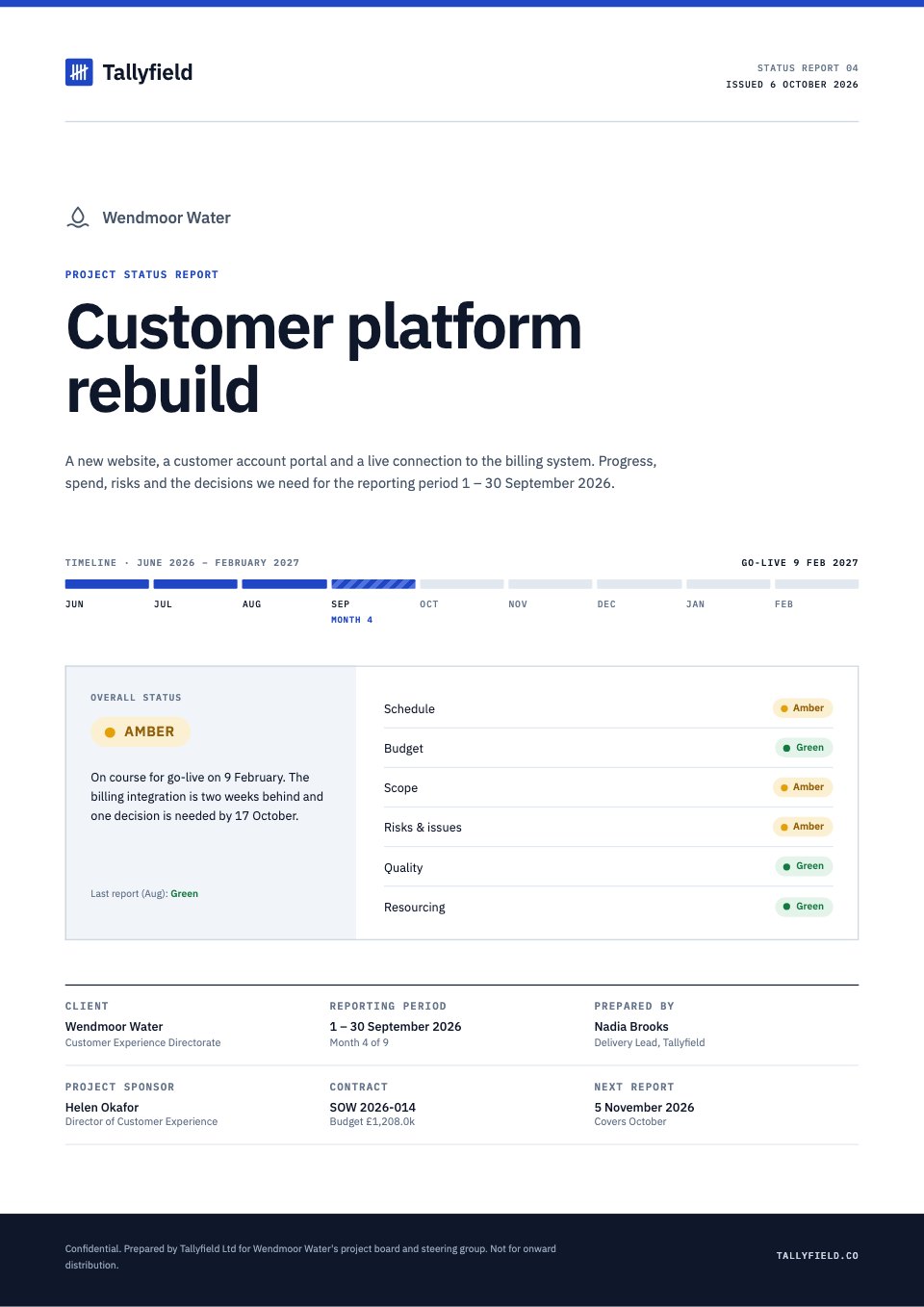
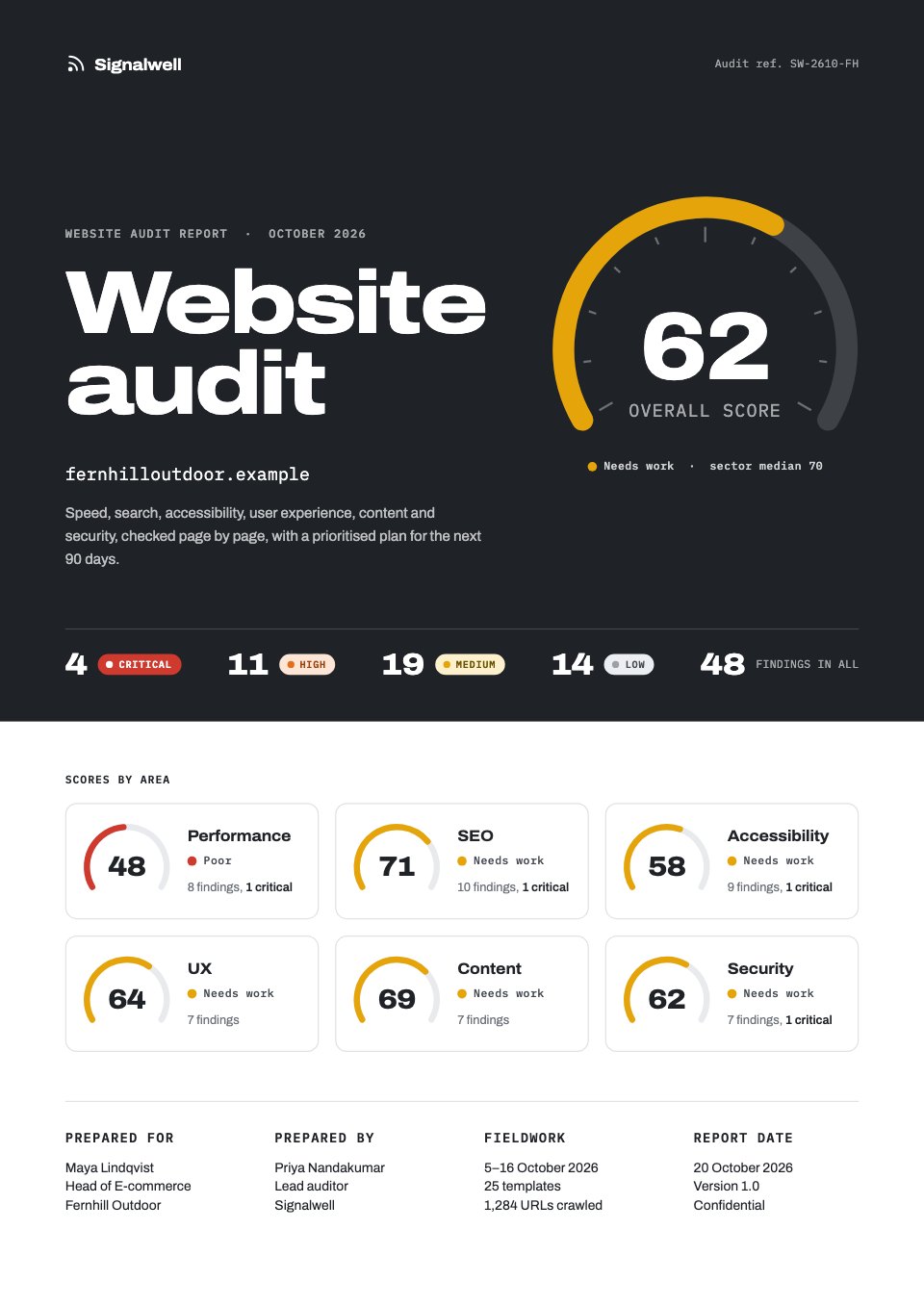
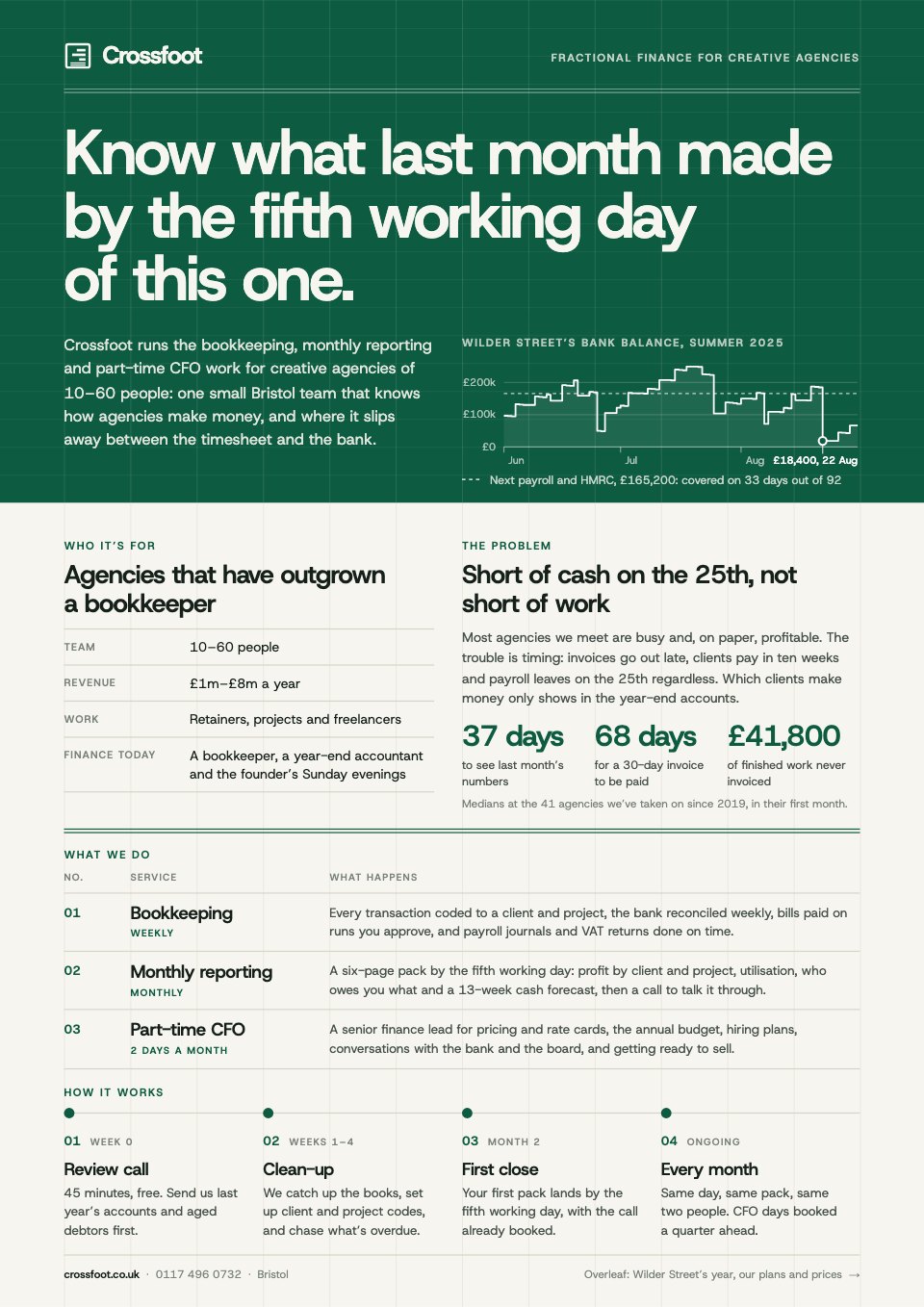
Annual Report
PreviewSales Report
PreviewQuarterly Business Review
PreviewResearch Report
PreviewMarketing Report
PreviewSocial Media Report
Preview






Starting from a description instead? Try the AI report generator.









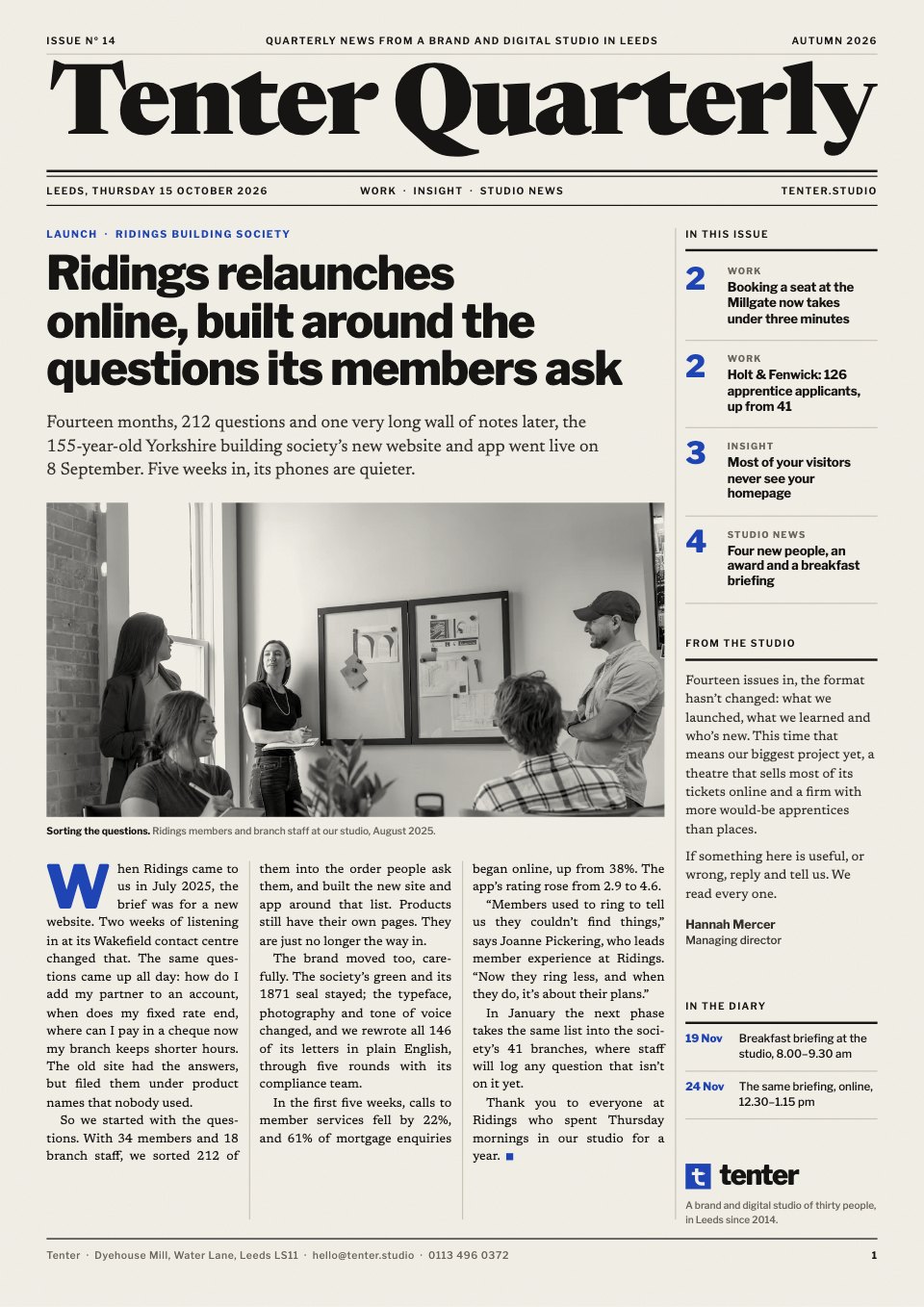
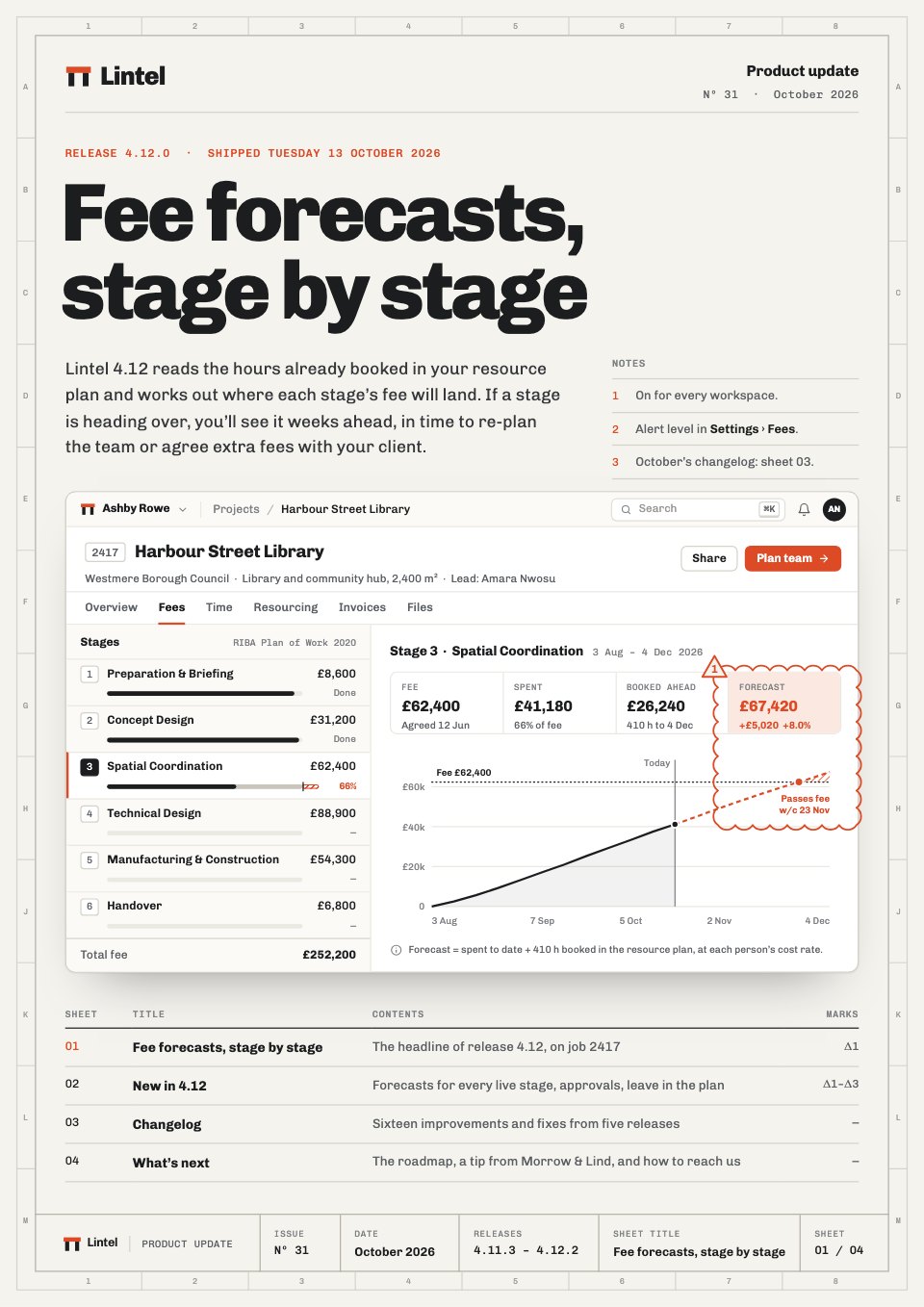
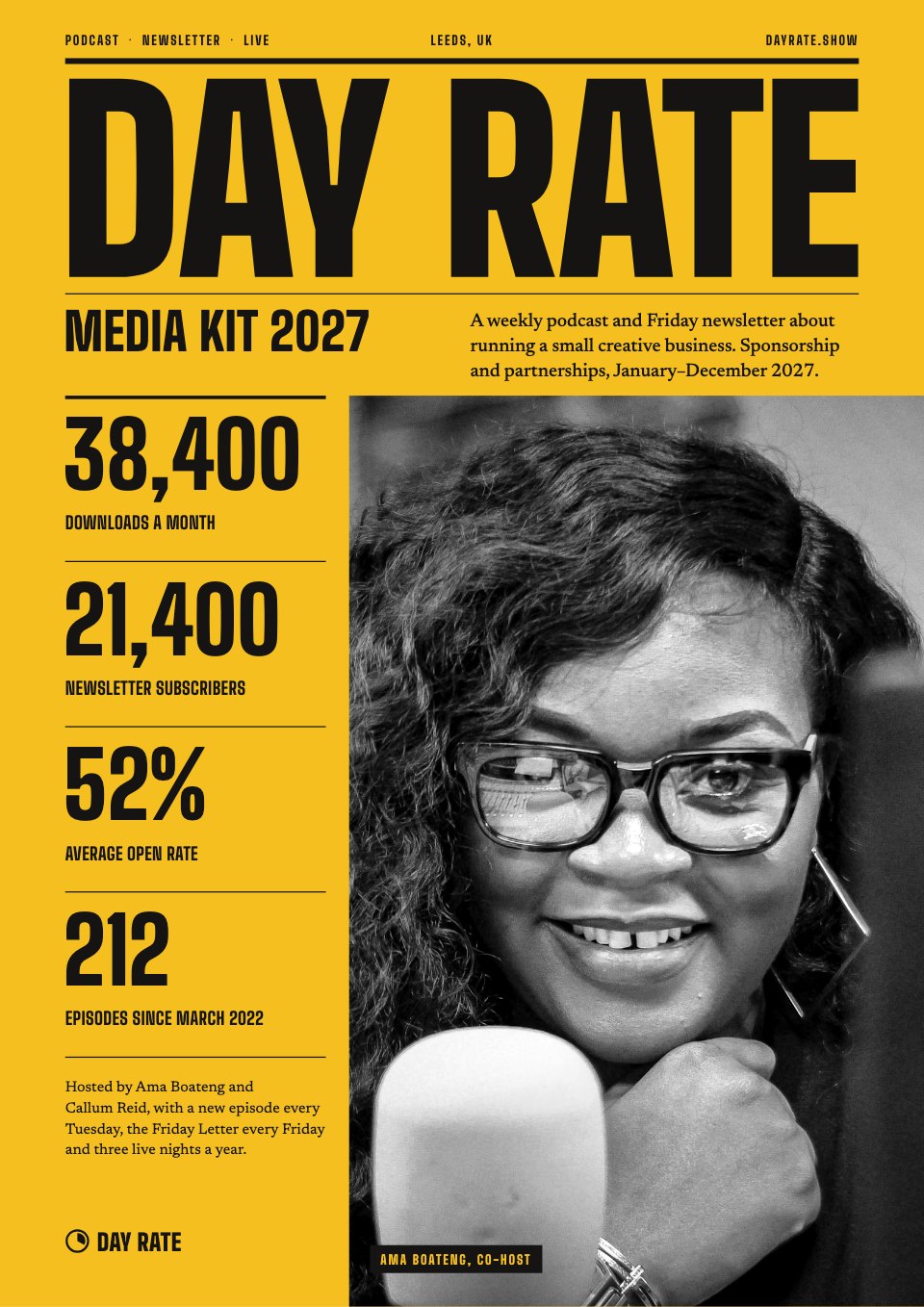
Start your report with Docsiv AI
Describe the client or the project and Docsiv AI writes a first draft of your monthly SEO report for you to edit, share and send.