

What’s inside the Marketing Report.
13 pages with real content in place. Rewrite them, reorder them, or add your own.
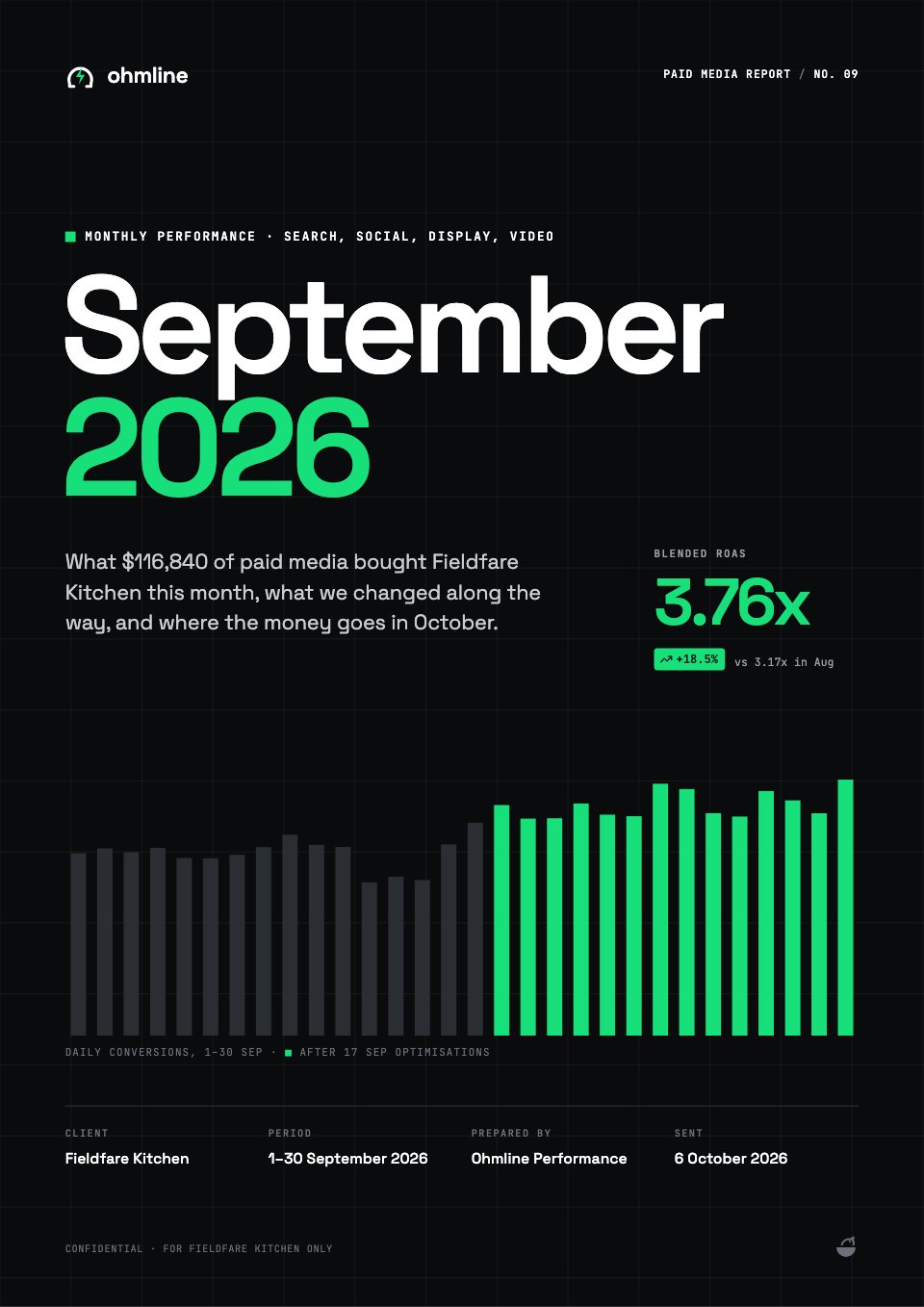
- 1Page 1A cover with the month, a revenue line and four headline KPIs
- 2Page 2A note from the account team and the contents
- 3Page 3Executive summary: KPI cards with sparklines, revenue and spend, progress to target
- 4Page 4Traffic and revenue by channel: bars, a donut and a full channel table
- 5Page 5Paid media: weekly spend and revenue, and results by platform
- 6Page 6Top campaigns: a ranked table, ROAS against break-even and the creative that worked
- 7Page 7Email and SMS: revenue split, list health and every automated flow
- 8Page 8Social and creators: follower growth, the creator programme and top posts
- 9Page 9Conversion funnel: each step against last month, device split and order value
- 10Page 10Wins and what didn't work, each with its number and fix
- 11Page 11Insights, recommendations with owners and the decisions needed
- 12Page 12Next month's plan: targets, a Gantt chart and the budget
- 13Page 13Methodology, glossary and the team to contact
When to use it.
Marketing Report is a 13-page monthly performance report built like a client dashboard, in deep indigo and coral. It opens with four headline KPIs and sparklines, then covers traffic by channel, paid media, top campaigns, email and SMS, social and creators, and the conversion funnel, each page ending with one clear takeaway. An honest wins-and-misses page, recommendations with owners and next month's plan with targets, a timeline and budget close the report.
Made for
- Agencies reporting to clients
- Consultants and freelancers
- Founders updating a board
- Teams sharing results
Make it yours in four steps.
Open it in Reports and work through it, or let Docsiv AI do the first pass with your details.
- Step 1
Change the client, month and your agency's name on the cover and in the running header.
- Step 2
Replace the numbers in each KPI card, chart and table with this month's figures.
- Step 3
Rewrite the takeaways, wins and misses, and recommendations so they tell the story behind your numbers.
- Step 4
Set next month's targets, timeline and budget, then share the report as a link or export it to PDF.
Start from the Marketing Report now.
Questions about this template.
Something else on your mind? Ask us in the chat, bottom right of the page.
Is the Marketing Report template free?
Yes. Create a free account and it opens in Docsiv's Reports app, ready to edit and share. The Free plan includes every Docsiv app and 500 AI credits a month.
Can I change the colours, fonts and text?
Yes, all of it. The template uses Inter with #25226e, #ff6b5b, #4f4bc9, #f4f4fc, #17163f, and you can change any of them, rewrite every word and add or remove pages.
What can I export it as?
Reports in Docsiv offers: Report pages with charts, PDF and HTML exports. Once it's saved, you can also share it with a link.
Can Docsiv AI write the monthly marketing report for me?
Yes. Tell Docsiv AI about the client or project and it can draft the content in this template's style, which you then review and edit. AI uses credits; the Free plan includes 500 a month.
Annual Report
PreviewSales Report
PreviewQuarterly Business Review
PreviewResearch Report
PreviewSEO Report
PreviewSocial Media Report
Preview






Starting from a description instead? Try the AI report generator.







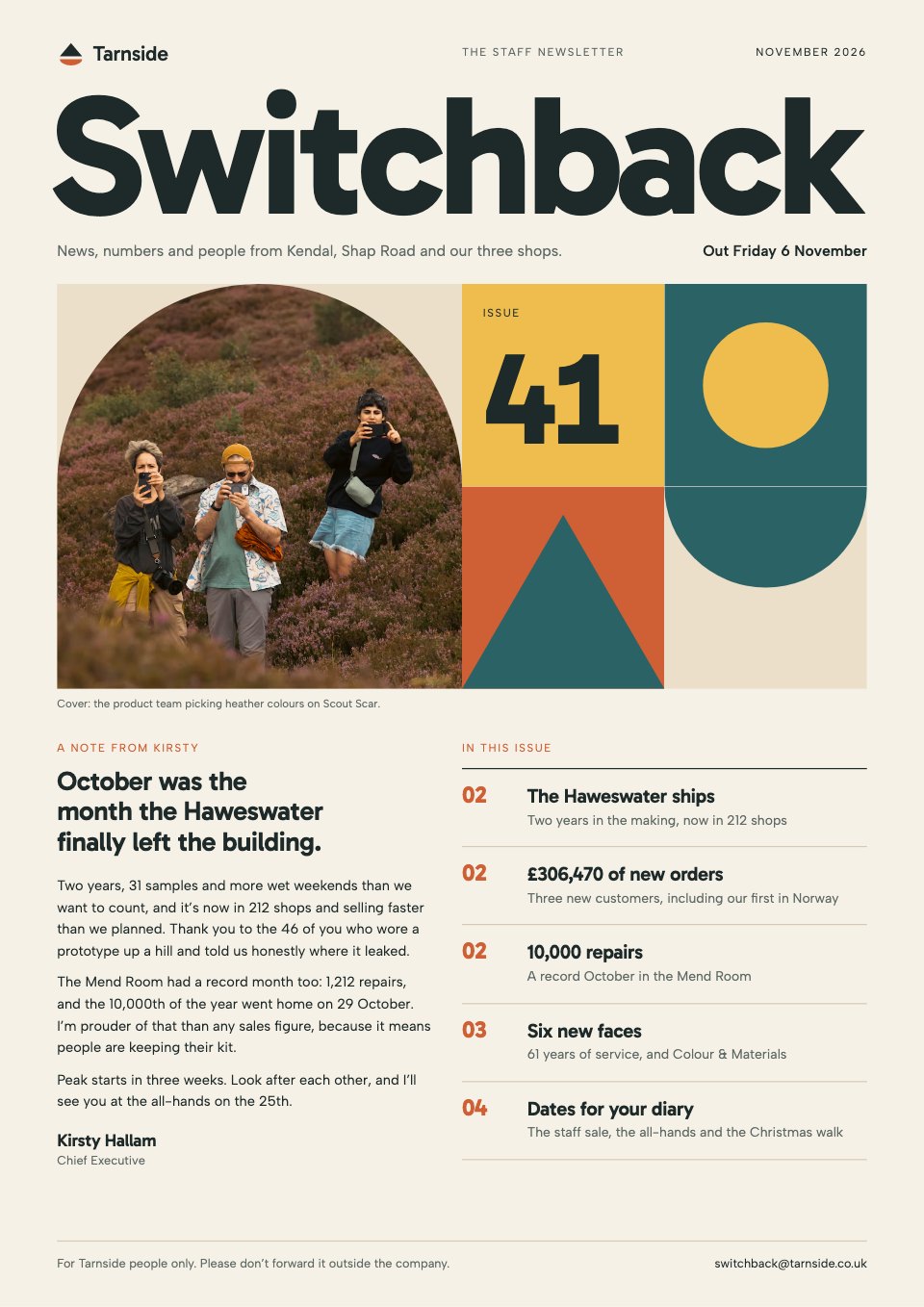
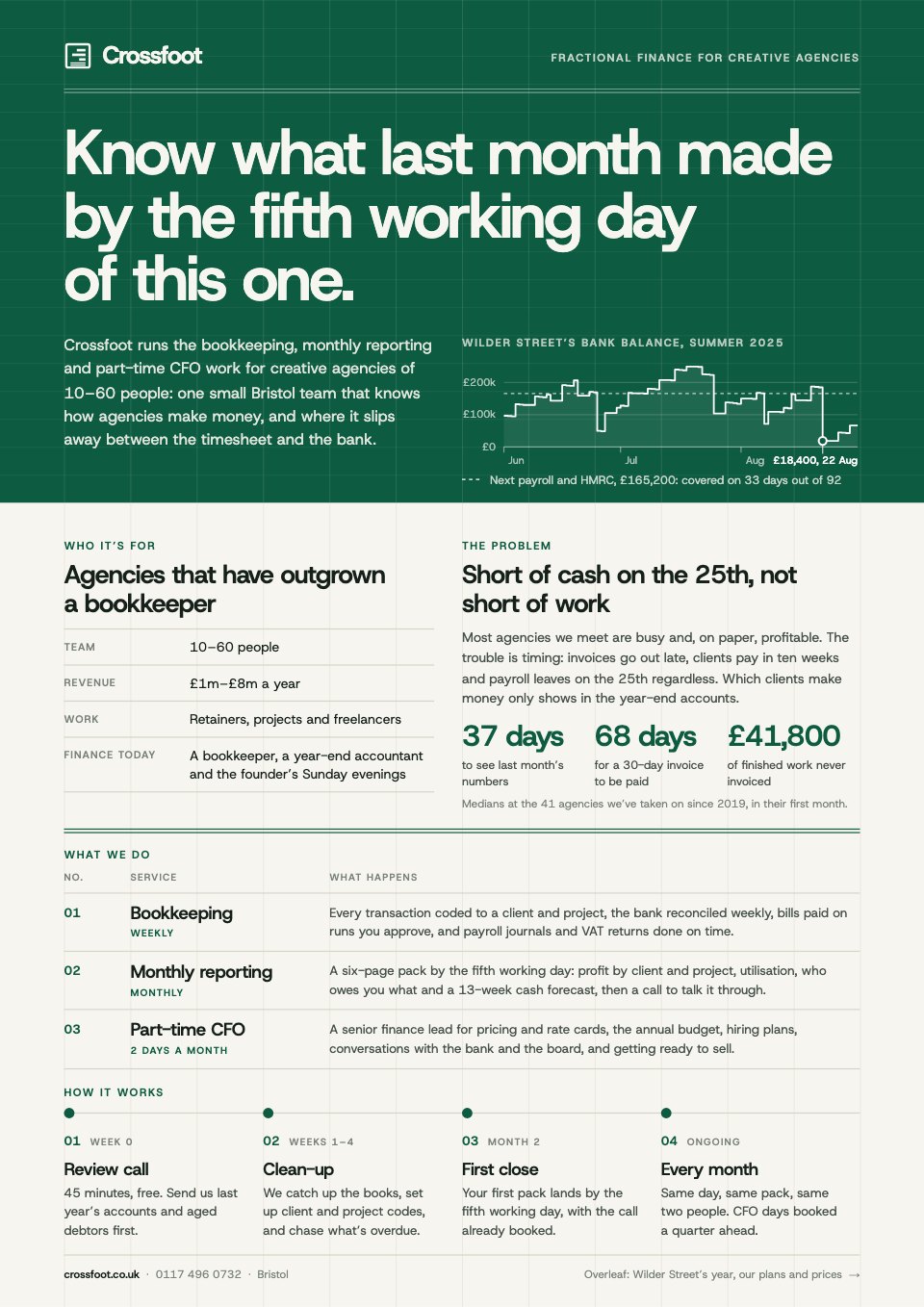
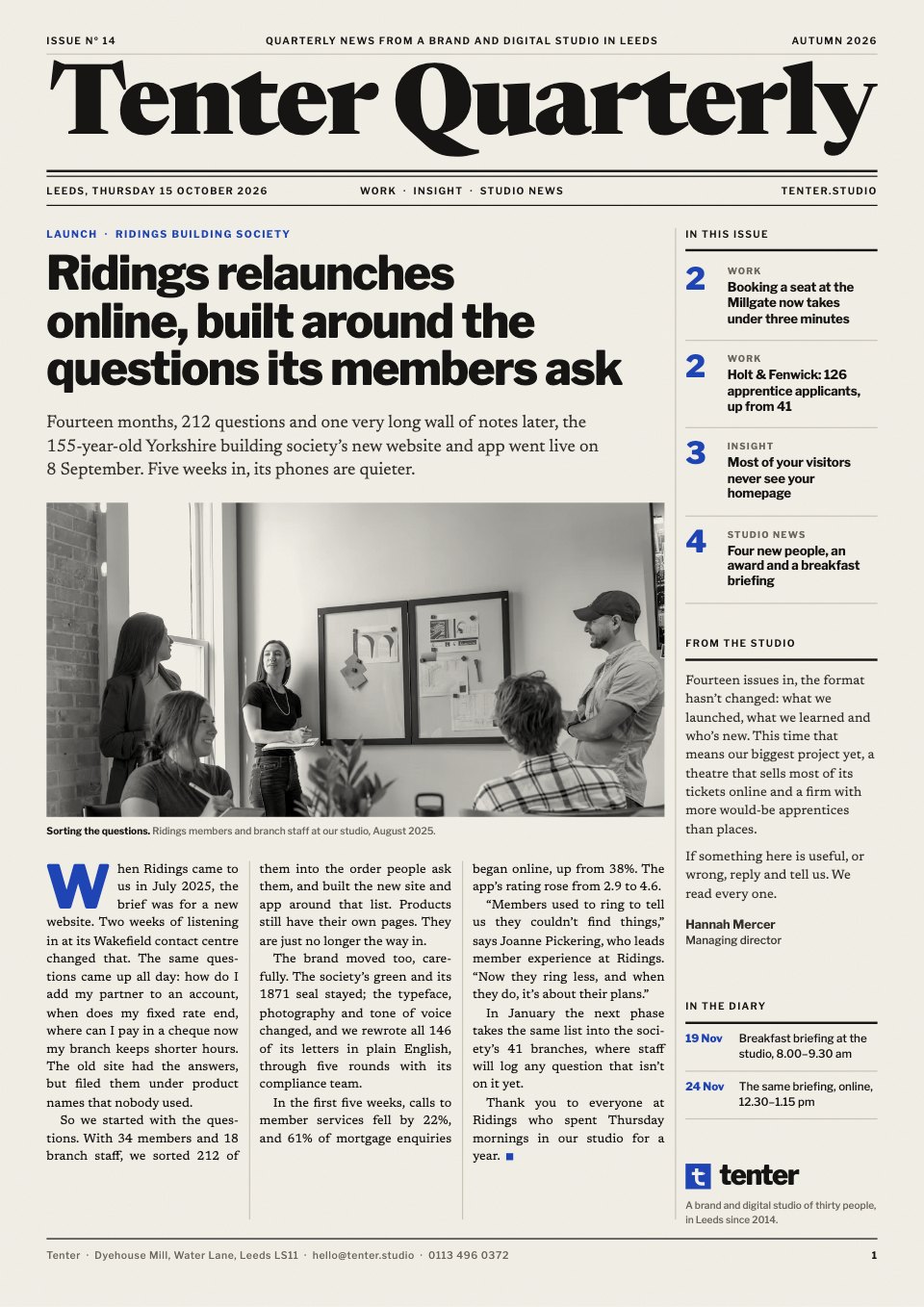
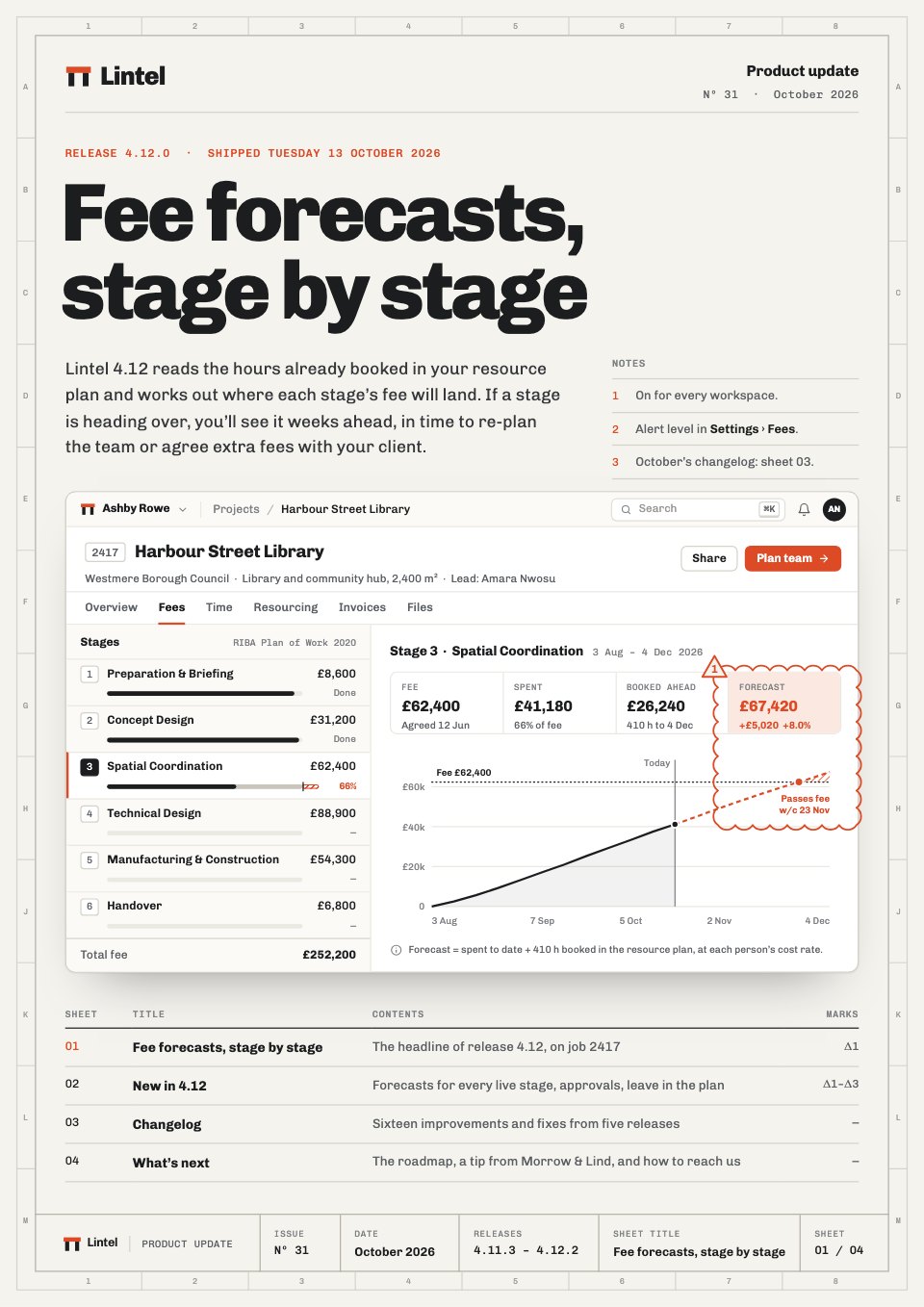
Start your report with Docsiv AI
Describe the client or the project and Docsiv AI writes a first draft of your monthly marketing report for you to edit, share and send.