

What’s inside the Cover Letter.
2 pages with real content in place. Rewrite them, reorder them, or add your own.
- 1Page 1A letterhead with your name, contact line and the letter itself
- 2Page 2How to use it, with three openings for cold, posted and referred applications
When to use it.
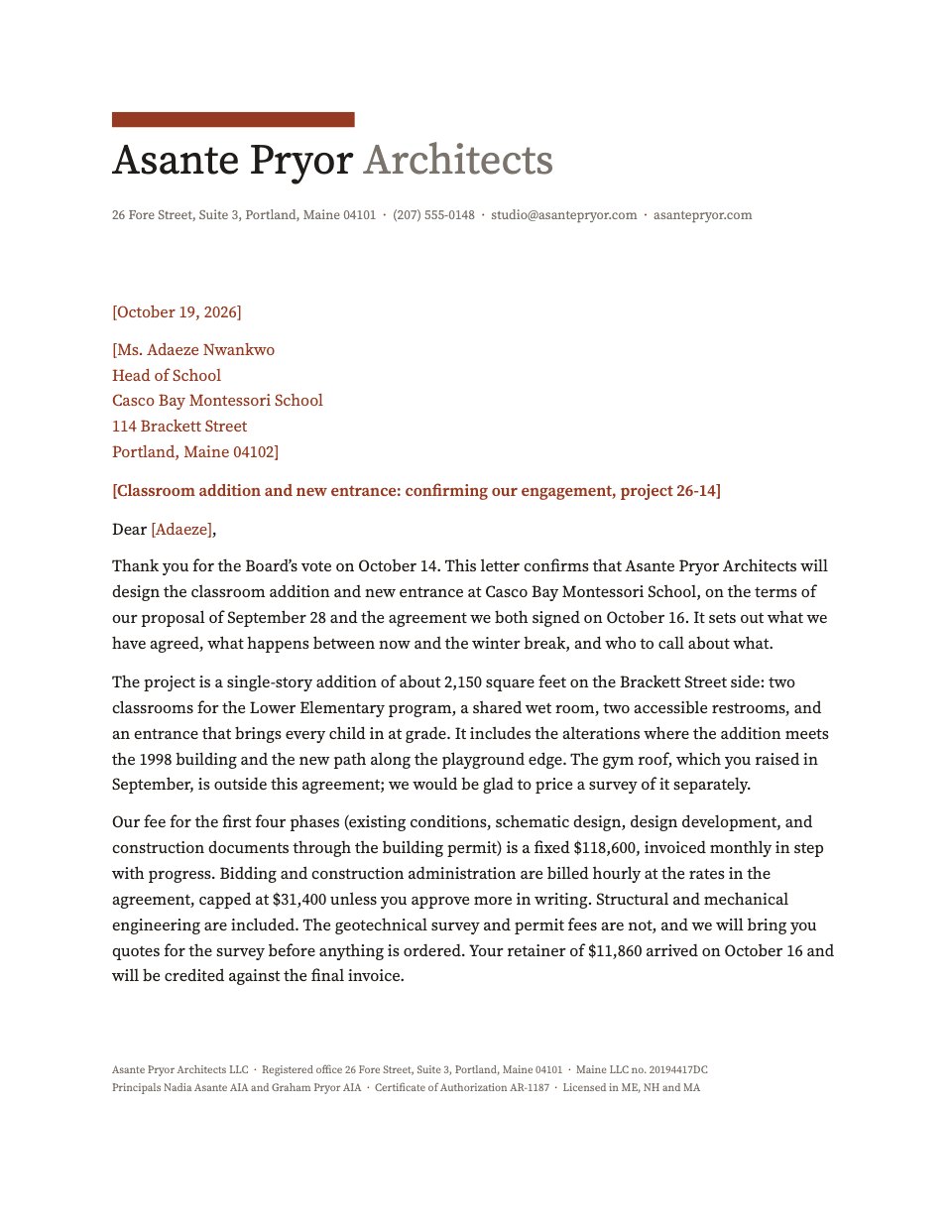
Cover Letter is a one-page letter on a letterhead designed to sit next to your CV: your name set large, your contact details on one line, a hairline rule, then the date, the recipient and four paragraphs that do real work. The letter is written out in full — a specific opening, one claim proved with a number, a reason it is this company and not another, and a close that asks for the next step — so you are editing good writing rather than starting from a blank page. Everything you replace is tinted, from your name to the hiring manager, the company, the role and the dates. A second page explains how to use it and gives you three openings to swap in, depending on whether you are applying cold, answering a posting or writing because someone referred you.
Made for
- People applying for a job
- Freelancers going back in-house
- Consultants pitching for a role
- Anyone asked to send a CV as a Word file
Make it yours in four steps.
Open it in Documents and work through it, or let Docsiv AI do the first pass with your details.
- Step 1
Replace the tinted fill-ins in the letterhead with your name, email, phone, city and portfolio link, then do the same for the date and the recipient block.
- Step 2
Pick one of the three openings on page two — cold, posting or referral — and paste it over the first paragraph of the letter.
- Step 3
Rewrite the middle paragraph around one number you can defend, and the third around something true of this company alone.
- Step 4
Delete page two, check the close names the dates you are free, and save it as a PDF with your name and the role in the filename.
Start from the Cover Letter now.
Questions about this template.
Something else on your mind? Ask us in the chat, bottom right of the page.
Is the Cover Letter template free?
Yes. Create a free account and it opens in Docsiv's Documents app, ready to edit and share. The Free plan includes every Docsiv app and 500 AI credits a month.
Can I change the colours, fonts and text?
Yes, all of it. The template uses Spectral and Karla with #1b2a33, #15635a, #f1f5f3, and you can change any of them, rewrite every word and add or remove pages.
What can I export it as?
Documents in Docsiv offers: DOCX, PDF, ODT, RTF and Markdown exports. Once it's saved, you can also share it with a link.
Can Docsiv AI write the cover letter for me?
Yes. Tell Docsiv AI about the client or project and it can draft the content in this template's style, which you then review and edit. AI uses credits; the Free plan includes 500 a month.
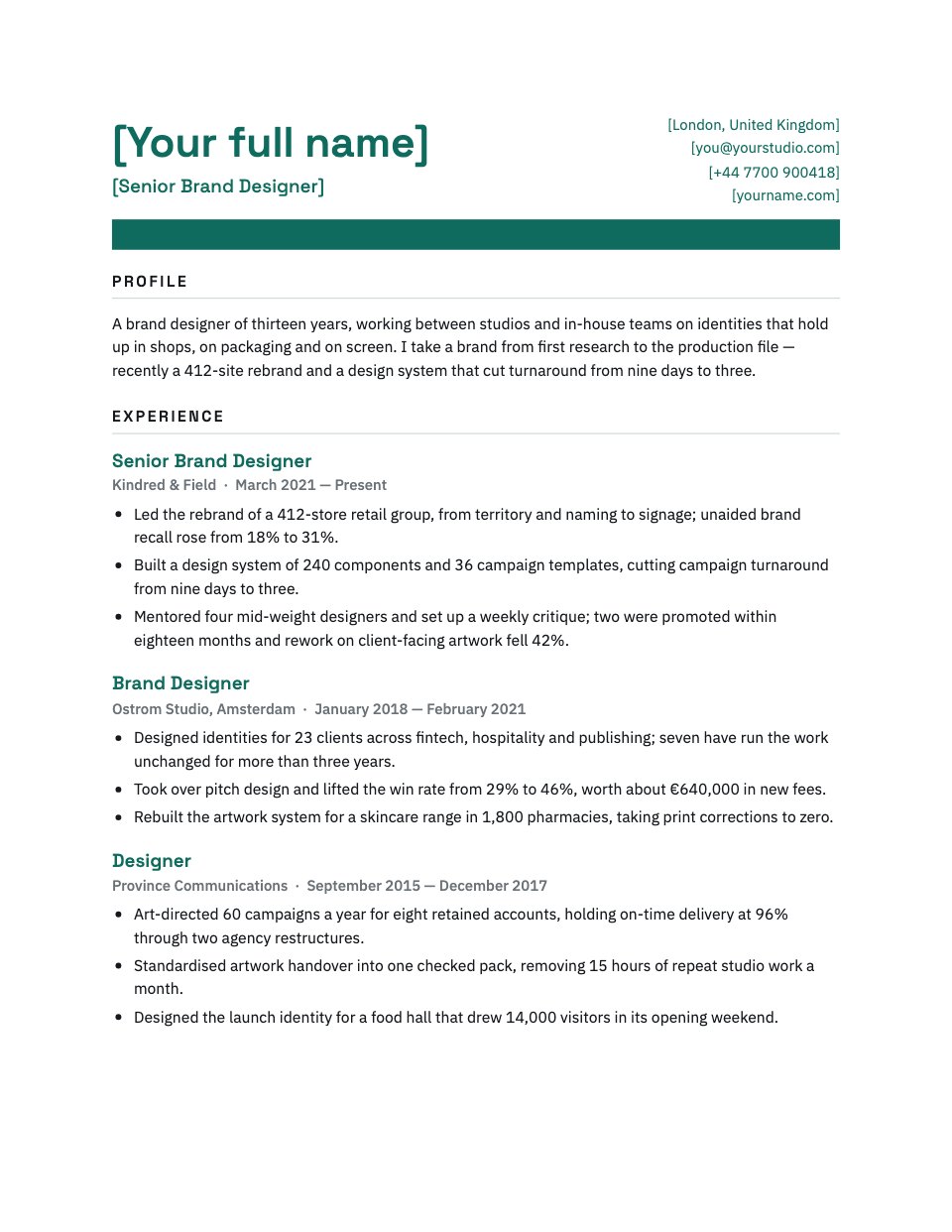



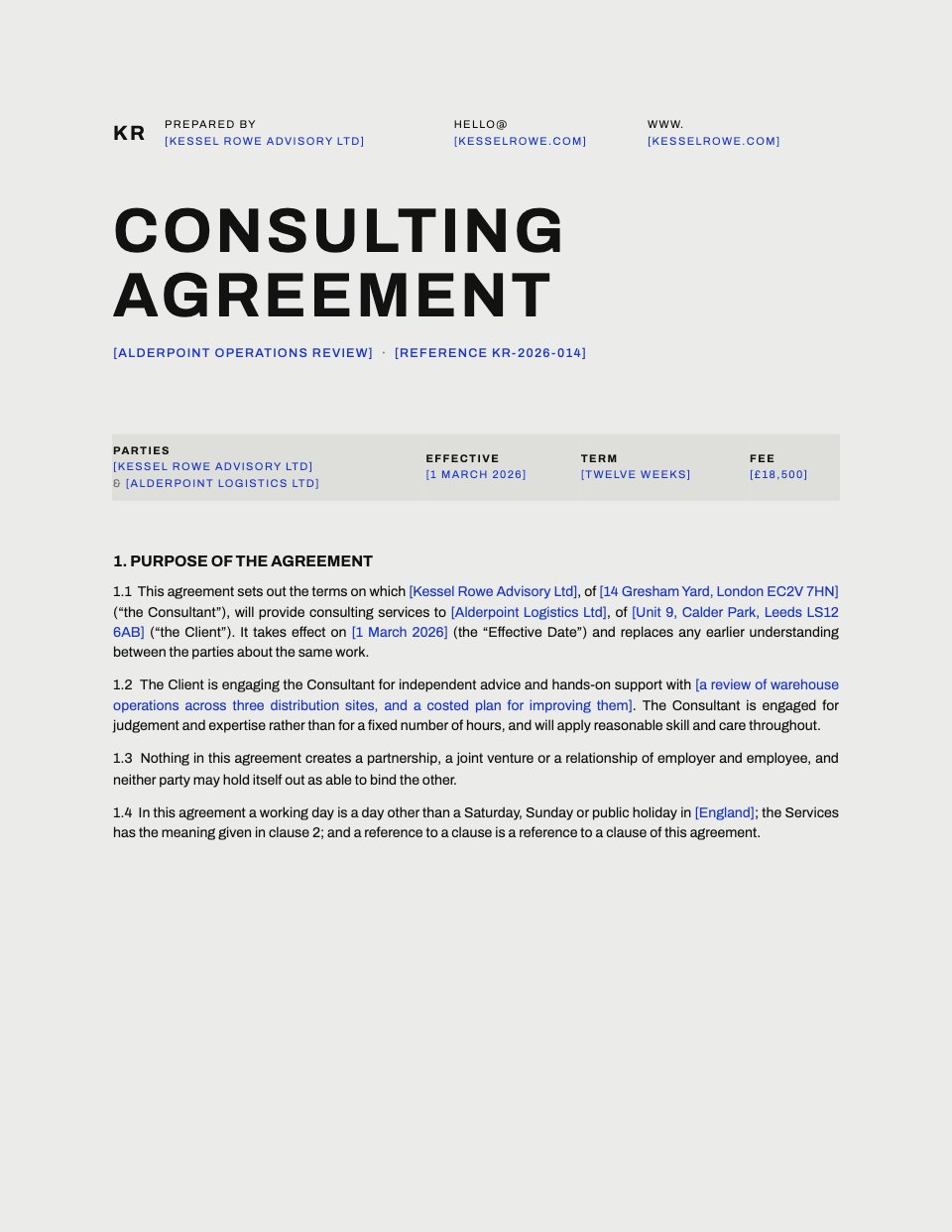
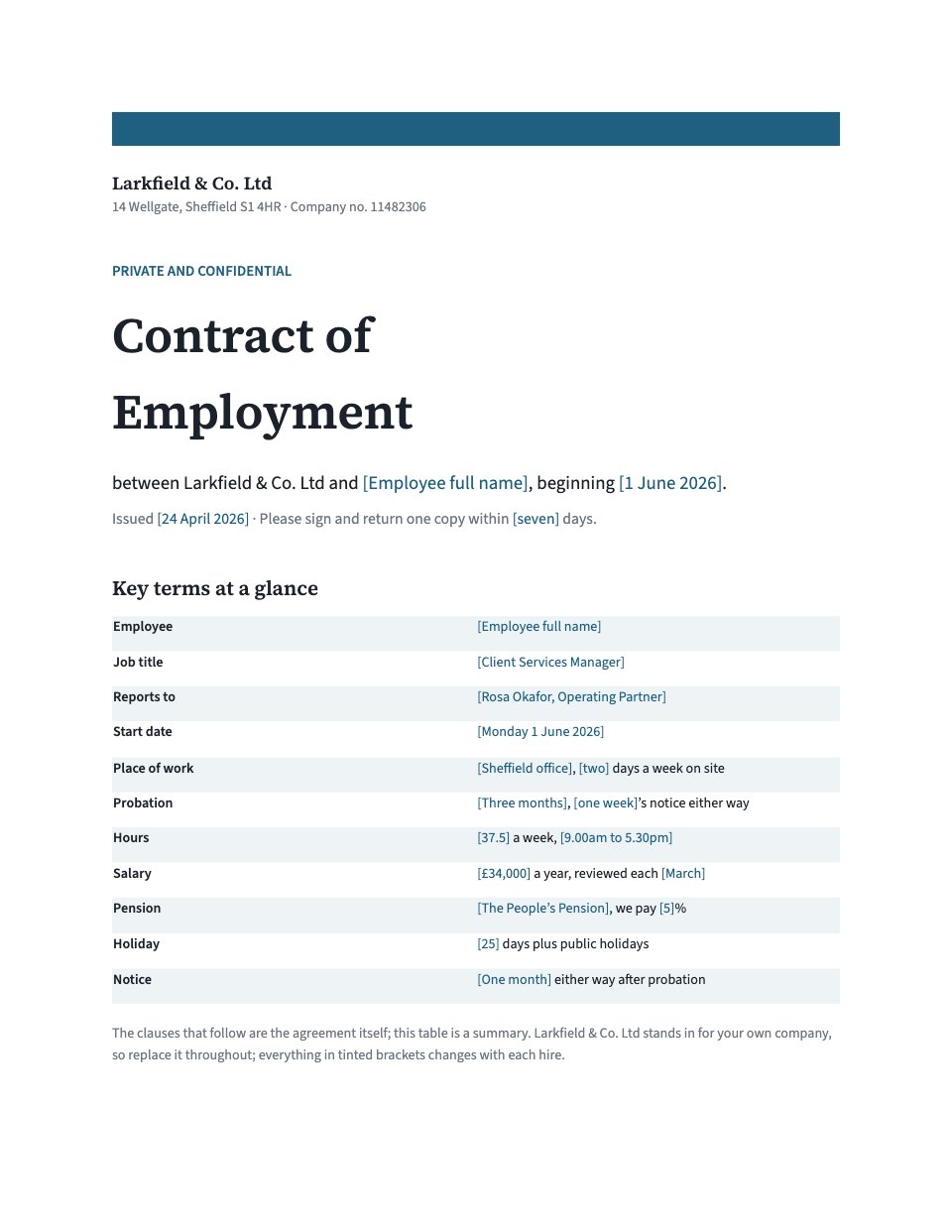




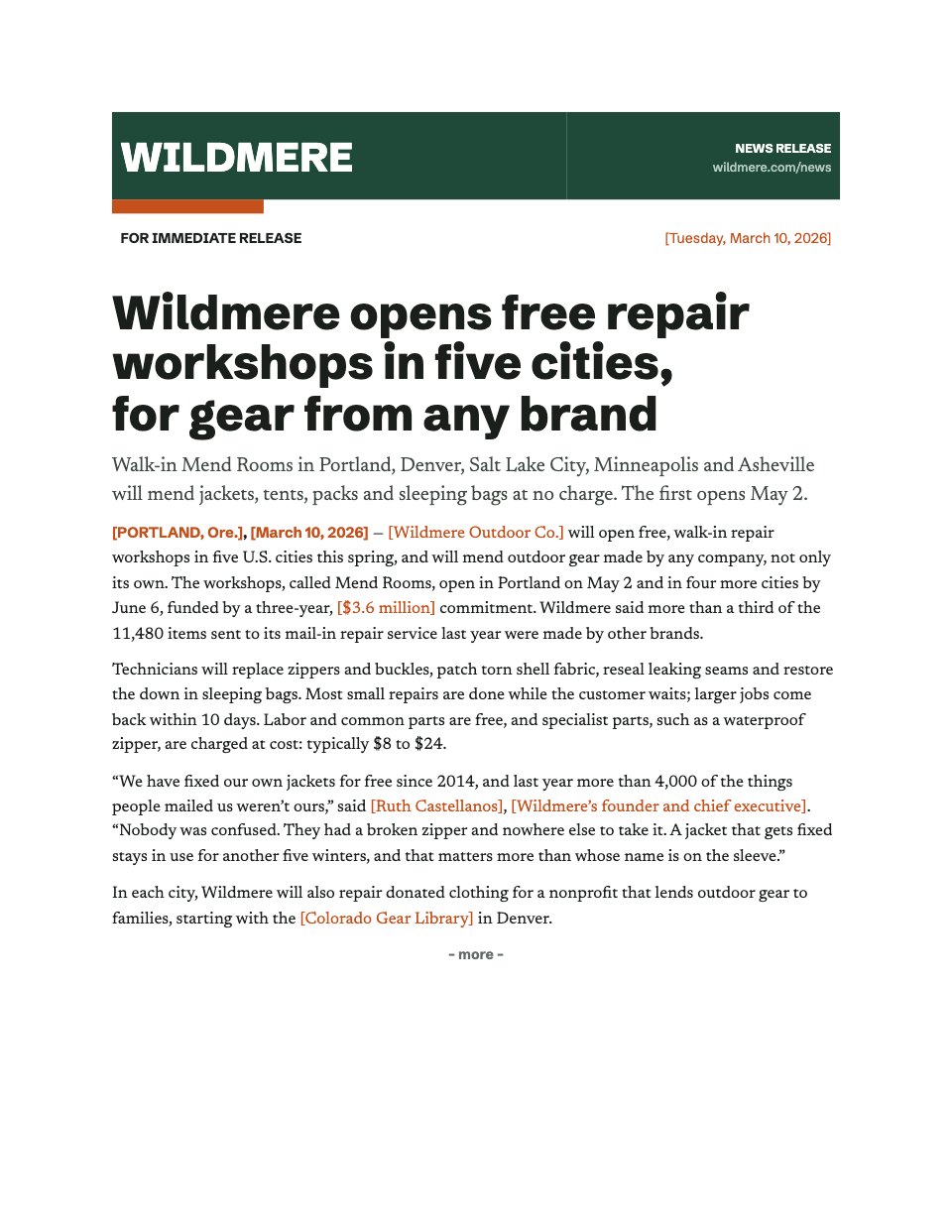
Start your CV or cover letter with Docsiv AI
Describe the client or the project and Docsiv AI writes a first draft of your cover letter for you to edit, share and send.