

What’s inside the CV and Résumé.
2 pages with real content in place. Rewrite them, reorder them, or add your own.
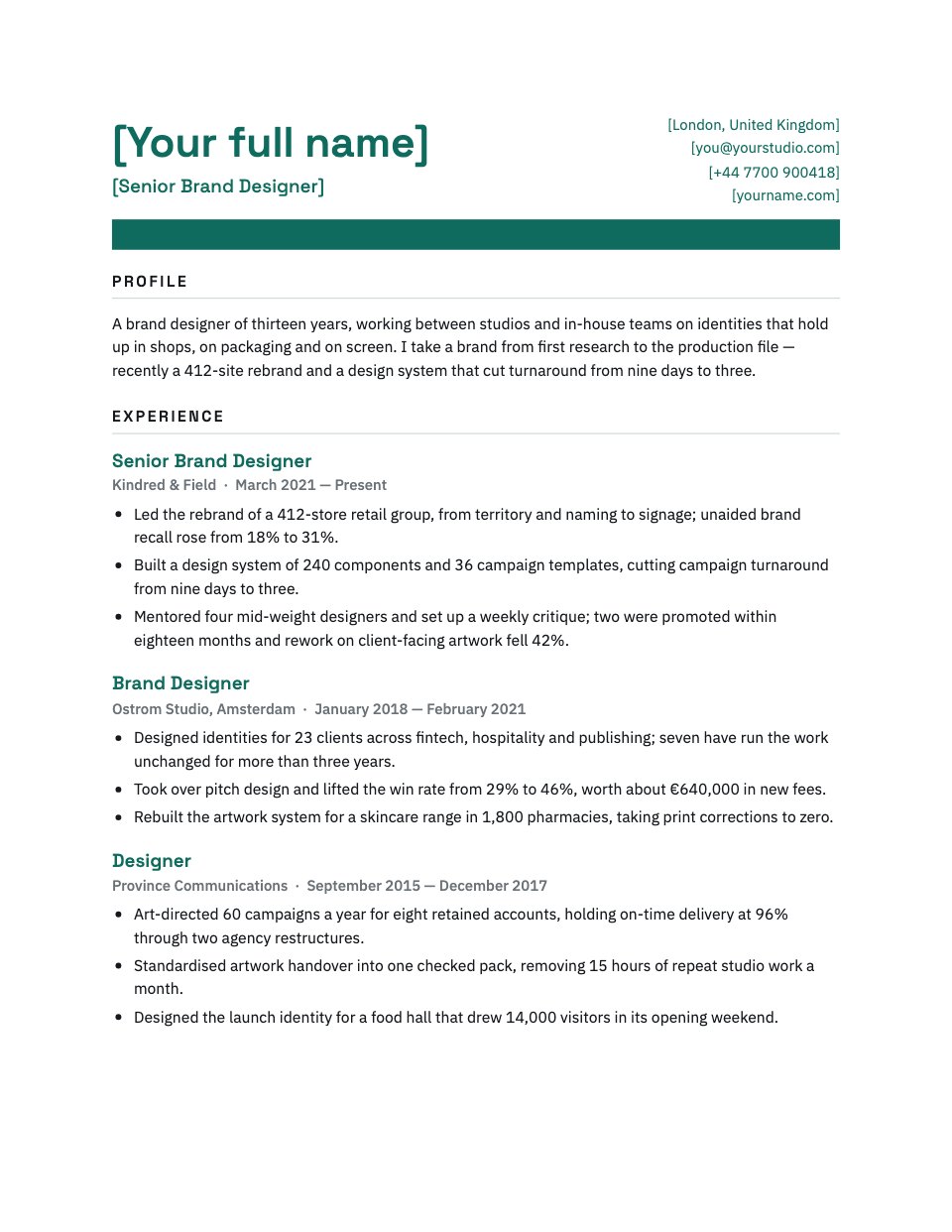
- 1Page 1A name, role and contact header over a solid accent band, a three-line profile and the three most recent roles
- 2Page 2The first job, skills in three grouped lines, education and a short selected-projects close
When to use it.
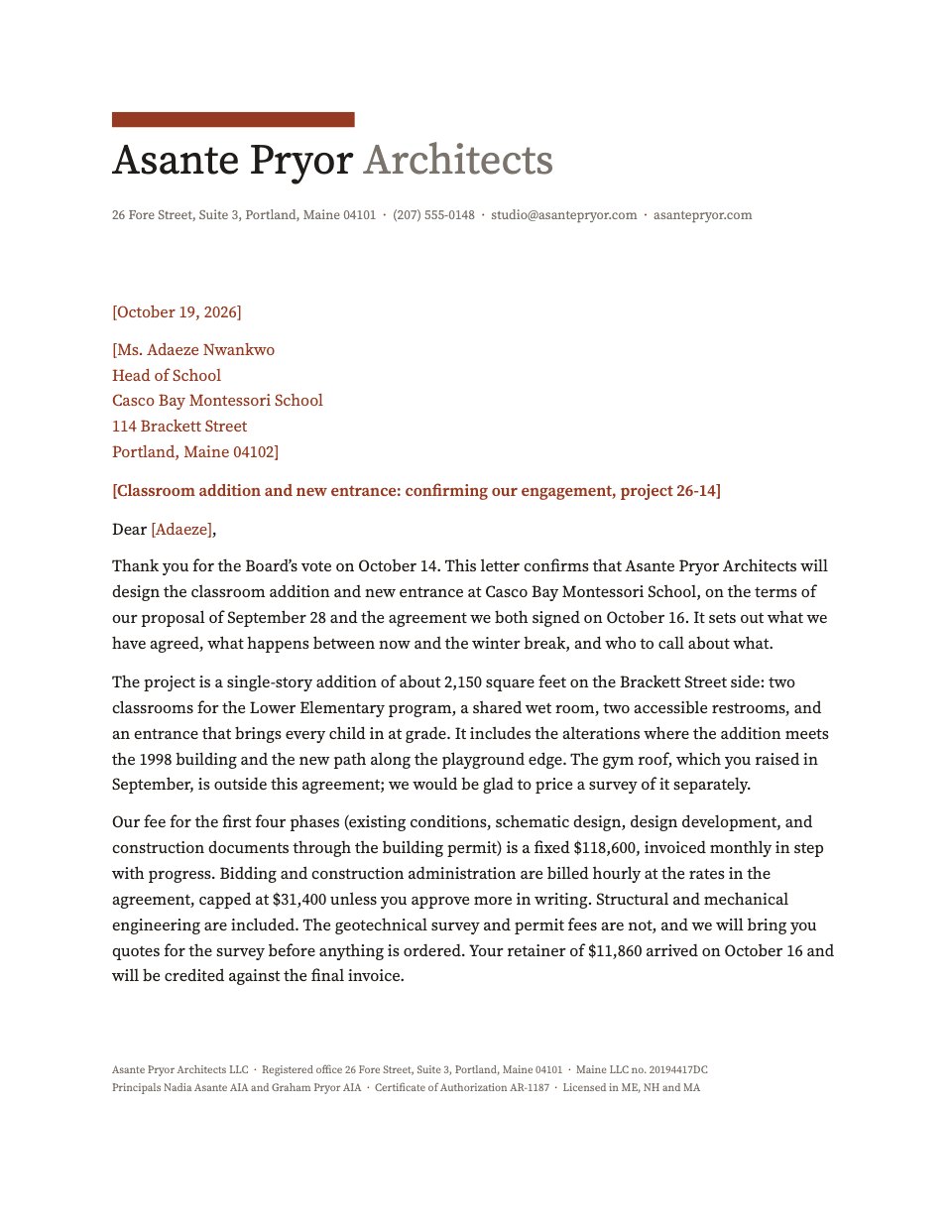
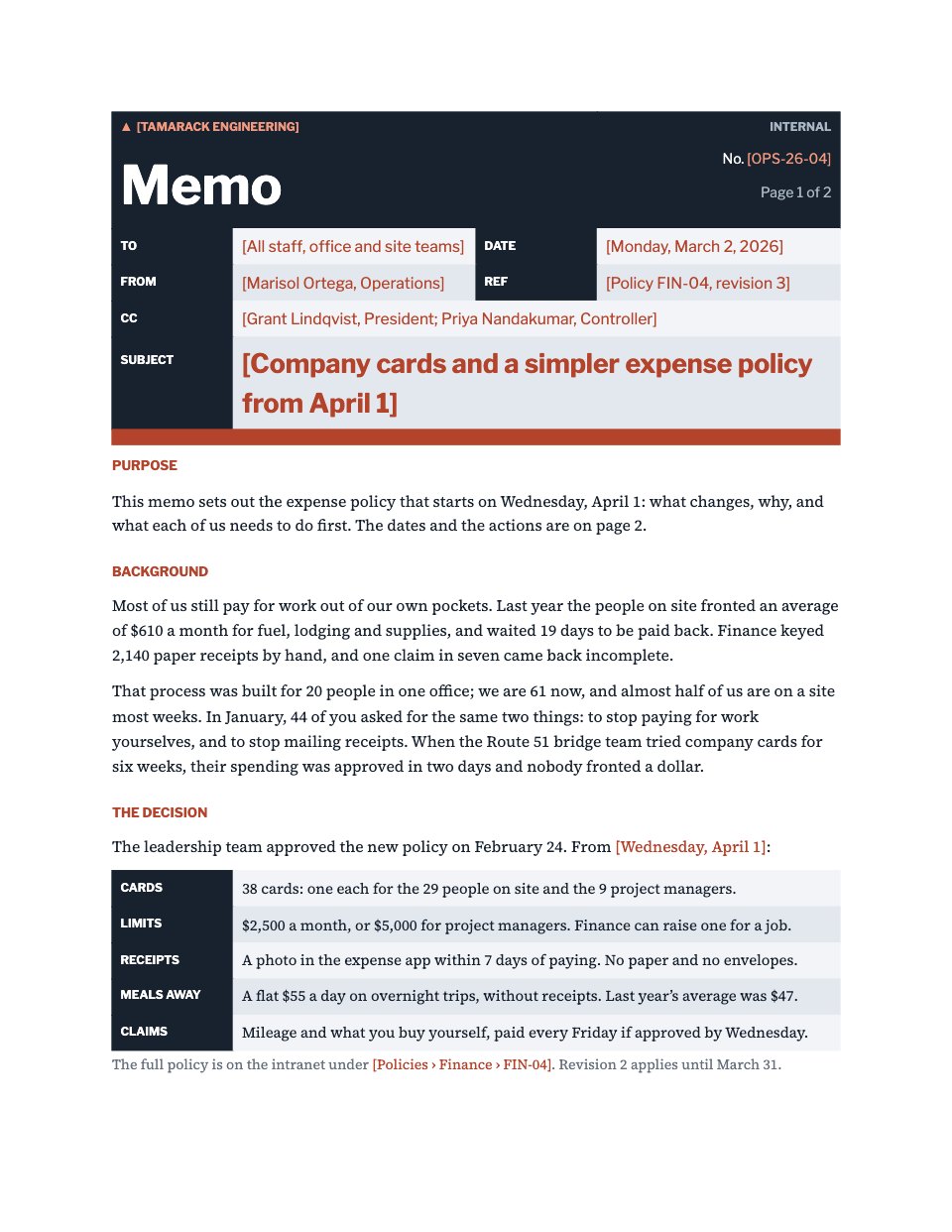
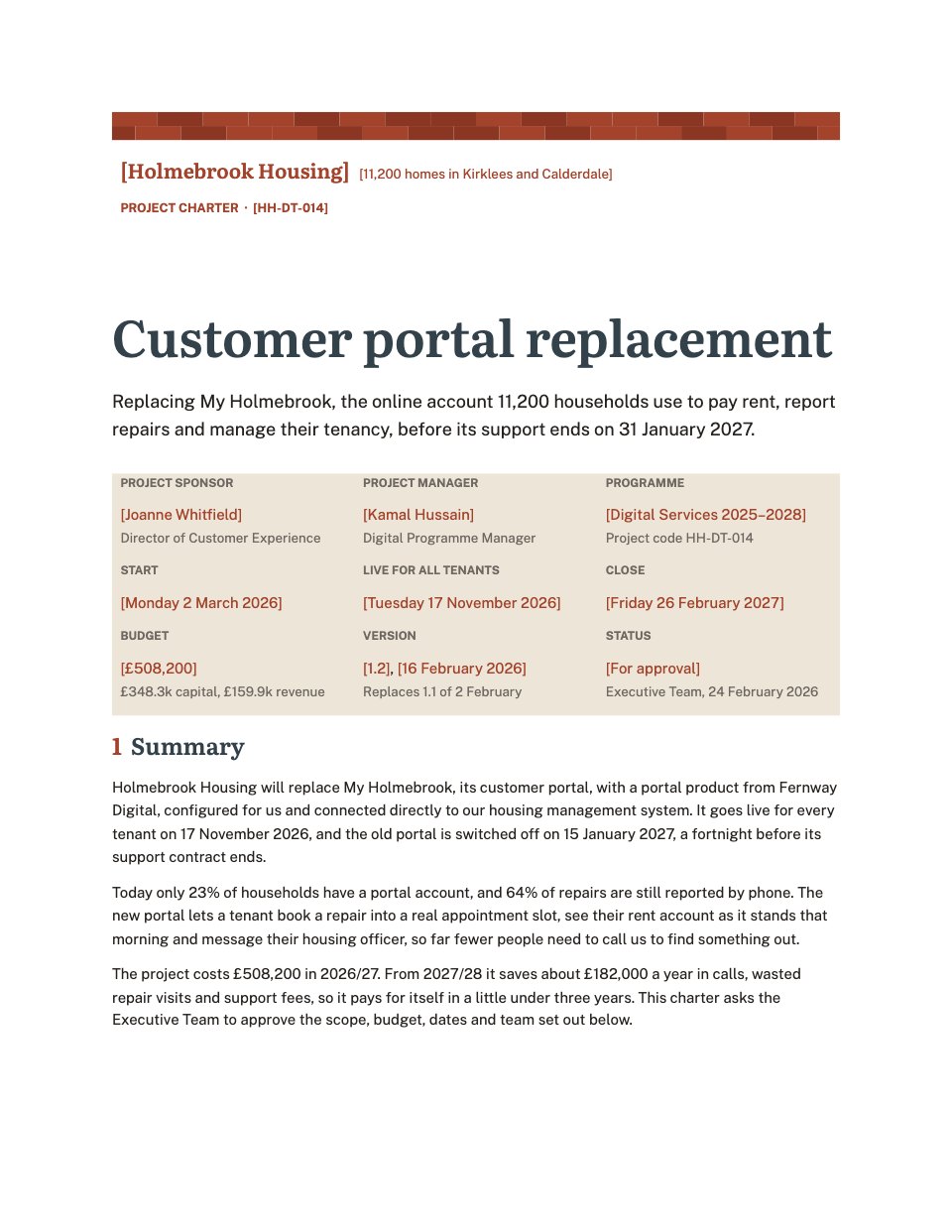
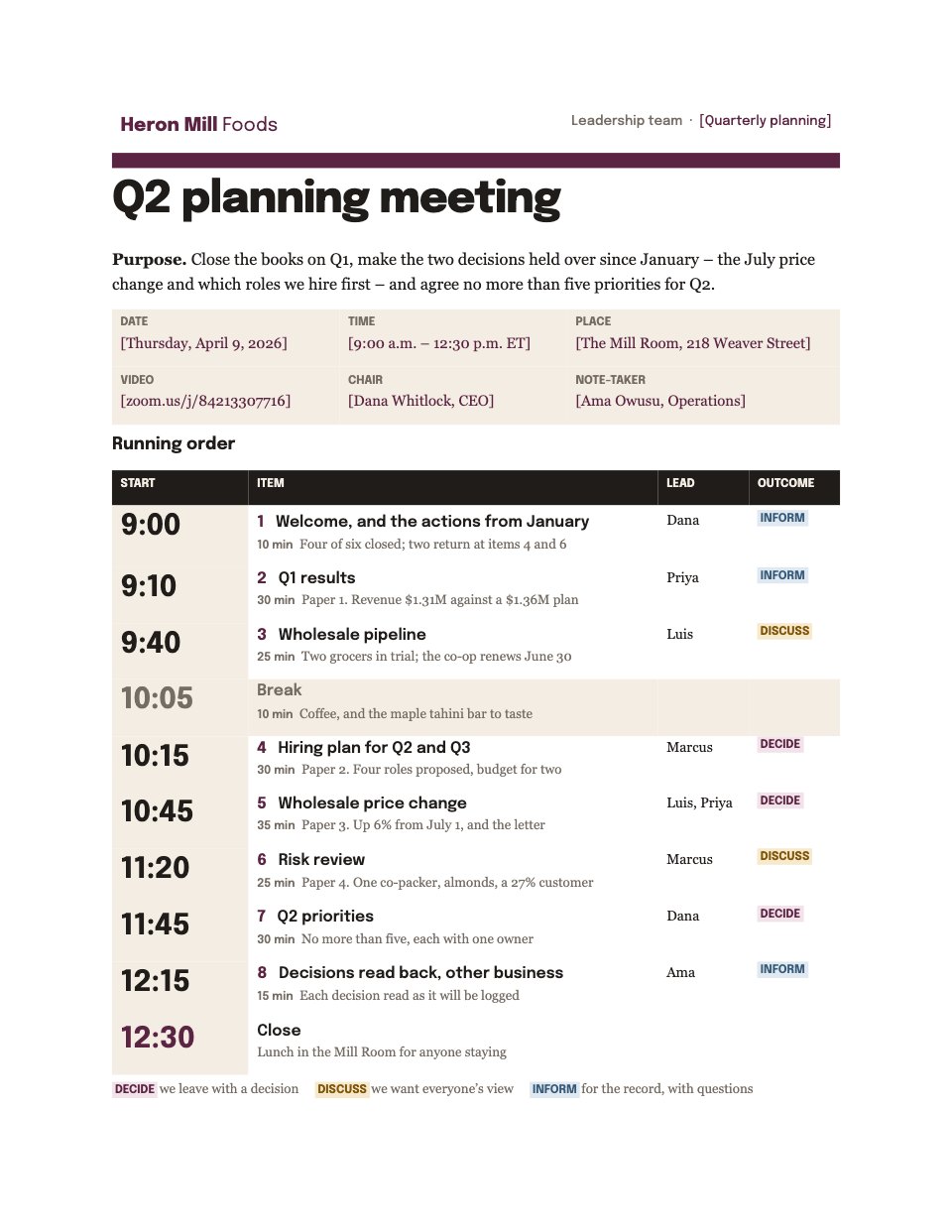
CV and Résumé is a two-page CV for people whose work is judged on craft — designers, marketers, consultants and anyone applying for a senior role. The name sits large in deep teal over a solid accent band, and the sections below it are plain headings, paragraphs and bullets, so a recruitment system reads the file in the order you wrote it. Four roles come filled in with the kind of achievement that carries a number, and the skills, education and selected projects close the second page. Replace the tinted fields with your own and the layout holds.
Made for
- People applying for a job
- Freelancers going back in-house
- Consultants pitching for a role
- Anyone asked to send a CV as a Word file
Make it yours in four steps.
Open it in Documents and work through it, or let Docsiv AI do the first pass with your details.
- Step 1
Replace the tinted header fields with your name, role, city, email, phone and portfolio address.
- Step 2
Rewrite the three-line profile so it says what you do and names one result.
- Step 3
Swap in your own roles, keeping the company and dates on one line and three bullets under each, with a number in every bullet.
- Step 4
Edit the skills lines, education and selected projects, then export to Word or PDF and send it.
Start from the CV and Résumé now.
Questions about this template.
Something else on your mind? Ask us in the chat, bottom right of the page.
Is the CV and Résumé template free?
Yes. Create a free account and it opens in Docsiv's Documents app, ready to edit and share. The Free plan includes every Docsiv app and 500 AI credits a month.
Can I change the colours, fonts and text?
Yes, all of it. The template uses Space Grotesk and IBM Plex Sans with #0f6b5e, #15181c, #ffffff, and you can change any of them, rewrite every word and add or remove pages.
What can I export it as?
Documents in Docsiv offers: DOCX, PDF, ODT, RTF and Markdown exports. Once it's saved, you can also share it with a link.
Can Docsiv AI write the CV for me?
Yes. Tell Docsiv AI about the client or project and it can draft the content in this template's style, which you then review and edit. AI uses credits; the Free plan includes 500 a month.







Start your CV or cover letter with Docsiv AI
Describe the client or the project and Docsiv AI writes a first draft of your CV for you to edit, share and send.