

What’s inside the Offer Letter.
3 pages with real content in place. Rewrite them, reorder them, or add your own.
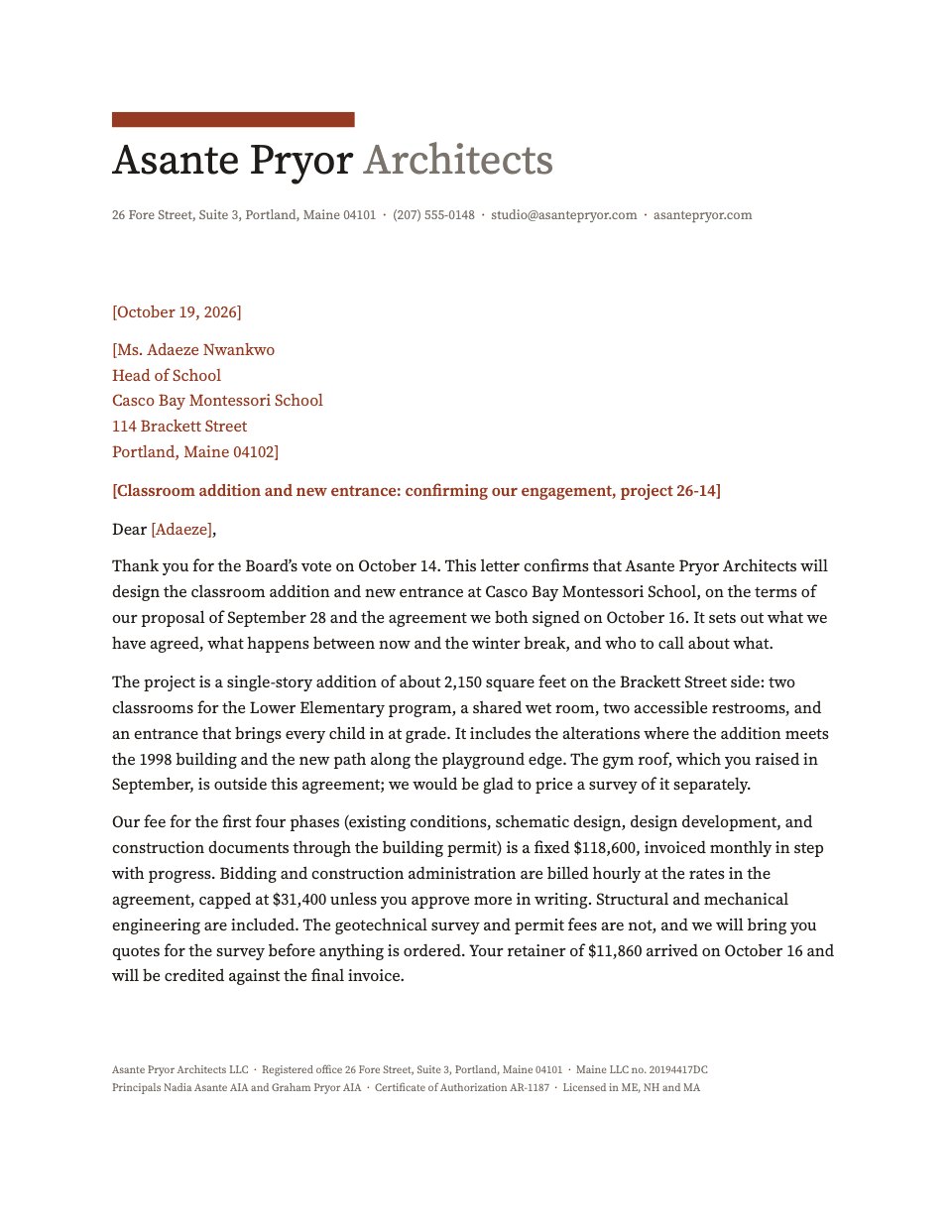
- 1Page 1A letterhead and the letter itself, with why the job is theirs
- 2Page 2The whole offer as a table: pay, pension, holiday, hours and notice
- 3Page 3What to send, the checks, who to ask, and where to sign
When to use it.
Offer Letter is a three-page job offer you would be glad to receive. The first page is the letter itself — the offer, why this person got it, and what they will work on in their first weeks — and the second sets out the whole package in one table: salary, bonus, pension, holiday, hours, place of work, probation and notice. The third page covers the documents you need back, the pre-employment checks, who to ask, the date the offer expires and where to sign. Every name, figure and date is a tinted fill-in, so you can send it the same afternoon.
Made for
- Founders hiring their first team
- In-house recruiters and talent teams
- Agencies hiring designers and developers
- Operations and people managers
Make it yours in four steps.
Open it in Documents and work through it, or let Docsiv AI do the first pass with your details.
- Step 1
Replace the letterhead with your company name, tagline and contact details, and change the amber bar to your own colour if you have one.
- Step 2
Rewrite the letter on page one — keep the paragraph about why you chose this person and the one about their first project, because those are what make an offer feel real.
- Step 3
Fill in the offer table on page two, deleting any row you do not use, and update the figure in the sand band underneath it.
- Step 4
Set the documents, checks, contacts and expiry date on page three, then save as a PDF or print it to sign.
Start from the Offer Letter now.
Questions about this template.
Something else on your mind? Ask us in the chat, bottom right of the page.
Is the Offer Letter template free?
Yes. Create a free account and it opens in Docsiv's Documents app, ready to edit and share. The Free plan includes every Docsiv app and 500 AI credits a month.
Can I change the colours, fonts and text?
Yes, all of it. The template uses Fraunces and Plus Jakarta Sans with #14332c, #a8690d, #f7f0e4, #ffffff, and you can change any of them, rewrite every word and add or remove pages.
What can I export it as?
Documents in Docsiv offers: DOCX, PDF, ODT, RTF and Markdown exports. Once it's saved, you can also share it with a link.
Can Docsiv AI write the job offer letter for me?
Yes. Tell Docsiv AI about the client or project and it can draft the content in this template's style, which you then review and edit. AI uses credits; the Free plan includes 500 a month.










Start your hiring form with Docsiv AI
Describe the client or the project and Docsiv AI writes a first draft of your job offer letter for you to edit, share and send.