

What’s inside the Client Newsletter.
4 pages with real content in place. Rewrite them, reorder them, or add your own.
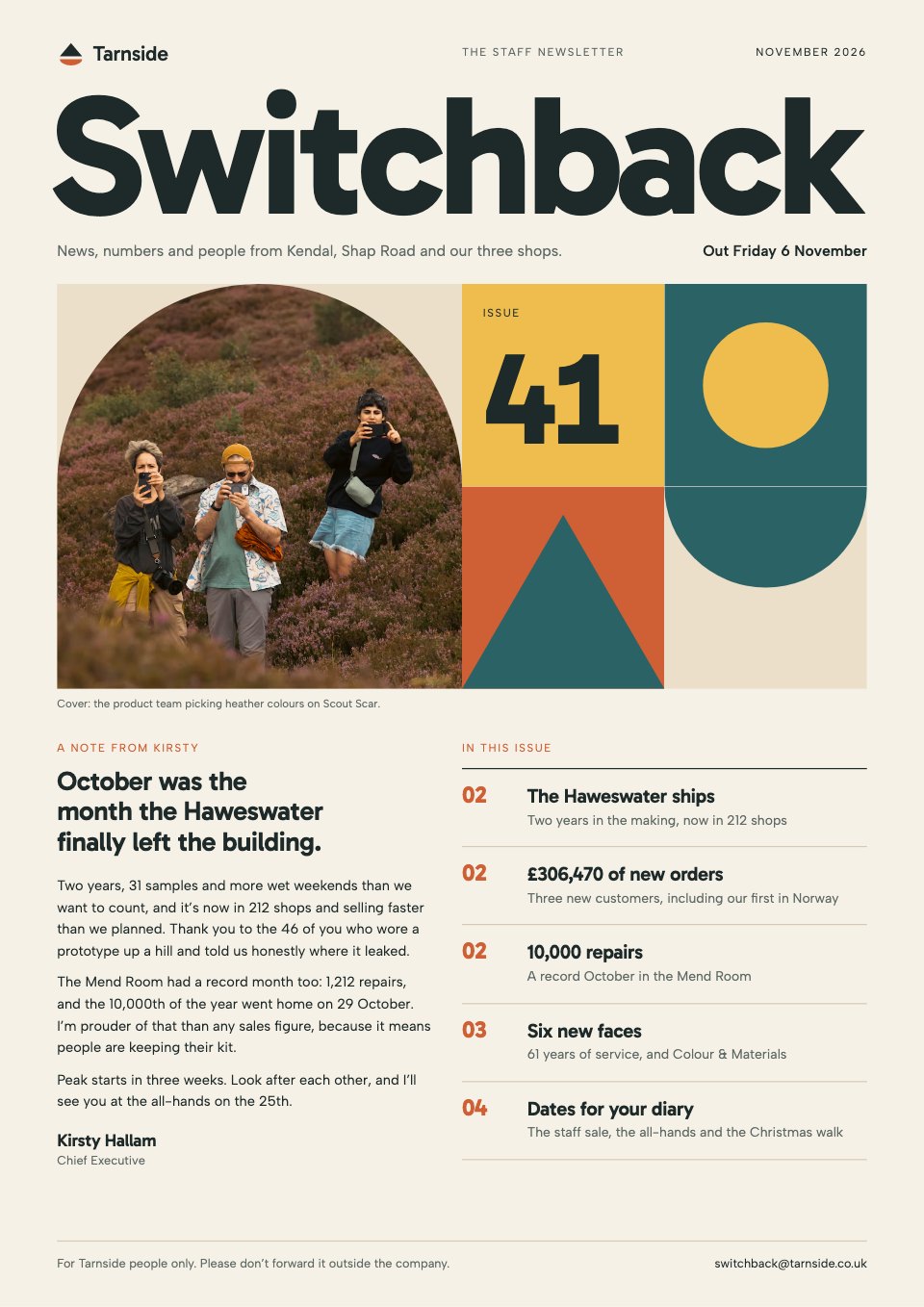
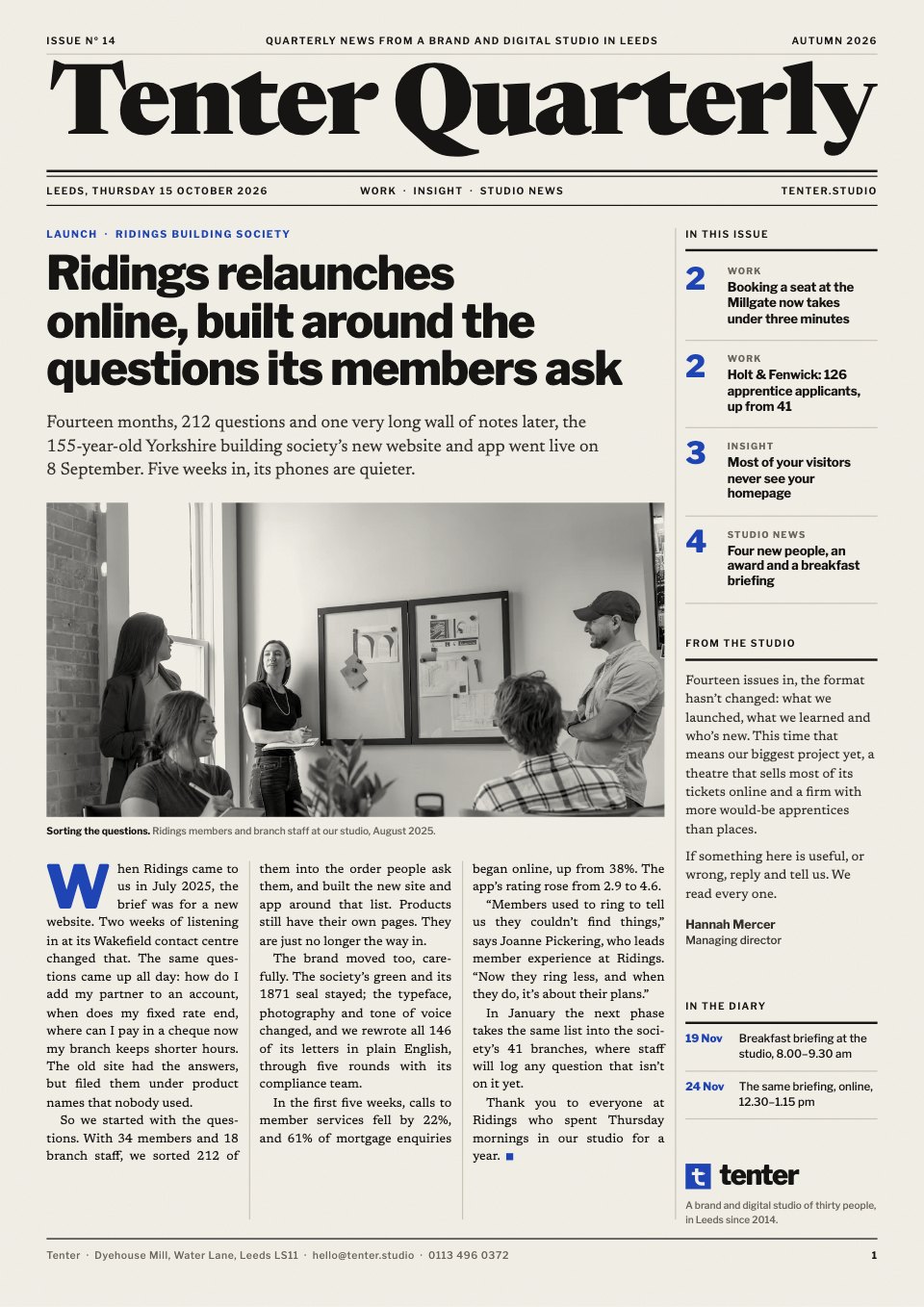
- 1Page 1A broadsheet front page: masthead, issue and date, the lead story with a photo, the contents and a note from the studio
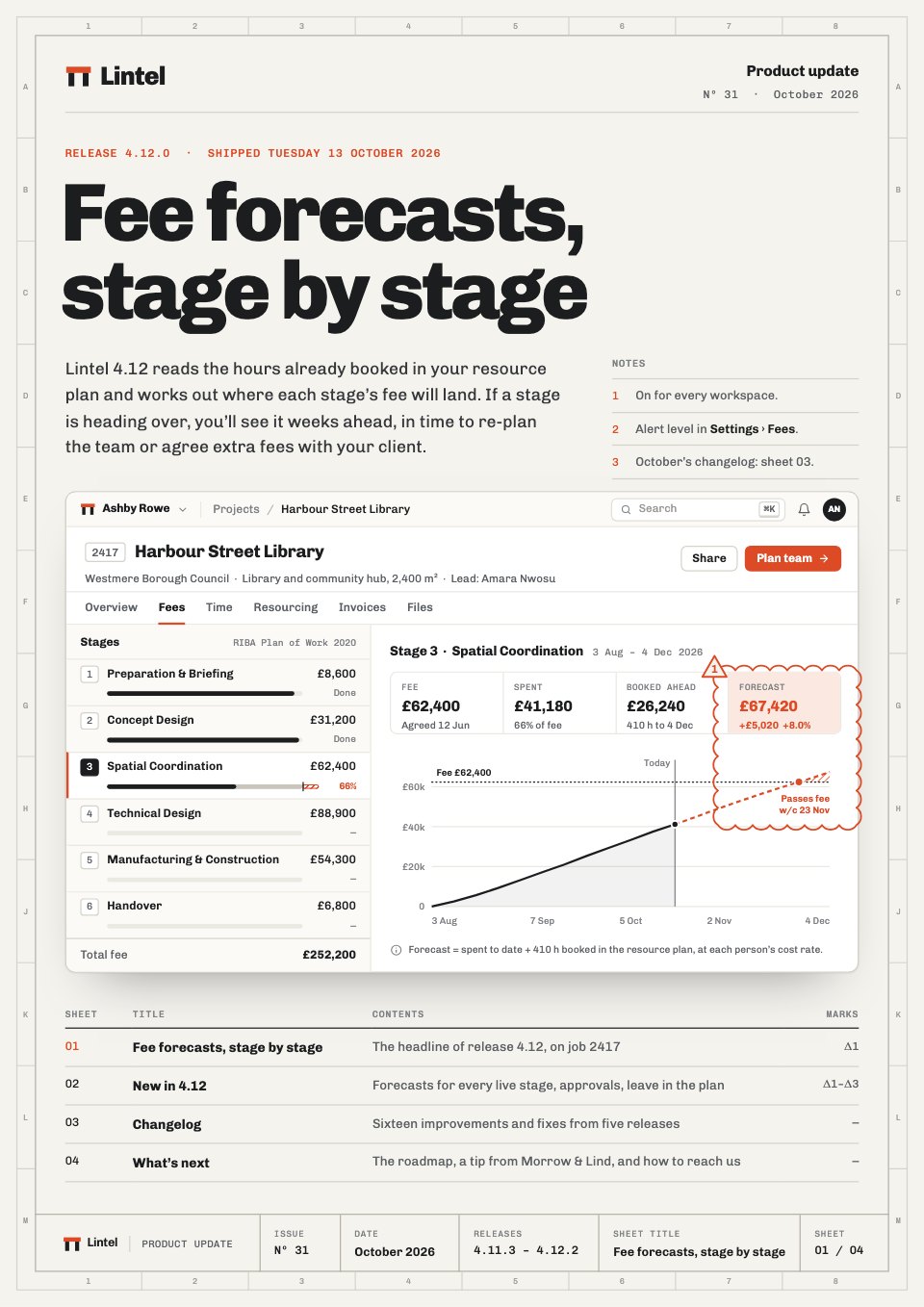
- 2Page 2Work: two project stories, each with a photo, a client quote and three results
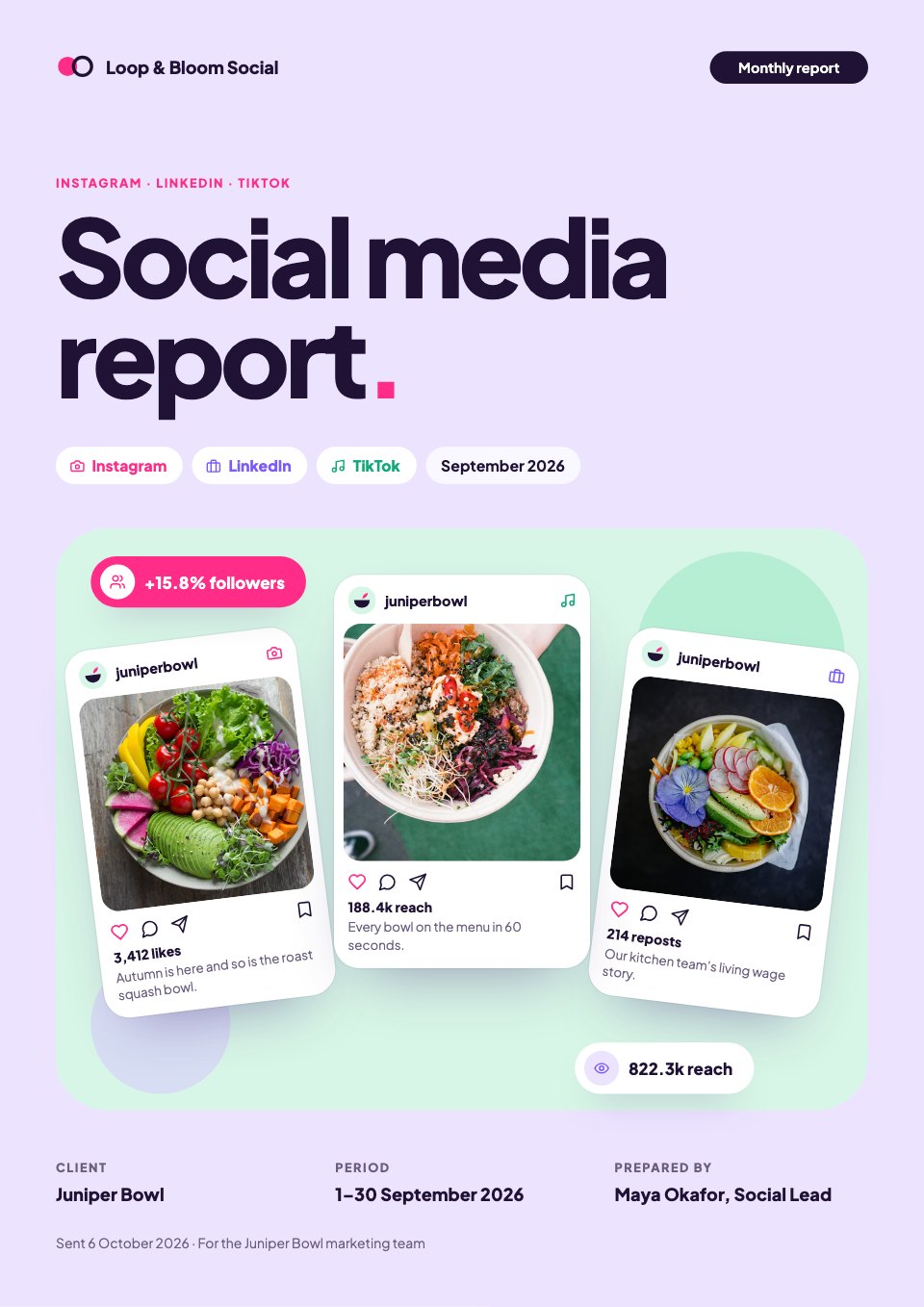
- 3Page 3Insight: a practical article with a bar chart, a key figure, a pull quote and four things to do on Monday
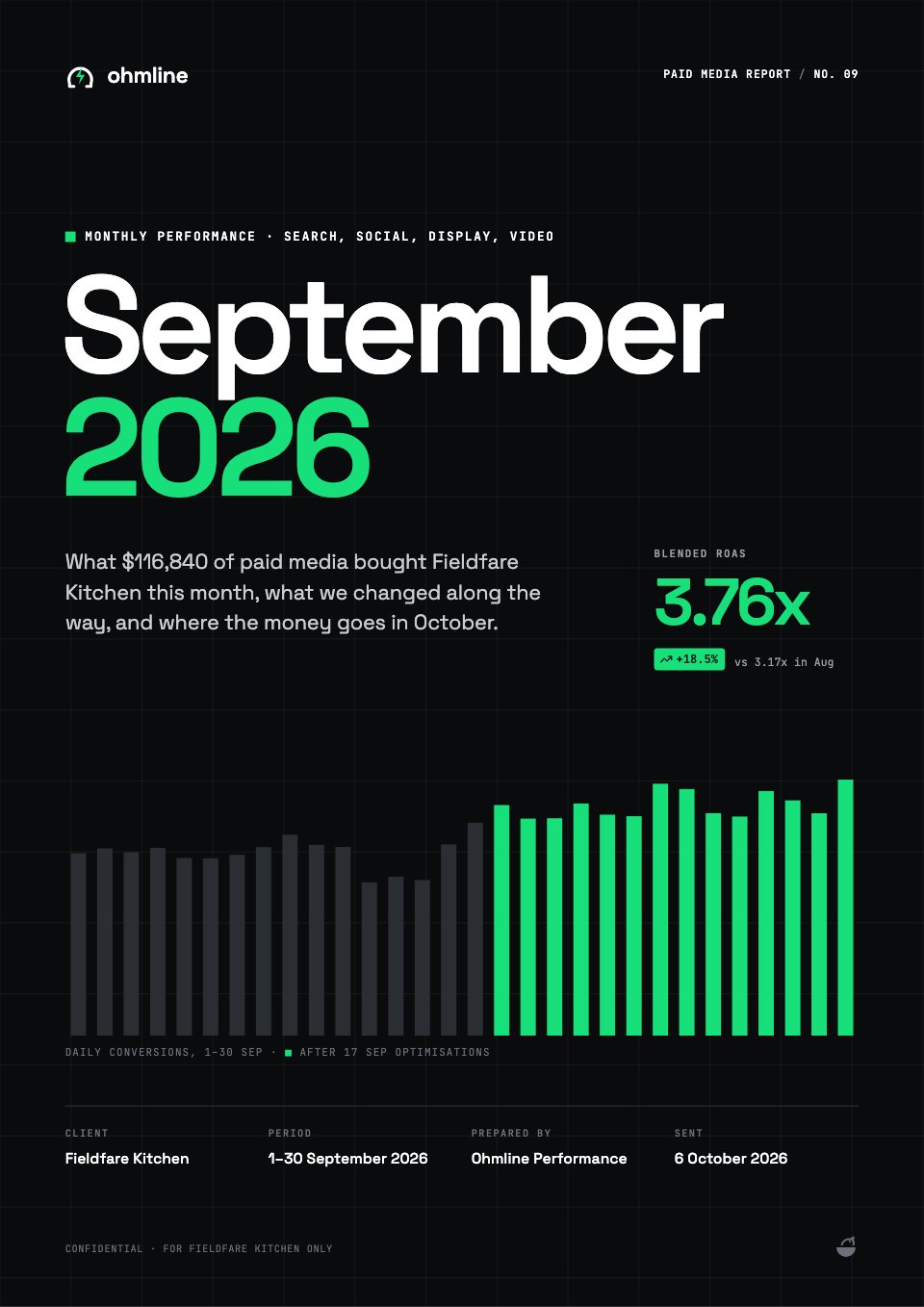
- 4Page 4Studio news: four new people with portraits, an award, a breakfast briefing and how to get in touch
When to use it.
Client Newsletter is a four-page A4 quarterly newsletter for an agency, studio or consultancy to send to clients and prospects. It is laid out like a broadsheet: a proper masthead with the issue number and date, then a lead story with a photo and the contents on the front page. Inside are two project stories with results, a practical insight article with a bar chart, a key figure and a pull quote, and studio news with new people, an award, an event and contact details. Print it, or send it as a PDF.
Made for
- Teams sharing updates
- Agencies sending client digests
- Community organisers
- Companies writing to customers
Make it yours in four steps.
Open it in Reports and work through it, or let Docsiv AI do the first pass with your details.
- Step 1
Rename the masthead, then set your issue number, date and contents on the front page.
- Step 2
Rewrite the lead story and the two project stories around this quarter's work, with your clients' real results.
- Step 3
Swap the insight piece for something your team learned, and change the chart's numbers to match.
- Step 4
Add your new people, events and contact details, then export a PDF to email or print.
Start from the Client Newsletter now.
Questions about this template.
Something else on your mind? Ask us in the chat, bottom right of the page.
Is the Client Newsletter template free?
Yes. Create a free account and it opens in Docsiv's Reports app, ready to edit and share. The Free plan includes every Docsiv app and 500 AI credits a month.
Can I change the colours, fonts and text?
Yes, all of it. The template uses Newsreader and Libre Franklin with #f3f0e8, #161513, #1f45b5, #6b675f, #c9c4b8, and you can change any of them, rewrite every word and add or remove pages.
What can I export it as?
Reports in Docsiv offers: Report pages with charts, PDF and HTML exports. Once it's saved, you can also share it with a link.
Can Docsiv AI write the client newsletter for me?
Yes. Tell Docsiv AI about the client or project and it can draft the content in this template's style, which you then review and edit. AI uses credits; the Free plan includes 500 a month.












Start your newsletter with Docsiv AI
Describe the client or the project and Docsiv AI writes a first draft of your client newsletter for you to edit, share and send.