

What’s inside the Team Newsletter.
4 pages with real content in place. Rewrite them, reorder them, or add your own.
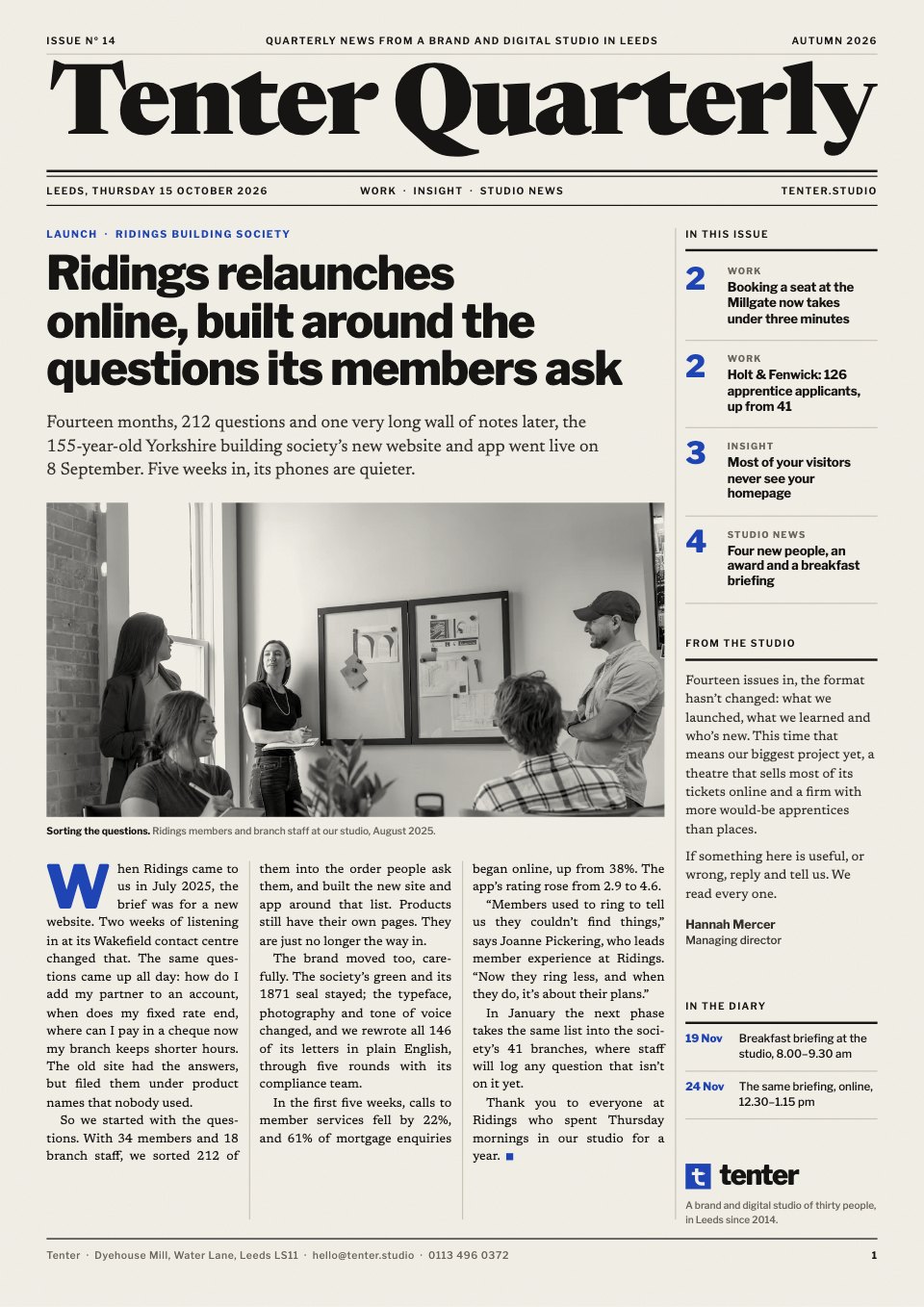
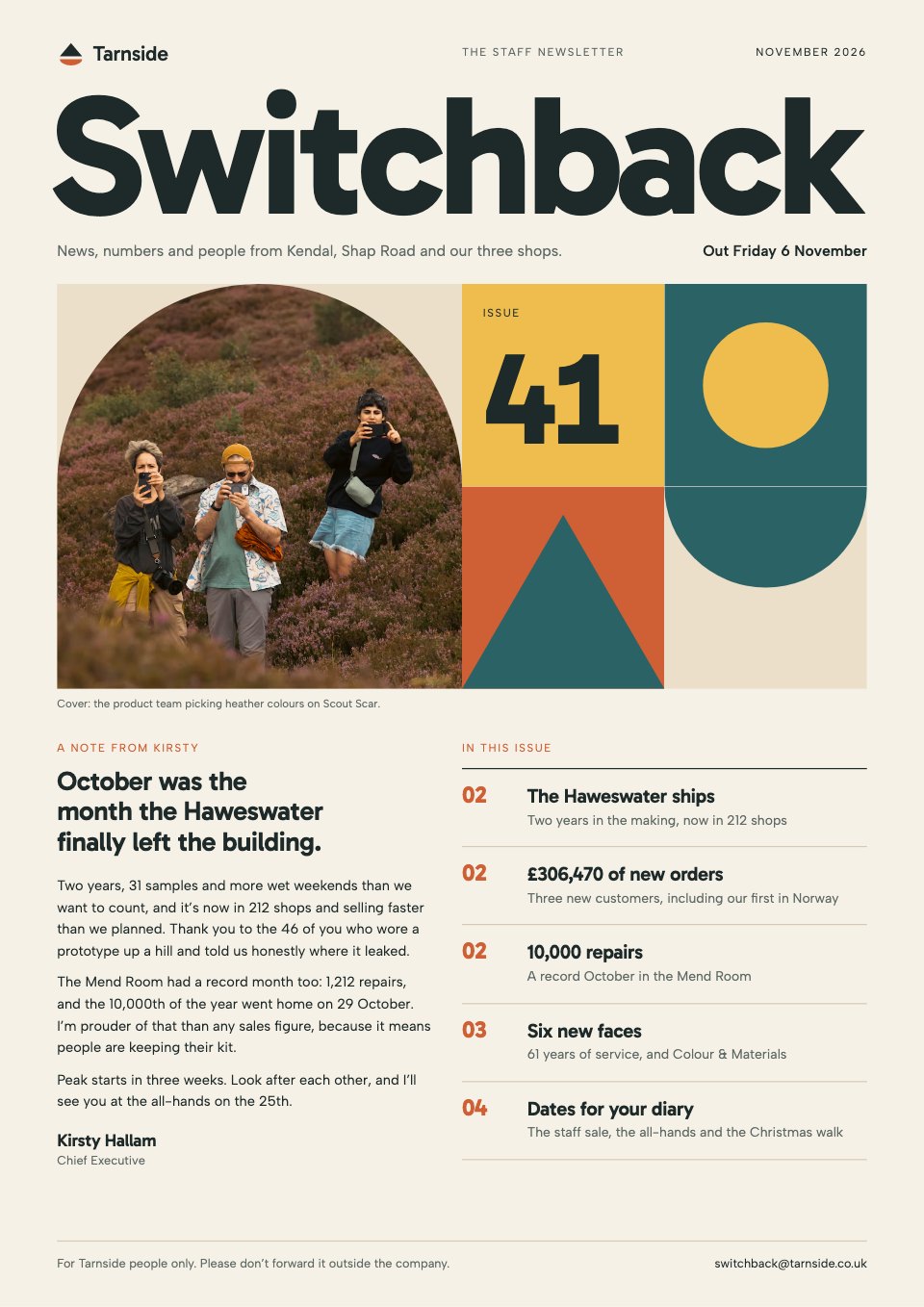
- 1Page 1A cover with the masthead, a photo cropped to an arch in a quilt of geometric tiles, a note from the CEO and what's in this issue
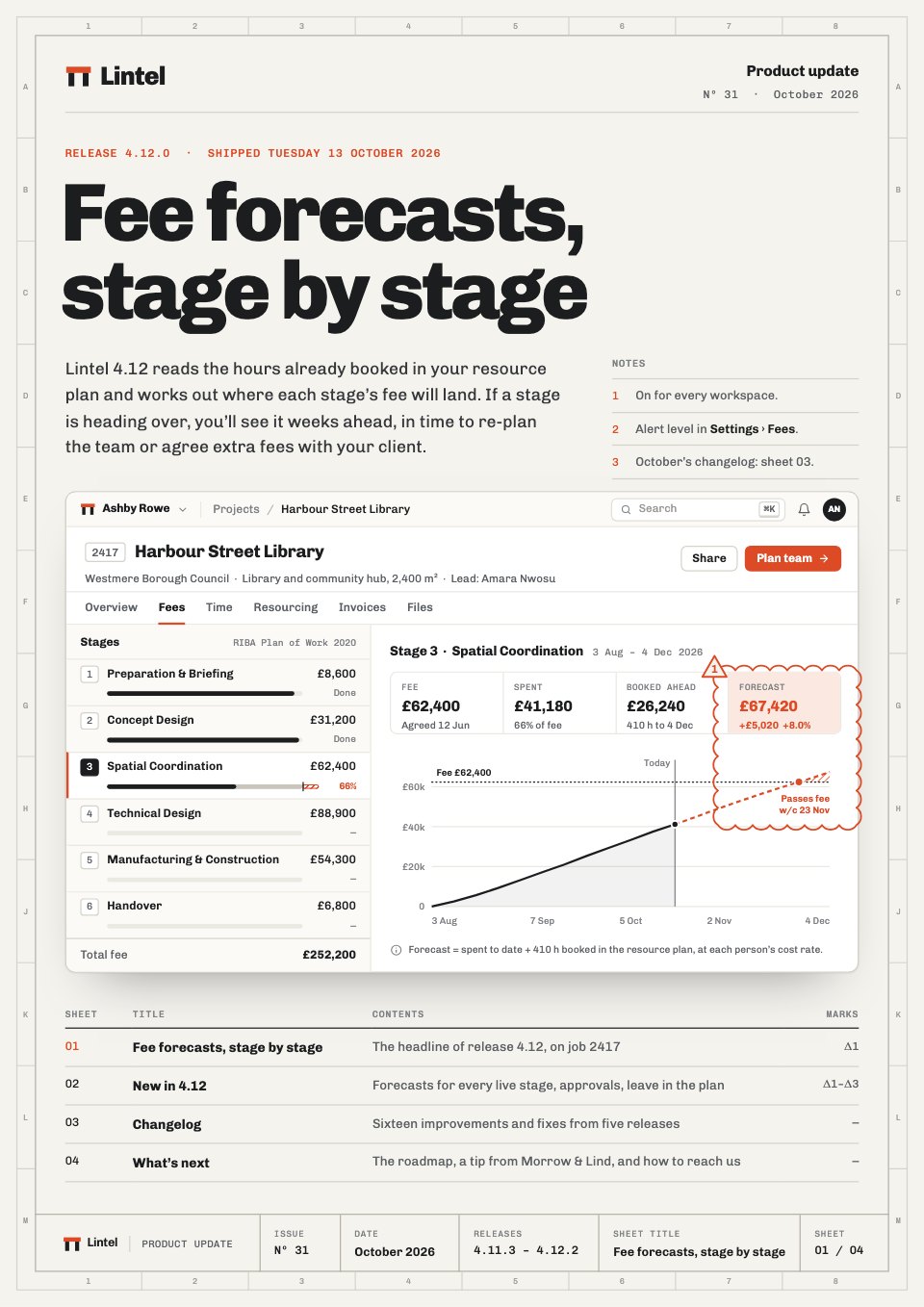
- 2Page 2Wins and numbers: the project shipped, new customers in a ledger, a repairs chart and four metric tiles
- 3Page 3People: six new joiners with shape avatars, an anniversaries band and a team spotlight Q&A
- 4Page 4What's next: dates for your diary, the month marked with shapes, reminders, a photo from the last social and who to contact
When to use it.
Team Newsletter is a 4-page A4 template for a monthly internal newsletter at a company of around 50 to 500 people. The cover carries the masthead, a short note from the CEO and this month's highlights. Inside are wins and numbers (a project shipped, new customers in a ledger, a chart and four metric tiles), people (new joiners, work anniversaries and a team spotlight Q&A) and what's next (a diary, a marked-up calendar, reminders, a photo from the last social and who to contact). Warm colours and a simple geometric tile system keep it friendly but grown-up.
Made for
- Teams sharing updates
- Agencies sending client digests
- Community organisers
- Companies writing to customers
Make it yours in four steps.
Open it in Reports and work through it, or let Docsiv AI do the first pass with your details.
- Step 1
Put your newsletter's name, issue number and date in the masthead, and swap the cover photo for one of your own people.
- Step 2
Rewrite the CEO's note and the contents, then update the project story, customer ledger, chart and metric tiles with this month's figures.
- Step 3
Replace the new joiners, anniversaries and spotlight interview, changing each avatar's initials and colour.
- Step 4
Update the diary, calendar marks, reminders and contacts, then share it as a link or export a PDF for the noticeboard.
Start from the Team Newsletter now.
Questions about this template.
Something else on your mind? Ask us in the chat, bottom right of the page.
Is the Team Newsletter template free?
Yes. Create a free account and it opens in Docsiv's Reports app, ready to edit and share. The Free plan includes every Docsiv app and 500 AI credits a month.
Can I change the colours, fonts and text?
Yes, all of it. The template uses Gabarito and Albert Sans with #f6f1e7, #1e2a29, #cf5f34, #2b6266, #efbd4e, #ebdfc9, and you can change any of them, rewrite every word and add or remove pages.
What can I export it as?
Reports in Docsiv offers: Report pages with charts, PDF and HTML exports. Once it's saved, you can also share it with a link.
Can Docsiv AI write the team newsletter for me?
Yes. Tell Docsiv AI about the client or project and it can draft the content in this template's style, which you then review and edit. AI uses credits; the Free plan includes 500 a month.












Start your newsletter with Docsiv AI
Describe the client or the project and Docsiv AI writes a first draft of your team newsletter for you to edit, share and send.