

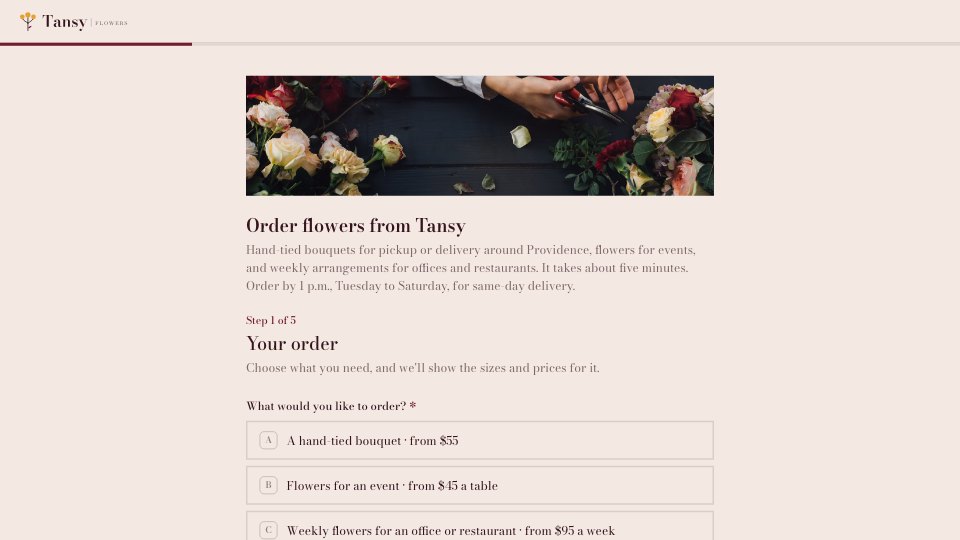
What’s inside the Order Form.
Real content in every part, ready to rewrite with your own.
- 1Your order: bouquet, event flowers or a weekly plan, each with its own sizes or packages and prices
- 2Bouquets: four sizes from $55 to $185 and an optional vase; events: arrangements, event type and table count; weekly: plan and change day
- 3The flowers: a colour palette, permission to substitute, favourite flowers and allergies or pets
- 4Delivery or pickup: date needed, then a delivery window and address, or a pickup time at the shop
- 5Recipient and card: who receives the flowers and a handwritten card message of up to 200 characters
- 6Your details: billing name, email, phone, company for invoices, and card link or invoice
When to use it.
Order Form is a five-step form for florists and other made-to-order shops, set up for a fictional Providence florist. Customers choose a bouquet, event flowers or a weekly office plan, and only see the sizes, packages and prices for that choice. They pick a colour palette, say whether substitutions are fine and note allergies or pets, then choose delivery, with an address and time window, or pickup at a set time. It closes with the recipient, a handwritten card message with a 200-character guide, and billing details with card-link or invoice payment, never card numbers.
Made for
- Agency and studio owners
- Business development leads
- Consultants and freelancers
- Founders selling services
Make it yours in four steps.
Open it in Forms and work through it, or let Docsiv AI do the first pass with your details.
- Step 1
Swap in your shop's name, logo, photos and colours in the Design tab.
- Step 2
Edit the order types, sizes and prices so every option shows what you actually charge.
- Step 3
Set your delivery areas, fees, time windows and pickup hours, and adjust the card message limit.
- Step 4
Publish the form, link it from your website and Instagram, and confirm each order with a payment link.
Start from the Order Form now.
Questions about this template.
Something else on your mind? Ask us in the chat, bottom right of the page.
Is the Order Form template free?
Yes. Create a free account and it opens in Docsiv's Forms app, ready to edit and share. The Free plan includes every Docsiv app and 500 AI credits a month.
Can I change the colours, fonts and text?
Yes, all of it. The template uses Bodoni Moda with #f3e8e2, #35141d, #6f1d30, #e3a12f, and you can change any of them, rewrite every word and add or remove questions.
What can I export it as?
Forms in Docsiv offers: Responses exported as CSV. Once it's saved, you can also share it with a link.
Can Docsiv AI write the order form for me?
Yes. Tell Docsiv AI about the client or project and it can draft the content in this template's style, which you then review and edit. AI uses credits; the Free plan includes 500 a month.
Where do the responses go?
Responses are collected in Docsiv with the form, and you can export them as a CSV file.
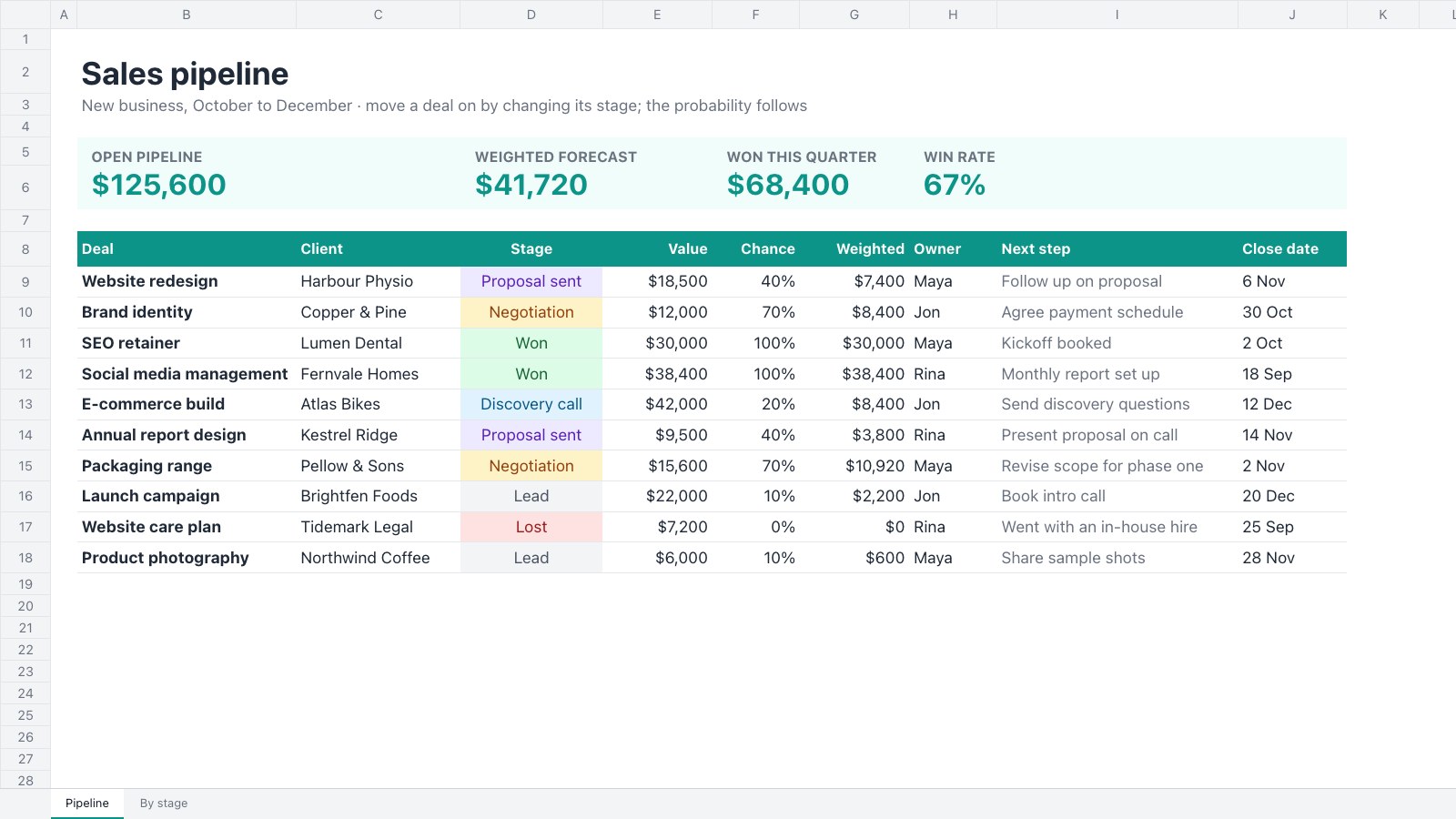
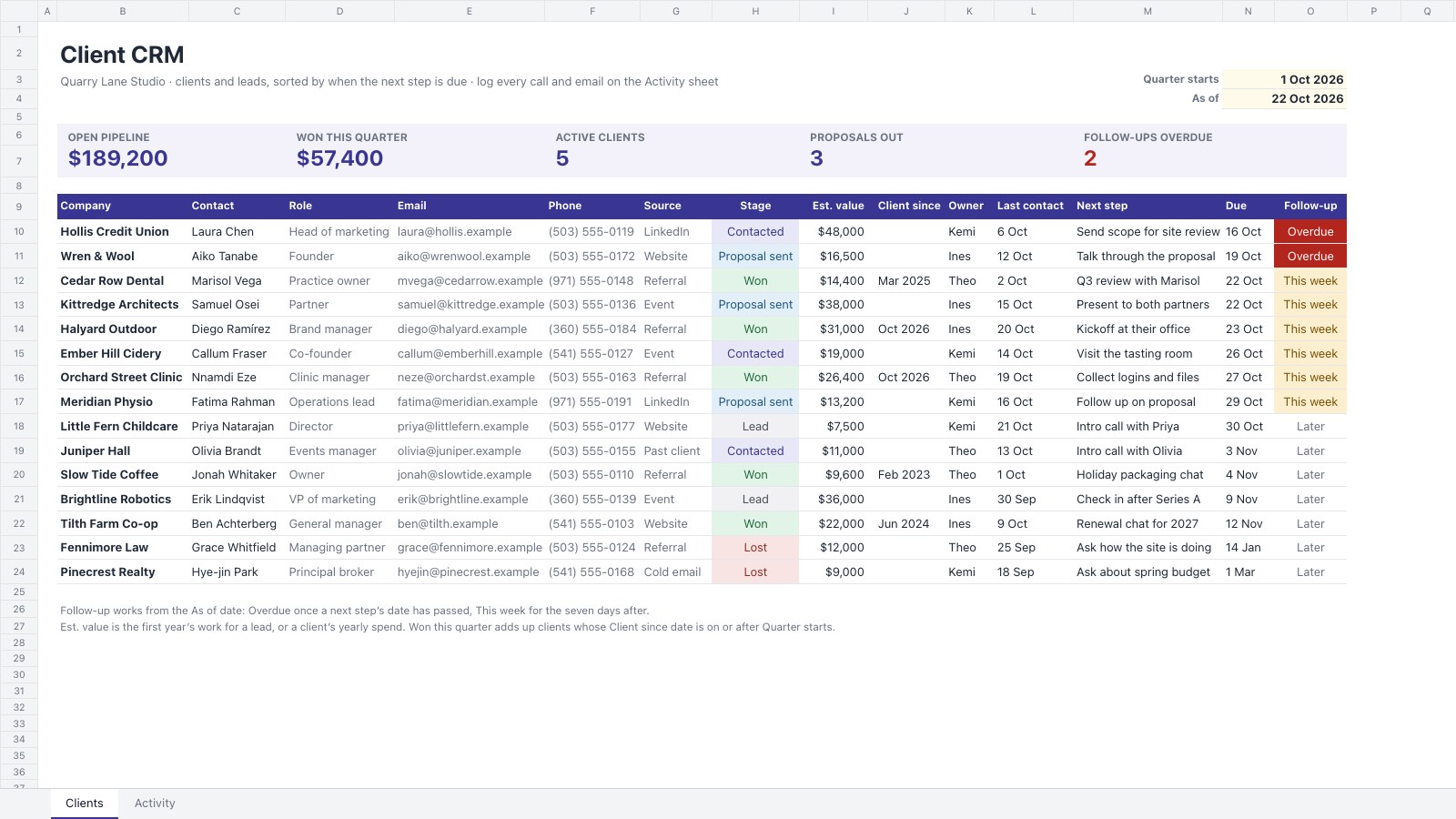



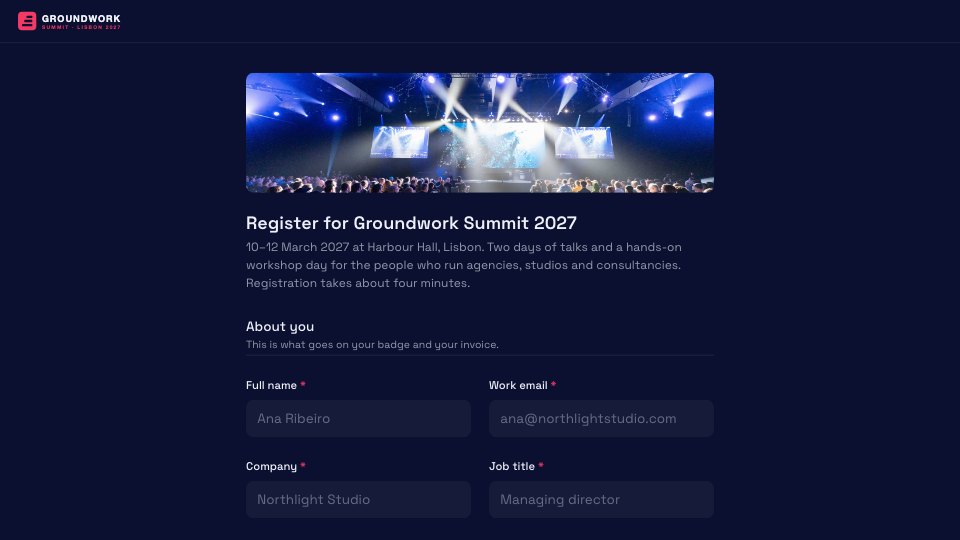

Start your sales pipeline with Docsiv AI
Describe the client or the project and Docsiv AI writes a first draft of your order form for you to edit, share and send.