


What’s inside the Project Brief.
Real content in every part, ready to rewrite with your own.
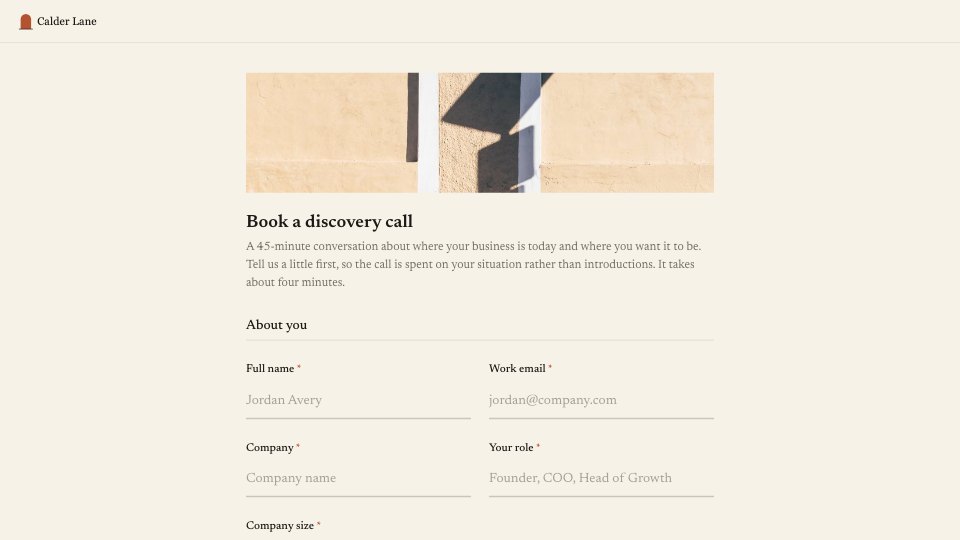
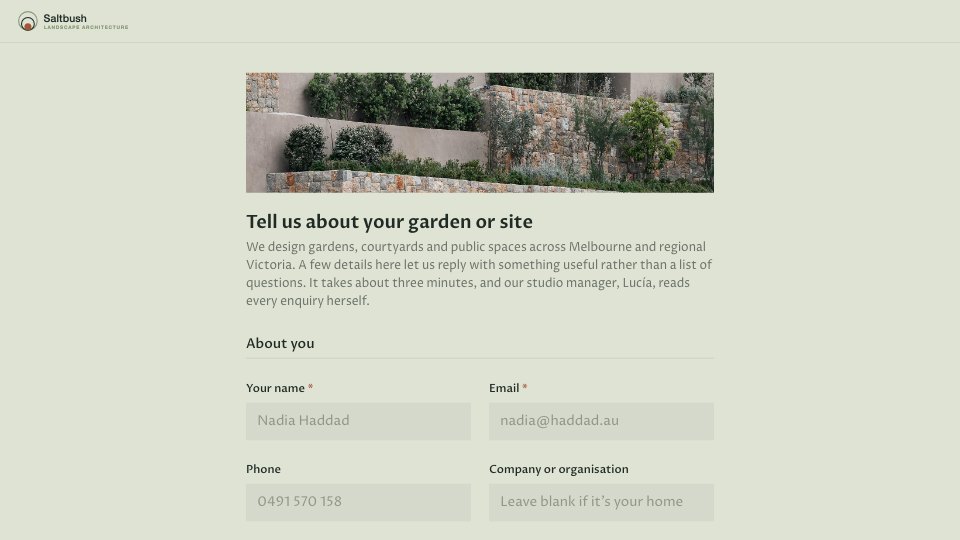
- 1About you: name, company, work email and current website
- 2The project: services needed and the problem to solve
- 3Audience and market: who it's for, competitors, inspiration and must-haves
- 4Budget and timing: budget range, with a follow-up if it's not set yet, launch date and how fixed it is
- 5Decisions: who signs off and how they heard about the studio
When to use it.
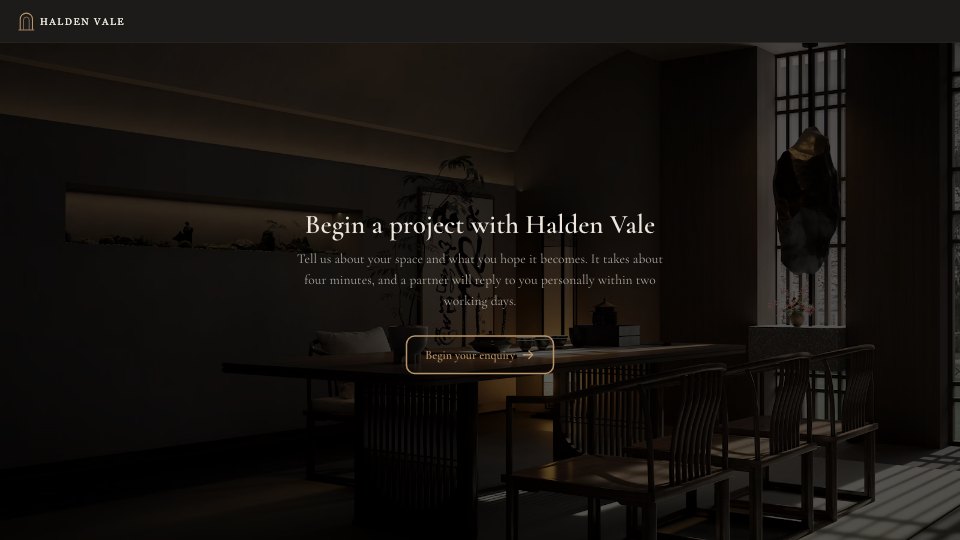
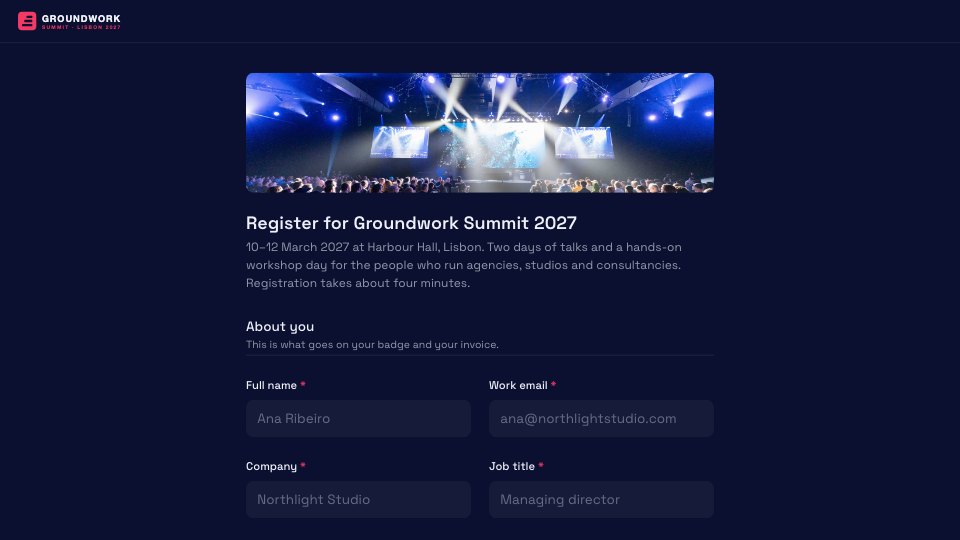
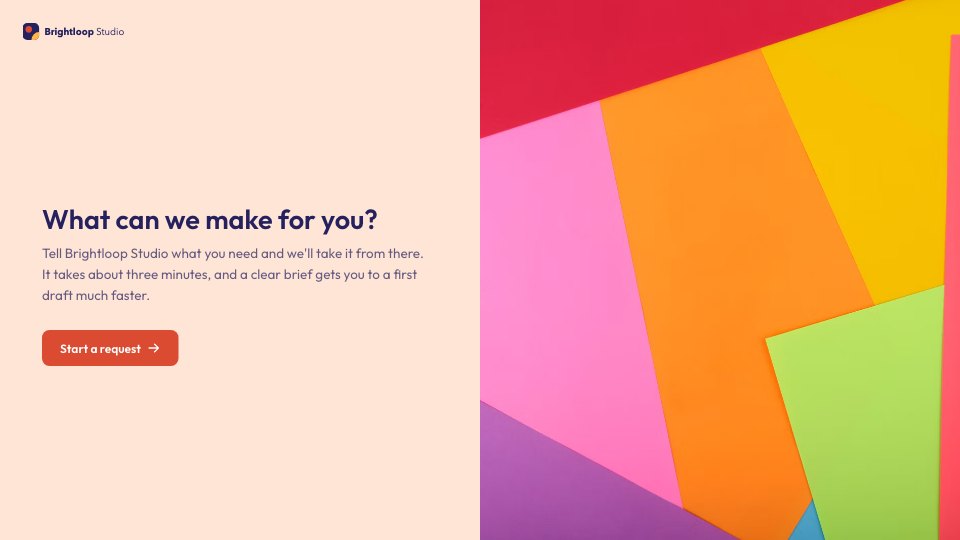
Project Brief is a five-step questionnaire with 16 questions that a design studio or agency sends a prospect before quoting a website or brand project. It covers who the client is, the services they need, the problem the work should solve, their audience, competitors and inspiration, and any must-haves. Budget and timing come with smart follow-ups, and it closes by asking who signs off, so you know every decision-maker before the first call.
Made for
- Agencies and studios
- Freelance designers and developers
- Consultants and coaches
- Teams that scope projects before pricing
Make it yours in four steps.
Open it in Forms and work through it, or let Docsiv AI do the first pass with your details.
- Step 1
Swap in your studio's name, logo and accent colour, and adjust the services list to what you offer.
- Step 2
Set the budget ranges to match your typical project sizes and currency.
- Step 3
Share the form link with prospects from your website, email signature or first reply.
- Step 4
Read each brief before the intro call, then use the answers to scope and quote the project.
Start from the Project Brief now.
Questions about this template.
Something else on your mind? Ask us in the chat, bottom right of the page.
Is the Project Brief template free?
Yes. Create a free account and it opens in Docsiv's Forms app, ready to edit and share. The Free plan includes every Docsiv app and 500 AI credits a month.
Can I change the colours, fonts and text?
Yes, all of it. The template uses Schibsted Grotesk with #0d0d0d, #f3f0e8, #ff4a1c, and you can change any of them, rewrite every word and add or remove questions.
What can I export it as?
Forms in Docsiv offers: Responses exported as CSV. Once it's saved, you can also share it with a link.
Can Docsiv AI write the project brief questionnaire for me?
Yes. Tell Docsiv AI about the client or project and it can draft the content in this template's style, which you then review and edit. AI uses credits; the Free plan includes 500 a month.
Where do the responses go?
Responses are collected in Docsiv with the form, and you can export them as a CSV file.


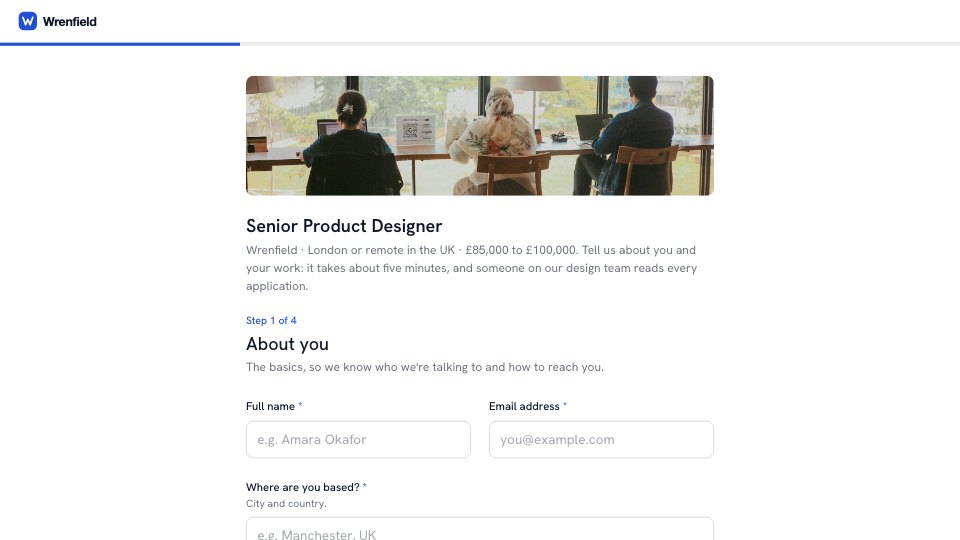

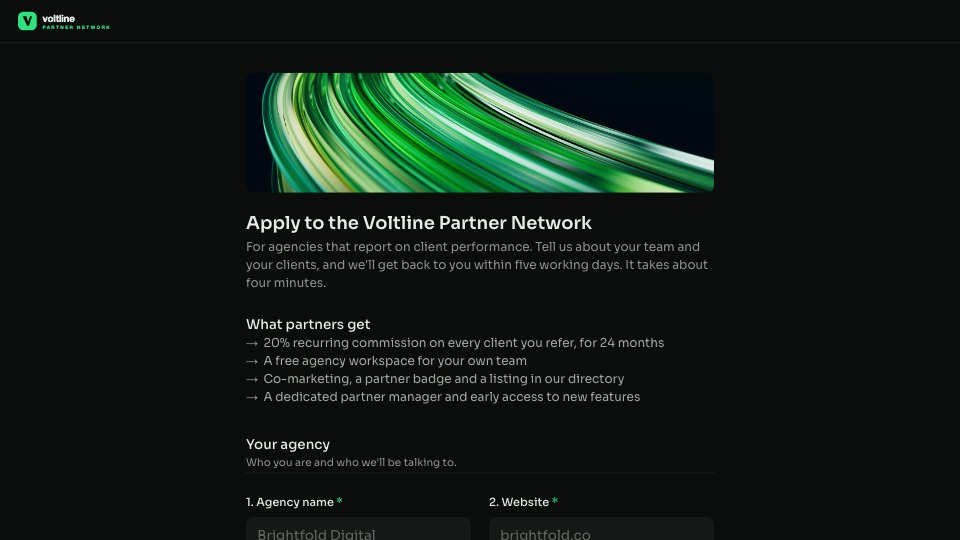
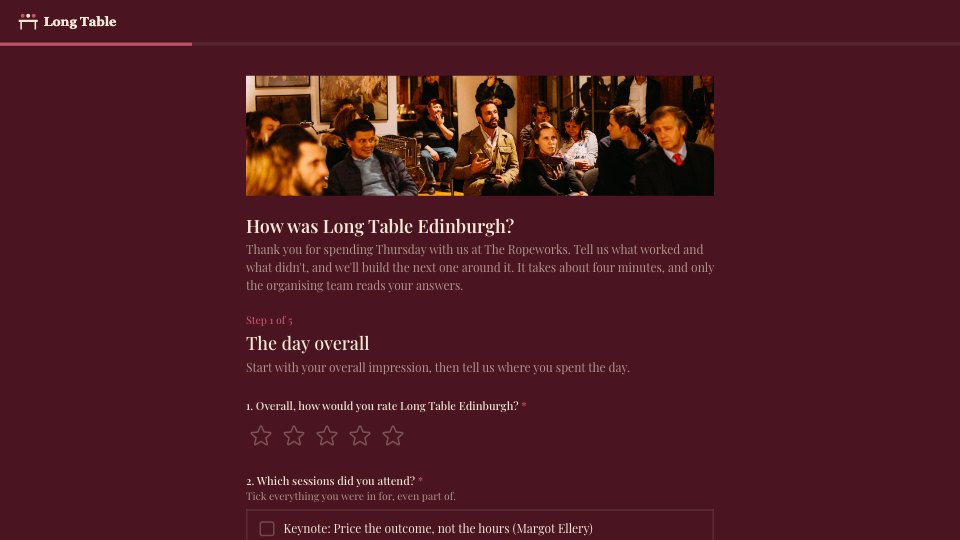
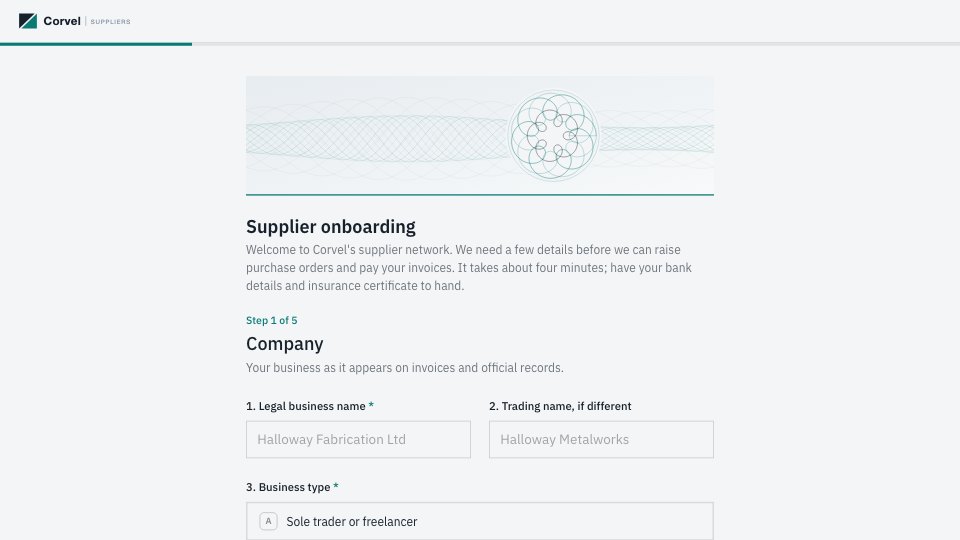
Start your intake form with Docsiv AI
Describe the client or the project and Docsiv AI writes a first draft of your project brief questionnaire for you to edit, share and send.