

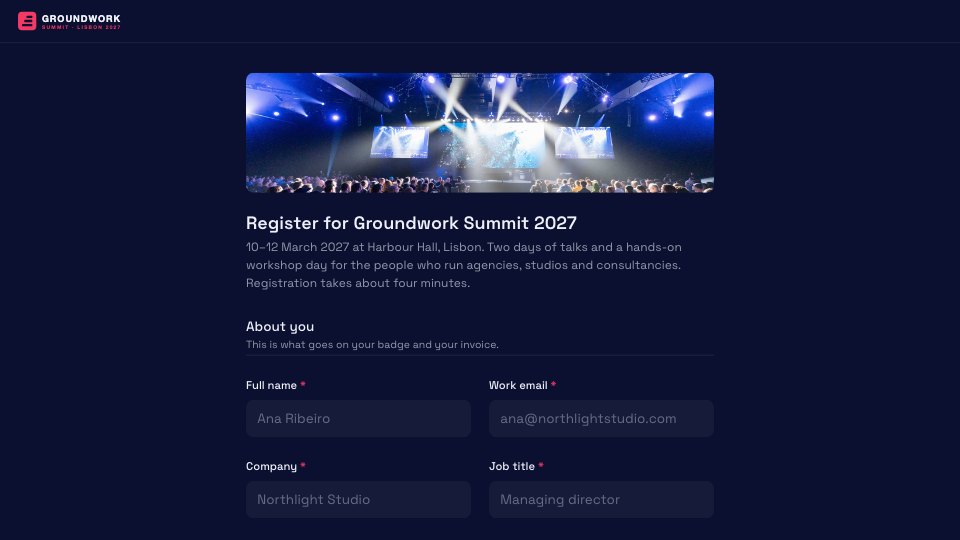
What’s inside the Event Registration.
Real content in every part, ready to rewrite with your own.
- 1About you: name, work email, company and job title, paired side by side
- 2Your pass: ticket type and a discount or invite code
- 3Your programme: summit breakout tracks, plus workshops for passes that include the workshop day
- 4On the day: dietary needs and accessibility requests
- 5Evening reception: a plus-one, with guest details only when you bring one
- 6Before you submit: how you heard about it, terms consent and optional updates
When to use it.
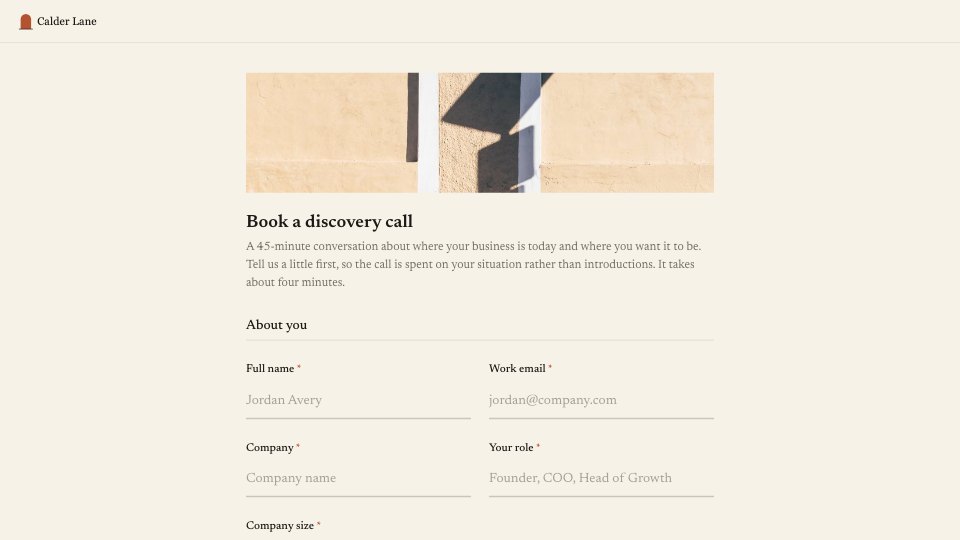
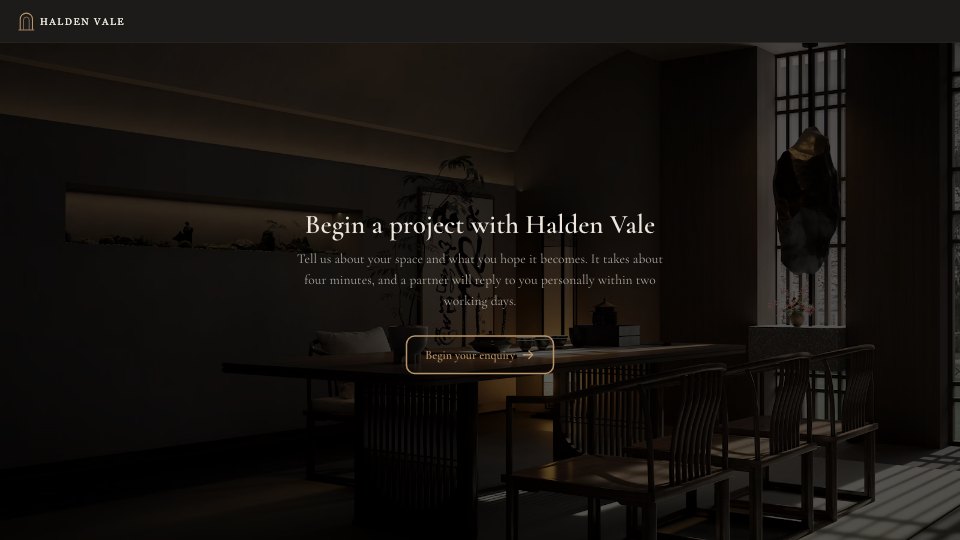
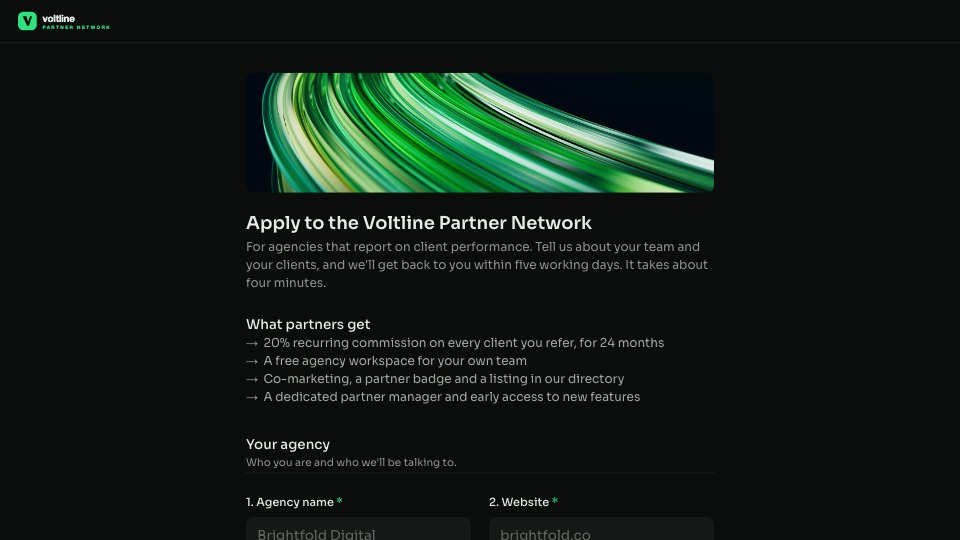
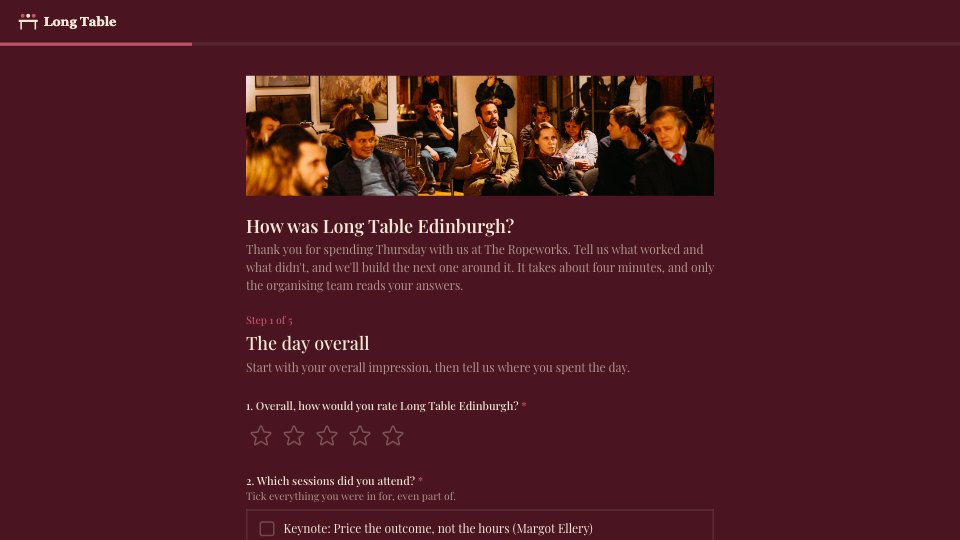
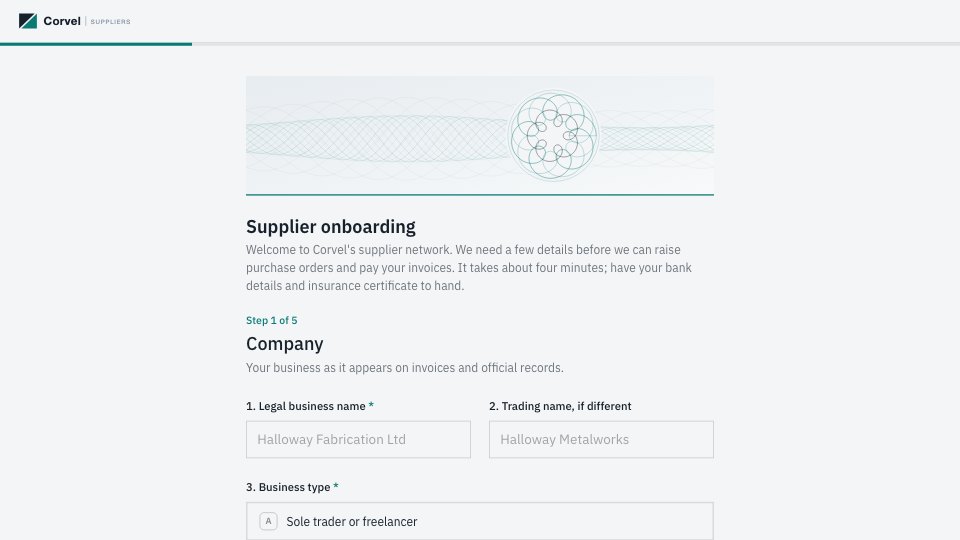
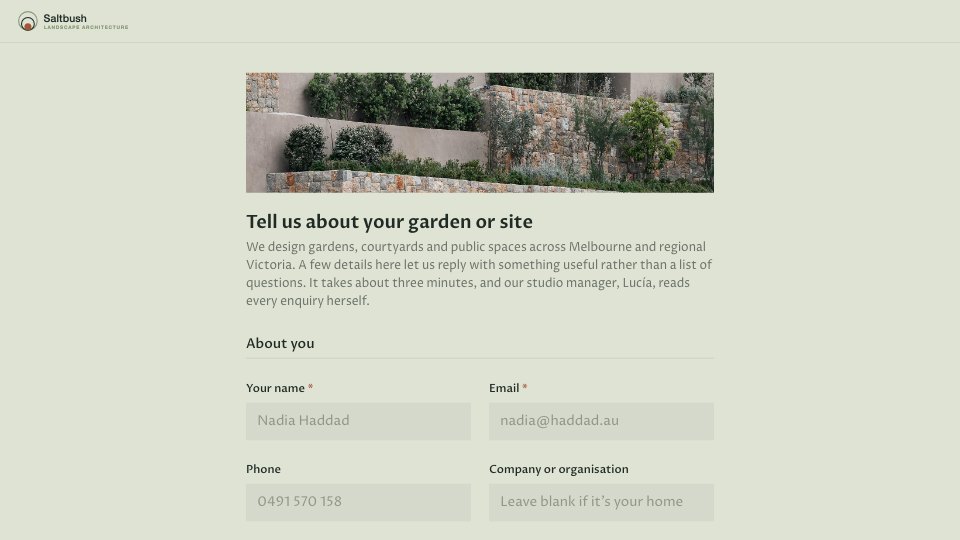
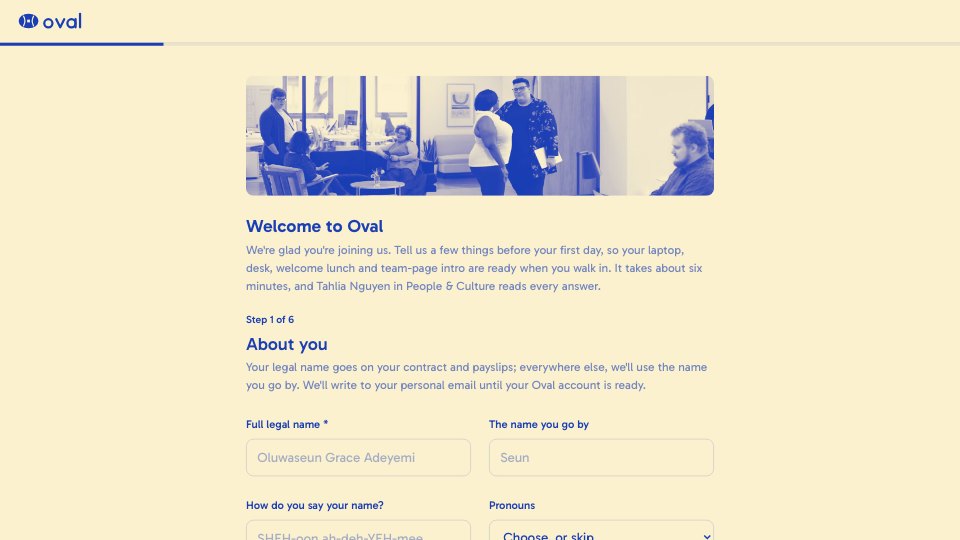
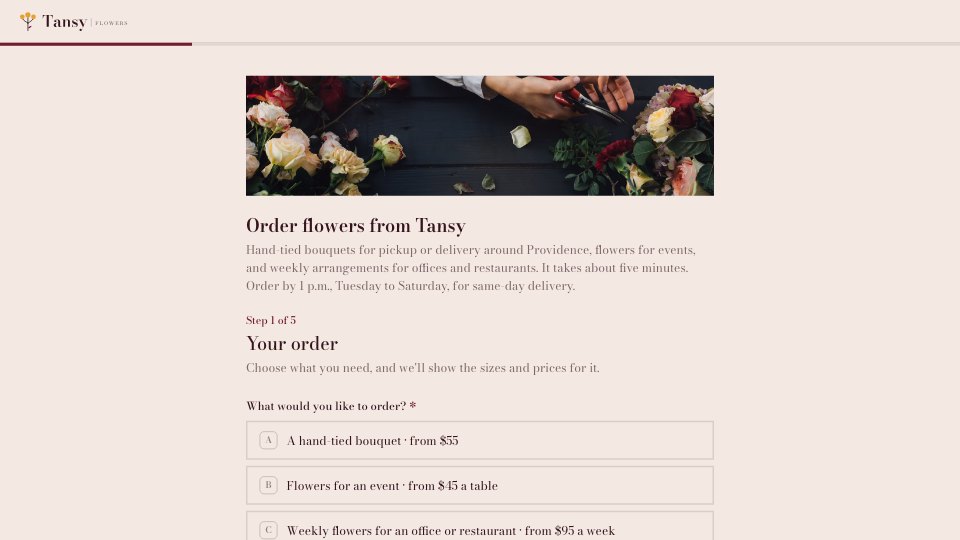
Event Registration is a 16-question, single-page sign-up form for a professional conference, summit or workshop day. Attendees give their badge and invoice details, choose a ticket and pick the sessions and workshops they want. It also collects dietary and accessibility needs, and adds guest fields only when someone brings a plus-one, with logic that shows workshops only for passes that include them.
Made for
- Event organisers
- Workshop hosts
- Teams running sign-ups
- Community groups
Make it yours in four steps.
Open it in Forms and work through it, or let Docsiv AI do the first pass with your details.
- Step 1
Swap in your event's name, dates, venue and logo, and replace the cover photo.
- Step 2
Edit the ticket types and list your real tracks and workshops.
- Step 3
Check the logic so workshop questions match the passes that include your workshop day.
- Step 4
Share the link or embed it on your event page, and watch registrations arrive in Responses.
Start from the Event Registration now.
Questions about this template.
Something else on your mind? Ask us in the chat, bottom right of the page.
Is the Event Registration template free?
Yes. Create a free account and it opens in Docsiv's Forms app, ready to edit and share. The Free plan includes every Docsiv app and 500 AI credits a month.
Can I change the colours, fonts and text?
Yes, all of it. The template uses Space Grotesk with #0B1030, #EEF0FA, #F23A64, and you can change any of them, rewrite every word and add or remove questions.
What can I export it as?
Forms in Docsiv offers: Responses exported as CSV. Once it's saved, you can also share it with a link.
Can Docsiv AI write the event registration form for me?
Yes. Tell Docsiv AI about the client or project and it can draft the content in this template's style, which you then review and edit. AI uses credits; the Free plan includes 500 a month.
Where do the responses go?
Responses are collected in Docsiv with the form, and you can export them as a CSV file.
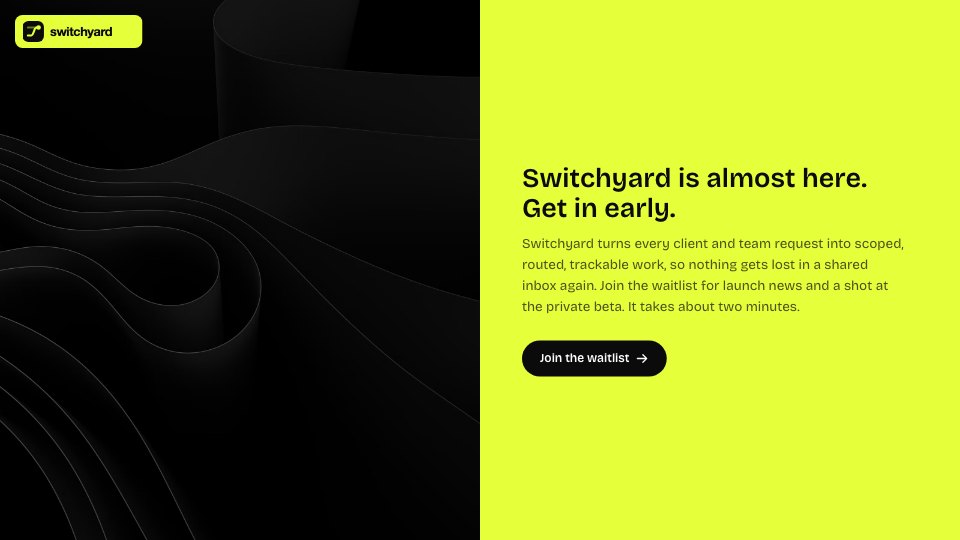
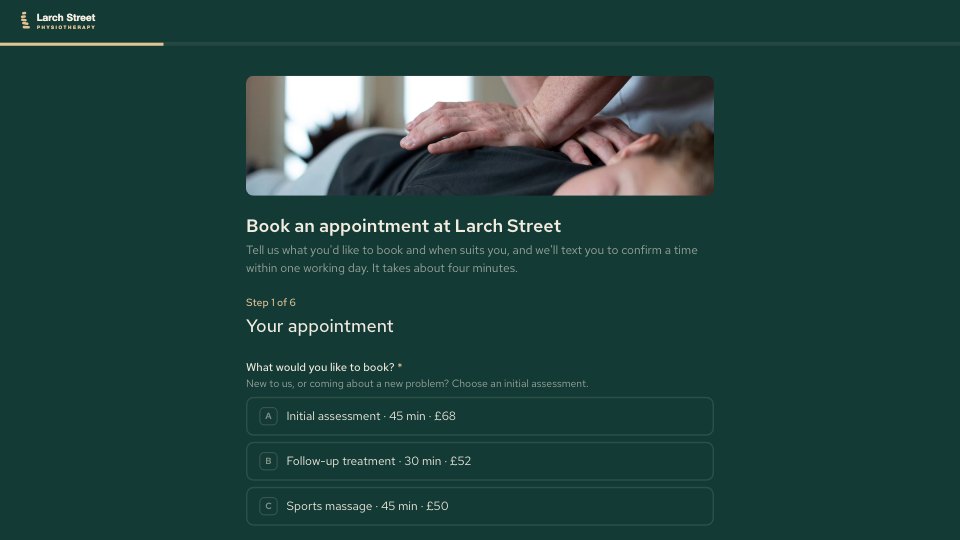



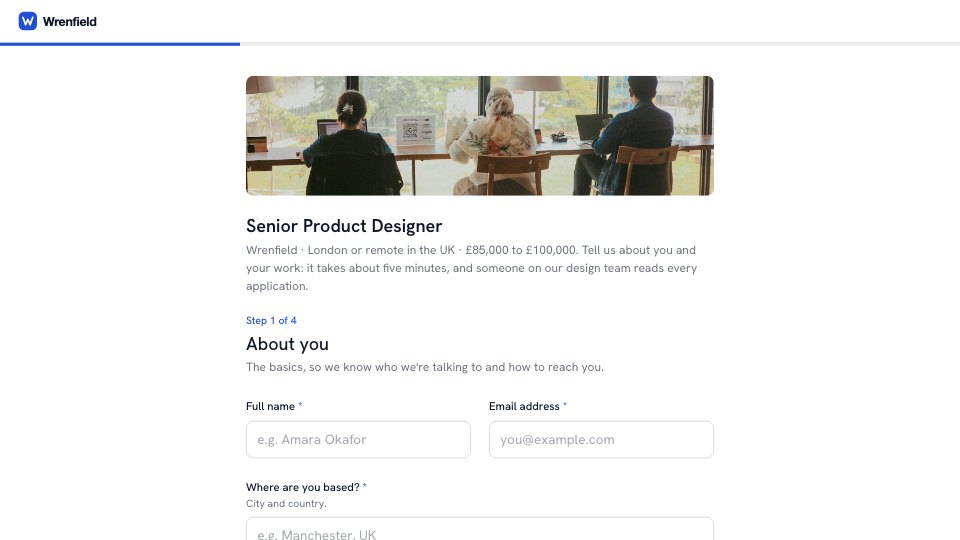



Start your registration form with Docsiv AI
Describe the client or the project and Docsiv AI writes a first draft of your event registration form for you to edit, share and send.