


What’s inside the Client Onboarding.
Real content in every part, ready to rewrite with your own.
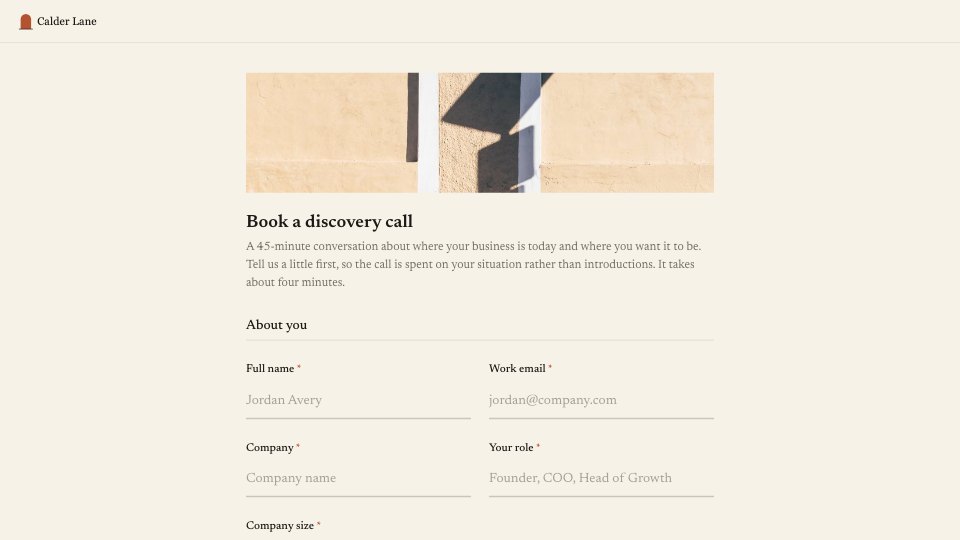
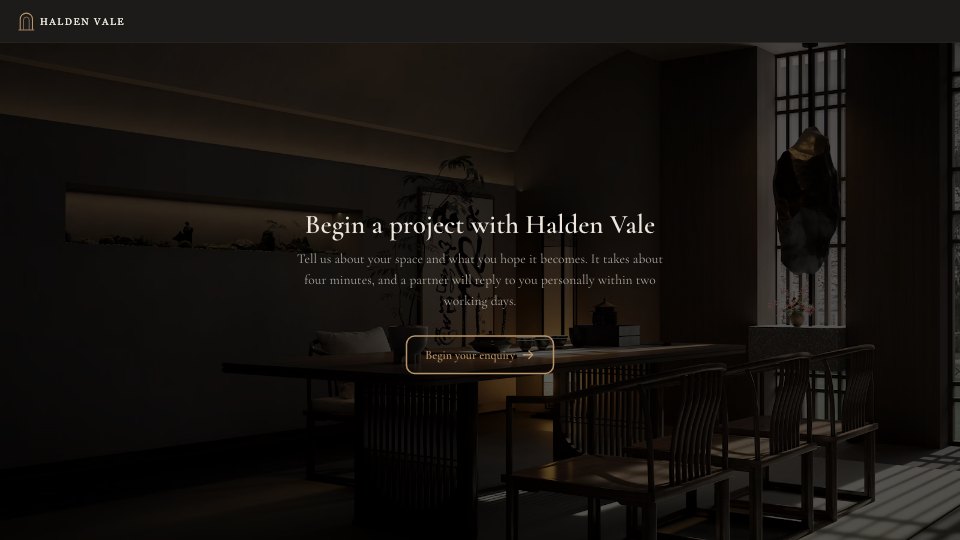
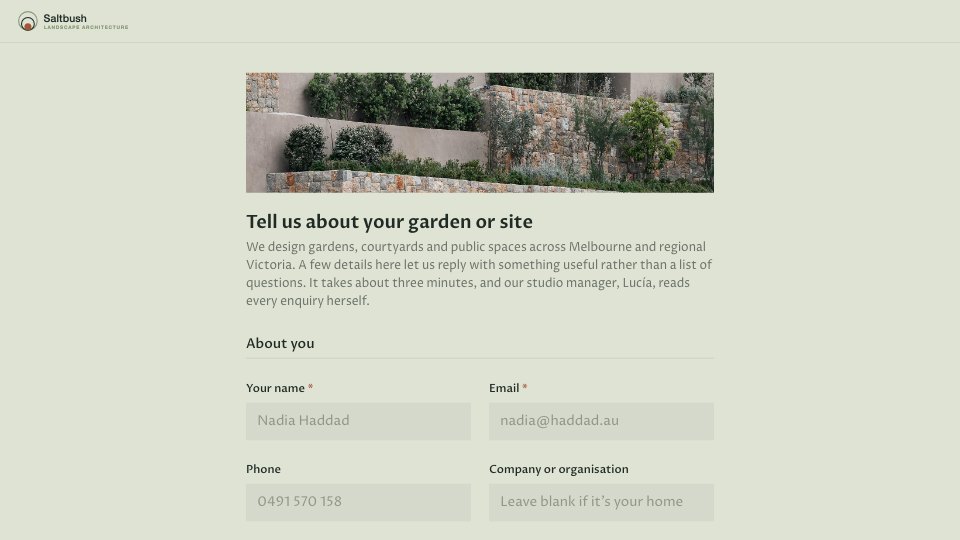
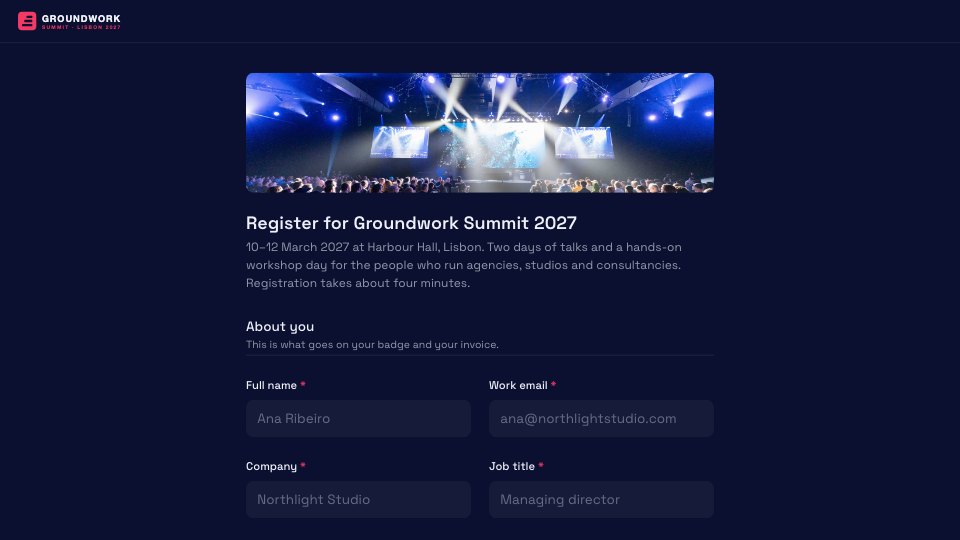
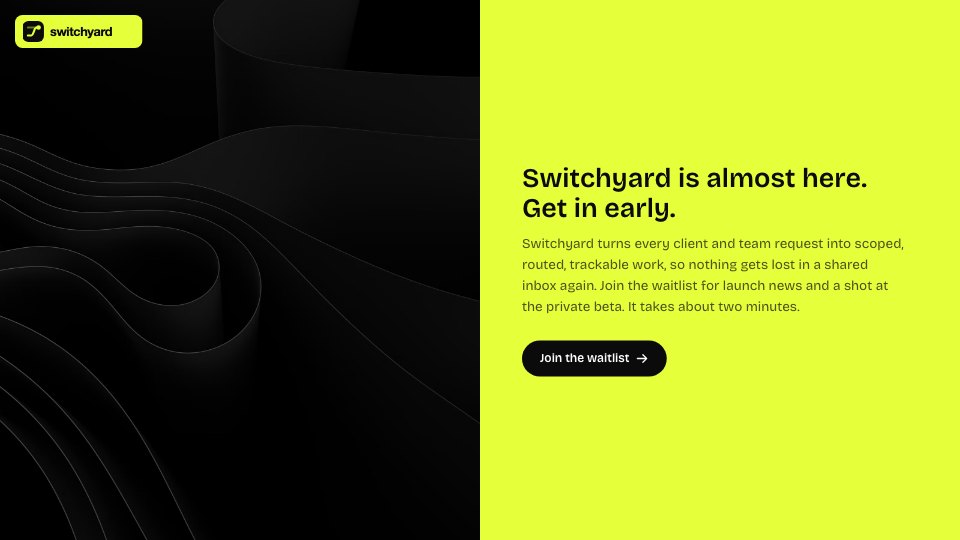
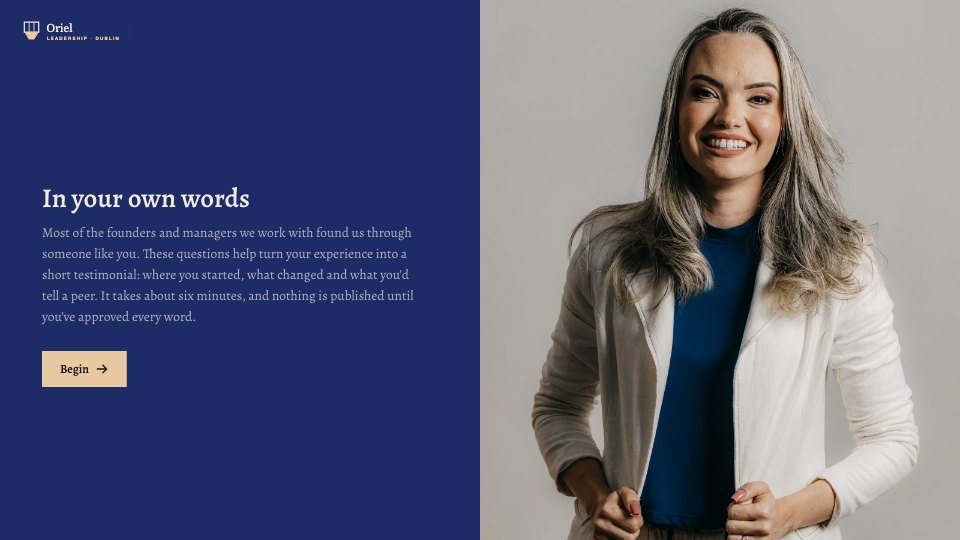
- 1Welcome: a split-photo screen that sets out what the questionnaire covers
- 2Company: the company name for invoices and project files
- 3Contacts: the main contact, their email, and anyone else to keep in the loop
- 4Goals: what success looks like, and up to three outcomes to prioritise
- 5Brand assets: what the client can share, with a file upload when they have something
- 6Access: the accounts the agency will need, invited securely later
- 7Communication: preferred channel (with workspace details for Slack or Teams) and update cadence
- 8Approvals: who signs off, and how quickly feedback usually comes back
- 9Key dates: a preferred kickoff date and any dates to plan around
When to use it.
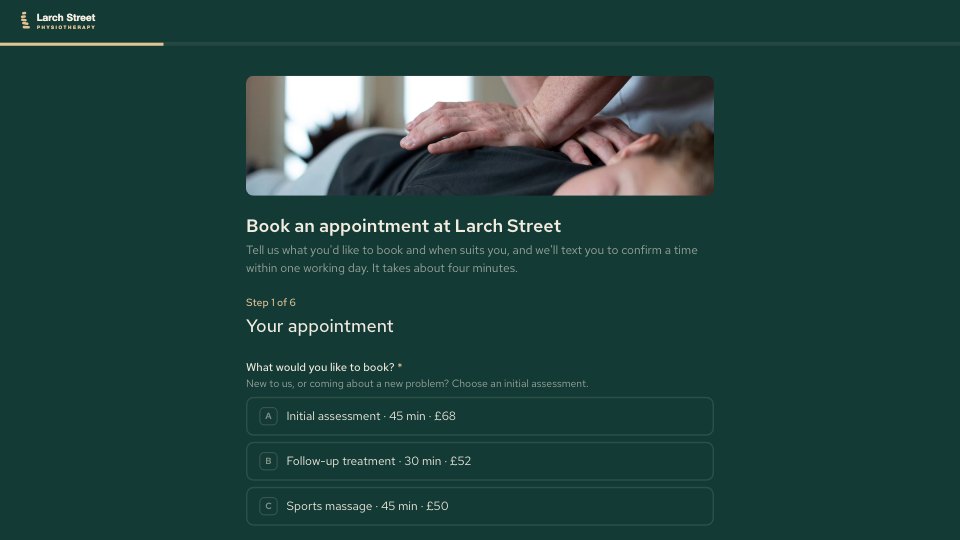
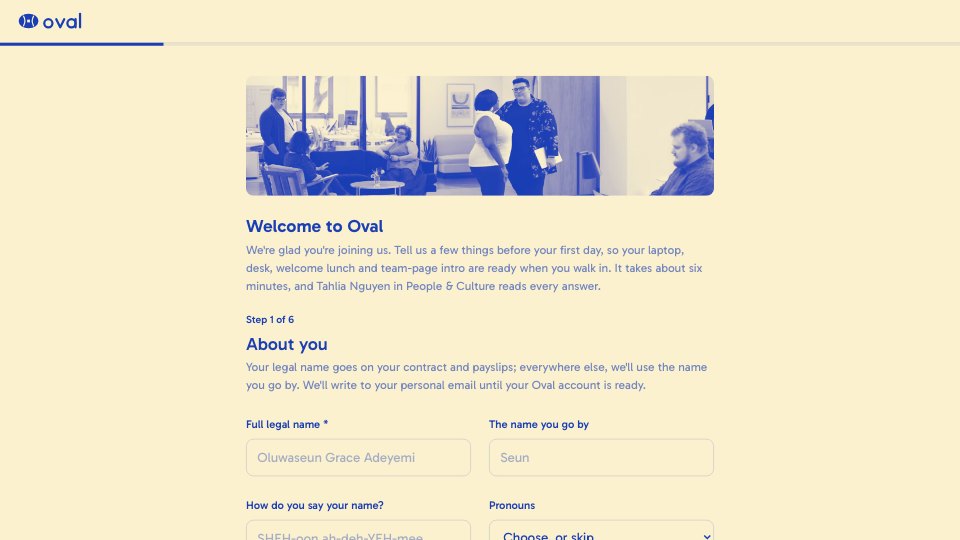
Client Onboarding is a 16-question form an agency sends a new client right after the contract is signed. It collects the company name, main contacts and stakeholders, what success looks like and the outcomes to prioritise, then covers brand files, the accounts you'll need, how the client likes to communicate, who approves work and the dates to plan around. Smart logic asks for an upload only when the client has assets to share, and for workspace details only when they choose Slack or Teams.
Made for
- Agencies and studios
- Freelance designers and developers
- Consultants and coaches
- Teams that scope projects before pricing
Make it yours in four steps.
Open it in Forms and work through it, or let Docsiv AI do the first pass with your details.
- Step 1
Swap in your agency's name, logo and colours.
- Step 2
Adjust the questions to your services, such as the accounts you usually need access to.
- Step 3
Send the link to your new client as soon as the contract is signed.
- Step 4
Review their answers before kickoff and turn them into your agenda and project plan.
Start from the Client Onboarding now.
Questions about this template.
Something else on your mind? Ask us in the chat, bottom right of the page.
Is the Client Onboarding template free?
Yes. Create a free account and it opens in Docsiv's Forms app, ready to edit and share. The Free plan includes every Docsiv app and 500 AI credits a month.
Can I change the colours, fonts and text?
Yes, all of it. The template uses EB Garamond with #f5f1e8, #1d231f, #24402f, #8fa38f, and you can change any of them, rewrite every word and add or remove questions.
What can I export it as?
Forms in Docsiv offers: Responses exported as CSV. Once it's saved, you can also share it with a link.
Can Docsiv AI write the client onboarding questionnaire for me?
Yes. Tell Docsiv AI about the client or project and it can draft the content in this template's style, which you then review and edit. AI uses credits; the Free plan includes 500 a month.
Where do the responses go?
Responses are collected in Docsiv with the form, and you can export them as a CSV file.




Start your intake form with Docsiv AI
Describe the client or the project and Docsiv AI writes a first draft of your client onboarding questionnaire for you to edit, share and send.