

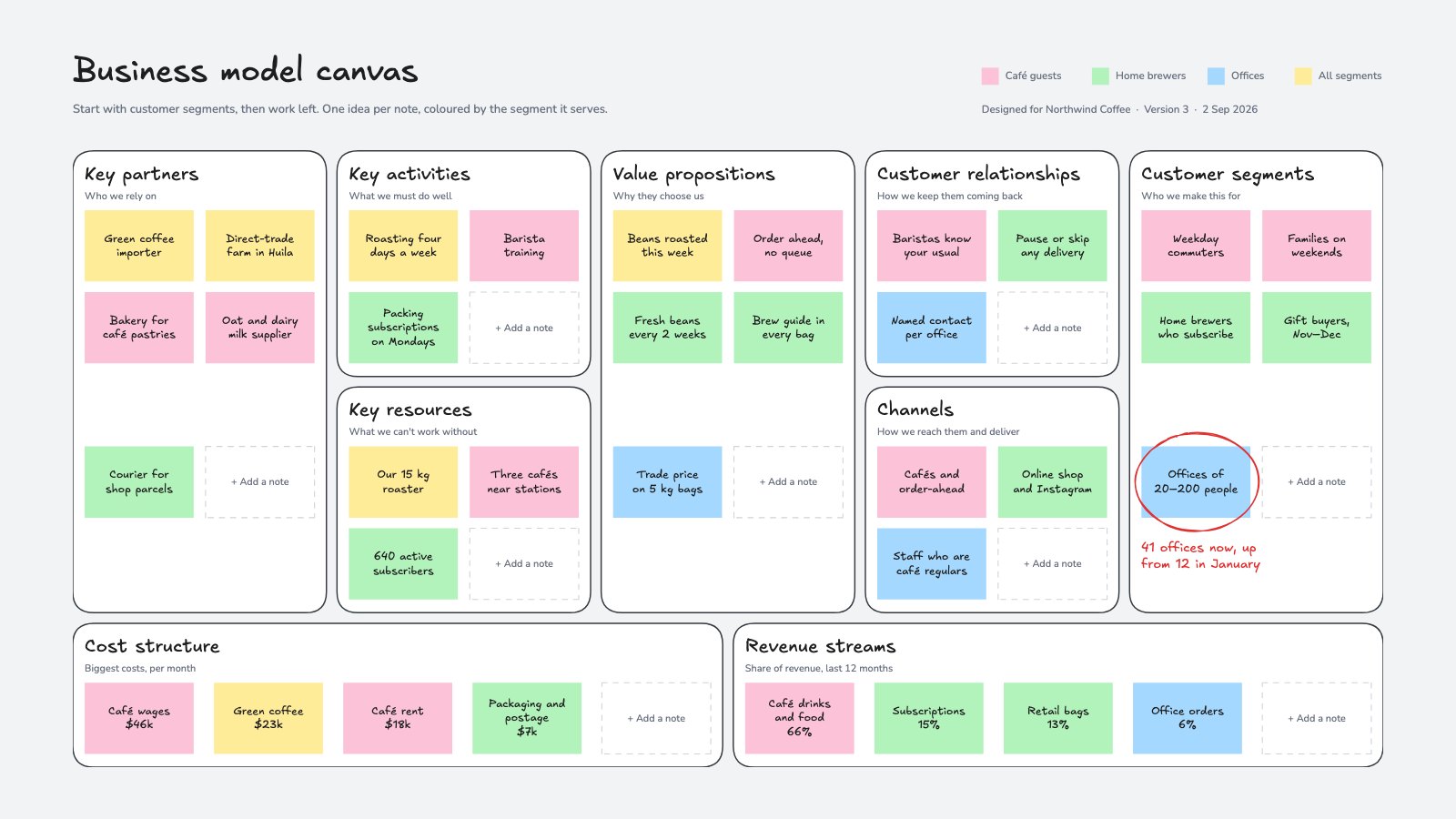
What’s inside the Business Model Canvas.
Real content in every part, ready to rewrite with your own.
- 1The nine blocks of the canvas at their real proportions
- 2A title and a one-line prompt in every block
- 3Three to five notes per block for a coffee roaster with cafés, subscriptions and office orders
- 4Notes coloured by customer segment, with a legend
- 5An empty note in every block to copy
- 6The segment that's growing, circled by hand
When to use it.
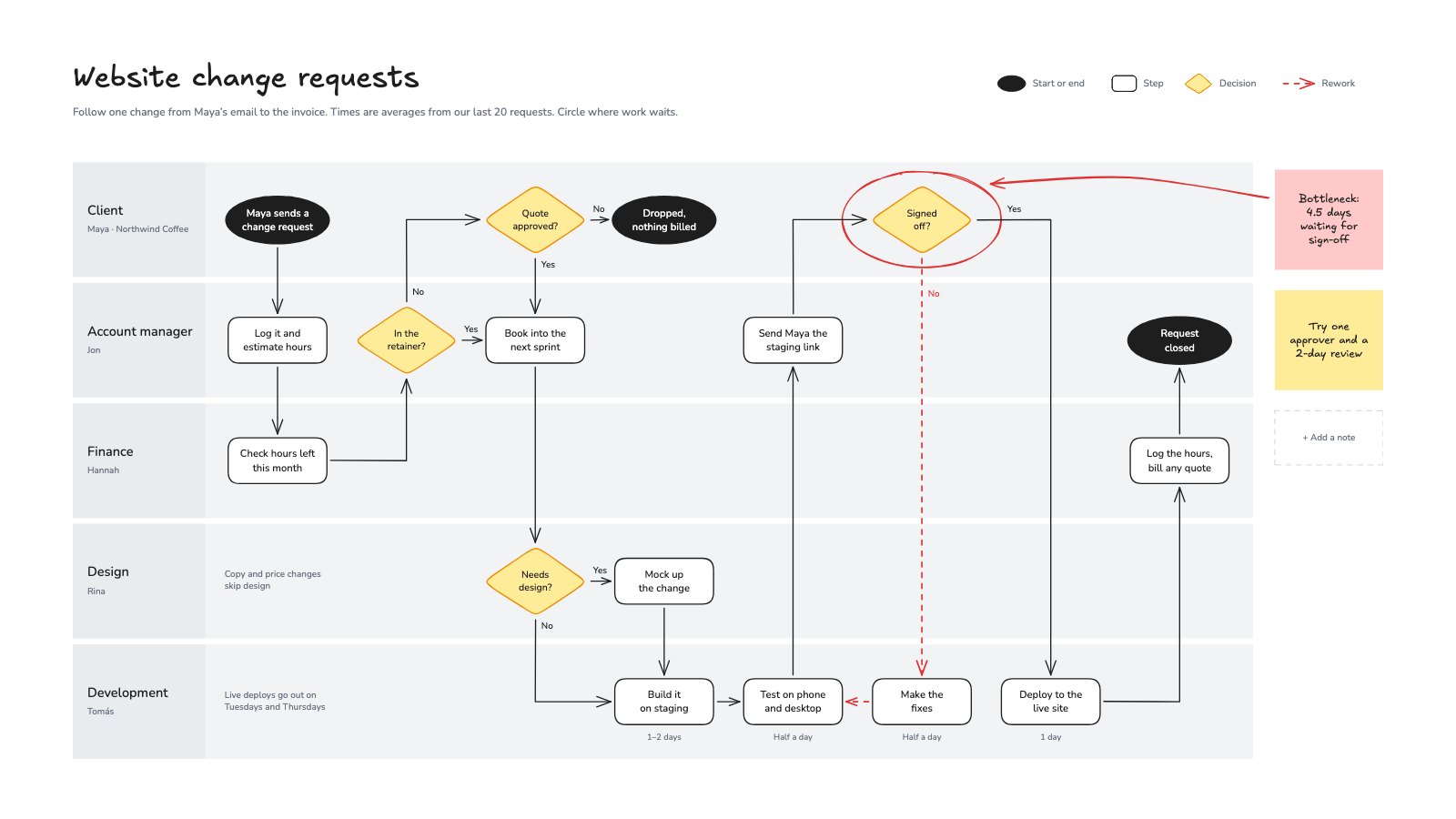
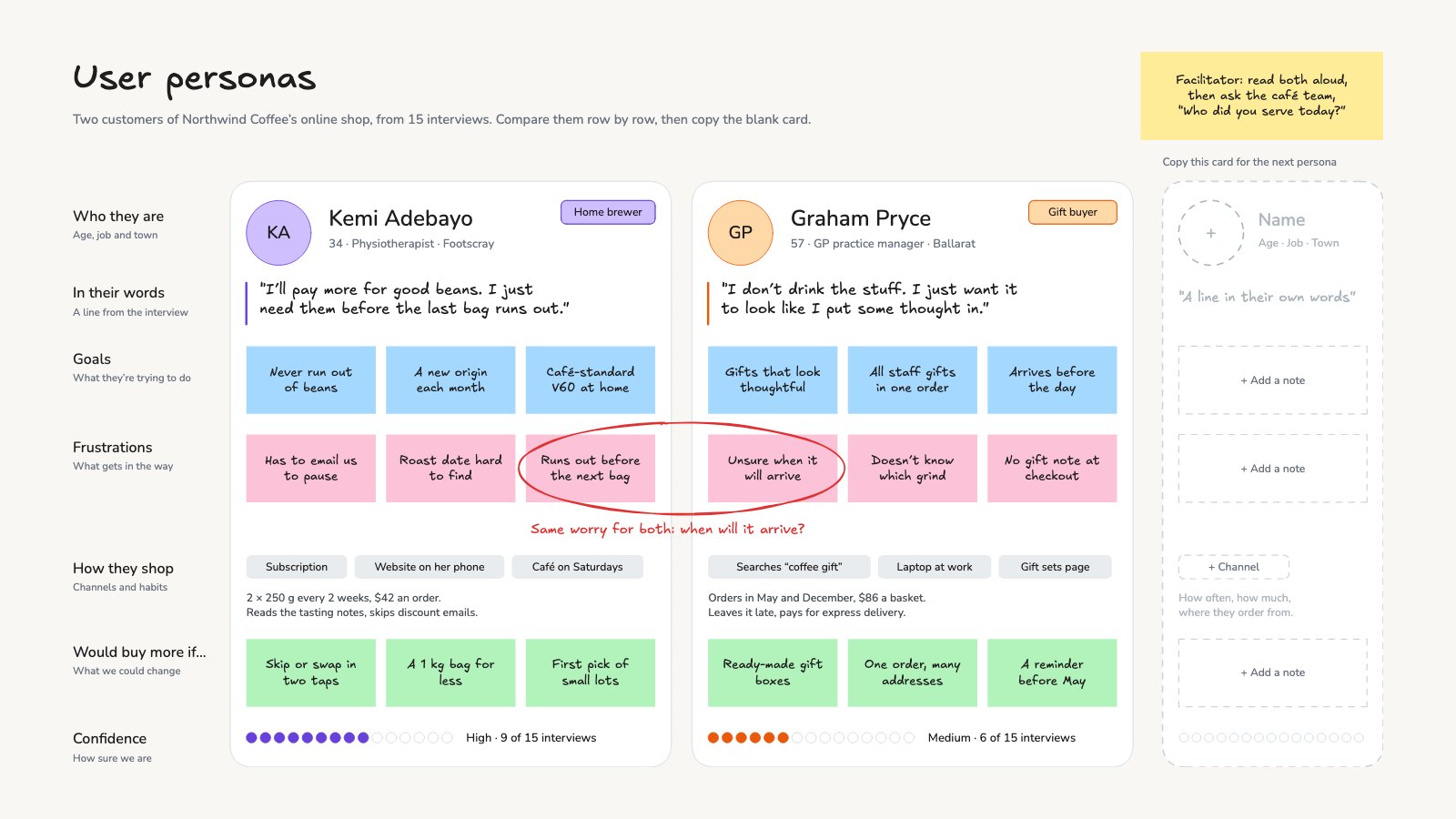
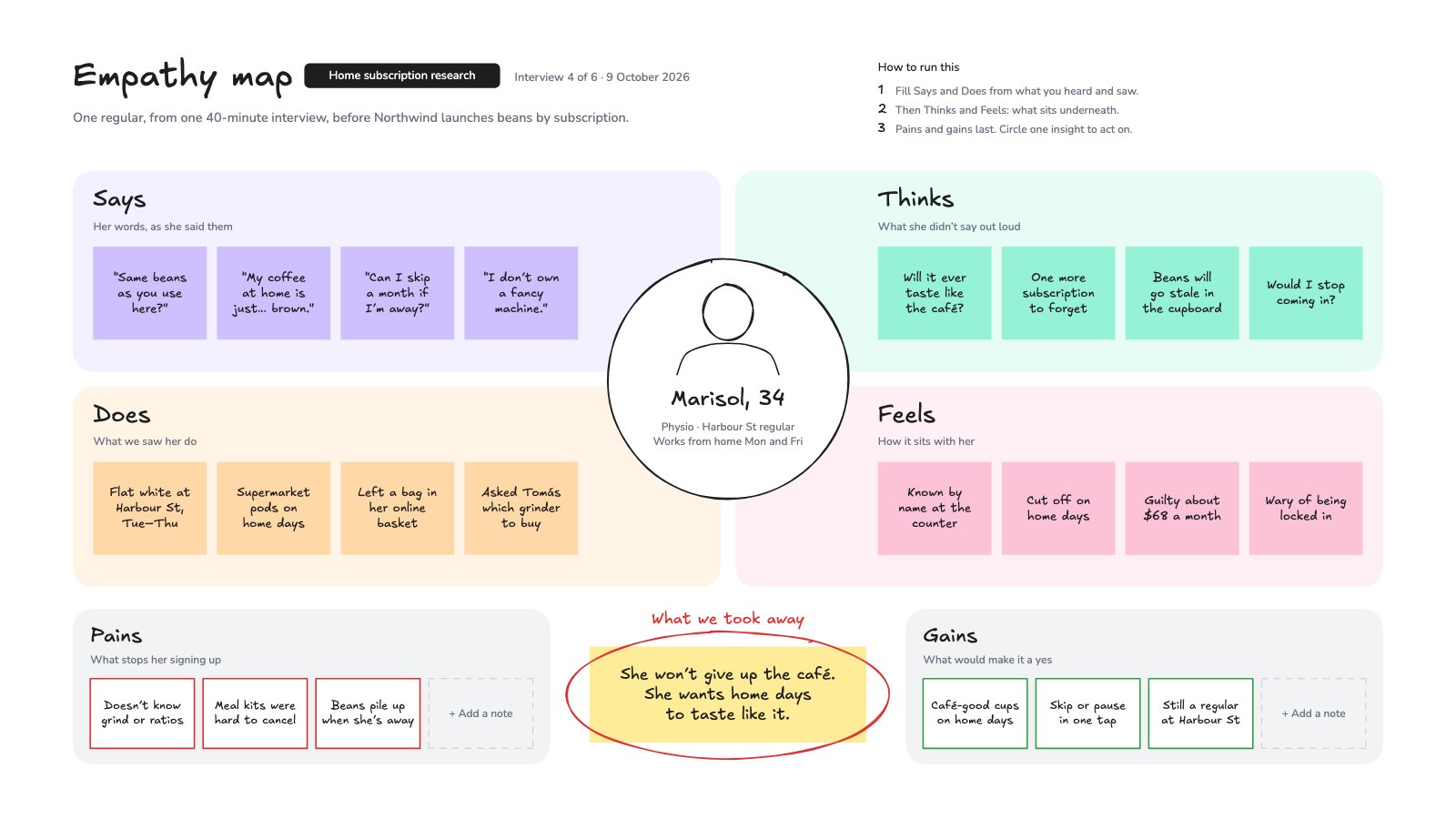
Business Model Canvas is a whiteboard with the nine blocks of the classic canvas at their real proportions: key partners, activities and resources, value propositions, customer relationships, channels, customer segments, costs and revenue. It comes filled in for a small coffee roaster with cafés, bean subscriptions and office orders, so you can see what useful notes look like. Every block has a one-line prompt and an empty note to copy, and notes are coloured by the customer segment they serve. It suits founders, consultants and strategy workshops.
Made for
- Founders testing a new idea
- Agencies running strategy workshops
- Product and innovation teams
- Small business owners planning the year
Make it yours in four steps.
Open it in Whiteboard and work through it, or let Docsiv AI do the first pass with your details.
- Step 1
Rename the segments in the legend and recolour the notes to match your own customers.
- Step 2
Start with customer segments and value propositions, then work left to partners and costs.
- Step 3
Keep one idea per note, and copy the empty note in a block to add more.
- Step 4
Circle what you want to test or grow, then date a new version when the model changes.
Start from the Business Model Canvas now.
Questions about this template.
Something else on your mind? Ask us in the chat, bottom right of the page.
Is the Business Model Canvas template free?
Yes. Create a free account and it opens in Docsiv's Whiteboard app, ready to edit and share. The Free plan includes every Docsiv app and 500 AI credits a month.
Can I change the colours, fonts and text?
Yes, all of it. The template uses Excalifont and Nunito with #fcc2d7, #b2f2bb, #a5d8ff, #ffec99, #343a40, and you can change any of them, rewrite every word and add or remove notes, shapes and connectors.
What can I export it as?
Whiteboard in Docsiv offers: Excalidraw boards, PNG and SVG exports. Once it's saved, you can also share it with a link.
Can Docsiv AI write the business model canvas for me?
Yes. Tell Docsiv AI about the client or project and it can draft the content in this template's style, which you then review and edit. AI uses credits; the Free plan includes 500 a month.
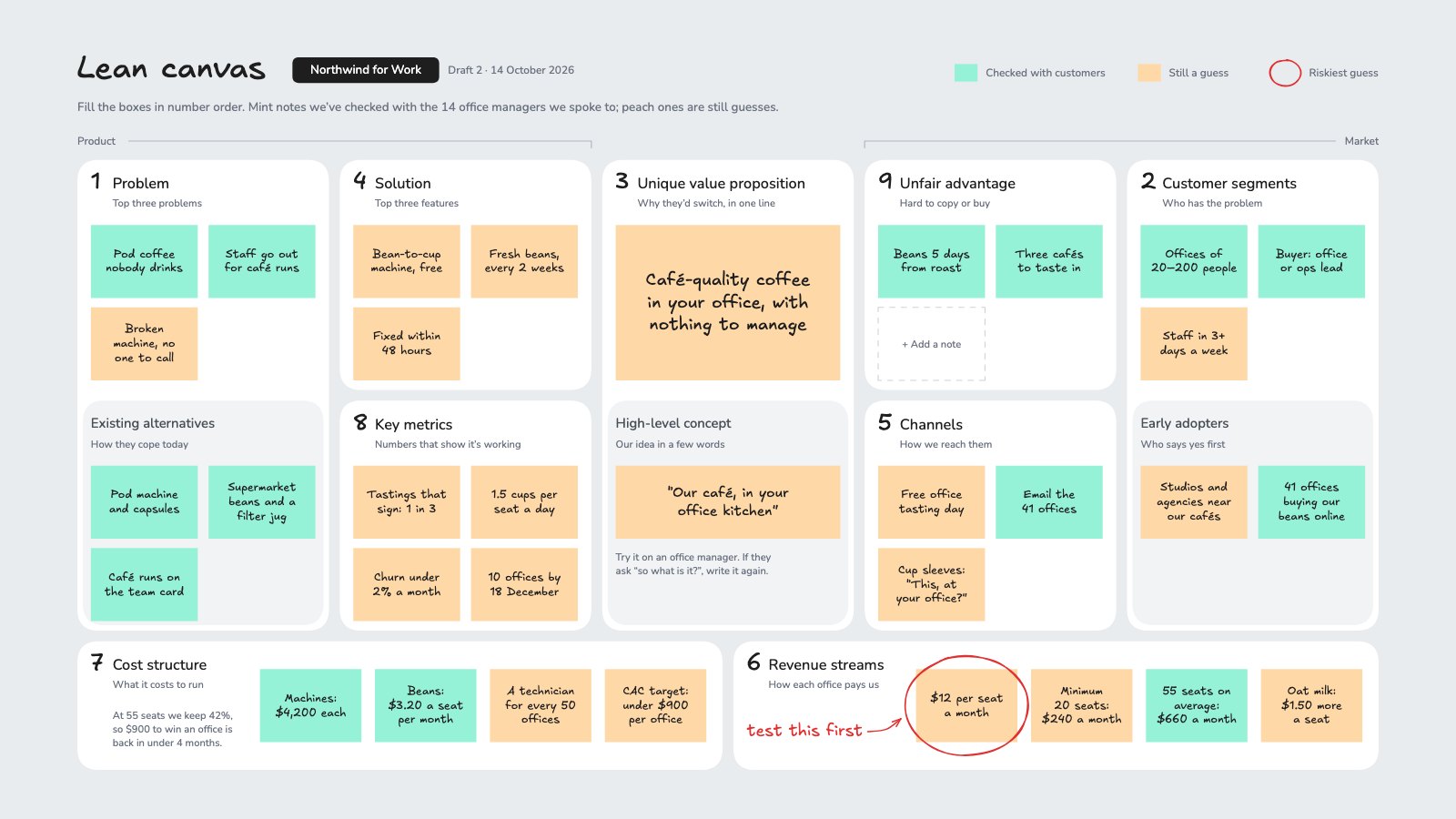
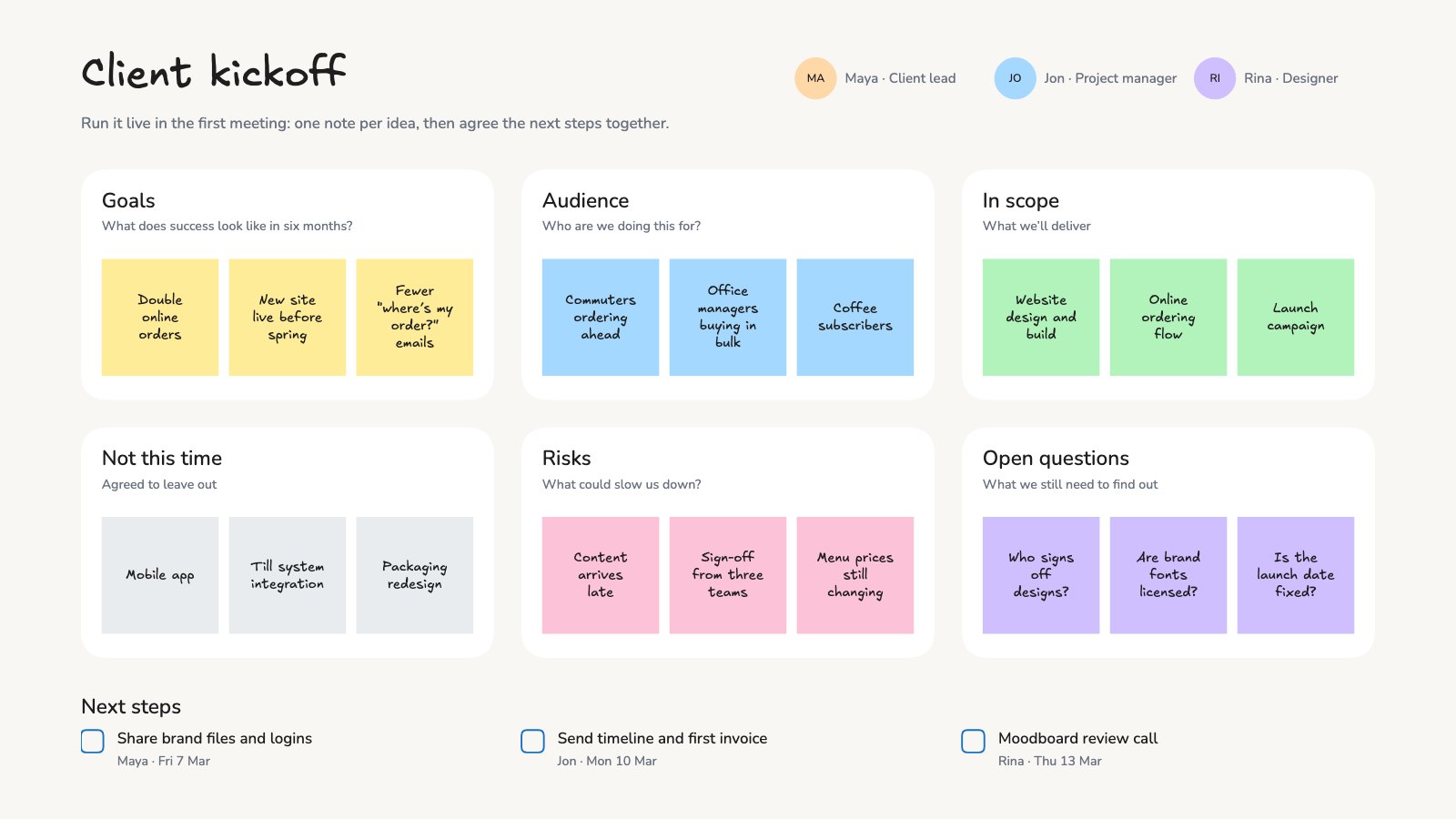

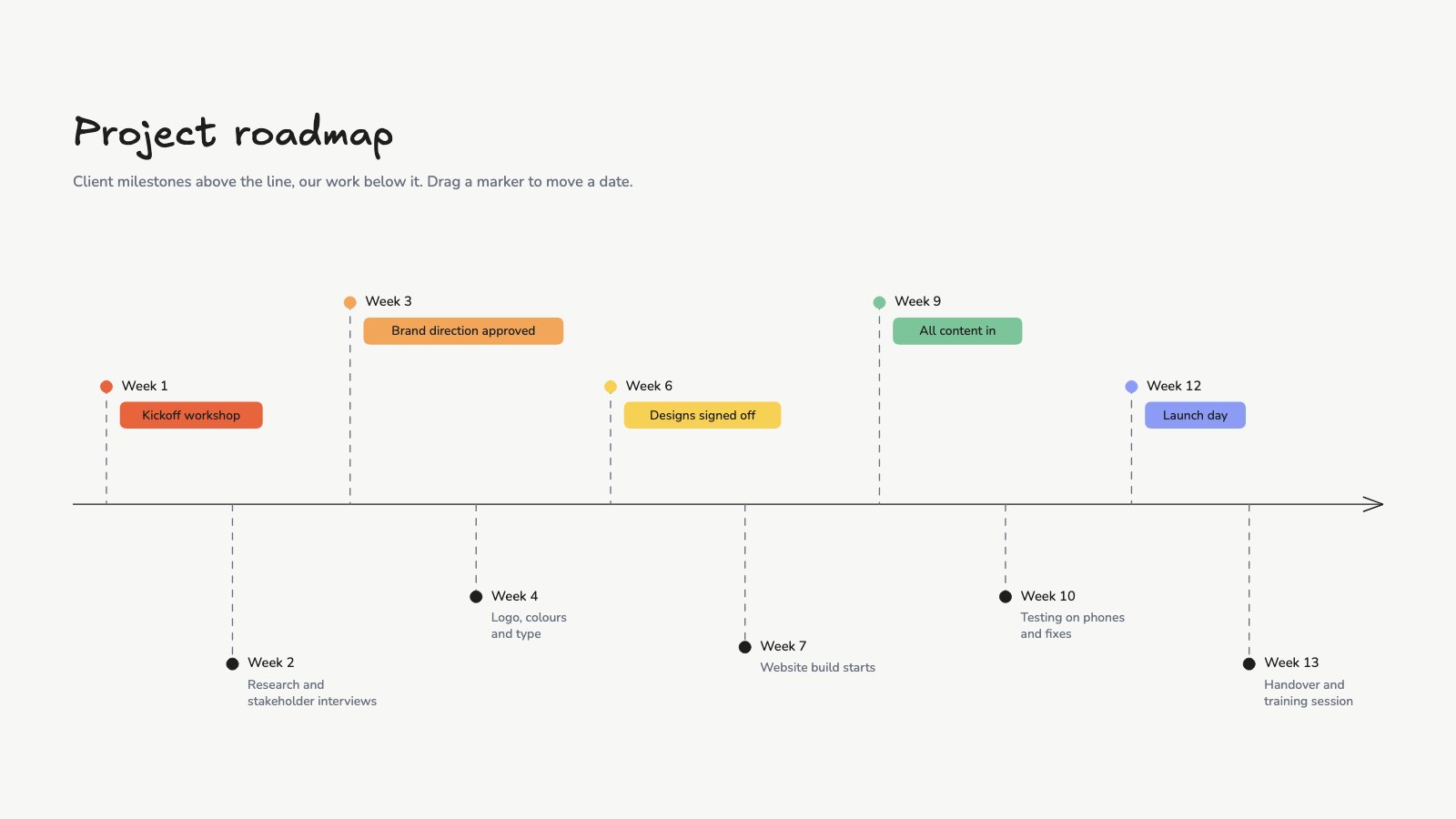
Start your strategy canvas with Docsiv AI
Describe the client or the project and Docsiv AI writes a first draft of your business model canvas for you to edit, share and send.