

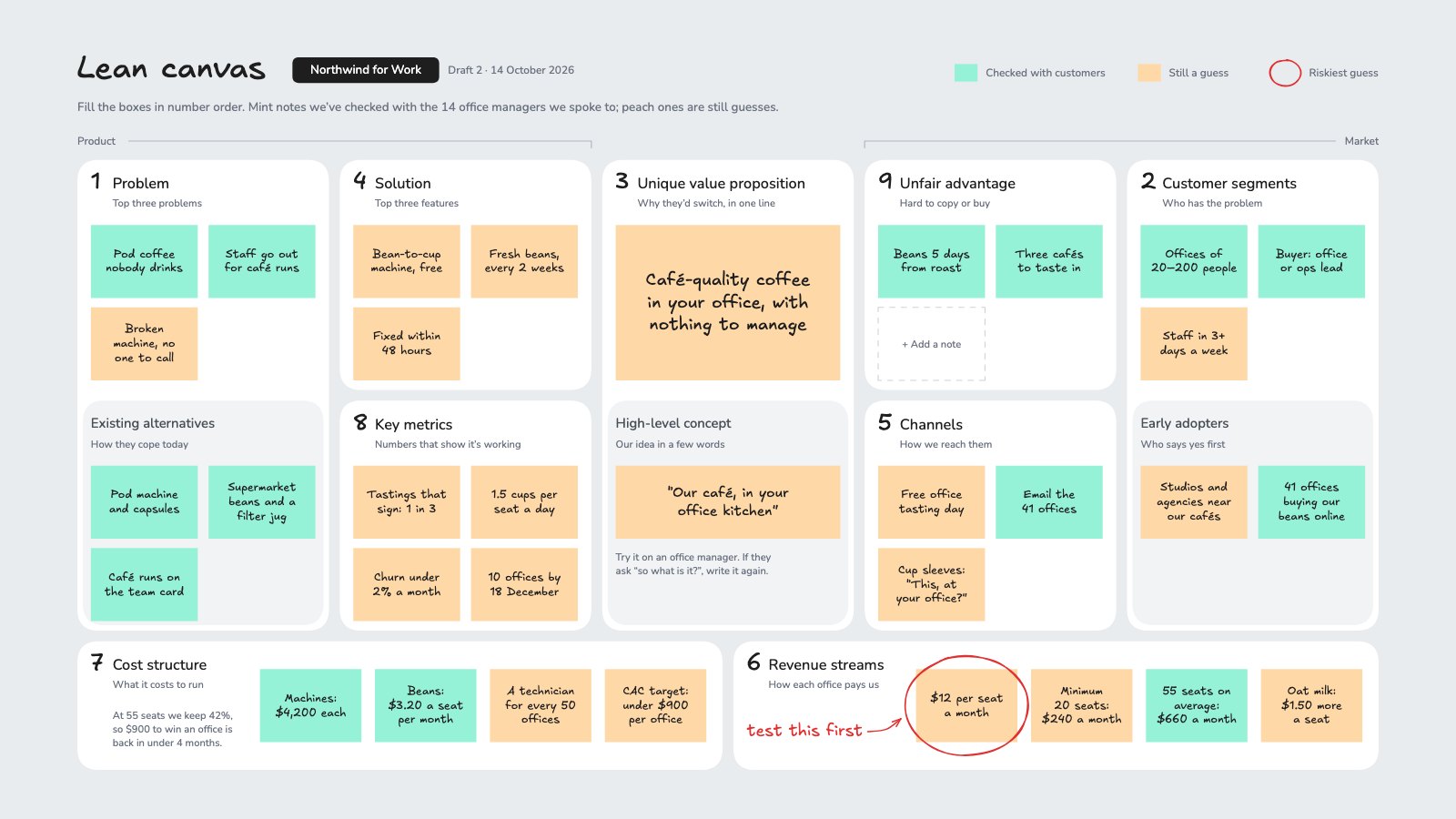
What’s inside the Lean Canvas.
Real content in every part, ready to rewrite with your own.
- 1The nine Lean Canvas boxes in their own layout, product on the left and market on the right
- 2Each box numbered in the order to fill it, with a one-line prompt
- 3Existing alternatives, a high-level concept and early adopters
- 4Notes coloured by what's been checked with customers and what's still a guess
- 5A price per seat, costs and a CAC target that add up
- 6The riskiest guess circled in red: test this first
When to use it.
Lean Canvas is a whiteboard for testing a new business idea on one page, in Ash Maurya's layout: the problem and existing alternatives, customer segments and early adopters, the unique value proposition, solution, channels, revenue streams, cost structure, key metrics and unfair advantage. The example plans an office coffee subscription, with a price per seat, costs and a CAC target that add up. Notes are coloured by what you've checked with customers and what's still a guess, and the riskiest guess is circled so you know what to test first.
Made for
- Founders testing a new idea
- Agencies running strategy workshops
- Product and innovation teams
- Small business owners planning the year
Make it yours in four steps.
Open it in Whiteboard and work through it, or let Docsiv AI do the first pass with your details.
- Step 1
Put your idea's name at the top and fill the boxes in number order.
- Step 2
Keep to one problem, feature or number per sticky note.
- Step 3
Colour each note by whether you've checked it with customers or it's still a guess.
- Step 4
Circle the riskiest guess, test it first, then update the canvas with what you learn.
Start from the Lean Canvas now.
Questions about this template.
Something else on your mind? Ask us in the chat, bottom right of the page.
Is the Lean Canvas template free?
Yes. Create a free account and it opens in Docsiv's Whiteboard app, ready to edit and share. The Free plan includes every Docsiv app and 500 AI credits a month.
Can I change the colours, fonts and text?
Yes, all of it. The template uses Excalifont and Nunito with #e9ecef, #ffffff, #96f2d7, #ffd8a8, #e03131, and you can change any of them, rewrite every word and add or remove notes, shapes and connectors.
What can I export it as?
Whiteboard in Docsiv offers: Excalidraw boards, PNG and SVG exports. Once it's saved, you can also share it with a link.
Can Docsiv AI write the lean canvas for me?
Yes. Tell Docsiv AI about the client or project and it can draft the content in this template's style, which you then review and edit. AI uses credits; the Free plan includes 500 a month.
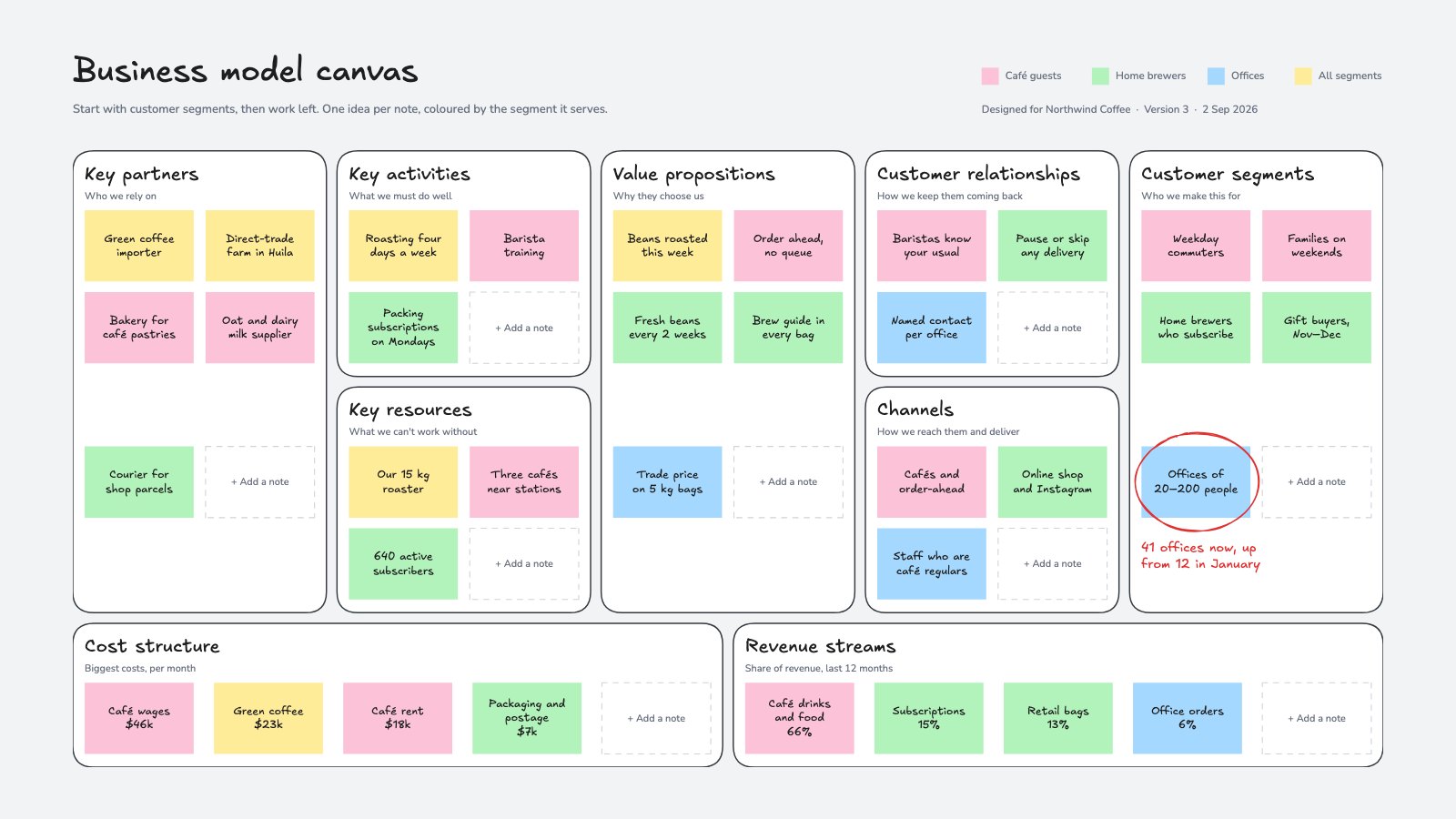
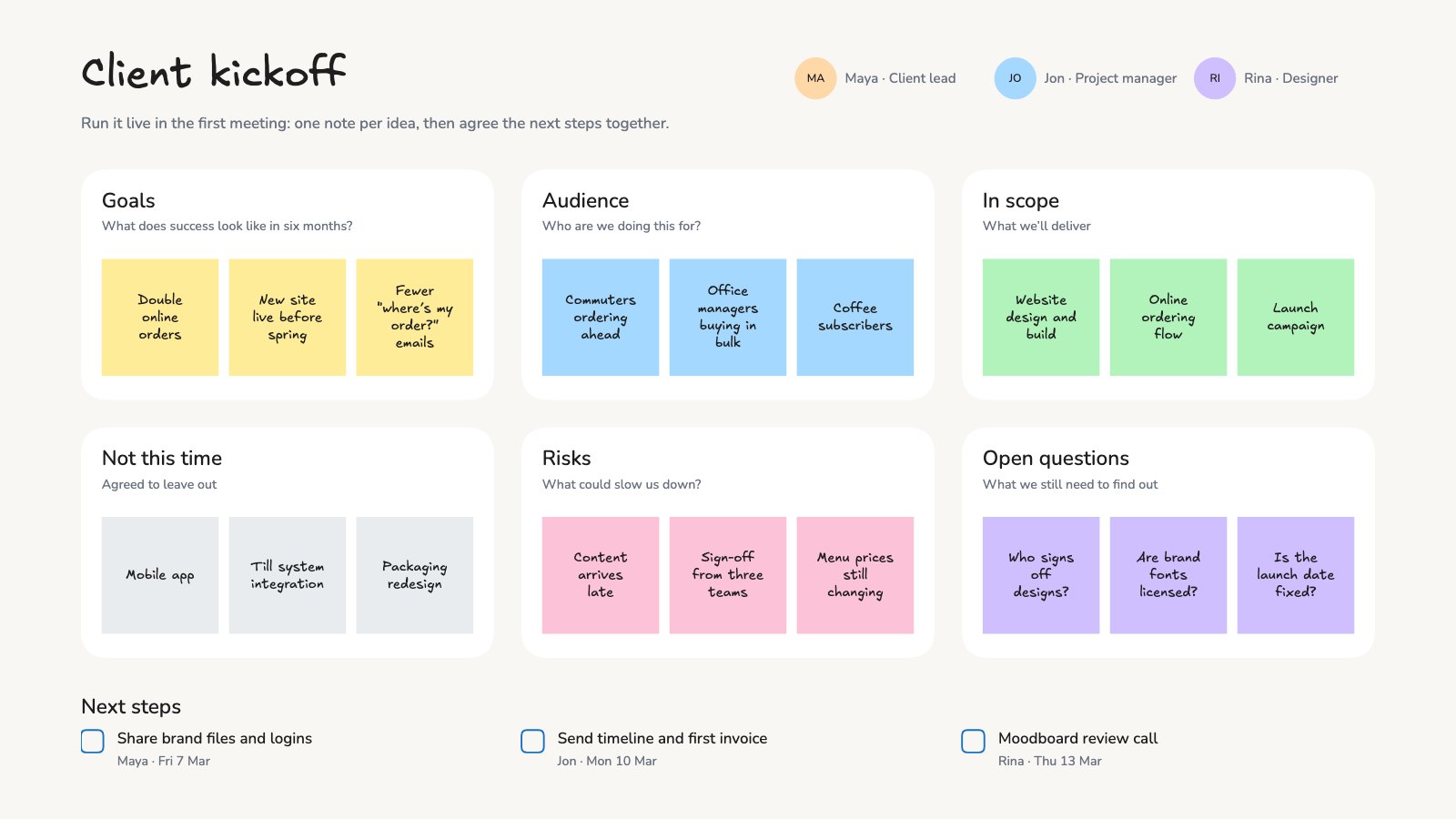

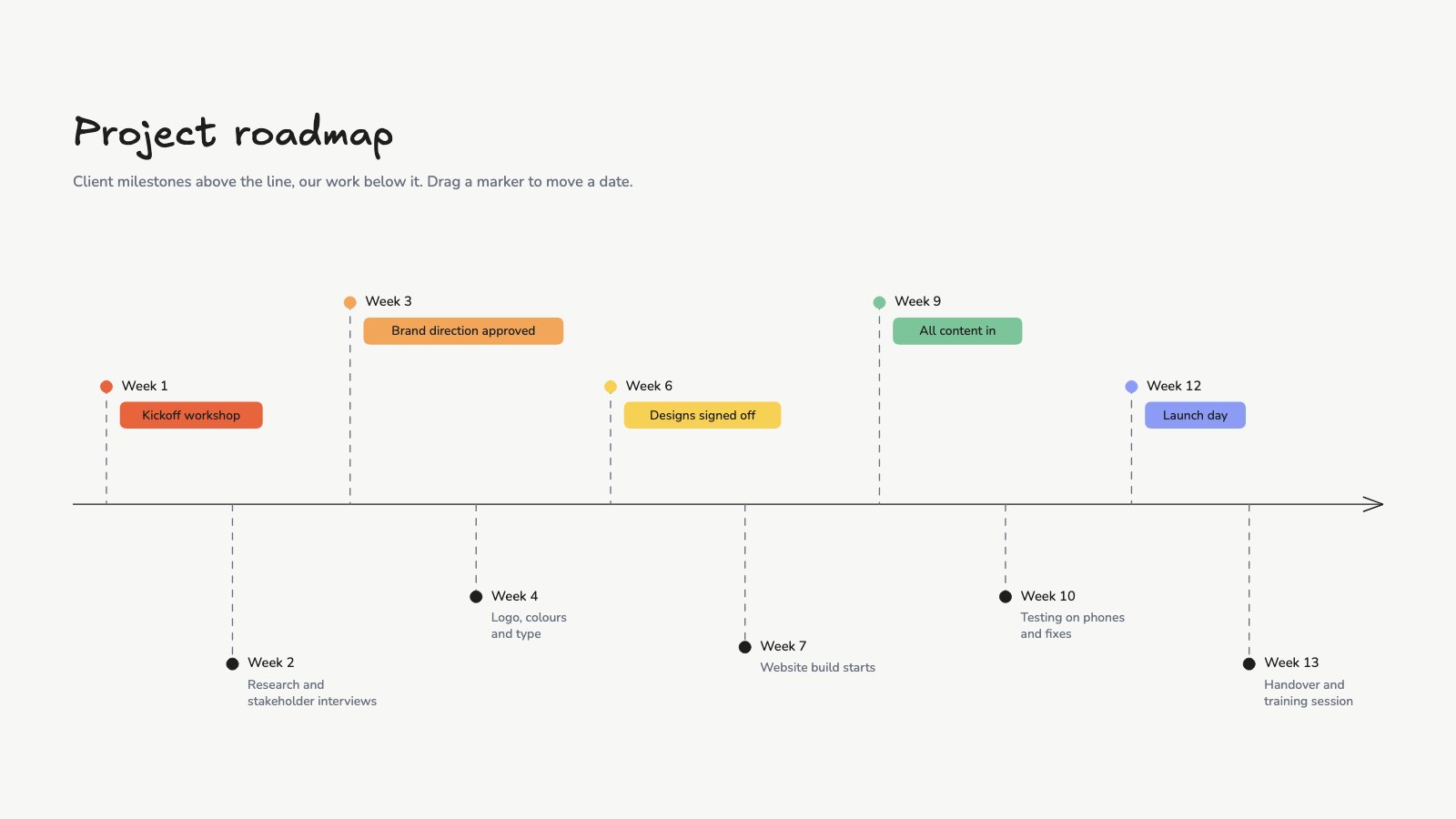
Start your strategy canvas with Docsiv AI
Describe the client or the project and Docsiv AI writes a first draft of your lean canvas for you to edit, share and send.