

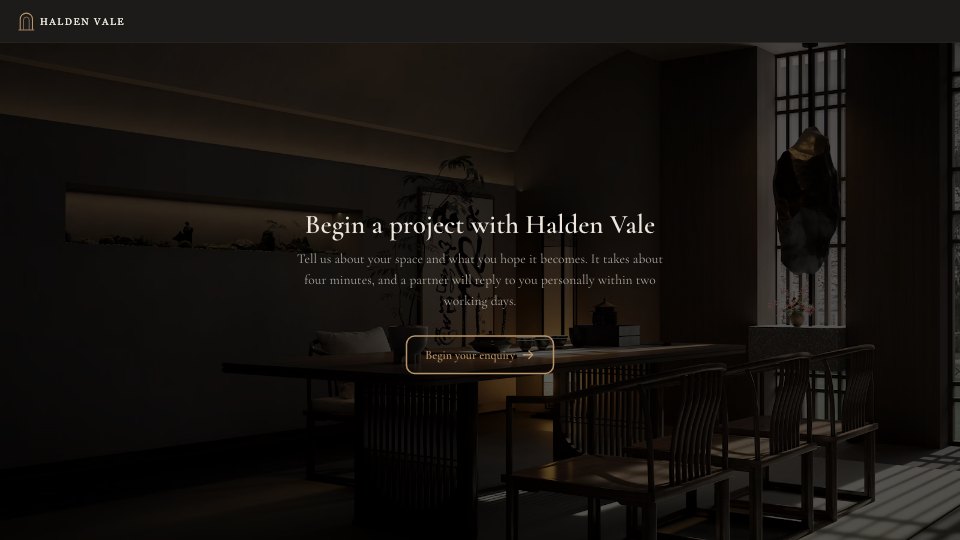
What’s inside the Request a Quote.
Real content in every part, ready to rewrite with your own.
- 1Contact details: name, email, phone and company
- 2The service needed, from interiors to architecture
- 3Project location and approximate floor area
- 4Budget range and ideal start date
- 5A written brief with reference images or plans
- 6How they found the studio and how they'd like to be contacted, with a best time to call
When to use it.
Request a Quote is a 13-question enquiry form for interior design, architecture and creative studios, shown one question at a time over full-bleed interior photography. It collects contact details, the service needed, project location and floor area, budget range, ideal start date, a written brief and reference images or plans. A follow-up asking for the best time to call appears only when the client prefers a phone or video call, and the charcoal, brass and serif styling makes a first enquiry feel like the start of a considered commission.
Made for
- Agencies and studios
- Freelance designers and developers
- Consultants and coaches
- Teams that scope projects before pricing
Make it yours in four steps.
Open it in Forms and work through it, or let Docsiv AI do the first pass with your details.
- Step 1
Replace the studio name, logo and photos with your own, and set your colours in the Design tab.
- Step 2
Edit the service list and budget ranges to match what you offer.
- Step 3
Adjust the reply promise on the welcome and thank-you screens to your real response time.
- Step 4
Publish the form and link it from your website's contact page, Instagram bio or email signature.
Start from the Request a Quote now.
Questions about this template.
Something else on your mind? Ask us in the chat, bottom right of the page.
Is the Request a Quote template free?
Yes. Create a free account and it opens in Docsiv's Forms app, ready to edit and share. The Free plan includes every Docsiv app and 500 AI credits a month.
Can I change the colours, fonts and text?
Yes, all of it. The template uses Cormorant Garamond with #1c1b19, #ece6dc, #b8956a, and you can change any of them, rewrite every word and add or remove questions.
What can I export it as?
Forms in Docsiv offers: Responses exported as CSV. Once it's saved, you can also share it with a link.
Can Docsiv AI write the request a quote form for me?
Yes. Tell Docsiv AI about the client or project and it can draft the content in this template's style, which you then review and edit. AI uses credits; the Free plan includes 500 a month.
Where do the responses go?
Responses are collected in Docsiv with the form, and you can export them as a CSV file.


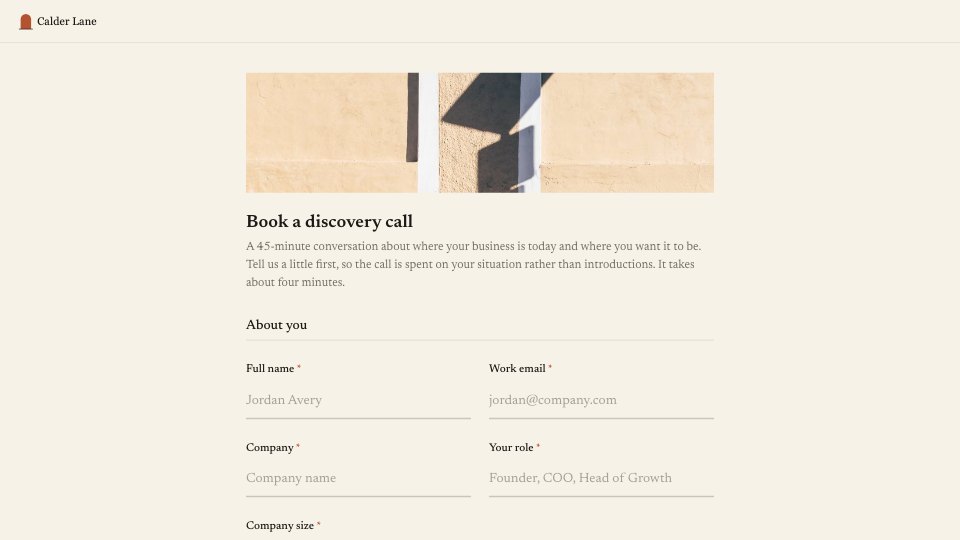
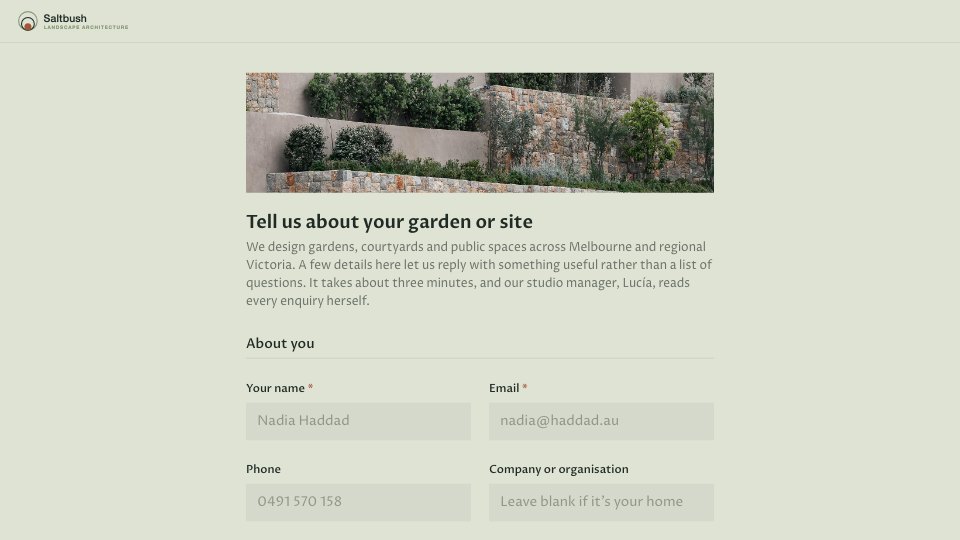

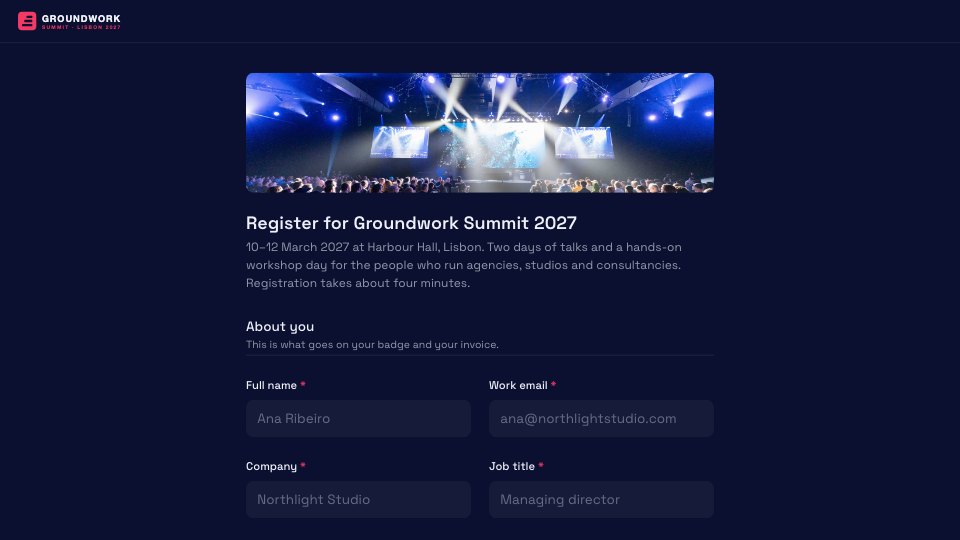
Start your intake form with Docsiv AI
Describe the client or the project and Docsiv AI writes a first draft of your request a quote form for you to edit, share and send.