

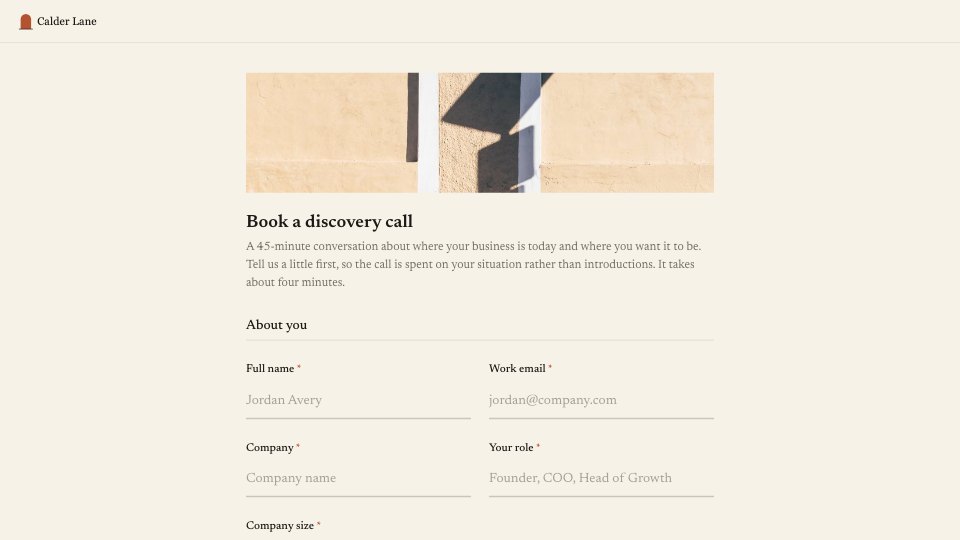
What’s inside the Discovery Call Booking.
Real content in every part, ready to rewrite with your own.
- 1About you: name, work email, company, role and team size
- 2What you're working on: areas to help with, the biggest challenge and what success looks like in six months
- 3A follow-up on timing when fundraising or an exit is on the list
- 4Scheduling: preferred times, earliest date, time zone, urgency and a comfortable budget range
When to use it.
Discovery Call Booking is a 13-question, single-page form for consultants, coaches and advisers who want to arrive at the first call already prepared. It asks about the person and their company, what they want help with, their biggest challenge and what success looks like in six months, then collects preferred times, how urgent the work is and a budget range. Follow-ups appear only when they matter.
Made for
- Agencies and studios
- Freelance designers and developers
- Consultants and coaches
- Teams that scope projects before pricing
Make it yours in four steps.
Open it in Forms and work through it, or let Docsiv AI do the first pass with your details.
- Step 1
Swap in your practice's name, logo and cover photo, and adjust the accent colour.
- Step 2
Edit the help-with options and budget ranges to reflect what you offer.
- Step 3
Share the form link from your website, email signature or proposal follow-ups.
- Step 4
Read each response before the call and reply with times that match their slots.
Start from the Discovery Call Booking now.
Questions about this template.
Something else on your mind? Ask us in the chat, bottom right of the page.
Is the Discovery Call Booking template free?
Yes. Create a free account and it opens in Docsiv's Forms app, ready to edit and share. The Free plan includes every Docsiv app and 500 AI credits a month.
Can I change the colours, fonts and text?
Yes, all of it. The template uses Newsreader with #f7f2e8, #1c1916, #b4532f, and you can change any of them, rewrite every word and add or remove questions.
What can I export it as?
Forms in Docsiv offers: Responses exported as CSV. Once it's saved, you can also share it with a link.
Can Docsiv AI write the discovery call booking form for me?
Yes. Tell Docsiv AI about the client or project and it can draft the content in this template's style, which you then review and edit. AI uses credits; the Free plan includes 500 a month.
Where do the responses go?
Responses are collected in Docsiv with the form, and you can export them as a CSV file.


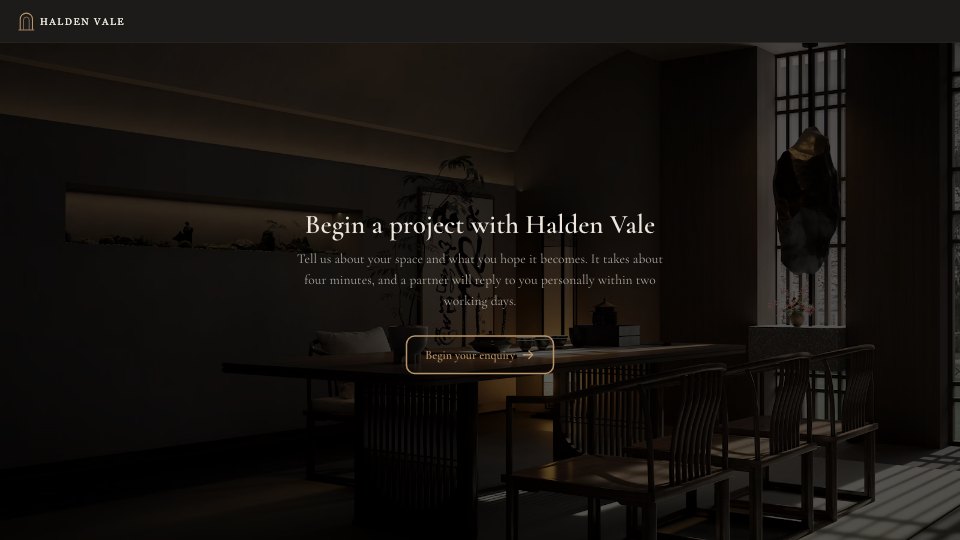
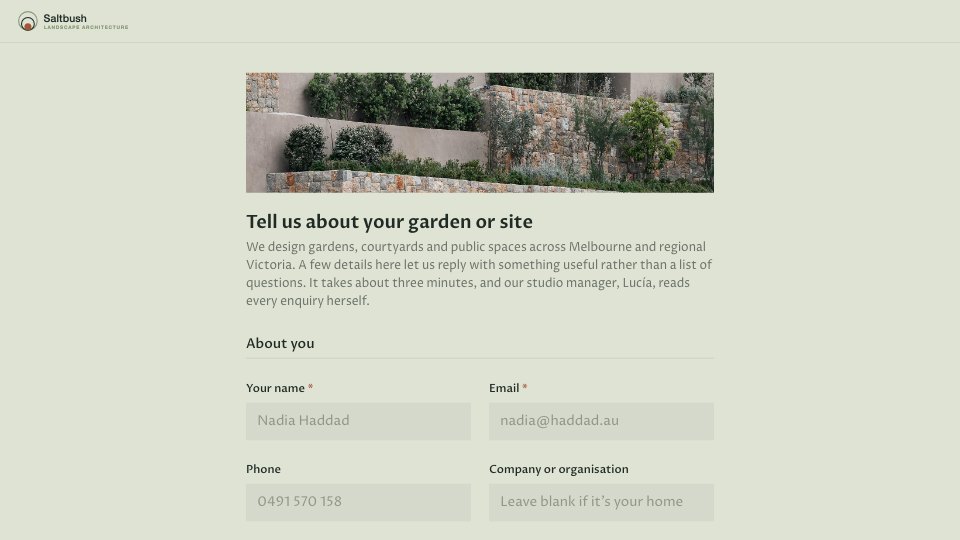

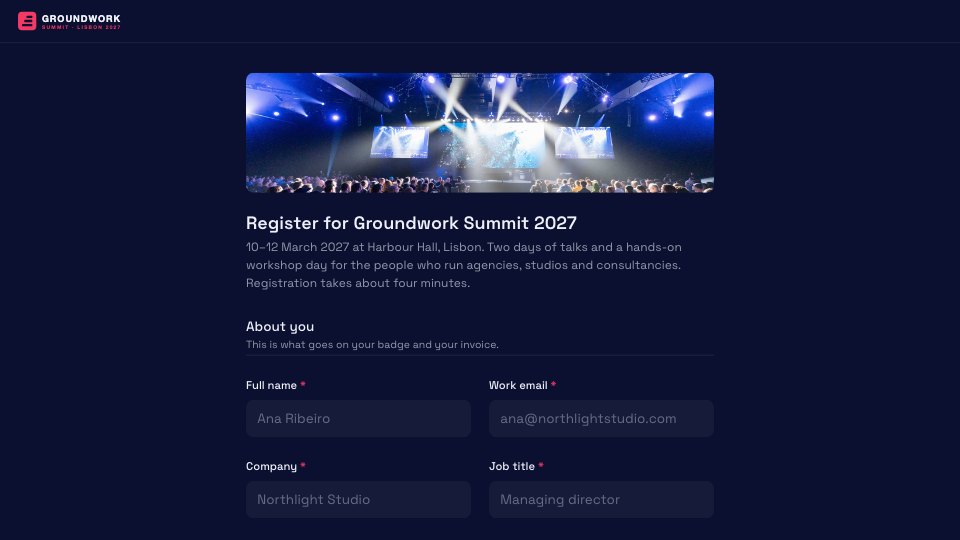



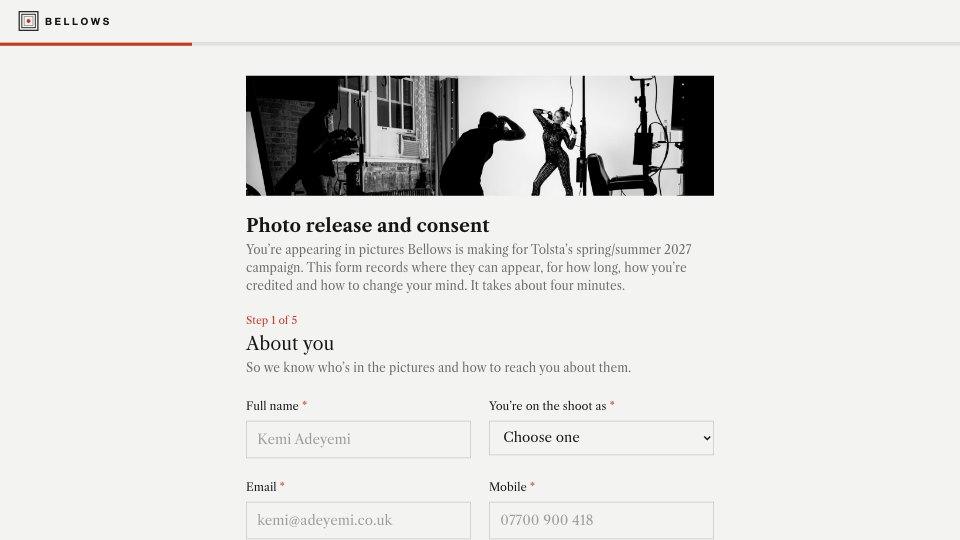
Start your intake form with Docsiv AI
Describe the client or the project and Docsiv AI writes a first draft of your discovery call booking form for you to edit, share and send.