

What’s inside the Project Handover and Acceptance.
10 pages with real content in place. Rewrite them, reorder them, or add your own.
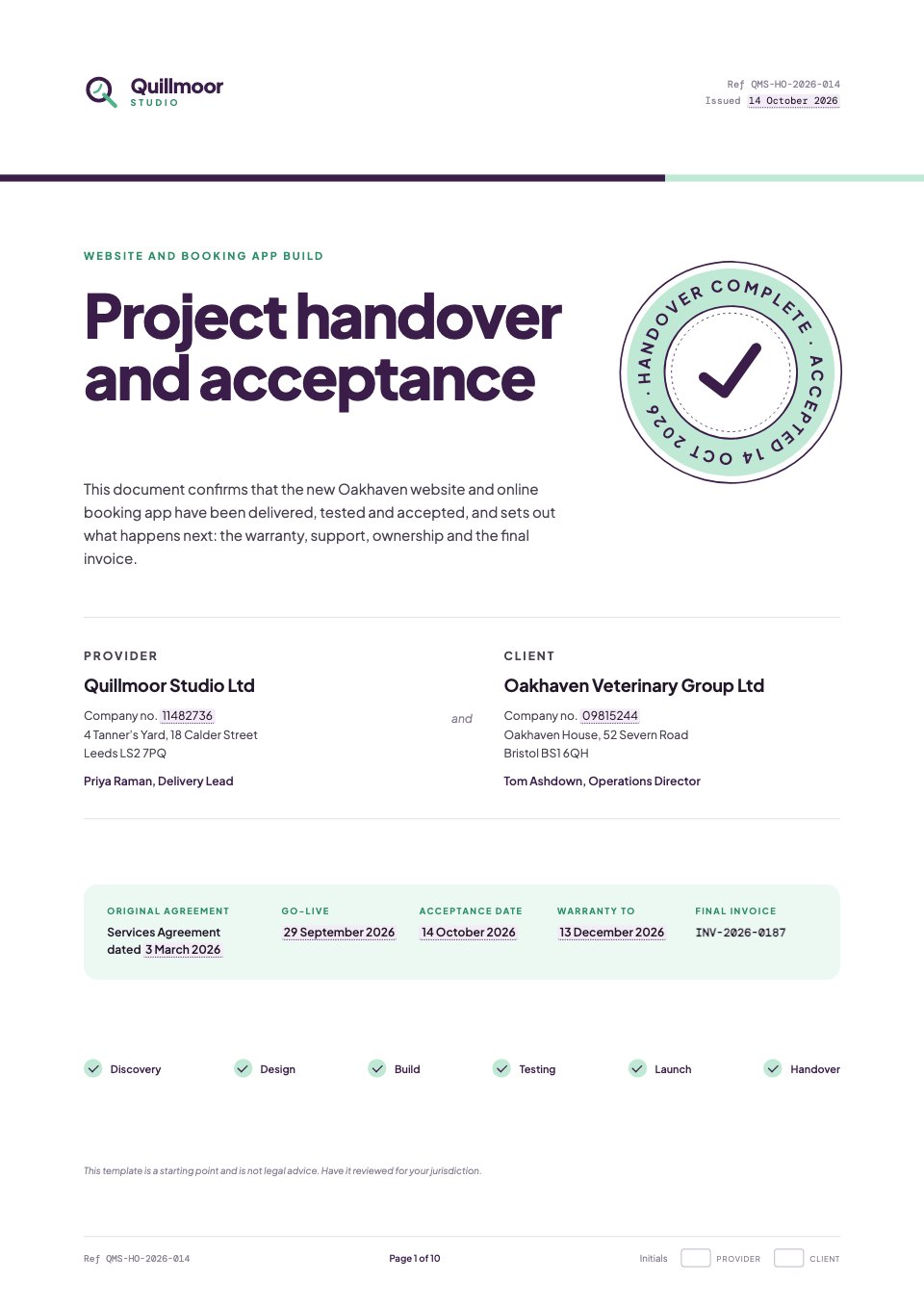
- 1Page 1A cover with the studio's mark, the two parties, the key dates, a completed project track and a Handover complete seal
- 2Page 2The short version in plain English, the contents and the project's key dates on a timeline
- 3Page 3Clauses 1 and 2: background to the handover and the defined terms
- 4Page 4Clause 3: a check-mark list of every deliverable, grouped by area, with change requests marked
- 5Page 5Clause 4: acceptance testing, with headline numbers and a results table by area
- 6Page 6Clauses 5 and 6: known issues with fix dates, and the accounts and access handed over
- 7Page 7Clauses 7 and 8: the training sessions given and the 60-day warranty
- 8Page 8Clauses 9 and 10: support options and response targets, and the transfer of intellectual property
- 9Page 9Clauses 11 and 12: the final invoice reconciled with change requests and payments, and general terms
- 10Page 10Acceptance: a confirmation checklist, the seal and e-signature blocks for both parties
When to use it.
Project Handover and Acceptance is a 10-page A4 template for closing out a website or app build properly. It records every deliverable as a check-mark list, the acceptance test results by area, known issues with fix dates, and the accounts and access handed over (described, never the passwords). Numbered clauses cover training, a 60-day warranty, support options with response targets, the transfer of intellectual property on payment, and a final invoice reconciled against change requests. It ends with a confirmation checklist, a 'Handover complete' seal and e-signature blocks for both parties.
Made for
- Agencies signing new clients
- Freelancers and contractors
- Consultants and advisers
- Founders and small businesses
Make it yours in four steps.
Open it in Proposals and work through it, or let Docsiv AI do the first pass with your details.
- Step 1
Replace the lilac-highlighted values with your project's names, dates, references and amounts.
- Step 2
Update the deliverables, test results, known issues and access tables to match what you actually handed over.
- Step 3
Check the warranty, support and IP clauses against your original agreement, and have the document reviewed for your jurisdiction.
- Step 4
Send it for e-signature from the last page so the client signs off acceptance.
Start from the Project Handover and Acceptance now.
Questions about this template.
Something else on your mind? Ask us in the chat, bottom right of the page.
Is the Project Handover and Acceptance template free?
Yes. Create a free account and it opens in Docsiv's Proposals app, ready to edit and share. The Free plan includes every Docsiv app and 500 AI credits a month.
Can I change the colours, fonts and text?
Yes, all of it. The template uses Plus Jakarta Sans and DM Mono with #ffffff, #3b1d4a, #bfe8d5, #ecf8f2, #f3ecf6, #4b4352, and you can change any of them, rewrite every word and add or remove pages.
What can I export it as?
Proposals in Docsiv offers: Proposal pages, PDF and HTML exports. Once it's saved, you can also share it with a link.
Can Docsiv AI write the project handover document for me?
Yes. Tell Docsiv AI about the client or project and it can draft the content in this template's style, which you then review and edit. AI uses credits; the Free plan includes 500 a month.
Can my client sign it?
Yes, on the Pro and Team plans: send the proposal for e-signature from Docsiv and follow it under Signatures. E-signatures aren't included on the Free plan.





Start your contract with Docsiv AI
Describe the client or the project and Docsiv AI writes a first draft of your project handover document for you to edit, share and send.