

Contract templates
Clear, well-drafted agreements for agencies, freelancers and consultants, with plain-English summaries, numbered clauses, schedules and signature pages ready for e-signature.
Design Services Contract
A five-page design contract a client can redline in Word: the parties, the work, the fee as a table, ownership, confidentiality and signatures.PreviewMutual NDA
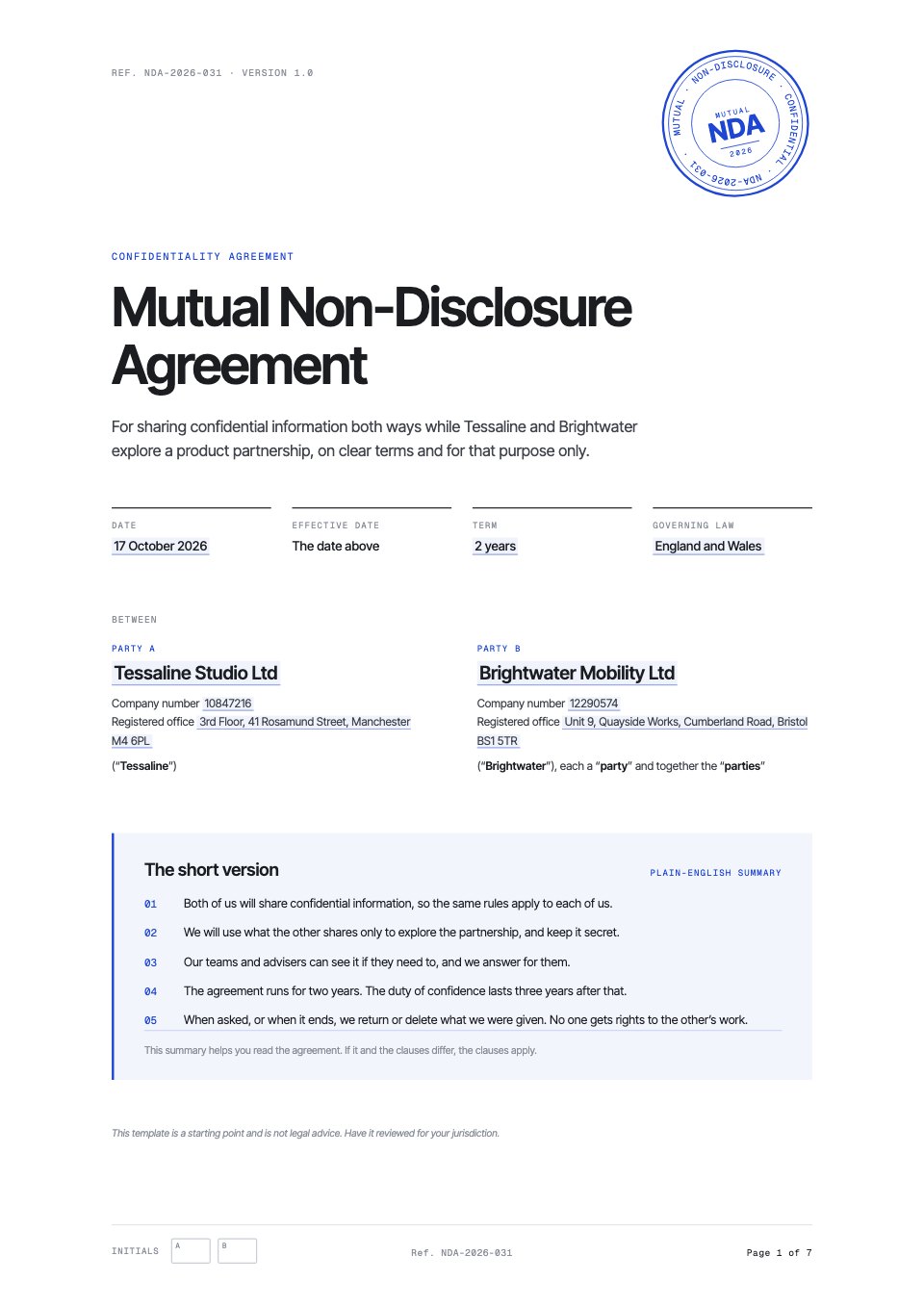
A mutual non-disclosure agreement for two companies exploring a partnership, with a plain-English summary, a schedule and e-signature blocks.PreviewService Agreement
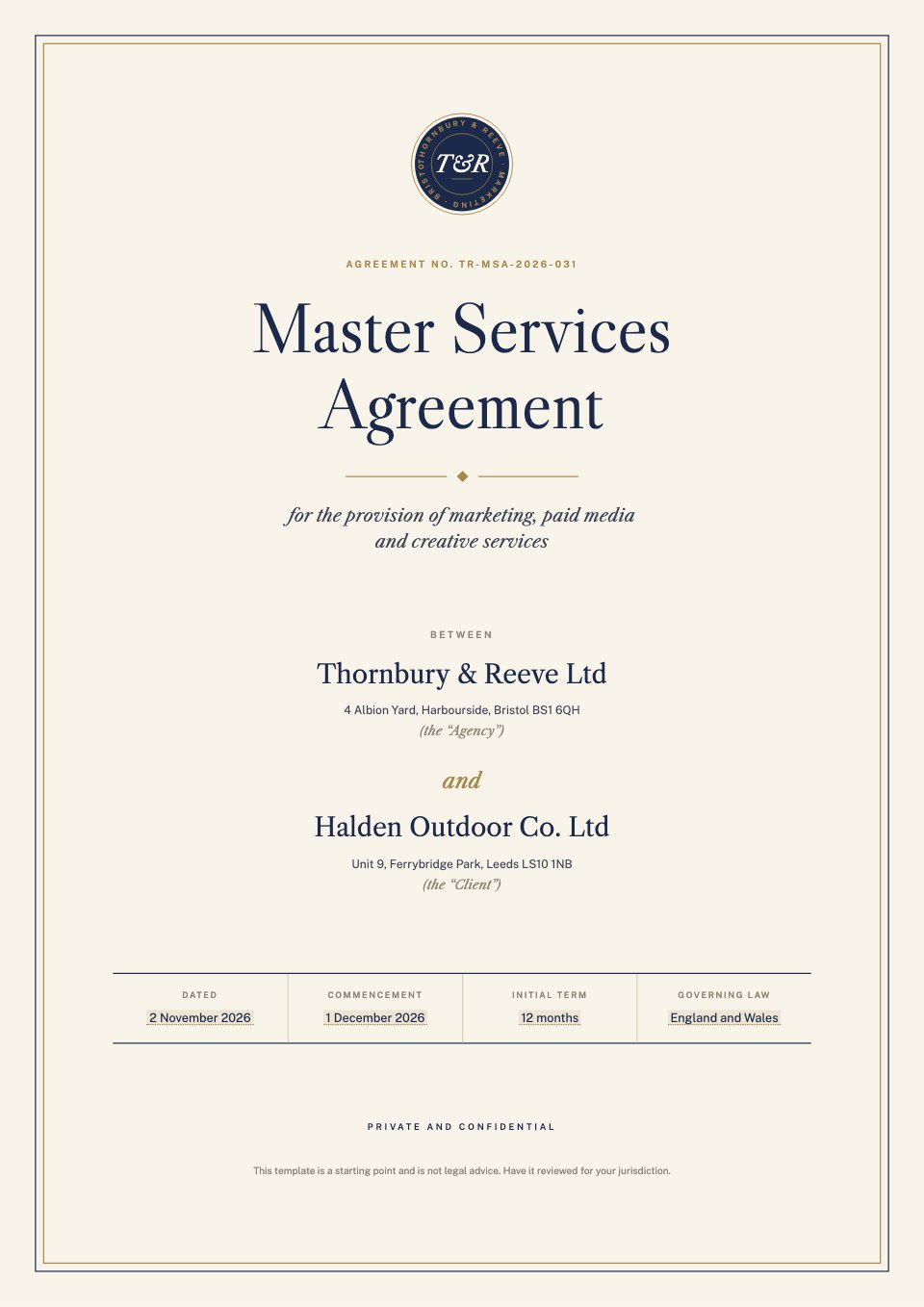
A master services agreement between an agency and a client, with a plain-English summary, 22 clauses, three schedules and e-signature blocks.PreviewStatement of Work
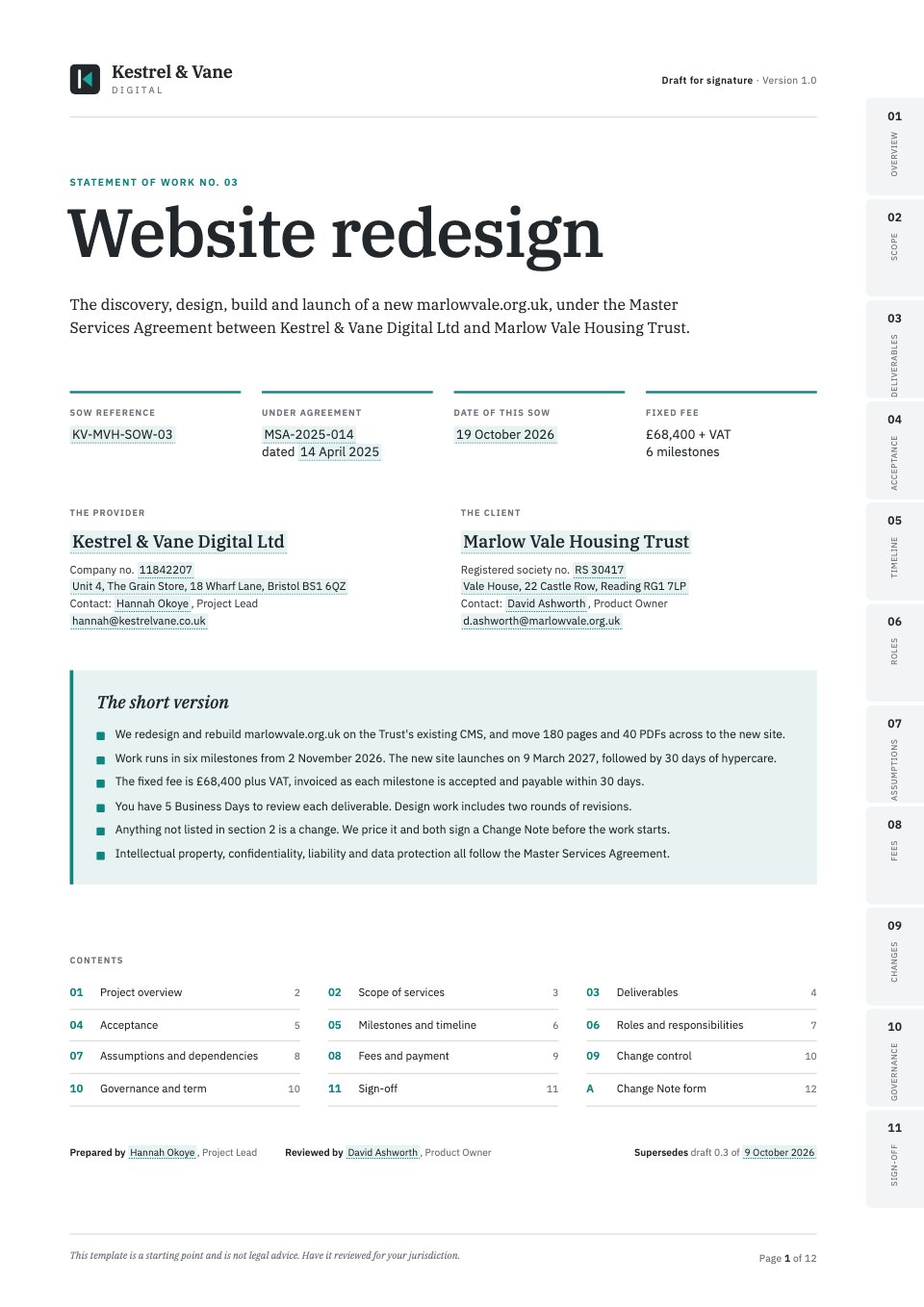
A statement of work under an existing master agreement, with scope tables, deliverables and acceptance criteria, a milestone timeline, a RACI matrix, fees by milestone, change control and e-signature blocks.PreviewFreelance Contract
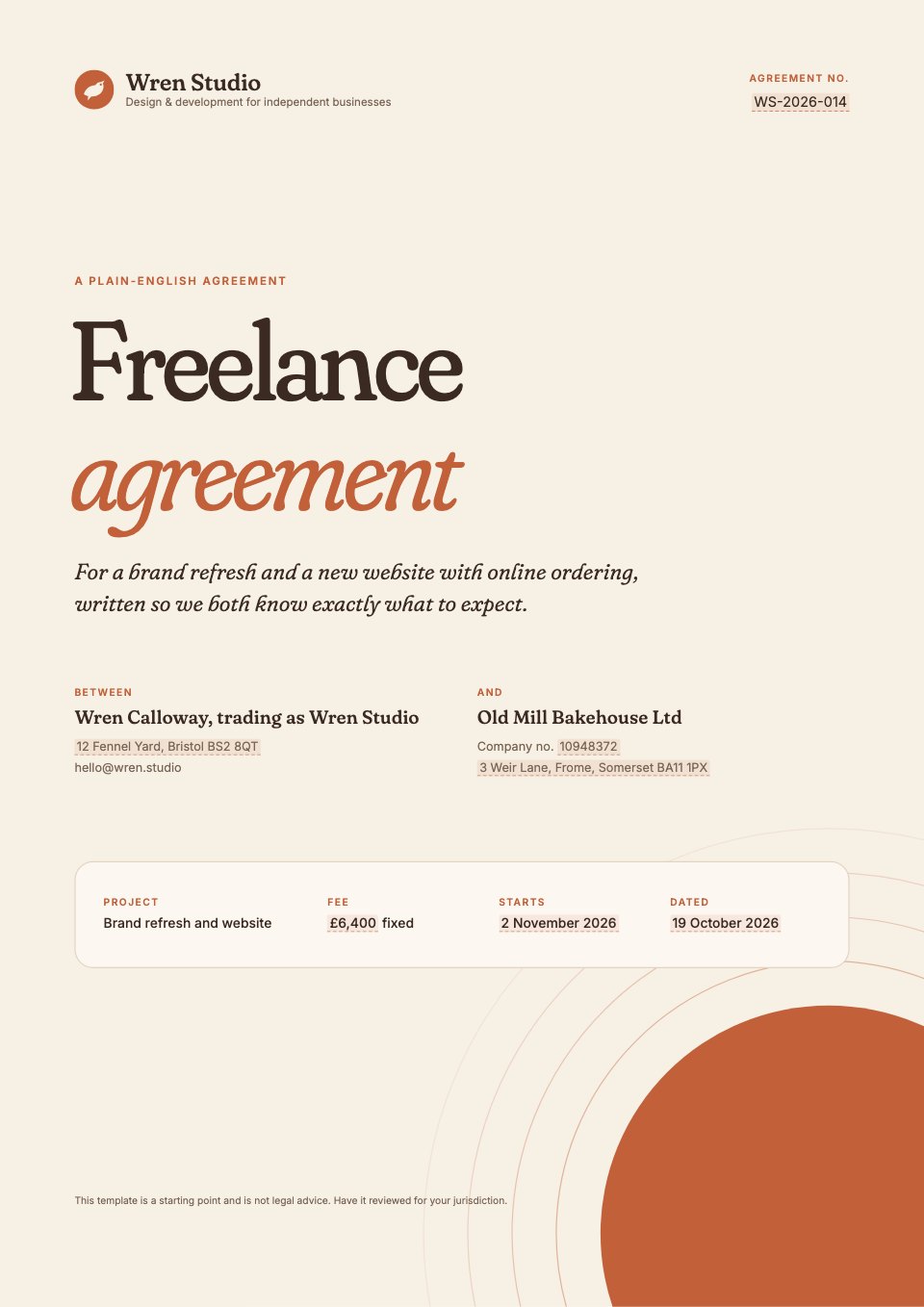
A friendly, plain-English freelance agreement for a designer or developer working with a small business, with a one-page summary, 20 clauses, two schedules and e-signature blocks.PreviewRetainer Agreement
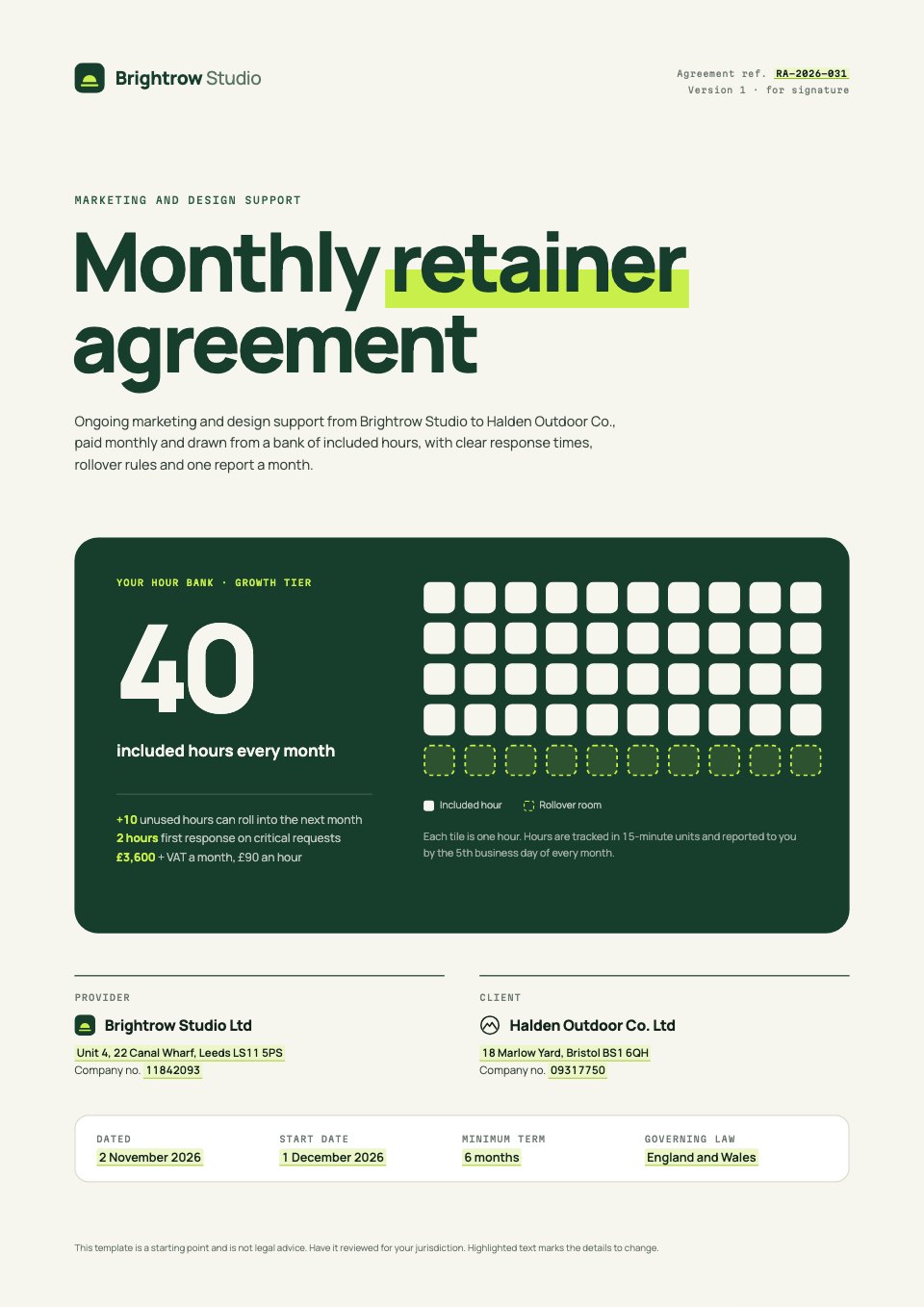
A monthly retainer agreement for ongoing marketing and design support, with included hours by tier, rollover rules, response times and monthly reporting.PreviewChange Request
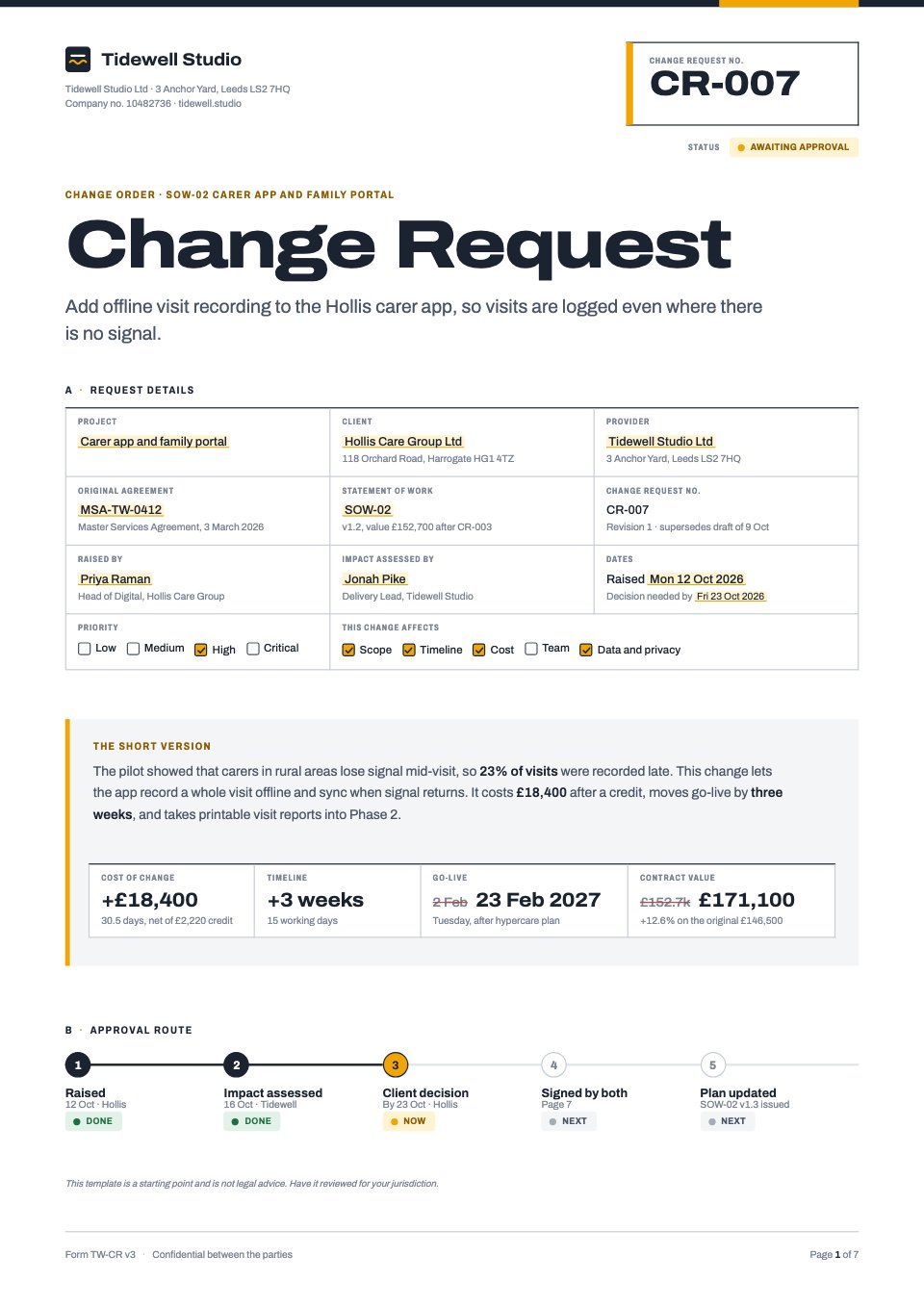
A change request form for an ongoing project, covering the original agreement, reason, scope, timeline and cost impact, risks, options and e-signatures.PreviewProject Handover and Acceptance
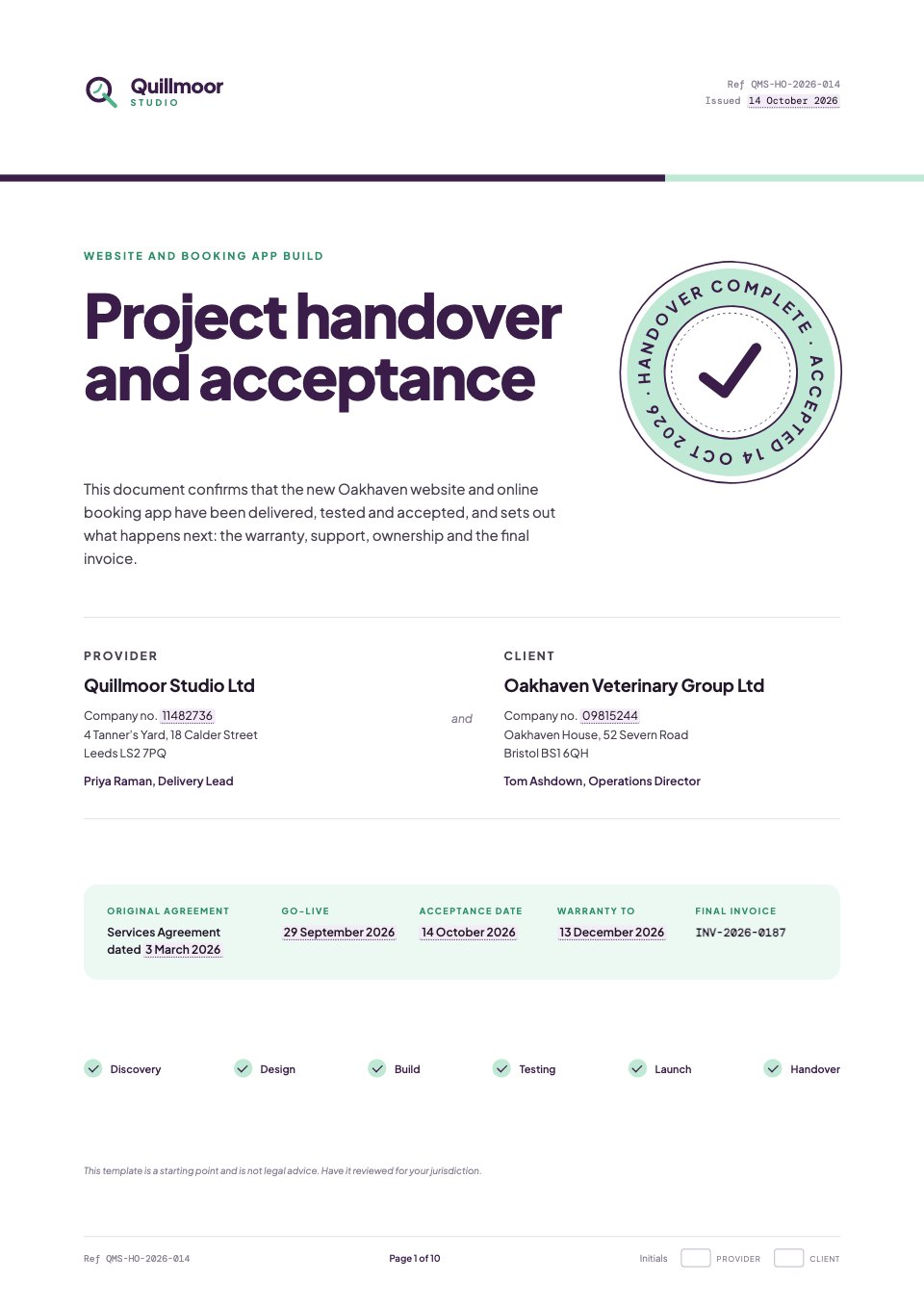
A handover and acceptance document for the end of a website or app build: deliverables, test results, known issues, access handed over, training, warranty, support, IP transfer, final invoice and signatures.PreviewConsulting Agreement
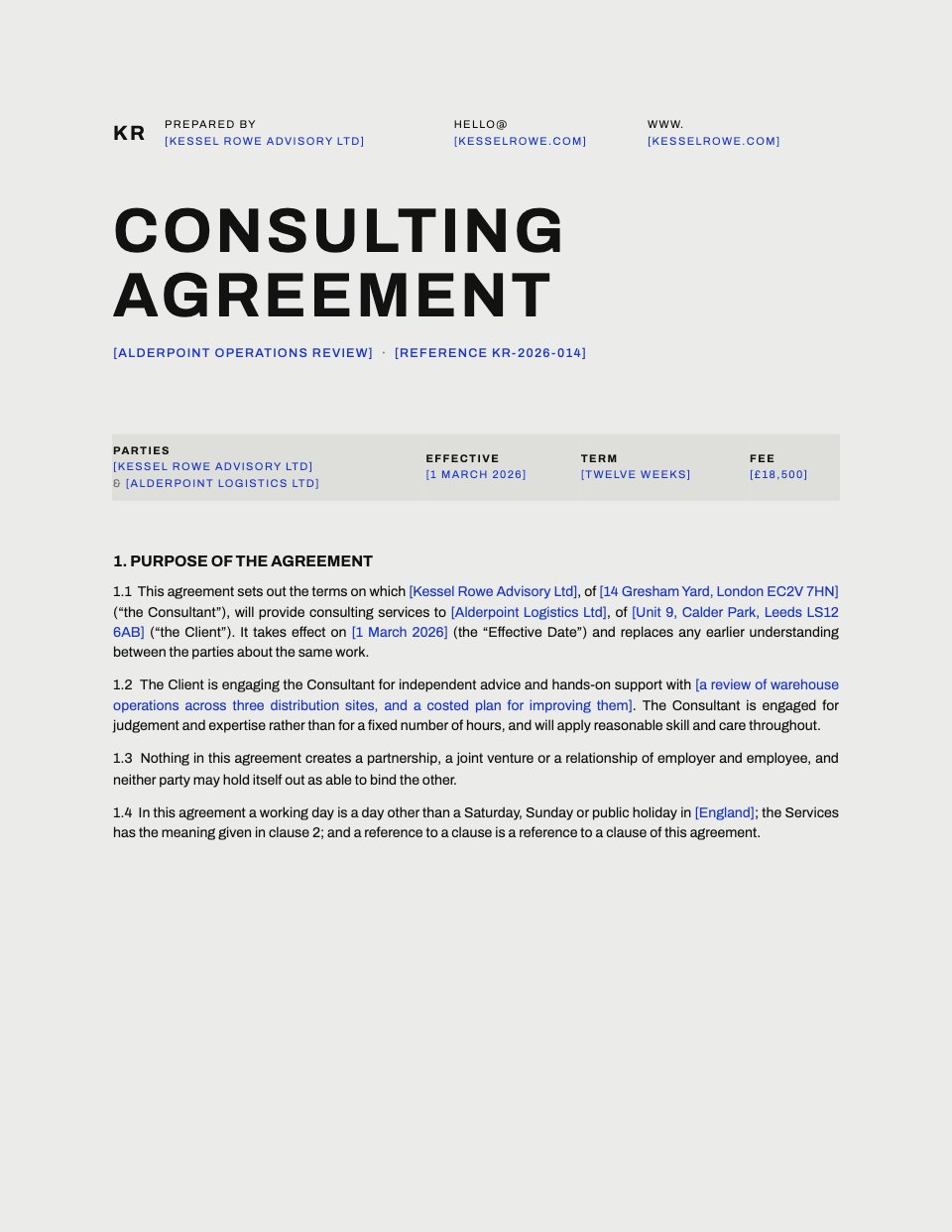
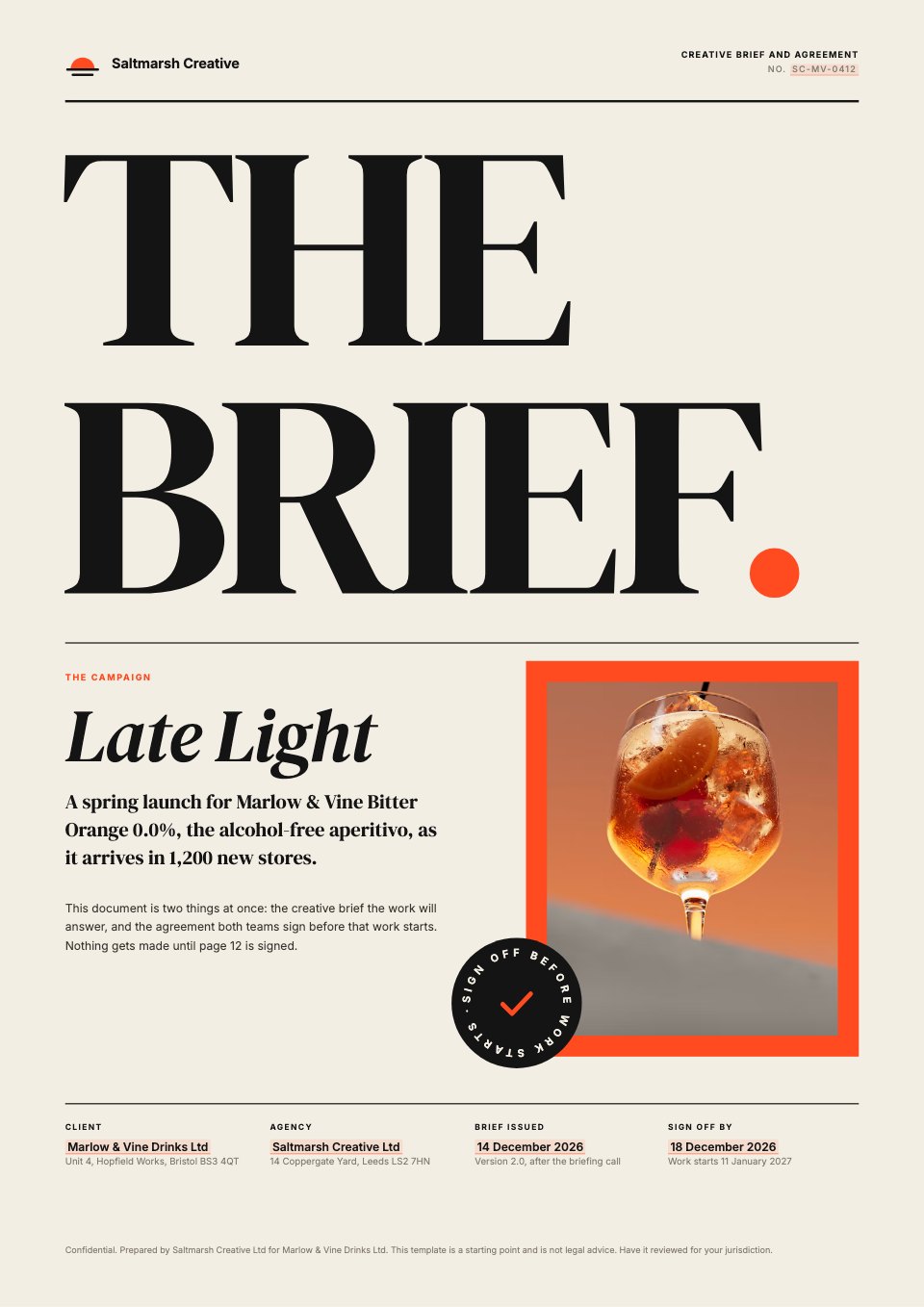
A complete consulting services agreement between a consultancy and a client, from the scope of services and fees to confidentiality, data protection, liability, termination and signatures.PreviewCreative Brief
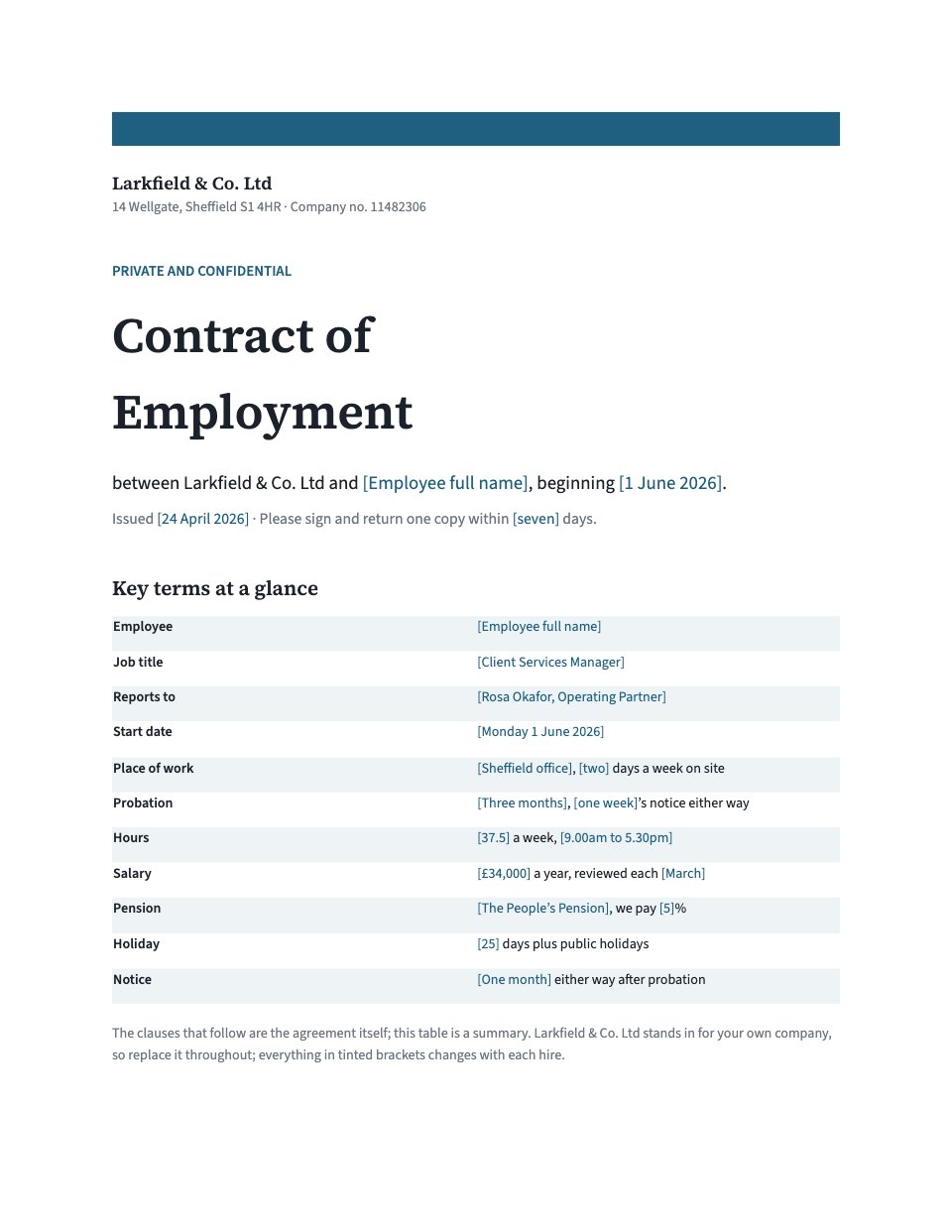
A creative brief the client signs off before work starts: background, objective, audience, proposition, tone, mandatories, deliverables, budget, timings, approvals and a signed agreement.PreviewEmployment Contract
A full contract of employment for a small company hiring its first people, from the key terms at a glance to probation, pay, leave, notice and the signature page.Preview

A closer look at Design Services Contract.
A five-page design contract a client can redline in Word: the parties, the work, the fee as a table, ownership, confidentiality and signatures. Here it is page by page.
- 1A black cover with the agreement's name and both parties
- 2The parties, the work and what gets delivered
- 3Timeline, the fee as a table, and revision rounds
- 4Ownership, confidentiality and ending the contract
- 5Signatures for both sides
About contract templates.
Something else on your mind? Ask us in the chat, bottom right of the page.
Are these contract templates free?
Yes. They open in Docsiv’s Documents and Proposals app with a free account, where you can edit your copy, download it and share it with a link. The Free plan includes every Docsiv app and 500 AI credits a month.
Which app do they open in?
Documents: dOCX, PDF, ODT, RTF and Markdown exports. Proposals: proposal pages, PDF and HTML exports.
Can Docsiv AI write the contract for me?
Yes. Choose Customise with Docsiv AI on any template, tell it about the client or the project, and it drafts the content in that template’s style for you to review and edit. AI uses credits; the Free plan includes 500 a month.
Can I change the design?
Yes, all of it: the colours, fonts, photos and every word, and you can add or remove pages. Your brand kit’s colours are in every colour picker.
Can my client sign it?
Yes, on the Pro and Team plans: send it for e-signature from Docsiv, place the fields, and follow it under Signatures. Sending for signature isn’t included on the Free plan.
Are these contracts legal advice?
No. They’re clearly written starting points with the clauses agencies and freelancers usually need. Check any agreement with a lawyer where you work before you rely on it.























Describe the contract you need
Docsiv AI drafts it in the style of these templates, with your details in place, ready for you to edit.