

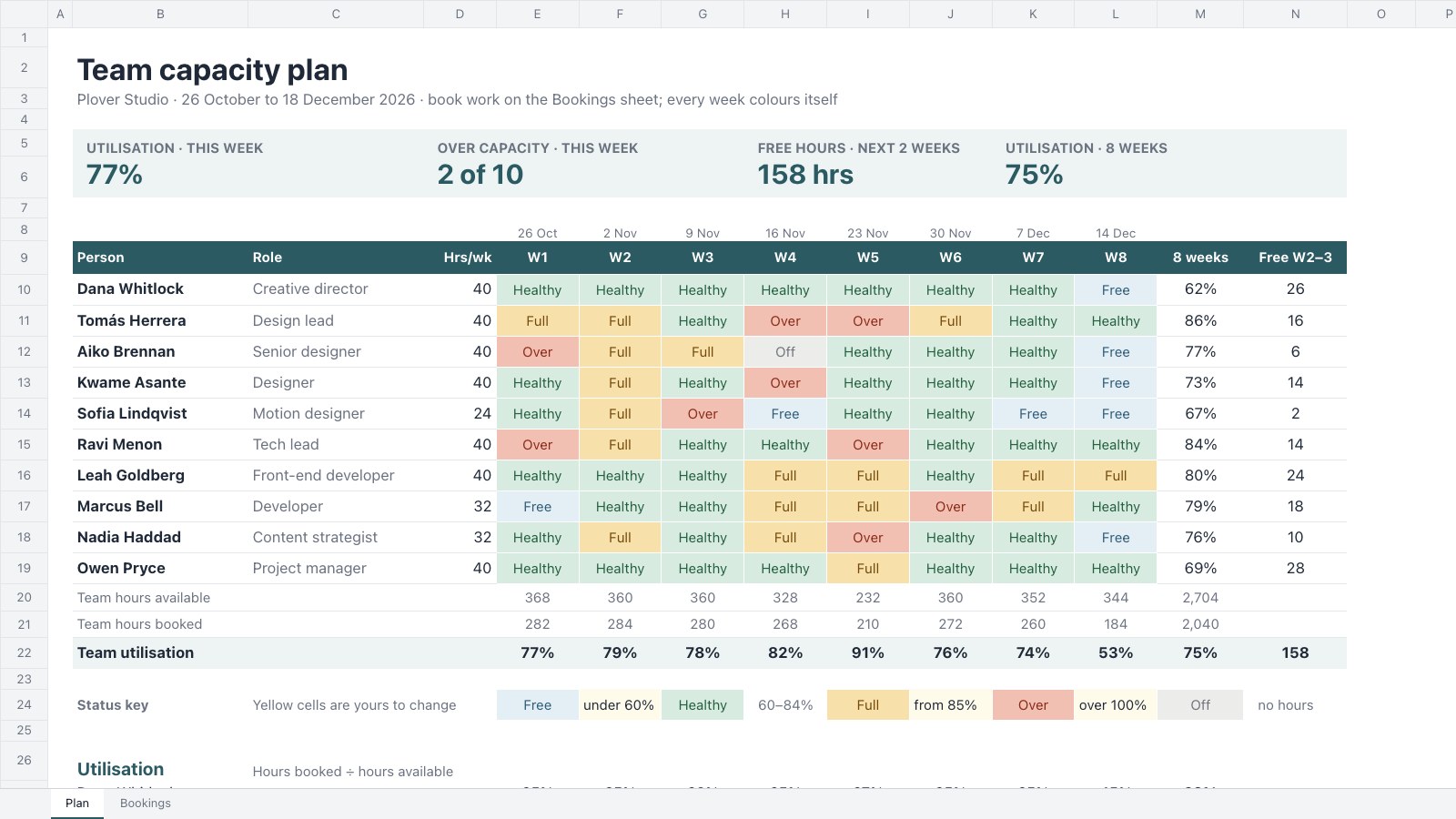
What’s inside the Team Capacity Planner.
Real content in every part, ready to rewrite with your own.
- 1Eight weeks for a ten-person team: role, weekly hours and time off for each person
- 2A status for every person-week (free, healthy, full, over or off) coloured as a heatmap
- 3Utilisation, hours booked and hours available per person, with team totals each week
- 4A Bookings sheet that feeds the plan, plus tiles for this week and the next fortnight
When to use it.
Team Capacity Planner is a spreadsheet for studios, agencies and team leads who need to see who has room before they say yes to new work. Book each person’s hours by project on the Bookings sheet and add their time off; the plan works out hours available, utilisation and a status for every person-week, coloured from free to over capacity, so the next eight weeks read at a glance. Team totals and tiles show this week’s utilisation, who’s overbooked and the free hours in the next fortnight.
Made for
- Agencies running client projects
- Content and social teams
- Web designers and developers
- Project managers
Make it yours in four steps.
Open it in Spreadsheets and work through it, or let Docsiv AI do the first pass with your details.
- Step 1
Replace the team with your own people, roles and weekly hours.
- Step 2
Add a row on the Bookings sheet for each person on each project, with their hours for each week.
- Step 3
Enter leave and public holidays in the yellow time-off cells, and set your own thresholds in the status key.
- Step 4
Check the heatmap every week and move work off anyone marked Over.
Start from the Team Capacity Planner now.
Questions about this template.
Something else on your mind? Ask us in the chat, bottom right of the page.
Is the Team Capacity Planner template free?
Yes. Create a free account and it opens in Docsiv's Spreadsheets app, ready to edit and share. The Free plan includes every Docsiv app and 500 AI credits a month.
Can I change the colours, fonts and text?
Yes, all of it. The template uses Aptos with #2b5a62, #e4eef5, #d8ebe1, #f7e0aa, #f2c0b3, and you can change any of them, rewrite every word and add or remove rows and columns.
What can I export it as?
Spreadsheets in Docsiv offers: XLSX, CSV and PDF exports. Once it's saved, you can also share it with a link.
Can Docsiv AI write the capacity planning for me?
Yes. Tell Docsiv AI about the client or project and it can draft the content in this template's style, which you then review and edit. AI uses credits; the Free plan includes 500 a month.
Gantt Chart
PreviewContent Calendar
PreviewOKR Tracker
PreviewProject Kanban Board
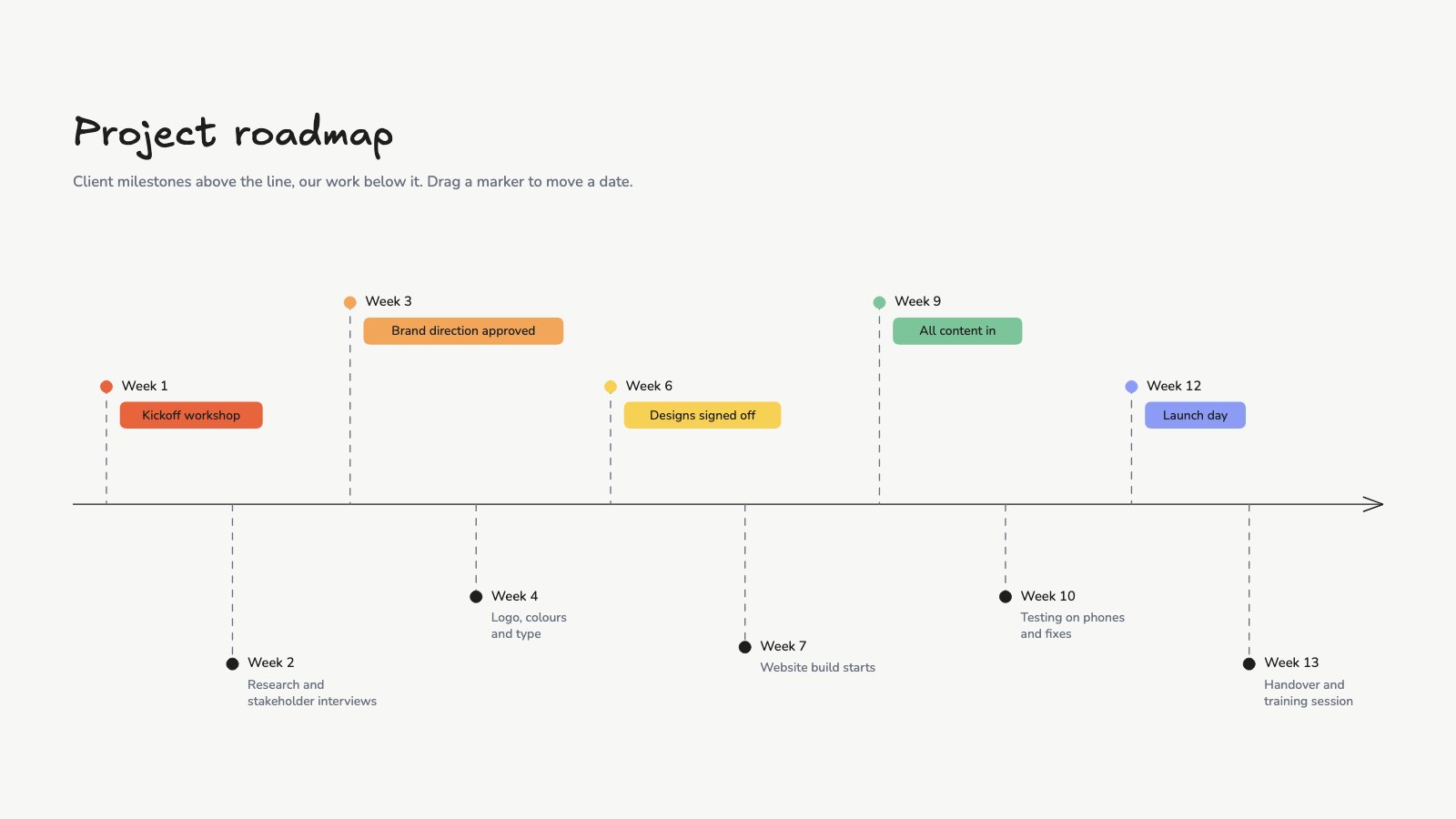
PreviewProject Roadmap
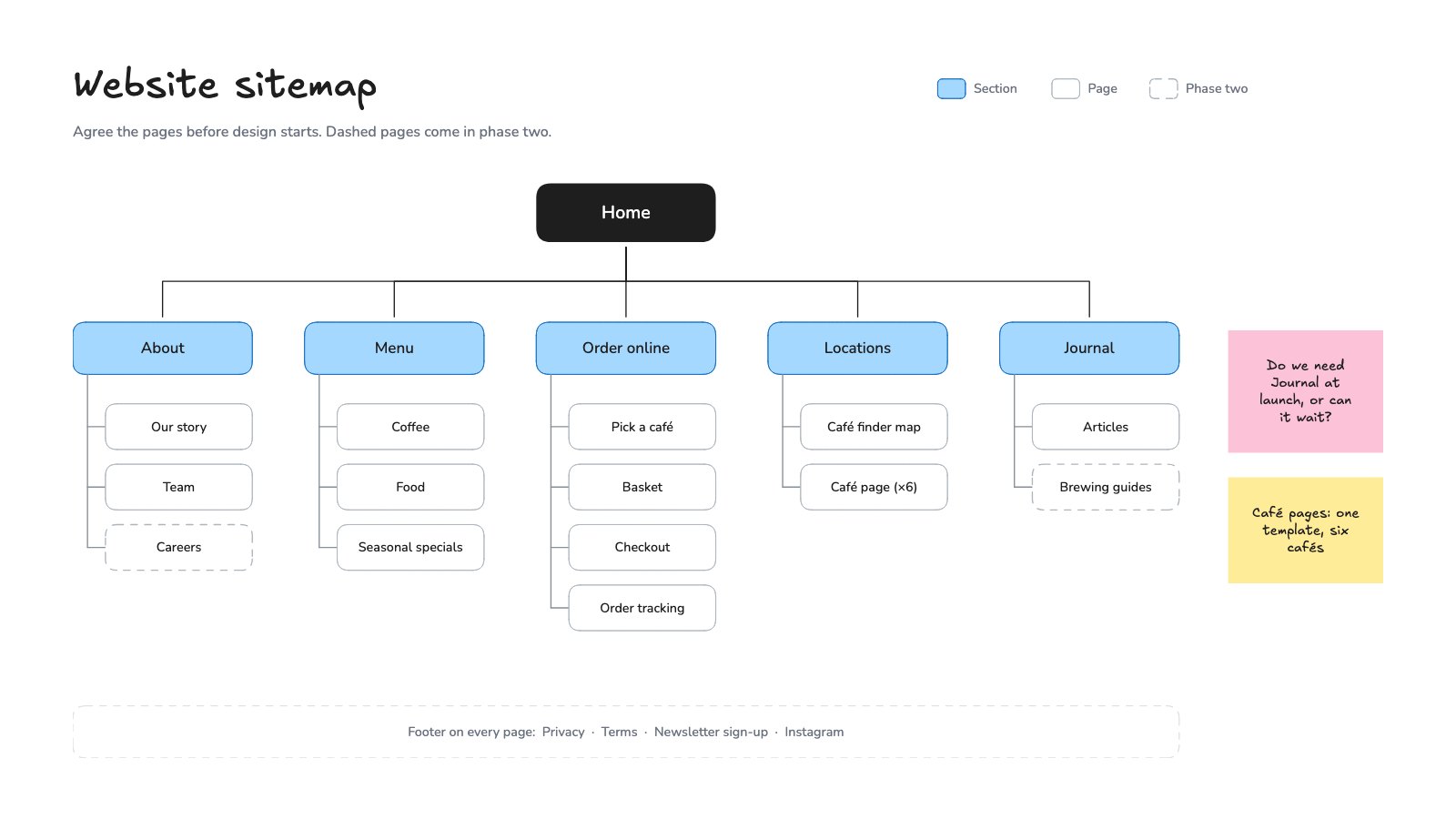
PreviewWebsite Sitemap
Preview

Starting from a description instead? Try the Online whiteboard.
Start your plan with Docsiv AI
Describe the client or the project and Docsiv AI writes a first draft of your capacity planning for you to edit, share and send.