


What’s inside the Team Pulse Survey.
Real content in every part, ready to rewrite with your own.
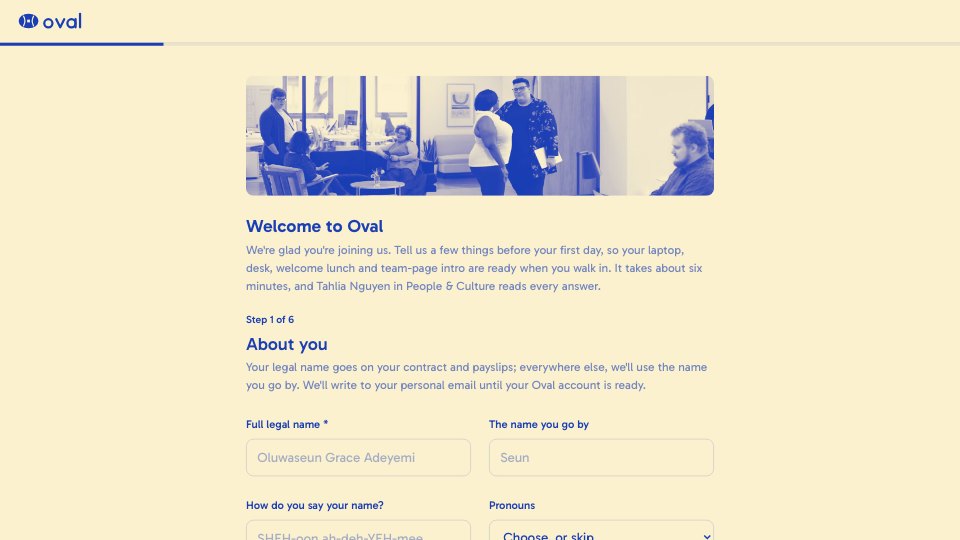
- 1Welcome: a short, warm introduction with a photo
- 2A note on anonymity and how results are grouped
- 3Team, chosen from a list
- 4Workload, with a follow-up on what's adding pressure when it's low
- 5Clarity of goals and growth, on 1 to 5 scales
- 6Manager support and recognition, as star ratings
- 7eNPS from 0 to 10, with a follow-up for anyone below a 9
- 8Confidence that the results will be acted on
- 9What's working well, and the one thing to change
- 10Thank-you screen with what happens next
When to use it.
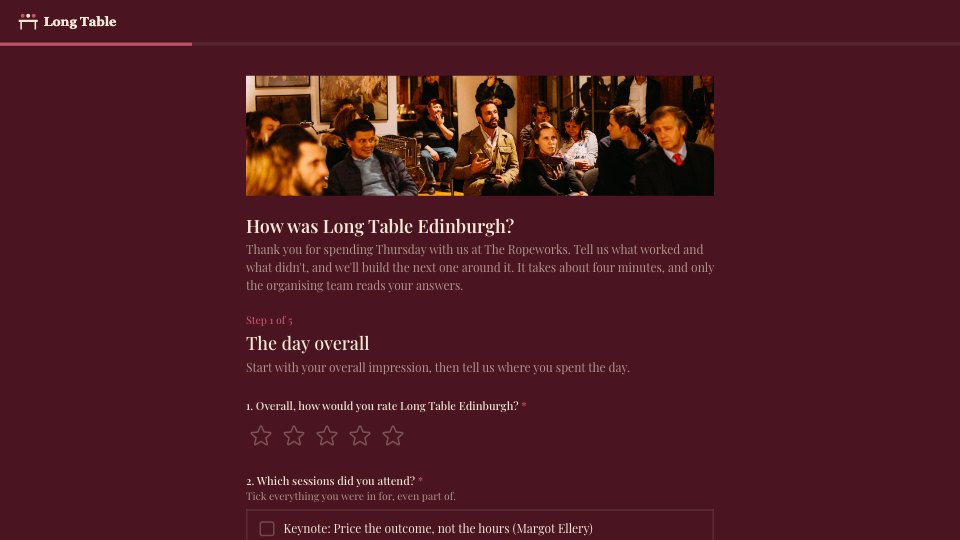
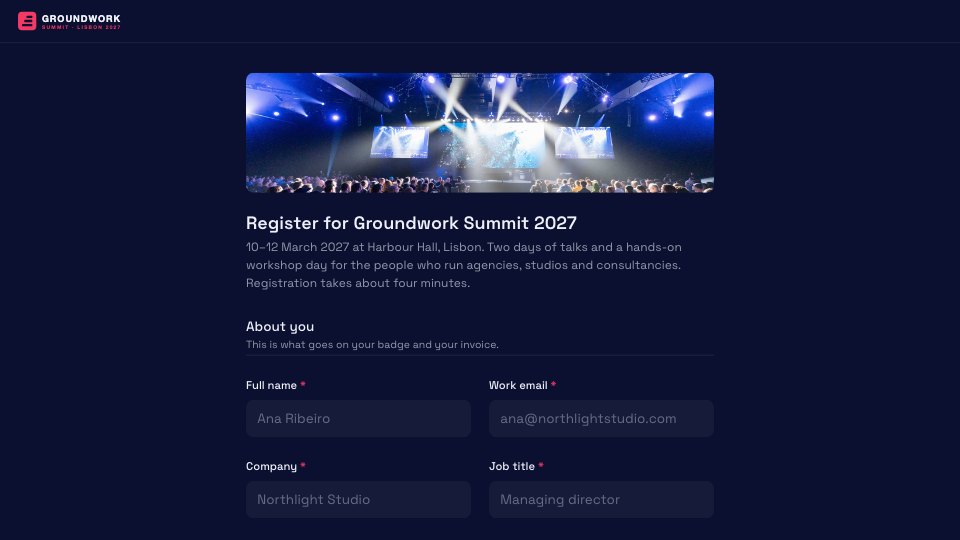
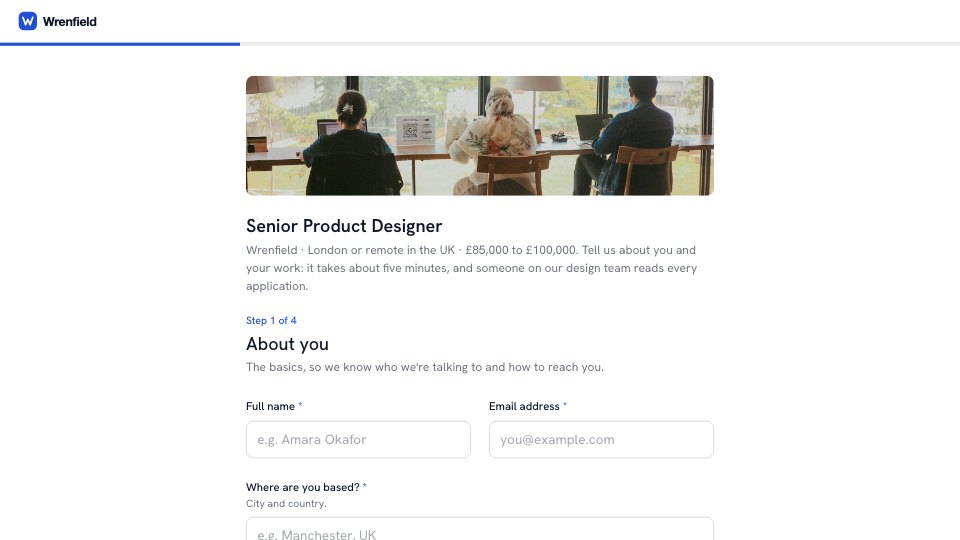
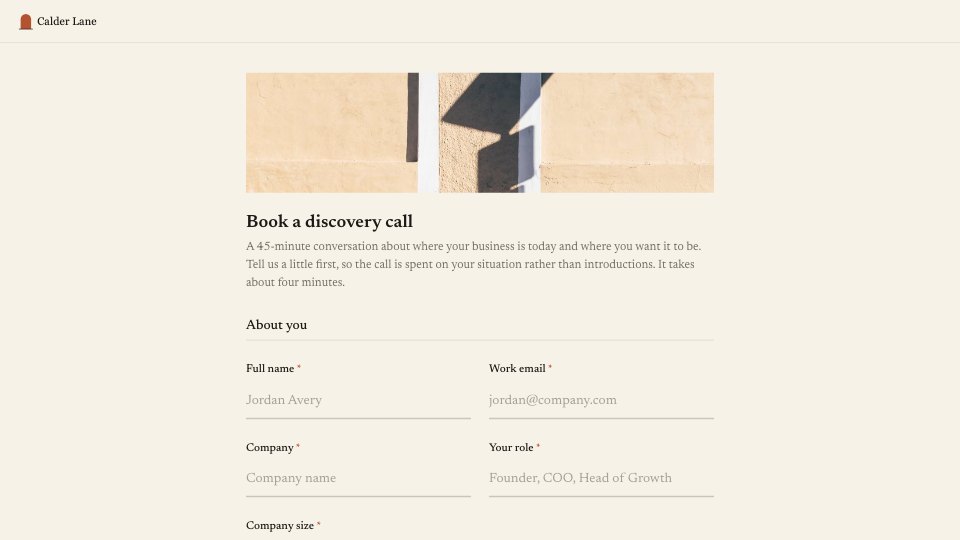
Team Pulse Survey asks 12 short questions, plus a note on anonymity, and takes about three minutes. It checks workload, clarity of goals, manager support, recognition and growth, then asks for an eNPS score from 0 to 10. Follow-ups appear only when someone reports a heavy workload or a lower eNPS, and it ends with two optional open questions: what's working well, and the one thing to change.
Made for
- Agencies checking in after a project
- Customer success teams
- Product teams
- Small businesses
Make it yours in four steps.
Open it in Forms and work through it, or let Docsiv AI do the first pass with your details.
- Step 1
Replace the name and logo with your own, and edit the team list.
- Step 2
Adjust the anonymity note so it describes how you group and share results.
- Step 3
Share the link with everyone at the start of each quarter.
- Step 4
Review results by team, share a summary back and commit to two or three changes.
Start from the Team Pulse Survey now.
Questions about this template.
Something else on your mind? Ask us in the chat, bottom right of the page.
Is the Team Pulse Survey template free?
Yes. Create a free account and it opens in Docsiv's Forms app, ready to edit and share. The Free plan includes every Docsiv app and 500 AI credits a month.
Can I change the colours, fonts and text?
Yes, all of it. The template uses Nunito with #f6f1e8, #56735f, #2f3a33, and you can change any of them, rewrite every word and add or remove questions.
What can I export it as?
Forms in Docsiv offers: Responses exported as CSV. Once it's saved, you can also share it with a link.
Can Docsiv AI write the employee pulse survey for me?
Yes. Tell Docsiv AI about the client or project and it can draft the content in this template's style, which you then review and edit. AI uses credits; the Free plan includes 500 a month.
Where do the responses go?
Responses are collected in Docsiv with the form, and you can export them as a CSV file.





Start your survey with Docsiv AI
Describe the client or the project and Docsiv AI writes a first draft of your employee pulse survey for you to edit, share and send.