


What’s inside the Testimonial Request.
Real content in every part, ready to rewrite with your own.
- 1Welcome: a split portrait of the coach and a promise that nothing is published without approval
- 2Which programme the client took part in, with an Other option
- 3Before and after: the hardest part of their role, and what’s different now, with a number if there is one
- 4Optional: what made them hesitate before starting
- 5What they’d tell a founder friend who asked if it’s worth it
- 6A five-star overall rating
- 7Permission: full name, first name and company, anonymous, or private
- 8Where the quote may appear, for anyone happy to be quoted
- 9Name, email for approving the edited quote, role and company
- 10Follow-ups by permission: an anonymous description, or a LinkedIn link and an optional headshot
- 11Thank-you: genuine thanks, and the edited quote sent back to approve
When to use it.
Testimonial Request is a 15-question form that coaches, consultants and agencies send a happy client to collect a testimonial worth publishing. One question at a time, it asks where the client started, what changed (with a number if there is one), what nearly stopped them signing up and what they'd tell a peer, then takes a star rating. Clients choose how their words may be used, from full name to anonymous or private, and logic asks for a LinkedIn link and headshot only when they're happy to be named.
Made for
- Agencies checking in after a project
- Customer success teams
- Product teams
- Small businesses
Make it yours in four steps.
Open it in Forms and work through it, or let Docsiv AI do the first pass with your details.
- Step 1
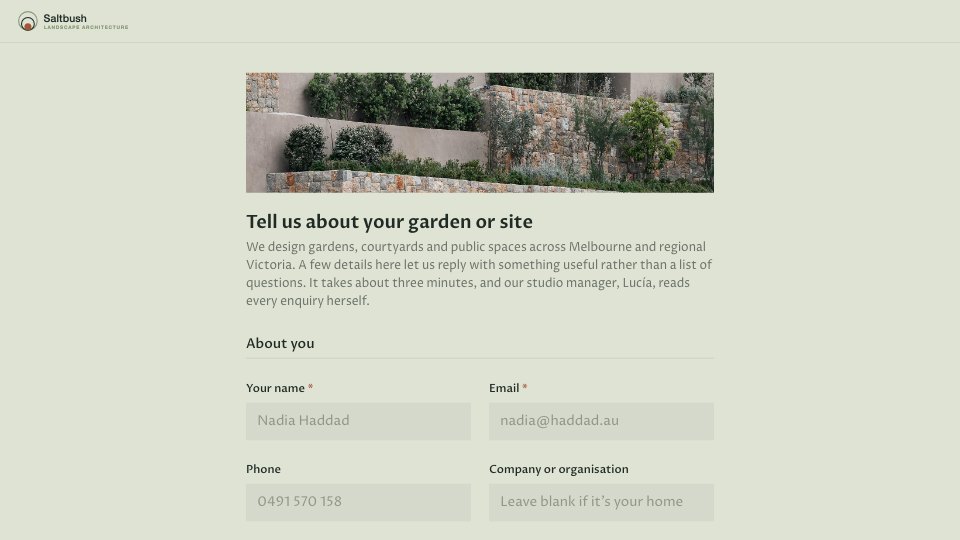
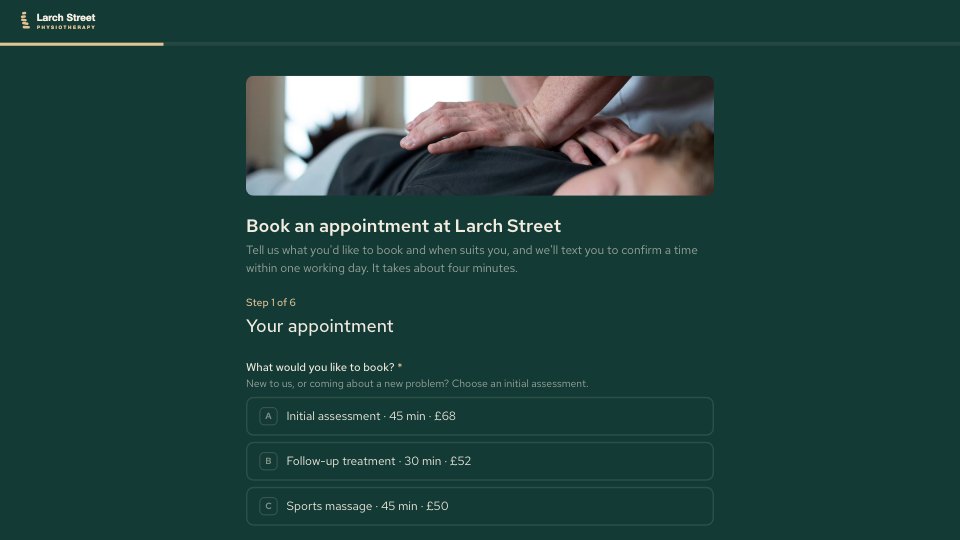
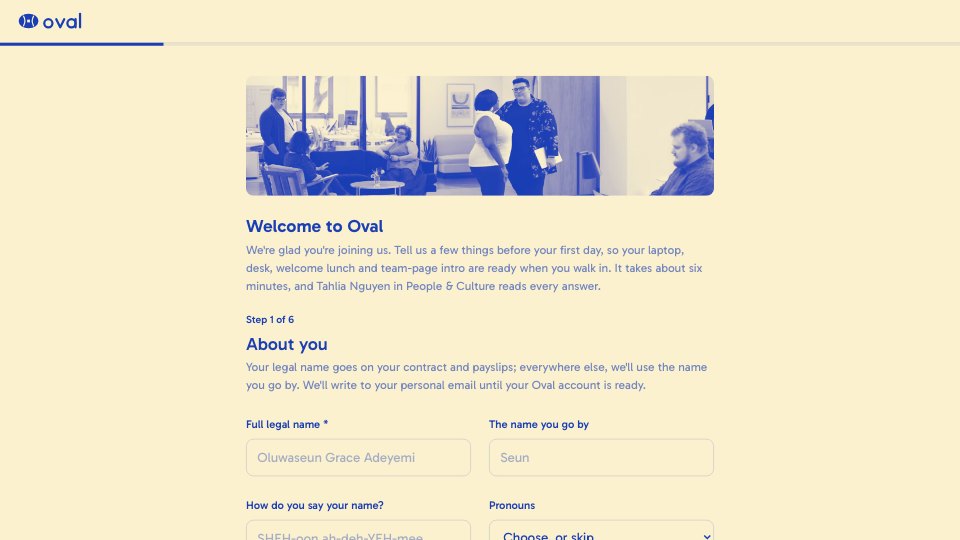
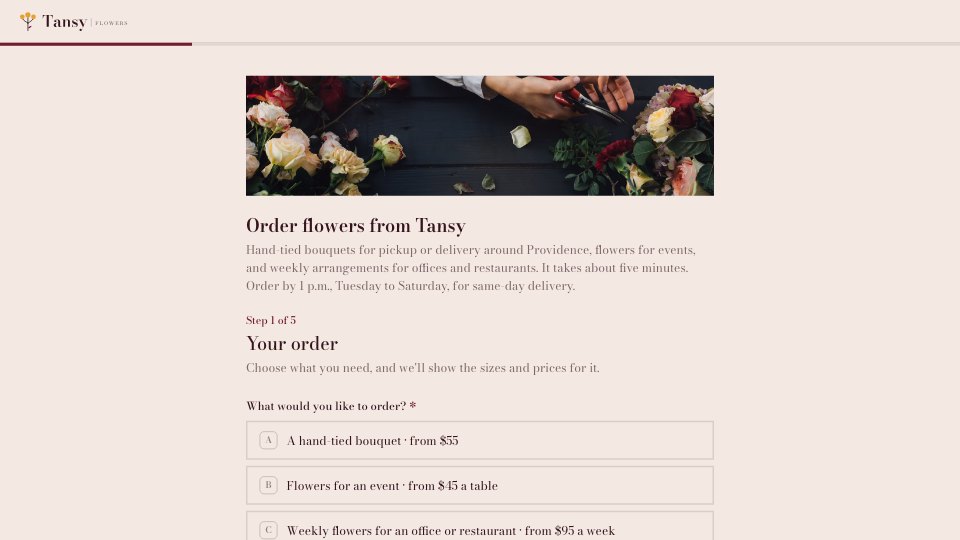
Swap in your business name, logo and colours, and put your own portrait on the welcome and thank-you screens.
- Step 2
Edit the programme list and the example answers to match the work you do.
- Step 3
Send the link a few weeks after a project or programme ends, while the results are fresh.
- Step 4
Edit the best answers into a short quote and send it back to the client to approve before you publish it.
Start from the Testimonial Request now.
Questions about this template.
Something else on your mind? Ask us in the chat, bottom right of the page.
Is the Testimonial Request template free?
Yes. Create a free account and it opens in Docsiv's Forms app, ready to edit and share. The Free plan includes every Docsiv app and 500 AI credits a month.
Can I change the colours, fonts and text?
Yes, all of it. The template uses Alegreya with #1d2c66, #f2ebe0, #e7c8a0, and you can change any of them, rewrite every word and add or remove questions.
What can I export it as?
Forms in Docsiv offers: Responses exported as CSV. Once it's saved, you can also share it with a link.
Can Docsiv AI write the testimonial request for me?
Yes. Tell Docsiv AI about the client or project and it can draft the content in this template's style, which you then review and edit. AI uses credits; the Free plan includes 500 a month.
Where do the responses go?
Responses are collected in Docsiv with the form, and you can export them as a CSV file.
Customer Feedback Survey
PreviewTeam Pulse Survey
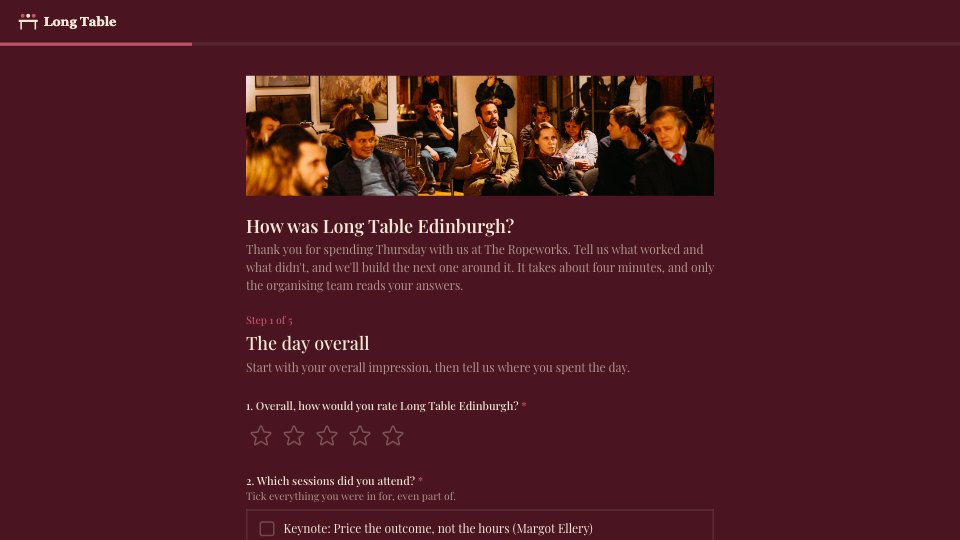
PreviewEvent Feedback Survey
PreviewClient Onboarding
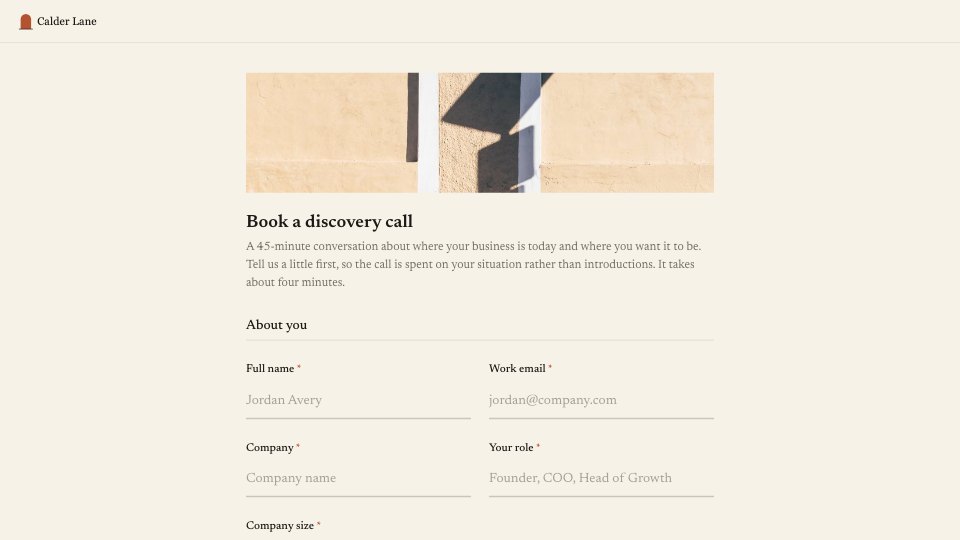
PreviewProject Brief
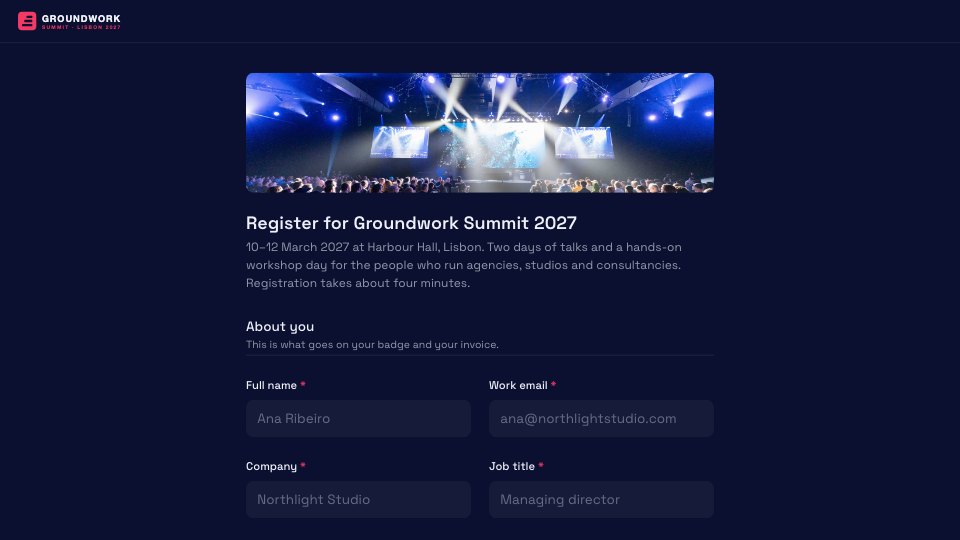
PreviewEvent Registration
Preview




Starting from a description instead? Try the Form builder.

Start your survey with Docsiv AI
Describe the client or the project and Docsiv AI writes a first draft of your testimonial request for you to edit, share and send.