

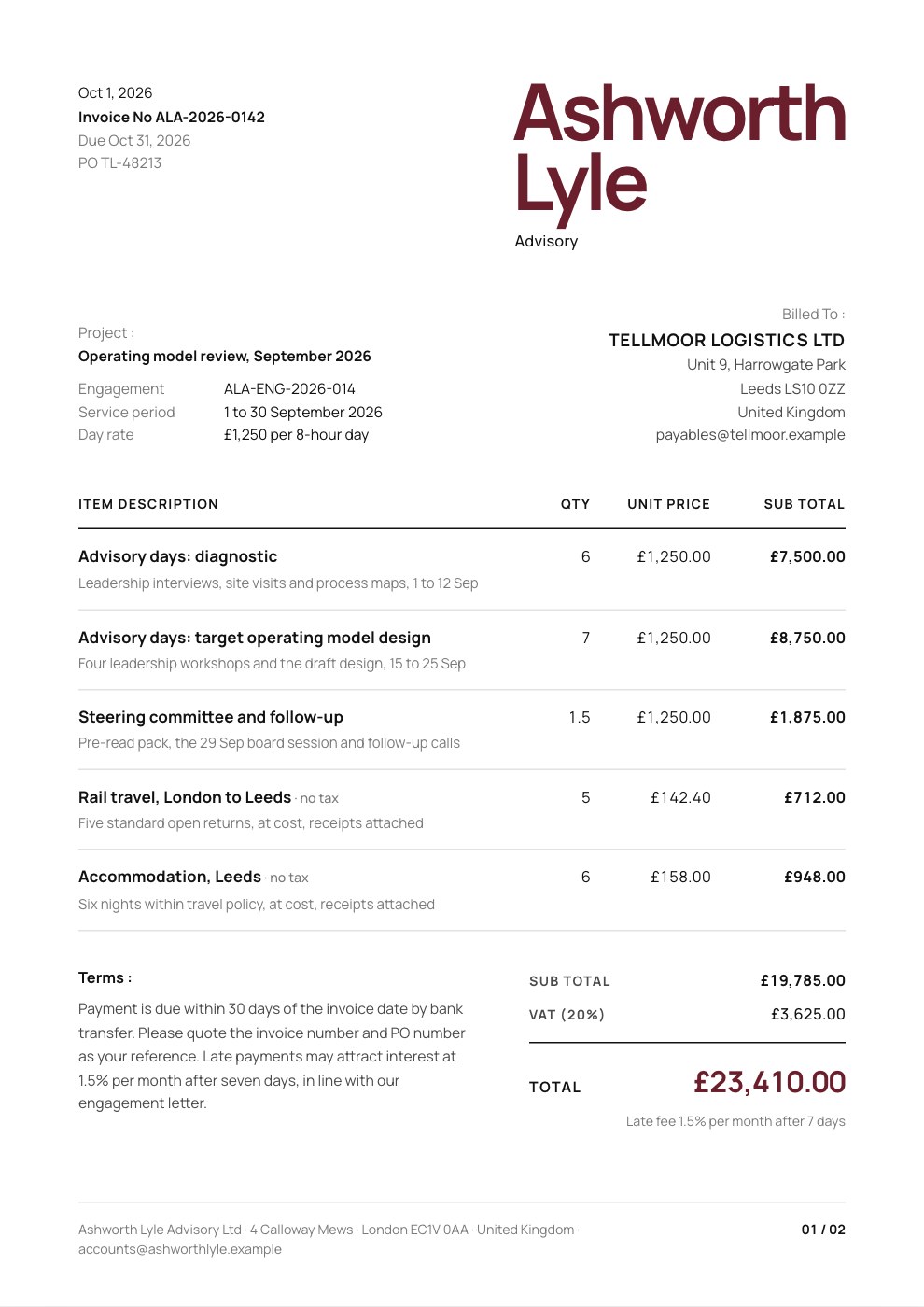
What’s inside the Consulting Invoice.
Real content in every part, ready to rewrite with your own.
- 1The firm's name set huge in the top right, with the date, invoice, due and PO numbers top left
- 2Bill-to block right-aligned under the name, with the project, engagement, service period and day rate
- 3Advisory days billed at a day rate, plus travel and accommodation at cost outside VAT
- 4Terms beside the subtotal, 20% VAT and the total in pounds, with a late-payment note
- 5Bank information and company registration and VAT details
- 6Notes and a signature line, with the firm's address along the foot
When to use it.
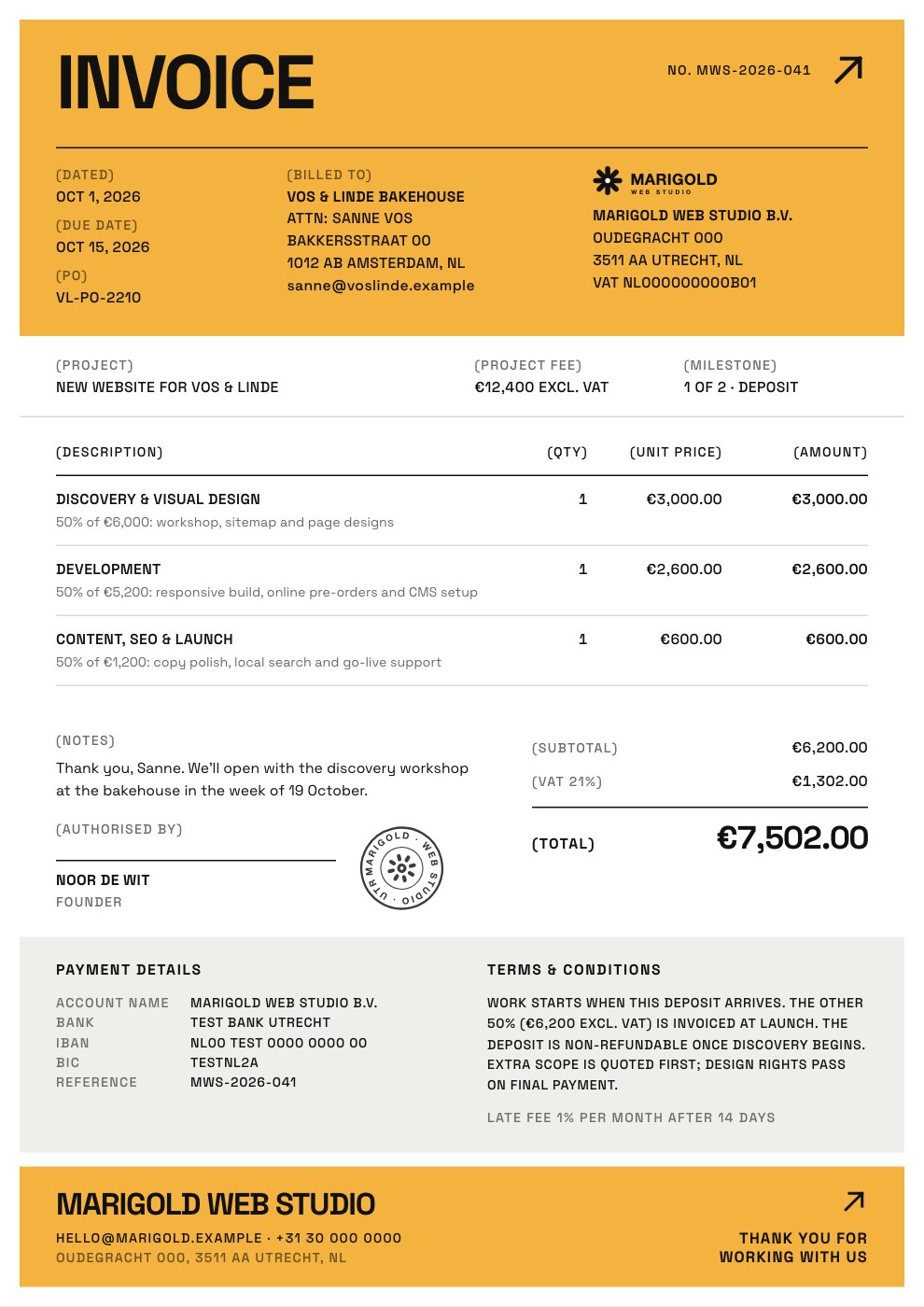
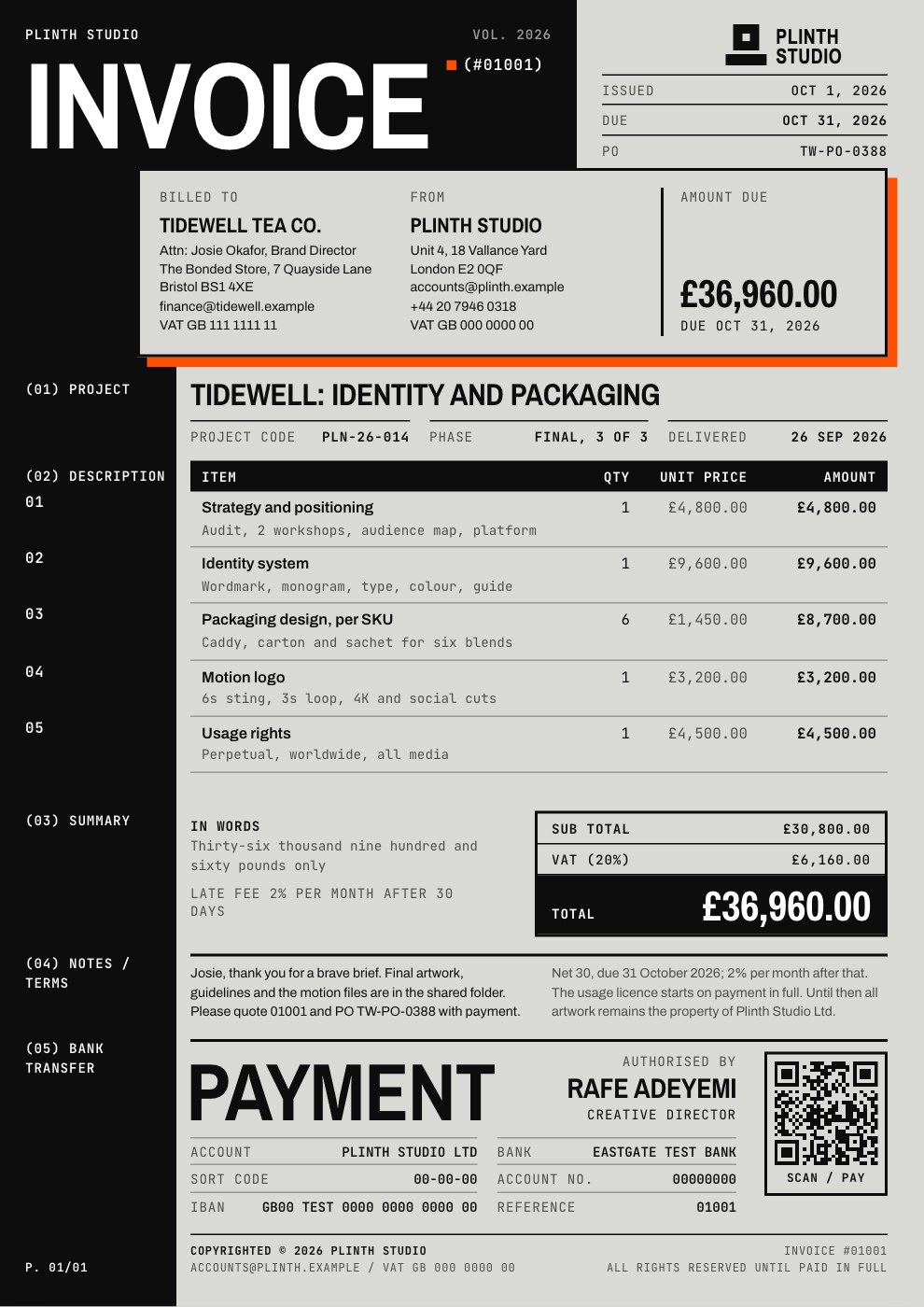
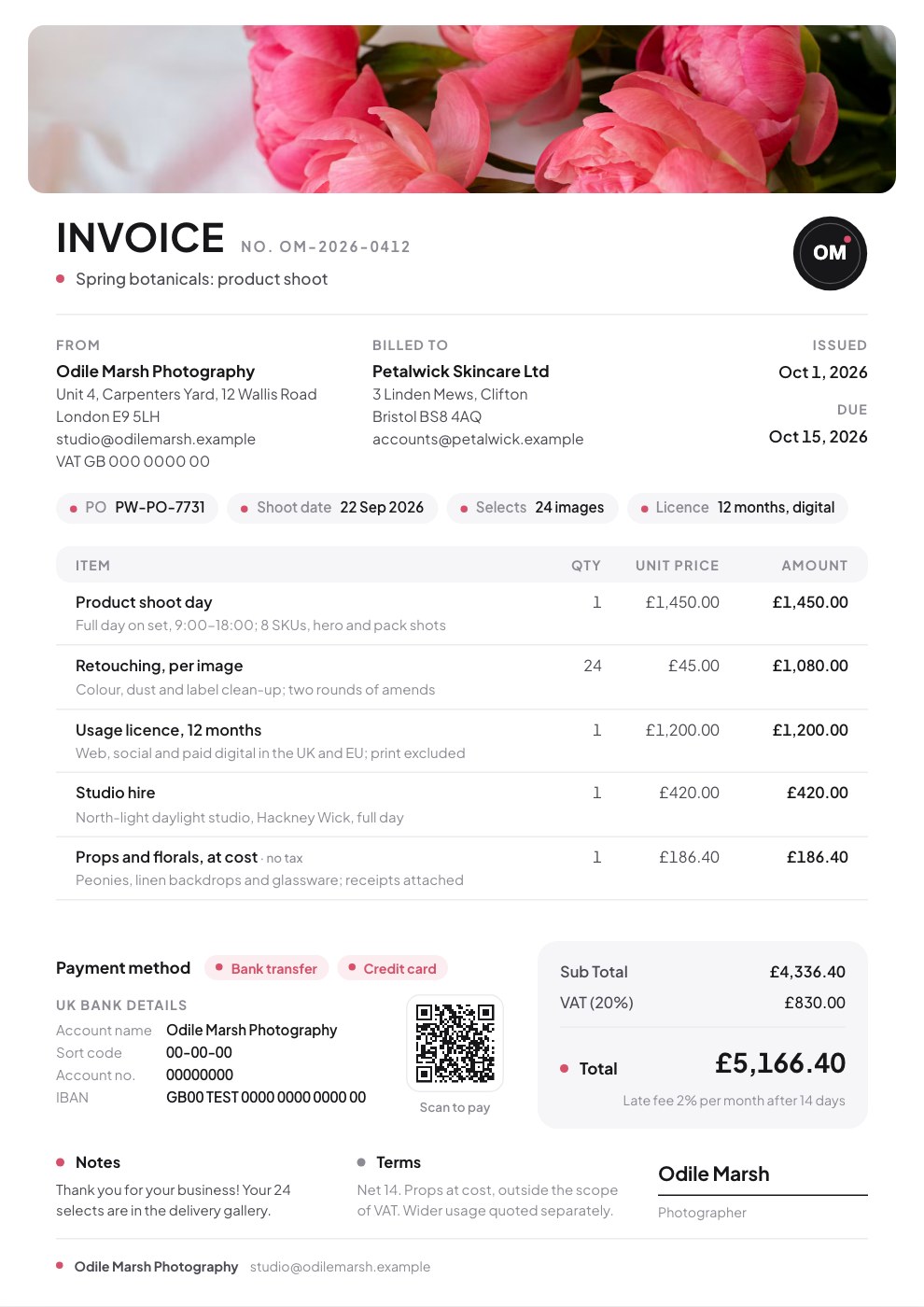
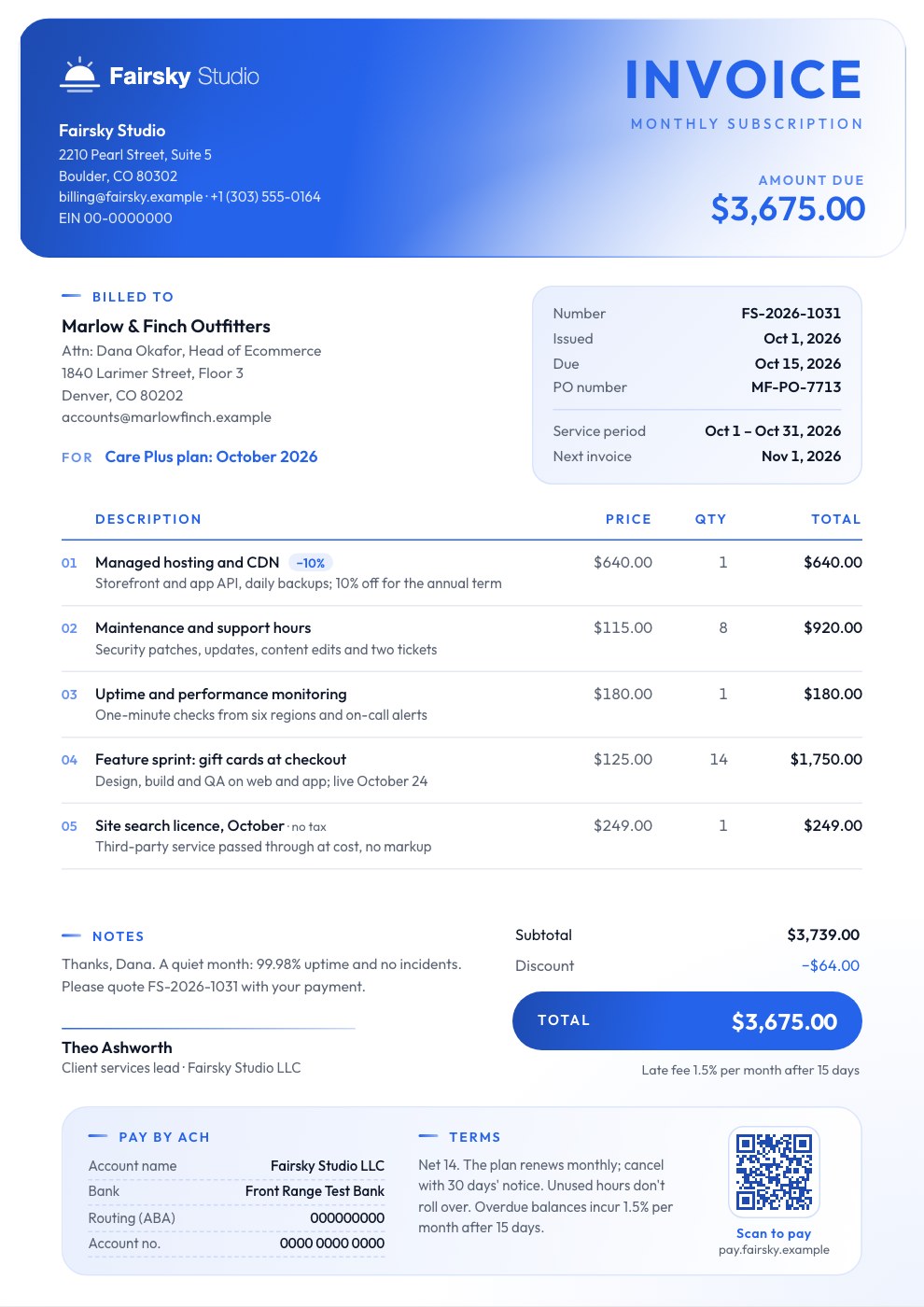
Consulting Invoice puts your firm's name front and centre, set large and bold in the top corner like a letterhead. Below it, a clean hairline table bills advisory days at your day rate, with travel and expenses at cost and outside VAT. Terms sit beside the totals, and bank and company details follow, so clients have everything they need to pay. It suits consultancies, advisers and independent experts who want an invoice that looks as considered as their work.
Made for
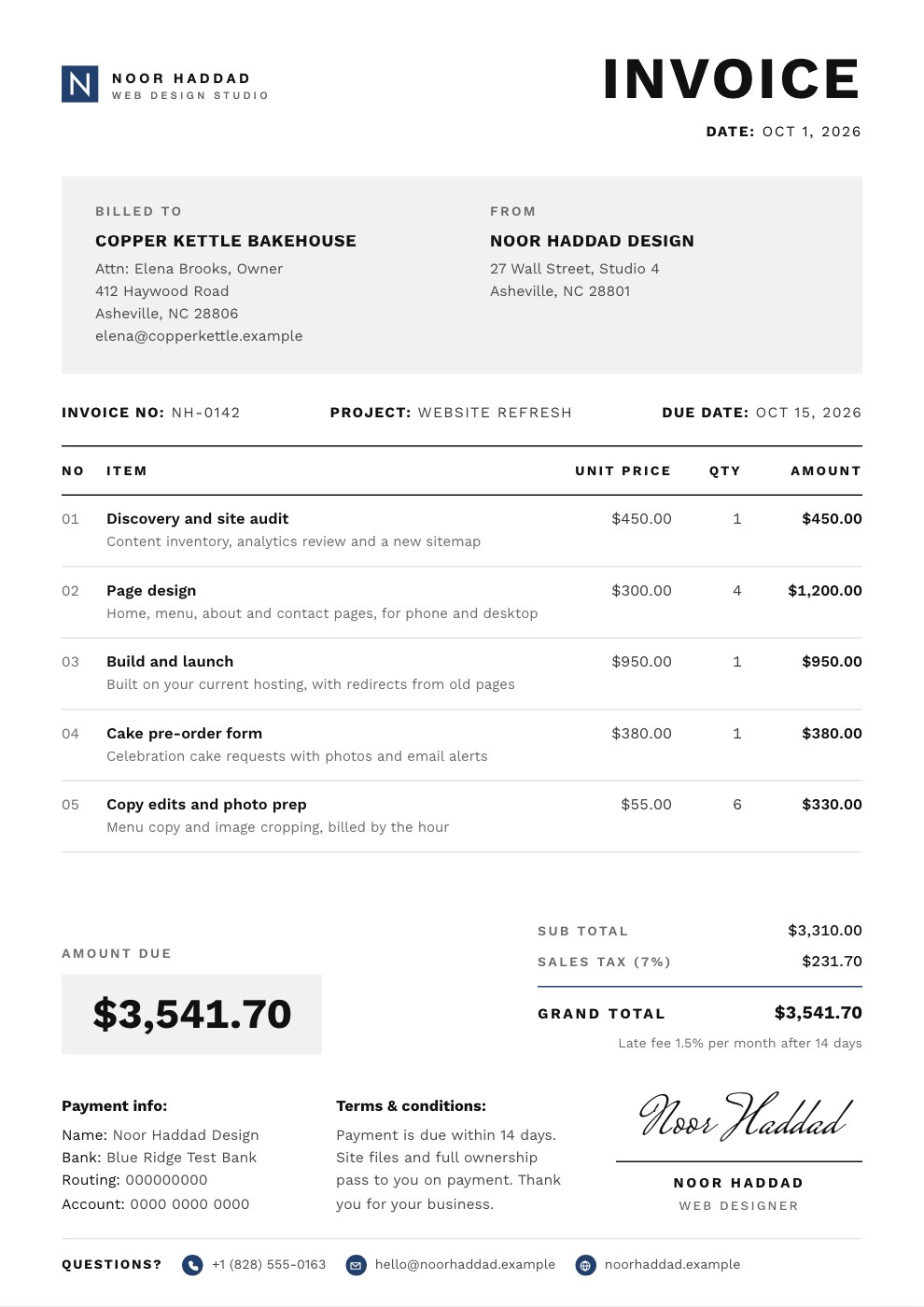
- Freelancers who bill by the hour or day
- Agencies billing projects and retainers
- Consultants and advisers
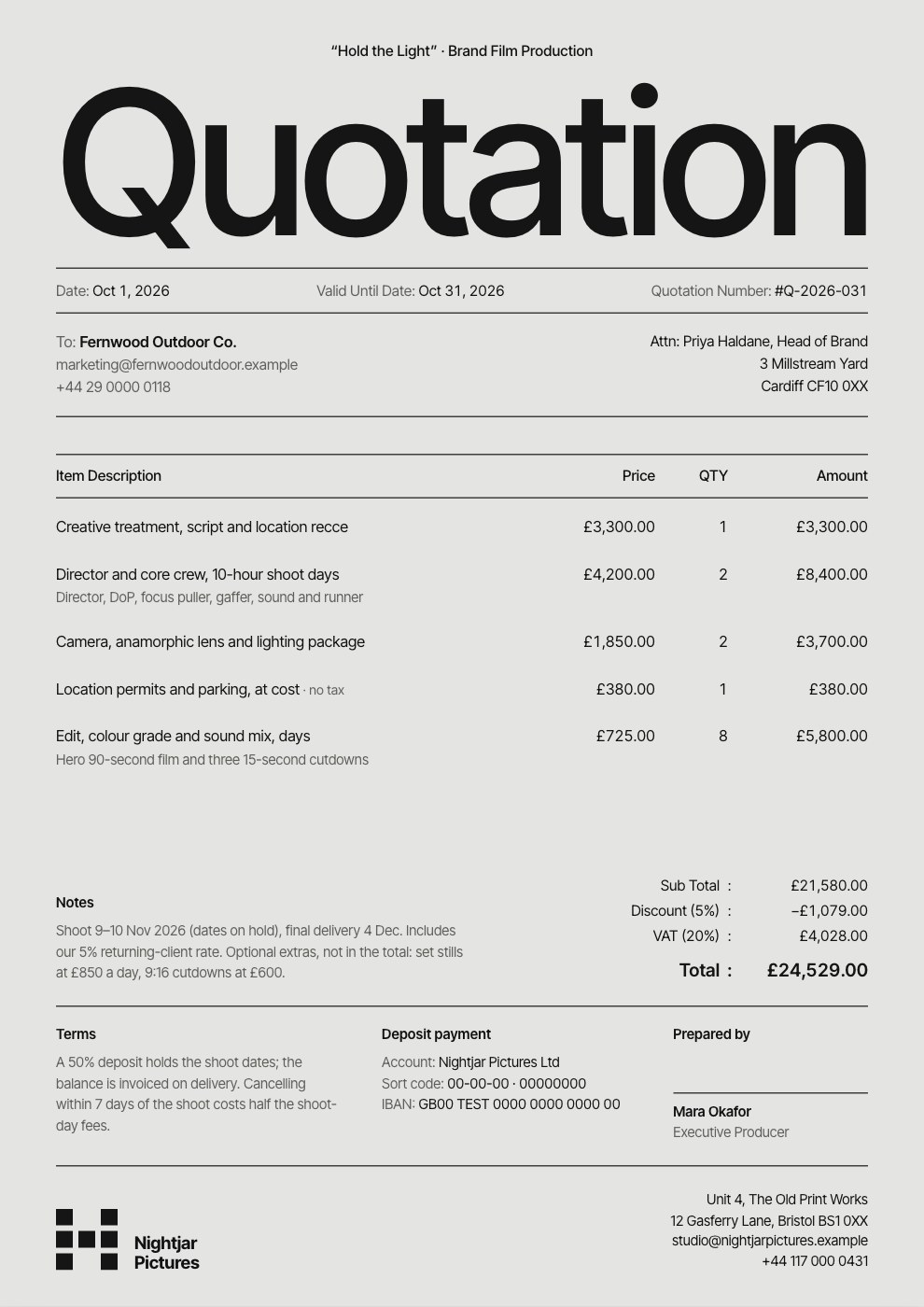
- Studios quoting before work starts
Make it yours in four steps.
Open it in Invoices and work through it, or let Docsiv AI do the first pass with your details.
- Step 1
Add your firm's name; it sets itself large in two lines at the top, with words like Advisory or Partners shown small underneath.
- Step 2
Enter the client, PO number, engagement reference and service period.
- Step 3
List the days worked at your day rate, plus any expenses at cost, and set VAT.
- Step 4
Check your terms and bank details, then send it or download it as a PDF.
Start from the Consulting Invoice now.
Questions about this template.
Something else on your mind? Ask us in the chat, bottom right of the page.
Is the Consulting Invoice template free?
Yes. Create a free account and it opens in Docsiv's Invoices app, ready to edit and share. The Free plan includes every Docsiv app and 500 AI credits a month.
Can I change the colours, fonts and text?
Yes, all of it. The template uses Manrope with #ffffff, #111111, #6b1f2c, and you can change any of them, rewrite every word and add or remove pages.
What can I export it as?
Invoices in Docsiv offers: Invoices and PDF exports. Once it's saved, you can also share it with a link.
Can Docsiv AI write the consulting invoice for me?
Yes. Tell Docsiv AI about the client or project and it can draft the content in this template's style, which you then review and edit. AI uses credits; the Free plan includes 500 a month.
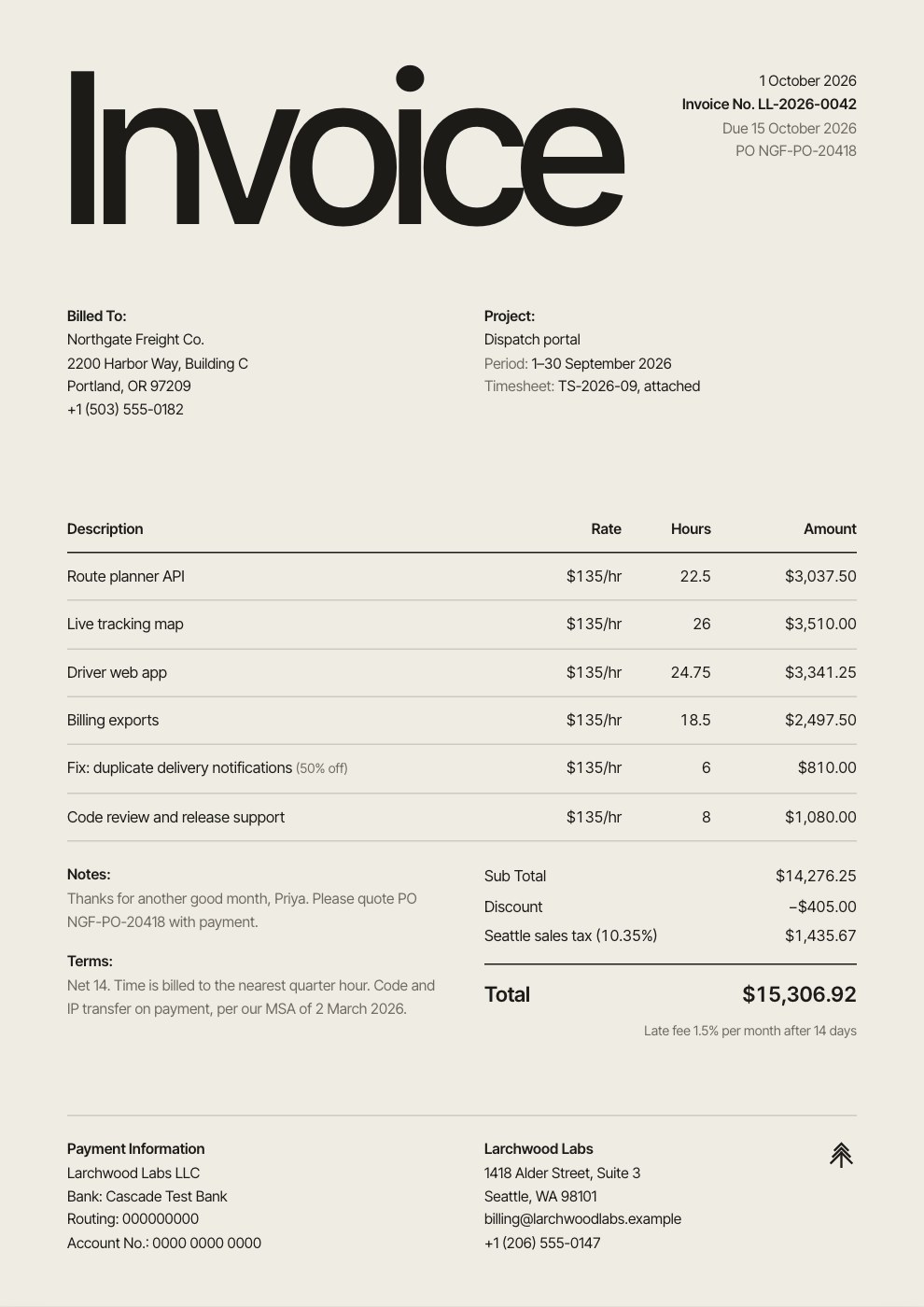
Hourly Invoice
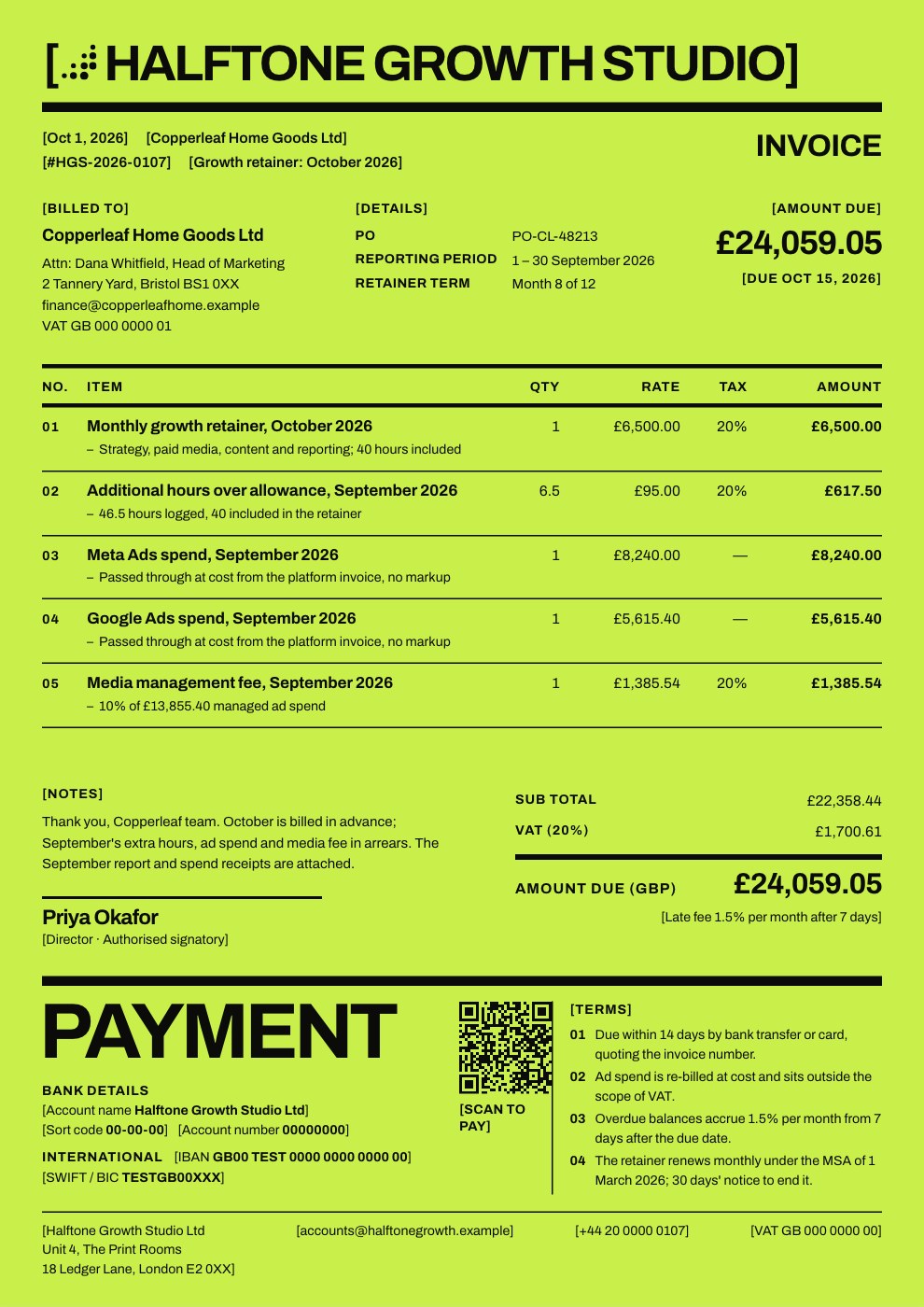
PreviewProject Invoice
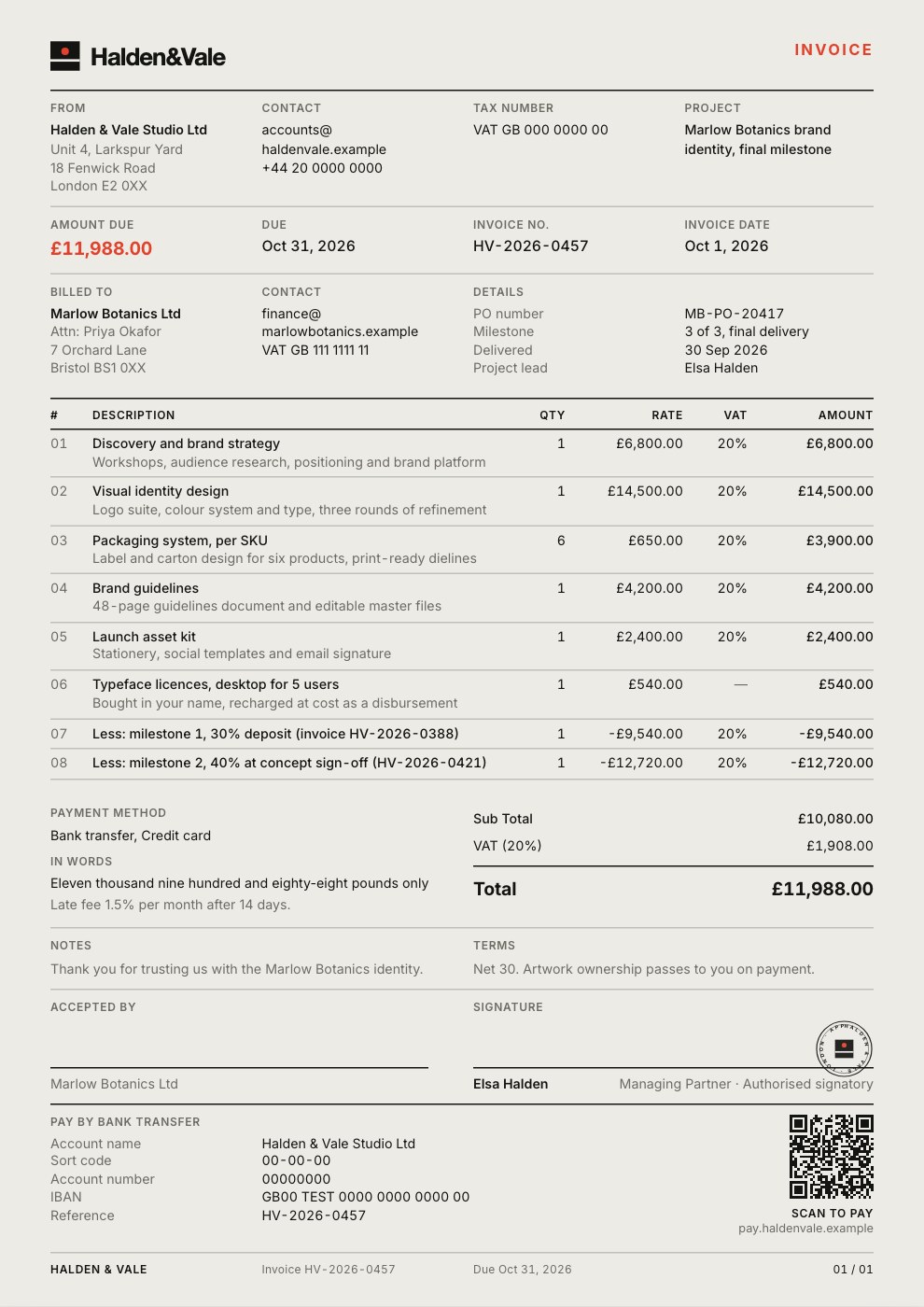
PreviewRetainer Invoice
PreviewQuote / Estimate
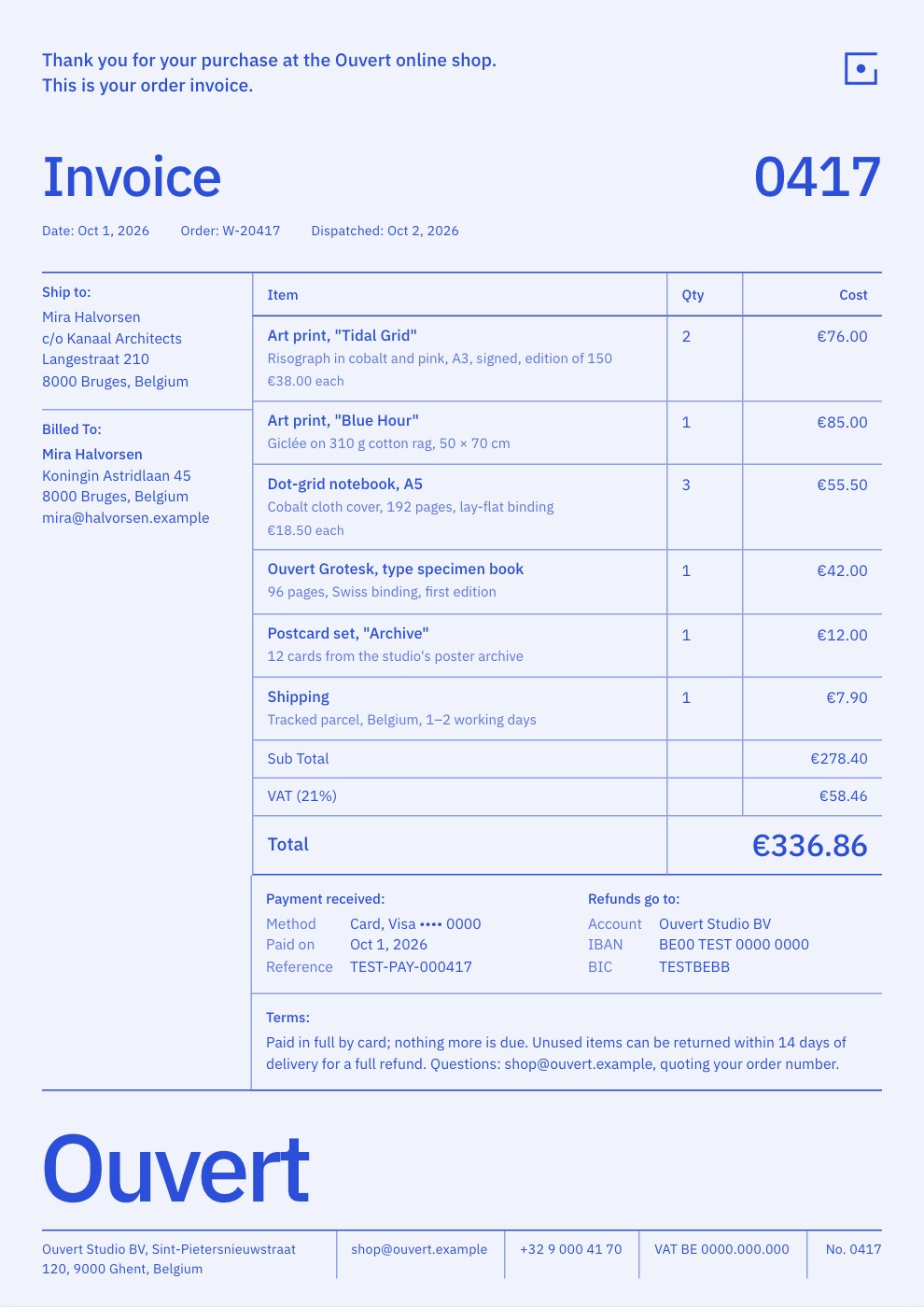
PreviewSimple Invoice
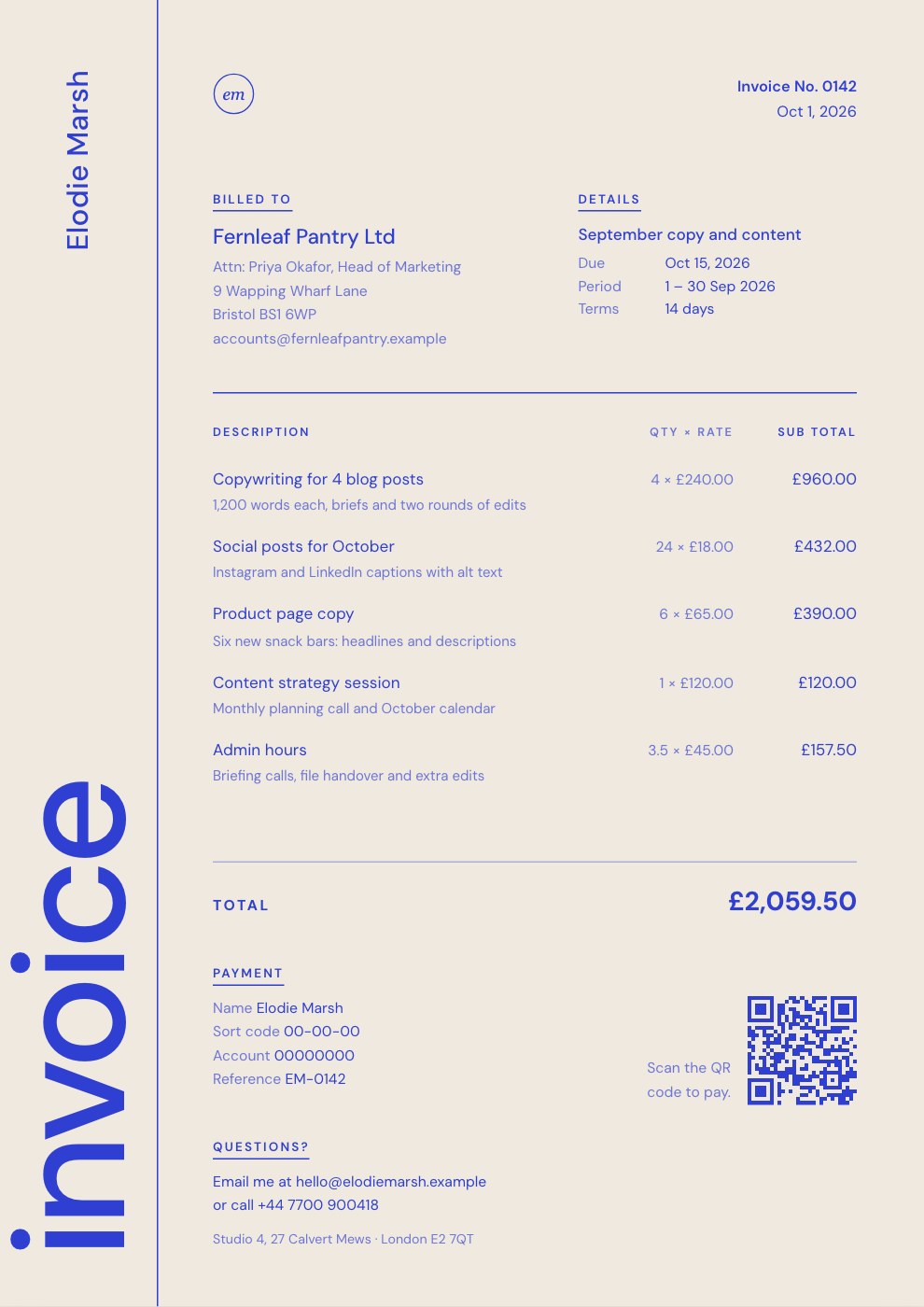
PreviewFreelance Invoice
Preview
Starting from a description instead? Try the Invoice generator.
Start your invoice with Docsiv AI
Describe the client or the project and Docsiv AI writes a first draft of your consulting invoice for you to edit, share and send.