

Hiring form templates
Forms for recruiting, from the first application to the final details, designed to feel as considered as the company behind them.
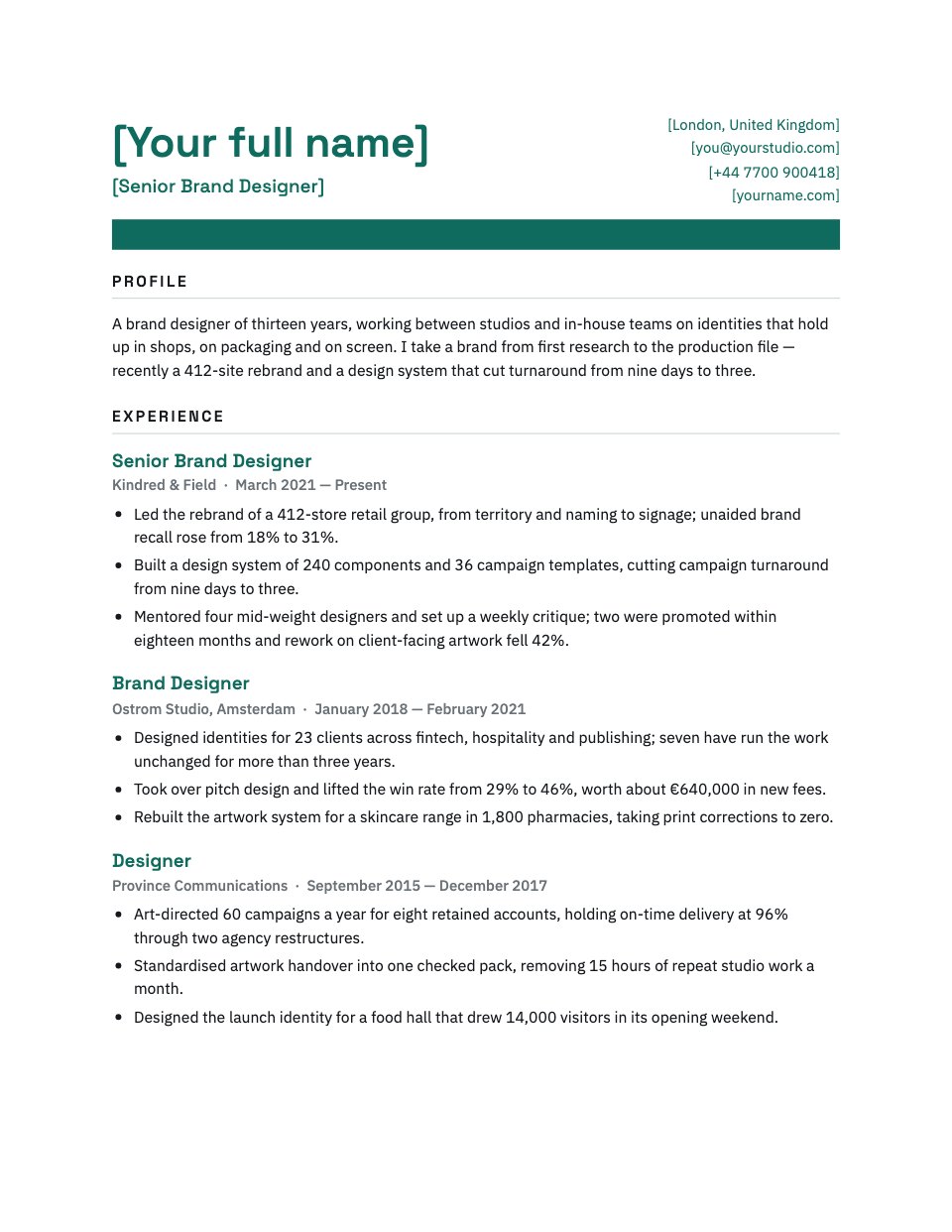
Job Description
A job description that doubles as the advert, from the salary and working pattern to the responsibilities, milestones, package and the four stages of how you hire.PreviewJob Application
A four-step application for a design role, with CV upload, right-to-work follow-up and salary expectations.PreviewOffer Letter
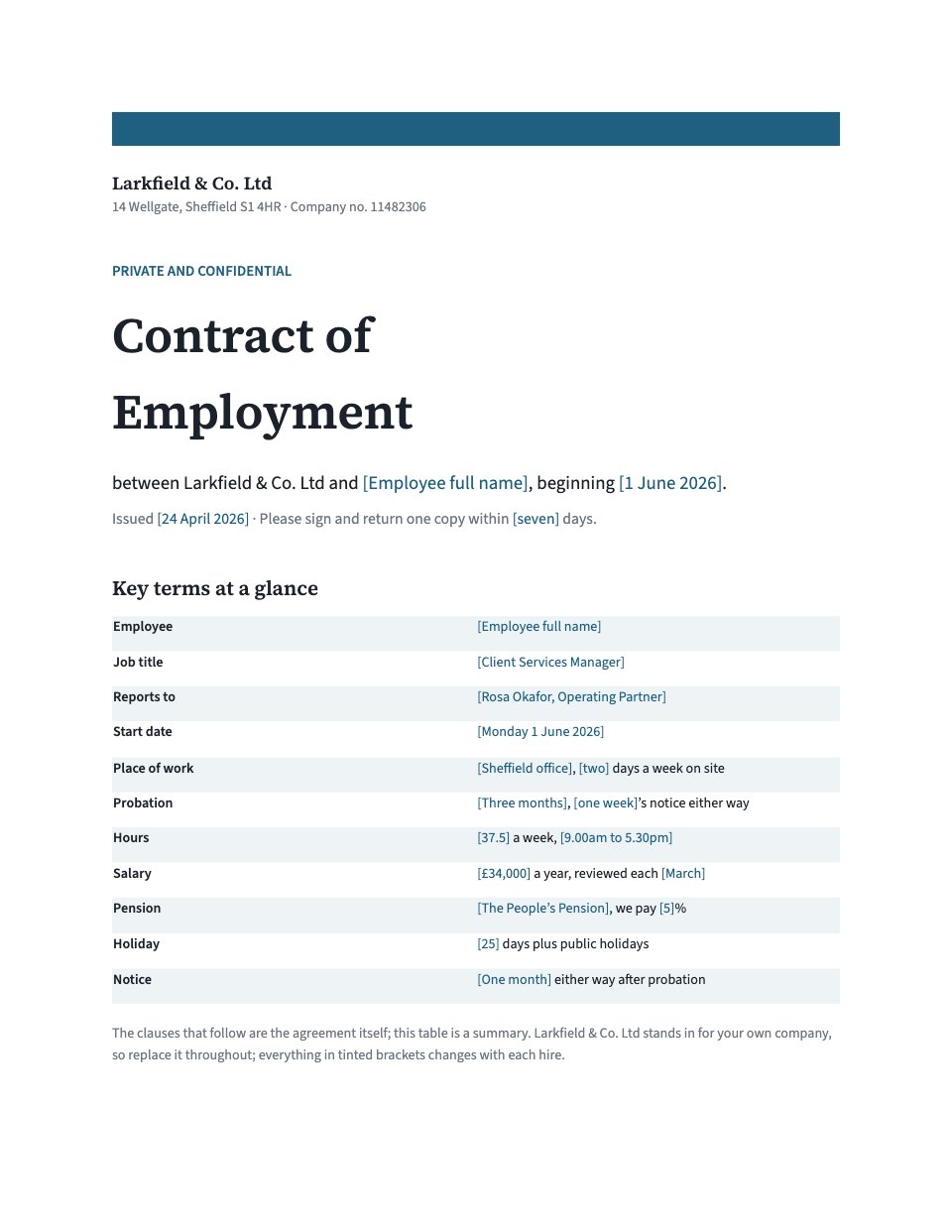
A warm, specific job offer letter, from the offer itself and the first project to the full terms and how to accept.PreviewNew Hire Onboarding
A six-step form new starters fill in before day one, covering their details, laptop and desk setup, welcome-lunch dietary needs, an emergency contact, a team-page intro and the handbook sign-off.Preview




A closer look at Job Description.
A job description that doubles as the advert, from the salary and working pattern to the responsibilities, milestones, package and the four stages of how you hire. Here it is page by page.
- 1A title block with the role, salary, location and working pattern, and why the job exists
- 2Seven responsibilities as real sentences, then success at three, six and twelve months
- 3The essentials and the nice-to-haves, and the offer: pay, holiday, pension, learning, flexibility
- 4The four hiring stages with how long each takes, a word on accessibility, and how to apply
About hiring form templates.
Something else on your mind? Ask us in the chat, bottom right of the page.
Are these hiring form templates free?
Yes. They open in Docsiv’s Documents and Forms app with a free account, which collects the responses in your workspace. The Free plan includes every Docsiv app and 500 AI credits a month.
Which app do they open in?
Documents: dOCX, PDF, ODT, RTF and Markdown exports. Forms: responses exported as CSV.
Can Docsiv AI write the hiring form for me?
Yes. Choose Customise with Docsiv AI on any template, tell it about the client or the project, and it drafts the content in that template’s style for you to review and edit. AI uses credits; the Free plan includes 500 a month.
Can I change the design?
Yes, all of it: the colours, fonts, photos and every word, and you can add or remove questions. Your brand kit’s colours are in every colour picker.
Where do the responses go?
Responses are collected in Docsiv with the form, and you can export them as a CSV file. Share the form with its fill link.
































Describe the hiring form you need
Docsiv AI drafts it in the style of these templates, with your details in place, ready for you to edit.