

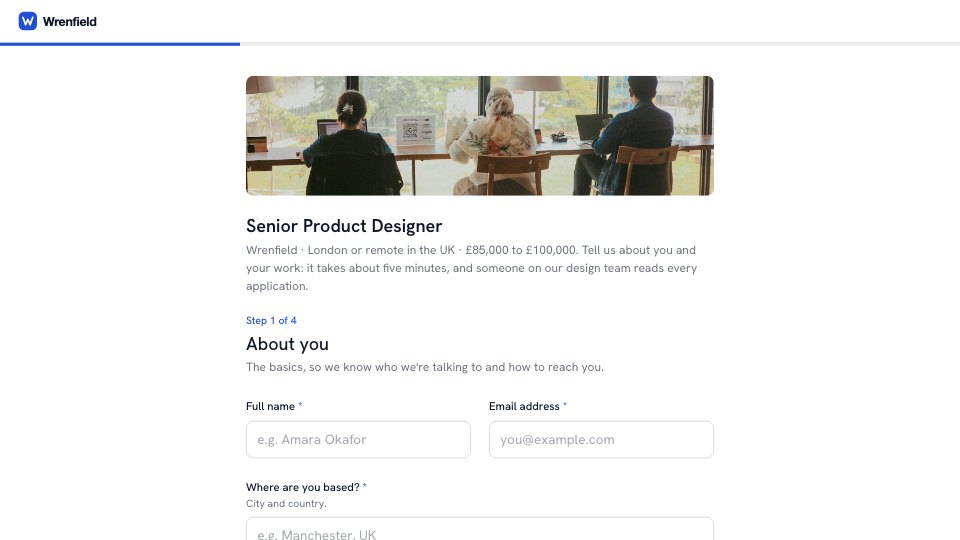
What’s inside the Job Application.
Real content in every part, ready to rewrite with your own.
- 1About you: name, email, location, portfolio and LinkedIn
- 2Your experience: CV upload, years of experience and strengths
- 3The role: why this role, right to work (with a follow-up when sponsorship is needed), salary and start date
- 4Final details: how they heard (asks who referred them), interview adjustments and a privacy note
When to use it.
Job Application asks 14 questions over four short steps, so candidates can apply in about five minutes. It collects contact details, portfolio and LinkedIn links, a CV upload, years of experience, salary expectations and a start date, alongside a longer answer on why the role appeals. Visa and referral follow-ups appear only when they apply, and it ends with an optional question about interview adjustments.
Made for
- Founders hiring their first team
- In-house recruiters and talent teams
- Agencies hiring designers and developers
- Operations and people managers
Make it yours in four steps.
Open it in Forms and work through it, or let Docsiv AI do the first pass with your details.
- Step 1
Swap in your company name, logo and brand colour.
- Step 2
Rewrite the role title, location and salary band.
- Step 3
Adjust the strengths list and right-to-work wording for your country and team.
- Step 4
Share the link on your careers page or job post and review applications as they arrive.
Start from the Job Application now.
Questions about this template.
Something else on your mind? Ask us in the chat, bottom right of the page.
Is the Job Application template free?
Yes. Create a free account and it opens in Docsiv's Forms app, ready to edit and share. The Free plan includes every Docsiv app and 500 AI credits a month.
Can I change the colours, fonts and text?
Yes, all of it. The template uses Hanken Grotesk with #1f4fd6, #ffffff, #0f172a, and you can change any of them, rewrite every word and add or remove questions.
What can I export it as?
Forms in Docsiv offers: Responses exported as CSV. Once it's saved, you can also share it with a link.
Can Docsiv AI write the job application form for me?
Yes. Tell Docsiv AI about the client or project and it can draft the content in this template's style, which you then review and edit. AI uses credits; the Free plan includes 500 a month.
Where do the responses go?
Responses are collected in Docsiv with the form, and you can export them as a CSV file.
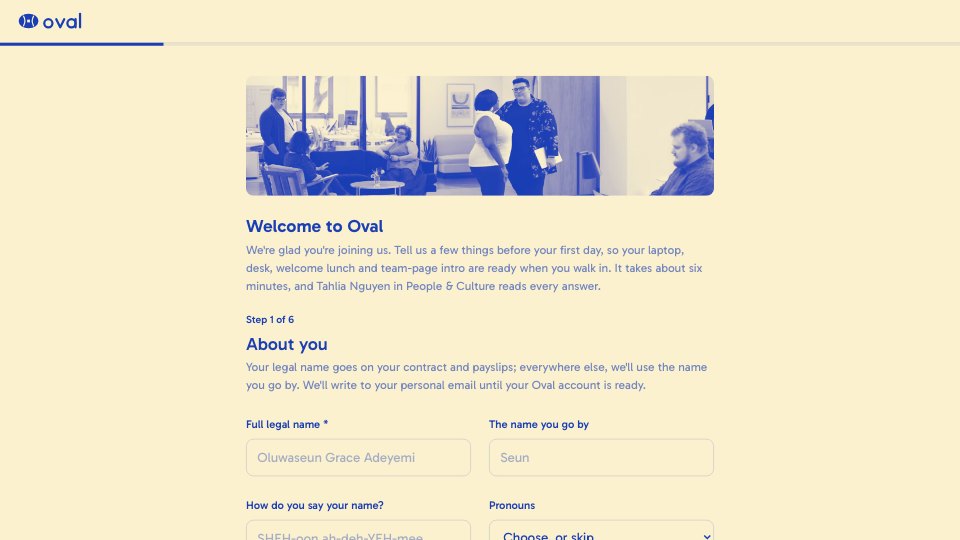
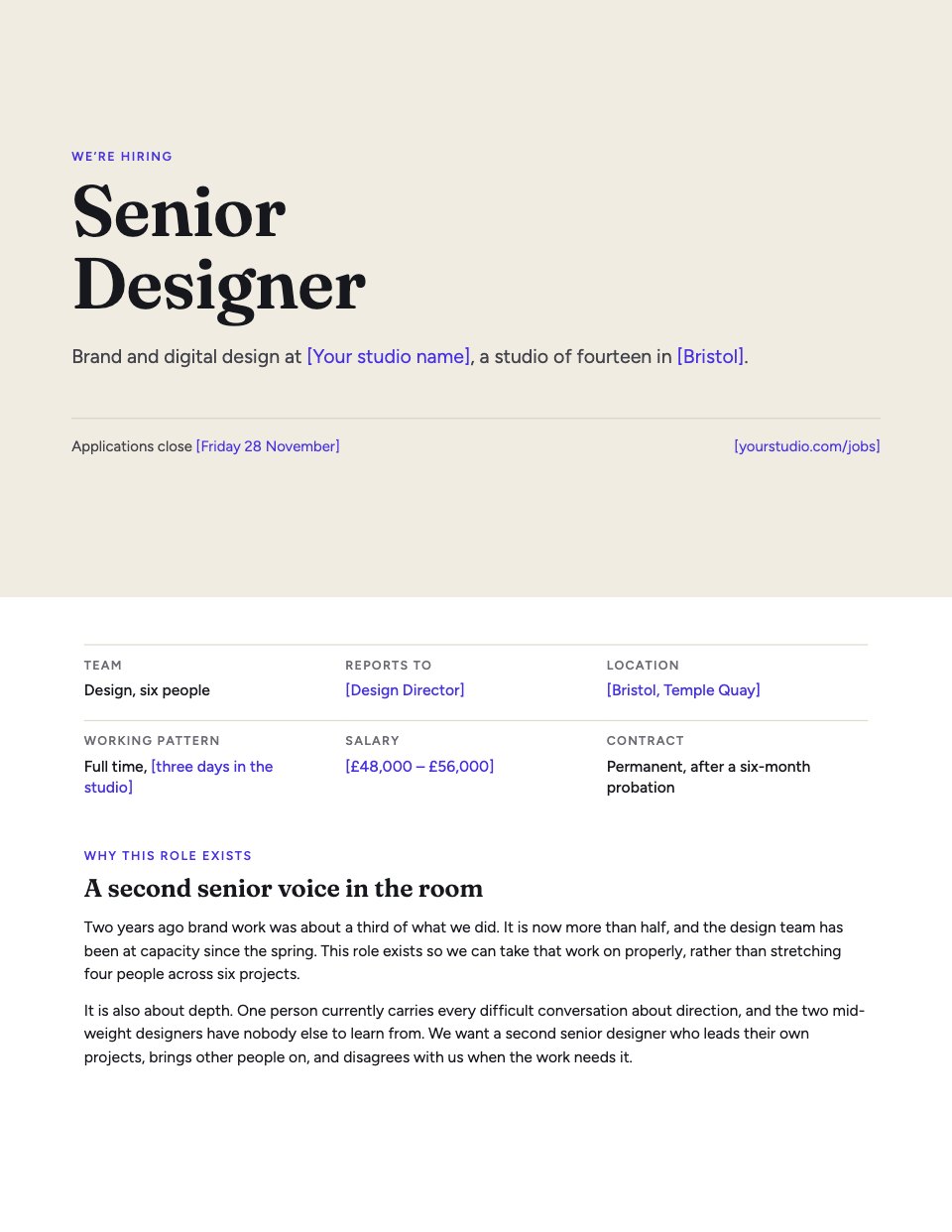
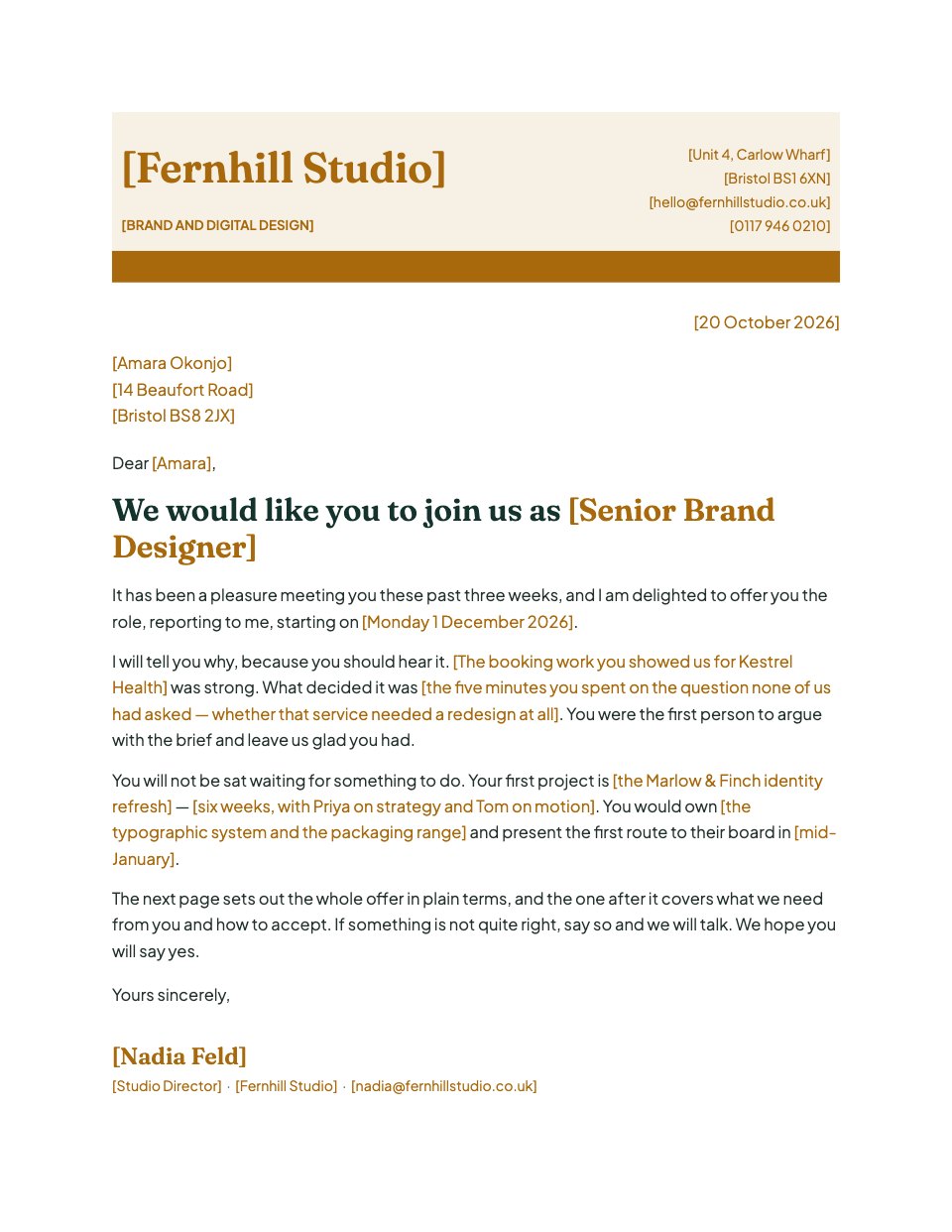



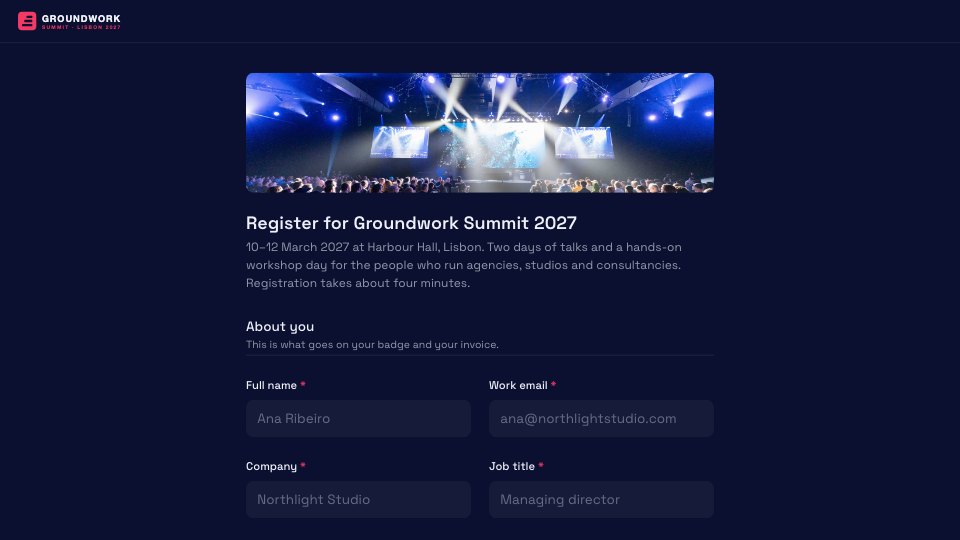

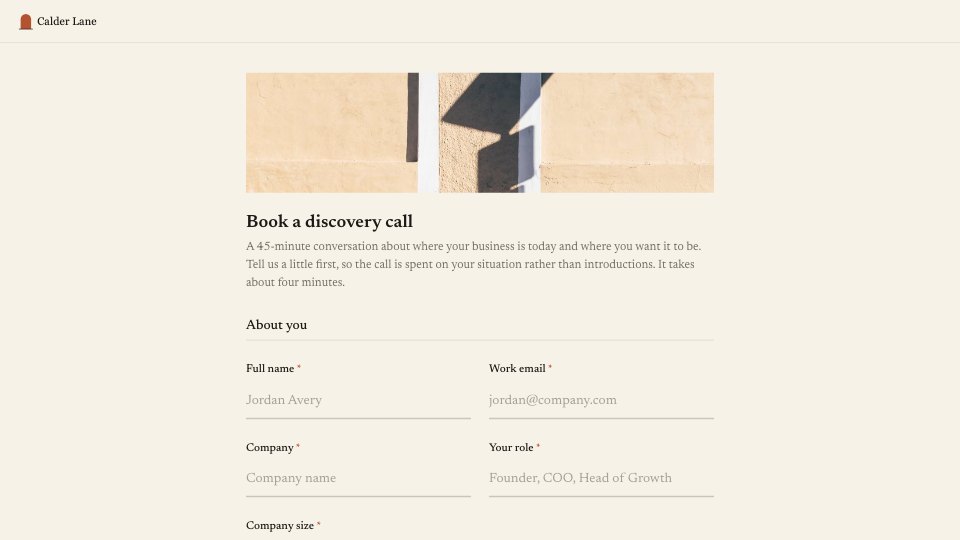
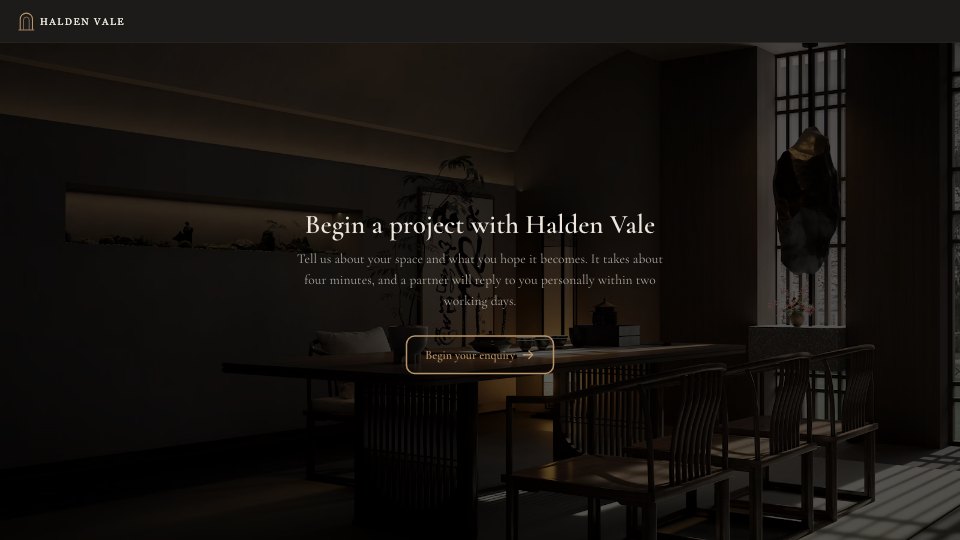
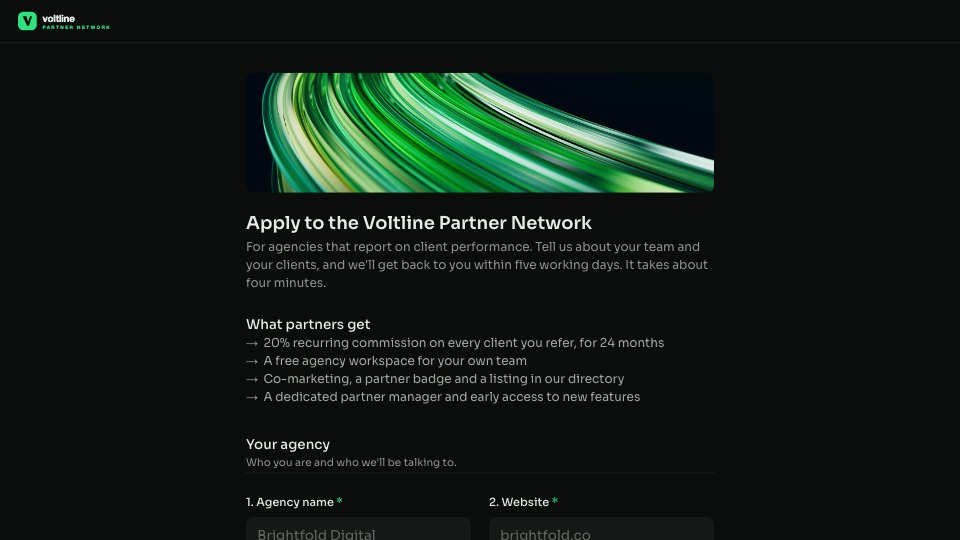

Start your hiring form with Docsiv AI
Describe the client or the project and Docsiv AI writes a first draft of your job application form for you to edit, share and send.